Page 135 of 328
Black plate (1,1)Chevrolet Aveo Owner Manual - 2011
Lighting 6-1
Lighting
Exterior Lighting
Exterior Lamp Controls . . . . . . . . 6-1
Headlamp High/Low-BeamChanger . . . . . . . . . . . . . . . . . . . . . 6-2
Flash-to-Pass . . . . . . . . . . . . . . . . . 6-2
Daytime Running Lamps (DRL) . . . . . . . . . . . . . . . . 6-2
Hazard Warning Flashers . . . . . 6-3
Turn and Lane-Change Signals . . . . . . . . . . . . . . . . . . . . . . 6-3
Fog Lamps . . . . . . . . . . . . . . . . . . . . 6-4
Interior Lighting
Instrument Panel Illumination Control . . . . . . . . . . . . . . . . . . . . . . 6-4
Dome Lamps . . . . . . . . . . . . . . . . . 6-5
Lighting Features
Inadvertent Power Battery Saver . . . . . . . . . . . . . . . . . . . . . . . . 6-5
Exterior Lighting
Exterior Lamp Controls
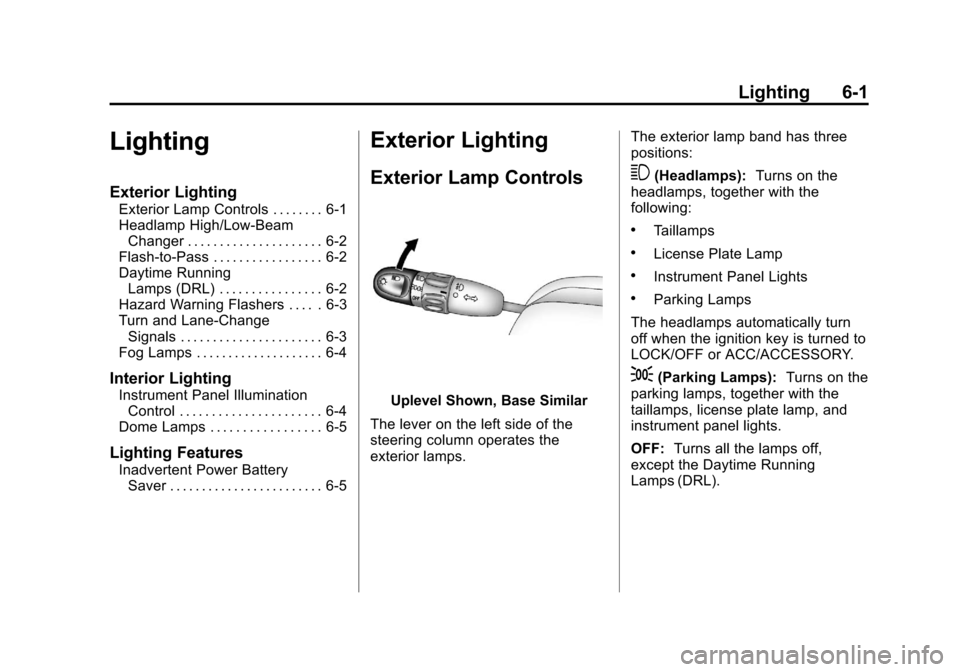
Uplevel Shown, Base Similar
The lever on the left side of the
steering column operates the
exterior lamps. The exterior lamp band has three
positions:
3(Headlamps):
Turns on the
headlamps, together with the
following:
.Taillamps
.License Plate Lamp
.Instrument Panel Lights
.Parking Lamps
The headlamps automatically turn
off when the ignition key is turned to
LOCK/OFF or ACC/ACCESSORY.
;(Parking Lamps): Turns on the
parking lamps, together with the
taillamps, license plate lamp, and
instrument panel lights.
OFF: Turns all the lamps off,
except the Daytime Running
Lamps (DRL).
Page 136 of 328
Black plate (2,1)Chevrolet Aveo Owner Manual - 2011
6-2 Lighting
Headlamp High/
Low-Beam Changer
The headlamps must be on for this
feature to work.
Push the turn signal lever away
from you to turn the high beams on.
The
3light comes on in instrument
panel cluster while the high beams
are on and the ignition is turned to
ON/RUN.
Pull the lever toward you to return to
low beams.
Flash-to-Pass
This feature is used to signal to the
vehicle ahead that you want
to pass.
Pull the turn signal/multifunction
lever toward you until the high-beam
headlamps come on, then release
the lever to turn them off.
Daytime Running
Lamps (DRL)
Daytime Running Lamps (DRL) can
make it easier for others to see the
front of your vehicle during the day.
Fully functional daytime running
lamps are required on all vehicles
first sold in Canada.
The DRL system makes the
headlamps come on when the
following conditions are met:
.The ignition is on.
.The exterior lamp band is in
OFF or in the parking lamp
position.
.The parking brake is released.
An indicator light on instrument
panel cluster comes on when the
DRL system is on. When the DRL system is on, the
taillamps, sidemarker lamps,
parking lamps, and instrument panel
lights do not come on unless the
exterior lamps control is turned to
the parking lamp or headlamp
position.
The DRL system turns off when one
of the following conditions are met:
.The ignition is off.
.The parking brake is on.
.The high-beam headlamps
are on.
.The low-beam headlamps
are on.
.The flash-to-pass feature
is used.
The regular headlamp system
should be used when needed.
Page 137 of 328
Black plate (3,1)Chevrolet Aveo Owner Manual - 2011
Lighting 6-3
Hazard Warning Flashers
The hazard warning flasher button
is located to the right of the climate
control system on the sedan.
|Hazard Warning Flasher:
Press to make the front and rear
turn signal lamps flash on and off.
This warns others that you are
having trouble. Press the button
again to turn the flashers off.
When the hazard warning flashers
are on, the turn signals will
not work.
Turn and Lane-Change
Signals
An arrow on the instrument panel
cluster flashes in the direction of the
turn or lane change.
Move the lever all the way up or
down to signal a turn. Raise or lower the lever until the
arrow starts to flash to signal a lane
change. Hold it there until the lane
change is completed.
The lever returns to its starting
position whenever it is released.
If after signaling a turn or a lane
change the arrow flashes rapidly or
does not come on, a signal bulb
may be burned out.
Have the bulbs replaced. If the bulb
is not burned out, check the fuse.
See
Fuses and Circuit Breakers on
page 10‑36.
Page 138 of 328
Black plate (4,1)Chevrolet Aveo Owner Manual - 2011
6-4 Lighting
Fog Lamps
For vehicles with fog lamps, they
are controlled by the
#band
located on the middle of the turn
signal/multifunction lever.
To use the fog lamps, the ignition
must be turned to ON/RUN and the
low-beam headlamps or parking
lamps must be on.
Turn the band to
#to turn the fog
lamps on. The band automatically
returns to its starting position when
released. The fog lamp indicator
light comes on in the instrument
panel cluster. See Front Fog Lamp
Light on page 5‑20. To turn the fog lamps off, turn the
band to
#again. The fog lamp
indicator light will go off.
The fog lamps will also turn off
when the high-beam headlamps are
turned on. When the high-beam
headlamps are turned off, the fog
lamps will turn on again.
Some localities have laws that
require the headlamps to be on
along with the fog lamps.Interior Lighting
Instrument Panel
Illumination Control
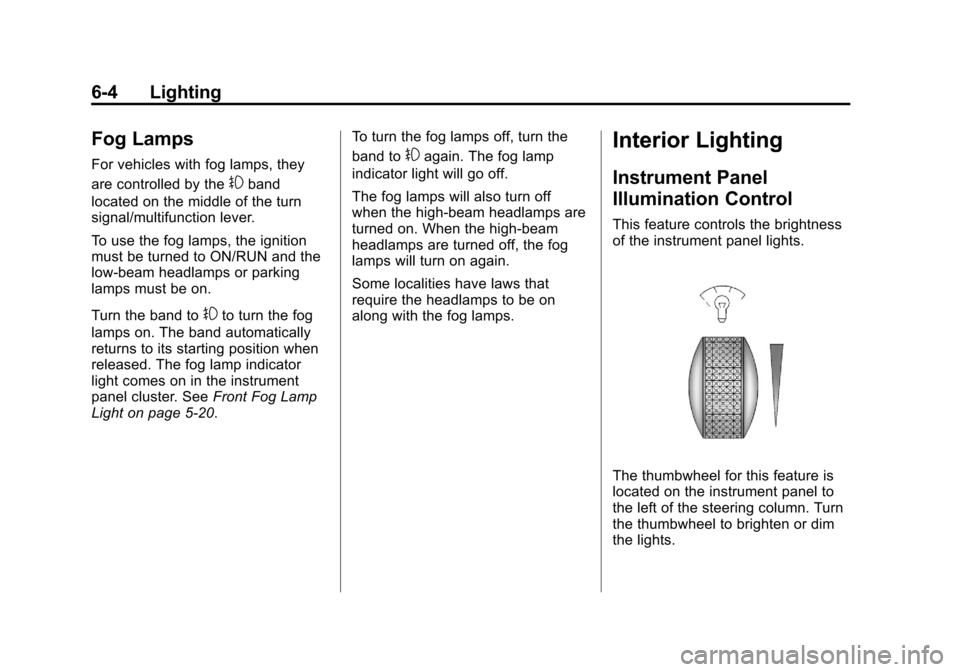
This feature controls the brightness
of the instrument panel lights.
The thumbwheel for this feature is
located on the instrument panel to
the left of the steering column. Turn
the thumbwheel to brighten or dim
the lights.
Page 139 of 328
Black plate (5,1)Chevrolet Aveo Owner Manual - 2011
Lighting 6-5
Dome Lamps
The vehicle has a dome lamp
located in the overhead console.
Move the switch to the following
positions:
ON:The light comes on and
stays on.
O(Door): The light comes on
when a door is opened. The light
turns off when all the doors are
closed.
OFF: The light remains off even
when a door is opened.
Be sure all doors and trunk lid or
hatch are completely closed or the
battery may drain.
Lighting Features
Inadvertent Power Battery
Saver
This feature is designed to protect
the vehicle's battery against
drainage. If the exterior lamps
control is left in the
;or2
position, the key is removed and the
driver door is opened, the lights will
turn off automatically.
If the key is removed and the driver
door is opened while the dome lamp
is on, the dome lamp will not turn off
automatically.
Page 140 of 328
Black plate (6,1)Chevrolet Aveo Owner Manual - 2011
6-6 Lighting
2NOTES
Page 149 of 328
Black plate (9,1)Chevrolet Aveo Owner Manual - 2011
Infotainment System 7-9
Fixed Mast Antenna
(Hatchback)
Vehicles without OnStar®have a
fixed mast antenna that can
withstand most car washes without
being damaged. If the mast should
ever become slightly bent,
straighten it out by hand. If the mast
is badly bent, replace it.
Check occasionally to make sure
the mast is still tightened to the
antenna base located on the roof of
the vehicle. If tightening is required,
tighten by hand.
Backglass Antenna
(Sedan)
Vehicles without OnStar®have the
AM-FM antenna integrated with the
rear window defogger, located in the
rear window. Make sure that the
inside surface of the rear window is
not scratched and that the lines on
the glass are not damaged. If the
inside surface is damaged, it could
interfere with radio reception. Also, for proper radio reception, the
antenna connector at the top-center
of the rear window needs to be
properly attached to the post on the
glass.
Notice:
Using a razor blade or
sharp object to clear the inside
rear window can damage the rear
window antenna and/or the rear
window defogger. Repairs would
not be covered by the vehicle
warranty. Do not clear the inside
rear window with sharp objects.
Notice: Do not apply aftermarket
glass tinting with metallic film.
The metallic film in some tinting
materials will interfere with or
distort the incoming radio
reception. Any damage caused to
your backglass antenna due to
metallic tinting materials will not
be covered by the vehicle
warranty. Because this antenna is built into
the rear window, there is a reduced
risk of damage caused by car
washes and vandals.
If static is heard on the radio, when
the rear window defogger is turned
on, it could mean that a defogger
grid line has been damaged. If this
is true, the grid line must be
repaired.
If adding a cellular telephone to the
vehicle, and the antenna needs to
be attached to the glass, make sure
that the grid lines for the AM-FM
antenna are not damaged. There is
enough space between the grid
lines to attach a cellular telephone
antenna without interfering with
radio reception.
Page 150 of 328
Black plate (10,1)Chevrolet Aveo Owner Manual - 2011
7-10 Infotainment System
Multi-Band Antenna
Vehicles with OnStar have a
multi-band antenna located on the
roof of the vehicle. The antenna is
used for the AM/FM radio, OnStar
and the XM Satellite Radio Service
System. Keep the antenna clear of
obstructions for clear reception.
If the vehicle has a sunroof, the
performance of the AM/FM radio,
OnStar, and the XM system may be
affected if the sunroof is open.
Audio Players
CD Player
Care of the CD Player
Do not add labels to a CD. It could
get caught in the CD player. Use a
marking pen to write on the top of
the CD if a description is needed.
Do not use CD lens cleaners, they
could damage the CD player.
Notice:If a label is added to a
CD, or more than one CD is
inserted into the slot at a time,
or an attempt is made to play
scratched or damaged CDs, the
CD player could be damaged.
While using the CD player, use
only CDs in good condition
without any label, load one CD at
a time, and keep the CD player
and the loading slot free of
foreign materials, liquids, and
debris.
If an error displays, see “CD
Messages” earlier in this section.
Care of CDs
If playing a CD-R, the sound quality
can be reduced due to CD-R quality,
the method of recording, the quality
of the music that has been
recorded, and the way the CD-R or
CD-RW has been handled. Handle
them carefully. Store CD-Rs in their
original cases or other protective
cases and away from direct sunlight
and dust. The CD player scans the
bottom surface of the disc. If the
surface of a CD is damaged, such
as cracked, broken, or scratched,
the CD does not play properly or not
at all. Do not touch the bottom side
of a CD while handling it; this could
damage the surface. Pick up CDs
by grasping the outer edges or the
edge of the hole and the outer edge.
If the surface of a CD is soiled,
clean it with a soft, lint‐free cloth or
dampen a clean, soft cloth in a mild,
neutral detergent solution mixed
with water. Make sure the wiping
process starts from the center to
the edge.