Page 245 of 513
244 3-2. Using the audio system
Contact the XM® Listener Care Center at 1-800-967-2346 (U.S.A.) or 1-877-
438-9677 (Canada).
■ Certifications for the radio tuner
This equipment has been tested and found to comply with the limits for a
class B digital device, pursuant to Part 15 of the FCC Rules. These limits are
designed to provide reasonable protection against harmful interference in a
residential installation. This equipment generates, uses and can radiate
radio frequency energy and, if not installed and used in accordance with the
instructions, may cause harmful interference to radio communications. How-
ever, there is no guarantee that interference will not occur in a particular
installation.
If this equipment does cause harmful interference to radio or television
reception, which can be determined by turning the equipment off and on, the
user is encouraged to try to correct the interference by trying one or more of
the following:
●Reorienting or relocating the receiving antenna.
● Increasing the separation between the equipment and receiver.
● Connecting the equipment into an outlet on a circuit different from that to
which the receiver is connected.
● Consulting the dealer or an experienc ed radio/TV technician for help.
NOTICE
■To prevent damage, remove the antenna in the following cases.
● The antenna will touch the ceiling of a garage.
● A cover will be put on the vehicle.
“---” The channel you selected is no longer available.
Wait for about 2 seconds until the radio returns to
the previous channel or “CH001”. If it does not
change automatically, select another channel.
Page 250 of 513

249
3-2. Using the audio system
3
Interior features
■
Canceling random, repeat and scan playback
Press
(RAND), (RPT) or again.
■ Error messages
“ERROR”: This indicates a problem ei ther with the CD or inside the
player. The CD may be dirty, damaged or inserted upside
down.
“WAIT”: Operation has stopped due to a high temperature inside the
player. Wait for a while and then press . Contact
your Toyota dealer if the CD still cannot be played back.
■ Discs that can be used
Discs with the marks shown below can be used.
Playback may not be possible depending on recording format or disc fea-
tures, or due to scratches, dirt or deterioration.
CDs with copy-protect features may not be used.
■ CD player protection feature
To protect the internal components, playback is automatically stopped when
a problem is detected while the CD player is being used.
■ If CDs are left inside the CD player or in the ejected position for
extended periods
CDs may be damaged and may not play properly.
■ Lens cleaners
Do not use lens cleaners. Doing so may damage the CD player.
Page 260 of 513
259
3-2. Using the audio system
3
Interior features
Optimal use of the audio system
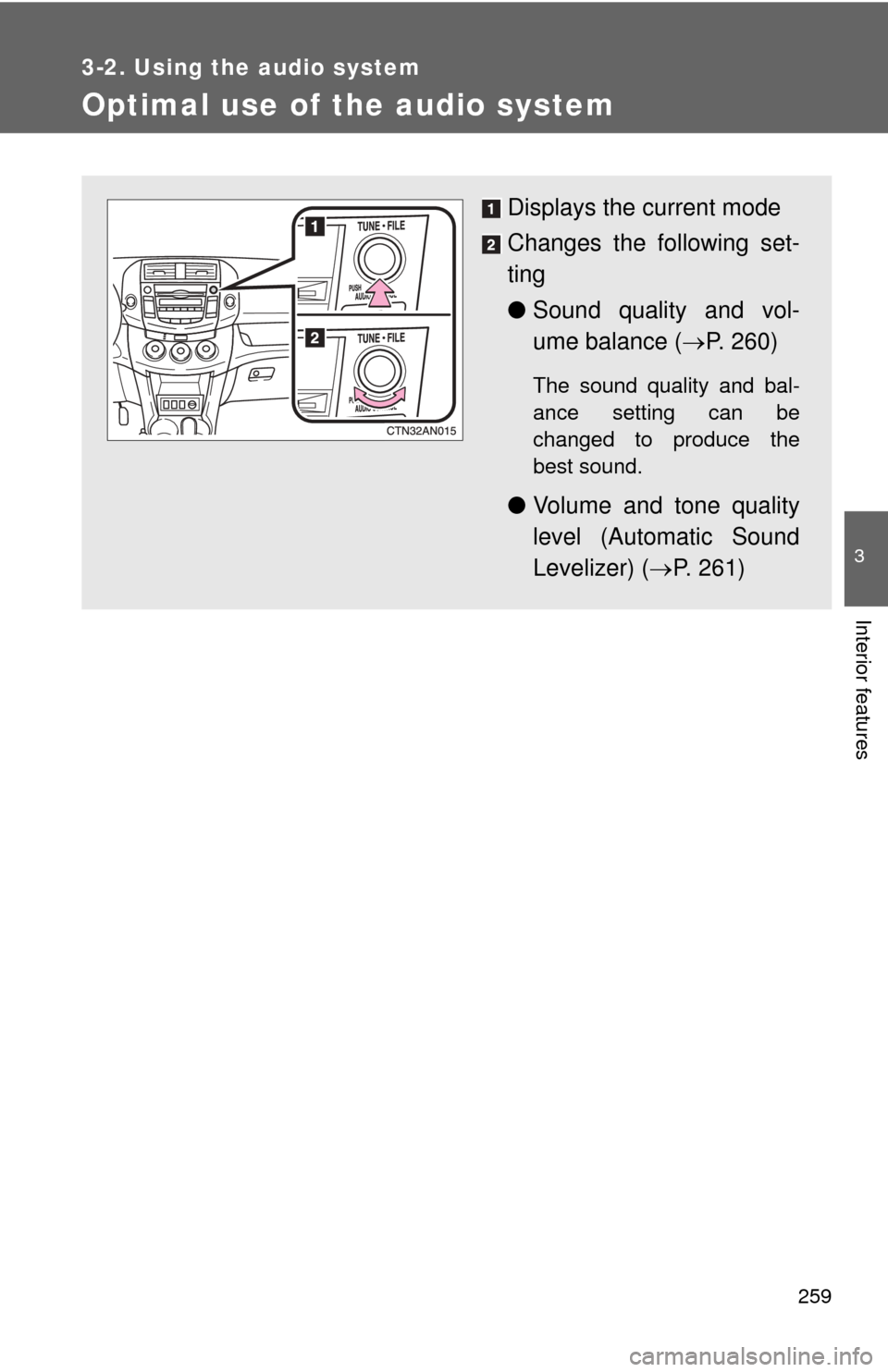
Displays the current mode
Changes the following set-
ting
●Sound quality and vol-
ume balance ( P. 260)
The sound quality and bal-
ance setting can be
changed to produce the
best sound.
● Volume and tone quality
level (Automatic Sound
Levelizer) ( P. 261)
Page 262 of 513
261
3-2. Using the audio system
3
Interior features
■
Adjusting the Automatic Sound Levelizer (ASL)
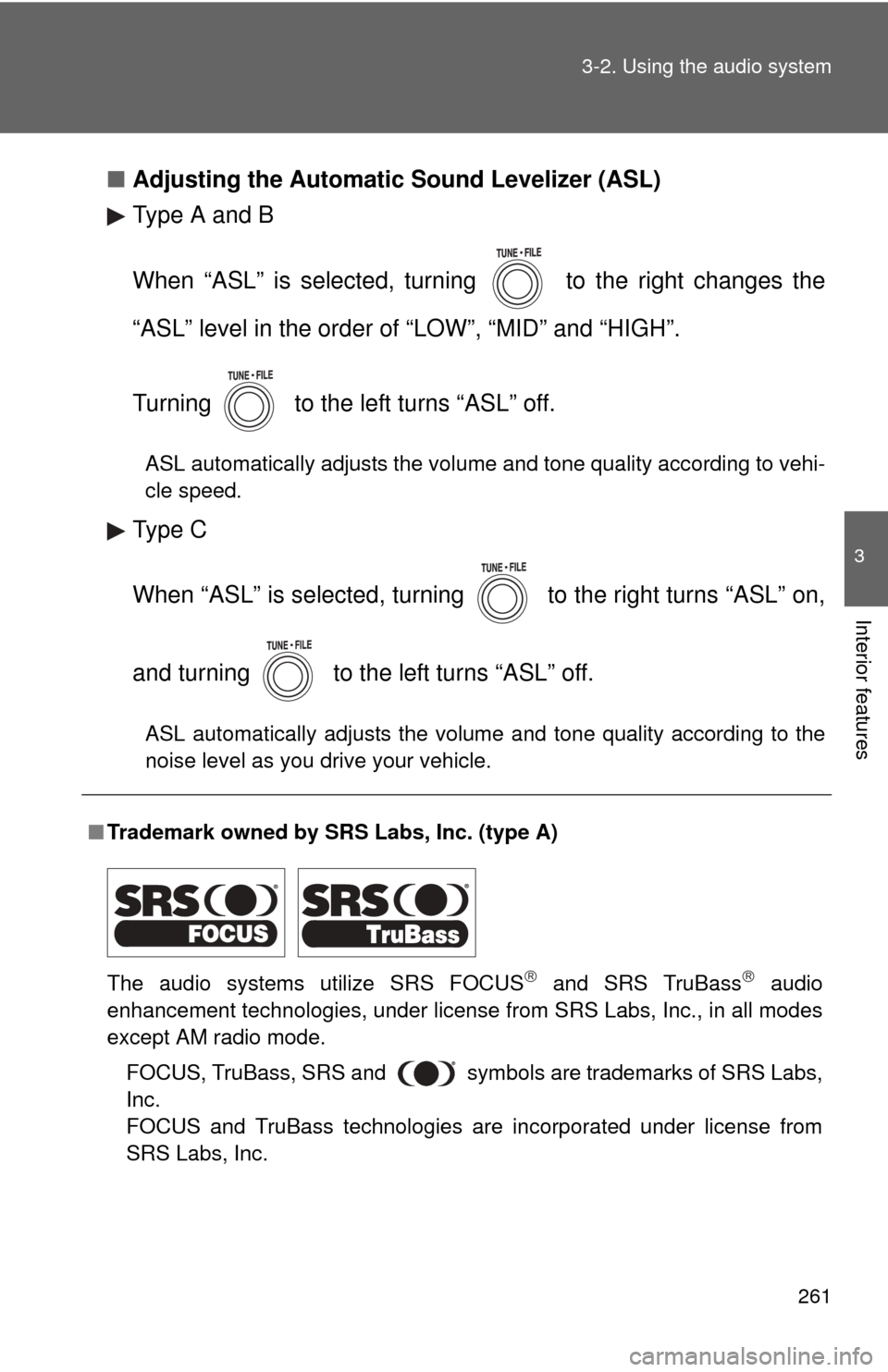
Type A and B
When “ASL” is selected, turning to the right changes the
“ASL” level in the order of “LOW”, “MID” and “HIGH”.
Turning to the left turns “ASL” off.
ASL automatically adjusts the volume and tone quality according to vehi-
cle speed.
Type C
When “ASL” is selected, turning to the right turns “ASL” on,
and turning to the left turns “ASL” off.
ASL automatically adjusts the volume and tone quality according to the
noise level as you drive your vehicle.
■Trademark owned by SRS Labs, Inc. (type A)
The audio systems utilize SRS FOCUS
and SRS TruBass audio
enhancement technologies, under license from SRS Labs, Inc., in all modes
except AM radio mode.
FOCUS, TruBass, SRS and
symbols are trademarks of SRS Labs,
Inc.
FOCUS and TruBass technologies are incorporated under license from
SRS Labs, Inc.
Page 274 of 513
273
3-3. Using the hand
s-free phone system (for cellular phone)
3
Interior features
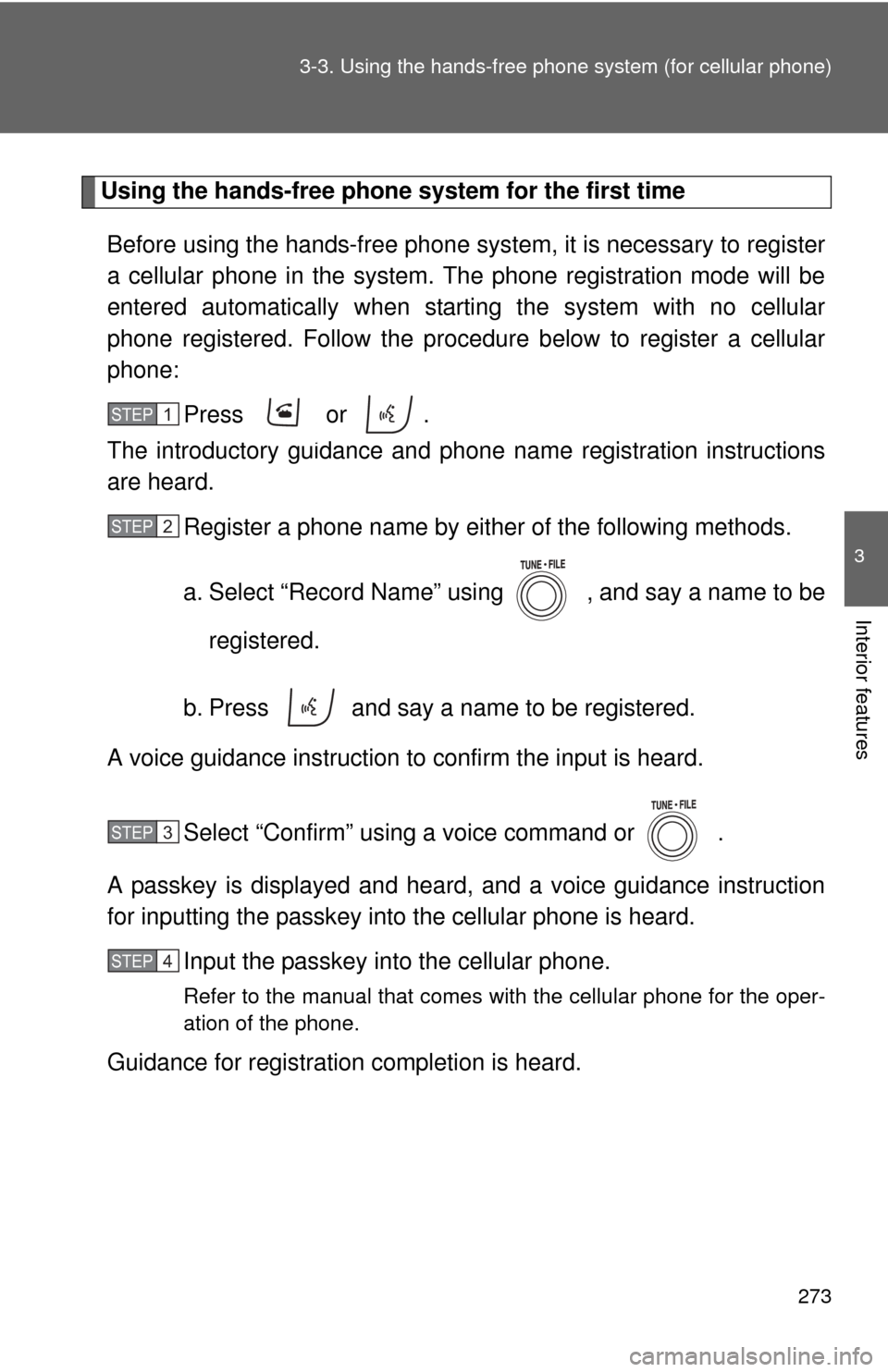
Using the hands-free phone system for the first time
Before using the hands-free phone system, it is necessary to register
a cellular phone in the system. Th e phone registration mode will be
entered automatically when starting the system with no cellular
phone registered. Follow the procedure below to register a cellular
phone:
Press or .
The introductory guidance and phone name registration instructions
are heard.
Register a phone name by either of the following methods.
a. Select “Record Name” using , and say a name to be
registered.
b. Press and say a name to be registered.
A voice guidance instruction to confirm the input is heard.
Select “Confirm” using a voice command or .
A passkey is displayed and heard, and a voice guidance instruction
for inputting the passkey into the cellular phone is heard. Input the passkey into the cellular phone.
Refer to the manual that comes with the cellular phone for the oper-
ation of the phone.
Guidance for registration completion is heard.
STEP 1
STEP 2
STEP 3
STEP 4
Page 278 of 513
277
3-3. Using the hand
s-free phone system (for cellular phone)
3
Interior features
■Automatic adjustment of volume
When vehicle speed is 50 mph (80 km/h) or more, the volume automatically
increases. The volume returns to the previous volume setting when vehicle
speed drops to 43 mph (70 km/h) or less.
■ When using a voice command
●For numbers, say a combination of single digits from zero to nine, #
(pound), (star), and + (plus).
● Say a command correctly and clearly.
■ The system may not recognize your voice in the following situations:
●When driving on a rough road
● When driving at high speeds
● When air is blowing out of the vents onto the microphone
● When the air conditioning fan emits a loud noise
■ The following cannot be performed while driving:
●Operating the system with
● Registering a cellular phone to the system
■ Changing the passkey
P. 287
Page 301 of 513
300
3-4. Using the interior lights
Interior lights list
Your Toyota is equipped with the illuminated entry system to assist
in entering the vehicle. Owing to the function of the system, the
lights shown in the following illu stration (except the luggage com-
partment light) automatically turn on/off according to the presence
of the electronic key (vehicles with smart key system), whether the
doors are locked/unlocked, whethe r the doors are opened/closed,
and the “ENGINE START STOP” switch mode or the engine switch
position.
The luggage compartment light tu rns on/off according to whether
the back door is opened/closed.
Interior light ( P. 302)
Personal/interior lights ( P. 301)
Engine switch light
Foot lights (if equipped)
Luggage compartment light (turns on/off according to whether
the back door is opened/closed)
Page 304 of 513
303
3-4. Using the interior lights
3
Interior features
■
To prevent battery discharge (excl uding luggage compartment light)
If the lights remain on when a door is not fully closed and the personal/inte-
rior light main switch is in door position, the lights will go off automatically
after 20 minutes.
■ Customization that can be co nfigured at Toyota dealer
Settings (e.g. the time elapsed before lights turn off) can be changed.
(Customizable features P. 488)
Luggage compartment light