Page 377 of 594
5-8 Comfort controls
5
Air selection switch
N00738200033
Normally, use the outside air position to keep the windshield
and side windows clear and to quickly remove fog or frost
from the windshield.
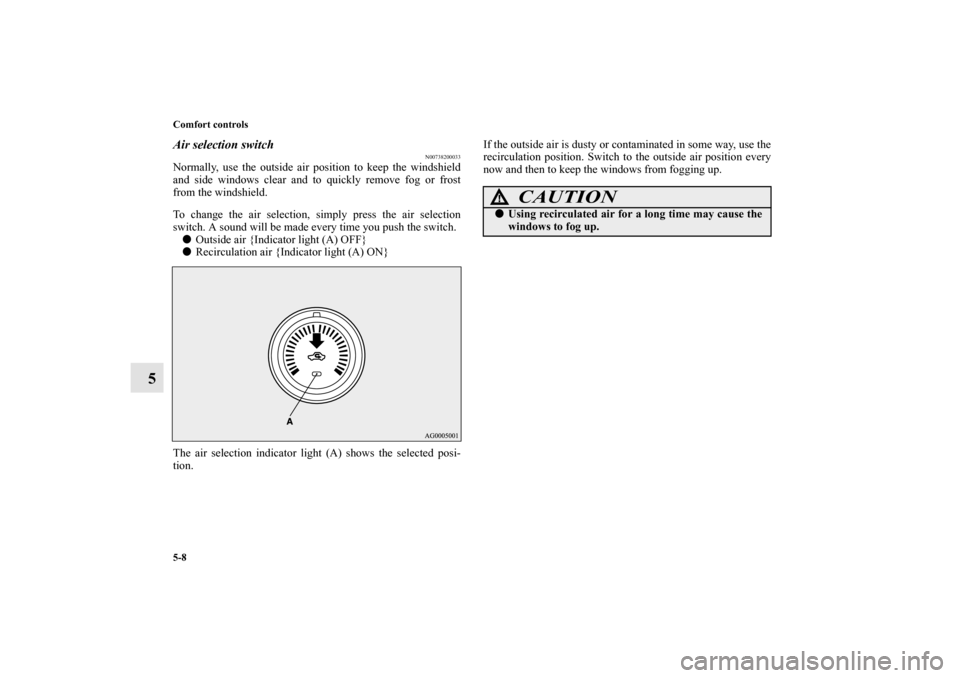
To change the air selection, simply press the air selection
switch. A sound will be made every time you push the switch.�
Outside air {Indicator light (A) OFF}
�
Recirculation air {Indicator light (A) ON}
The air selection indicator light (A) shows the selected posi-
tion.If the outside air is dusty or contaminated in some way, use the
recirculation position. Switch to the outside air position every
now and then to keep the windows from fogging up.
CAUTION
!�
Using recirculated air for a long time may cause the
windows to fog up.
BK0105501US.book 8 ページ 2009年8月10日 月曜日 午前10時32分
Page 384 of 594
Comfort controls
5-15
5
Air selection switch
N00737200238
Normally, use the outside air position to keep the windshield
and side windows clear and to quickly remove fog or frost
from the windshield.
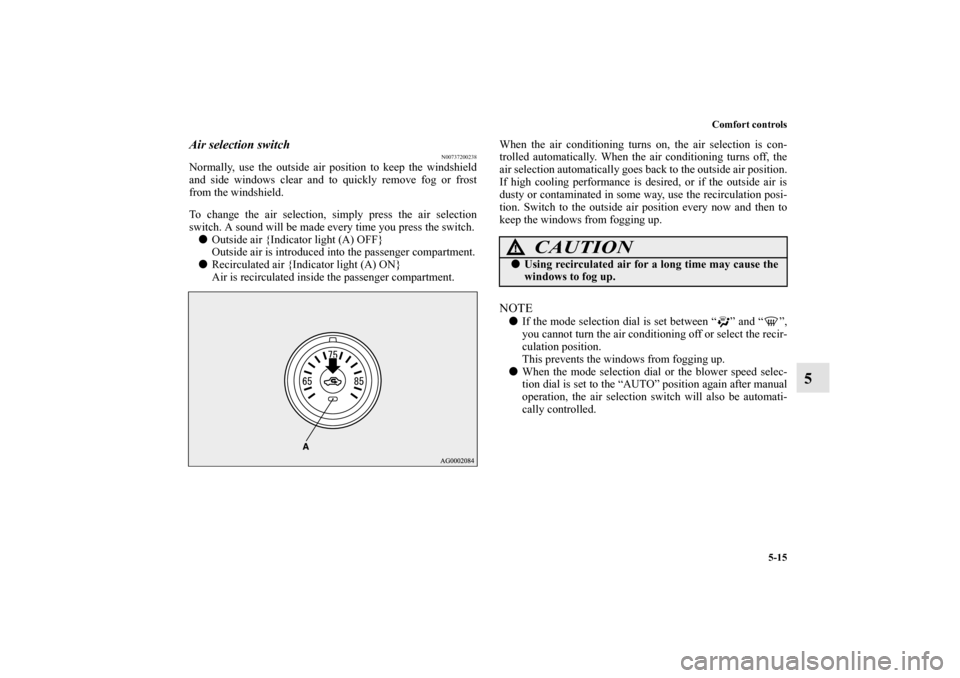
To change the air selection, simply press the air selection
switch. A sound will be made every time you press the switch.�
Outside air {Indicator light (A) OFF}
Outside air is introduced into the passenger compartment.
�
Recirculated air {Indicator light (A) ON}
Air is recirculated inside the passenger compartment.When the air conditioning turns on, the air selection is con-
trolled automatically. When the air conditioning turns off, the
air selection automatically goes back to the outside air position.
If high cooling performance is desired, or if the outside air is
dusty or contaminated in some way, use the recirculation posi-
tion. Switch to the outside air position every now and then to
keep the windows from fogging up.
NOTE�
If the mode selection dial is set between “ ” and “ ”,
you cannot turn the air conditioning off or select the recir-
culation position.
This prevents the windows from fogging up.
�
When the mode selection dial or the blower speed selec-
tion dial is set to the “AUTO” position again after manual
operation, the air selection switch will also be automati-
cally controlled.
CAUTION
!�
Using recirculated air for a long time may cause the
windows to fog up.
BK0105501US.book 15 ページ 2009年8月10日 月曜日 午前10時32分
Page 385 of 594

5-16 Comfort controls
5
Personalizing the air selection (Changing the function
setting)
N00760000034
You can change the following functions to match your prefer-
ence.�
Enable automatic air control:
When the mode selection dial or the blower speed selec-
tion dial is set to the “AUTO” position, the air selection
switch will also be automatically controlled.
�
Disable automatic air control:
Even when the mode selection dial or the blower speed
selection dial is set to the “AUTO” position, the air selec-
tion switch will not be automatically controlled.
�
Changing the settings:
Press the air selection switch for about 10 seconds or
longer.
When the setting has changed, the system will beep and
the indicator light will flash.
When the setting has changed from enabled to disabled,
the system will beep three times and the indicator will
flash three times.
When the setting has changed from disabled to enabled,
the system will beep two times and the indicator light
will flash three times.
NOTE�
The factory setting is “Enable automatic air control”.
�
While the mode selection dial is set between “ ” and
“ ” position, the air selection will automatically change
to the outside air position, even if the system is set to
“Disable automatic air control”, in order to prevent win-
dows from fogging up.
BK0105501US.book 16 ページ 2009年8月10日 月曜日 午前10時32分
Page 387 of 594

5-18 Comfort controls
5
Personalizing the air conditioning switch (Changing
the function setting)
N00759800032
You can change the following functions to match your prefer-
ence.�
Enable automatic air conditioning control:
When the mode selection dial or blower speed selection
dial has been set to the “AUTO” position or when the tem-
perature control dial has been set to the minimum temper-
ature, the air conditioning switch is automatically
controlled.
�
Disable automatic air conditioning control:
The air conditioning switch is not automatically con-
trolled, unless the air conditioning switch is used.
�
Changing the settings:
Press the air conditioning switch for about 10 seconds or
longer.
When the setting has changed, the system will beep and
the indicator light will flash.
When the setting has changed from enabled to disabled,
the system will beep three times and the indicator will
flash three times.
When the setting has changed from disabled to enabled,
the system will beep two times and the indicator light
will flash three times.
NOTE�
The factory setting is “Enable automatic air conditioning
control”.
�
While the mode selection dial is set between “ ” and
“ ” position, the air conditioning will run automatically,
even if the system is set to “Disable automatic air condi-
tioning control”, in order to prevent windows from fog-
ging up.
BK0105501US.book 18 ページ 2009年8月10日 月曜日 午前10時32分
Page 394 of 594
Comfort controls
5-25
5
Air selection switch
N00737200241
Normally, use the outside air position to keep the windshield
and side windows clear and to quickly remove fog or frost
from the windshield.
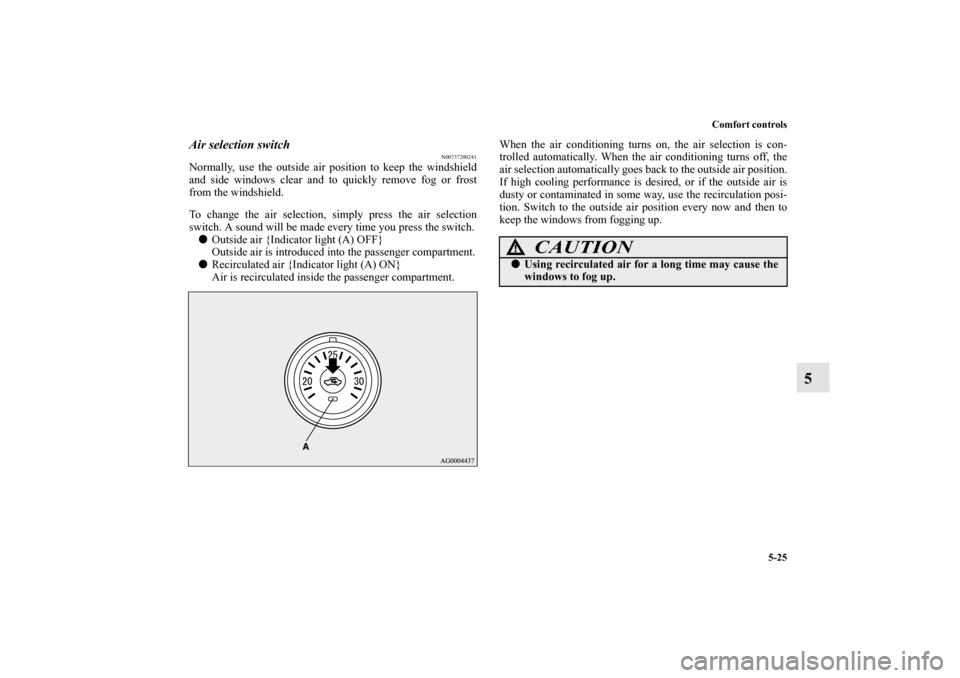
To change the air selection, simply press the air selection
switch. A sound will be made every time you press the switch.�
Outside air {Indicator light (A) OFF}
Outside air is introduced into the passenger compartment.
�
Recirculated air {Indicator light (A) ON}
Air is recirculated inside the passenger compartment.When the air conditioning turns on, the air selection is con-
trolled automatically. When the air conditioning turns off, the
air selection automatically goes back to the outside air position.
If high cooling performance is desired, or if the outside air is
dusty or contaminated in some way, use the recirculation posi-
tion. Switch to the outside air position every now and then to
keep the windows from fogging up.
CAUTION
!�
Using recirculated air for a long time may cause the
windows to fog up.
BK0105501US.book 25 ページ 2009年8月10日 月曜日 午前10時32分
Page 395 of 594

5-26 Comfort controls
5
Personalizing the air selection (Changing the function
setting)
N00760000047
You can change the following functions to match your prefer-
ence.�
Enable automatic air control:
When the mode selection dial or the blower speed selec-
tion dial is set to the “AUTO” position, the air selection
switch will also be automatically controlled.
�
Disable automatic air control:
Even when the mode selection dial or the blower speed
selection dial is set to the “AUTO” position, the air selec-
tion switch will not be automatically controlled.
�
Changing the settings:
Press the air selection switch for about 10 seconds or
longer.
When the setting has changed, the system will beep and
the indicator light will flash.
When the setting has changed from enabled to disabled,
the system will beep three times and the indicator will
flash three times.
When the setting has changed from disabled to enabled,
the system will beep two times and the indicator light
will flash three times.
NOTE�
The factory setting is “Enable automatic air control”.
�
While the mode selection dial is set to the “ ” position,
the air selection will automatically change to the outside
air position, even if the system is set to “Disable auto-
matic air control”, in order to prevent windows from fog-
ging up.
BK0105501US.book 26 ページ 2009年8月10日 月曜日 午前10時32分
Page 397 of 594

5-28 Comfort controls
5
Personalizing the air conditioning switch (Changing
the function setting)
N00759800058
You can change the following functions to match your prefer-
ence.�
Enable automatic air conditioning control:
When the mode selection dial or blower speed selection
dial has been set to the “AUTO” position or when the tem-
perature control dial has been set to the minimum temper-
ature, the air conditioning switch is automatically
controlled.
�
Disable automatic air conditioning control:
The air conditioning switch is not automatically con-
trolled, unless the air conditioning switch is used.
�
Changing the settings:
Press the air conditioning switch for about 10 seconds or
longer.
When the setting has changed, the system will beep and
the indicator light will flash.
When the setting has changed from enabled to disabled,
the system will beep three times and the indicator will
flash three times.
When the setting has changed from disabled to enabled,
the system will beep two times and the indicator light
will flash three times.
NOTE�
The factory setting is “Enable automatic air conditioning
control”.
�
While the mode selection dial is set to the “ ” position,
the air conditioning will run automatically, even if the sys-
tem is set to “Disable automatic air conditioning control”,
in order to prevent windows from fogging up.
BK0105501US.book 28 ページ 2009年8月10日 月曜日 午前10時32分
Page 409 of 594

5-40 Comfort controls
5
To listen to the radio
N00735000854
1. Press the PWR switch (2) to turn the audio system ON and
OFF. The system turns on in the last mode used.
Press the RADIO button (1) to turn ON the radio.
2. Press the RADIO button (1) to select the desired band
(AM/FM1/FM2).
3. Press the SEEK button (5 or 6) to tune to a station, or
press one of the Memory select buttons (10) to recall a sta-
tion memorized for that button.
Refer to “Automatic tuning”, “Manual tuning” or “To
enter frequencies into the memory”.Automatic tuningAfter pressing the SEEK button (5 or 6), a receivable station
will be automatically selected and reception of the station will
begin.
SCAN function
Press the SCAN button (9). The radio will tune consecutively
to each available station for about 5 seconds per station. If you
want to stop scanning, press the SCAN button again.
The frequency display of the current station flashes once per
second during SCAN.Manual tuningThe frequency changes every time the TUNE switch (7) is
turned.
Turn the switch to select the desired station.To enter frequencies into the memoryAs many as 6 AM and 12 FM stations can be entered into the
memory.To store a frequency in the memory, follow these steps:
1. Press the SEEK button (5 or 6), or turn the TUNE switch
(7) to tune to the frequency you wish to keep in the mem-
ory.
2. Press one of the Memory select buttons (10) until it beeps.
The sound will be momentarily interrupted while the fre-
quency is being entered into the memory. The number of
the button matching the entry in the memory as well as the
frequency are displayed.
3. To recall a frequency that has been saved in memory,
press the corresponding button briefly for no longer than
about 1 second.
NOTE�
Disconnecting the battery cables erases all the radio sta-
tion settings stored in the memory.
BK0105501US.book 40 ページ 2009年8月10日 月曜日 午前10時32分