Shortly before the store
dspeed is reached, it
appears in the multifunction display.
You cannot exceed the stored limit speed,
even if you depress the accelerator pedal
beyond the pressure point (kickdown).
Setting permanent SPEEDTRONIC
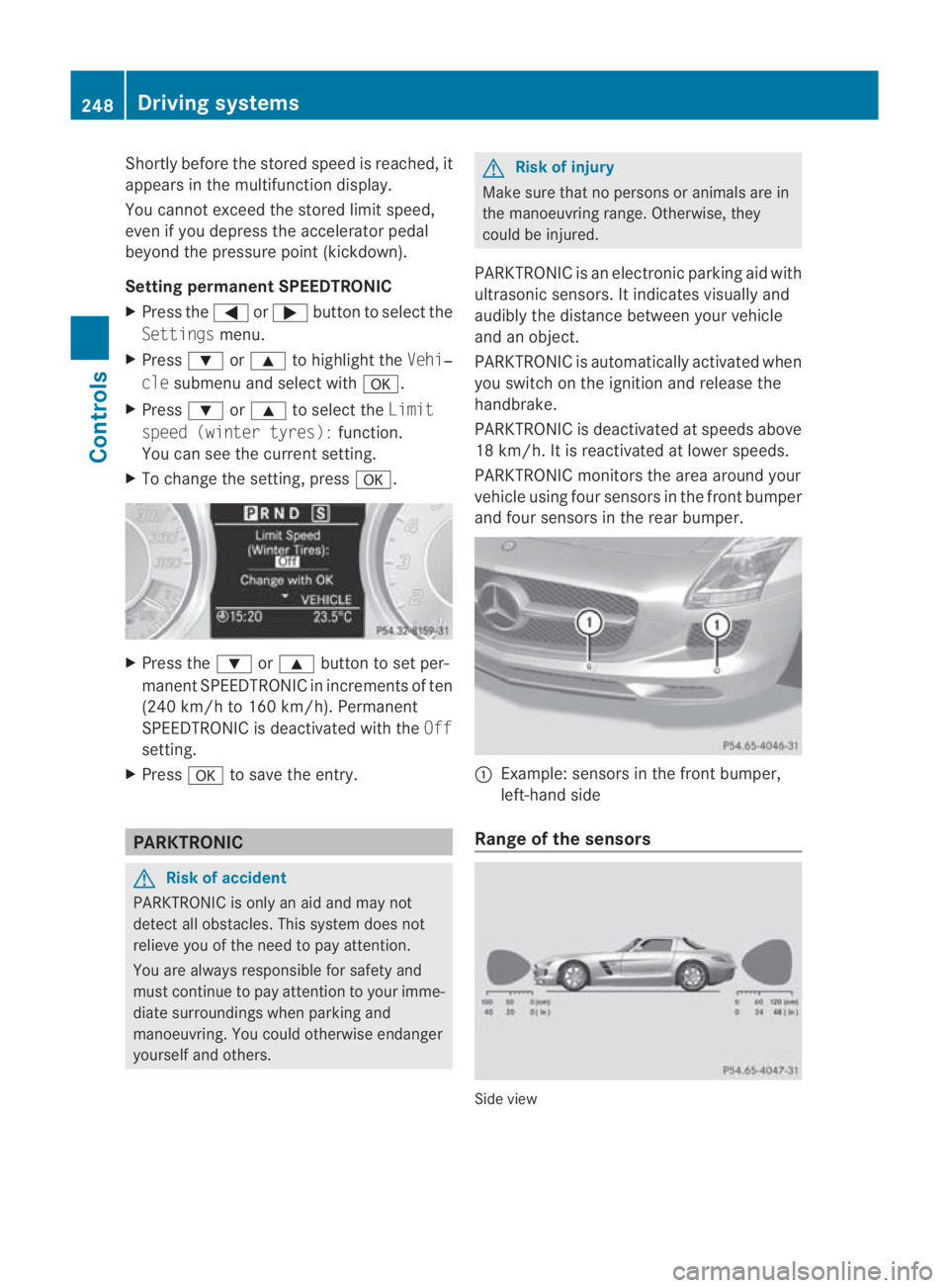
X Press the 0008or000E button to select the
Settings menu.
X Press 000Cor000F to highlight the Vehi‐
cle submenu and select with 000A.
X Press 000Cor000F to select the Limit
speed (winter tyres): function.
You can see the current setting.
X To change the setting, press 000A.X
Press the 000Cor000F button to set per-
manent SPEEDTRONIC in increment sof ten
(240 km/h to 160 km/h). Permanent
SPEEDTRONIC is deactivated with the Off
setting.
X Press 000Ato save the entry. PARKTRONIC
G
Risk of accident
PARKTRONIC is only an aid and may not
detect all obstacles. This syste mdoes not
relieve you of the need to pay attention.
You are always responsible for safety and
must continue to pay attention to your imme-
diate surroundings when parking and
manoeuvring. You could otherwise endanger
yourself and others. G
Risk of injury
Make sure that no persons or animals are in
the manoeuvring range. Otherwise, they
could be injured.
PARKTRONIC is an electronic parking aid with
ultrasonic sensors. It indicates visually and
audibly the distance between your vehicle
and an object.
PARKTRONIC is automatically activated when
you switch on the ignition and release the
handbrake.
PARKTRONIC is deactivated at speeds above
18 km/h. It is reactivated at lower speeds.
PARKTRONIC monitors the area around your
vehicle using four sensors in the front bumper
and four sensors in the rear bumper. 0001
Example: sensors in the front bumper,
left-hand side
Range of the sensors Side view248
Driving systemsControls
BA 197 ECE RE 2010/6a; 1; 2, en-GB
sabbaeu
Version: 3.0.3.6 2010-05-07T14:19:43+02:00 - Seite 248
One or more segments light up as the vehicle
approaches an obstacle, depending on the
vehicle's distance from the obstacle. From
the sixth segment onwards, you will hear an
intermittent warning tone; from the seventh
segment onwards, you will hear a continuous
warning tone for a maximum of two seconds.
This indicates that you have now reached the
minimum distance.
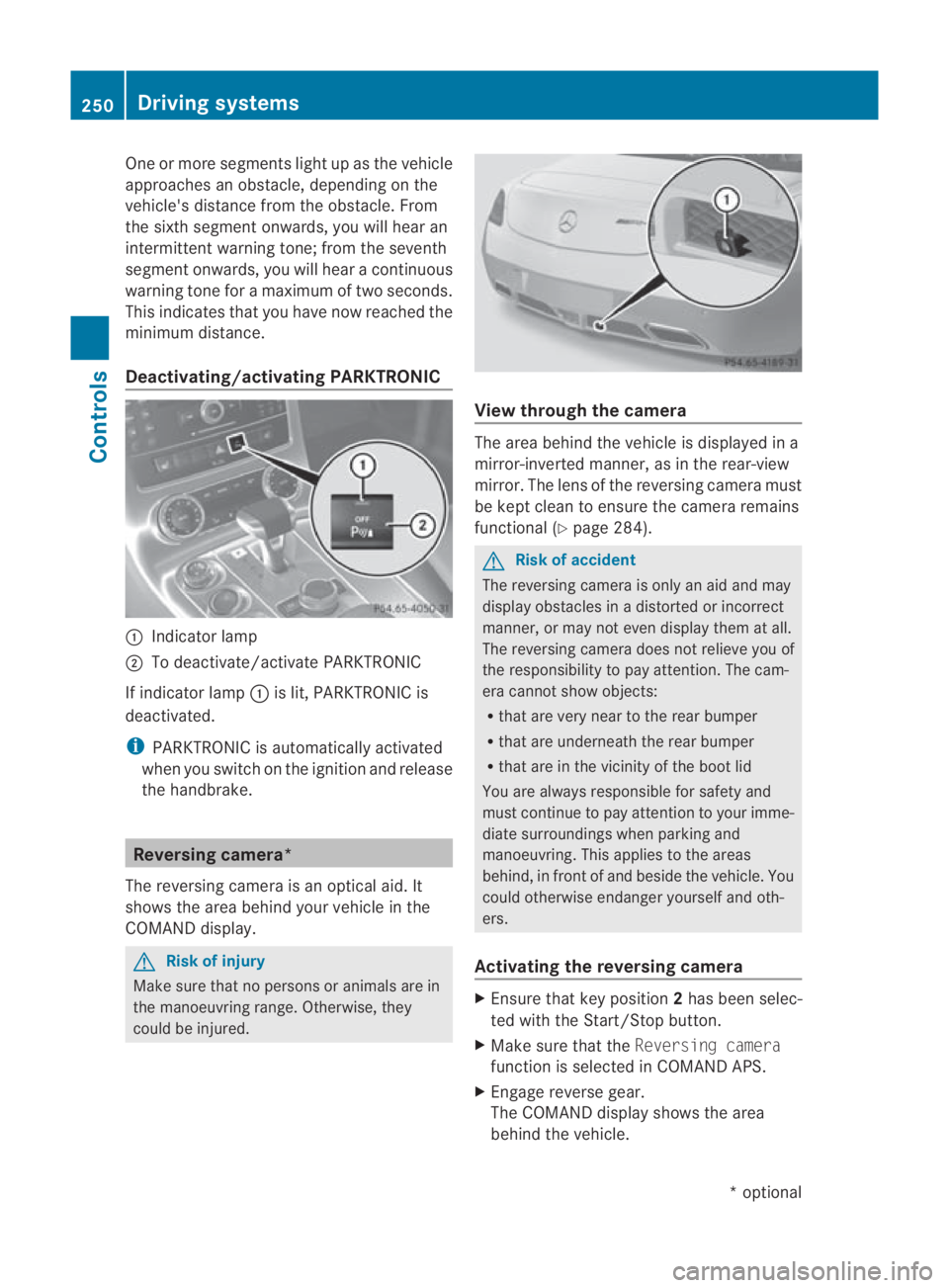
Deactivating/activating PARKTRONIC 0001
Indicator lamp
0002 To deactivate/activate PARKTRONIC
If indicator lamp 0001is lit, PARKTRONIC is
deactivated.
i PARKTRONIC is automatically activated
when you switch on the ignition and release
the handbrake. Reversing camera*
The reversing camera is an optical aid. It
shows the area behind your vehicle in the
COMAND display. G
Risk of injury
Make sure that no persons or animals are in
the manoeuvring range. Otherwise, they
could be injured. View through the camera
The area behind the vehicle is displayed in a
mirror-inverted manner, as in the rear-view
mirror. The lens of the reversing camera must
be kept clean to ensure the camera remains
functional (Y
page 284). G
Risk of accident
The reversing camera is only an aid and may
display obstacles in a distorted or incorrect
manner, or may not even display them at all.
The reversing camera does not relieve you of
the responsibility to pay attention. The cam-
era cannot show objects:
R that are very near to the rear bumper
R that are underneath the rear bumper
R that are in the vicinity of the boot lid
You are always responsible for safety and
must continue to pay attention to your imme-
diate surroundings when parking and
manoeuvring. This applies to the areas
behind, in front of and beside the vehicle. You
could otherwise endanger yourselfa nd oth-
ers.
Activating the reversing camera X
Ensure tha tkey position 2has been selec-
ted with the Start/Stop button.
X Make sure that the Reversing camera
function is selected in COMAND APS.
X Engage reverse gear.
The COMAND display shows the area
behind the vehicle. 250
Driving systemsControls
*o
ptional
BA 197 ECE RE 2010/6a; 1; 2, en-GB
sabbaeu
Version: 3.0.3.6 2010-05-07T14:19:43+02:00 - Seite 250