1
FEATURES OF YOUR HYUNDAI
141141141141
!
CAUTION:
o Do not place beverages close to the audio system. The playback mechanism may be damaged if you spill them.
o Do not strike or allow anything to impact the audio system, damageto the system mechanisms couldoccur.
9. Information Display Button Displays the information of the channel currently played by RDS. 10. PTY(FOLDER) Button
o Moves [PTY
] button when search-
ing PTY in RDS Broadcasting Pro- gram Type selection.
o Moves [PTY
] button when search-
ing PTY in RDS Broadcasting Pro- gram Type selection.
11. TUNE/ENTER Button Turn this button clockwise by one notch to increase frequency from current fre-quency. Turn this button counterclockwise by one notch to decrease frequency fromcurrent frequency. The frequency cahnges by 0.05Mhz in FM MODE and 9Khz in AM MODE.Press this button while holding SETUP button to activate / inactivate the item to.Select SETUP item using left and right function of the Tune button. 12. PRESET Button Push [1]~[6] buttons less than 0.8 sec- ond to play the channel saved in each button.Push PRESET button for 0.8 second or longer to save current channel to the respective button with a beep.
1FEATURES OF YOUR HYUNDAI
146
1. AM Selection Button Pressing the [AM] button selects the AM band. 2. FM Selection Button Turns to FM mode and toggles FM1 and FM2 when the button is pressed each time.
3. Automatic Channel SelectionButton
o When the [SEEK
] button is
pressed, it reduces the band fre- quency by 50khz to automatically select channel. Stops at the previ- ous frequency if no channel is found.
o When the [SEEK
] button is
pressed, it increases the band fre- quency by 50khz to automaticallyselect channel. Stops at the previous frequency if no channel is found. 4. Power ON/OFF & Volume
Control Button
Turns on/off the set when the IGNI- TION SWITCH is on ACC or ON. If the button is turned to the right, it increasesthe volume and left, decreases the volume. 5. SCAN Button If this button is pressed, the frequen- cies will become increased and receive the corresponding broadcasts. This function will play the frequenciesfor 10 seconds each and find other broadcasts as the frequency increases. Press the button again when desiring tocontinue listening to the currently play- ing broadcast. 6. AUTO STORE Button When the button is pressed, it auto- matically selects and saves channels with high reception rate to PRESETbuttons (1~6) and plays the channel saved on PRESET1. If no channel os saved after AST, it willplay the previous channel. 7. SETUP Button Press this button to turn to the SCROLL and P.BASS adjustment mode. If no action is taken for 5 seconds afterpressing the button, it will return to the play mode.(After entering SETUP mode, move between items using the left,right and PUSH functions of the TUNE button.) The setup Items changes from SCROLL↔
P.BASS.
8. TUNE/ENTER Button Turn this button clockwise one notch to increase frequency from current fre- quency. Turn this button counterclockwise byone notch to decrease frequency from current frequency. The frequency cahnges by 0.2Mhz inFM MODE and 9Khz in AM MODE. Press this button while holding SETUP button to activate/inactivate the itemto. Select SETUP item using left and right function of the Tune button.
1
FEATURES OF YOUR HYUNDAI
147147147147
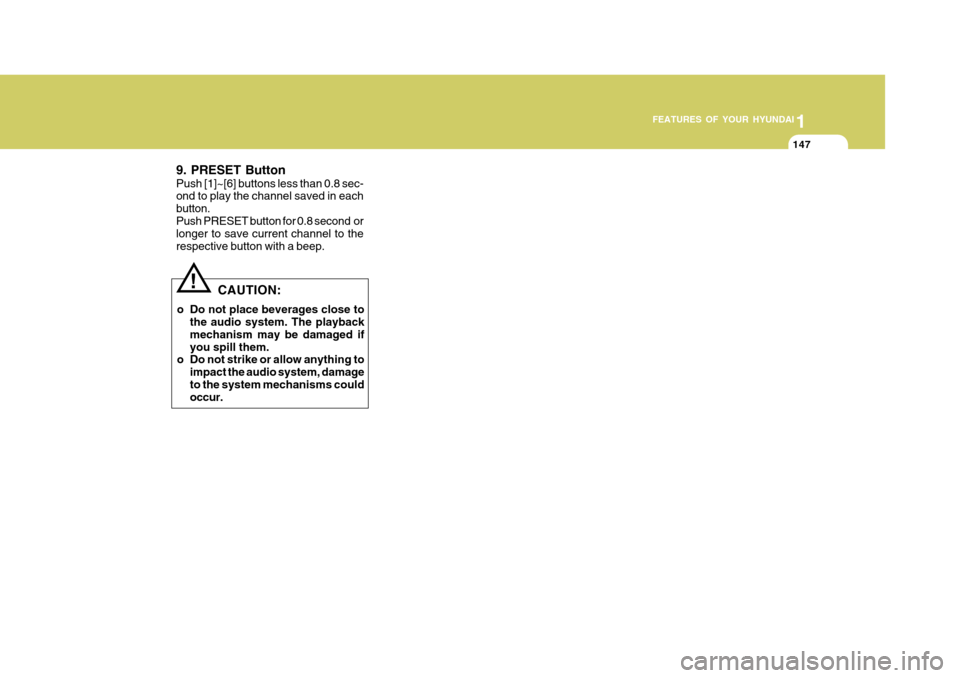
!
CAUTION:
o Do not place beverages close to the audio system. The playback mechanism may be damaged if you spill them.
o Do not strike or allow anything to
impact the audio system, damageto the system mechanisms could occur.
9. PRESET Button Push [1]~[6] buttons less than 0.8 sec- ond to play the channel saved in each button.Push PRESET button for 0.8 second or longer to save current channel to the respective button with a beep.

![Hyundai Accent 2010 Owners Manual 1FEATURES OF YOUR HYUNDAI
146
1. AM Selection Button Pressing the [AM] button selects the AM band. 2. FM Selection Button Turns to FM mode and toggles FM1 and FM2 when the button is pressed each time.](/manual-img/35/14390/w960_14390-157.png "Hyundai Accent 2010 Owners Manual 1FEATURES OF YOUR HYUNDAI
146
1. AM Selection Button Pressing the [AM] button selects the AM band. 2. FM Selection Button Turns to FM mode and toggles FM1 and FM2 when the button is pressed each time.")