KICKER�HIGH PERFORMANCE SOUND SYSTEM
WITH DRIVER-SELECTABLE SURROUND (DSS) –
IF EQUIPPED
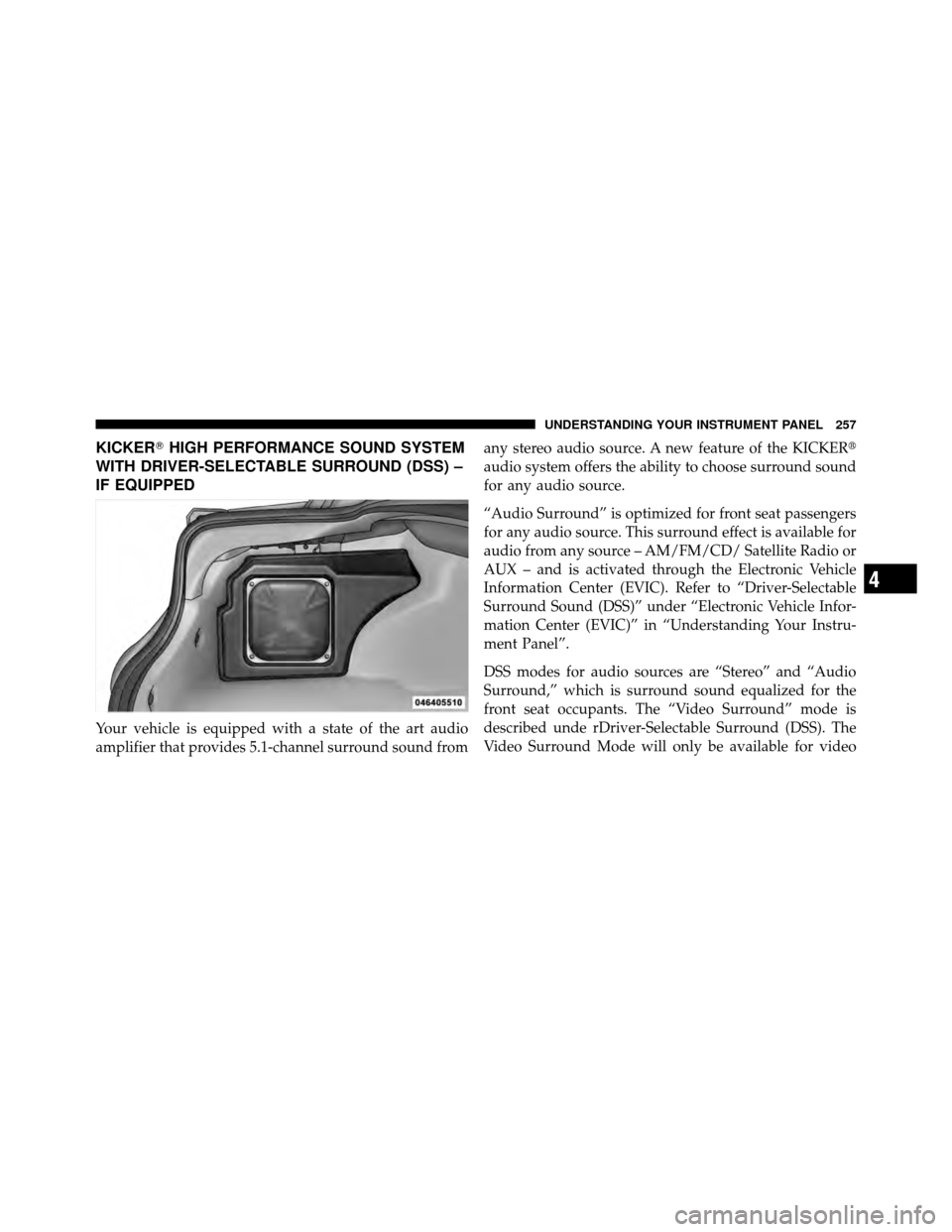
Your vehicle is equipped with a state of the art audio
amplifier that provides 5.1-channel surround sound from any stereo audio source. A new feature of the KICKER�
audio system offers the ability to choose surround sound
for any audio source.
“Audio Surround” is optimized for front seat passengers
for any audio source. This surround effect is available for
audio from any source – AM/FM/CD/ Satellite Radio or
AUX – and is activated through the Electronic Vehicle
Information Center (EVIC). Refer to “Driver-Selectable
Surround Sound (DSS)” under “Electronic Vehicle Infor-
mation Center (EVIC)” in “Understanding Your Instru-
ment Panel”.
DSS modes for audio sources are “Stereo” and “Audio
Surround,” which is surround sound equalized for the
front seat occupants. The “Video Surround” mode is
described unde rDriver-Selectable Surround (DSS). The
Video Surround Mode will only be available for video
4
UNDERSTANDING YOUR INSTRUMENT PANEL 257
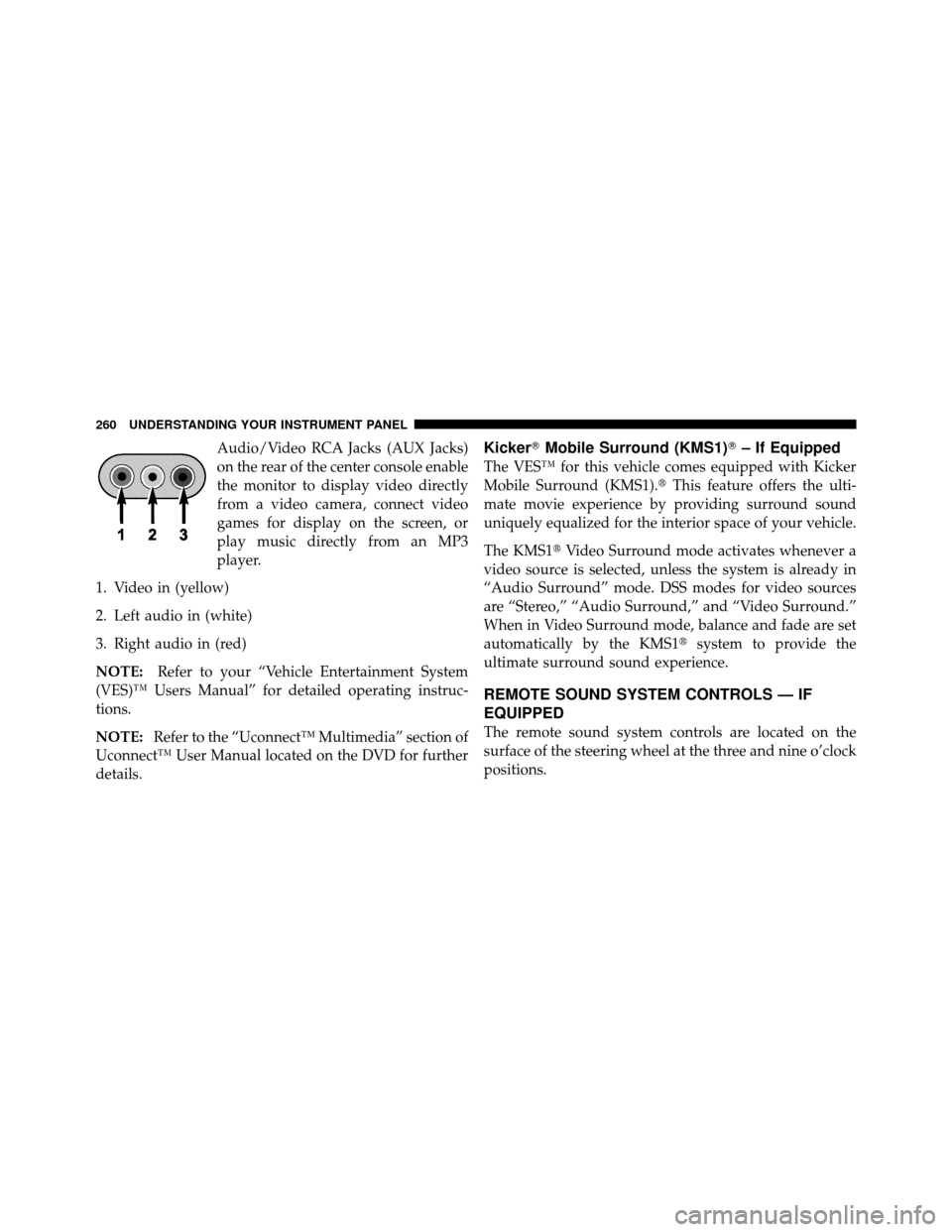
Audio/Video RCA Jacks (AUX Jacks)
on the rear of the center console enable
the monitor to display video directly
from a video camera, connect video
games for display on the screen, or
play music directly from an MP3
player.
1. Video in (yellow)
2. Left audio in (white)
3. Right audio in (red)
NOTE: Refer to your “Vehicle Entertainment System
(VES)™ Users Manual” for detailed operating instruc-
tions.
NOTE: Refer to the “Uconnect™ Multimedia” section of
Uconnect™ User Manual located on the DVD for further
details.Kicker� Mobile Surround (KMS1)� – If Equipped
The VES™ for this vehicle comes equipped with Kicker
Mobile Surround (KMS1).� This feature offers the ulti-
mate movie experience by providing surround sound
uniquely equalized for the interior space of your vehicle.
The KMS1� Video Surround mode activates whenever a
video source is selected, unless the system is already in
“Audio Surround” mode. DSS modes for video sources
are “Stereo,” “Audio Surround,” and “Video Surround.”
When in Video Surround mode, balance and fade are set
automatically by the KMS1� system to provide the
ultimate surround sound experience.
REMOTE SOUND SYSTEM CONTROLS — IF
EQUIPPED
The remote sound system controls are located on the
surface of the steering wheel at the three and nine o’clock
positions.
260 UNDERSTANDING YOUR INSTRUMENT PANEL
Oil Filter, Change........................ 372
Oil Filter, Selection ....................... 372
Onboard Diagnostic System ..............366,367
Opener, Garage Door (HomeLink�) ........... 164
Operating Precautions .................... 366
Operator Manual (Owner’s Manual) ............ 4
Outside Rearview Mirrors .................. 91
Overhead Console ....................... 163
Overheating, Engine ...................... 344
Owner’s Manual (Operator Manual) .........4,439
Paint Care ............................. 392
Panic Alarm ............................ 22
Park Sense System, Rear ................... 158
Parking Brake .......................... 295
Passing Light ........................... 146
Passive Entry ........................... 32
Pedals, Adjustable ....................... 153
Personal Settings ........................ 216 Pets
.................................. 78
Phone, Cellular .......................... 93
Phone, Hands-Free (Uconnect™) .............. 93
Placard, Tire and Loading Information ......... 313
Power Brakes .............................. 297
Deck Lid Release ....................... 40
Distribution Center (Fuses) ............... 400
Door Locks ........................... 28
Mirrors .............................. 92
Outlet (Auxiliary Electrical Outlet) .......... 174
Seats ............................... 128
Steering .......................... 293,294
Sunroof ............................. 171
Tilt/Telescoping Steering Column .......... 152
Windows ............................. 37
Power Steering Fluid ..................... 414
Pregnant Women and Seat Belts .............. 53
456 INDEX