2010 CHEVROLET CORVETTE service
[x] Cancel search: servicePage 271 of 472
Using the Re‐dial Command
1. Press and holdbgfor two seconds. The system
responds with “Ready”followed by a tone.
2. After the tone, say “Re‐dial”. The system responds
with “Re‐dial using
last number called from the connected Bluetooth
phone.
Once connected, the person called will be heard
through the audio speakers.
Receiving a Call
When an incoming call is received, the audio system
mutes and a ring tone is heard in the vehicle.
.Pressb gand begin speaking to answer the call.
.Presscto ignore a call.
Call Waiting
Call waiting must be supported on the Bluetooth phone
and enabled by the wireless service carrier to work.
.Pressb gto answer an incoming call when
another call is active. The original call is placed
on hold.
.Pressb gagain to return to the original call.
.To ignore the incoming call, continue with the
original call with no action.
.Presscto disconnect the current call and switch
to the call on hold.
Three‐Way Calling
Three‐Way Calling must be supported on the Bluetooth
phone and enabled by the wireless service carrier
to work.
1. While on a call press
b g. The system responds
with “Ready” followed by a tone.
2. Say “Three‐way call”. The system responds with
“Three‐way call, please say dial or call”.
3. Use the dial or call command to dial the number of the third party to be called.
4. Once the call is connected, press
b gto link all
the callers together.
4-103
Page 277 of 472
XM™Satellite Radio Service
XM Satellite Radio Service gives digital radio reception
from coast-to-coast in the 48 contiguous United States,
and in Canada. Just as with FM, tall buildings or hills
can interfere with satellite radio signals, causing the
sound to fade in and out. In addition, traveling or
standing under heavy foliage, bridges, garages,
or tunnels may cause loss of the XM signal for a
period of time.
Cellular Phone Usage
Cellular phone usage may cause interference
with the vehicle's radio. This interference may occur
when making or receiving phone calls, charging the
phone's battery, or simply having the phone on. This
interference causes an increased level of static while
listening to the radio. If static is received while listening
to the radio, unplug the cellular phone and turn it off.
Diversity Antenna System
The AM-FM antenna is a hidden self tuning system.
It optimizes the AM and FM signals relative to
the vehicle's position and radio station source.
No maintenance or adjustments are needed.
XM™ Satellite Radio Antenna
System
For vehicles with XM Satellite Radio Service, the
antenna is located on the roof or on the trunk lid of the
vehicle. Keep the antenna clear of obstructions for clear
radio reception.
4-109
Page 285 of 472
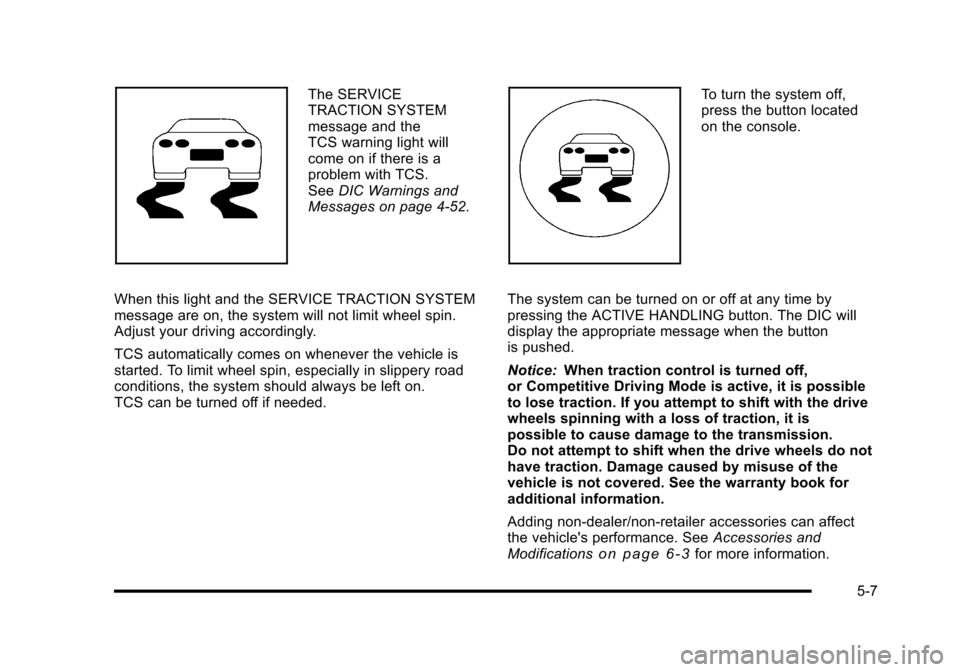
The SERVICE
TRACTION SYSTEM
message and the
TCS warning light will
come on if there is a
problem with TCS.
See DIC Warnings and
Messages on page 4‑52.
When this light and the SERVICE TRACTION SYSTEM
message are on, the system will not limit wheel spin.
Adjust your driving accordingly.
TCS automatically comes on whenever the vehicle is
started. To limit wheel spin, especially in slippery road
conditions, the system should always be left on.
TCS can be turned off if needed. To turn the system off,
press the button located
on the console.
The system can be turned on or off at any time by
pressing the ACTIVE HANDLING button. The DIC will
display the appropriate message when the button
is pushed.
Notice: When traction control is turned off,
or Competitive Driving Mode is active, it is possible
to lose traction. If you attempt to shift with the drive
wheels spinning with a loss of traction, it is
possible to cause damage to the transmission.
Do not attempt to shift when the drive wheels do not
have traction. Damage caused by misuse of the
vehicle is not covered. See the warranty book for
additional information.
Adding non‐dealer/non-retailer accessories can affect
the vehicle's performance. See Accessories and
Modifications
on page 6‑3for more information.
5-7
Page 286 of 472
Active Handling System
The Active Handling System is a computer controlled
system that helps the driver maintain directional control
of the vehicle in difficult driving conditions. This is
accomplished by selectively applying any one of the
vehicle's brakes.
The ACTIVE HANDLING message will come on
when the system is operating. See DIC Warnings and
Messages
on page 4‑52for more information.
The system may be heard or felt while it is working.
This is normal.
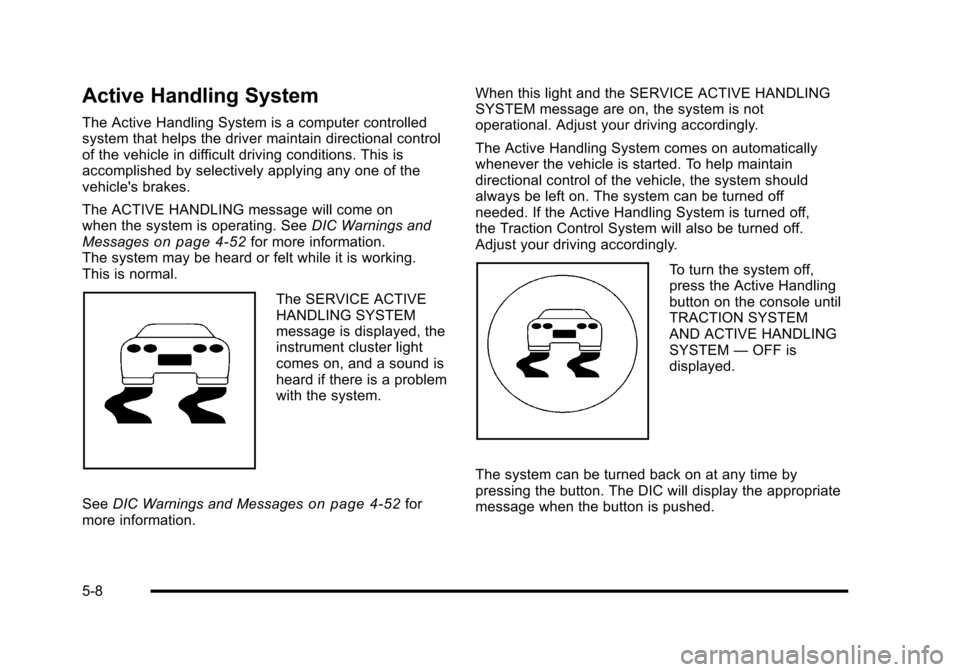
The SERVICE ACTIVE
HANDLING SYSTEM
message is displayed, the
instrument cluster light
comes on, and a sound is
heard if there is a problem
with the system.
See DIC Warnings and Messages
on page 4‑52for
more information. When this light and the SERVICE ACTIVE HANDLING
SYSTEM message are on, the system is not
operational. Adjust your driving accordingly.
The Active Handling System comes on automatically
whenever the vehicle is started. To help maintain
directional control of the vehicle, the system should
always be left on. The system can be turned off
needed. If the Active Handling System is turned off,
the Traction Control System will also be turned off.
Adjust your driving accordingly.
To turn the system off,
press the Active Handling
button on the console until
TRACTION SYSTEM
AND ACTIVE HANDLING
SYSTEM
—OFF is
displayed.
The system can be turned back on at any time by
pressing the button. The DIC will display the appropriate
message when the button is pushed.
5-8
Page 287 of 472

If the Tire Pressure Monitor (TPM) system detects a flat
tire and the Driver Information Center (DIC) displays
TIRE FLAT, or if the TPM system is malfunctioning and
the DIC displays SERVICE TIRE MONITOR, the Active
Handling System will be affected as follows:
.The Active Handling System cannot be turned off
by the driver.
.If the Active Handling System is off, it will be
turned on automatically.
.Competitive Driving Mode or Performance Traction
Management is unavailable.
.The Active Handling System will feel different in
aiding and maintaining directional control.
Competitive Driving Mode
Competitive Driving Mode, Performance Traction
Management, and Launch Control are systems
designed to allow increased performance while
accelerating and/or cornering. This is accomplished by
regulating and optimizing the engine, brakes, and
suspension performance. These modes are for use at a closed course race track and are not intended for use
on public roads. They will not compensate for a driver
’s
inexperience or lack of familiarity with the race track.
Drivers who prefer to allow the system to have more
control of the engine, brake, and suspension are
advised to turn the normal traction control and active
handling systems on. See Racing or Other Competitive
Driving
on page 5‑19for more information.
Notice: Do not attempt to shift when the drive
wheels are spinning and do not have traction. This
may cause damage to the transmission. Damage
caused by misuse of the vehicle is not covered by
the vehicle warranty. See the warranty book for
additional information.
Competitive Driving Mode (Except ZR1)
Competitive Driving Mode allows full engine power
while the Active Handling System helps maintain
directional control of the vehicle by selective brake
application. In this mode, TCS is off and Launch Control
is available. Adjust your driving style to account for the
available engine power. See Launch Control later in
this section.
5-9
Page 293 of 472
Three Driver Information Center (DIC) messages
(SERVICE RIDE CONTROL, SHOCKS INOPERATIVE
and MAXIMUM SPEED 80 MPH (129 KM/H) display
when a malfunction occurs with the Selective Ride
Control system . Refer to DIC Warnings and Messages
on page 4‑52for more information.
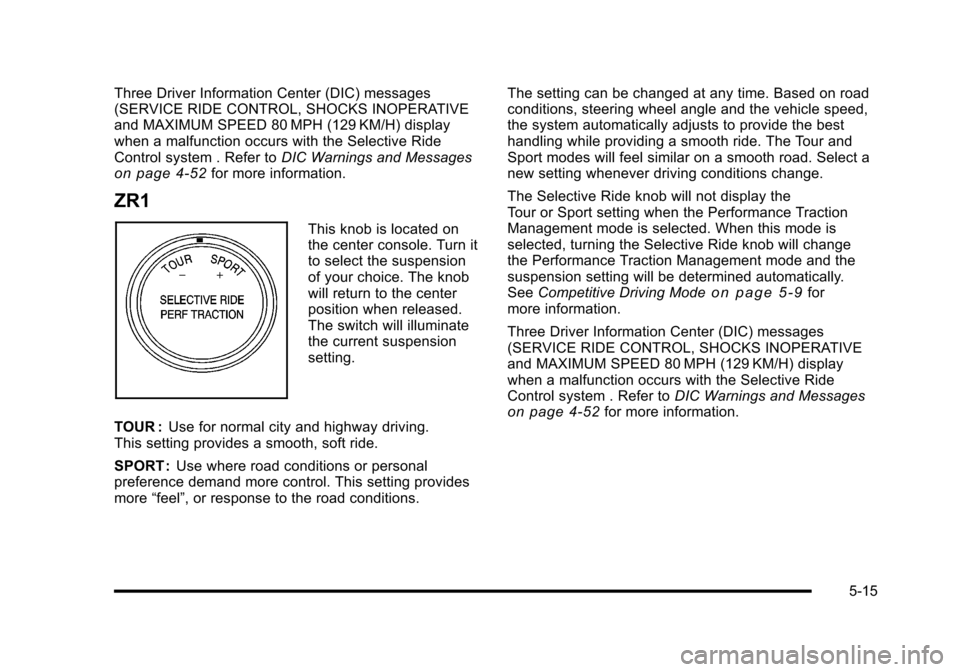
ZR1
This knob is located on
the center console. Turn it
to select the suspension
of your choice. The knob
will return to the center
position when released.
The switch will illuminate
the current suspension
setting.
TOUR : Use for normal city and highway driving.
This setting provides a smooth, soft ride.
SPORT : Use where road conditions or personal
preference demand more control. This setting provides
more “feel”, or response to the road conditions. The setting can be changed at any time. Based on road
conditions, steering wheel angle and the vehicle speed,
the system automatically adjusts to provide the best
handling while providing a smooth ride. The Tour and
Sport modes will feel similar on a smooth road. Select a
new setting whenever driving conditions change.
The Selective Ride knob will not display the
Tour or Sport setting when the Performance Traction
Management mode is selected. When this mode is
selected, turning the Selective Ride knob will change
the Performance Traction Management mode and the
suspension setting will be determined automatically.
See
Competitive Driving Mode
on page 5‑9for
more information.
Three Driver Information Center (DIC) messages
(SERVICE RIDE CONTROL, SHOCKS INOPERATIVE
and MAXIMUM SPEED 80 MPH (129 KM/H) display
when a malfunction occurs with the Selective Ride
Control system . Refer to DIC Warnings and Messages
on page 4‑52for more information.
5-15
Page 298 of 472
After conversion to the high performance brake fluid,
follow the brake fluid service recommendations outlined
by the fluid manufacturer. Do not use silicone or
DOT‐5 brake fluids.
If the vehicle is a Z06, ZR1, or Grand Sport model, it
has greaseable outer ends on both of the rear toe‐links.
Under normal use, lubrication should be performed as
described in the maintenance schedule. See Scheduled
Maintenance
on page 7‑3and Recommended Fluids
and Lubricantson page 7‑10. If using the vehicle for
racing, lubrication should be performed at the end of
each racing day. See your dealer/retailer for lubrication
and make sure any needed repairs are made at once.
Proper procedures for performing these services can be
found in the service manual. See Service Publications
Ordering Information on page 8‑16.
If the vehicle is used for racing or other competitive
driving, the rear axle fluid temperatures may be higher
than would occur in normal driving. We recommend that
the rear axle fluid be drained and refilled with new fluid
after every 24 hours of racing or competitive driving.
See Recommended Fluids and Lubricants
on
page 7‑10for what fluid to use.
ZR1 Brake Burnish Procedure
Notice: These procedures are specific to the ZR1
with ceramic brake rotors. These procedures should
not be run on other Corvette models as damage
may result.
Notice: The new vehicle break‐in period should be
completed before performing the brake burnish
procedure or damage may occur to the powertrain/
engine. See New Vehicle Break-In on page 3‑21.
When performed as instructed, these procedures will
not damage the brakes. During the burnishing
procedure, the brake pads will smoke and produce an
odor. The braking force and pedal travel may increase.
After the procedure is complete, the brake pads may
appear white at the rotor contact.
5-20
Page 301 of 472

Hydroplaning
Hydroplaning is dangerous. Water can build up under
your vehicle's tires so they actually ride on the water.
This can happen if the road is wet enough and you are
going fast enough. When your vehicle is hydroplaning, it
has little or no contact with the road.
There is no hard and fast rule about hydroplaning.
The best advice is to slow down when the road is wet.
Other Rainy Weather Tips
Besides slowing down, other wet weather driving tips
include:
.Allow extra following distance.
.Pass with caution.
.Keep windshield wiping equipment in good shape.
.Keep the windshield washer fluid reservoir filled.
.Have good tires with proper tread depth. See Tireson page 6‑62.
.Turn off cruise control.
Before Leaving on a Long Trip
To prepare your vehicle for a long trip, consider having
it serviced by your dealer/retailer before departing.
Things to check on your own include:
.Windshield Washer Fluid: Reservoir full? Windows
clean —inside and outside?
.Wiper Blades: In good shape?
.Fuel, Engine Oil, Other Fluids: All levels checked?
.Lamps:Do they all work and are lenses clean?
.Tires:Are treads good? Are tires inflated to
recommended pressure?
.Weather and Maps: Safe to travel? Have
up-to-date maps?
5-23