2010 CHEVROLET CORVETTE warning
[x] Cancel search: warningPage 283 of 472
Antilock Brake System (ABS)
This vehicle has the Antilock Brake System (ABS), an
advanced electronic braking system that helps prevent
a braking skid.
When the engine is started and the vehicle begins to
drive away, ABS checks itself. A momentary motor or
clicking noise might be heard while this test is going on,
and it might even be noticed that the brake pedal
moves a little. This is normal.
If there is a problem with
ABS, this warning light
stays on. See Antilock
Brake System (ABS)
Warning Light
on
page 4‑37.
Let us say the road is wet and you are driving safely.
Suddenly, an animal jumps out in front of you. You slam
on the brakes and continue braking. Here is what
happens with ABS:
A computer senses that the wheels are slowing down.
If one of the wheels is about to stop rolling, the
computer will separately work the brakes at each wheel. ABS can change the brake pressure to each wheel, as
required, faster than any driver could. This can help the
driver steer around the obstacle while braking hard.
As the brakes are applied, the computer keeps
receiving updates on wheel speed and controls braking
pressure accordingly.
Remember: ABS does not change the time needed to
get a foot up to the brake pedal or always decrease
stopping distance. If you get too close to the vehicle in
front of you, there will not be enough time to apply the
brakes if that vehicle suddenly slows or stops. Always
leave enough room up ahead to stop, even with ABS.
Using ABS
Do not pump the brakes. Just hold the brake pedal
down firmly and let antilock work. A motor or clicking
noise might be heard and the brake pedal might be felt
to move a little during a stop, but this is normal.
5-5
Page 284 of 472
Braking in Emergencies
ABS allows the driver to steer and brake at the same
time. In many emergencies, steering can help more
than even the very best braking.
Brake Assist
This vehicle has a brake assist feature that responds to
emergency braking by generating additional pressure
and engaging the ABS. When this happens, the brake
pedal will feel easier to push. Just hold the brake pedal
down firmly and let the system work for you. You might
feel the brakes vibrate or notice some noise, but this is
normal. The brakes will return to normal operation after
the brake pedal is released.
Brake assist cannot compensate for unsafe driving
practices and braking effectiveness, itself, depends on
the condition of the road, tires, and brakes and
vehicle mass.
Traction Control System (TCS)
The vehicle has a Traction Control System (TCS) that
limits wheel spin. This is especially useful in slippery
road conditions. The system operates only if it senses
that the rear wheels are spinning too much or are
beginning to lose traction. When this happens, the
system works the rear brakes and reduces engine
power (by closing the throttle and managing engine
spark) to limit wheel spin.
The TRACTION SYSTEM ACTIVE message displays
on the Driver Information Center (DIC) when TCS is
limiting wheel spin. See DIC Warnings and Messages
on page 4‑52. The system may be heard or felt while it
is working, but this is normal.
If cruise control is being used when TCS begins to limit
wheel spin, the cruise control will automatically
disengage. Cruise control may be reengaged when
road conditions allow. See Cruise Control on page 4‑7.
5-6
Page 285 of 472
The SERVICE
TRACTION SYSTEM
message and the
TCS warning light will
come on if there is a
problem with TCS.
See DIC Warnings and
Messages on page 4‑52.
When this light and the SERVICE TRACTION SYSTEM
message are on, the system will not limit wheel spin.
Adjust your driving accordingly.
TCS automatically comes on whenever the vehicle is
started. To limit wheel spin, especially in slippery road
conditions, the system should always be left on.
TCS can be turned off if needed. To turn the system off,
press the button located
on the console.
The system can be turned on or off at any time by
pressing the ACTIVE HANDLING button. The DIC will
display the appropriate message when the button
is pushed.
Notice: When traction control is turned off,
or Competitive Driving Mode is active, it is possible
to lose traction. If you attempt to shift with the drive
wheels spinning with a loss of traction, it is
possible to cause damage to the transmission.
Do not attempt to shift when the drive wheels do not
have traction. Damage caused by misuse of the
vehicle is not covered. See the warranty book for
additional information.
Adding non‐dealer/non-retailer accessories can affect
the vehicle's performance. See Accessories and
Modifications
on page 6‑3for more information.
5-7
Page 286 of 472
Active Handling System
The Active Handling System is a computer controlled
system that helps the driver maintain directional control
of the vehicle in difficult driving conditions. This is
accomplished by selectively applying any one of the
vehicle's brakes.
The ACTIVE HANDLING message will come on
when the system is operating. See DIC Warnings and
Messages
on page 4‑52for more information.
The system may be heard or felt while it is working.
This is normal.
The SERVICE ACTIVE
HANDLING SYSTEM
message is displayed, the
instrument cluster light
comes on, and a sound is
heard if there is a problem
with the system.
See DIC Warnings and Messages
on page 4‑52for
more information. When this light and the SERVICE ACTIVE HANDLING
SYSTEM message are on, the system is not
operational. Adjust your driving accordingly.
The Active Handling System comes on automatically
whenever the vehicle is started. To help maintain
directional control of the vehicle, the system should
always be left on. The system can be turned off
needed. If the Active Handling System is turned off,
the Traction Control System will also be turned off.
Adjust your driving accordingly.
To turn the system off,
press the Active Handling
button on the console until
TRACTION SYSTEM
AND ACTIVE HANDLING
SYSTEM
—OFF is
displayed.
The system can be turned back on at any time by
pressing the button. The DIC will display the appropriate
message when the button is pushed.
5-8
Page 288 of 472
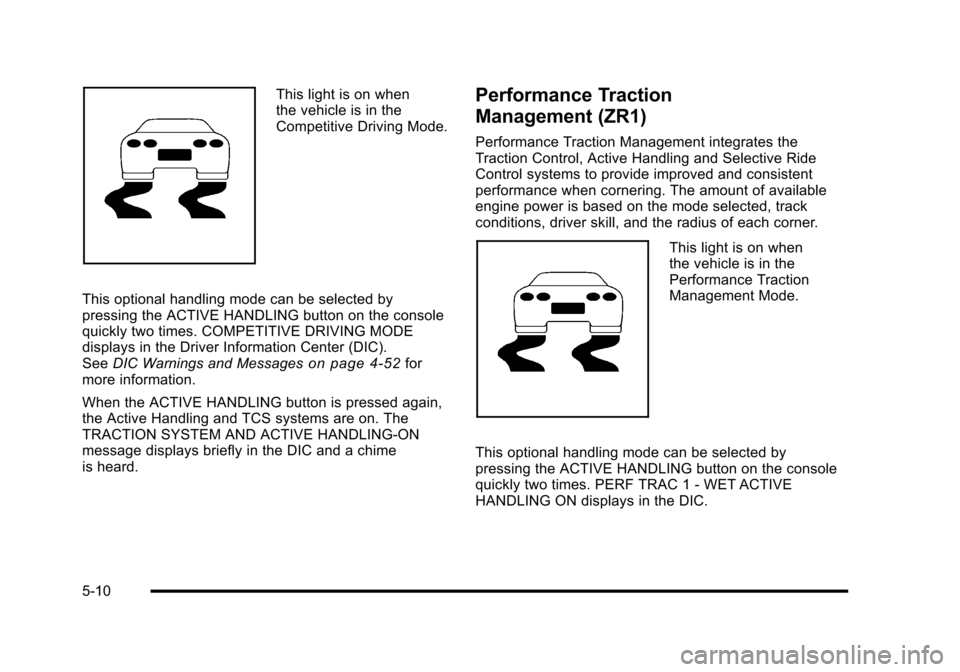
This light is on when
the vehicle is in the
Competitive Driving Mode.
This optional handling mode can be selected by
pressing the ACTIVE HANDLING button on the console
quickly two times. COMPETITIVE DRIVING MODE
displays in the Driver Information Center (DIC).
See DIC Warnings and Messages
on page 4‑52for
more information.
When the ACTIVE HANDLING button is pressed again,
the Active Handling and TCS systems are on. The
TRACTION SYSTEM AND ACTIVE HANDLING-ON
message displays briefly in the DIC and a chime
is heard.
Performance Traction
Management (ZR1)
Performance Traction Management integrates the
Traction Control, Active Handling and Selective Ride
Control systems to provide improved and consistent
performance when cornering. The amount of available
engine power is based on the mode selected, track
conditions, driver skill, and the radius of each corner.
This light is on when
the vehicle is in the
Performance Traction
Management Mode.
This optional handling mode can be selected by
pressing the ACTIVE HANDLING button on the console
quickly two times. PERF TRAC 1 - WET ACTIVE
HANDLING ON displays in the DIC.
5-10
Page 293 of 472
Three Driver Information Center (DIC) messages
(SERVICE RIDE CONTROL, SHOCKS INOPERATIVE
and MAXIMUM SPEED 80 MPH (129 KM/H) display
when a malfunction occurs with the Selective Ride
Control system . Refer to DIC Warnings and Messages
on page 4‑52for more information.
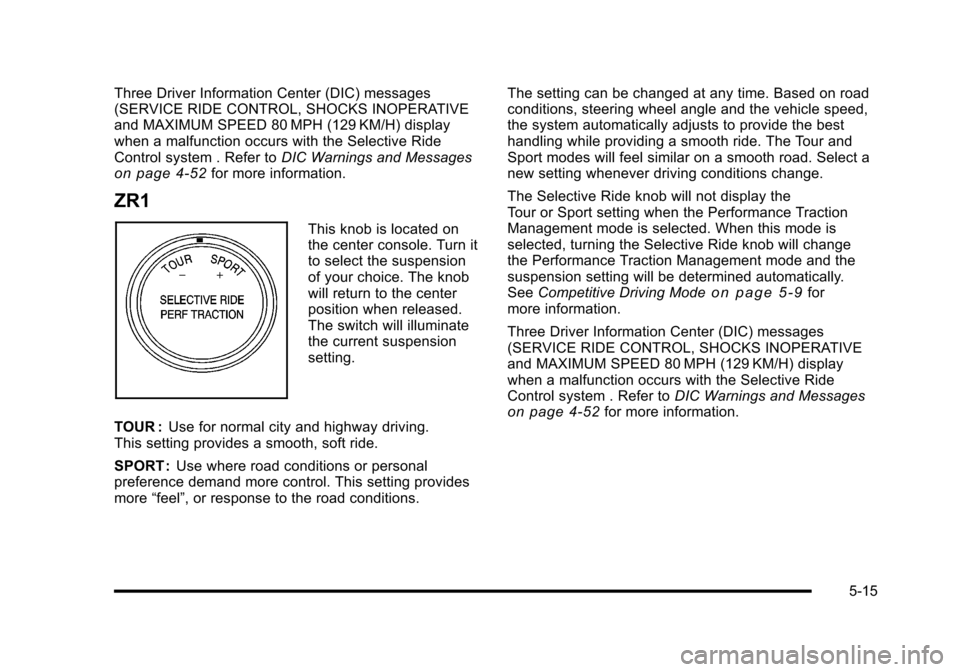
ZR1
This knob is located on
the center console. Turn it
to select the suspension
of your choice. The knob
will return to the center
position when released.
The switch will illuminate
the current suspension
setting.
TOUR : Use for normal city and highway driving.
This setting provides a smooth, soft ride.
SPORT : Use where road conditions or personal
preference demand more control. This setting provides
more “feel”, or response to the road conditions. The setting can be changed at any time. Based on road
conditions, steering wheel angle and the vehicle speed,
the system automatically adjusts to provide the best
handling while providing a smooth ride. The Tour and
Sport modes will feel similar on a smooth road. Select a
new setting whenever driving conditions change.
The Selective Ride knob will not display the
Tour or Sport setting when the Performance Traction
Management mode is selected. When this mode is
selected, turning the Selective Ride knob will change
the Performance Traction Management mode and the
suspension setting will be determined automatically.
See
Competitive Driving Mode
on page 5‑9for
more information.
Three Driver Information Center (DIC) messages
(SERVICE RIDE CONTROL, SHOCKS INOPERATIVE
and MAXIMUM SPEED 80 MPH (129 KM/H) display
when a malfunction occurs with the Selective Ride
Control system . Refer to DIC Warnings and Messages
on page 4‑52for more information.
5-15
Page 297 of 472
If the vehicle starts to slide, ease your foot off the
accelerator pedal and quickly steer the way you want
the vehicle to go. If you start steering quickly enough,
the vehicle may straighten out. Always be ready for a
second skid if it occurs.
Of course, traction is reduced when water, snow, ice,
gravel, or other material is on the road. For safety, slow
down and adjust your driving to these conditions. It is
important to slow down on slippery surfaces because
stopping distance will be longer and vehicle control
more limited.
While driving on a surface with reduced traction, try
your best to avoid sudden steering, acceleration,
or braking, including reducing vehicle speed by shifting
to a lower gear. Any sudden changes could cause the
tires to slide. You may not realize the surface is slippery
until the vehicle is skidding. Learn to recognize warning
clues —such as enough water, ice, or packed snow on
the road to make a mirrored surface —and slow down
when you have any doubt.
Remember: Antilock brakes help avoid only the
braking skid.Racing or Other Competitive Driving
Racing or competitive driving may affect the vehicle
warranty. See the warranty book before using the
vehicle for racing or other competitive driving.
Notice: If you use the vehicle for racing or other
competitive driving, the engine may use more oil
than it would with normal use. Low oil levels can
damage the engine. For information on how to add
oil, see Engine Oil on page 6‑19.
Z06, ZR1, and Grand Sport Only: Be sure to check
the oil level often during racing or other competitive
driving and keep the level at or near the upper mark
that shows the proper operating range on the
engine oil dipstick.
Except Z06, ZR1, and Grand Sport: Be sure to check
the oil level often during racing or other competitive
driving and keep the level at or near 1 L (1 quart)
above the upper mark that shows the proper
operating range on the engine oil dipstick. After the
competitive driving, remove excess oil so that the
level on the dipstick is not above the upper mark
that shows the proper operating range.
Z06, ZR1, and Grand Sport Only: For racing or
competitive driving, it is recommended that the brake
fluid be replaced with a high performance brake fluid
that has a dry boiling point greater than 279°C (534°F).
5-19
Page 300 of 472
Driving at Night
Night driving is more dangerous than day driving
because some drivers are likely to be impaired —by
alcohol or drugs, with night vision problems, or by
fatigue.
Night driving tips include:
.Drive defensively.
.Do not drink and drive.
.Reduce headlamp glare by adjusting the inside
rearview mirror.
.Slow down and keep more space between you and
other vehicles because headlamps can only light
up so much road ahead.
.Watch for animals.
.When tired, pull off the road.
.Do not wear sunglasses.
.Avoid staring directly into approaching headlamps.
.Keep the windshield and all glass on your vehicle
clean —inside and out.
.Keep your eyes moving, especially during turns
or curves.
No one can see as well at night as in the daytime.
But, as we get older, these differences increase.
A 50-year-old driver might need at least twice as much
light to see the same thing at night as a 20-year-old.
Driving in Rain and on Wet Roads
Rain and wet roads can reduce vehicle traction and
affect your ability to stop and accelerate. Always drive
slower in these types of driving conditions and avoid
driving through large puddles and deep‐standing or
flowing water.
{WARNING:
Wet brakes can cause crashes. They might not
work as well in a quick stop and could cause
pulling to one side. You could lose control of
the vehicle.
After driving through a large puddle of water or a
car/vehicle wash, lightly apply the brake pedal
until the brakes work normally.
Flowing or rushing water creates strong forces.
Driving through flowing water could cause your
vehicle to be carried away. If this happens, you
and other vehicle occupants could drown. Do not
ignore police warnings and be very cautious about
trying to drive through flowing water.
5-22