2010 CHEVROLET CORVETTE light
[x] Cancel search: lightPage 282 of 472
Braking
SeeBrake System Warning Light on page 4‑36.
Braking action involves perception time and reaction
time. Deciding to push the brake pedal is perception
time. Actually doing it is reaction time.
Average reaction time is about three‐fourths of a
second. But that is only an average. It might be less
with one driver and as long as two or three seconds
or more with another. Age, physical condition, alertness,
coordination, and eyesight all play a part. So do alcohol,
drugs, and frustration. But even in three‐fourths of a
second, a vehicle moving at 100 km/h (60 mph) travels
20 m (66 feet). That could be a lot of distance in an
emergency, so keeping enough space between the
vehicle and others is important.
And, of course, actual stopping distances vary greatly
with the surface of the road, whether it is pavement or
gravel; the condition of the road, whether it is wet, dry,
or icy; tire tread; the condition of the brakes; the weight
of the vehicle; and the amount of brake force applied.
Avoid needless heavy braking. Some people drive in
spurts, heavy acceleration followed by heavy braking,
rather than keeping pace with traffic. This is a mistake. The brakes might not have time to cool between hard
stops. The brakes will wear out much faster with a lot of
heavy braking. Keeping pace with the traffic and
allowing realistic following distances eliminates a lot of
unnecessary braking. That means better braking and
longer brake life.
If the engine ever stops while the vehicle is being
driven, brake normally but do not pump the brakes.
If the brakes are pumped, the pedal could get harder to
push down. If the engine stops, there will still be some
power brake assist but it will be used when the brake is
applied. Once the power assist is used up, it can take
longer to stop and the brake pedal will be harder
to push.
Under certain weather or operating conditions,
occasional brake squeak, squeal, or other noise might
be heard with the vehicle's performance braking
system. This brake system is designed for superior fade
resistance and consistent operation using high
performance brake pads. Brake noise and brake dust
are normal and do not affect system performance.
Adding non‐dealer/non‐retailer accessories can affect
vehicle performance. See
Accessories and
Modifications on page 6‑3.
5-4
Page 283 of 472
Antilock Brake System (ABS)
This vehicle has the Antilock Brake System (ABS), an
advanced electronic braking system that helps prevent
a braking skid.
When the engine is started and the vehicle begins to
drive away, ABS checks itself. A momentary motor or
clicking noise might be heard while this test is going on,
and it might even be noticed that the brake pedal
moves a little. This is normal.
If there is a problem with
ABS, this warning light
stays on. See Antilock
Brake System (ABS)
Warning Light
on
page 4‑37.
Let us say the road is wet and you are driving safely.
Suddenly, an animal jumps out in front of you. You slam
on the brakes and continue braking. Here is what
happens with ABS:
A computer senses that the wheels are slowing down.
If one of the wheels is about to stop rolling, the
computer will separately work the brakes at each wheel. ABS can change the brake pressure to each wheel, as
required, faster than any driver could. This can help the
driver steer around the obstacle while braking hard.
As the brakes are applied, the computer keeps
receiving updates on wheel speed and controls braking
pressure accordingly.
Remember: ABS does not change the time needed to
get a foot up to the brake pedal or always decrease
stopping distance. If you get too close to the vehicle in
front of you, there will not be enough time to apply the
brakes if that vehicle suddenly slows or stops. Always
leave enough room up ahead to stop, even with ABS.
Using ABS
Do not pump the brakes. Just hold the brake pedal
down firmly and let antilock work. A motor or clicking
noise might be heard and the brake pedal might be felt
to move a little during a stop, but this is normal.
5-5
Page 285 of 472
The SERVICE
TRACTION SYSTEM
message and the
TCS warning light will
come on if there is a
problem with TCS.
See DIC Warnings and
Messages on page 4‑52.
When this light and the SERVICE TRACTION SYSTEM
message are on, the system will not limit wheel spin.
Adjust your driving accordingly.
TCS automatically comes on whenever the vehicle is
started. To limit wheel spin, especially in slippery road
conditions, the system should always be left on.
TCS can be turned off if needed. To turn the system off,
press the button located
on the console.
The system can be turned on or off at any time by
pressing the ACTIVE HANDLING button. The DIC will
display the appropriate message when the button
is pushed.
Notice: When traction control is turned off,
or Competitive Driving Mode is active, it is possible
to lose traction. If you attempt to shift with the drive
wheels spinning with a loss of traction, it is
possible to cause damage to the transmission.
Do not attempt to shift when the drive wheels do not
have traction. Damage caused by misuse of the
vehicle is not covered. See the warranty book for
additional information.
Adding non‐dealer/non-retailer accessories can affect
the vehicle's performance. See Accessories and
Modifications
on page 6‑3for more information.
5-7
Page 286 of 472
Active Handling System
The Active Handling System is a computer controlled
system that helps the driver maintain directional control
of the vehicle in difficult driving conditions. This is
accomplished by selectively applying any one of the
vehicle's brakes.
The ACTIVE HANDLING message will come on
when the system is operating. See DIC Warnings and
Messages
on page 4‑52for more information.
The system may be heard or felt while it is working.
This is normal.
The SERVICE ACTIVE
HANDLING SYSTEM
message is displayed, the
instrument cluster light
comes on, and a sound is
heard if there is a problem
with the system.
See DIC Warnings and Messages
on page 4‑52for
more information. When this light and the SERVICE ACTIVE HANDLING
SYSTEM message are on, the system is not
operational. Adjust your driving accordingly.
The Active Handling System comes on automatically
whenever the vehicle is started. To help maintain
directional control of the vehicle, the system should
always be left on. The system can be turned off
needed. If the Active Handling System is turned off,
the Traction Control System will also be turned off.
Adjust your driving accordingly.
To turn the system off,
press the Active Handling
button on the console until
TRACTION SYSTEM
AND ACTIVE HANDLING
SYSTEM
—OFF is
displayed.
The system can be turned back on at any time by
pressing the button. The DIC will display the appropriate
message when the button is pushed.
5-8
Page 288 of 472
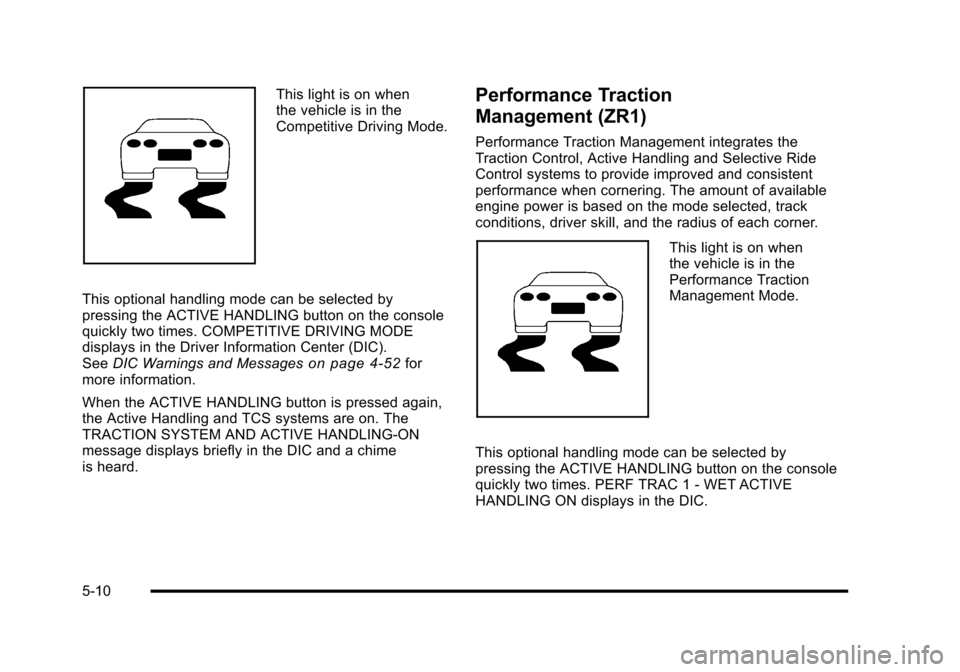
This light is on when
the vehicle is in the
Competitive Driving Mode.
This optional handling mode can be selected by
pressing the ACTIVE HANDLING button on the console
quickly two times. COMPETITIVE DRIVING MODE
displays in the Driver Information Center (DIC).
See DIC Warnings and Messages
on page 4‑52for
more information.
When the ACTIVE HANDLING button is pressed again,
the Active Handling and TCS systems are on. The
TRACTION SYSTEM AND ACTIVE HANDLING-ON
message displays briefly in the DIC and a chime
is heard.
Performance Traction
Management (ZR1)
Performance Traction Management integrates the
Traction Control, Active Handling and Selective Ride
Control systems to provide improved and consistent
performance when cornering. The amount of available
engine power is based on the mode selected, track
conditions, driver skill, and the radius of each corner.
This light is on when
the vehicle is in the
Performance Traction
Management Mode.
This optional handling mode can be selected by
pressing the ACTIVE HANDLING button on the console
quickly two times. PERF TRAC 1 - WET ACTIVE
HANDLING ON displays in the DIC.
5-10
Page 289 of 472
To experience the performance benefit of this
system, after entering a curve and at the point where
the driver would normally start to increase acceleration,
the accelerator pedal can be fully pressed. The
Performance Traction Management system will modify
the level of engine power for a smooth and consistent
corner exit.
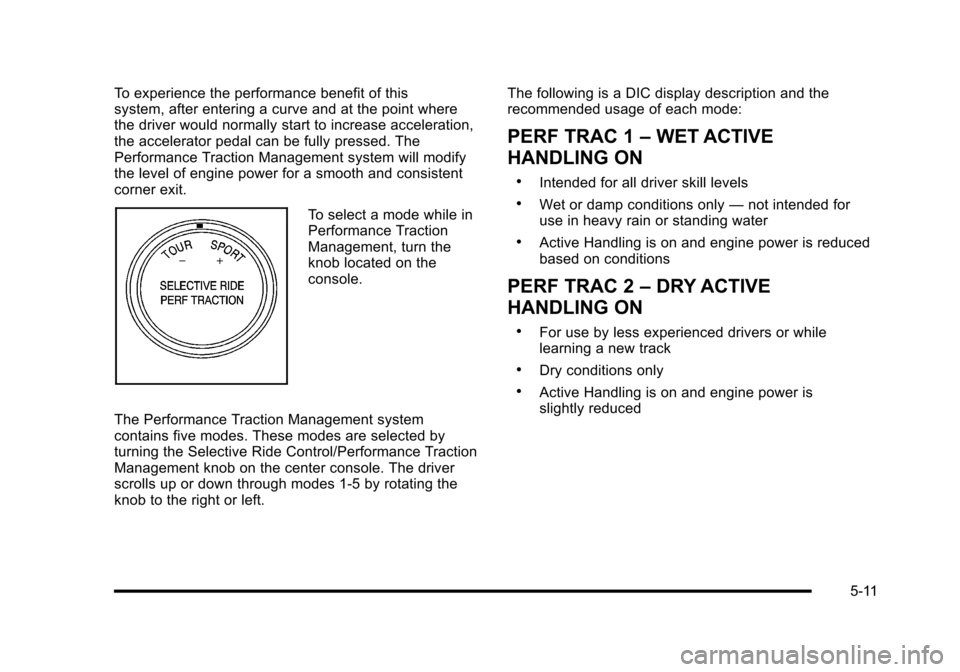
To select a mode while in
Performance Traction
Management, turn the
knob located on the
console.
The Performance Traction Management system
contains five modes. These modes are selected by
turning the Selective Ride Control/Performance Traction
Management knob on the center console. The driver
scrolls up or down through modes 1-5 by rotating the
knob to the right or left. The following is a DIC display description and the
recommended usage of each mode:
PERF TRAC 1
–WET ACTIVE
HANDLING ON
.Intended for all driver skill levels
.Wet or damp conditions only —not intended for
use in heavy rain or standing water
.Active Handling is on and engine power is reduced
based on conditions
PERF TRAC 2 –DRY ACTIVE
HANDLING ON
.For use by less experienced drivers or while
learning a new track
.Dry conditions only
.Active Handling is on and engine power is
slightly reduced
5-11
Page 291 of 472
Launch Control
A Launch Control feature is available, within
Competitive Driving Mode (except ZR1) or Performance
Traction Management (ZR1), on vehicles with a manual
transmission to allow the driver to achieve high levels of
vehicle acceleration in a straight line. Launch Control is
a form of traction control that manages tire spin while
launching the vehicle. This feature is intended for use
during closed course race events where consistent
zero to sixty and quarter mile times are desirable.
Launch Control is only available when the following
criteria are met:
.Competitive Driving Mode is selected (except ZR1)
or any of the Performance Traction Management
modes are selected (ZR1). The TCS light comes
on the instrument panel and the appropriate
DIC message displays.
.The vehicle is not moving.
.The steering wheel is pointing straight.
.The clutch is pressed and the vehicle is in
first gear.
.The accelerator pedal is rapidly applied to wide
open throttle. The Launch Control feature will initially limit engine
speed as the driver rapidly applies the accelerator pedal
to wide open throttle. A smooth, quick release of the
clutch, while maintaining the fully pressed accelerator
pedal, will manage wheel slip. Complete shifts as
described in
Manual Transmission Operation
on
page 3‑32.
After the vehicle is launched, the system continues in
Competitive Mode (except ZR1) or Performance
Traction Management (ZR1).
Competitive Driving Mode, Performance Traction
Management, and Launch Control are systems
designed for a closed course race track and not
intended for use on public roads. The systems are not
intended to compensate for lack of driver experience or
familiarity with the race track.
5-13
Page 295 of 472
An emergency like this requires close attention and a
quick decision. If holding the steering wheel at the
recommended 9 and 3 o'clock positions, it can be
turned a full 180 degrees very quickly without removing
either hand. But you have to act fast, steer quickly, and
just as quickly straighten the wheel once you have
avoided the object.
The fact that such emergency situations are always
possible is a good reason to practice defensive driving
at all times and wear safety belts properly.
Off-Road Recovery
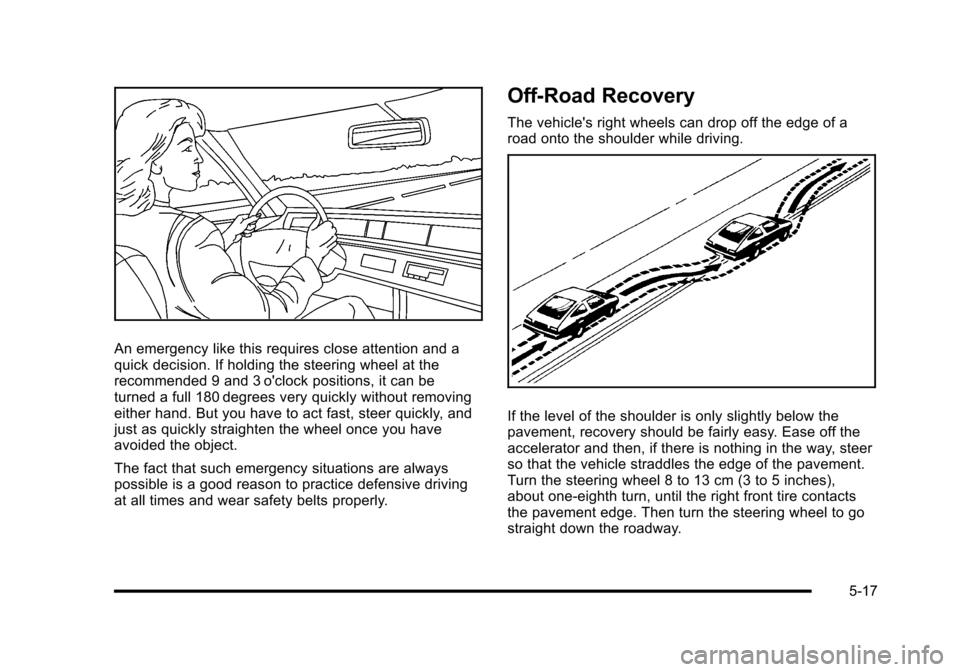
The vehicle's right wheels can drop off the edge of a
road onto the shoulder while driving.
If the level of the shoulder is only slightly below the
pavement, recovery should be fairly easy. Ease off the
accelerator and then, if there is nothing in the way, steer
so that the vehicle straddles the edge of the pavement.
Turn the steering wheel 8 to 13 cm (3 to 5 inches),
about one-eighth turn, until the right front tire contacts
the pavement edge. Then turn the steering wheel to go
straight down the roadway.
5-17