Page 90 of 228

90
Instruments and controls
It illuminates for a few seconds when
the ignition is switched on.
Flashing during driving
The system has kicked in. Engine
output may be reduced and the
vehicle may be braked automatically
to a small degree 3 142.
Illuminates while driving
The system is switched off or a fault
is present. Continued driving is
possible. Driving stability, however,
may deteriorate depending on road
surface conditions.
Have the cause of the fault remedied
by a workshop.
ESP® Plus
3 142.
Engine coolant
temperature
W illuminates red.
Illuminates when the engine is
running
Stop, switch off engine. Caution
Coolant temperature too high.
Check coolant level immediately
3 157.
If there is sufficient coolant, consult
a workshop.
Preheating and diesel
particle filter
!
illuminates or flashes yellow.
Illuminated
Preheating activated. Only activates
when outside temperature is low.
Flashes
( in
vehicles fitted with a diesel particle
filter).
Control indicator ! flashes if the filter
requires cleaning and previous
driving conditions did not permit
automatic cleaning. Continue driving
and if possible do not allow engine
speed to drop below 2000 rpm. The control indicator
! goes off as
soon
as the self-cleaning operation is
complete.
Diesel particle filter 3 129.
Deflation detection system
and tyre pressure
monitoring system
w illuminates or flashes red or yellow.
Control indicator lights red
Tyre pressure loss. Stop immediately
and check tyre pressure. A maximum
speed of 80 km/h is permitted for run-
flat tyres 3 174.
Control indicator lights yellow
Fault in system or tyre without
pressure sensor mounted (e. g. spare
wheel). Consult a workshop.
Flashes
Flashes three times to indicate
system initialisation.
Deflation detection system 3 177,
tyre pressure monitoring system
3 176.
Page 91 of 228

Instruments and controls
91
Interactive Driving System,
Continuous Damping
Control, SPORT-mode
IDS+ illuminates yellow.
Illuminates for approximately 10
seconds after the driver's door is
opened. Illumination whilst driving
indicates a fault in the system. The
system
switches to the harder chassis
setting for reasons of safety. Have the
cause of the fault remedied by
a workshop.
IDS Plus
3 143, CDC 3 143, SPORT
mode 3 143.
Engine oil pressure
I illuminates red.
It illuminates when the ignition is
switched on and goes out shortly after
the engine starts. Illuminates when the engine is
running
Caution
Engine lubrication may be
interrupted. This may result in
damage to the engine and/or
locking of the drive wheels.
1. Depress clutch.
2.
Select neutral gear, set selectorlever to N .
3. Move out of the flow of traffic as quickly as possible without
impeding other vehicles.
4. Switch off ignition. 9
Warning When the engine is off,
considerably
more force is needed
to brake and steer.
Do not remove key until vehicle
has come to a standstill, otherwise
the steering column lock could
engage unexpectedly. Seek the assistance of a workshop.
Low engine oil level
S
illuminates yellow.
Engine oil level is checked
automatically.
Illuminates when the engine is
running
Low
engine oil level. Check engine oil
level and top up as necessary
3 156.
Low fuel
Y illuminates or flashes yellow.
Illuminated
Level in fuel tank too low.
Flashes
Fuel used up. Refuel immediately.
Never run the tank dry.
Catalytic converter 3 130.
Bleeding the diesel fuel system
3 159.
Page 92 of 228

92
Instruments and controls
When operating with natural gas, the
system automatically switches over to
petrol operation 3 84.
Open&Start system
0 illuminates or flashes yellow.
Flashes
The electronic key is no more within
the reception range of the vehicle
interior. The engine cannot be
started. Hold the Start/Stop button
depressed a bit longer to switch off
the ignition.
or
Failure of the electronic key.
Operation is yet only possible via
emergency operation.
Illuminated
Fault in system. Try to operate with
the spare key, the remote control or
through emergency operation. Hold
the Start/Stop button depressed a bit
longer to switch off the ignition. Seek
the assistance of a workshop.
or The steering wheel lock is still
engaged. Move the steering wheel
slightly and press the
Start/Stop
button.
Open&Start System 3 29.
Apply footbrake
j illuminates yellow.
The
engine with manual transmission
automated can only be started if the
foot brake is depressed. If the foot
brake is not depressed, the control
indicator illuminates 3 137.
Exterior light
8 illuminates green.
Illuminated when the exterior lights
are on 3 108.
High beam
C illuminates blue.
Illuminated when high beam is on and
during headlamp flash 3 109. Adaptive forward lighting
B
illuminates or flashes yellow.
Illuminated
Fault in system.
If the swivelling device for curve
lighting fails, the corresponding
dipped
beam lamp is deactivated and
the fog lamp is switched on.
Seek the assistance of a workshop.
Flashes
System switched to symmetrical
dipped beam.
Control indicator B flashes for
approximately 4 seconds after the
ignition is switched on as a reminder
that the system has been switched
3 109.
Adaptive Forward Lighting (AFL)
3 110.
Fog light
> illuminates green.
Illuminated when the fog lamps are on
3 111.
Page 93 of 228
Instruments and controls
93
Rear fog light
r illuminates yellow.
Illuminated when the fog tail lamp is
on 3 112.
Cruise control
m illuminates green.
Illuminated when the system is on
3 144.
Door open
Q illuminates red.
It illuminates when a door or the
tailgate is open. Information displays
Triple-Info-Display
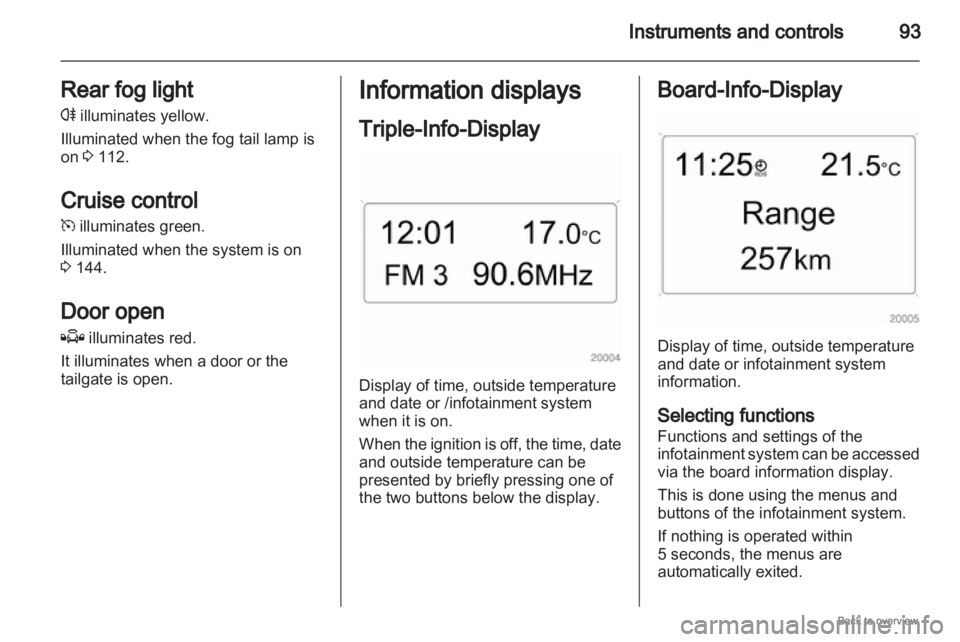
Display of time, outside temperature
and date or /infotainment system
when it is on.
When
the ignition is off, the time, date
and outside temperature can be
presented by briefly pressing one of
the two buttons below the display. Board-Info-Display
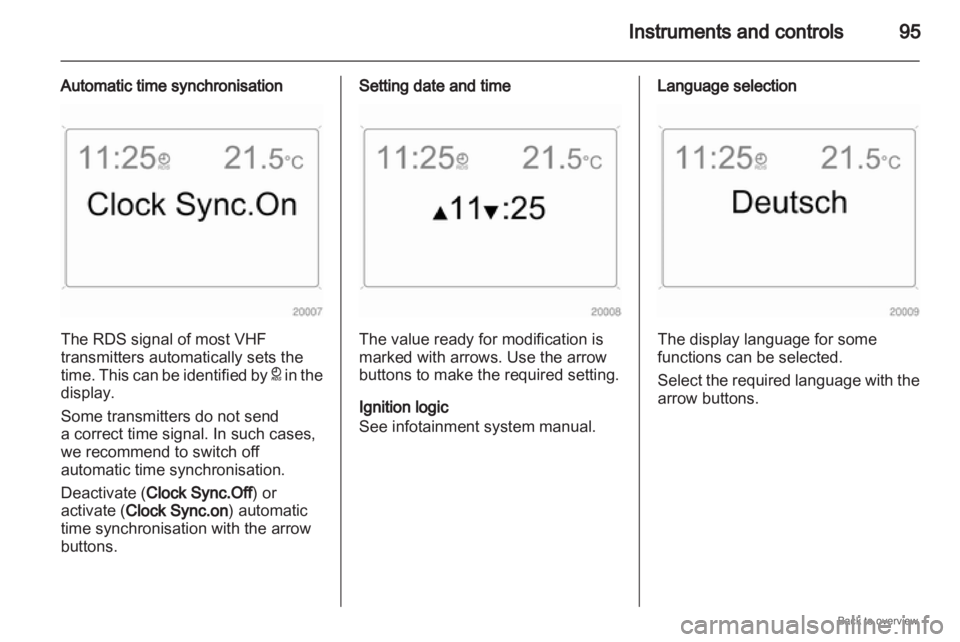
Display of time, outside temperature
and date or infotainment system
information.
Selecting functions
Functions and settings of the
infotainment
system can be accessed
via the board information display.
This is done using the menus and
buttons of the infotainment system.
If nothing is operated within
5 seconds, the menus are
automatically exited.
Page 95 of 228
Instruments and controls
95
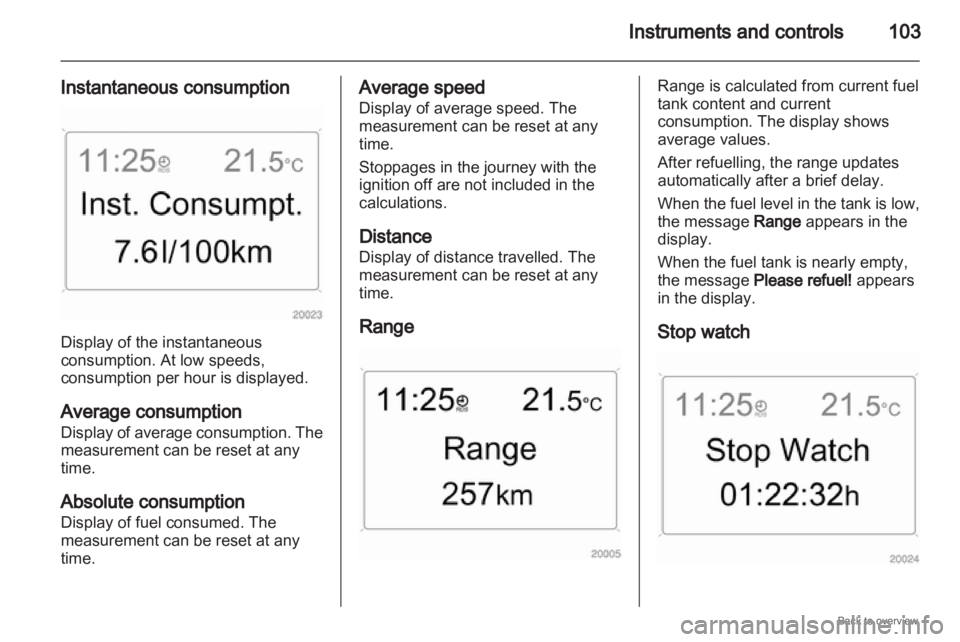
Automatic time synchronisation The RDS signal of most VHF
transmitters automatically sets the
time.
This can be identified by } in the
display.
Some transmitters do not send
a correct time signal. In such cases,
we recommend to switch off
automatic time synchronisation.
Deactivate (Clock Sync.Off) or
activate (Clock Sync.on) automatic
time synchronisation with the arrow
buttons. Setting date and time
The value ready for modification is
marked with arrows. Use the arrow
buttons to make the required setting.
Ignition logic
See infotainment system manual. Language selection
The display language for some
functions can be selected.
Select
the required language with the
arrow buttons.
Page 100 of 228

100
Instruments and controls
Always day design: black or coloured
text on light background.
Always night design: white or
coloured text on dark background.
Selection is indicated by a o in front
of the menu item.
Ignition logic
See infotainment system manual. Vehicle messages
Messages are given via the
instrument panel display or as
warning and signal buzzers. Check
control messages appear on the
Info-Display. Some appear in an
abbreviated form. Confirm warning
messages 3 93, 3 96.
Warning chimes
When starting the engine or
whilst driving
■
If the electronic key is not presentor is not recognised.
■ If seat belt is not fastened.
■ If a door or the tailgate is not fully closed when starting off.
■ If a certain speed is exceeded with the hand brake applied.
■ If the speed programmed at the factory is exceeded.
■ If the vehicle has automated manual transmission and the
driver's door is opened when the engine is running, a gear is
engaged and the foot brake is not
depressed.
When the vehicle is parked and
the driver's door is opened ■
When the key is in the ignition switch.
■ With exterior lights on.
■ With Open&Start system and automatic transmission, if the
selector lever is not in P.
■ For automated manual transmission, if the hand brake is
not applied and no gear is engaged
when the engine is switched off.
Battery voltage
Low battery voltage in remote control
or electronic key. On vehicles without
check control, the message InSP3
appears in the instrument panel
display. Replace the battery 3 28,
3 29.
Page 103 of 228
Instruments and controls
103
Instantaneous consumption Display of the instantaneous
consumption. At low speeds,
consumption per hour is displayed.
Average consumption
Display
of average consumption. The
measurement can be reset at any
time.
Absolute consumption
Display of fuel consumed. The
measurement can be reset at any
time. Average speed
Display of average speed. The
measurement can be reset at any
time.
Stoppages in the journey with the
ignition off are not included in the
calculations.
Distance
Display of distance travelled. The
measurement can be reset at any
time.
Range Range is calculated from current fuel
tank content and current
consumption. The display shows
average values.
After refuelling, the range updates
automatically after a brief delay.
When
the fuel level in the tank is low,
the message Range appears in the
display.
When the fuel tank is nearly empty,
the message Please refuel! appears
in the display.
Stop watch
Page 105 of 228
Instruments and controls
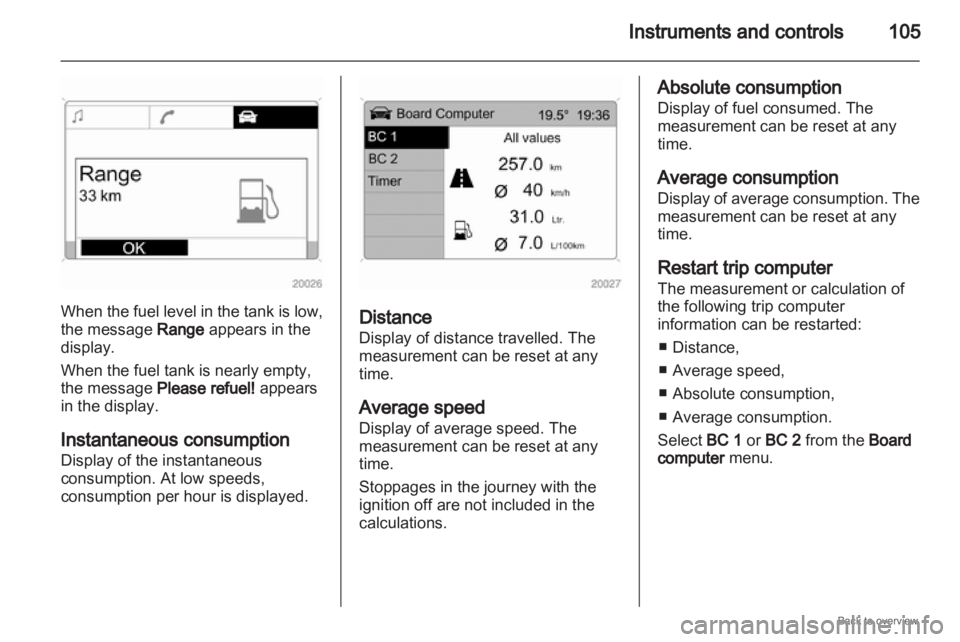
105When the fuel level in the tank is low,
the message Range appears in the
display.
When the fuel tank is nearly empty,
the message Please refuel! appears
in the display.
Instantaneous consumption
Display of the instantaneous
consumption. At low speeds,
consumption per hour is displayed.
Distance
Display of distance travelled. The
measurement can be reset at any
time.
Average speed
Display of average speed. The
measurement can be reset at any
time.
Stoppages in the journey with the
ignition off are not included in the
calculations. Absolute consumption
Display of fuel consumed. The
measurement can be reset at any
time.
Average consumption
Display
of average consumption. The
measurement can be reset at any
time.
Restart trip computer
The measurement or calculation of
the following trip computer
information can be restarted:
■ Distance,
■ Average speed,
■ Absolute consumption,
■ Average consumption.
Select BC 1 or BC 2 from the Board
computer menu.