Page 145 of 313
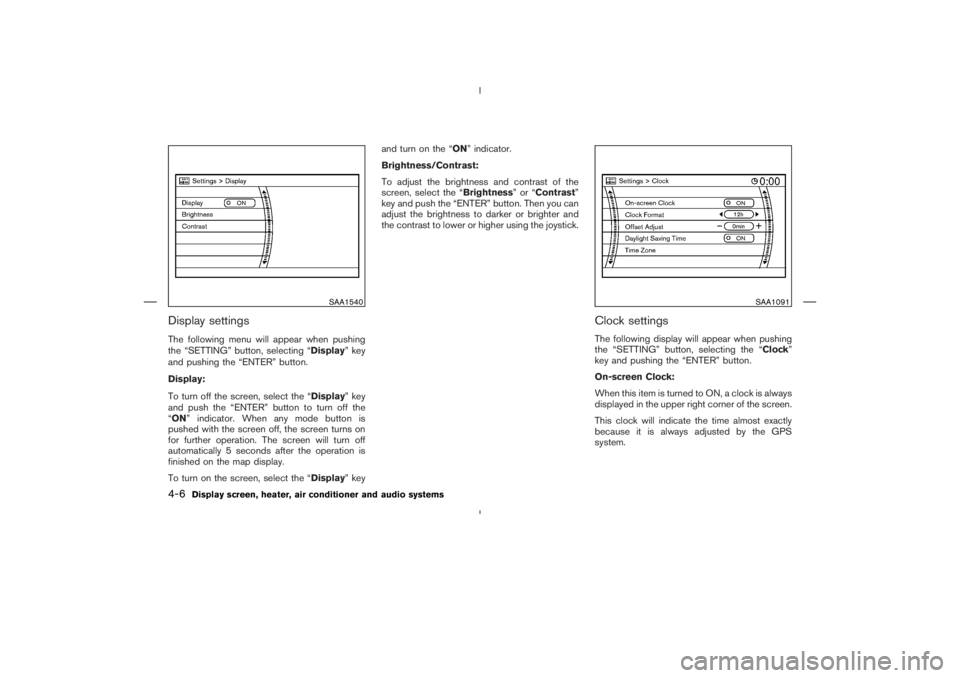
SAA1540
SAA1091
4-6
Display screen, heater, air conditioner and audio systems
Page 146 of 313
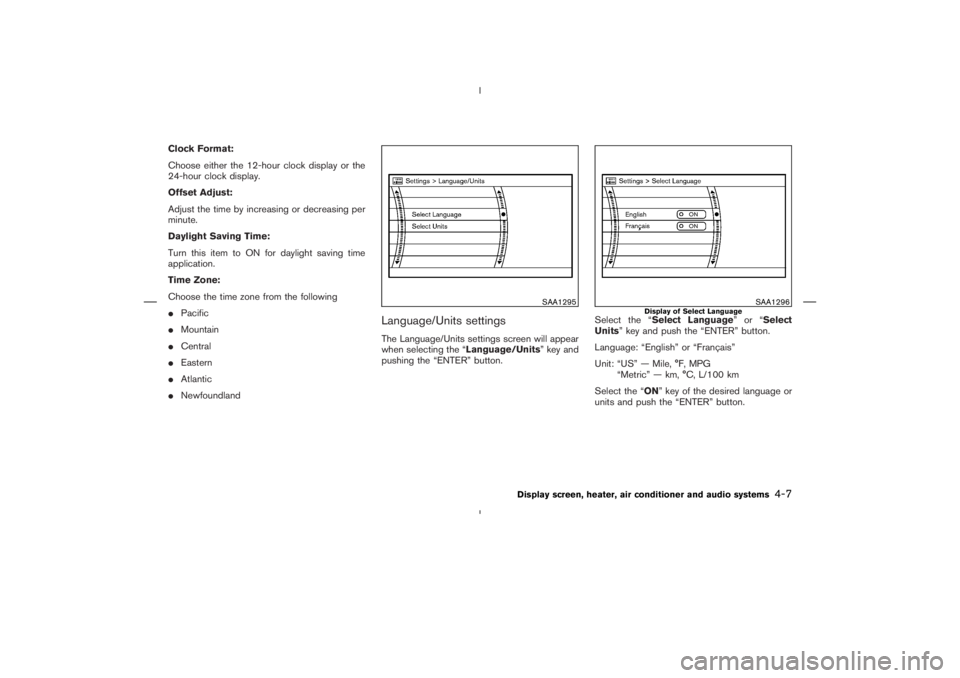
SAA1295
SAA1296
Display of Select Language
Display screen, heater, air conditioner and audio systems
4-7
Page 147 of 313
”
BUTTON
Push the “
” (DAY/NIGHT) button to switch
the display brightness to the daytime or night-
time mode, and adjust the brightness by moving
the joystick right or left.
If no operation is done within 10 seconds, or if
the “BACK” button is pushed, the display will
return to the previous display.
Push the “” button for more than 2 sec-
onds to turn the display off. Push the button
again for more than 2 seconds to turn the display
on.
CENTER VENTILATORSAdjust the air flow direction of ventilators.
Moving the lever up or down will open
�A
or
close
�B
the vents.
To change the air flow direction, turn the dial
�C.
SIDE VENTILATORSAdjust the air flow direction of ventilators by
�A
opening,
�Bclosing or
�Crotating as illustrated.
SAA0600
SAA0601
VENTILATORS
4-8
Display screen, heater, air conditioner and audio systems
Page 149 of 313
position.
3. Turn the temperature control dial to set the
desired temperature.
�To quickly remove ice from the outside of thewindows, turn the fan speed control dial to
the maximum position.
�As soon as possible after the windshield is
clean, turn the air flow control dial to the
AUTO position to return to the auto mode.
�When the air flow control dial is turned to the
or
position, the air conditioner
will automatically be turned on at outside
temperatures above 23°F (−5°C) to defog
the windshield, and the air recirculation mode
will automatically be turned off.
Outside air is drawn into the passenger
compartment to improve the defogging per-
formance.
MANUAL OPERATION
Fan speed controlTurn the fan speed control dial
to manually
control the fan speed.
Turn the dial to the AUTO position to return to
automatic control of the fan speed.
Air recirculation/Fresh airEach time the air intake button is pushed, the
indicator light on the button will alternate
(Air recirculation) and
(Fresh air).
When the
indicator light is on, the interior
4-10
Display screen, heater, air conditioner and audio systems
Page 150 of 313

indicator light is on, the outside
air is drawn into the passenger compartment.
�When the air intake button is pushed for
longer than 1.5 seconds, both indicator lights
(
and
) will flash twice, and then
the intake air will be controlled automatically.
During this AUTO mode, the indicator light of
the currently selected mode illuminates.
�When the air flow control dial is in the
or
position, the air recirculation
mode does not activate.
Air flow controlTurning the air flow control dial selects the air
outlet to:
: Air flows from center and side ventila-
tors.: Air flows from center and side ventila-
tors and foot outlets.: Air flows mainly from foot outlets.: Air flows from defroster and foot out-
lets.: Air flows mainly from defroster outlets.
To turn the system offTurn the fan speed control dial to the OFF
position.OPERATING TIPSWhen the engine coolant temperature and out-
side air temperature are low, the air flow from the
foot outlets may not operate for a maximum of
150 seconds. However, this is not a malfunction.
After the coolant temperature warms up, the air
flow from the foot outlets will operate normally.
Sensor
�A
on the instrument panel helps main-
tain a constant temperature; do not put anything
on or around this sensor.
SAA0603
Display screen, heater, air conditioner and audio systems
4-11
Page 152 of 313
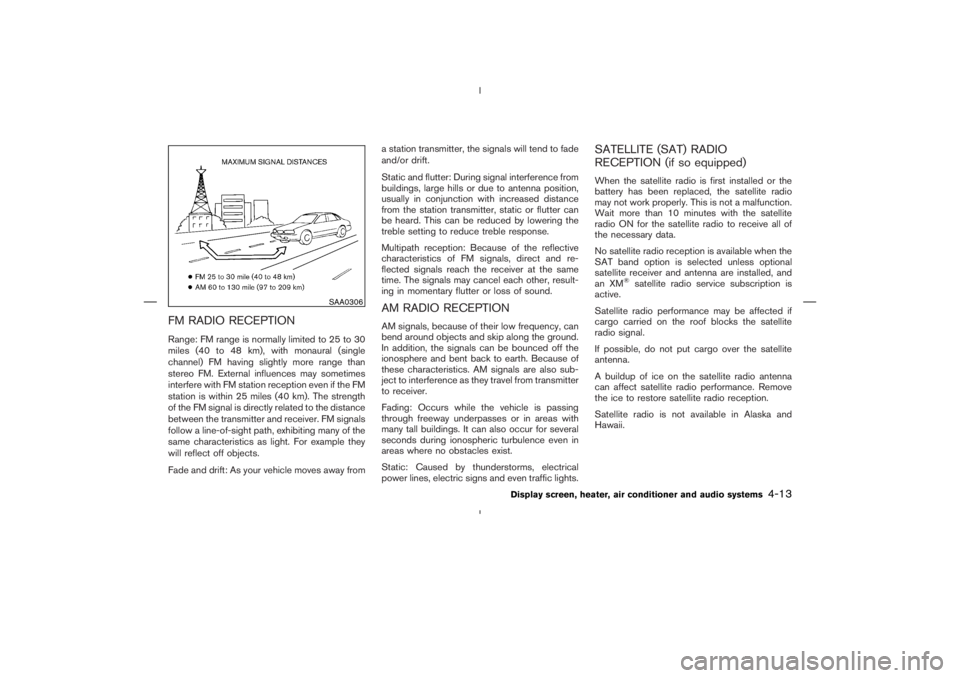
SAA0306
Display screen, heater, air conditioner and audio systems
4-13
Page 154 of 313
and Windows Media
are either
registered trademarks and trademarks of Mi-
crosoft Corporation in the United States
and/or other countries.
Display screen, heater, air conditioner and audio systems
4-15
Page 155 of 313
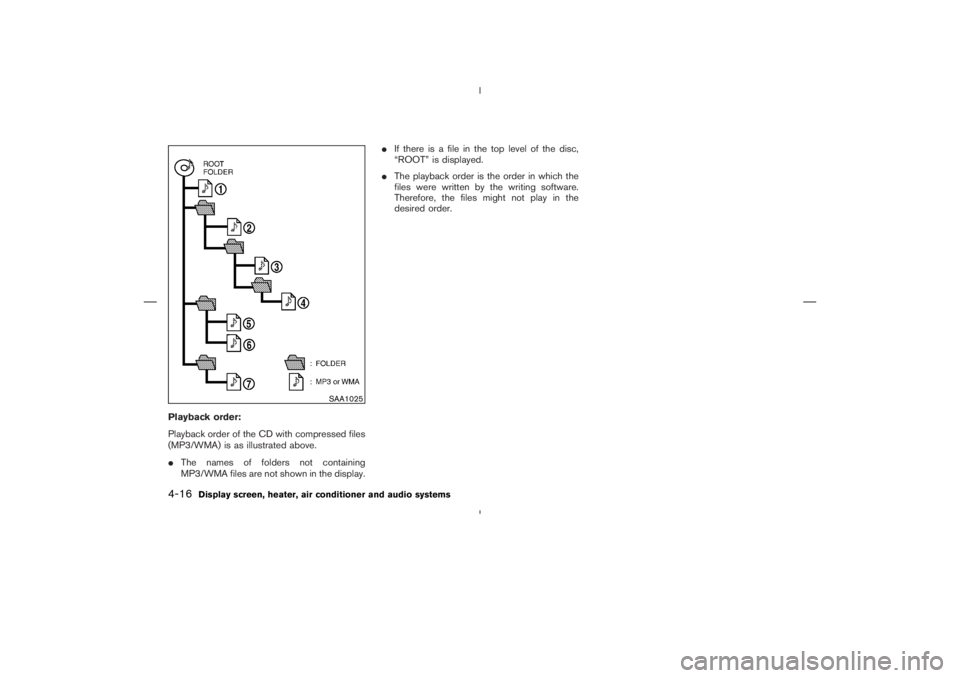
SAA1025
4-16
Display screen, heater, air conditioner and audio systems