Page 172 of 532
�µ
Make all adjustments bef ore you
start driving.
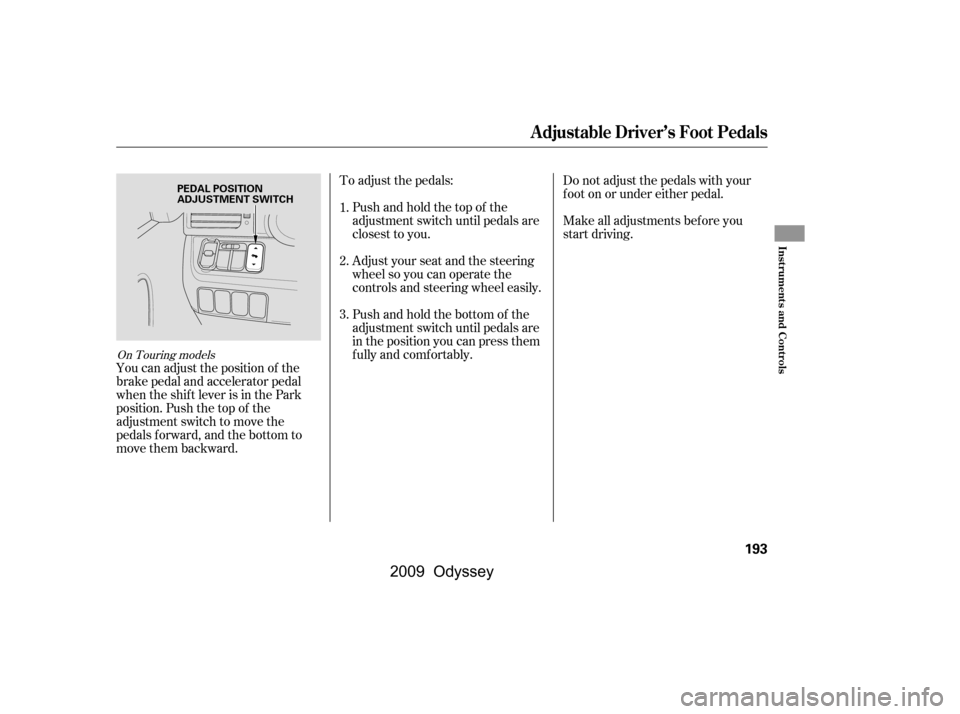
The height of your driver’s seat is
adjustable. Pull up the lever on the
outside of the seat cushion to raise
the seat bottom or push the lever
down to lower the seat cushion.
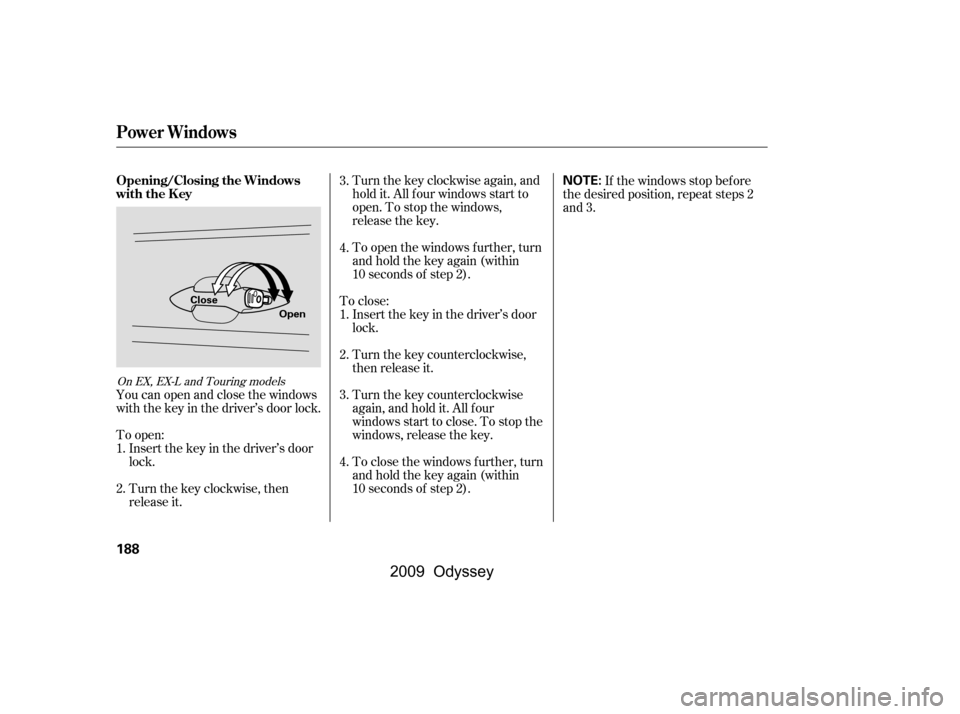
The lef t and right halves of the third
seat-back can be adjusted separately.
To adjust the angle, pull the
adjustment strap on the outside of
each seat-back, move the seat-back
to the desired position, and release
the adjustment strap. Let the seat-
back latch in the new position. The controls f or the adjustable
driver’s power seat are on the
outside edge of the seat bottom. You
can adjust the power seat with the
ignition switch in any position. Make
all seat adjustments bef ore you start
driving.
The passenger’s seat has two
switches. One moves the seat
f orward and backward, and the other
adjusts the seat-back angle.
CONT INUED
See pagesf or important saf ety
inf ormation and warnings about how toproperly position the seats and seat-backs.
On LX and Canadian DX models On EX, EX-L and Touring models
On EX-L and Touring models1213
Driver’s Seat Manual Height
Adjustment
Power Seat A djustments
Seats
Inst rument s and Cont rols
169
ADJUSTMENT STRAPS
�\f���—�\f���—���
�y�
�
�����������y���
�(���������\f�y�\f�
�����y
2009 Odyssey
Page 186 of 532
If the engine is lef t idling f or an
extended period, do not use the
seat heaters, even on the LO
setting. It can weaken the battery,
causing hard starting.
Use the HI setting only to heat the
seats quickly, because it draws
large amounts of current f rom the
battery.
Follow these precautions when using
the seat heaters:
In the HI setting, the heater turns off
when the seat gets warm, and turns
back on after the seat’s temperature
drops.
In LO, the heater does not cycle with
temperature change.
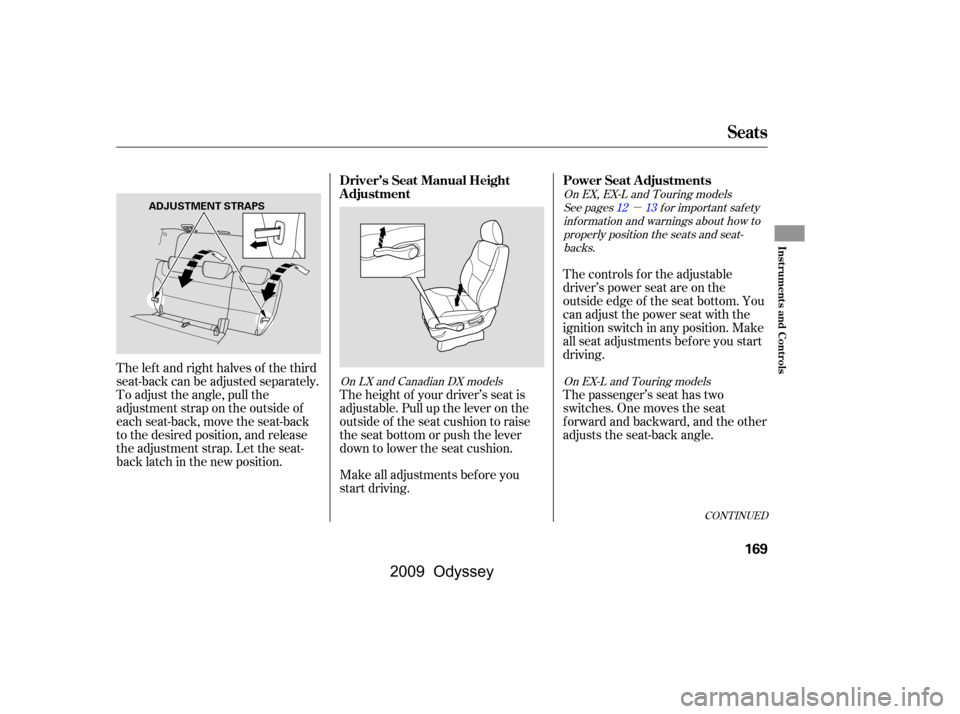
Both f ront seats are equipped with
seat heaters. The passenger seat
only has heaters in the seat bottom
because of the side airbag system.
The ignition switch must be in the
ON (II) position to use them. The
seat heater switches are located on
the dashboard above the center
pocket. Push the top of the switch,
HI, to rapidly heat up the seat.
After the seat reaches a comfortable
temperature, select LO by pushing the bottom of the switch. This will
keep the seat warm.
On EX-L and Touring models
Seat Heaters
Inst rument s and Cont rols
183
SEAT HEATER SWITCHES
Passenger’s
seat
Driver’s
seat
HEATERS
�\f���—�\f���—���
�y�
�
�����������y���
�(���������\f�y�\f�
�����y
2009 Odyssey
Page 187 of 532
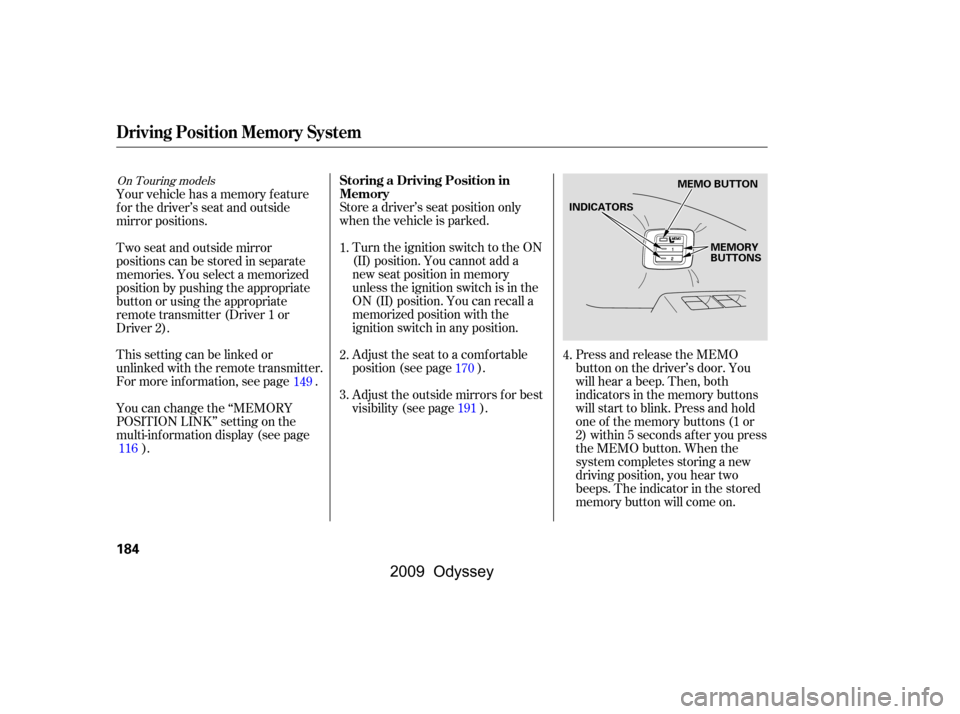
Store a driver’s seat position only
when the vehicle is parked.Turn the ignition switch to the ON
(II) position. You cannot add a
new seat position in memory
unless the ignition switch is in the
ON (II) position. You can recall a
memorized position with the
ignition switch in any position. Press and release the MEMO
button on the driver’s door. You
will hear a beep. Then, both
indicators in the memory buttons
will start to blink. Press and hold
one of the memory buttons (1 or
2) within 5 seconds af ter you press
the MEMO button. When the
system completes storing a new
driving position, you hear two
beeps. The indicator in the stored
memory button will come on.
Adjust the seat to a comfortable
position (see page ).
Adjust the outside mirrors f or best
visibility (see page ).
Your vehicle has a memory feature
f or the driver’s seat and outside
mirror positions.
Two seat and outside mirror
positionscanbestoredinseparate
memories. You select a memorized
position by pushing the appropriate
button or using the appropriate
remote transmitter (Driver 1 or
Driver 2).
This setting can be linked or
unlinked with the remote transmitter.
For more inf ormation, see page .
You can change the ‘‘MEMORY
POSITION LINK’’ setting on the
multi-inf ormation display (see page
). 1.
2.
3.
4.
170
191
149
116
On Touring modelsStoring a Driving Position in
Memory
Driving Position Memory System
184
MEMO BUTTON
MEMORY
BUTTONS
INDICATORS
�\f���—�\f���—���
�y�
�
�����������y���
�(���������\f�y�\f�
�����y
2009 Odyssey
Page 190 of 532
Press the UNLOCK button a
second time, and hold it. The
passenger’s doors unlock, and all
f our windows start to open. To
stop the windows, release the
button.
To open the windows f urther,
press the button again (within 10
seconds of step 1) and hold it. If
the windows stop bef ore the
desired position, repeat steps 1
and 2.
If your vehicle’s battery is
disconnected or goes dead, or the
driver’s window f use is removed, the
AUTO f unction may be disabled. If
the AUTO f unction is disabled, the
power window system will need to be
reset af ter reconnecting the battery
or installing the f use.
If the power windows do not operate
properly af ter resetting, have your
vehicle checked by your dealer.
Pull and hold the driver’s window
switch to close the window
completely, then hold the switch
f or about 2 seconds.
Start the engine. Push down and
hold the driver’s window switch
until the window is f ully open.
You cannot close the windows with
the remote transmitter.
You can open all of the windows
from the outside with the remote
transmitter.
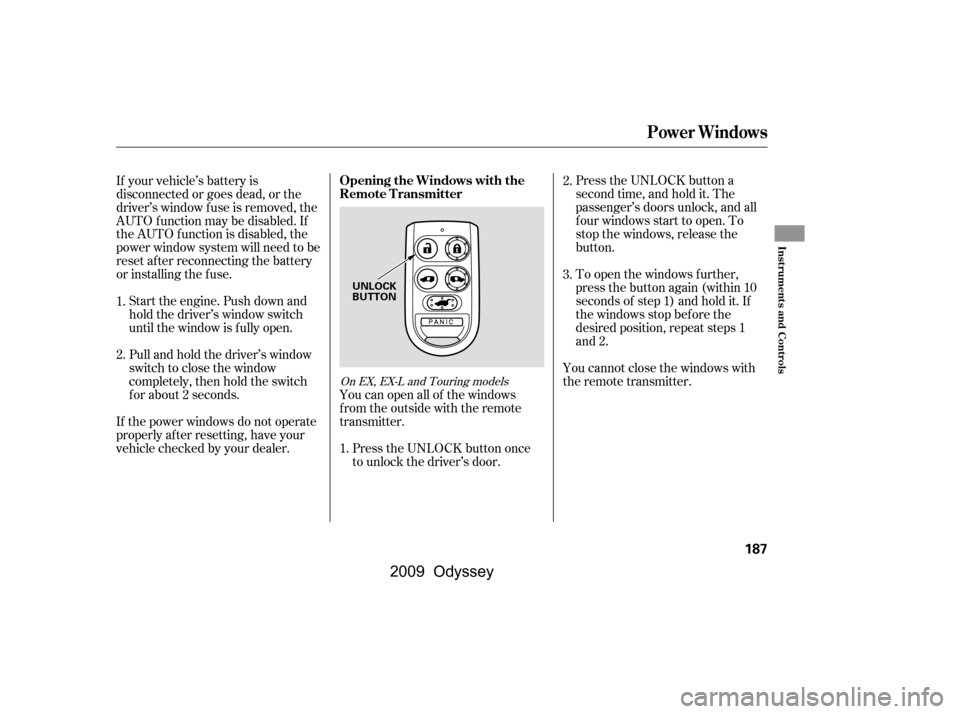
Press the UNLOCK button once
to unlock the driver’s door.
1.
2.
3.
1. 2.
On EX, EX-L and Touring models
Opening the Windows with the
Remote Transmitter
Power Windows
Inst rument s and Cont rols
187
UNLOCK
BUTTON
�\f���—�\f���—���
�y�
�
�����������y���
�(���������\f�y�\f�
�����y
2009 Odyssey
Page 191 of 532
Turnthekeyclockwiseagain,and
hold it. All f our windows start to
open. To stop the windows,
release the key.
To close: Insert the key in the driver’s door
lock.
Turn the key counterclockwise,
then release it.
Turn the key counterclockwise
again, and hold it. All four
windowsstarttoclose.Tostopthe
windows, release the key.
To open the windows further, turn
andholdthekeyagain(within
10 seconds of step 2).
To close the windows further, turn
andholdthekeyagain(within
10 seconds of step 2). If the windows stop bef ore
the desired position, repeat steps 2
and 3.
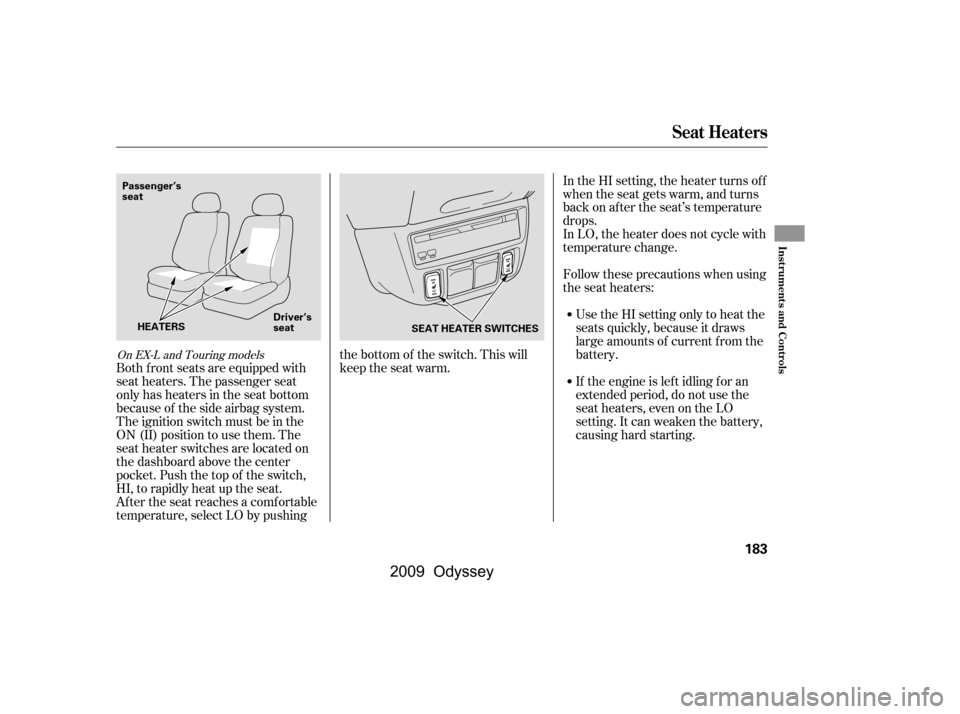
You can open and close the windows
with the key in the driver’s door lock.
To open: Insert the key in the driver’s door
lock.
Turn the key clockwise, then
release it. 1.
2.
3.
4.
1.
2. 3.
4.
On EX, EX-L and Touring models
Opening/Closing the Windows
with the Key
Power Windows
188
NOTE:
Open
Close
�\f���—�\f���—���
�y�
�
�����������y���
�(���������\f�y�\f�
�����y
2009 Odyssey
Page 193 of 532
Keeptheinsideandoutsidemirrors
clean and adjusted f or best visibility.
Be sure to adjust the mirrors bef ore
you start driving.
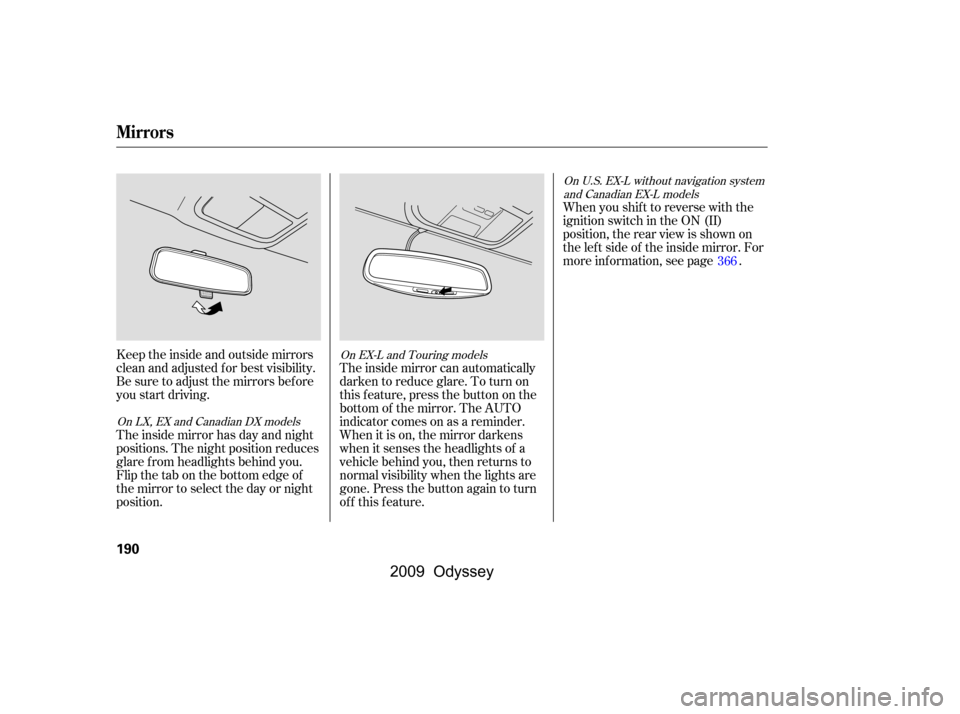
The inside mirror has day and night
positions. The night position reduces
glare f rom headlights behind you.
Flip the tab on the bottom edge of
the mirror to select the day or night
position.When you shif t to reverse with the
ignition switch in the ON (II)
position, the rear view is shown on
the lef t side of the inside mirror. For
more information, see page .
The inside mirror can automatically
darken to reduce glare. To turn on
this feature, press the button on the
bottom of the mirror. The AUTO
indicator comes on as a reminder.
When it is on, the mirror darkens
when it senses the headlights of a
vehicle behind you, then returns to
normal visibility when the lights are
gone. Press the button again to turn
of f this f eature. 366
On U.S. EX-L without navigation system
and Canadian EX-L models
On LX, EX and Canadian DX models On EX-L and Touring models
Mirrors
190
�\f���—�\f���—���
�y�
�
�����������y���
�(���������\f�y�\f�
�����y
2009 Odyssey
Page 196 of 532
To adjust the pedals:Do not adjust the pedals with your
f oot on or under either pedal.
Make all adjustments bef ore you
start driving.
Pushandholdthetopof the
adjustment switch until pedals are
closest to you.
Adjust your seat and the steering
wheel so you can operate the
controls and steering wheel easily.
Pushandholdthebottomof the
adjustment switch until pedals are
in the position you can press them
f ully and comf ortably.
You can adjust the position of the
brake pedal and accelerator pedal
when the shif t lever is in the Park
position. Push the top of the
adjustment switch to move the
pedals f orward, and the bottom to
move them backward. 1.
2.
3.
On Touring models
A djustable Driver’s Foot Pedals
Inst rument s and Cont rols
193
PEDAL POSITION
ADJUSTMENT SWITCH
�\f���—�\f���—���
�y�
�
����\f��\f���y���
�(���������\f�y�\f�
�����y
2009 Odyssey
Page 217 of 532

To remove f og f rom the inside of the
windows:To clear the windows f aster, you can
close the dashboard corner vents by
rotating the wheel next to each vent.
This sends more warm air to the
windshield def roster vents. Once the
windshield is clear, select f resh air
mode to avoid f ogging the windows.
For your saf ety, make sure you have
a clear view through all the windows
bef ore driving.
you can
cool it down more rapidly by partially
opening the windows, turning on the
air conditioning, and setting the f an
to maximum speed in f resh air mode.
Air conditioning, as it cools, removes
moisture from the air. When used in
combination with the heater, it
makes the interior warm and dry.
This setting is suitable f or all driving
conditions whenever the outside
temperature is above 32°F (0°C). Switch the f an on.
Turn on the air conditioning.
Select and fresh air mode.
Adjust the temperature to your
pref erence.
When you switch to another mode
f rom , the A/C turns of f . But
if it was on to start with, it stays on.Set the f an to high.
Select . The system
automatically switches to the fresh
air mode and turns on the A/C.
The indicator in the A/C button
will not come on (LX and Canadian
DX models), or the A/C ON
indicator will not come on (EX,
EX-L, Touring and Touring PAX
models), if the A/C was of f to
start with.
Adjust the temperature so the
airflow feels warm.
Select to help clear the
rear window.
Select . The system
automatically switches to f resh air
mode and turns on the A/C.
The indicator in the A/C button
will not come on (LX and Canadian
DX models), or the A/C ON
indicator will not come on (EX,
EX-L, and Touring models), if the
A/C was off to start with.
Select .
Set the f an and temperature
controls to maximum level.
1.
2.
3.
4. 1.
1.
2.
3.
4. 2.
3.
If the interior is very warm,
Vents, Heating, and A/C
T o Def og and Def rost
T o Remove Exterior Frost or Ice
From the Windows
Dehumidif y the Interior
214
�\f���—�\f���—���
�y�
�
�����������y���
�(���������\f�y�\f���
���y
2009 Odyssey