Page 120 of 484
When you press the VR button, you will hear a beep. The
beep is your signal to give a command.
NOTE:If you do not say a command within a few
seconds, the system will present you with a list of
options.
If you ever wish to interrupt the system while it lists
options, press the VR button, listen for the beep, and say
your command.
Pressing the VR button while the system is speaking is
known as “barging in.” The system will be interrupted
and after the beep you can add or change commands.
This will become helpful once you start to learn the
options.
NOTE: At any time, you can say the words “Cancel”,
“Help”, or “Main Menu”. These commands are universal and can be used from any
menu. All other commands can be used depending upon
the active application.
For example, if you are in the disc menu and you are
listening to FM radio, you can speak commands from the
disc menu or from the FM radio menu.
When using this system, you should speak clearly and at
a normal speaking volume.
The system will best recognize your speech if the win-
dows are closed, and the heater/air-conditioning fan is
set to low.
At any point, if the system does not recognize one of your
commands, you will be prompted to repeat it.
To hear the first available Menu, press the VR button and
say “Help” or “Main Menu”.
118 UNDERSTANDING THE FEATURES OF YOUR VEHICLE
Page 170 of 484
�Video Entertainment System (VES)™ —
If Equipped .......................... 248
� Remote Sound System Controls ........... 250
� CD/DVD Maintenance ................. 252
� Radio Operation And Cellular Phones ....... 252
� Climate Controls ...................... 253 ▫
Manual Air Conditioning And Heating
System ............................ 253
▫ Automatic Temperature Control — If
Equipped .......................... 256
▫ Operating Tips ...................... 261
168 UNDERSTANDING YOUR INSTRUMENT PANEL
Page 255 of 484
CLIMATE CONTROLS
The air conditioning and heating system is designed to
make you comfortable in all types of weather.
Manual Air Conditioning and Heating SystemBlower Control
The rotary knob on the left controls the
blower. The control has an OFF posi-
tion and four speed settings.
The
blower will remain on until the con-
trol is turned to the OFF position or
the ignition is turned OFF.
NOTE: For vehicles equipped with Remote Start, the
climate controls will not function during Remote Start
operation if the blower control is left in the “O” (Off)
position.
Manual Temperature Controls
UNDERSTANDING YOUR INSTRUMENT PANEL 253
4
Page 257 of 484
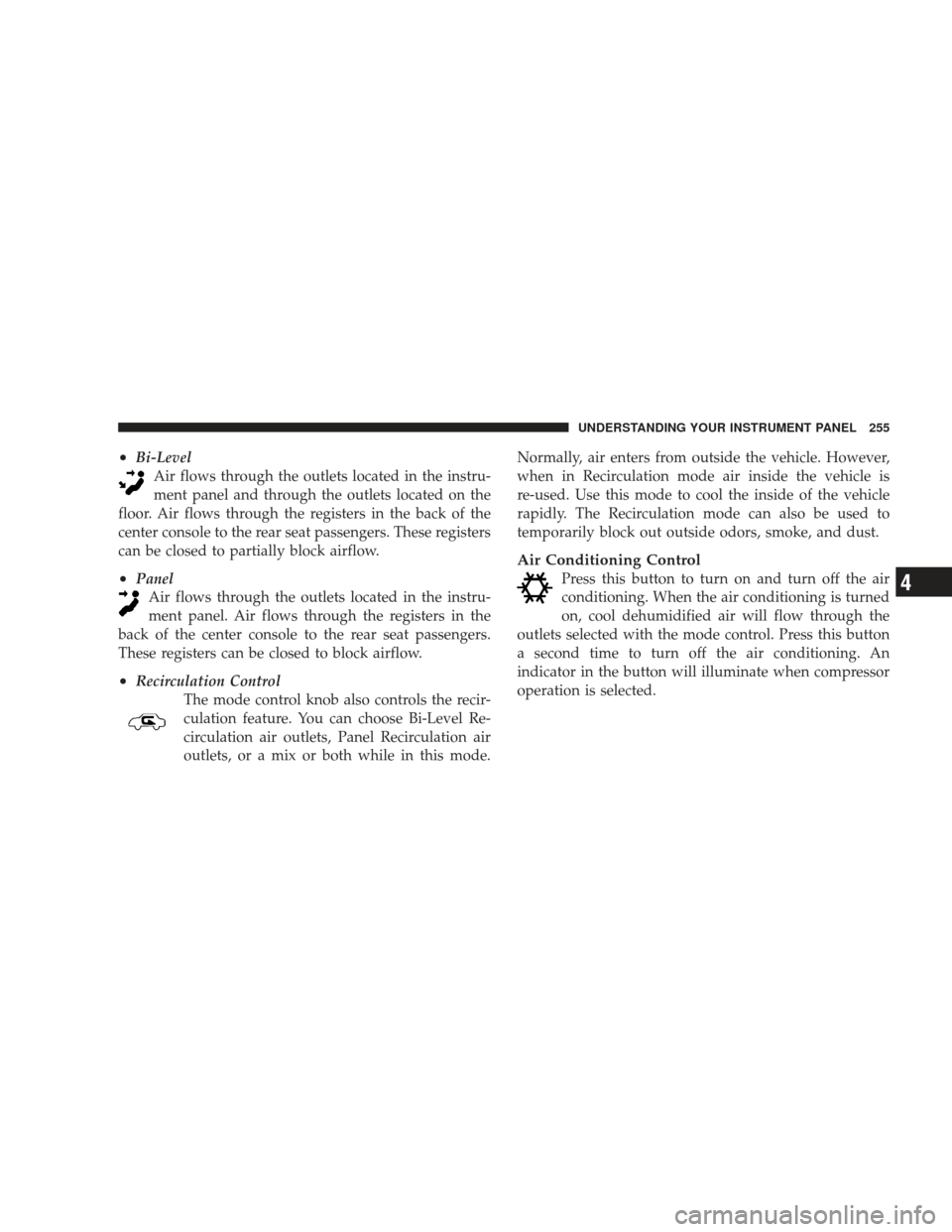
•Bi-LevelAir flows through the outlets located in the instru-
ment panel and through the outlets located on the
floor. Air flows through the registers in the back of the
center console to the rear seat passengers. These registers
can be closed to partially block airflow.
•Panel Air flows through the outlets located in the instru-
ment panel. Air flows through the registers in the
back of the center console to the rear seat passengers.
These registers can be closed to block airflow.
•Recirculation Control The mode control knob also controls the recir-
culation feature. You can choose Bi-Level Re-
circulation air outlets, Panel Recirculation air
outlets, or a mix or both while in this mode. Normally, air enters from outside the vehicle. However,
when in Recirculation mode air inside the vehicle is
re-used. Use this mode to cool the inside of the vehicle
rapidly. The Recirculation mode can also be used to
temporarily block out outside odors, smoke, and dust.
Air Conditioning Control
Press this button to turn on and turn off the air
conditioning. When the air conditioning is turned
on, cool dehumidified air will flow through the
outlets selected with the mode control. Press this button
a second time to turn off the air conditioning. An
indicator in the button will illuminate when compressor
operation is selected.
UNDERSTANDING YOUR INSTRUMENT PANEL 255
4
Page 258 of 484
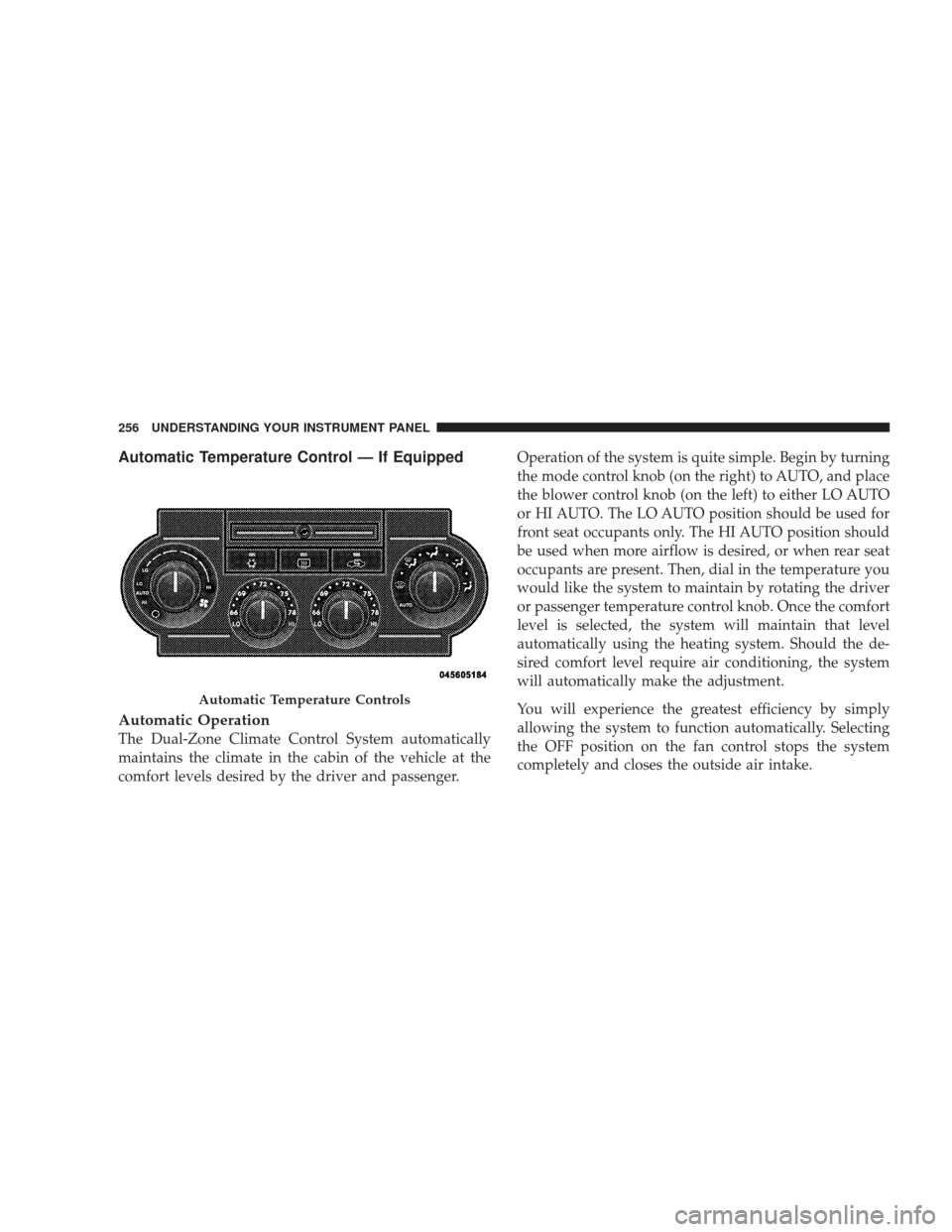
Automatic Temperature Control — If Equipped
Automatic Operation
The Dual-Zone Climate Control System automatically
maintains the climate in the cabin of the vehicle at the
comfort levels desired by the driver and passenger.Operation of the system is quite simple. Begin by turning
the mode control knob (on the right) to AUTO, and place
the blower control knob (on the left) to either LO AUTO
or HI AUTO. The LO AUTO position should be used for
front seat occupants only. The HI AUTO position should
be used when more airflow is desired, or when rear seat
occupants are present. Then, dial in the temperature you
would like the system to maintain by rotating the driver
or passenger temperature control knob. Once the comfort
level is selected, the system will maintain that level
automatically using the heating system. Should the de-
sired comfort level require air conditioning, the system
will automatically make the adjustment.
You will experience the greatest efficiency by simply
allowing the system to function automatically. Selecting
the OFF position on the fan control stops the system
completely and closes the outside air intake.
Automatic Temperature Controls
256 UNDERSTANDING YOUR INSTRUMENT PANEL
Page 259 of 484

72°F (22°C) is the recommended setting for maximum
comfort for the average person; however, this may vary.
NOTE:The temperature setting can be adjusted at any
time without affecting automatic operation.
Air conditioning in this system is automatic.
Pressing the air conditioning control button while
in AUTO mode will cause the indicator in the
control button to flash three times and then turn off. This
indicates that the system is in AUTO mode and request-
ing the air conditioning is not necessary.
The system will automatically control recircu-
lation. However, pressing the recirculation con-
trol button will temporarily put the system in
Recirculation mode (10 minutes). This can be
used when outside conditions such as smoke, odors,
dust, or high humidity are present. Activating recircula-
tion will cause the indicator in the control button to illuminate. After 10 minutes, the system will return to
normal AUTO mode function and the indicator will turn
off.
NOTE:
•The surface of the climate control panel and the top
center of the instrument panel should be kept free of
debris due to the location of the climate control
sensors. Mud on the windshield may also cause poor
operation of this system.
•Extended use of recirculation may cause the windows
to fog. If the interior of the windows begin to fog, press
the recirculation button to return to outside air. Some
temp/humidity conditions will cause captured inte-
rior air to condense on windows and hamper visibility.
For this reason, the system will not allow recirculation
to be selected while in Defrost or Defrost/Floor mode.
UNDERSTANDING YOUR INSTRUMENT PANEL 257
4
Page 262 of 484
The operator can override the AUTO mode setting to
change airflow distribution by rotating the mode control
knob (on the right) to one of the following positions.
•DefrostAir is directed to the windshield through the
outlets at the base of the windshield. Air is also
directed to the front door windows through the side
window demister grilles.
•Defrost/Floor Air flows through the front and rear floor outlets
and the outlets at the base of the windshield. Air is
also directed to the front door windows through the
side window demister grilles.
•Floor Air flows through the floor outlets located under
the instrument panel and into the rear seating area
through vents under the front seats.
•Bi-Level Air flows through the outlets located in the instru-
ment panel and through the outlets located on the
floor. Air flows through the registers in the back of the
center console to the rear seat passengers. These registers
can be closed to block airflow.
•Panel Air flows through the outlets located in the instru-
ment panel. Air flows through the registers in the
back of the center console to the rear seat passengers.
These registers can be closed to block airflow.
•Air Conditioning Control Press this button to turn on the air conditioning
during manual operation only. When the air con-
ditioning is turned on, cool dehumidified air will
flow through the outlets selected with the mode control
dial. Press this button a second time to turn off the air
260 UNDERSTANDING YOUR INSTRUMENT PANEL
Page 263 of 484
conditioning. An indicator in the button illuminates
when manual compressor operation is selected.
NOTE:To control the air conditioning manually, the
mode selector must be moved out of the AUTO position.
•Recirculation Control This button can be used to block out smoke,
odors, dust, high humidity, or if rapid cooling
is desired. The Recirculation mode should only
be used temporarily. An indicator in the button
illuminates when the Recirculation mode is active. You
may use this feature separately.
NOTE: Extended use of recirculation may cause the
windows to fog. If the interior of the windows begins to
fog, press the recirculation button to return to outside air.
Some temp/humidity conditions will cause captured
interior air to condense on windows and hamper visibil-
ity. For this reason, the system will not allow recirculation
to be selected while in Defrost or Defrost/Floor mode. Attempting to use the recirculation while in these modes
will cause the indicator in the control button to blink and
then turn off.
Operating Tips
NOTE:
Refer to the chart at the end of this section for
suggested control settings for various weather condi-
tions.
Summer Operation
The engine cooling system in air-conditioned vehicles
must be protected with a high-quality antifreeze coolant
to provide proper corrosion protection and to protect
against engine overheating. A 50% solution of ethylene
glycol antifreeze coolant in water is recommended. Refer
to “Maintenance Procedures” in Section 7 for proper
coolant selection.
UNDERSTANDING YOUR INSTRUMENT PANEL 261
4