Page 302 of 572
08 SIENNA_U (L/O 0801)
294
2008 SIENNA from Aug. ’08 Prod. (OM45455U)
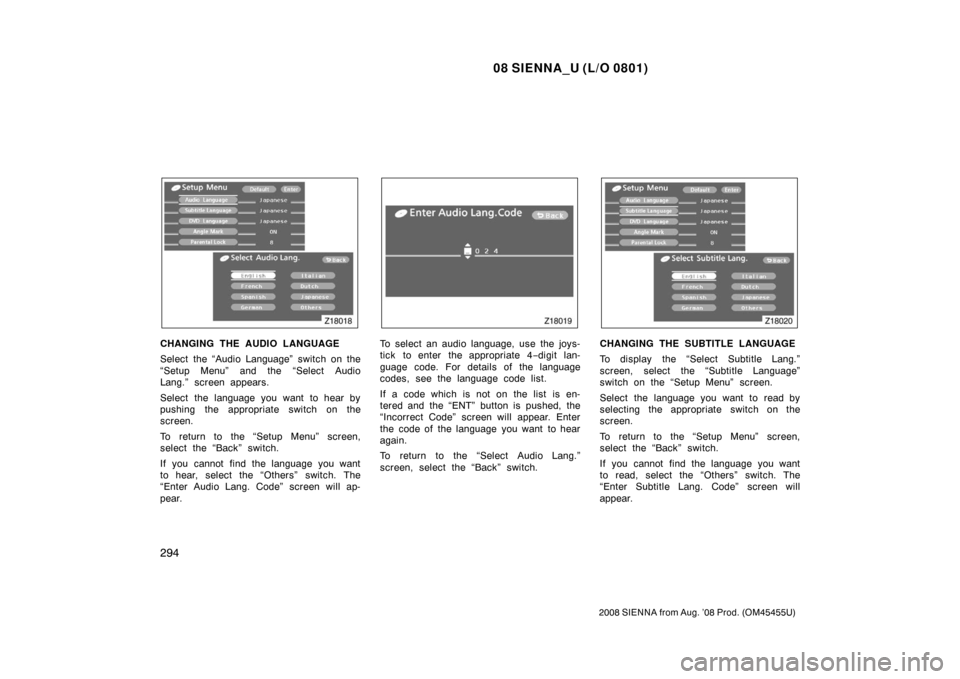
CHANGING THE AUDIO LANGUAGE
Select the “Audio Language” switch on the
“Setup Menu” and the “Select Audio
Lang.” screen appears.
Select the language you want to hear by
pushing the appropriate switch on the
screen.
To return to the “Setup Menu” screen,
select the “Back” switch.
If you cannot find the language you want
to hear, select the “Others” switch. The
“Enter Audio Lang. Code” screen will ap-
pear.To select an audio language, use the joys-
tick to enter the appropriate 4−digit lan-
guage code. For details of the language
codes, see the language code list.
If a code which is not on the list is en-
tered and the “ENT” button is pushed, the
“Incorrect Code” screen will appear. Enter
the code of the language you want to hear
again.
To return to the “Select Audio Lang.”
screen, select the “Back” switch.CHANGING THE SUBTITLE LANGUAGE
To display the “Select Subtitle Lang.”
screen, select the “Subtitle Language”
switch on the “Setup Menu” screen.
Select the language you want to read by
selecting the appropriate switch on the
screen.
To return to the “Setup Menu” screen,
select the “Back” switch.
If you cannot find the language you want
to read, select the “Others” switch. The
“Enter Subtitle Lang. Code” screen will
appear.
Page 303 of 572
08 SIENNA_U (L/O 0801)
295
2008 SIENNA from Aug. ’08 Prod. (OM45455U)
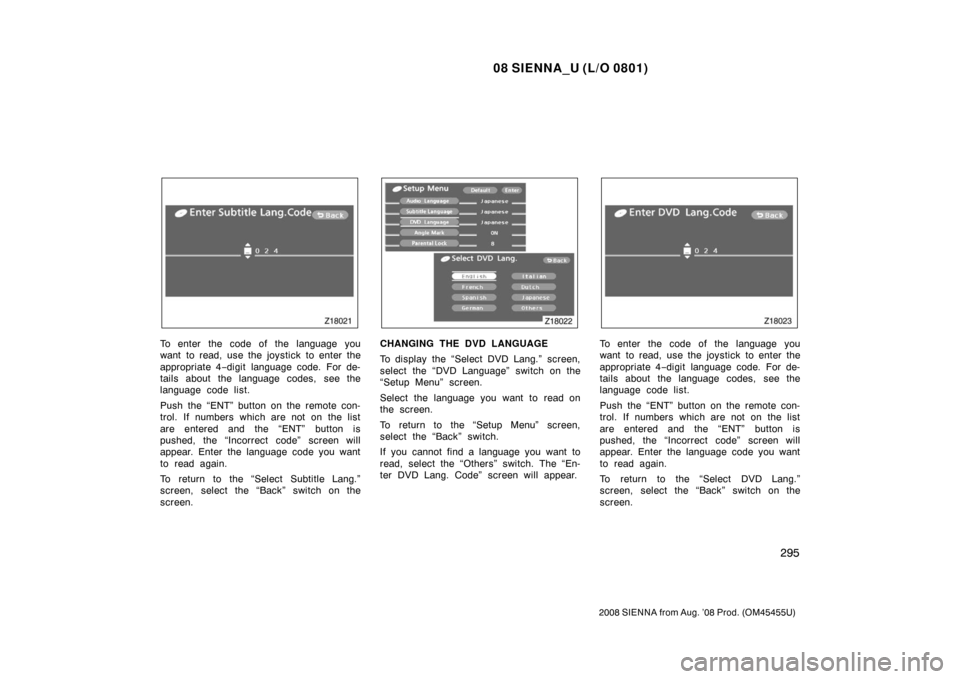
To enter the code of the language you
want to read, use the joystick to enter the
appropriate 4−digit language code. For de-
tails about the language codes, see the
language code list.
Push the “ENT” button on the remote con-
trol. If numbers which are not on the list
are entered and the “ENT” button is
pushed, the “Incorrect code” screen will
appear. Enter the language code you want
to read again.
To return to the “Select Subtitle Lang.”
screen, select the “Back” switch on the
screen.CHANGING THE DVD LANGUAGE
To display the “Select DVD Lang.” screen,
select the “DVD Language” switch on the
“Setup Menu” screen.
Select the language you want to read on
the screen.
To return to the “Setup Menu” screen,
select the “Back” switch.
If you cannot find a language you want to
read, select the “Others” switch. The “En-
ter DVD Lang. Code” screen will appear.To enter the code of the language you
want to read, use the joystick to enter the
appropriate 4 −digit language code. For de-
tails about the language codes, see the
language code list.
Push the “ENT” button on the remote con-
trol. If numbers which are not on the list
are entered and the “ENT” button is
pushed, the “Incorrect code” screen will
appear. Enter the language code you want
to read again.
To return to the “Select DVD Lang.”
screen, select the “Back” switch on the
screen.
Page 305 of 572
08 SIENNA_U (L/O 0801)
297
2008 SIENNA from Aug. ’08 Prod. (OM45455U)
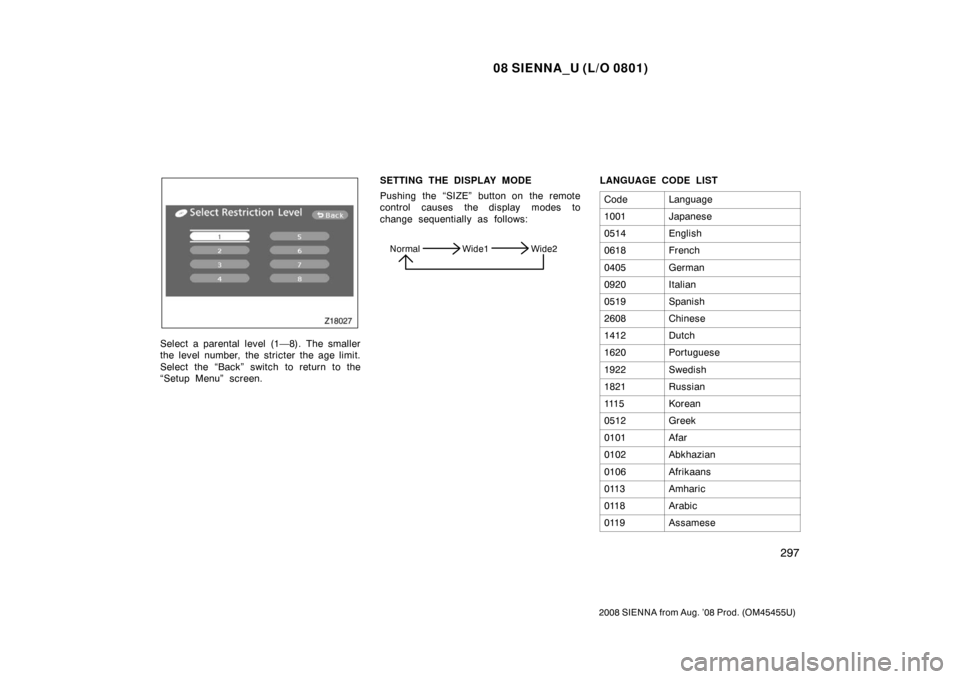
Select a parental level (1—8). The smaller
the level number, the stricter the age limit.
Select the “Back” switch to return to the
“Setup Menu” screen.SETTING THE DISPLAY MODE
Pushing the “SIZE” button on the remote
control causes the display modes to
change sequentially as follows:
Normal Wide1 Wide2
LANGUAGE CODE LIST
Code
Language
1001Japanese
0514English
0618French
0405German
0920Italian
0519Spanish
2608Chinese
1412Dutch
1620Portuguese
1922Swedish
1821Russian
111 5Korean
0512Greek
0101Afar
0102Abkhazian
0106Afrikaans
0113Amharic
0118Arabic
0119Assamese
Page 308 of 572
08 SIENNA_U (L/O 0801)
300
2008 SIENNA from Aug. ’08 Prod. (OM45455U)
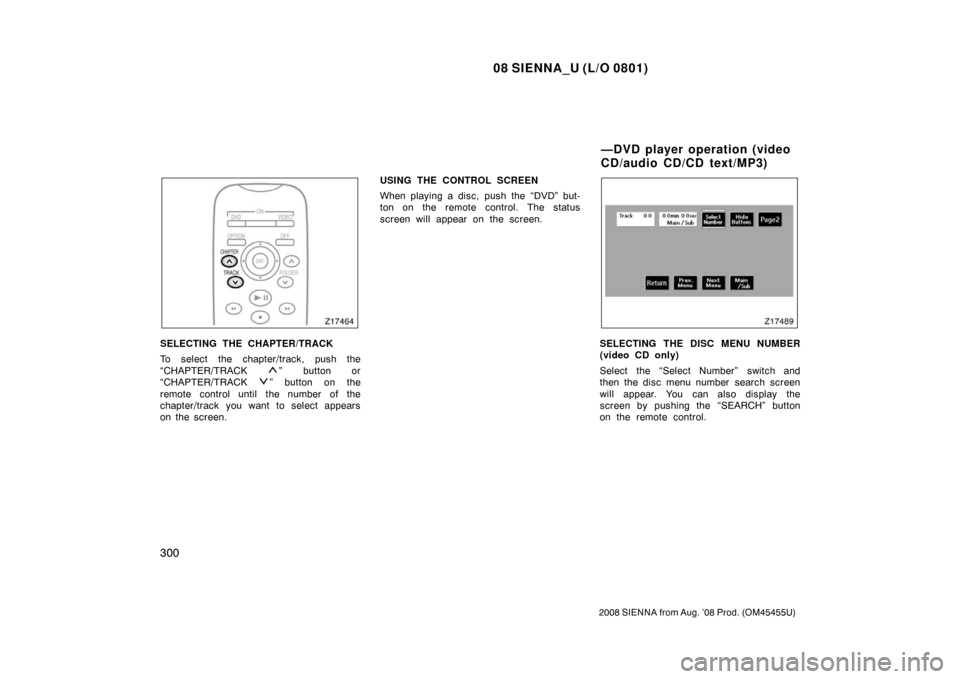
SELECTING THE CHAPTER/TRACK
To select the chapter/track, push the
“CHAPTER/TRACK
” button or
“CHAPTER/TRACK
” button on the
remote control until the number of the
chapter/track you want to select appears
on the screen. USING THE CONTROL SCREEN
When playing a disc, push the “DVD” but-
ton on the remote control. The status
screen will appear on the screen.
SELECTING THE DISC MENU NUMBER
(video CD only)
Select the “Select Number” switch and
then the disc menu number search screen
will appear. You can also display the
screen by pushing the “SEARCH” button
on the remote control.
—DVD player operation (video
CD/audio CD/CD text/MP3)
Page 310 of 572
08 SIENNA_U (L/O 0801)
302
2008 SIENNA from Aug. ’08 Prod. (OM45455U)
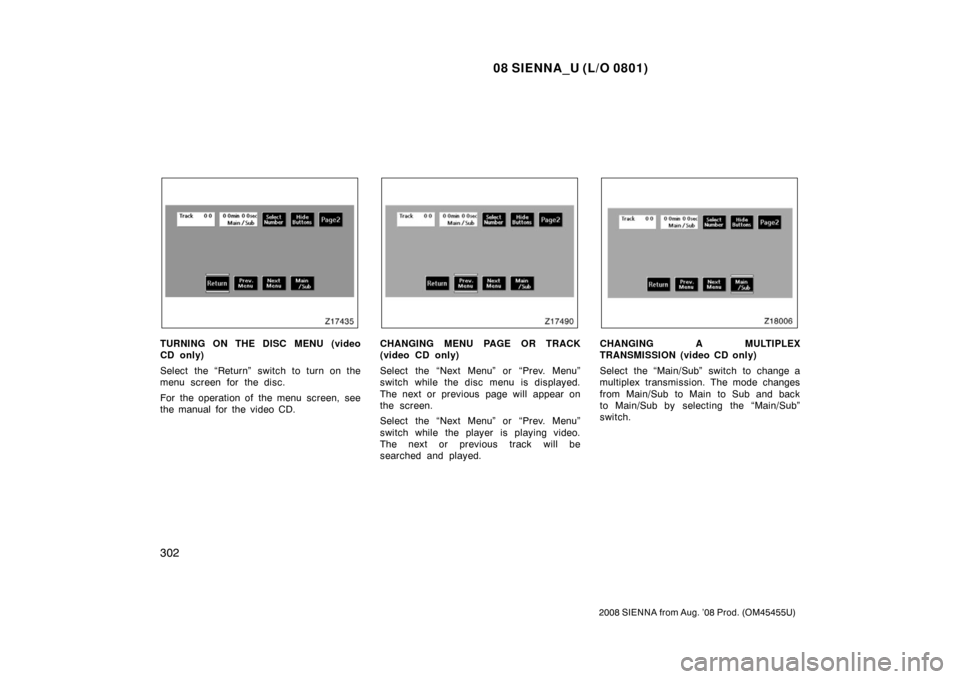
TURNING ON THE DISC MENU (video
CD only)
Select the “Return” switch to turn on the
menu screen for the disc.
For the operation of the menu screen, see
the manual for the video CD.CHANGING MENU PAGE OR TRACK
(video CD only)
Select the “Next Menu” or “Prev. Menu”
switch while the disc menu is displayed.
The next or previous page will appear on
the screen.
Select the “Next Menu” or “Prev. Menu”
switch while the player is playing video.
The next or previous track will be
searched and played.CHANGING A MULTIPLEX
TRANSMISSION (video CD only)
Select the “Main/Sub” switch to change a
multiplex transmission. The mode changes
from Main/Sub to Main to Sub and back
to Main/Sub by selecting the “Main/Sub”
switch.
Page 311 of 572
08 SIENNA_U (L/O 0801)
303
2008 SIENNA from Aug. ’08 Prod. (OM45455U)
CHANGING THE INITIAL SETTING (video
CD only)
Select the “Set Up” switch on the screen
and then the initial setting screen will ap-
pear. You can also display the screen by
pushing the “SET UP” button on the re-
mote control. You can change the initial
setting. (See “CHANGING THE INITIAL
SETTING” on page 293 in this Section for
details.)
After the setting is done, the player plays
from the beginning of the chapter or the
track.
CD Text
CD MP3
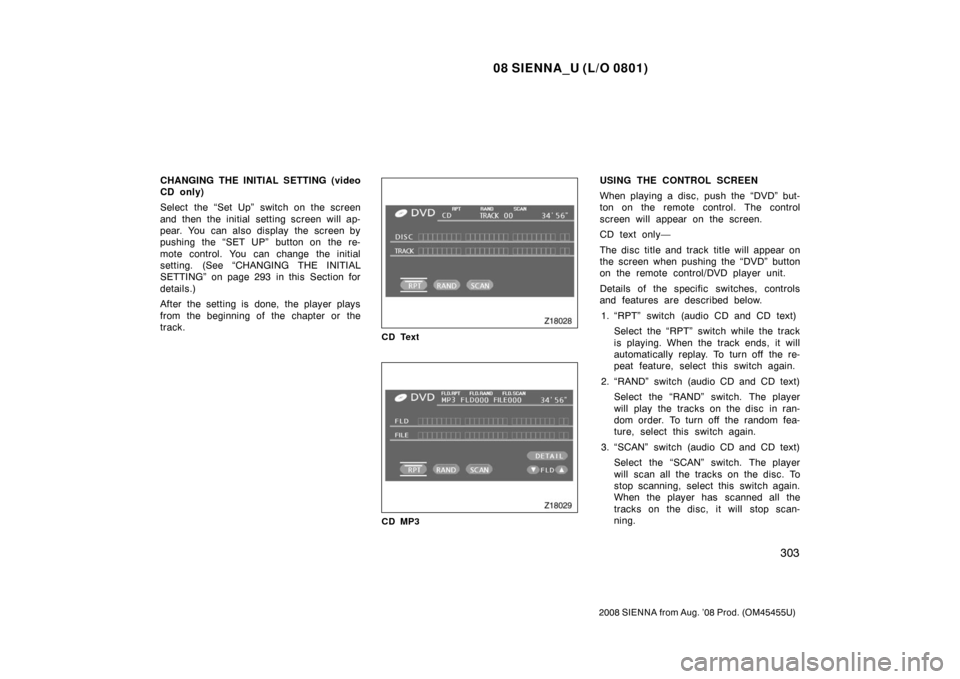
USING THE CONTROL SCREEN
When playing a disc, push the “DVD” but-
ton on the remote control. The control
screen will appear on the screen.
CD text only—
The disc title and track title will appear on
the screen when pushing the “DVD” button
on the remote control/DVD player unit.
Details of the specific switches, controls
and features are described below.1. “RPT” switch (audio CD and CD text) Select the “RPT” switch while the track
is playing. When the track ends, it will
automatically replay. To turn off the re-
peat feature, select this switch again.
2. “RAND” switch (audio CD and CD text) Select the “RAND” switch. The player
will play the tracks on the disc in ran-
dom order. To turn off the random fea-
ture, select this switch again.
3. “SCAN” switch (audio CD and CD text) Select the “SCAN” switch. The player
will scan all the tracks on the disc. To
stop scanning, select this switch again.
When the player has scanned all the
tracks on the disc, it will stop scan-
ning.
Page 312 of 572

08 SIENNA_U (L/O 0801)
304
2008 SIENNA from Aug. ’08 Prod. (OM45455U)
MP3 only—
Folder and file names will appear on the
screen when the “DVD” button is pushed.
The details of the specific switches, con-
trols, and features are described below.1. “RPT” switch When the “RPT” switch is selected
while a track is played, the track file
will be played repeatedly until the
switch is selected again. When the
“ENT” button is pushed for at least 0.8
seconds, all the files in a folder will be
played repeatedly. To turn off repeat
play mode, select the switch again.
2. “RAND” switch
When the “RAND” switch is selected,
the files in a current folder will be
played in random order. When the
“ENT button is pushed for at least 0.8
seconds, all the files in the disk will be
played in random. To turn off random
play mode, select the switch again. 3. “SCAN” switch
When the “SCAN” switch is selected,
all the files in a current folder will be
scanned. Only the first 10 seconds of
each file are played sequentially until
all the files are scanned. When the
“ENT button is pushed for at least 0.8
seconds, the first 10 seconds of each
initial file of all the folders in the disk
will be played sequentially until the en-
tire initial files are scanned. To stop
scanning, push the switch again.
4. “FLD
” switch
When the switch is selected, the initial
file of the next folder will be played.
5. “
FLD” switch
When the switch is selected, the initial
file of the previous folder will be
played.
6. “DETAIL” switch
When the switch is selected while a
track is played, the detailed file infor-
mation of the track will be displayed. You can adjust the color, contrast, tone
and brightness of the screen.
Push the “DISPLAY” button on the remote
control and the “Display” screen will ap-
pear.
The screen may turn purple to deflect the
sunlight. This is not a malfunction.
—Screen adjustment
Page 313 of 572
08 SIENNA_U (L/O 0801)
305
2008 SIENNA from Aug. ’08 Prod. (OM45455U)
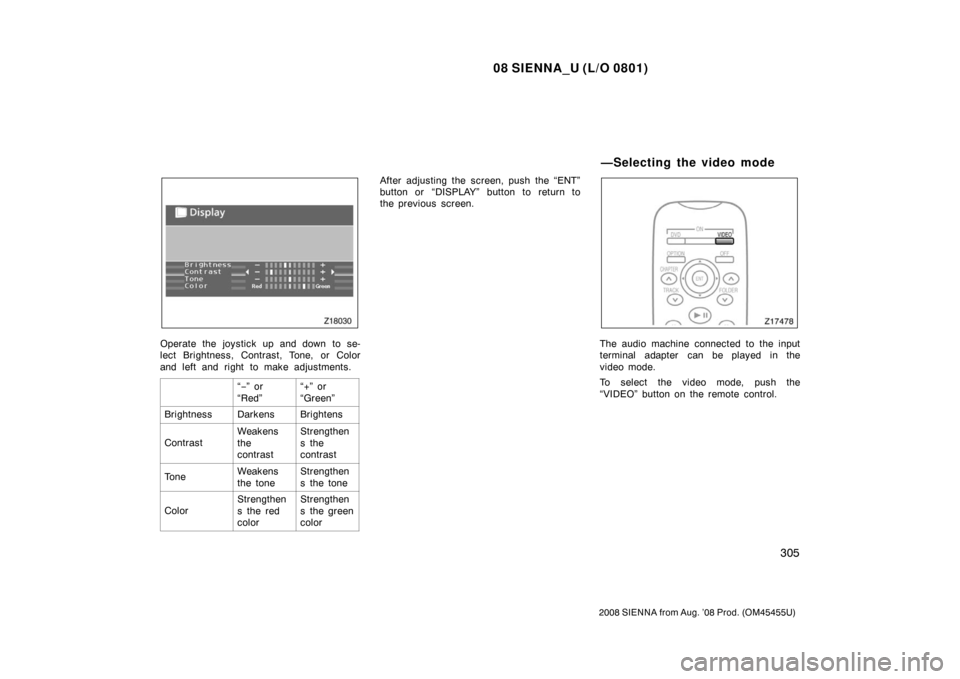
Operate the joystick up and down to se-
lect Brightness, Contrast, Tone, or Color
and left and right to make adjustments.
“− ” or
“Red”“+” or
“Green”
BrightnessDarkensBrightens
Contrast
Weakens
the
contrastStrengthen
s the
contrast
ToneWeakens
the toneStrengthen
s the tone
Color
Strengthen
s the red
colorStrengthen
s the green
color
After adjusting the screen, push the “ENT”
button or “DISPLAY” button to return to
the previous screen.
The audio machine connected to the input
terminal adapter can be played in the
video mode.
To select the video mode, push the
“VIDEO” button on the remote control.
—Selecting the video mode