Page 295 of 572
08 SIENNA_U (L/O 0801)
287
2008 SIENNA from Aug. ’08 Prod. (OM45455U)
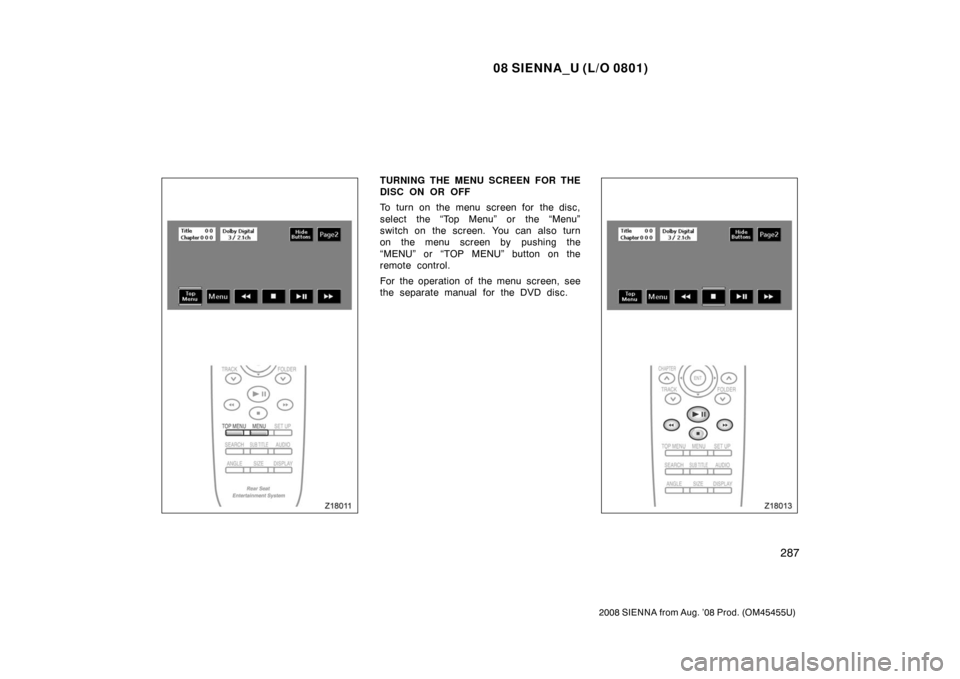
TURNING THE MENU SCREEN FOR THE
DISC ON OR OFF
To turn on the menu screen for the disc,
select the “Top Menu” or the “Menu”
switch on the screen. You can also turn
on the menu screen by pushing the
“MENU” or “TOP MENU” button on the
remote control.
For the operation of the menu screen, see
the separate manual for the DVD disc.
Page 296 of 572
08 SIENNA_U (L/O 0801)
288
2008 SIENNA from Aug. ’08 Prod. (OM45455U)
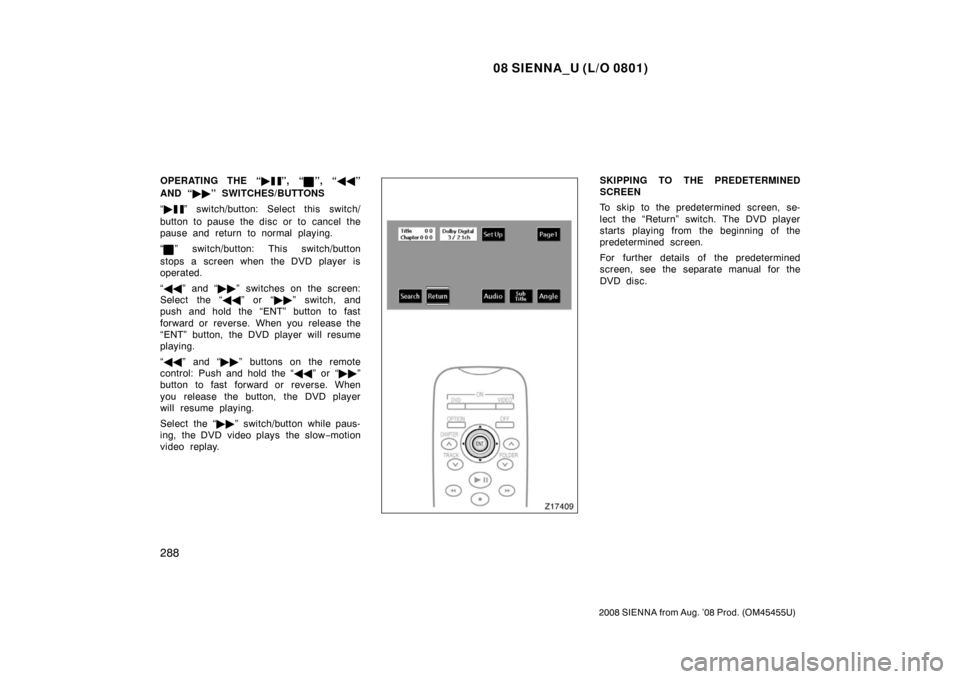
OPERATING THE “�”, “”, “��”
AND “ ��” SWITCHES/BUTTONS
“ �
” switch/button: Select this switch/
button to pause the disc or to cancel the
pause and return to normal playing.
“
” switch/button: This switch/button
stops a screen when the DVD player is
operated.
“ �� ” and “ ��” switches on the screen:
Select the “ ��” or “�� ” switch, and
push and hold the “ENT” button to fast
forward or reverse. When you release the
“ENT” button, the DVD player will resume
playing.
“ �� ” and “ ��” buttons on the remote
control: Push and hold the “ ��” or “�� ”
button to fast forward or reverse. When
you release the button, the DVD player
will resume playing.
Select the “�� ” switch/button while paus-
ing, the DVD video plays the slow −motion
video replay.
SKIPPING TO THE PREDETERMINED
SCREEN
To skip to the predetermined screen, se-
lect the “Return” switch. The DVD player
starts playing from the beginning of the
predetermined screen.
For further details of the predetermined
screen, see the separate manual for the
DVD disc.
Page 297 of 572
08 SIENNA_U (L/O 0801)
289
2008 SIENNA from Aug. ’08 Prod. (OM45455U)
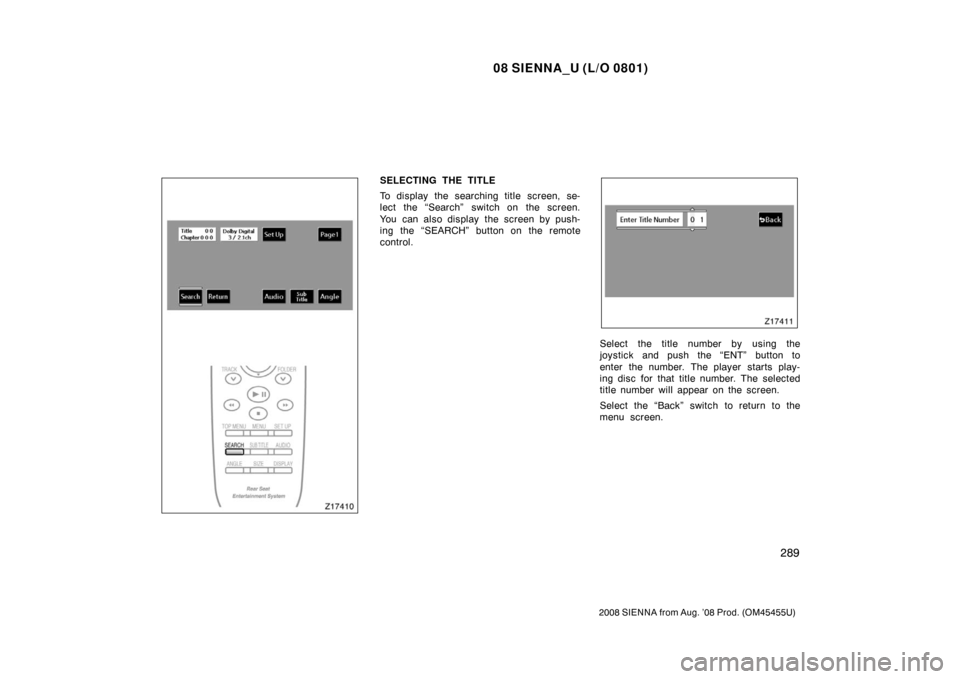
SELECTING THE TITLE
To display the searching title screen, se-
lect the “Search” switch on the screen.
You can also display the screen by push-
ing the “SEARCH” button on the remote
control.
Select the title number by using the
joystick and push the “ENT” button to
enter the number. The player starts play-
ing disc for that title number. The selected
title number will appear on the screen.
Select the “Back” switch to return to the
menu screen.
Page 298 of 572
08 SIENNA_U (L/O 0801)
290
2008 SIENNA from Aug. ’08 Prod. (OM45455U)
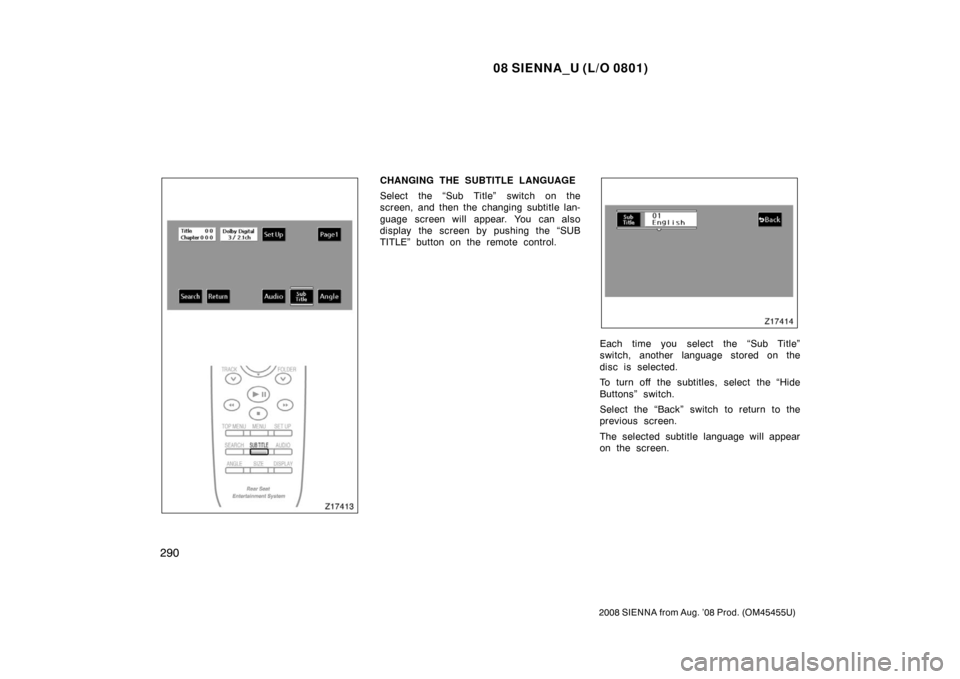
CHANGING THE SUBTITLE LANGUAGE
Select the “Sub Title” switch on the
screen, and then the changing subtitle lan-
guage screen will appear. You can also
display the screen by pushing the “SUB
TITLE” button on the remote control.
Each time you select the “Sub Title”
switch, another language stored on the
disc is selected.
To turn off the subtitles, select the “Hide
Buttons” switch.
Select the “Back” switch to return to the
previous screen.
The selected subtitle language will appear
on the screen.
Page 299 of 572
08 SIENNA_U (L/O 0801)
291
2008 SIENNA from Aug. ’08 Prod. (OM45455U)
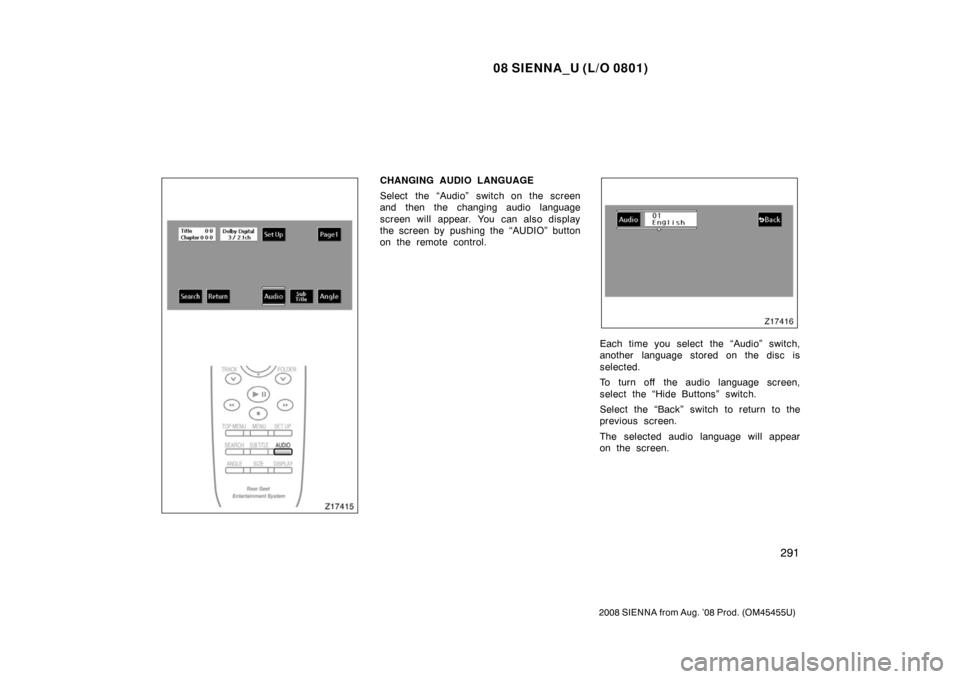
CHANGING AUDIO LANGUAGE
Select the “Audio” switch on the screen
and then the changing audio language
screen will appear. You can also display
the screen by pushing the “AUDIO” button
on the remote control.
Each time you select the “Audio” switch,
another language stored on the disc is
selected.
To turn off the audio language screen,
select the “Hide Buttons” switch.
Select the “Back” switch to return to the
previous screen.
The selected audio language will appear
on the screen.
Page 300 of 572
08 SIENNA_U (L/O 0801)
292
2008 SIENNA from Aug. ’08 Prod. (OM45455U)
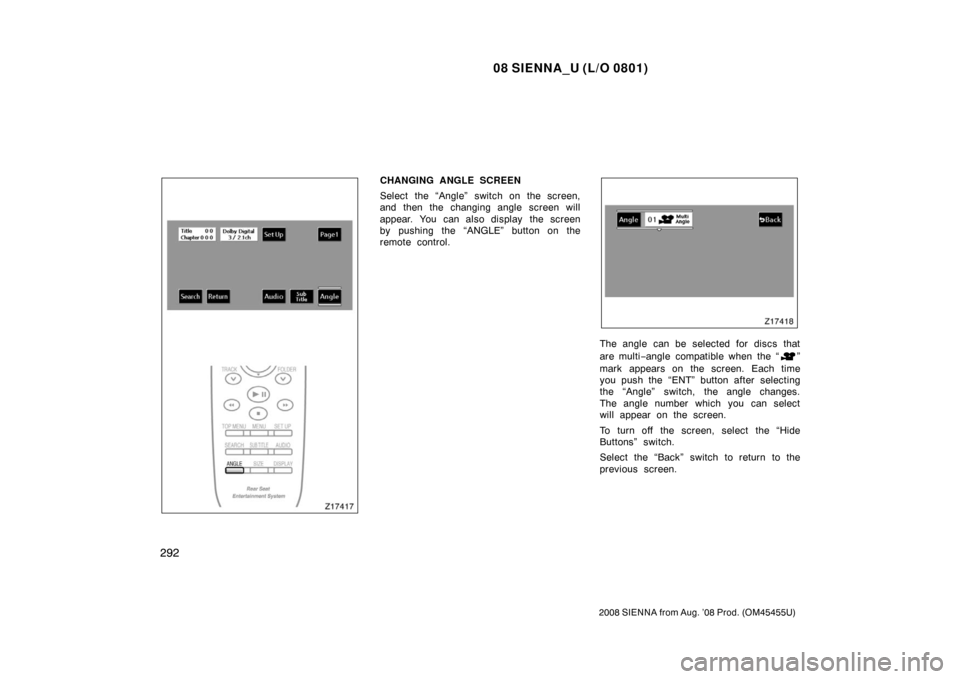
CHANGING ANGLE SCREEN
Select the “Angle” switch on the screen,
and then the changing angle screen will
appear. You can also display the screen
by pushing the “ANGLE” button on the
remote control.
The angle can be selected for discs that
are multi−angle compatible when the “
”
mark appears on the screen. Each time
you push the “ENT” button after selecting
the “Angle” switch, the angle changes.
The angle number which you can select
will appear on the screen.
To turn off the screen, select the “Hide
Buttons” switch.
Select the “Back” switch to return to the
previous screen.
Page 305 of 572
08 SIENNA_U (L/O 0801)
297
2008 SIENNA from Aug. ’08 Prod. (OM45455U)
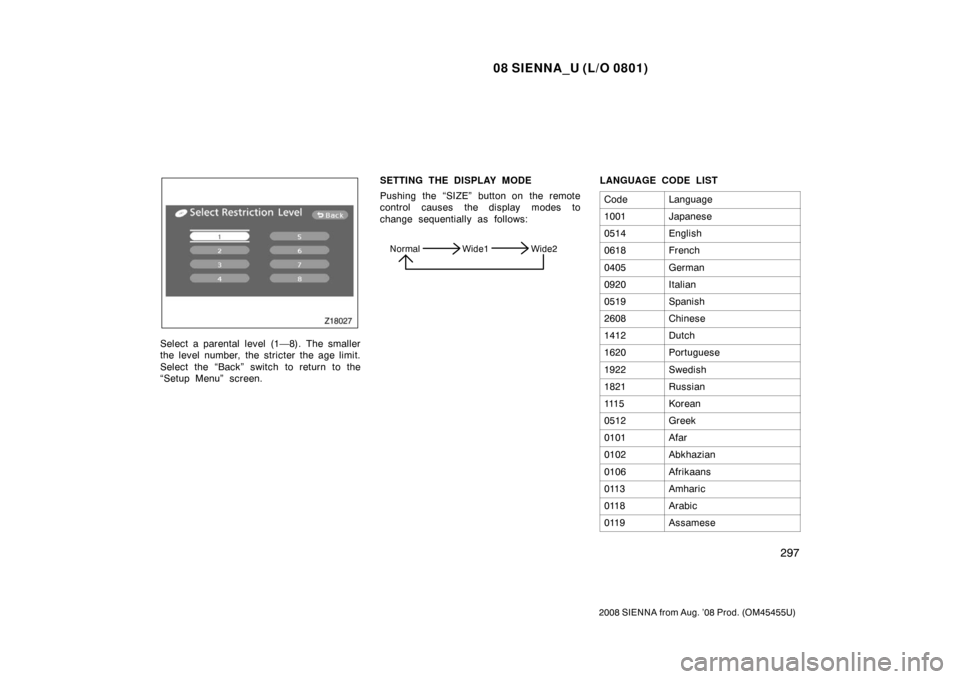
Select a parental level (1—8). The smaller
the level number, the stricter the age limit.
Select the “Back” switch to return to the
“Setup Menu” screen.SETTING THE DISPLAY MODE
Pushing the “SIZE” button on the remote
control causes the display modes to
change sequentially as follows:
Normal Wide1 Wide2
LANGUAGE CODE LIST
Code
Language
1001Japanese
0514English
0618French
0405German
0920Italian
0519Spanish
2608Chinese
1412Dutch
1620Portuguese
1922Swedish
1821Russian
111 5Korean
0512Greek
0101Afar
0102Abkhazian
0106Afrikaans
0113Amharic
0118Arabic
0119Assamese
Page 308 of 572
08 SIENNA_U (L/O 0801)
300
2008 SIENNA from Aug. ’08 Prod. (OM45455U)
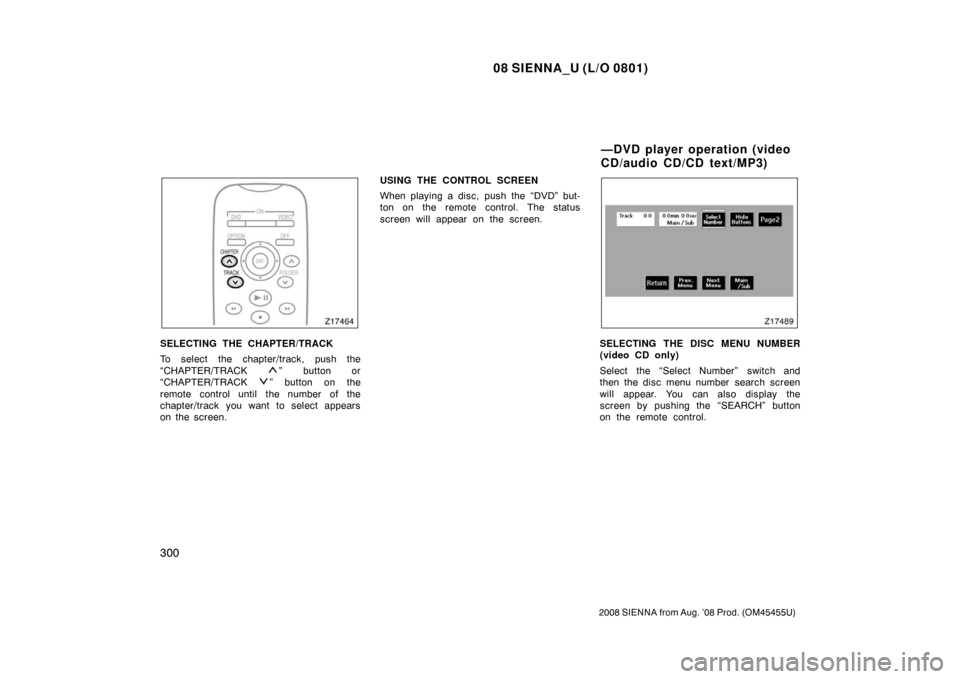
SELECTING THE CHAPTER/TRACK
To select the chapter/track, push the
“CHAPTER/TRACK
” button or
“CHAPTER/TRACK
” button on the
remote control until the number of the
chapter/track you want to select appears
on the screen. USING THE CONTROL SCREEN
When playing a disc, push the “DVD” but-
ton on the remote control. The status
screen will appear on the screen.
SELECTING THE DISC MENU NUMBER
(video CD only)
Select the “Select Number” switch and
then the disc menu number search screen
will appear. You can also display the
screen by pushing the “SEARCH” button
on the remote control.
—DVD player operation (video
CD/audio CD/CD text/MP3)