Page 299 of 512
299
3-4. Using the hands-free system
3
Interior features
PRIUS_U_(L/O_0802)
■
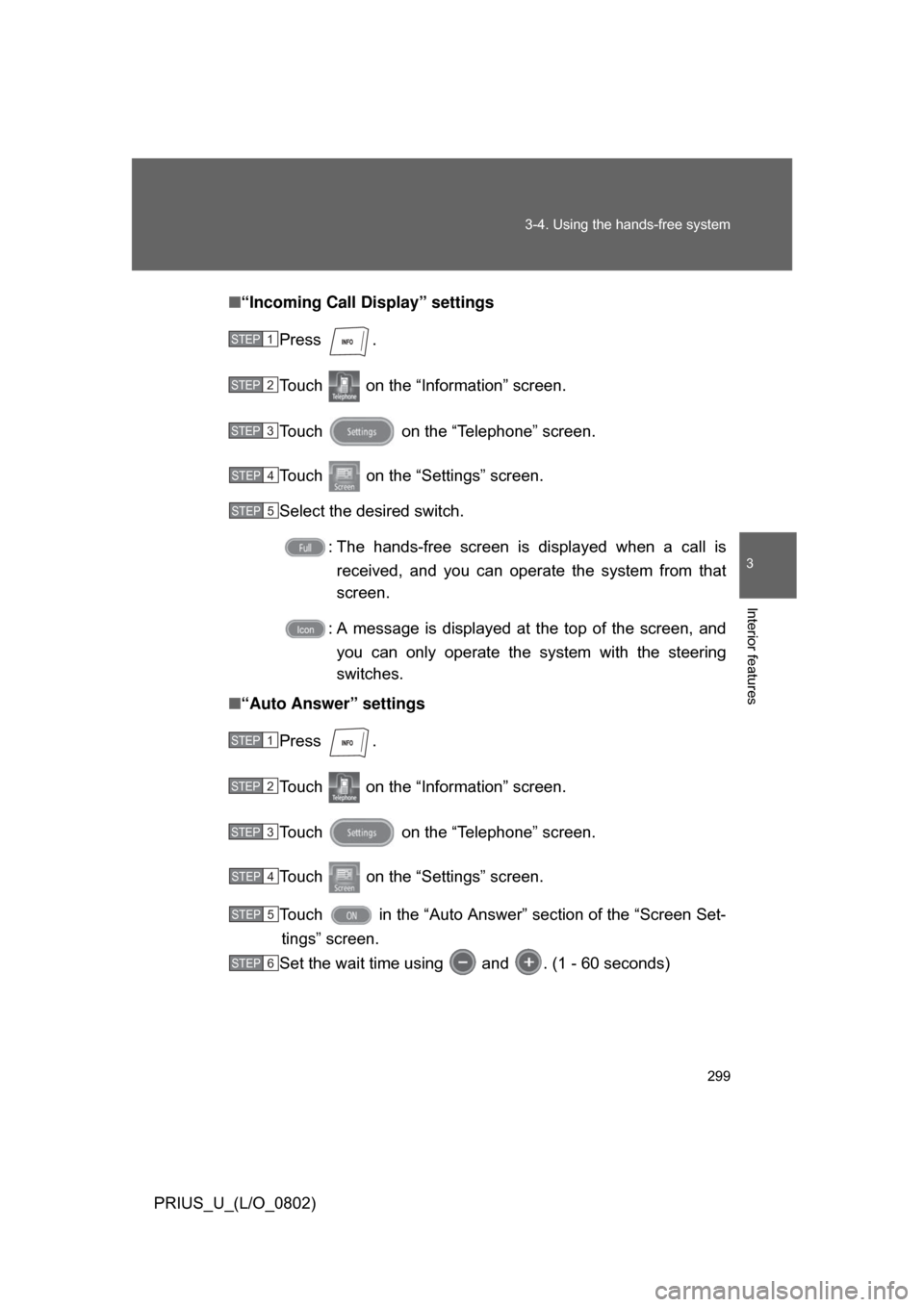
“Incoming Call Display” settings
Press .
Touch on the “Information” screen.
Touch on the “Telephone” screen.
Touch on the “Settings” screen.
Select the desired switch. : The hands-free screen is displayed when a call isreceived, and you can opera te the system from that
screen.
: A message is displayed at the top of the screen, and you can only operate the system with the steering
switches.
■ “Auto Answer” settings
Press .
Touch on the “Information” screen.
Touch on the “Telephone” screen.
Touch on the “Settings” screen.
Touch in the “Auto Answer” section of the “Screen Set-tings” screen.
Set the wait time using and . (1 - 60 seconds)
STEP1
STEP2
STEP3
STEP4
STEP5
STEP1
STEP2
STEP3
STEP4
STEP5
STEP6
Page 300 of 512
300 3-4. Using the hands-free system
PRIUS_U_(L/O_0802)■
“Show Bluetooth
* connection status at startup” settings
Press .
Touch on the “Inf ormation” screen.
Touch on the “Telephone” screen.
Touch on the “Settings” screen.
Touch / in the “Show Bluetooth
* connection sta-
tus at startup” section of the “Screen Settings” screen.
*:Bluetooth is a registered trademark of Bluetooth SIG. Inc.
■ To set the screen settings to default
Touch , then .
STEP1
STEP2
STEP3
STEP4
STEP5
Page 301 of 512
301
3-4. Using the hands-free system
3
Interior features
PRIUS_U_(L/O_0802)
Phone book settings
Up to 1000 names, 2 items per name, can be registered.
■ Transferring mobile phone data
Press .
Touch on the “Information” screen.
Touch on the “Telephone” screen.
Touch on the “Settings” screen. Touch .
Select the group to transfer to.
STEP1
STEP2
STEP3
STEP4
ITY34P036
STEP5
ITY34P037
STEP6
Page 302 of 512
302 3-4. Using the hands-free system
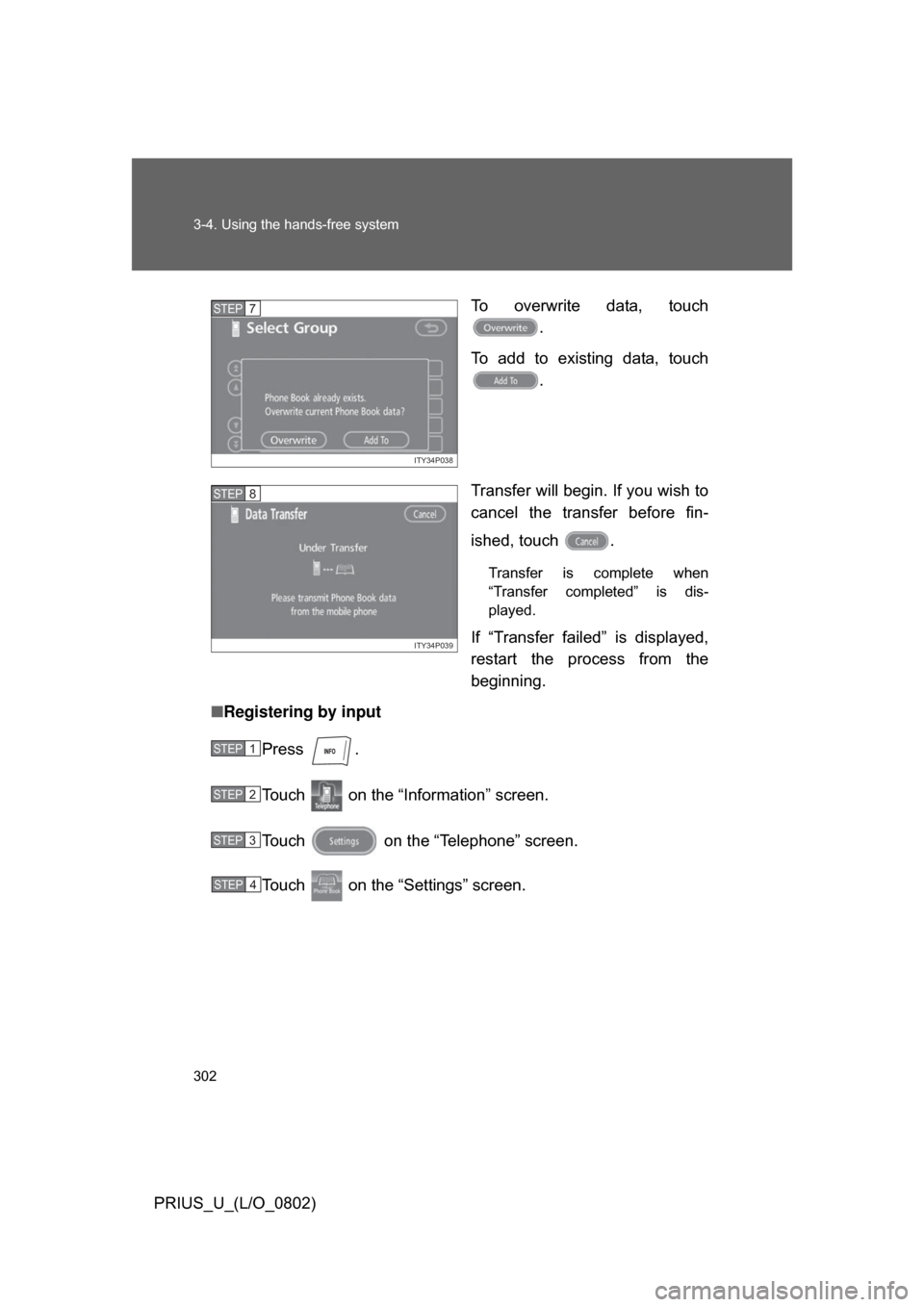
PRIUS_U_(L/O_0802)To overwrite data, touch
.
To add to existing data, touch .
Transfer will begin. If you wish to
cancel the transfer before fin-
ished, touch .
Transfer is complete when
“Transfer completed” is dis-
played.
If “Transfer failed” is displayed,
restart the process from the
beginning.
■ Registering by input
Press .
Touch on the “Inf ormation” screen.
Touch on the “Telephone” screen.
Touch on the “Settings” screen.
ITY34P038
STEP7
ITY34P039
STEP8
STEP1
STEP2
STEP3
STEP4
Page 304 of 512
304 3-4. Using the hands-free system
PRIUS_U_(L/O_0802)Choose the switch to register.
:Input the name on the
“Name” screen.
, : Input the number(s) on
the “Telephone Number”
screen. When you touch , the “Select Icon”
screen will appear.
Choose the desired icon.
•
•
•
•
•
:Select the desired group from the “Select Group”
screen. (No Group, 01 -
09)
:Select the desired phone number and touch
to record a voice
tag.
To play the voice tag,
touch . To delete
the voice tag, touch
.
Once input is complete, touch .
STEP6
ITY34P041
ITY34P042
STEP7
Page 305 of 512
305
3-4. Using the hands-free system
3
Interior features
PRIUS_U_(L/O_0802)
■
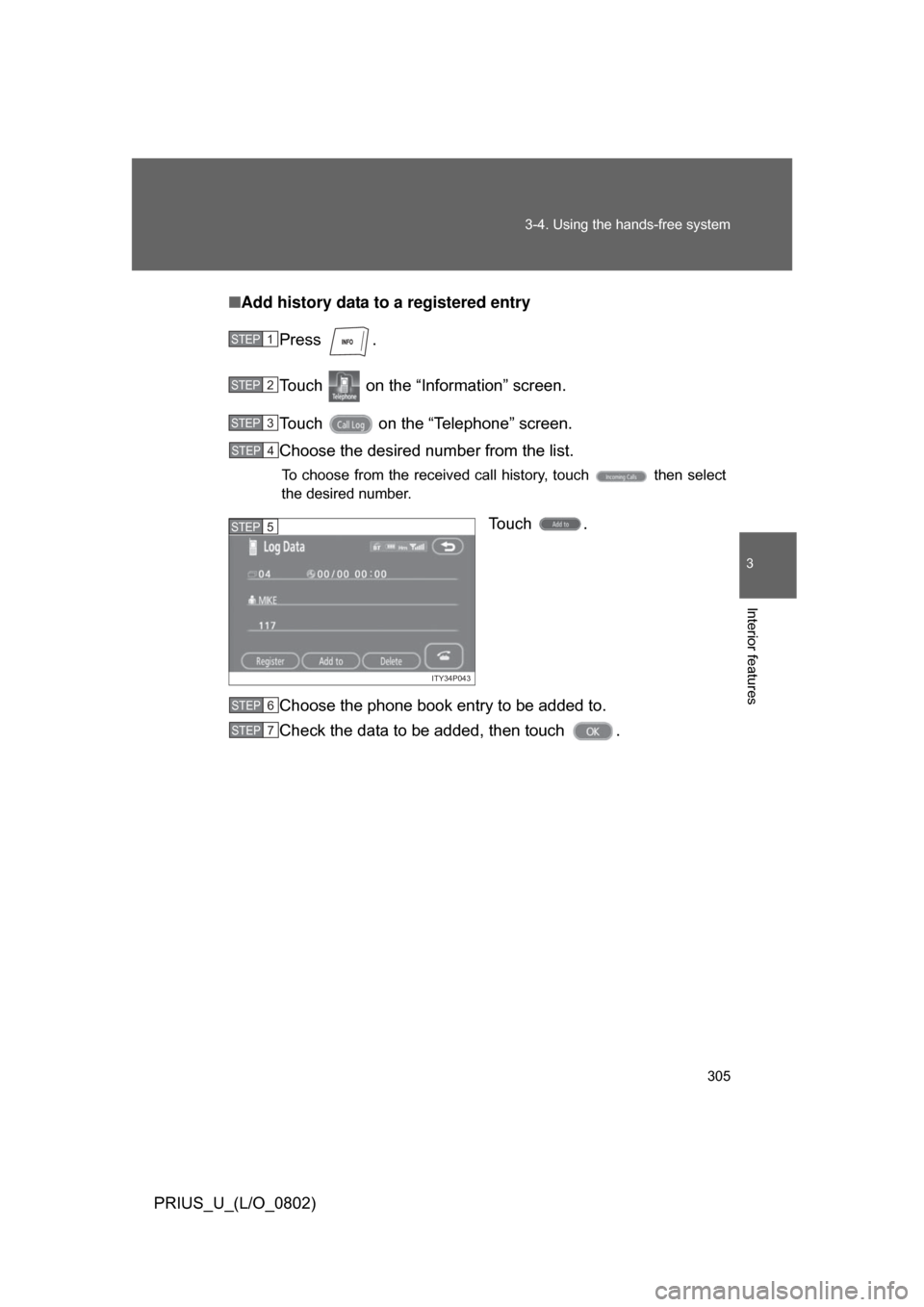
Add history data to a registered entry
Press .
Touch on the “Information” screen.
Touch on the “Telephone” screen.
Choose the desired number from the list.
To choose from the received call history, touch then select
the desired number.
Touch .
Choose the phone book entry to be added to.
Check the data to be added, then touch .
STEP1
STEP2
STEP3
STEP4
ITY34P043
STEP5
STEP6
STEP7
Page 306 of 512
306 3-4. Using the hands-free system
PRIUS_U_(L/O_0802)■
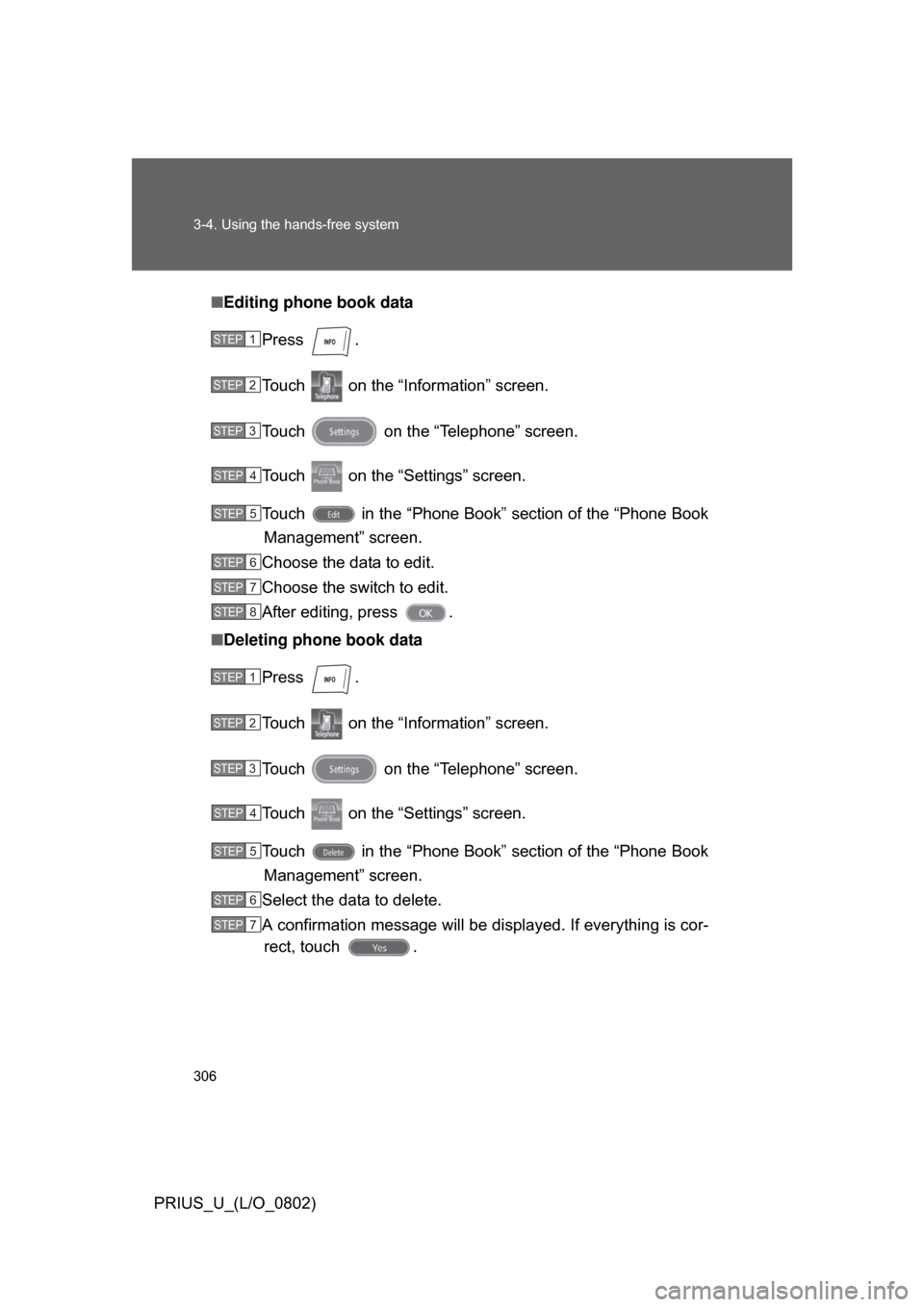
Editing phone book data
Press .
Touch on the “Inf ormation” screen.
Touch on the “Telephone” screen.
Touch on the “Settings” screen.
Touch in the “Phone Book” section of the “Phone Book Management” screen.
Choose the data to edit.
Choose the switch to edit.
After editing, press .
■ Deleting phone book data
Press .
Touch on the “Inf ormation” screen.
Touch on the “Telephone” screen.
Touch on the “Settings” screen.
Touch in the “Phone Book” section of the “Phone Book Management” screen.
Select the data to delete.
A confirmation message will be di splayed. If everything is cor-
rect, touch .
STEP1
STEP2
STEP3
STEP4
STEP5
STEP6
STEP7
STEP8
STEP1
STEP2
STEP3
STEP4
STEP5
STEP6
STEP7
Page 307 of 512
307
3-4. Using the hands-free system
3
Interior features
PRIUS_U_(L/O_0802)
■
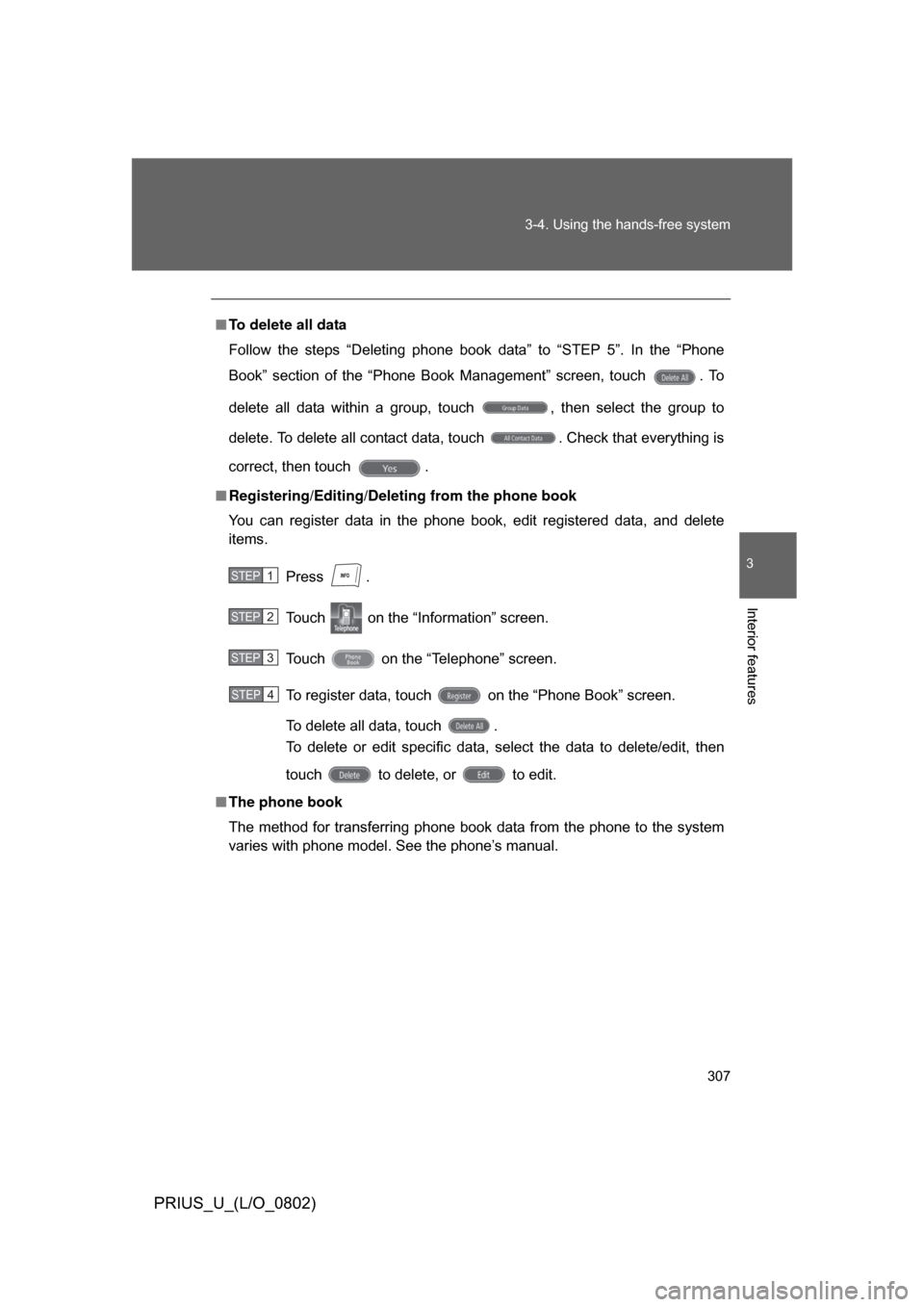
To delete all data
Follow the steps “Deleting phone book data” to “STEP 5”. In the “Phone
Book” section of the “Phone Book Management” screen, touch . To
delete all data within a group, touch , then select the group to
delete. To delete all contact data, touch . Check that everything is
correct, then touch .
■ Registering/Editing/Deleting from the phone book
You can register data in the phone book, edit registered data, and delete
items.
Press .
Touch on the “Information” screen.
Touch on the “Telephone” screen.
To register data, touch on the “Phone Book” screen.
To delete all data, touch .
To delete or edit specific data, select the data to delete/edit, then
touch to delete, or to edit.
■ The phone book
The method for transferring phone book data from the phone to the system
varies with phone model. See the phone’s manual.
STEP1
STEP2
STEP3
STEP4