Downloaded from www.Manualslib.com manuals search engine To reset the cruise control to a faster
speed, use either of the following proce
dures:
• Hold in the "RES/ACC" switch (4). Vehicle speed will steadily increase. When you release the switch, the new speed will be maintained. • Accelerate· to the desired speed using the accelerator pedal and push the "SET/COAST" switch (3). The new
speed will be maintained.
To Cancel To cancel cruise control operation, use one of the following procedures:
• Slightly depress the brake pedal or clutch pedal, or push the "CANCEL:' switch (2). Cruise control operation will be canceled until you reset a cruising
speed by pushing the "SET/COAST" switch (3) or "RES/ACC" switch (4). • Push the "ON/OFF" switch (1). Cruise control operation will be canceled until you turn on the system by pushing the "ON/OFF" switch (1) again and reset a
cruising speed by pushing the "SET/
COAST" switch (3).
Cruise control operation will also be canceled any time the vehicle speed falls
below 40 km/h (25 mph).
To "Resume" a Previously Set
Speed
After canceling cruise control operation
without turning off the "ON/OFF" switch (1), you can "resume" a previously set
speed, by holding the "RES/ACC" switch (4) for about one second. When you release the switch, the vehicle will accelerate to and maintain the previously set
speed.
NOTE: If the "ON/OFF" switch (1) is turned off, the set speed in the memory is cleared and
you can not use the Resume feature. In this case, reset your CRUISE speed.
OPERATING YOUR VEHICLE
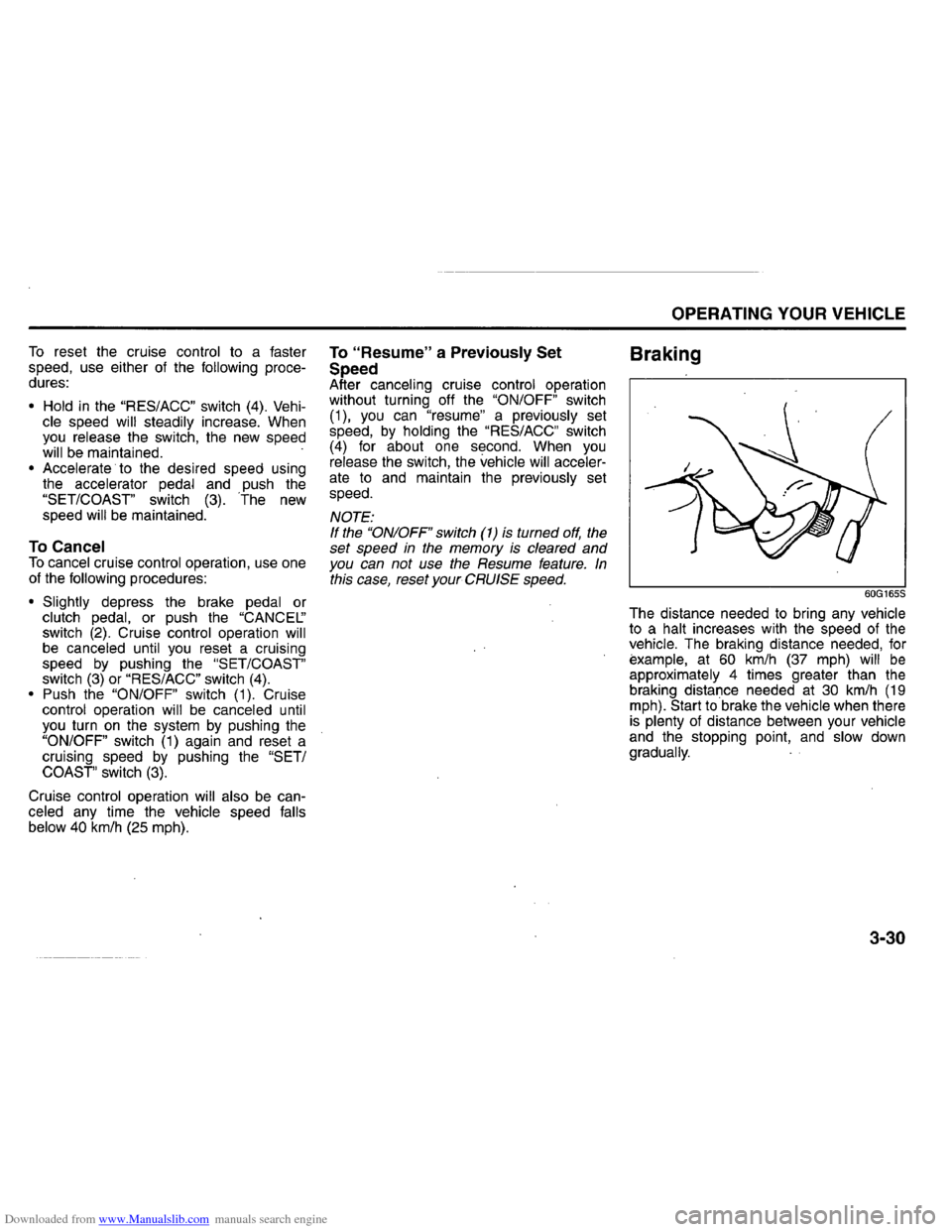
Braking
60G165S
The distance needed to bring any vehicle to a halt increases with the speed of the vehicle. The braking distance needed, for example, at 60 km/h (37 mph) will be approximately 4 times greater than the braking distance needed at 30 km/h (19 mph). Start to brake the vehicle when there is plenty of distance between your vehicle
and the stopping point, and slow down
gradually.
3-30