2008 SUBARU TRIBECA lock
[x] Cancel search: lockPage 190 of 409
5-14
Audio
NOTERandom playback will be cancelled if
you perform any of the following steps:
.Press the “RPT ”button
. Press the “SCAN ”button
. Press the “
”button
. Select the radio mode
. Press the “RSE AUX ”button
. Press the “”or “
”side of the
SEEK FLDR button
. Turn off the power of the audio
equipment.
. Turn the ignition switch to the
“ LOCK ”position.
! MP3 disc
Press the “RDM”button (5) during disc
playback to play all of the tracks in the
folder currently being played in random
order. Press the “RDM”button again to
play all of the tracks on the disc in random
order. The display will show “RDM”during
the random mode.
To cancel the random mode, press the
“ RDM ”button during “in-disc ”random
playback. The “RDM”indication will go
off, and the normal playback mode will be
resumed.
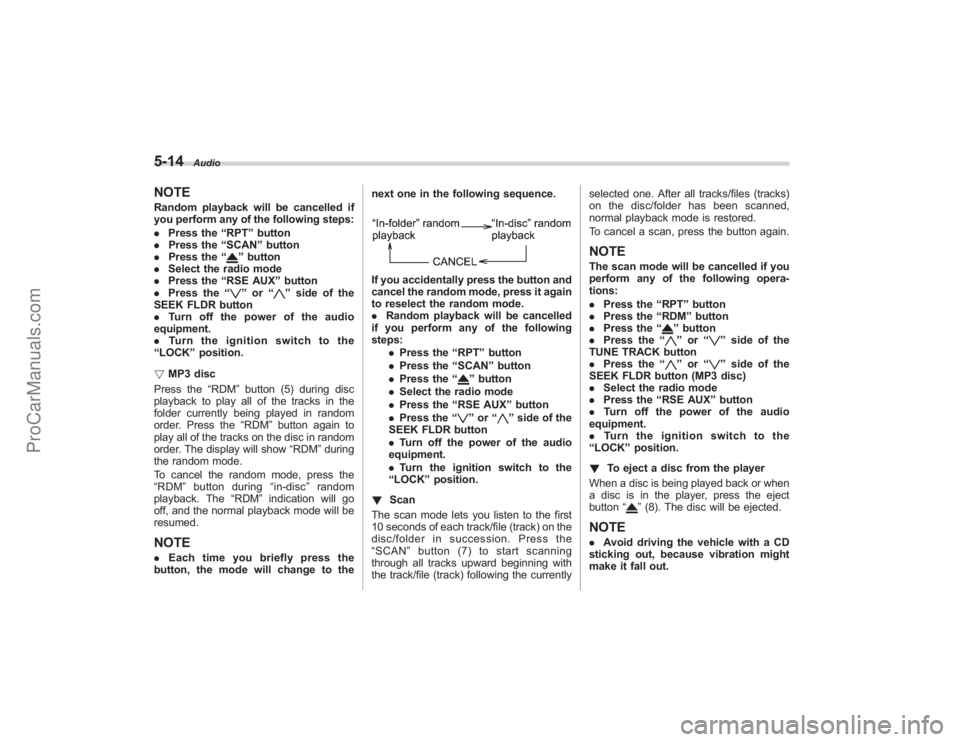
NOTE. Each time you briefly press the
button, the mode will change to the next one in the following sequence.
If you accidentally press the button and
cancel the random mode, press it again
to reselect the random mode.
.
Random playback will be cancelled
if you perform any of the following
steps:
.Press the “RPT ”button
. Press the “SCAN ”button
. Press the “
”button
. Select the radio mode
. Press the “RSE AUX ”button
. Press the “”or “
”side of the
SEEK FLDR button
. Turn off the power of the audio
equipment.
. Turn the ignition switch to the
“ LOCK ”position.
! Scan
The scan mode lets you listen to the first
10 seconds of each track/file (track) on the
disc/folder in succession. Press the
“ SCAN ”button (7) to start scanning
through all tracks upward beginning with
the track/file (track) following the currently selected one. After all tracks/files (tracks)
on the disc/folder has been scanned,
normal playback mode is restored.
To cancel a scan, press the button again.
NOTEThe scan mode will be cancelled if you
perform any of the following opera-
tions:
.
Press the “RPT ”button
. Press the “RDM ”button
. Press the “
”button
. Press the “”or “
”side of the
TUNE TRACK button
. Press the “
”or “
”side of the
SEEK FLDR button (MP3 disc)
. Select the radio mode
. Press the “RSE AUX ”button
. Turn off the power of the audio
equipment.
. Turntheignitionswitchtothe
“ LOCK ”position.
! To eject a disc from the player
When a disc is being played back or when
a disc is in the player, press the eject
button “
”(8). The disc will be ejected.
NOTE. Avoid driving the vehicle with a CD
sticking out, because vibration might
make it fall out.
ProCarManuals.com
Page 191 of 409
.If the disc is left ejected for more
than approximately 15 seconds after
the ignition switch is turned to the
“ LOCK” position, a disc protection
function will operate, automatically
reloading the disc. In this case, the
disc is not played.
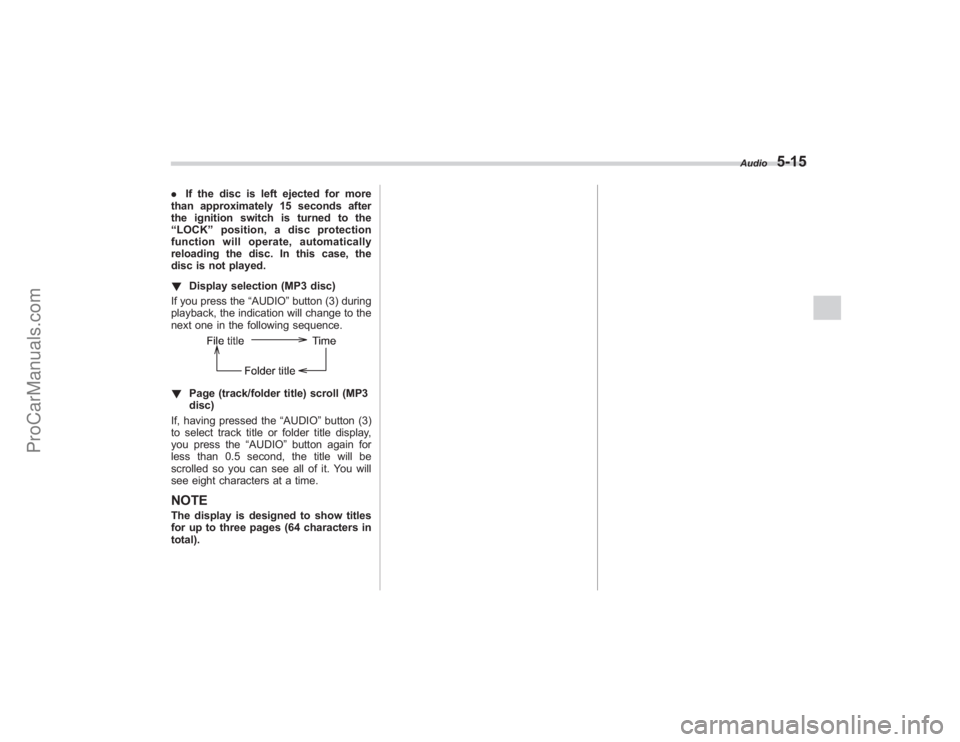
! Display selection (MP3 disc)
If you press the “AUDIO”button (3) during
playback, the indication will change to the
next one in the following sequence.! Page (track/folder title) scroll (MP3
disc)
If, having pressed the “AUDIO”button (3)
to select track title or folder title display,
you press the “AUDIO”button again for
less than 0.5 second, the title will be
scrolled so you can see all of it. You will
see eight characters at a time.NOTEThe display is designed to show titles
for up to three pages (64 characters in
total).
Audio
5-15
ProCarManuals.com
Page 194 of 409
5-18
Audio
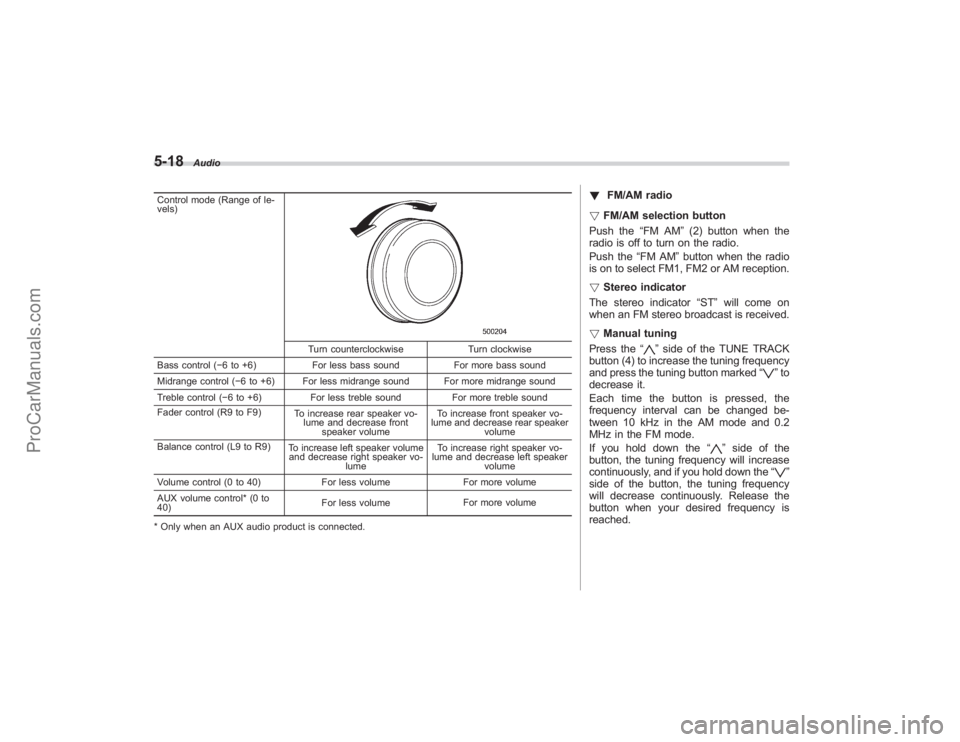
Control mode (Range of le-
vels)
Turn counterclockwiseTurn clockwise
Bass control ( −6 to +6) For less bass sound For more bass sound
Midrange control ( −6 to +6) For less midrange sound For more midrange sound
Treble control ( −6 to +6) For less treble sound For more treble sound
Fader control (R9 to F9) To increase rear speaker vo-
lume and decrease front speaker volume To increase front speaker vo-
lume and decrease rear speaker volume
Balance control (L9 to R9) To increase left speaker volume
and decrease right speaker vo-
lume To increase right speaker vo-
lume and decrease left speaker
volume
Volume control (0 to 40) For less volumeFor more volume
AUX volume control* (0 to
40) For less volume
For more volume
* Only when an AUX audio product is connected.
! FM/AM radio
! FM/AM selection button
Push the “FM AM”(2) button when the
radio is off to turn on the radio.
Push the “FM AM”button when the radio
is on to select FM1, FM2 or AM reception.
! Stereo indicator
The stereo indicator “ST”will come on
when an FM stereo broadcast is received.
! Manual tuning
Press the “
”side of the TUNE TRACK
button (4) to increase the tuning frequency
and press the tuning button marked “
”to
decrease it.
Each time the button is pressed, the
frequency interval can be changed be-
tween 10 kHz in the AM mode and 0.2
MHz in the FM mode.
If you hold down the “
”side of the
button, the tuning frequency will increase
continuously, and if you hold down the “
”
side of the button, the tuning frequency
will decrease continuously. Release the
button when your desired frequency is
reached.
ProCarManuals.com
Page 201 of 409
.Press the disc select button
. Select the radio mode
. Press the “RSE AUX ”button
. Press the “
”or “
”side of the
SEEK FLDR button (MP3 disc)
. Turn off the power of the audio
equipment.
. Turn the ignition switch to the
“ LOCK ”position.
! To repeat the currently playing disc/
folder
To repeat the currently playing disc/folder,
press the “RPT”button (6) twice while a
track/file (track) is playing. The display will
show “D-RPT ”, and the disc/folder will be
played repeatedly.
To cancel the disc/folder repeat-play
mode, press the “RPT”button once more.
The “D-RPT ”indication will go off, and the
normal playback mode will be resumed.
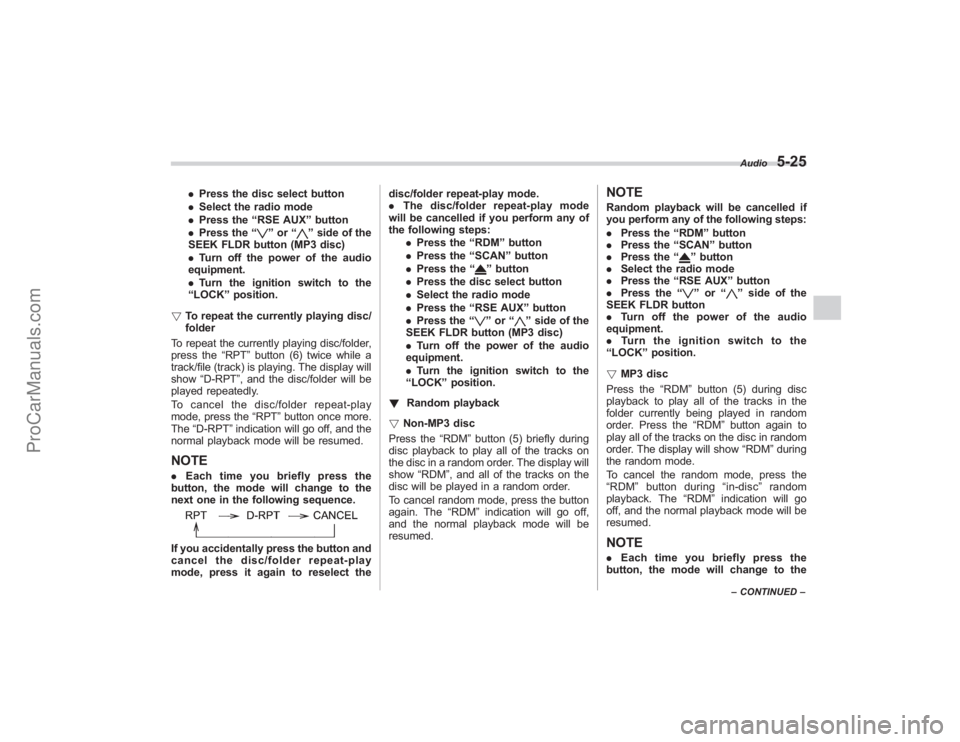
NOTE. Each time you briefly press the
button, the mode will change to the
next one in the following sequence.If you accidentally press the button and
cancel the disc/folder repeat-play
mode, press it again to reselect the disc/folder repeat-play mode.
.
The disc/folder repeat-play mode
will be cancelled if you perform any of
the following steps:
.Press the “RDM ”button
. Press the “SCAN ”button
. Press the “
”button
. Press the disc select button
. Select the radio mode
. Press the “RSE AUX ”button
. Press the “”or “
”side of the
SEEK FLDR button (MP3 disc)
. Turn off the power of the audio
equipment.
. Turn the ignition switch to the
“ LOCK ”position.
! Random playback
! Non-MP3 disc
Press the “RDM”button (5) briefly during
disc playback to play all of the tracks on
the disc in a random order. The display will
show “RDM”, and all of the tracks on the
disc will be played in a random order.
To cancel random mode, press the button
again. The “RDM”indication will go off,
and the normal playback mode will be
resumed.
NOTERandom playback will be cancelled if
you perform any of the following steps:
. Press the “RDM ”button
. Press the “SCAN” button
. Press the “
”button
. Select the radio mode
. Press the “RSE AUX ”button
. Press the “”or “
”side of the
SEEK FLDR button
. Turn off the power of the audio
equipment.
. Turntheignitionswitchtothe
“ LOCK ”position.
! MP3 disc
Press the “RDM”button (5) during disc
playback to play all of the tracks in the
folder currently being played in random
order. Press the “RDM ”button again to
play all of the tracks on the disc in random
order. The display will show “RDM”during
the random mode.
To cancel the random mode, press the
“ RDM ”button during “in-disc ”random
playback. The “RDM”indication will go
off, and the normal playback mode will be
resumed.
NOTE. Each time you briefly press the
button, the mode will change to the
Audio
5-25
– CONTINUED –
ProCarManuals.com
Page 202 of 409
5-26
Audio
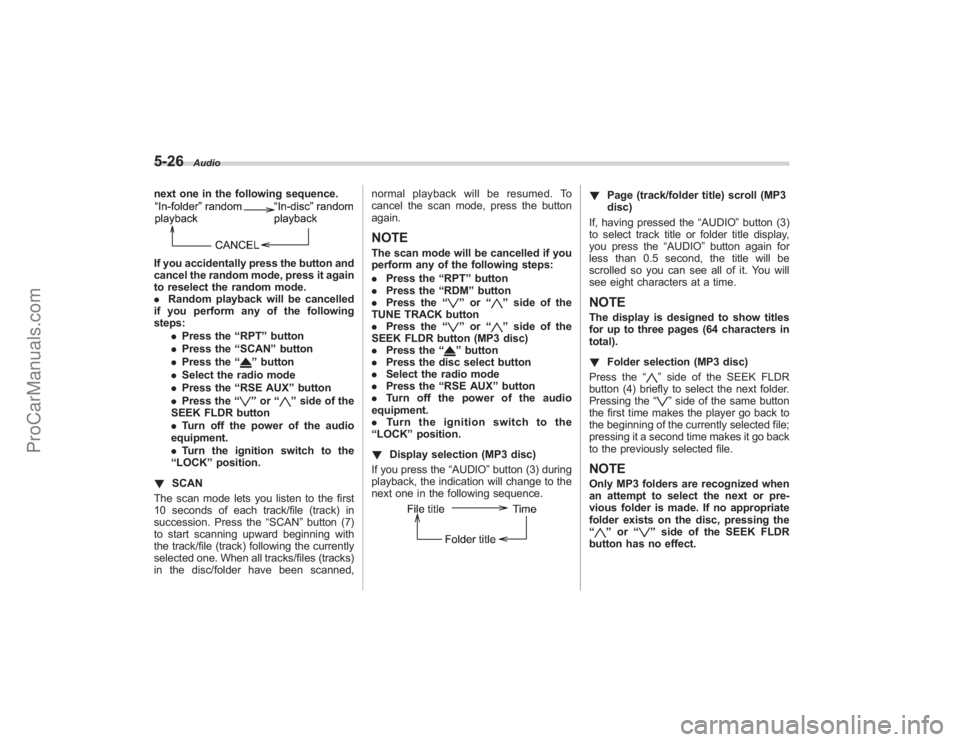
next one in the following sequence.If you accidentally press the button and
cancel the random mode, press it again
to reselect the random mode.
.Random playback will be cancelled
if you perform any of the following
steps:
.Press the “RPT ”button
. Press the “SCAN” button
. Press the “
”button
. Select the radio mode
. Press the “RSE AUX ”button
. Press the “”or “
”side of the
SEEK FLDR button
. Turn off the power of the audio
equipment.
. Turn the ignition switch to the
“ LOCK ”position.
! SCAN
The scan mode lets you listen to the first
10 seconds of each track/file (track) in
succession. Press the “SCAN”button (7)
to start scanning upward beginning with
the track/file (track) following the currently
selected one. When all tracks/files (tracks)
in the disc/folder have been scanned, normal playback will be resumed. To
cancel the scan mode, press the button
again.
NOTEThe scan mode will be cancelled if you
perform any of the following steps:
.
Press the “RPT ”button
. Press the “RDM ”button
. Press the “
”or “
”side of the
TUNE TRACK button
. Press the “
”or “
”side of the
SEEK FLDR button (MP3 disc)
. Press the “
”button
. Press the disc select button
. Select the radio mode
. Press the “RSE AUX ”button
. Turn off the power of the audio
equipment.
. Turn the ignition switch to the
“ LOCK ”position.
! Display selection (MP3 disc)
If you press the “AUDIO”button (3) during
playback, the indication will change to the
next one in the following sequence.
! Page (track/folder title) scroll (MP3
disc)
If, having pressed the “AUDIO”button (3)
to select track title or folder title display,
you press the “AUDIO”button again for
less than 0.5 second, the title will be
scrolled so you can see all of it. You will
see eight characters at a time.NOTEThe display is designed to show titles
for up to three pages (64 characters in
total).
! Folder selection (MP3 disc)
Press the “
”side of the SEEK FLDR
button (4) briefly to select the next folder.
Pressing the “”side of the same button
the first time makes the player go back to
the beginning of the currently selected file;
pressing it a second time makes it go back
to the previously selected file.
NOTEOnly MP3 folders are recognized when
an attempt to select the next or pre-
vious folder is made. If no appropriate
folder exists on the disc, pressing the
“
” or “
”side of the SEEK FLDR
button has no effect.
ProCarManuals.com
Page 212 of 409
6-4
Interior equipment
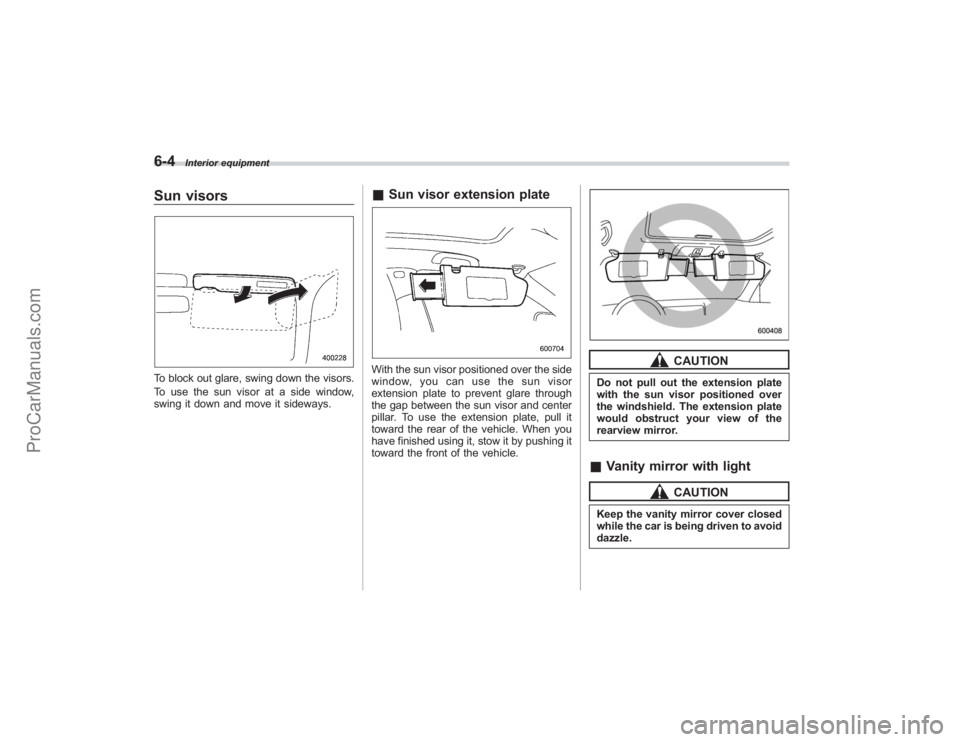
Sun visorsTo block out glare, swing down the visors.
To use the sun visor at a side window,
swing it down and move it sideways.
&Sun visor extension plateWith the sun visor positioned over the side
window, you can use the sun visor
extension plate to prevent glare through
the gap between the sun visor and center
pillar. To use the extension plate, pull it
toward the rear of the vehicle. When you
have finished using it, stow it by pushing it
toward the front of the vehicle.
CAUTION
Do not pull out the extension plate
with the sun visor positioned over
the windshield. The extension plate
would obstruct your view of the
rearview mirror.&Vanity mirror with light
CAUTION
Keep the vanity mirror cover closed
while the car is being driven to avoid
dazzle.
ProCarManuals.com
Page 213 of 409
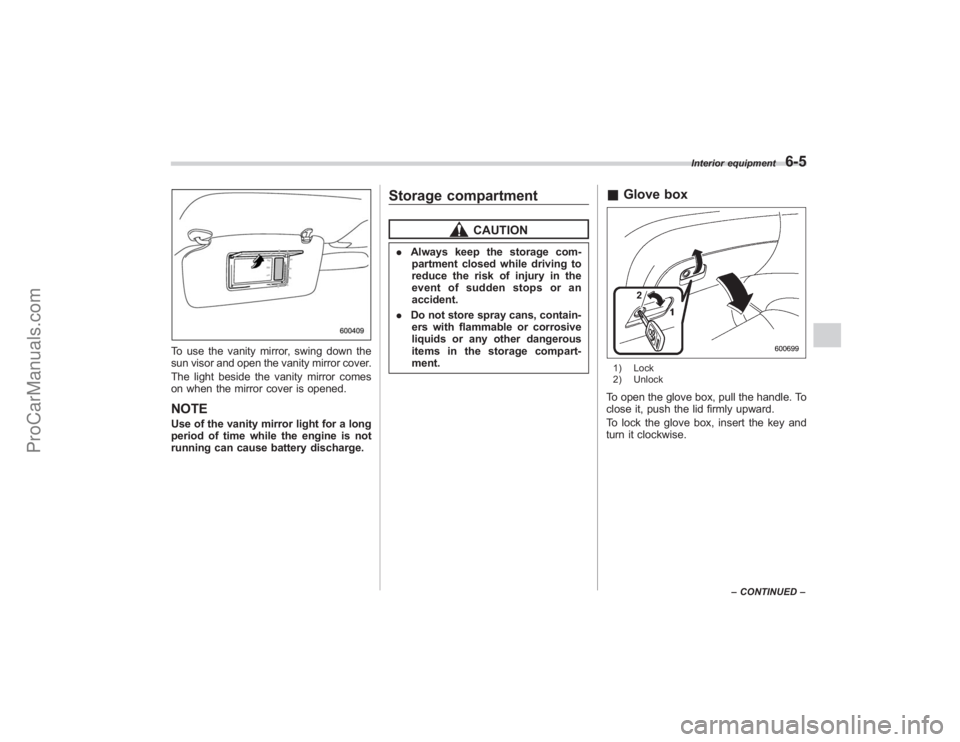
To use the vanity mirror, swing down the
sun visor and open the vanity mirror cover.
The light beside the vanity mirror comes
on when the mirror cover is opened.NOTEUse of the vanity mirror light for a long
period of time while the engine is not
running can cause battery discharge.
Storage compartment
CAUTION
.Always keep the storage com-
partment closed while driving to
reduce the risk of injury in the
event of sudden stops or an
accident.
. Do not store spray cans, contain-
ers with flammable or corrosive
liquids or any other dangerous
items in the storage compart-
ment.
& Glove box1) Lock
2) UnlockTo open the glove box, pull the handle. To
close it, push the lid firmly upward.
To lock the glove box, insert the key and
turn it clockwise.
Interior equipment
6-5
–CONTINUED –
ProCarManuals.com
Page 214 of 409
6-6
Interior equipment
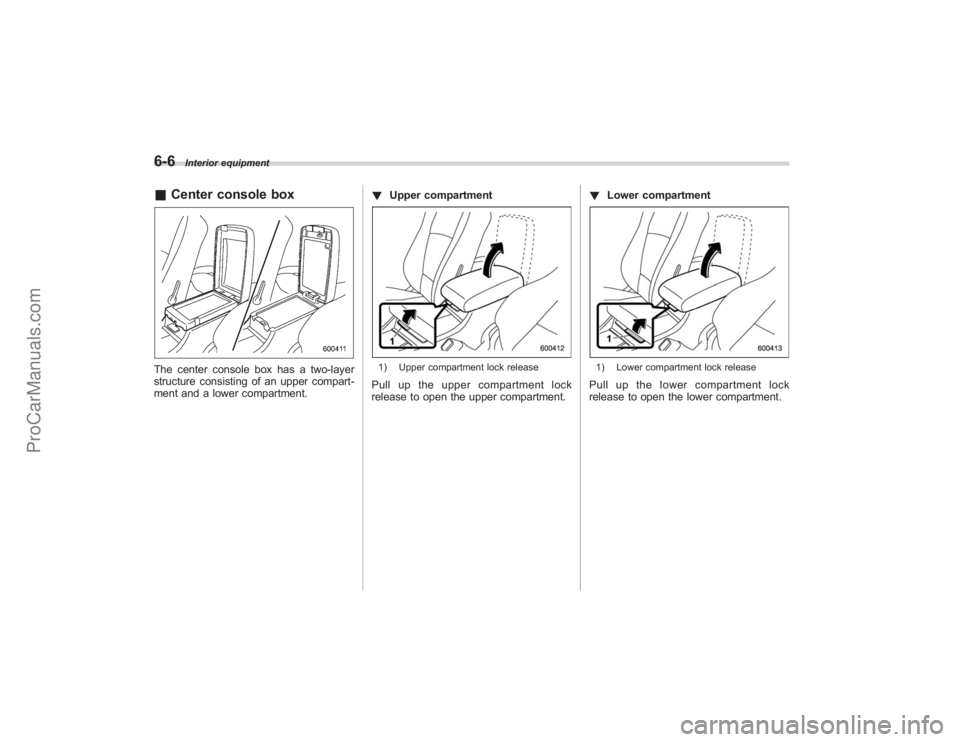
&Center console boxThe center console box has a two-layer
structure consisting of an upper compart-
ment and a lower compartment. !
Upper compartment
1) Upper compartment lock releasePull up the upper compartment lock
release to open the upper compartment. !
Lower compartment
1) Lower compartment lock releasePull up the lower compartment lock
release to open the lower compartment.
ProCarManuals.com