Page 154 of 327
419
1 23456789
Driving your vehicle
Even with the anti-lock brake sys-tem, your vehicle still requires suf-
ficient stopping distance. Always
maintain a safe distance from the
vehicle in front of you.
Always slow down when cornering. The anti-lock brake system cannot
prevent accidents resulting from
excessive speeds.
On loose or uneven road surfaces, operation of the anti-lock brake
system may result in a longer stop-
ping distance than for vehicles
equipped with a conventional
brake system.
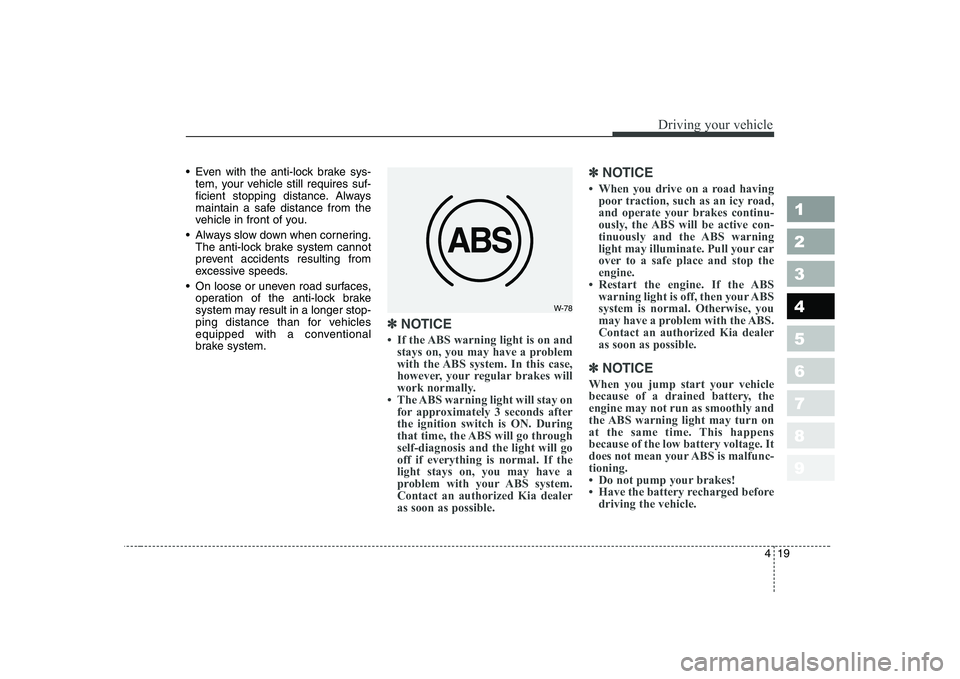
✽✽ NOTICE
Page 156 of 327
421
1 23456789
Driving your vehicle
Tilt steering (if equipped)
A tilt steering wheel allows you to
adjust the steering wheel before you
drive.You can also raise it to the
highest level to give your legs more
room when you exit and enter the
vehicle.
The steering wheel should be posi-
tioned so that it is comfortable for
you to drive, while permitting you to
see the instrument panel warning
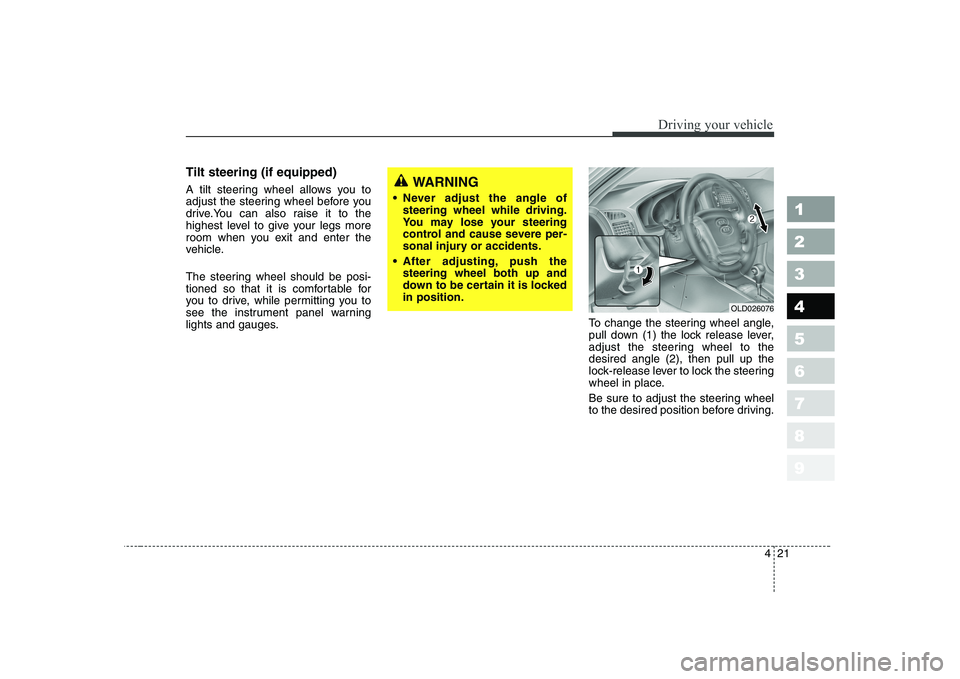
lights and gauges.To change the steering wheel angle,
pull down (1) the lock release lever,
adjust the steering wheel to thedesired angle (2), then pull up the
lock-release lever to lock the steering
wheel in place.
Be sure to adjust the steering wheel
to the desired position before driving.WARNING
Never adjust the angle of steering wheel while driving.
You may lose your steering
control and cause severe per-
sonal injury or accidents.
After adjusting, push the steering wheel both up and
down to be certain it is lockedin position.
OLD026076
Page 162 of 327
427
1 23456789
Driving your vehicle
When operating
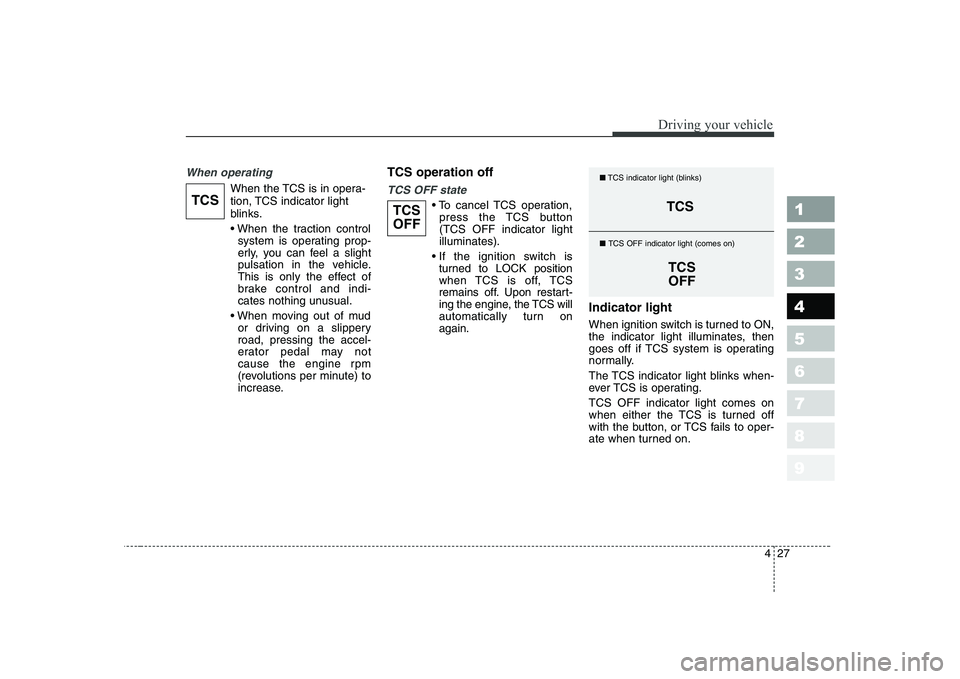
When the TCS is in opera-
tion, TCS indicator light
blinks.
system is operating prop-
erly, you can feel a slight
pulsation in the vehicle.
This is only the effect of
brake control and indi-
cates nothing unusual.
or driving on a slipperyroad, pressing the accel-
erator pedal may not
cause the engine rpm
(revolutions per minute) to
increase. TCS operation offTCS OFF state
cancel TCS operation,
press the TCS button (TCS OFF indicator lightilluminates).
turned to LOCK position
when TCS is off, TCS
remains off. Upon restart-
ing the engine, the TCS will
automatically turn onagain. Indicator light
When ignition switch is turned to ON,
the indicator light illuminates, then
goes off if TCS system is operating
normally.
The TCS indicator light blinks when-
ever TCS is operating. TCS OFF indicator light comes on
when either the TCS is turned off
with the button, or TCS fails to oper-
ate when turned on.TCSTCS
OFFTCS
TCSOFF
■
TCS indicator light (blinks)
■ TCS OFF indicator light (comes on)
Page 172 of 327
437
1 23456789
Driving your vehicle
Warning lights / audible indi-
cators
Checking operation
All warning lights are checked by
turning the ignition switch ON (do not
start the engine). Any light that does
not illuminate should be checked by
an Authorized Kia Dealer.
After starting the engine, check to
make sure that all warning lights are
off. If any are still on, this indicates a
situation that needs attention. When
releasing the parking brake, the
brake system warning light should go
off. The fuel warning light will stay on
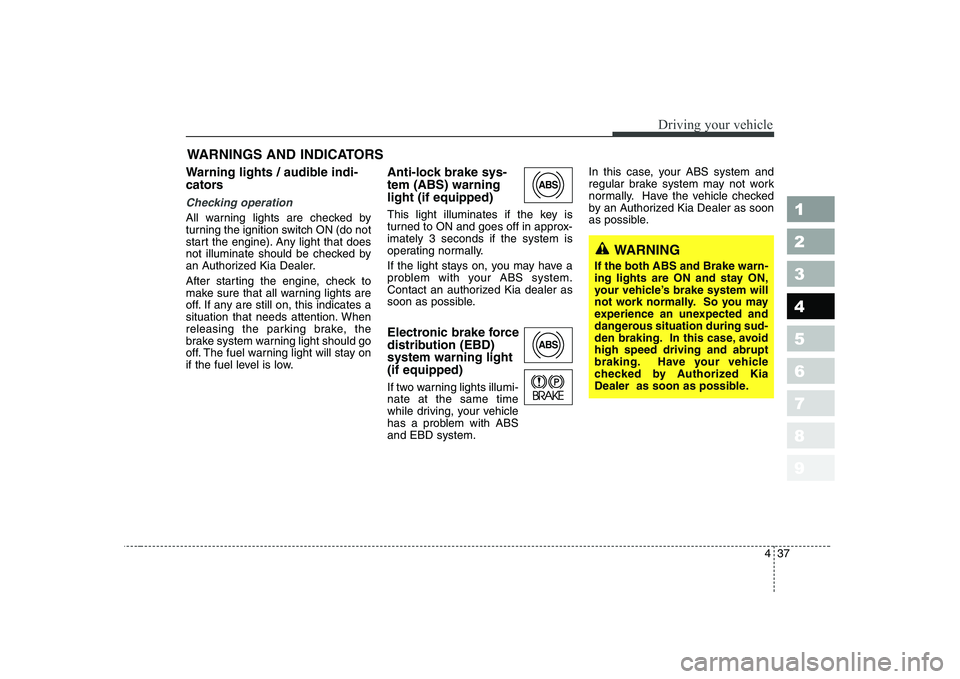
if the fuel level is low.Anti-lock brake sys- tem (ABS) warninglight (if equipped)
This light illuminates if the key is
turned to ON and goes off in approx-imately 3 seconds if the system is
operating normally.
If the light stays on, you may have a
problem with your ABS system.
Contact an authorized Kia dealer as
soon as possible.
Electronic brake force
distribution (EBD)system warning light (if equipped)
If two warning lights illumi- nate at the same time
while driving, your vehicle
has a problem with ABSand EBD system.In this case, your ABS system and
regular brake system may not work
normally. Have the vehicle checked
by an Authorized Kia Dealer as soon
as possible.
WARNINGS AND INDICATORS
ABS
ABS
WARNING
If the both ABS and Brake warn-
ing lights are ON and stay ON,
your vehicle’s brake system will
not work normally. So you may
experience an unexpected and
dangerous situation during sud-
den braking. In this case, avoidhigh speed driving and abrupt
braking. Have your vehicle
checked by Authorized Kia
Dealer as soon as possible.
Page 179 of 327
Driving your vehicle
44
4
1 23456789
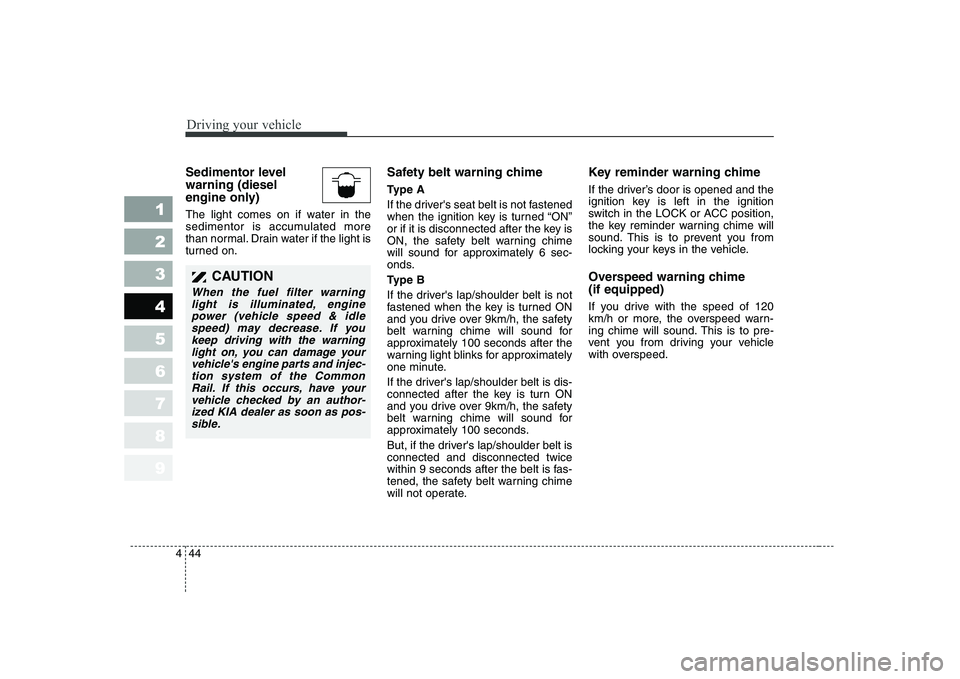
Sedimentor level warning (diesel
engine only)
The light comes on if water in the
sedimentor is accumulated more
than normal. Drain water if the light is
turned on. Safety belt warning chime
Ty p e A
If the driver's seat belt is not fastened
when the ignition key is turned “ON”
or if it is disconnected after the key is
ON, the safety belt warning chime
will sound for approximately 6 sec-
onds.
Ty p e B
If the driver's lap/shoulder belt is not
fastened when the key is turned ON
and you drive over 9km/h, the safety
belt warning chime will sound for
approximately 100 seconds after the
warning light blinks for approximately
one minute.
If the driver's lap/shoulder belt is dis-
connected after the key is turn ON
and you drive over 9km/h, the safety
belt warning chime will sound for
approximately 100 seconds.
But, if the driver's lap/shoulder belt is connected and disconnected twice
within 9 seconds after the belt is fas-
tened, the safety belt warning chime
will not operate.Key reminder warning chime
If the driver’s door is opened and the
ignition key is left in the ignition
switch in the LOCK or ACC position,
the key reminder warning chime will
sound. This is to prevent you from
locking your keys in the vehicle.
Overspeed warning chime (if equipped)
If you drive with the speed of 120
km/h or more, the overspeed warn-
ing chime will sound. This is to pre-
vent you from driving your vehicle
with overspeed.
CAUTION
When the fuel filter warning
light is illuminated, enginepower (vehicle speed & idle speed) may decrease. If youkeep driving with the warninglight on, you can damage yourvehicle's engine parts and injec- tion system of the CommonRail. If this occurs, have yourvehicle checked by an author- ized KIA dealer as soon as pos-sible.
Page 220 of 327
Driving tips
6
5
1 23456789
BEFORE DRIVING
Before entering vehicle:
Be sure that all windows, outside mirror(s), and outside lights are clean.
Check the condition of the tires.
Check under the vehicle for any sign of leaks.
Be sure there are no obstacles behind you if you intend to back up.
Necessary inspections
Fluid levels, such as engine oil,
engine coolant, brake fluid, and
washer fluid should be checked on a
regular basis, with the exact interval
depending on the fluid. Further
details are provided in Section 7,
Maintenance. Before starting
Close and lock all doors.
Position the seat so that all con-
trols are easily reached.
Adjust the inside and outside rearview mirrors.
Be sure that all lights work.
Check all gauges.
Check the operation of warning lights when the ignition switch is
turned to the ON position.
Release the parking brake and make sure the brake warning lightgoes out.
For safe operation, be sure you are
familiar with your vehicle and itsequipment.
WARNING - Driving under
the influence of alcohol or drugs
Drinking and driving is danger-
ous. Drunk driving is the num-
ber one contributor to the high-
way death toll each year. Even asmall amount of alcohol will
affect your reflexes, perceptions
and judgement.
You are much more likely to
have a serious accident if you
drink and drive.
If you are drinking or taking
drugs, don’t drive. Do not ridewith a driver who has beendrinking or taking drugs.Choose a designated driver orcall a cab. Driving while under the influ-
ence of drugs is as dangerous
or more dangerous than drivingdrunk.
Page 224 of 327
Driving tips
10
5
1 23456789
Driving too fast through large pud-
dles can affect your brakes. If you
must go through puddles, try to
drive through them slowly.
If you believe you may have gotten your brakes wet, apply them lightly
while driving until normal braking
operation returns. Winter driving
We recommend that you carry
emergency equipment, including
tire chains, a window scraper,
windshield de-icer, a bag of sand
or salt, flares, a small shovel and
jumper cables.
Make sure you have sufficient eth- ylene-glycol coolant in the radiator.
Check the battery condition and cables. Cold temperatures reduce
the capacity of any battery, so it
must be in excellent condition to
provide enough winter starting
power.
Make sure the engine oil viscosity is suitable for cold weather.
Check the ignition system for loose connections and damage.
Use antifreeze-formulated wind- shield washer fluid. (Do not use
engine coolant antifreeze.)
Do not use the parking brake if it might freeze. When parking, shift
to 1 (First) or R (Reverse) with a
manual transaxle or P (Park) with
an automatic transaxle and block
the rear wheels.Snow tires
If you mount snow tires on your Kia,
make sure they are radial tires of the
same size and load range as the
original tires. Mount snow tires on all
four wheels to balance your vehicle’s
handling in all weather conditions.
Keep in mind that the traction provid-
ed by snow tires on dry roads may
not be as high as your vehicle's orig-
inal equipment tires. You should drive
cautiously even when the roads are
clear. Check with the tire dealer for
maximum speed recommendations.
Do not install studded tires without
first checking local, state and munic-ipal regulations for possible restric-tions against their use.
WARNING - Snow tire
size
Snow tires should be equivalent
in size and type to the vehicle's
standard tires. Otherwise, the
safety and handling of your
vehicle may be adversely affect-ed.
Page 226 of 327
Driving tips
12
5
1 23456789
Driving in flooded areas
Avoid driving through flooded areas
unless you are sure the water is nohigher than the bottom of the wheel
hub. Drive through any water slowly.
Allow adequate stopping distance
because brake performance may be
affected.
After driving through water, dry the
brakes by gently applying them sev-
eral times while the vehicle is moving
slowly.WARNING - Tire chains
The use of chains may adversely affect vehicle han- dling.
Do not exceed 30 km/h (20 mph) or the chain manufactur-
er’s recommended speed
limit, whichever is lower.
Drive carefully and avoid bumps, holes, sharp turns,
and other road hazards, which
may cause the vehicle to
bounce.
Avoid sharp turns or locked- wheel braking.
CAUTION
Chains that are the wrong size
or improperly installed candamage your vehicle's brakelines, suspension, body andwheels.
Stop driving and retighten the chains any time you hear themhitting the vehicle.