Page 186 of 438

•Right Front Turn Signal Light Out (with a single
chime)
•Right Rear Turn Signal Light Out (with a single chime)
•RKE Battery Low (with a single chime)
•Personal Settings Not Available – Vehicle not in PARK
(automatic transmissions) or vehicle is in motion
(manual transmissions).
•Left/Right Front Door Ajar (one or more, with a single
chime if speed is above 1 mph (1 km/h)
•Left/Right Rear Door Ajar (one or more, with a single
chime if speed is above 1 mph (1 km/h)
•Door(s) Ajar (with a single chime if vehicle is in
motion)
•Gate Ajar (with a single chime)
•Headlights On
•Key In Ignition
•Check TPM System
Engine Oil Change Indicator System
Oil Change Required
Your vehicle is equipped with an engine oil change
indicator system. The “Oil Change Required” message
will flash in the EVIC display for approximately 10
seconds after a single chime has sounded, to indicate the
next scheduled oil change interval. The engine oil change
indicator system is duty-cycle based, which means the
engine oil change interval may fluctuate dependent upon
your personal driving style.
Unless reset, this message will continue to display each
time you turn the ignition switch to the ON/RUN
position. To turn off the message temporarily, press and
release the Trip Odometer button on the instrument
184 UNDERSTANDING YOUR INSTRUMENT PANEL
Page 187 of 438
cluster. To reset the oil change indicator system (after
performing the scheduled maintenance) refer to the fol-
lowing procedure.
1. Turn the ignition switch to the ON position.Do not
start the engine.
2. Fully depress the accelerator pedal, slowly, three times
within 10 seconds.
3. Turn the ignition switch to the OFF/LOCK position.
NOTE:If the indicator message illuminates when you
start the vehicle, the oil change indicator system did not
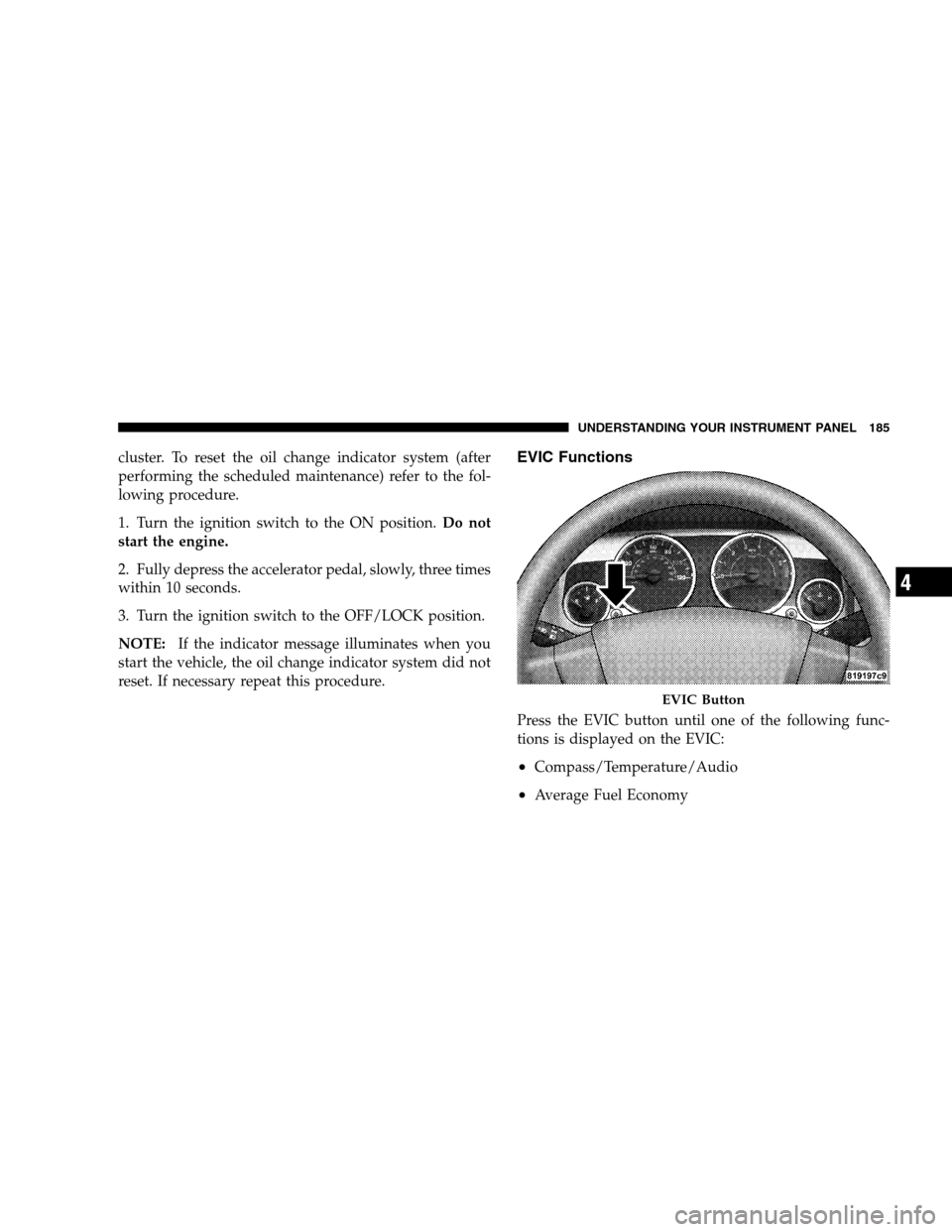
reset. If necessary repeat this procedure.EVIC Functions
Press the EVIC button until one of the following func-
tions is displayed on the EVIC:
•Compass/Temperature/Audio
•Average Fuel Economy
EVIC Button
UNDERSTANDING YOUR INSTRUMENT PANEL 185
4
Page 194 of 438
To Set the VarianceWith the ignition in the ON position,
quickly (less than one second) press and release the EVIC
button several times until you have displayed the Per-
sonal Settings (Customer-Programmable Features) menu.
Once in the Personal Settings (Customer-Programmable
Features) menu, press and release (less than one second)
the EVIC button several times until “Compass Variance”
is highlighted. The “Compass Variance” message and the
current variance zone number will be displayed. To
change the zone, press and hold (longer than two sec-
onds) the EVIC button to increment the variance one
step. Repeat as necessary, with individual long (for at
least 1 second) EVIC button presses for each increment,
until the desired variance is achieved. To exit the Vari-
ance Programming, press the EVIC button with a short
(less than one second) button press.
NOTE:The factory default is Zone 8. During program-
ming, the zone value will wrap around from Zone 15 to
Zone 1.Compass Calibration
The Compass will automatically calibrate if the Cal
indicator is flashing, by driving around slowly (under 5
mph/8 km/h) in one or more complete circles in an area
free from large metallic objects or power lines, until the
Cal indicator turns off. If during normal use the compass
appears erratic, inaccurate or abnormal, you may wish to
manually calibrate the compass. Prior to calibrating the
compass make sure the proper zone is selected.
To Manually Calibrate the CompassStart the engine and
leave the transmission in the PARK position. Using a
short button press (less than one second), press and
release the EVIC button several times until the EVIC
displays the Personal Settings (Customer Programmable
Features) menu. Once in the Personal Settings
(Customer-Programmable Features) menu, press and re-
lease (less than one second) the EVIC button several
times until “Calibrate Compass (Yes)” is displayed. Using
a long button press (more than one second), pressing the
192 UNDERSTANDING YOUR INSTRUMENT PANEL
Page 232 of 438
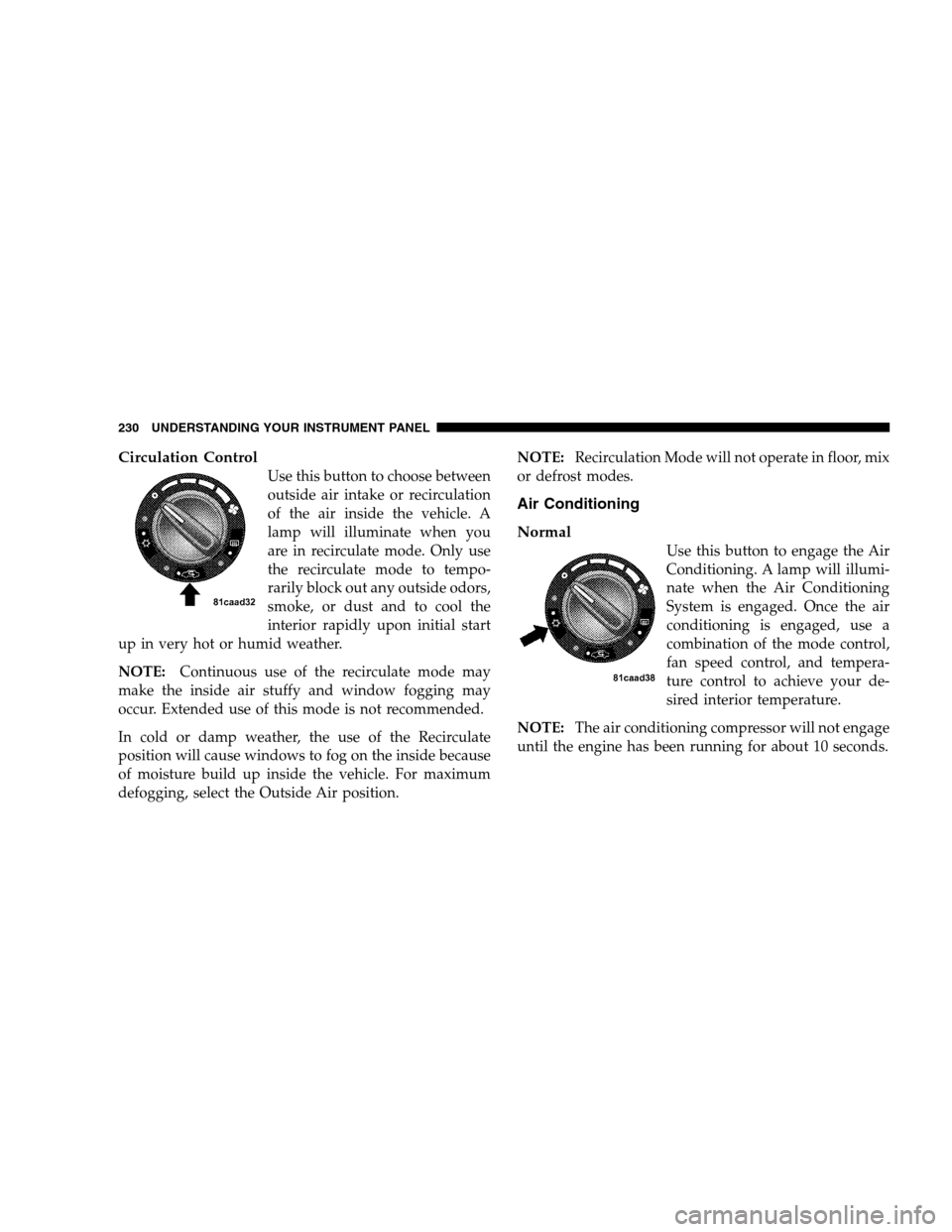
Circulation Control
Use this button to choose between
outside air intake or recirculation
of the air inside the vehicle. A
lamp will illuminate when you
are in recirculate mode. Only use
the recirculate mode to tempo-
rarily block out any outside odors,
smoke, or dust and to cool the
interior rapidly upon initial start
up in very hot or humid weather.
NOTE:Continuous use of the recirculate mode may
make the inside air stuffy and window fogging may
occur. Extended use of this mode is not recommended.
In cold or damp weather, the use of the Recirculate
position will cause windows to fog on the inside because
of moisture build up inside the vehicle. For maximum
defogging, select the Outside Air position.NOTE:Recirculation Mode will not operate in floor, mix
or defrost modes.
Air Conditioning
Normal
Use this button to engage the Air
Conditioning. A lamp will illumi-
nate when the Air Conditioning
System is engaged. Once the air
conditioning is engaged, use a
combination of the mode control,
fan speed control, and tempera-
ture control to achieve your de-
sired interior temperature.
NOTE:The air conditioning compressor will not engage
until the engine has been running for about 10 seconds.
230 UNDERSTANDING YOUR INSTRUMENT PANEL
Page 233 of 438
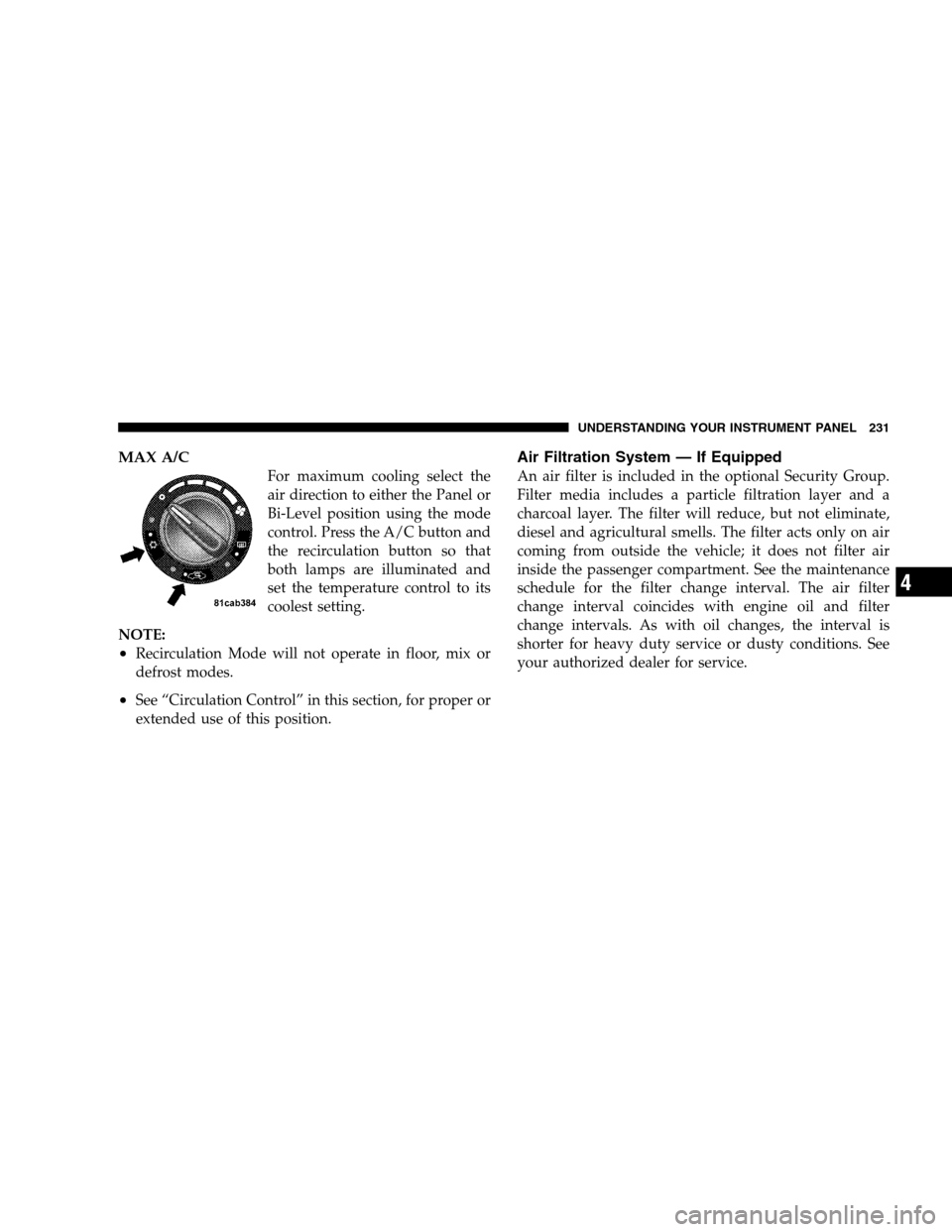
MAX A/C
For maximum cooling select the
air direction to either the Panel or
Bi-Level position using the mode
control. Press the A/C button and
the recirculation button so that
both lamps are illuminated and
set the temperature control to its
coolest setting.
NOTE:
•Recirculation Mode will not operate in floor, mix or
defrost modes.
•See “Circulation Control” in this section, for proper or
extended use of this position.
Air Filtration System — If Equipped
An air filter is included in the optional Security Group.
Filter media includes a particle filtration layer and a
charcoal layer. The filter will reduce, but not eliminate,
diesel and agricultural smells. The filter acts only on air
coming from outside the vehicle; it does not filter air
inside the passenger compartment. See the maintenance
schedule for the filter change interval. The air filter
change interval coincides with engine oil and filter
change intervals. As with oil changes, the interval is
shorter for heavy duty service or dusty conditions. See
your authorized dealer for service.
UNDERSTANDING YOUR INSTRUMENT PANEL 231
4
Page 237 of 438
STARTING AND OPERATING
CONTENTS
�Starting Procedures.....................239
▫Manual Transmission..................239
▫Automatic Transmission................239
▫Normal Starting......................240
▫Extremely Cold Weather
(Below�20°F Or�29°C)................240
▫If Engine Fails To Start.................241
▫After Starting........................241�Manual Transaxle — If Equipped...........242
▫Recommended Shift Speeds..............243
▫Downshifting........................243
�Automatic Transaxle — If Equipped.........244
▫Brake/Transmission Interlock System.......246
▫Automatic Transaxle Ignition Interlock
System.............................246
▫Gear Ranges For Continuously Variable
Automatic Transaxle (CVT)..............246
5
Page 239 of 438

�Brake System..........................278
▫Anti-Lock Brake System (ABS) —
If Equipped.........................279
�Power Steering........................282
�Tire Safety Information...................283
▫Tire Markings........................283
▫Tire Loading And Tire Pressure...........287
�Tires — General Information...............291
▫Tire Pressure.........................291
�Tire Chains...........................300
�Tire Rotation Recommendations............300
�Tire Pressure Monitoring System (TPMS) —
If Equipped...........................301
▫Base System — If Equipped..............304▫Premium System — If Equipped..........306
▫General Information...................310
�Snow Tires...........................310
�Fuel Requirements......................311
▫Gasoline Engines.....................311
▫Reformulated Gasoline.................311
▫Gasoline/Oxygenate Blends..............312
▫MMT In Gasoline.....................312
▫Materials Added To Fuel................313
▫Fuel System Cautions..................313
▫Carbon Monoxide Warnings..............314
�Adding Fuel..........................314
▫Fuel Filler Cap (Gas Cap)...............314
STARTING AND OPERATING 237
5
Page 241 of 438
STARTING PROCEDURES
Before starting your vehicle, adjust your seat, adjust both
inside and outside mirrors, and fasten your seat belts.
WARNING!
Never leave children alone in a vehicle. Leaving
unattended children in a vehicle is dangerous for a
number of reasons. A child or others could be seri-
ously or fatally injured. Don’t leave the key in the
ignition. A child could operate power windows,
other controls, or move the vehicle.
Manual Transmission
Before starting the engine fully apply the parking brake,
press the clutch pedal to the floor, and place the shift
lever in NEUTRAL.NOTE:The engine will not start unless the clutch pedal
is pressed to the floor.
NOTE:If the key won’t turn and the steering wheel is
locked, rotate the wheel in either direction to relieve
pressure on the locking mechanism and then turn the
key.
Automatic Transmission
The shift lever must be in the PARK or NEUTRAL
position before you can start the engine. Apply the brakes
before shifting to any driving gear.
NOTE:You must press the brake pedal before shifting
out of PARK.
STARTING AND OPERATING 239
5