Page 101 of 402

Voice Training
For users experiencing difficulty with the system recog-
nizing their voice commands or numbers, the UConnect�
system Voice Training feature may be used. To enter this
training mode, follow one of the two following proce-
dures:
From outside the UConnect�mode (e.g., from radio
mode):
•Press and hold the “Voice Recognition” button for five
seconds until the session begins, or,
•Press the “Voice Recognition” button and say the
�Setup, Voice Training�command.
Repeat the words and phrases when prompted by the
UConnect�system. For best results, the Voice Training
session should be completed when the vehicle is parked
with the engine running, all windows closed, and the
blower fan switched OFF.This procedure may be repeated with a new user. The
system will adapt to the last trained voice only.
To restore the Voice Recognition system to factory default
settings, enter the Voice Training session via the above
procedure and follow the prompts.
Voice Recognition (VR)
•
For best performance, adjust the rearview mirror to
provide at least12in (1 cm) gap between the overhead
console (if equipped) and the mirror.
•Always wait for the beep before speaking.
•Speak normally, without pausing, just as you would
speak to a person sitting a few feet/meters away from
you.
•Make sure that no one other than you is speaking
during a voice recognition period.
UNDERSTANDING THE FEATURES OF YOUR VEHICLE 99
3
Page 113 of 402
Heated Seats — If Equipped
WARNING!
Persons who are unable to feel pain to the skin
because of advanced age, chronic illness, diabetes,
spinal cord injury, medication, alcohol use, exhaus-
tion or other physical condition must exercise care
when using the seat heater. It may cause burns even
at low temperatures, especially if used for long
periods of time. Do not place anything on the seat
that insulates against heat, such as a blanket or
cushion. This may cause the seat heater to overheat.This feature heats the front driver’s and passenger’s
seats. The controls for the heater is located on the
instrument panel, below the radio. After turning on the
ignition, you may choose OFF, HIGH, or LOW heat
settings. An indicator on the switch shows which setting
has been chosen.
Heated Seat Switches
UNDERSTANDING THE FEATURES OF YOUR VEHICLE 111
3
Page 137 of 402

WARNING!
Your motorized door or gate will open and close
while you are training the Universal Transceiver. Do
not train the transceiver if people or pets are in the
path of the door or gate. Only use this transceiver
with a garage door opener that has a “stop and
reverse” feature as required by Federal safety stan-
dards. This includes most garage door opener models
manufactured after 1982. Do not use a garage door
opener without these safety features. Call toll-free
1–800–355–3515 or, on the Internet at
www.HomeLink.com for safety information or
assistance.
WARNING!
Vehicle exhaust contains carbon monoxide, a danger-
ous gas. Do not run your vehicle in the garage while
training the transceiver. Exhaust gas can cause seri-
ous injury or death.
Programming HomeLink�
Before You Begin
If you have not trained any of the HomeLink�buttons,
erase all channels before you begin training.
To do this, press and hold the two outside buttons for 20
seconds until the red indicator flashes.
It is recommended that a new battery be placed in the
hand-held transmitter of the device being programmed
to HomeLink�for more efficient training and accurate
transmission of the radio-frequency signal.
UNDERSTANDING THE FEATURES OF YOUR VEHICLE 135
3
Page 140 of 402

NOTE:There are 30 seconds in which to initiate the next
step after the “Learn” button has been pressed.
7. Return to the vehicle and press the programmed
HomeLink�button twice (holding the button for two
seconds each time). If the device is plugged in and
activates, programming is complete.
If the device does not activate, press the button a third
time (for two seconds) to complete the training.
If you have any problems, or require assistance, please
call toll-free 1–800–355–3515 or, on the Internet at
www.HomeLink.com for information or assistance.
To program the remaining two HomeLink�buttons,
repeat each step for each remaining button. DO NOT
erase the channels.Gate Operator/Canadian Programming
Canadian radio-frequency laws require transmitter sig-
nals to “time-out” (or quit) after several seconds of
transmission – which may not be long enough for
HomeLink�to pick up the signal during programming.
Similar to this Canadian law, some U.S. gate operators are
designed to “time-out” in the same manner.
It may be helpful to unplug the device during the cycling
process to prevent possible overheating of the garage
door or gate motor.
If you are having difficulties programming a garage door
opener or a gate operator, replace “Programming
HomeLink�” Step 3 with the following:
3. Continue to press and hold the HomeLink�button
while you press and release - every two seconds
(“cycle”) your hand-held transmitter until HomeLink�
138 UNDERSTANDING THE FEATURES OF YOUR VEHICLE
Page 160 of 402
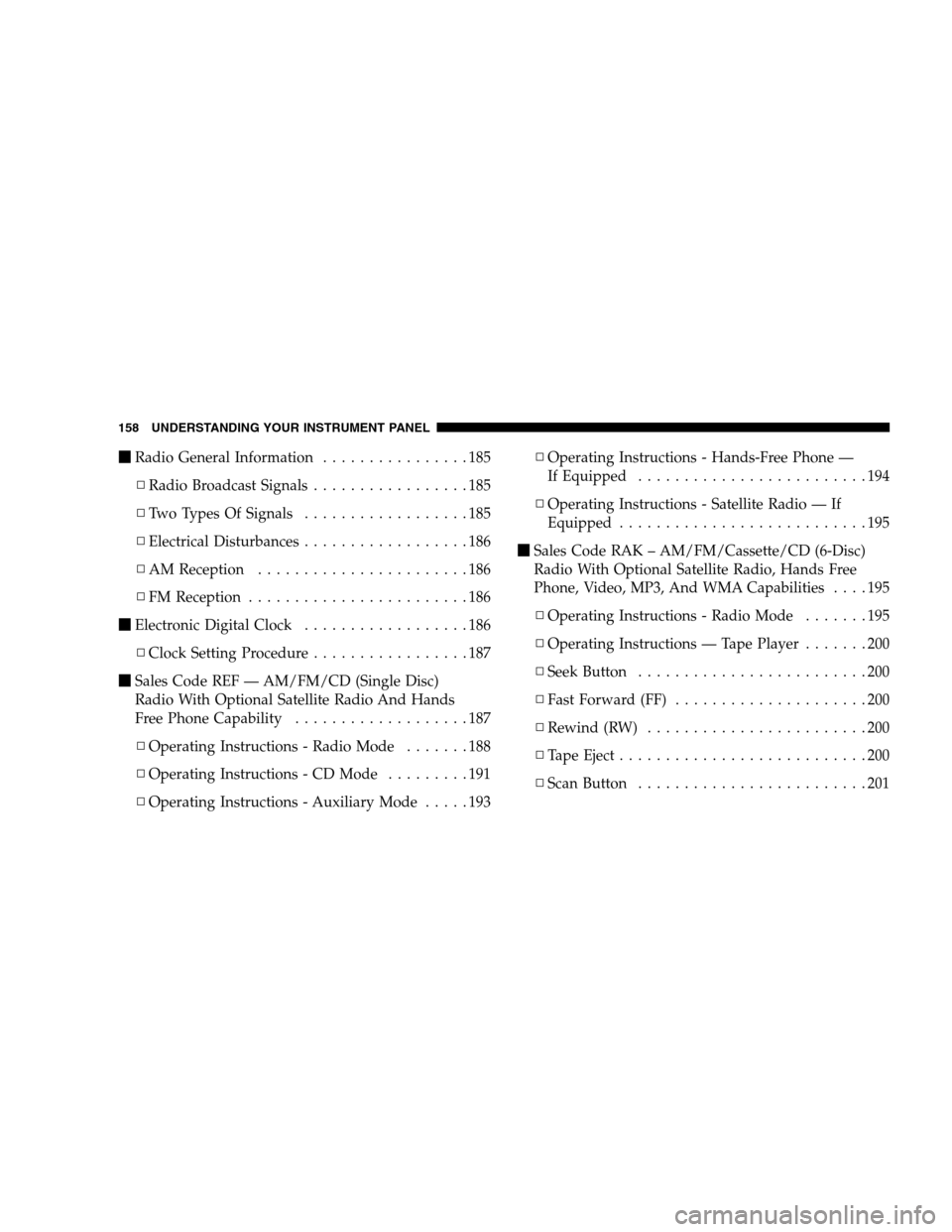
�Radio General Information................185
▫Radio Broadcast Signals.................185
▫Two Types Of Signals..................185
▫Electrical Disturbances..................186
▫AM Reception.......................186
▫FM Reception........................186
�Electronic Digital Clock..................186
▫Clock Setting Procedure.................187
�Sales Code REF — AM/FM/CD (Single Disc)
Radio With Optional Satellite Radio And Hands
Free Phone Capability...................187
▫Operating Instructions - Radio Mode.......188
▫Operating Instructions - CD Mode.........191
▫Operating Instructions - Auxiliary Mode.....193▫Operating Instructions - Hands-Free Phone —
If Equipped.........................194
▫Operating Instructions - Satellite Radio — If
Equipped...........................195
�Sales Code RAK – AM/FM/Cassette/CD (6-Disc)
Radio With Optional Satellite Radio, Hands Free
Phone, Video, MP3, And WMA Capabilities....195
▫Operating Instructions - Radio Mode.......195
▫Operating Instructions — Tape Player.......200
▫Seek Button.........................200
▫Fast Forward (FF).....................200
▫Rewind (RW)........................200
▫TapeEject...........................200
▫Scan Button.........................201
158 UNDERSTANDING YOUR INSTRUMENT PANEL
Page 161 of 402

▫Changing Tape Direction................201
▫Metal Tape Selection...................201
▫Pinch Roller Release...................201
▫Noise Reduction......................201
▫Operating Instructions - (CD Mode For CD
Audio Play).........................201
▫Load/Eject Button (CD Mode For CD Audio
Play) ..............................203
▫Notes On Playing MP3 Files.............205
▫Operating Instructions - (CD Mode For MP3
And WMA Audio Play).................207
▫Load/Eject Button (CD Mode For MP3 And
WMAPlay) .........................207
�Sales Code REC — AM/FM/CD (6–Disc) Radio
With Navigation System..................210▫Operating Instructions — Satellite Radio —
If Equipped.........................210
▫REC Setting The Clock.................210
�Satellite Radio — If Equipped..............213
▫System Activation.....................213
▫Electronic Serial Number/Sirius Identification
Number (ESN/SID)....................213
▫Selecting Satellite Mode In REF, RAQ, And
RAK Radios.........................214
▫Selecting A Channel...................215
▫Storing And Selecting Preset Channels......215
▫Using The PTY (Program Type) Button — If
Equipped...........................215
▫PTY Button Scan......................215
UNDERSTANDING YOUR INSTRUMENT PANEL 159
4
Page 162 of 402
▫PTY Button Seek......................216
▫Satellite Antenna......................216
▫Reception Quality.....................216
�Remote Sound System Controls — If Equipped . . 217
▫Radio Operation......................217
▫CD Player..........................218�CD/DVD Disc Maintenance...............218
�Radio Operation And Cellular Phones........219
�Climate Controls.......................219
▫Climate Controls......................219
▫Air Filtration System – If Equipped........224
▫Operating Tips.......................225
160 UNDERSTANDING YOUR INSTRUMENT PANEL
Page 180 of 402
Press the EVIC button until one of the following func-
tions are displayed on the EVIC:
•Compass/Temperature/Audio
•Average Fuel Economy
•Distance To Empty (DTE)
•Elapsed Time
•Tire Pressure Monitor (TPM)
•Personal Settings
To Reset The Display
Pressing and holding the EVIC button once will clear the
function currently being displayed. Reset will only occur
if a resettable function is currently being displayed. To
reset all resettable functions, press and release the EVIC
button a second time within three seconds of resetting the
currently displayed function (reset ALL will be displayed
during this three second window).
Compass/Temperature/Audio
Press and release the EVIC button to display one of eight
compass headings to indicate the direction the vehicle is
facing, the outside temperature and the current radio
station.
For additional information regarding the compass, refer
to “Personal Settings (Customer Programmable Fea-
tures)” in this section.
Average Fuel Economy
Shows the average fuel economy since the last reset.
When the fuel economy is reset, the display will read
“RESET” or show dashes for two seconds. Then, the
history information will be erased, and the averaging will
continue from the last fuel reading before the reset.
178 UNDERSTANDING YOUR INSTRUMENT PANEL

