Page 172 of 467
INSTRUMENT CLUSTER DESCRIPTIONS
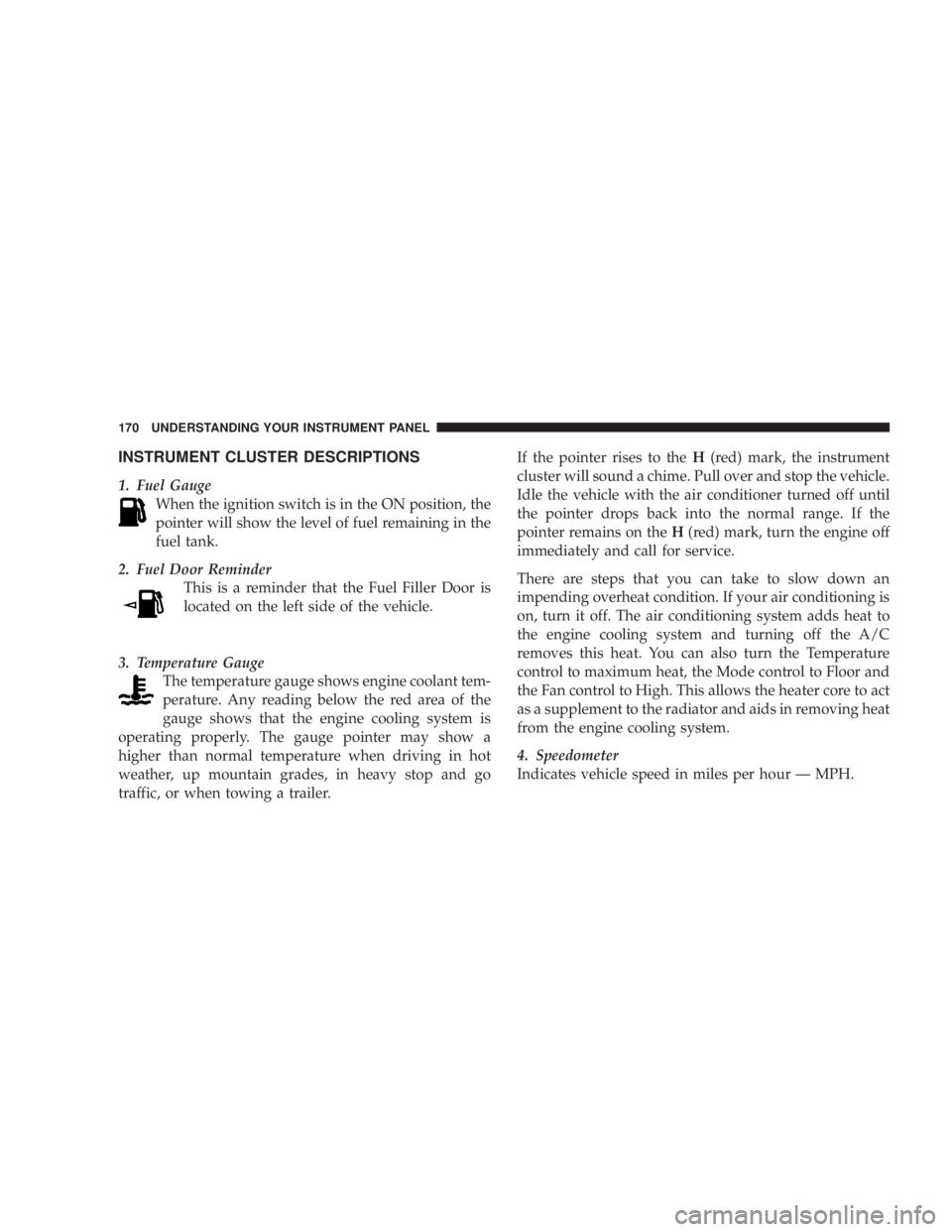
1. Fuel Gauge
When the ignition switch is in the ON position, the
pointer will show the level of fuel remaining in the
fuel tank.
2. Fuel Door Reminder
This is a reminder that the Fuel Filler Door is
located on the left side of the vehicle.
3. Temperature Gauge
The temperature gauge shows engine coolant tem-
perature. Any reading below the red area of the
gauge shows that the engine cooling system is
operating properly. The gauge pointer may show a
higher than normal temperature when driving in hot
weather, up mountain grades, in heavy stop and go
traffic, or when towing a trailer. If the pointer rises to the H (red) mark, the instrument
cluster will sound a chime. Pull over and stop the vehicle.
Idle the vehicle with the air conditioner turned off until
the pointer drops back into the normal range. If the
pointer remains on the H (red) mark, turn the engine off
immediately and call for service.
There are steps that you can take to slow down an
impending overheat condition. If your air conditioning is
on, turn it off. The air conditioning system adds heat to
the engine cooling system and turning off the A/C
removes this heat. You can also turn the Temperature
control to maximum heat, the Mode control to Floor and
the Fan control to High. This allows the heater core to act
as a supplement to the radiator and aids in removing heat
from the engine cooling system.
4. Speedometer
Indicates vehicle speed in miles per hour Ð MPH.170 UNDERSTANDING YOUR INSTRUMENT PANEL
Page 175 of 467

The two trip odometers show individual trip mileage. To
switch from odometer to trip odometers, press and
release the Trip Odometer button. To reset a trip odom-
eter, display the desired trip odometer to be reset then
push and hold the button until the display resets (ap-
proximately 2 seconds). Refer to ªTrip Odometer Buttonº
for additional information.
Vehicle Warning Messages
When the appropriate conditions exist, ªDOOR AJAR,º
ªTRUNK AJAR,º or ªgASCAPº will display in the odom-
eter.
NOTE: If the instrument cluster is equipped with the
optional Electronic Vehicle Information Center (EVIC),
then all warnings including ªDOOR AJARº and
ªTRUNK AJARº will only display in the EVIC. (Refer to
ªElectronic Vehicle Information Center (EVIC)º in this
section for specific messages). gASCAP
If the vehicle diagnostic system detects a leak or change
in the evaporative system, or the fuel filler cap is loose,
improperly installed, or damaged, the words ªgASCAPº
will display in the odometer. If this occurs, tighten the
fuel filler cap properly and press the odometer reset
button to turn off the ªgASCAPº message. (Refer to
ªOnboard Diagnostic System Ð OBDIIº in Section 7 of
this manual for more information). If the problem con-
tinues, the message will appear the next time the vehicle
is started. See your authorized dealer service center as
soon as possible.
Change Oil
Your vehicle is equipped with an engine oil change
indicator system. The ªChange Oilº message will flash in
the instrument cluster odometer for approximately 12
seconds after a single chime has sounded to indicate the
next scheduled oil change interval. The engine oil change UNDERSTANDING YOUR INSTRUMENT PANEL 173
4
Page 176 of 467

indicator system is duty cycle based, which means the
engine oil change interval may fluctuate dependent upon
your personal driving style.
Unless reset, this message will continue to display each
time you turn the ignition switch to the ªONº position.
To turn off the message temporarily, press and release the
Trip Odometer button on the instrument cluster. To reset
the oil change indicator system (after performing the
scheduled maintenance) perform the following proce-
dure:
1. Turn the ignition switch to the ªONº position (Do
not start the engine).
2. Fully depress the accelerator pedal slowly three
times within 10 seconds.
3. Turn the ignition switch to the LOCK position. NOTE: If the indicator message illuminates when you
start the vehicle, the oil change indicator system did not
reset. If necessary repeat this procedure.
16. Cruise Indicator Ð If Equipped
This indicator shows that the Speed Control
System is ON.
17. Odometer/Trip Odometer Reset Knob
Single Trip Odometer
Press and release this button to change the display from
odometer to trip odometer. The word ªTripº displays to
show that the odometer is in Trip Mode. Press and release
the button again to change the display back to the
odometer.
To reset the trip odometer, first set the display to Trip
Mode. Then push and hold the button (approximately 2
seconds) until the display resets to 0. The odometer must
be in Trip Mode to reset the trip odometer.174 UNDERSTANDING YOUR INSTRUMENT PANEL
Page 183 of 467
the parking brake is applied or a brake fault is detected.
If the light does not illuminate, have the light inspected
by an authorized dealer.
The light also will turn on when the parking brake is
applied with the ignition switch in the ON position.
NOTE: This light shows only that the parking brake is
applied. It does not show the degree of brake application.
29. Electronic Vehicle Information Center (EVIC)
DisplayÐPremium Cluster Only
This display shows the EVIC messages when the appro-
priate conditions exist. Refer to ªElectronic Vehicle Infor-
mation Center (EVIC)º in this section for more informa-
tion. ELECTRONIC VEHICLE INFORMATION CENTER
(EVIC) ± IF EQUIPPED
EVIC Display Location UNDERSTANDING YOUR INSTRUMENT PANEL 181
4
Page 184 of 467

The Electronic Vehicle Information Center (EVIC) fea-
tures a driver-interactive display. It is located in the lower
left part of the cluster below the fuel and engine tem-
perature gauges. The EVIC consists of the following:
² System status
² Vehicle information warning message displays
² Personal settings (customer programmable features)
² Compass heading display (N, S, E, W, NE, NW, SE,
SW)
² Outside temperature display (ÉF or ÉC)
² Trip computer functions
² Audio mode displays ± 12 preset Radio Stations or CD
Title and Track number when playing
² Tire Pressure Monitor System (TPMS) displays (if
equipped) The system allows the driver to select information by
pressing the following buttons on the instrument panel
switch bank:
Press and release the MENU button to advance
the display to Trip Functions or Personal set-
tings or to return to the default System status
display.
Press and release the STEP button to advance
the display through the various Trip Functions
or Personal settings.
Press and release the COMPASS button to
display the compass heading and the outside
temperature.MENU
Button
STEP
Button
COM-
PASS
Button182 UNDERSTANDING YOUR INSTRUMENT PANEL
Page 276 of 467

AUTOSTICK T Ð IF EQUIPPED
AutoStick t is a driver-interactive transaxle that offers six
manual ratio changes to provide you with more control.
AutoStick t allows you to maximize engine braking,
eliminate undesirable upshifts and downshifts, and im-
prove overall vehicle performance. This system can also
provide you with more control during passing, city
driving, cold slippery conditions, mountain driving,
trailer towing, and many other situations.
AutoStick T Operation
By placing the gear selector lever one shift-level below
the DRIVE position, it can be moved from side to side.
This allows the driver to select a higher or lower range of
gears. Moving the selector lever to the Left (-) triggers a
downshift and to the Right (+) an upshift. The gear
position will display in the instrument cluster on the
transaxle range indicator. NOTE: In Autostick t mode, the transaxle will only shift
up or down when the driver moves the selector lever to
the Right (+) or Left (-).
AutoStick t is deactivated when the gear selector lever is
shifted from the AutoStick (+/-) position into the DRIVE
position.
AutoStick T General Information
² You can start out in first or second gear. The system
will ignore attempts to upshift at too low of a vehicle
speed.
² The transmission will automatically downshift to first
gear when coming to a stop.
² Starting out in second gear is helpful in snowy or icy
conditions.
² Avoid using speed control when Autostick t is en-
gaged.274 STARTING AND OPERATING
Page 278 of 467

CAUTION!All wheels must have the same size and type tires.
Unequal tire sizes must not be used. Unequal tire
size may cause failure of the power transfer unit.
PARKING BRAKE
When the parking brake is applied with the
ignition on, the Brake Light in the instrument
cluster will come on.
NOTE:
² This light, when illuminated with parking brake ap-
plication, shows only that the parking brake is on. It
does not show the degree of brake application. ² If the light remains on with the parking brake released,
a brake system malfunction is indicated. Have the
brake system serviced by an authorized dealer imme-
diately.
² If the parking brake is applied while the vehicle is
moving, a chime will sound to alert the driver. The
chime will sound up to 10 times or until the vehicle
has returned to a stop.
Before leaving the vehicle, make sure that the parking
brake is fully applied and the gear selector is in the PARK
position.
To release the parking brake, slightly pull up the handle
while pushing the lock button, and guide the lever
downward to its stop. The brake warning light in the
instrument cluster should go out.
NOTE: The parking brake lever will not release unless
the lever is pulled up slightly past its applied position.276 STARTING AND OPERATING
Page 286 of 467
ESP/TCS Indicator Light
The ªESP/TCS Indicator Light, located in the instrument
cluster, starts to flash as soon as the tires lose traction and
the ESP system becomes active. The ESP/TCS Indicator
Light also flashes when TCS is active. If the ESP/TCS
Indicator Light begins to flash during acceleration, ease
up on the accelerator and apply as little throttle as
possible. Be sure to adapt your speed and driving to the
prevailing road conditions. WARNING!² Electronic Stability Program (ESP) cannot prevent
the natural laws of physics from acting on the
vehicle, nor can it increase the traction afforded by
prevailing road conditions.
² ESP cannot prevent accidents, including those
resulting from excessive speed in turns, driving on
very slippery surfaces, or hydroplaning. Only a
safe, attentive, and skillful driver can prevent
accidents.
² The capabilities of an ESP-equipped vehicle must
never be exploited in a reckless or dangerous
manner, which could jeopardize the user's safety
or the safety of others.284 STARTING AND OPERATING