2008 CHEVROLET EQUINOX light
[x] Cancel search: lightPage 167 of 436
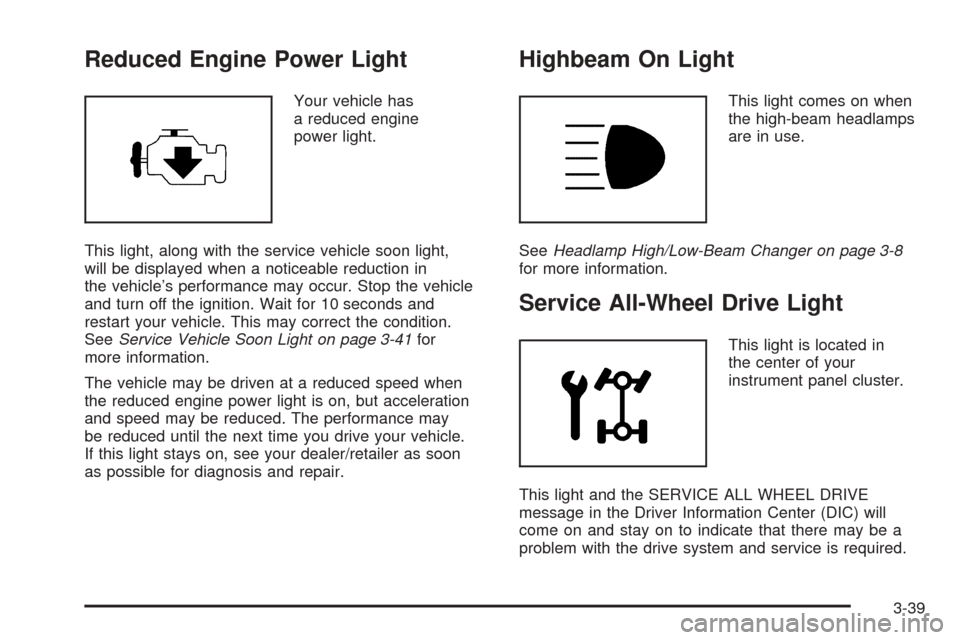
Reduced Engine Power Light
Your vehicle has
a reduced engine
power light.
This light, along with the service vehicle soon light,
will be displayed when a noticeable reduction in
the vehicle’s performance may occur. Stop the vehicle
and turn off the ignition. Wait for 10 seconds and
restart your vehicle. This may correct the condition.
SeeService Vehicle Soon Light on page 3-41for
more information.
The vehicle may be driven at a reduced speed when
the reduced engine power light is on, but acceleration
and speed may be reduced. The performance may
be reduced until the next time you drive your vehicle.
If this light stays on, see your dealer/retailer as soon
as possible for diagnosis and repair.
Highbeam On Light
This light comes on when
the high-beam headlamps
are in use.
SeeHeadlamp High/Low-Beam Changer on page 3-8
for more information.
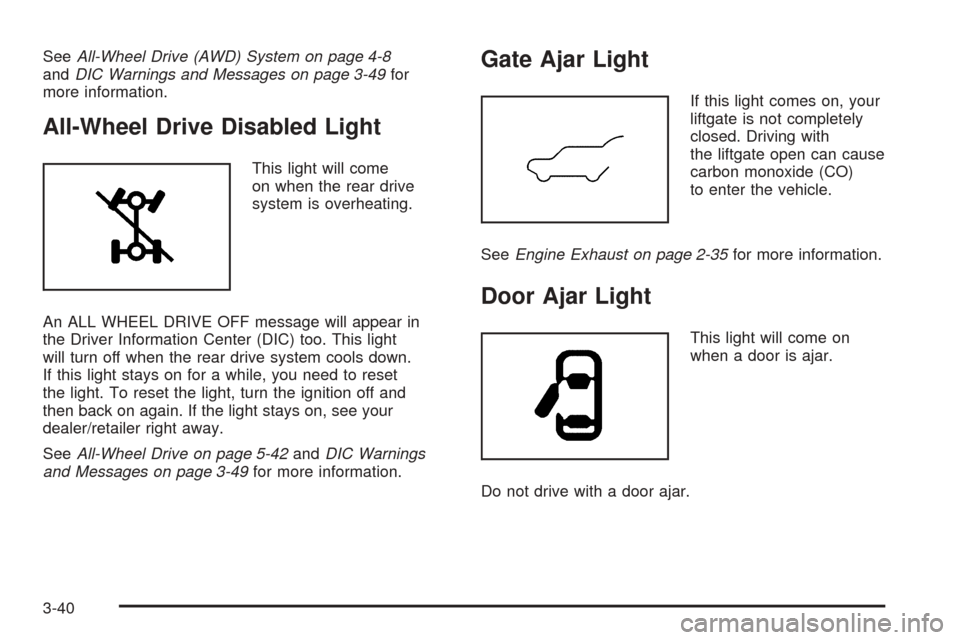
Service All-Wheel Drive Light
This light is located in
the center of your
instrument panel cluster.
This light and the SERVICE ALL WHEEL DRIVE
message in the Driver Information Center (DIC) will
come on and stay on to indicate that there may be a
problem with the drive system and service is required.
3-39
Page 168 of 436
SeeAll-Wheel Drive (AWD) System on page 4-8
andDIC Warnings and Messages on page 3-49for
more information.
All-Wheel Drive Disabled Light
This light will come
on when the rear drive
system is overheating.
An ALL WHEEL DRIVE OFF message will appear in
the Driver Information Center (DIC) too. This light
will turn off when the rear drive system cools down.
If this light stays on for a while, you need to reset
the light. To reset the light, turn the ignition off and
then back on again. If the light stays on, see your
dealer/retailer right away.
SeeAll-Wheel Drive on page 5-42andDIC Warnings
and Messages on page 3-49for more information.
Gate Ajar Light
If this light comes on, your
liftgate is not completely
closed. Driving with
the liftgate open can cause
carbon monoxide (CO)
to enter the vehicle.
SeeEngine Exhaust on page 2-35for more information.
Door Ajar Light
This light will come on
when a door is ajar.
Do not drive with a door ajar.
3-40
Page 169 of 436
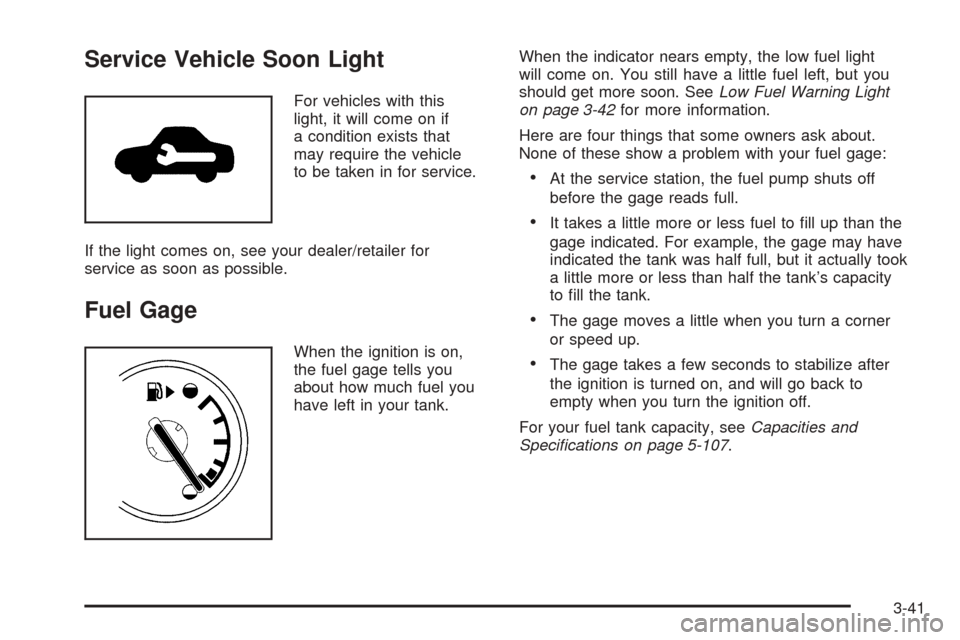
Service Vehicle Soon Light
For vehicles with this
light, it will come on if
a condition exists that
may require the vehicle
to be taken in for service.
If the light comes on, see your dealer/retailer for
service as soon as possible.
Fuel Gage
When the ignition is on,
the fuel gage tells you
about how much fuel you
have left in your tank.When the indicator nears empty, the low fuel light
will come on. You still have a little fuel left, but you
should get more soon. SeeLow Fuel Warning Light
on page 3-42for more information.
Here are four things that some owners ask about.
None of these show a problem with your fuel gage:
At the service station, the fuel pump shuts off
before the gage reads full.
It takes a little more or less fuel to ll up than the
gage indicated. For example, the gage may have
indicated the tank was half full, but it actually took
a little more or less than half the tank’s capacity
to ll the tank.
The gage moves a little when you turn a corner
or speed up.
The gage takes a few seconds to stabilize after
the ignition is turned on, and will go back to
empty when you turn the ignition off.
For your fuel tank capacity, seeCapacities and
Specifications on page 5-107.
3-41
Page 170 of 436
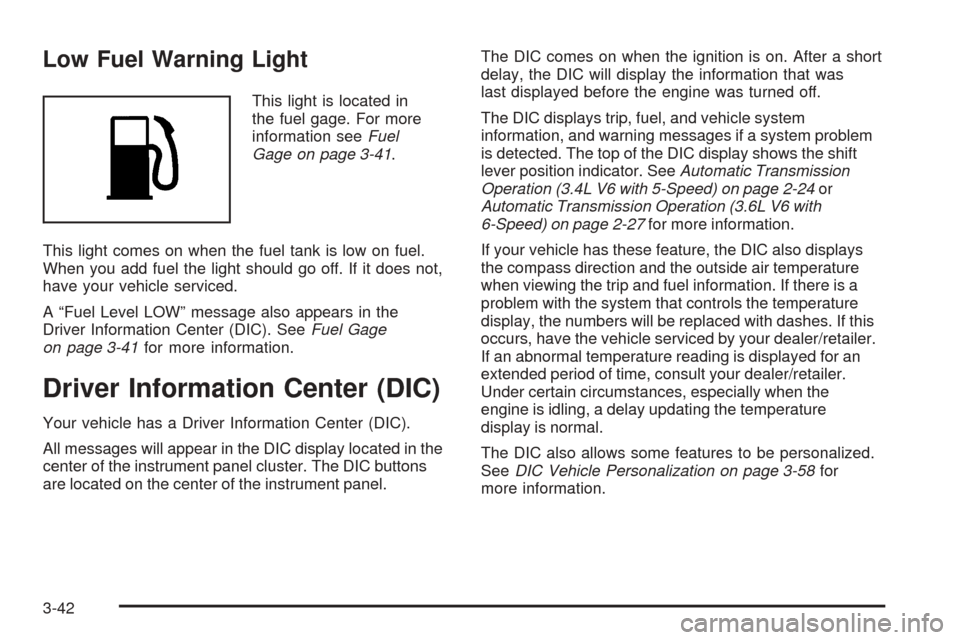
Low Fuel Warning Light
This light is located in
the fuel gage. For more
information seeFuel
Gage on page 3-41.
This light comes on when the fuel tank is low on fuel.
When you add fuel the light should go off. If it does not,
have your vehicle serviced.
A “Fuel Level LOW” message also appears in the
Driver Information Center (DIC). SeeFuel Gage
on page 3-41for more information.
Driver Information Center (DIC)
Your vehicle has a Driver Information Center (DIC).
All messages will appear in the DIC display located in the
center of the instrument panel cluster. The DIC buttons
are located on the center of the instrument panel.The DIC comes on when the ignition is on. After a short
delay, the DIC will display the information that was
last displayed before the engine was turned off.
The DIC displays trip, fuel, and vehicle system
information, and warning messages if a system problem
is detected. The top of the DIC display shows the shift
lever position indicator. SeeAutomatic Transmission
Operation (3.4L V6 with 5-Speed) on page 2-24or
Automatic Transmission Operation (3.6L V6 with
6-Speed) on page 2-27for more information.
If your vehicle has these feature, the DIC also displays
the compass direction and the outside air temperature
when viewing the trip and fuel information. If there is a
problem with the system that controls the temperature
display, the numbers will be replaced with dashes. If this
occurs, have the vehicle serviced by your dealer/retailer.
If an abnormal temperature reading is displayed for an
extended period of time, consult your dealer/retailer.
Under certain circumstances, especially when the
engine is idling, a delay updating the temperature
display is normal.
The DIC also allows some features to be personalized.
SeeDIC Vehicle Personalization on page 3-58for
more information.
3-42
Page 173 of 436
When the remaining oil life is low, the CHANGE
ENGINE OIL SOON message will appear on the
display along with the Change Engine Oil Light on the
instrument panel cluster. See “CHANGE ENGINE
OIL SOON” underDIC Warnings and Messages on
page 3-49andChange Engine Oil Light on page 3-38.
You should change the oil as soon as possible. See
Engine Oil on page 5-15. In addition to the engine oil life
system monitoring the oil life, additional maintenance
is recommended in the Maintenance Schedule in
this manual. SeeScheduled Maintenance on page 6-4
for more information.
Remember, you must reset the OIL LIFE yourself
after each oil change. It will not reset itself. Also, be
careful not to reset the OIL LIFE accidentally at any
time other than when the oil has just been changed.
It cannot be reset accurately until the next oil change.
To reset the engine oil life system, seeEngine Oil
Life System on page 5-18.
UNITS
Press the vehicle information button until UNITS
displays. This display allows you to select between
English or Metric units of measurement. Once in this
display, press the set/reset button to select between
ENGLISH or METRIC units.
FRONT TIRES or REAR TIRES
The pressure for each tire can be viewed in the DIC.
The tire pressure will be shown in either pounds
per square inch (psi) or kilopascals (kPa). Press the
vehicle information button until the DIC displays
FRONT TIRES PSI (kPa) LF ## RF ##. Press the
vehicle information button again until the DIC displays
REAR TIRES PSI (kPa) LR ## RR ##.
If a low or high tire pressure condition is detected by
the system while driving, a message advising you
to check the pressure in a specic tire will appear in
the display. SeeInflation - Tire Pressure on page 5-59
andDIC Warnings and Messages on page 3-49for
more information.
If the tire pressure display shows dashes instead of a
value, there may be a problem with your vehicle. If this
consistently occurs, see your dealer/retailer for service.
BATTERY
Press the vehicle information button until BATTERY
displays. This display shows the current battery voltage.
If the voltage is normal, the display will show NORMAL.
If the voltage is low or high, the display will show
LOW or HIGH. Your vehicle’s charging system regulates
voltage based on the state of the battery. The battery
voltage may uctuate when viewing this information
on the DIC. This is normal. SeeCharging System
Light on page 3-30for more information.
3-45
Page 176 of 436
Compass Calibration
The compass can be manually calibrated. Only calibrate
the compass in a magnetically clean and safe location,
such as an open parking lot, where driving the vehicle
in circles is not a danger. It is suggested to calibrate
away from tall buildings, utility wires, manhole covers,
or other industrial structures, if possible.
If CAL should ever appear in the DIC display,
the compass should be calibrated.
If the DIC display does not show a heading, for example,
N for North, or the heading does not change after
making turns, there may be a strong magnetic eld
interfering with the compass. Such interference may
be caused by a magnetic CB or cell phone antenna
mount, a magnetic emergency light, magnetic note
pad holder, or any other magnetic item. Turn off
the vehicle, move the magnetic item, then turn on
the vehicle and calibrate the compass.To calibrate the compass, use the following procedure:Compass Calibration Procedure
1. Before calibrating the compass, make sure the
compass zone is set to the variance zone in
which the vehicle is located. See “Compass
Variance (Zone) Procedure” earlier in this section.
Do not operate any switches such as window,
sunroof, climate controls, seats, etc. during
the calibration procedure.
2. Press the vehicle information button until
PRESS
VTO CALIBRATE COMPAS (Compass)
displays.
3. Press the set/reset button to start the compass
calibration.
4. The DIC will display CALIBRATING: DRIVE IN
CIRCLES. Drive the vehicle in tight circles at
less than 5 mph (8 km/h) to complete the calibration.
The DIC will display CALIBRATION COMPLETE
for a few seconds when the calibration is
complete. The DIC display will then return to
the previous menu.
3-48
Page 177 of 436
DIC Warnings and Messages
Messages are displayed on the DIC to notify the driver
that the status of the vehicle has changed and that
some action may be needed by the driver to correct
the condition. Multiple messages may appear one
after another.
Some messages may not require immediate action,
but you can press the set/reset button to acknowledge
that you received the messages and to clear them
from the display. Pressing any of the DIC buttons
also acknowledge and clear any messages.
Some messages cannot be cleared from the DIC
display because they are more urgent. These messages
require action before they can be cleared. You should
take any messages that appear on the display seriously
and remember that clearing the messages will only
make the messages disappear, not correct the problem.
The following are the possible messages that can
be displayed and some information about them.
ALL WHEEL DRIVE OFF
If your vehicle has the All-Wheel Drive (AWD) system,
this message displays along with the All-Wheel
Drive Disabled light when the rear drive system is
overheating. This message turns off when the rear
drive system cools down. If the warning message stays
on for a while, you need to reset the warning message.
To reset the warning message, turn the ignition off
and then back on again. If the message stays on, see
your dealer/retailer right away. SeeAll-Wheel Drive
(AWD) System on page 4-8andAll-Wheel Drive
Disabled Light on page 3-40for more information.
BATTERY SAVER ACTIVE
This message displays when the charging system
detects that the battery is being drained. You may
notice that the vehicle attempts to reduce the drain for
you by turning off accessories, such as interior fans, rear
defogger, and heated seats. Turn off all accessories.
If the vehicle is not running, start and run the engine
for at least 10 minutes to allow the battery to recharge.
If the engine is running and the condition persists,
see your dealer/retailer. SeeElectric Power
Management on page 3-17for more information.
3-49
Page 178 of 436
BUCKLE PASSENGER SEATBELT
This message reminds you to buckle the passenger’s
safety belt. SeePassenger Sensing System on
page 1-65.
This message displays and a chime sounds when the
ignition is on, the driver’s safety belt is buckled, the
passenger’s safety belt is unbuckled with the passenger
airbag enabled, and the vehicle is in motion. You
should have the passenger buckle their safety belt.
This reminder will be repeated if the ignition is on,
the vehicle is in motion, the driver is buckled and the
passenger is still unbuckled, and the passenger airbag
is enabled. If the passenger’s safety belt is already
buckled, this message and chime will not come on.
BUCKLE SEATBELT
This message reminds you to buckle the driver’s
safety belt.
This message displays and a chime sounds when
the ignition is on, the driver’s safety belt is unbuckled,
and the vehicle is in motion. You should buckle
your safety belt.
If the driver remains unbuckled when the ignition is
on and the vehicle is in motion, the reminder will
be repeated. If the driver’s safety belt is already
buckled, this message and chime will not come on.This message is an additional reminder to the Safety
Belt Reminder Light in the instrument panel cluster.
SeeSafety Belt Reminders on page 3-27.
CALIBRATING: DRIVE IN CIRCLES
This message displays when calibrating the compass.
Drive the vehicle in circles at less than 5 mph (8 km/h)
to complete the calibration. SeeDIC Compass on
page 3-46for more information.
CALIBRATION COMPLETE
This message displays when the compass calibration
is complete. SeeDIC Compass on page 3-46for
more information.
CHANGE ENGINE OIL SOON
This message displays and the Change Engine Oil Light
in the instrument panel cluster turns on when service
is required for the vehicle. See your dealer/retailer.
SeeChange Engine Oil Light on page 3-38,Engine Oil
on page 5-15andScheduled Maintenance on
page 6-4for more information.
Acknowledging this message will not reset the OIL
LIFE REMAINING display. That must be done at the
OIL LIFE screen under the vehicle information menu.
See “OIL LIFE” underDIC Operation and Displays
on page 3-43andEngine Oil Life System on page 5-18
for more information.
3-50