2008 CHEVROLET CORVETTE warning light
[x] Cancel search: warning lightPage 153 of 432
When it is dark enough outside, the front turn signal
lamps turn off and the normal low-beam headlamps
turn on.
When it is bright enough outside, the regular lamps
go off, and the front turn signal lamps will take over.
If the vehicle is started in a dark garage, the automatic
headlamp system will come on immediately. Once
the vehicle leaves the garage, it takes approximately
one minute for the automatic headlamp system to
change to DRL if it is light outside. During that delay,
the instrument panel cluster may not be as bright
as usual. Make sure the instrument panel brightness
knob is in the full bright position. SeeInstrument Panel
Brightness on page 3-19for more information.
If it is dark enough outside and the exterior lamp control
is off, a HEADLAMPS SUGGESTED message will
display on the Driver’s Information Center (DIC).
SeeDIC Warnings and Messages on page 3-57.
Turning the exterior lamp control to off a second time,
or turning on the headlamps will remove the
HEADLAMPS SUGGESTED message in the DIC.
If the parking lamps or the fog lamps were turned on
instead, the HEADLAMPS SUGGESTED message
will continue to be displayed.
The regular headlamp system should be turned on
when needed.To turn off the DRL, turn the exterior lamp control to
the off position or shift into PARK (P). The DRL
will stay off until the control is toggled again or the
vehicle is shifted out of PARK (P).
This procedure applies only to vehicles rst sold in the
United States.
Fog Lamps
Use fog lamps for better vision in foggy or misty
conditions.
The fog lamps control is located on the multifunction
lever next to the exterior lamp control.
-(Fog Lamps):Turning the band to this position will
turn the fog lamps on.
When you turn the fog lamps on, the fog lamp light will
appear on the instrument panel cluster to indicate
that the fog lamps and the parking lamps are on.
If you turn the high-beam headlamps on, the fog lamps
will turn off. They will turn on again when you switch
to low-beam headlamps.
The ignition must be on for the fog lamps to operate.
Some localities have laws that require the headlamps to
be on along with the fog lamps.
3-17
Page 157 of 432

Manual Paddle Shift Gear Indicator (If Equipped)
These displays on the HUD are for use when
using the manual paddle shift controls to shift
the transmission. See “Manual Paddle Shift” in
Automatic Transmission Operation on page 2-26.
Shift Light
This light is used for performance driving to indicate
that the vehicle’s best performance level has
been reached to shift the transmission into the next
higher gear. An arrow pointing up will light up on
the display just prior to reaching the engine fuel
cut-off mode. This cut-off is about 6,500 RPM for
the LS3 engine and 7,000 RPM for the LS7 engine.
Check Gages Warning
Engine Coolant Temperature Gage
Transmission Fluid Temperature Gage,
(Automatic Transmission Vehicles Only)
Engine Oil Temperature Gage
Engine Oil Pressure Gage
G-Force Gage
Audio Functions, Street Mode Only
Navigation, Only with Navigation Radio,
Turn-by-Turn GuidanceThere are three HUD modes that you can choose to view
in the HUD display. By pressing the MODE button, you
can scroll through these modes in the following order:
Street Mode supports
audio and navigation
functions with your choice
of tachometer settings.
Track Mode 1 supports the
G-Force gage and minor
gages with a circular
tachometer.
Track Mode 2 supports
G-Force gages and minor
gages with a linear
tachometer.
3-21
Page 158 of 432
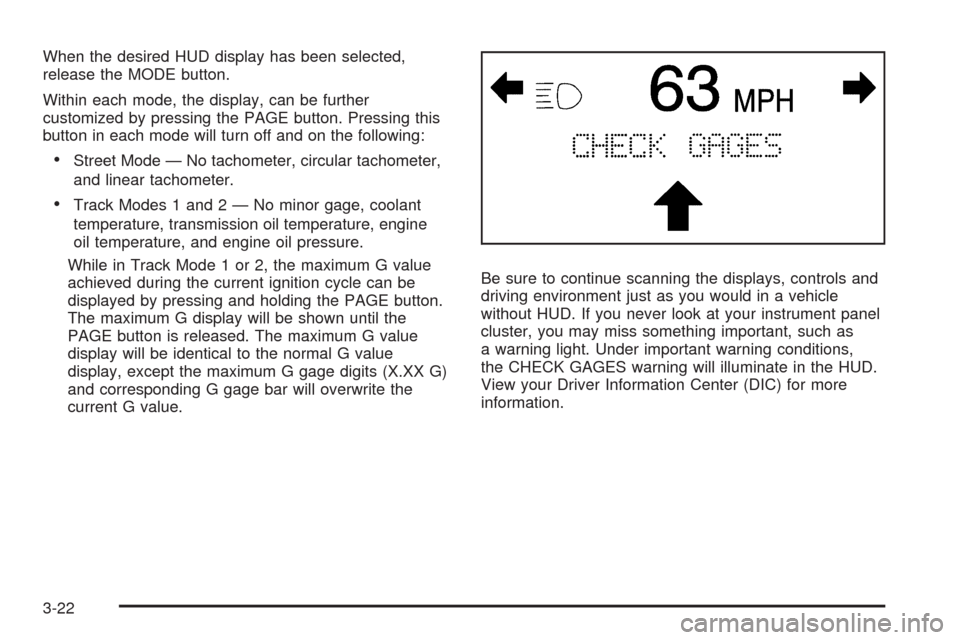
When the desired HUD display has been selected,
release the MODE button.
Within each mode, the display, can be further
customized by pressing the PAGE button. Pressing this
button in each mode will turn off and on the following:
Street Mode — No tachometer, circular tachometer,
and linear tachometer.
Track Modes 1 and 2 — No minor gage, coolant
temperature, transmission oil temperature, engine
oil temperature, and engine oil pressure.
While in Track Mode 1 or 2, the maximum G value
achieved during the current ignition cycle can be
displayed by pressing and holding the PAGE button.
The maximum G display will be shown until the
PAGE button is released. The maximum G value
display will be identical to the normal G value
display, except the maximum G gage digits (X.XX G)
and corresponding G gage bar will overwrite the
current G value.Be sure to continue scanning the displays, controls and
driving environment just as you would in a vehicle
without HUD. If you never look at your instrument panel
cluster, you may miss something important, such as
a warning light. Under important warning conditions,
the CHECK GAGES warning will illuminate in the HUD.
View your Driver Information Center (DIC) for more
information.
3-22
Page 170 of 432
Warning Lights, Gages, and
Indicators
This part describes the warning lights and gages that
may be on your vehicle. The pictures will help you
locate them.
Warning lights and gages can signal that something is
wrong before it becomes serious enough to cause
an expensive repair or replacement. Paying attention to
your warning lights and gages could also save you
or others from injury.
Warning lights come on when there may be or is a
problem with one of your vehicle’s functions. As you
will see in the details on the next few pages, some
warning lights come on briey when you start the engine
just to let you know they are working. If you are
familiar with this section, you should not be alarmed
when this happens.Gages can indicate when there may be or is a problem
with one of your vehicle’s functions. Often gages
and warning lights work together to let you know when
there is a problem with your vehicle.
When one of the warning lights comes on and stays
on when you are driving, or when one of the gages
shows there may be a problem, check the section
that tells you what to do about it. Please follow this
manual’s advice. Waiting to do repairs can be
costly — and even dangerous. So please get to know
your warning lights and gages. They are a big help.
Your vehicle has a Driver Information Center that works
along with the warning lights and gages. SeeDriver
Information Center (DIC) on page 3-51.
3-34
Page 171 of 432
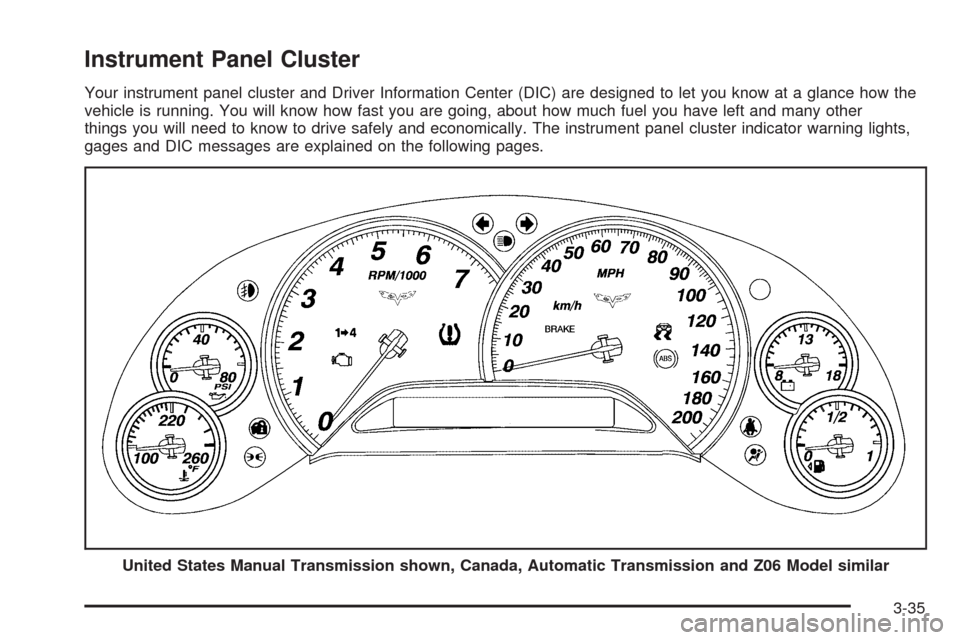
Instrument Panel Cluster
Your instrument panel cluster and Driver Information Center (DIC) are designed to let you know at a glance how the
vehicle is running. You will know how fast you are going, about how much fuel you have left and many other
things you will need to know to drive safely and economically. The instrument panel cluster indicator warning lights,
gages and DIC messages are explained on the following pages.
United States Manual Transmission shown, Canada, Automatic Transmission and Z06 Model similar
3-35
Page 173 of 432
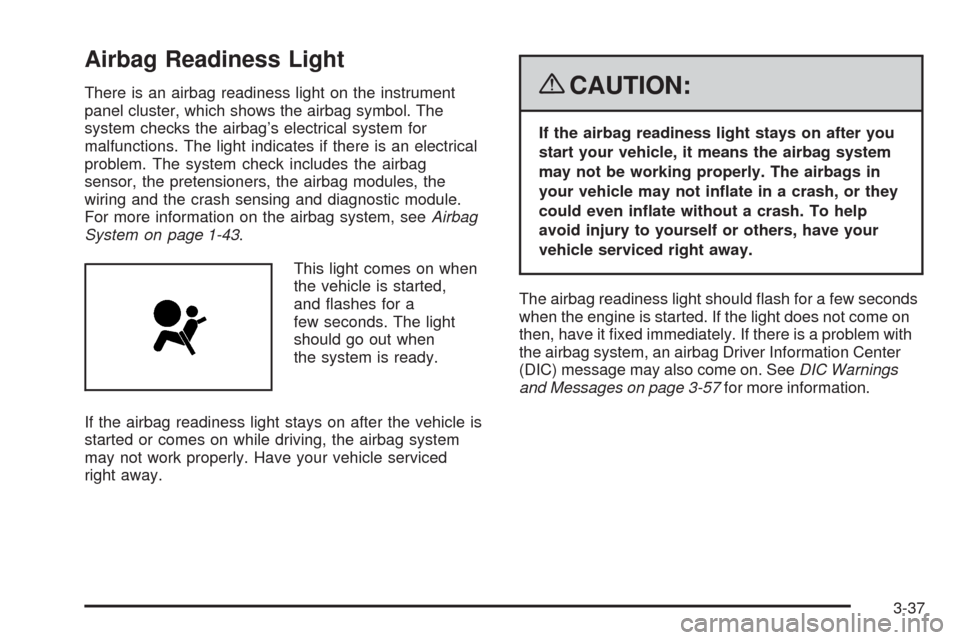
Airbag Readiness Light
There is an airbag readiness light on the instrument
panel cluster, which shows the airbag symbol. The
system checks the airbag’s electrical system for
malfunctions. The light indicates if there is an electrical
problem. The system check includes the airbag
sensor, the pretensioners, the airbag modules, the
wiring and the crash sensing and diagnostic module.
For more information on the airbag system, seeAirbag
System on page 1-43.
This light comes on when
the vehicle is started,
and ashes for a
few seconds. The light
should go out when
the system is ready.
If the airbag readiness light stays on after the vehicle is
started or comes on while driving, the airbag system
may not work properly. Have your vehicle serviced
right away.{CAUTION:
If the airbag readiness light stays on after you
start your vehicle, it means the airbag system
may not be working properly. The airbags in
your vehicle may not inate in a crash, or they
could even inate without a crash. To help
avoid injury to yourself or others, have your
vehicle serviced right away.
The airbag readiness light should ash for a few seconds
when the engine is started. If the light does not come on
then, have it xed immediately. If there is a problem with
the airbag system, an airbag Driver Information Center
(DIC) message may also come on. SeeDIC Warnings
and Messages on page 3-57for more information.
3-37
Page 177 of 432
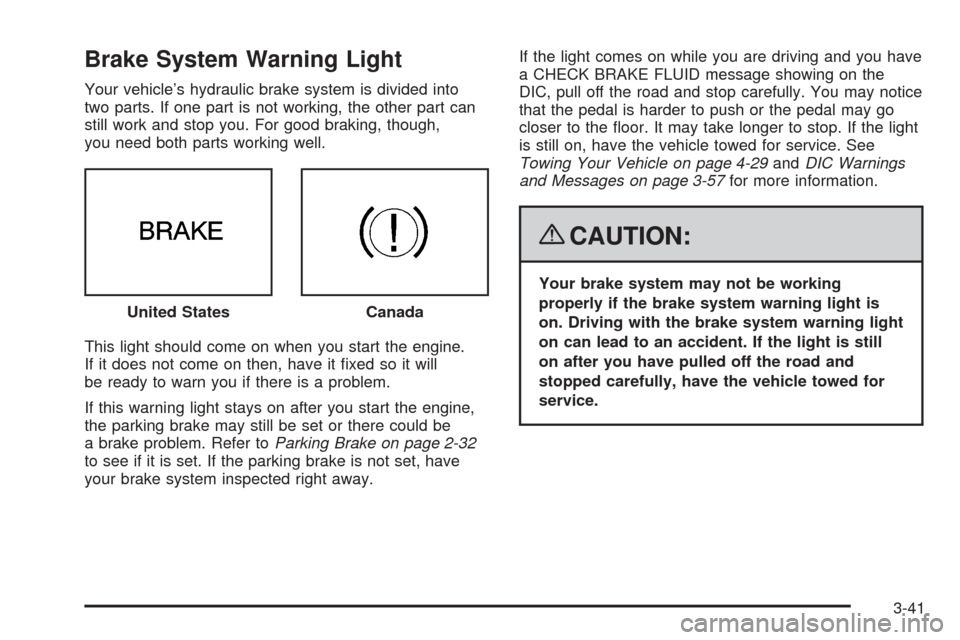
Brake System Warning Light
Your vehicle’s hydraulic brake system is divided into
two parts. If one part is not working, the other part can
still work and stop you. For good braking, though,
you need both parts working well.
This light should come on when you start the engine.
If it does not come on then, have it xed so it will
be ready to warn you if there is a problem.
If this warning light stays on after you start the engine,
the parking brake may still be set or there could be
a brake problem. Refer toParking Brake on page 2-32
to see if it is set. If the parking brake is not set, have
your brake system inspected right away.If the light comes on while you are driving and you have
a CHECK BRAKE FLUID message showing on the
DIC, pull off the road and stop carefully. You may notice
that the pedal is harder to push or the pedal may go
closer to the oor. It may take longer to stop. If the light
is still on, have the vehicle towed for service. See
Towing Your Vehicle on page 4-29andDIC Warnings
and Messages on page 3-57for more information.
{CAUTION:
Your brake system may not be working
properly if the brake system warning light is
on. Driving with the brake system warning light
on can lead to an accident. If the light is still
on after you have pulled off the road and
stopped carefully, have the vehicle towed for
service. United States
Canada
3-41
Page 178 of 432
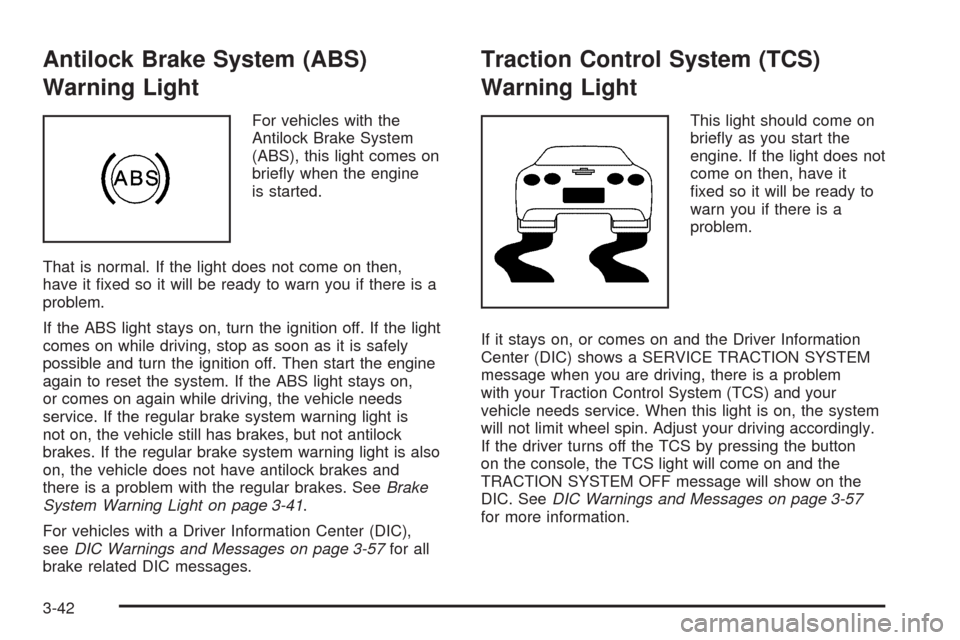
Antilock Brake System (ABS)
Warning Light
For vehicles with the
Antilock Brake System
(ABS), this light comes on
briey when the engine
is started.
That is normal. If the light does not come on then,
have it xed so it will be ready to warn you if there is a
problem.
If the ABS light stays on, turn the ignition off. If the light
comes on while driving, stop as soon as it is safely
possible and turn the ignition off. Then start the engine
again to reset the system. If the ABS light stays on,
or comes on again while driving, the vehicle needs
service. If the regular brake system warning light is
not on, the vehicle still has brakes, but not antilock
brakes. If the regular brake system warning light is also
on, the vehicle does not have antilock brakes and
there is a problem with the regular brakes. SeeBrake
System Warning Light on page 3-41.
For vehicles with a Driver Information Center (DIC),
seeDIC Warnings and Messages on page 3-57for all
brake related DIC messages.
Traction Control System (TCS)
Warning Light
This light should come on
briey as you start the
engine. If the light does not
come on then, have it
xed so it will be ready to
warn you if there is a
problem.
If it stays on, or comes on and the Driver Information
Center (DIC) shows a SERVICE TRACTION SYSTEM
message when you are driving, there is a problem
with your Traction Control System (TCS) and your
vehicle needs service. When this light is on, the system
will not limit wheel spin. Adjust your driving accordingly.
If the driver turns off the TCS by pressing the button
on the console, the TCS light will come on and the
TRACTION SYSTEM OFF message will show on the
DIC. SeeDIC Warnings and Messages on page 3-57
for more information.
3-42