2007 GMC SIERRA CLASSIC battery
[x] Cancel search: batteryPage 199 of 674
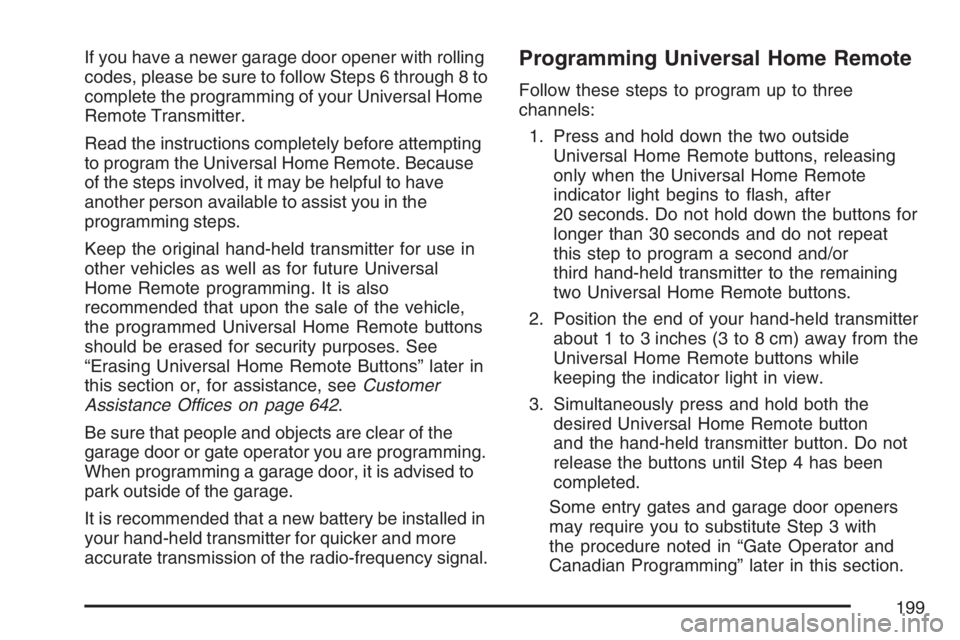
If you have a newer garage door opener with rolling
codes, please be sure to follow Steps 6 through 8 to
complete the programming of your Universal Home
Remote Transmitter.
Read the instructions completely before attempting
to program the Universal Home Remote. Because
of the steps involved, it may be helpful to have
another person available to assist you in the
programming steps.
Keep the original hand-held transmitter for use in
other vehicles as well as for future Universal
Home Remote programming. It is also
recommended that upon the sale of the vehicle,
the programmed Universal Home Remote buttons
should be erased for security purposes. See
“Erasing Universal Home Remote Buttons” later in
this section or, for assistance, seeCustomer
Assistance Offices on page 642.
Be sure that people and objects are clear of the
garage door or gate operator you are programming.
When programming a garage door, it is advised to
park outside of the garage.
It is recommended that a new battery be installed in
your hand-held transmitter for quicker and more
accurate transmission of the radio-frequency signal.Programming Universal Home Remote
Follow these steps to program up to three
channels:
1. Press and hold down the two outside
Universal Home Remote buttons, releasing
only when the Universal Home Remote
indicator light begins to ash, after
20 seconds. Do not hold down the buttons for
longer than 30 seconds and do not repeat
this step to program a second and/or
third hand-held transmitter to the remaining
two Universal Home Remote buttons.
2. Position the end of your hand-held transmitter
about 1 to 3 inches (3 to 8 cm) away from the
Universal Home Remote buttons while
keeping the indicator light in view.
3. Simultaneously press and hold both the
desired Universal Home Remote button
and the hand-held transmitter button. Do not
release the buttons until Step 4 has been
completed.
Some entry gates and garage door openers
may require you to substitute Step 3 with
the procedure noted in “Gate Operator and
Canadian Programming” later in this section.
199
Page 205 of 674
Sunroof
The vehicle may have a power sliding sunroof.
To open or close the sunroof, the ignition must be
on or Retained Accessory Power (RAP) must
be active. SeeRetained Accessory Power (RAP)
on page 137for more information.
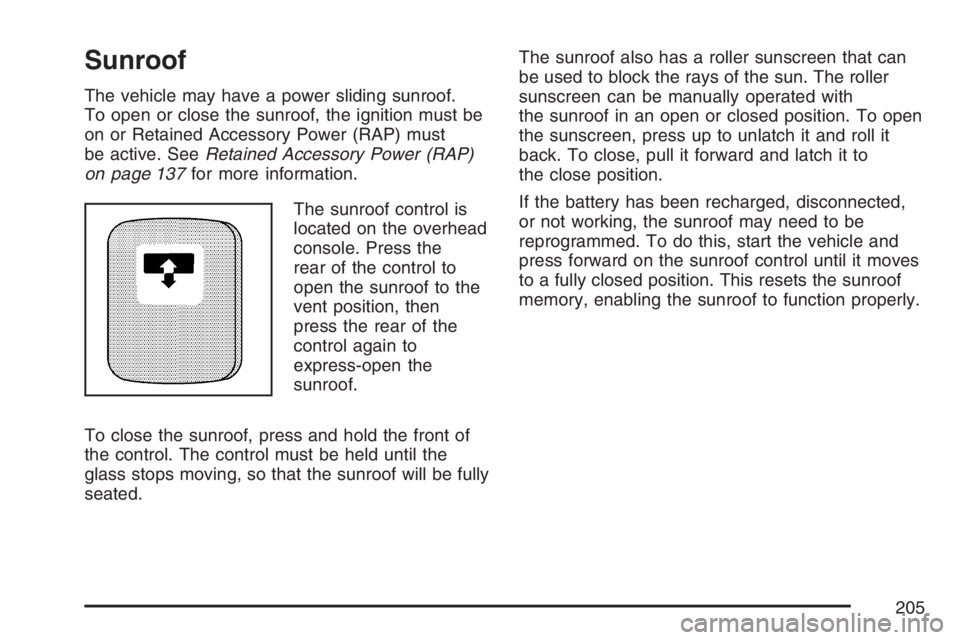
The sunroof control is
located on the overhead
console. Press the
rear of the control to
open the sunroof to the
vent position, then
press the rear of the
control again to
express-open the
sunroof.
To close the sunroof, press and hold the front of
the control. The control must be held until the
glass stops moving, so that the sunroof will be fully
seated.The sunroof also has a roller sunscreen that can
be used to block the rays of the sun. The roller
sunscreen can be manually operated with
the sunroof in an open or closed position. To open
the sunscreen, press up to unlatch it and roll it
back. To close, pull it forward and latch it to
the close position.
If the battery has been recharged, disconnected,
or not working, the sunroof may need to be
reprogrammed. To do this, start the vehicle and
press forward on the sunroof control until it moves
to a fully closed position. This resets the sunroof
memory, enabling the sunroof to function properly.
205
Page 207 of 674

Instrument Panel Overview........................ 210
Hazard Warning Flashers.......................... 212
Other Warning Devices............................. 213
Horn.......................................................... 213
Tilt Wheel.................................................. 213
Turn Signal/Multifunction Lever.................. 214
Turn and Lane-Change Signals................. 214
Headlamp High/Low-Beam Changer.......... 215
Flash-to-Pass............................................ 216
Windshield Wipers..................................... 216
Windshield Washer.................................... 217
Cruise Control........................................... 217
Headlamps................................................ 221
Headlamps on Reminder........................... 222
Daytime Running Lamps (DRL)................. 222
Automatic Headlamp System..................... 223
Fog Lamps................................................ 225
Auxiliary Roof Mounted Lamp.................... 226
Instrument Panel Brightness...................... 226
Dome Lamps............................................. 226
Dome Lamp Override................................ 227
Entry Lighting............................................ 227
Exit Lighting.............................................. 227Front Reading Lamps................................ 227
Cargo Lamp.............................................. 228
Accessory Power Outlet(s)........................ 228
Ashtray(s) and Cigarette Lighter................ 229
Climate Controls......................................... 230
Climate Control System............................. 230
Dual Climate Control System..................... 231
Dual Automatic Climate Control System.... 235
Outlet Adjustment...................................... 243
Warning Lights, Gages, and Indicators..... 244
Instrument Panel Cluster........................... 245
Speedometer and Odometer...................... 246
Trip Odometer........................................... 246
Tachometer............................................... 246
Safety Belt Reminder Light........................ 247
Airbag Readiness Light............................. 247
Airbag Off Light......................................... 248
Passenger Airbag Status Indicator............. 250
Battery Warning Light................................ 253
Voltmeter Gage......................................... 253
Up-Shift Light (Manual Transmission)........ 254
Brake System Warning Light..................... 254
Section 3 Instrument Panel
207
Page 228 of 674
Cargo Lamp
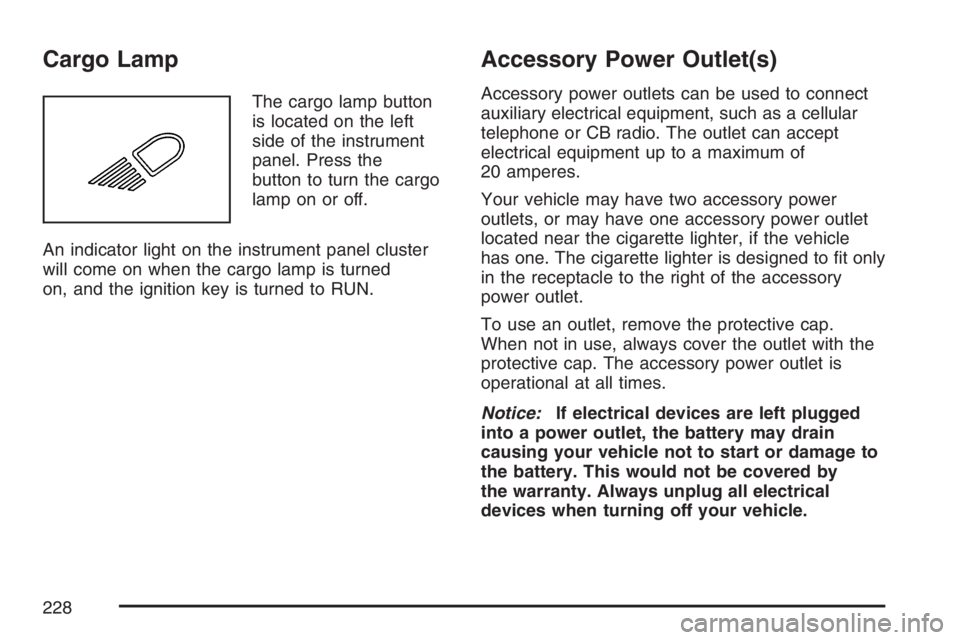
The cargo lamp button
is located on the left
side of the instrument
panel. Press the
button to turn the cargo
lamp on or off.
An indicator light on the instrument panel cluster
will come on when the cargo lamp is turned
on, and the ignition key is turned to RUN.
Accessory Power Outlet(s)
Accessory power outlets can be used to connect
auxiliary electrical equipment, such as a cellular
telephone or CB radio. The outlet can accept
electrical equipment up to a maximum of
20 amperes.
Your vehicle may have two accessory power
outlets, or may have one accessory power outlet
located near the cigarette lighter, if the vehicle
has one. The cigarette lighter is designed to t only
in the receptacle to the right of the accessory
power outlet.
To use an outlet, remove the protective cap.
When not in use, always cover the outlet with the
protective cap. The accessory power outlet is
operational at all times.
Notice:If electrical devices are left plugged
into a power outlet, the battery may drain
causing your vehicle not to start or damage to
the battery. This would not be covered by
the warranty. Always unplug all electrical
devices when turning off your vehicle.
228
Page 253 of 674
Battery Warning Light
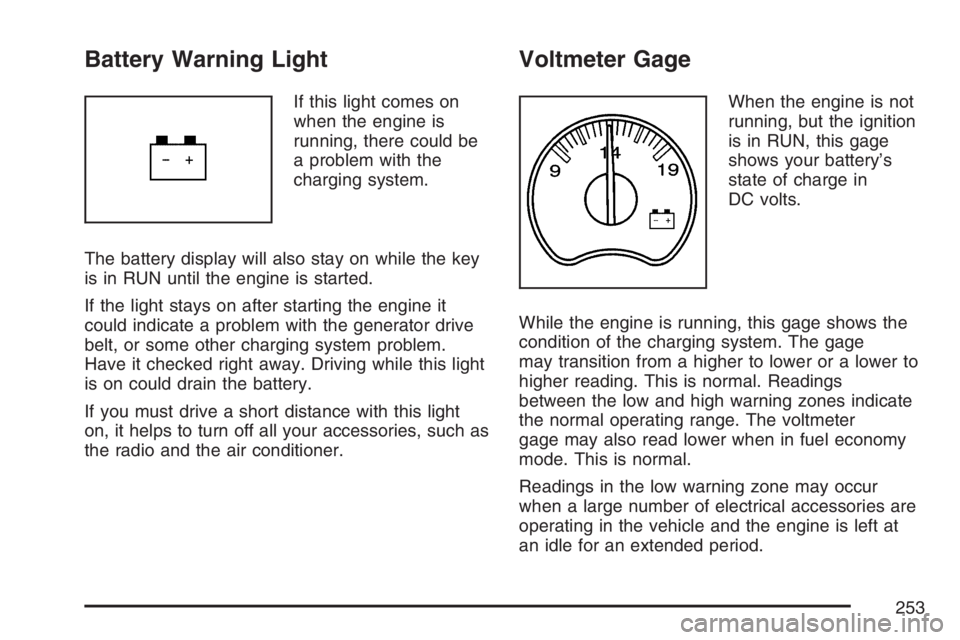
If this light comes on
when the engine is
running, there could be
a problem with the
charging system.
The battery display will also stay on while the key
is in RUN until the engine is started.
If the light stays on after starting the engine it
could indicate a problem with the generator drive
belt, or some other charging system problem.
Have it checked right away. Driving while this light
is on could drain the battery.
If you must drive a short distance with this light
on, it helps to turn off all your accessories, such as
the radio and the air conditioner.
Voltmeter Gage
When the engine is not
running, but the ignition
is in RUN, this gage
shows your battery’s
state of charge in
DC volts.
While the engine is running, this gage shows the
condition of the charging system. The gage
may transition from a higher to lower or a lower to
higher reading. This is normal. Readings
between the low and high warning zones indicate
the normal operating range. The voltmeter
gage may also read lower when in fuel economy
mode. This is normal.
Readings in the low warning zone may occur
when a large number of electrical accessories are
operating in the vehicle and the engine is left at
an idle for an extended period.
253
Page 261 of 674
Have you recently changed brands of fuel?
If so, be sure to fuel your vehicle with quality fuel.
SeeGasoline Octane on page 470. Poor fuel
quality will cause your engine not to run as
efficiently as designed. You may notice this as
stalling after start-up, stalling when you put
the vehicle into gear, misring, hesitation on
acceleration, or stumbling on acceleration. (These
conditions may go away once the engine is
warmed up.) This will be detected by the system
and cause the light to turn on.
If you experience one or more of these conditions,
change the fuel brand you use. It will require at
least one full tank of the proper fuel to turn the
light off.
If none of the above steps have made the light
turn off, your dealer can check the vehicle.
Your dealer has the proper test equipment and
diagnostic tools to x any mechanical or electrical
problems that may have developed.Emissions Inspection and Maintenance
Programs
Some state/provincial and local governments have
or may begin programs to inspect the emission
control equipment on your vehicle. Failure to pass
this inspection could prevent you from getting a
vehicle registration.
Here are some things you need to know to help
your vehicle pass an inspection:
Your vehicle will not pass this inspection if the
check engine light is on or not working properly.
Your vehicle will not pass this inspection if
the OBD (on-board diagnostic) system determines
that critical emission control systems have not
been completely diagnosed by the system.
The vehicle would be considered not ready for
inspection. This can happen if you have recently
replaced your battery or if your battery has
run down. The diagnostic system is designed to
evaluate critical emission control systems
during normal driving. This may take several days
of routine driving. If you have done this and
your vehicle still does not pass the inspection for
lack of OBD system readiness, your GM dealer
can prepare the vehicle for inspection.
261
Page 270 of 674

DIC Warnings and Messages
Warning messages are displayed on the Driver
Information Center (DIC) to notify the driver
that the status of the vehicle has changed and
that some action may be needed by the driver to
correct the condition. If there is more than one
message that needs to be displayed, they
will appear one after another. Some messages
may not require immediate action, but you should
press any of the four DIC buttons on the
steering wheel to acknowledge that you received
the messages and to clear them from the
display. If your vehicle does not have DIC buttons
on the steering wheel, press the trip odometer
reset stem, located on the instrument panel
cluster, to acknowledge messages and clear them
from the display.Some messages cannot be cleared from the
display because they are more urgent. These
messages require action before they can be
removed from the DIC display. You should take
any messages that appear on the display seriously
and remember that clearing the messages will
only make the messages disappear, not correct
the problem.
The following are the possible messages that can
be displayed and some information about them.
BATTERY NOT CHARGING
On some vehicles, if the battery is not charging
during operation, this message will appear on the
DIC. Driving with this problem could drain the
battery. Have the electrical system checked
by your dealer as soon as possible. Pressing any
of the four DIC buttons will acknowledge the
message and clear it from the DIC display. If your
vehicle does not have the four DIC buttons,
pressing the trip odometer reset stem will
acknowledge the message and clear it from the
DIC display. SeeBattery Warning Light on
page 253andVoltmeter Gage on page 253.
270
Page 272 of 674

CHANGE ENGINE OIL
This message is displayed when the engine oil
needs to be changed.
When you change the engine oil, be sure to reset
the CHANGE ENGINE OIL message. See
Engine Oil Life System (Gasoline Engine) on
page 489,Engine Oil (Gasoline Engine) on
page 486, andScheduled Maintenance (Gasoline
Engine) on page 617for more information.
CHARGING SYSTEM FAILURE
On some vehicles, if there is a problem with the
generator and battery charging system, this
message will appear on the DIC, a chime will
sound, and the battery warning light on the
instrument panel cluster will come on. Driving with
this problem could drain the battery. Turn off all
unnecessary accessories. Stop and turn off
the vehicle as soon as it is safe to do so. Have
the electrical system checked by your dealer
immediately. SeeBattery Warning Light on
page 253andVoltmeter Gage on page 253for
more information.
CHECK OIL LEVEL
If your vehicle has an oil level sensor, and the oil
level in the vehicle is low, this message will
appear on the DIC. Check the oil level and correct
it as necessary. You may need to let the vehicle
cool or warm up and cycle the ignition to be
sure this message will clear. Once the problem is
corrected, pressing any of the four DIC buttons
will acknowledge the message and clear it from the
DIC display. If your vehicle does not have the
four DIC buttons, pressing the trip odometer reset
stem will acknowledge the message and clear
it from the DIC display. SeeEngine Oil (Gasoline
Engine) on page 486for additional information.
CHECK WASHER FLUID
If the washer uid level is low, this message will
appear on the DIC. SeeWindshield Washer
Fluid on page 516. Adding washer uid to the
windshield washer reservoir will clear the
message. Pressing any of the four DIC buttons
will acknowledge the message and clear it from the
DIC display. If your vehicle does not have the
four DIC buttons, pressing the trip odometer reset
stem will acknowledge the message and clear
it from the DIC display.
272