Page 145 of 554
Outside Heated Mirrors
Press the rear window defogger button, located on
the climate control panel, to also turn the outside
heated mirrors on or off. The mirrors will heat to
help clear fog or frost from the surface of the mirror.
See “Rear Window Defogger” underDual
Automatic Climate Control System on page 203
for more information.
OnStar®System
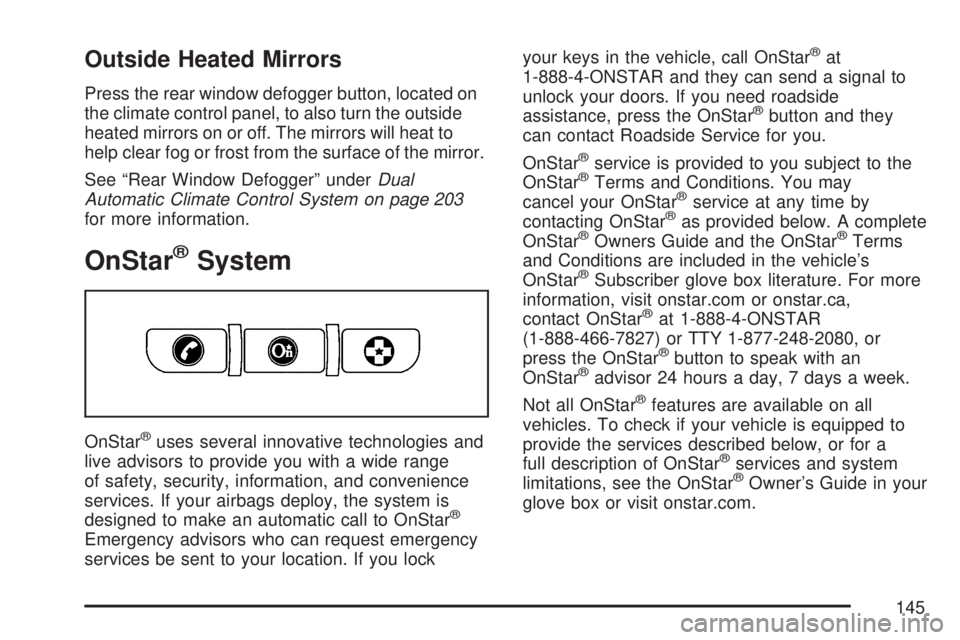
OnStar®uses several innovative technologies and
live advisors to provide you with a wide range
of safety, security, information, and convenience
services. If your airbags deploy, the system is
designed to make an automatic call to OnStar
®
Emergency advisors who can request emergency
services be sent to your location. If you lockyour keys in the vehicle, call OnStar
®at
1-888-4-ONSTAR and they can send a signal to
unlock your doors. If you need roadside
assistance, press the OnStar
®button and they
can contact Roadside Service for you.
OnStar
®service is provided to you subject to the
OnStar®Terms and Conditions. You may
cancel your OnStar®service at any time by
contacting OnStar®as provided below. A complete
OnStar®Owners Guide and the OnStar®Terms
and Conditions are included in the vehicle’s
OnStar
®Subscriber glove box literature. For more
information, visit onstar.com or onstar.ca,
contact OnStar
®at 1-888-4-ONSTAR
(1-888-466-7827) or TTY 1-877-248-2080, or
press the OnStar
®button to speak with an
OnStar®advisor 24 hours a day, 7 days a week.
Not all OnStar
®features are available on all
vehicles. To check if your vehicle is equipped to
provide the services described below, or for a
full description of OnStar
®services and system
limitations, see the OnStar®Owner’s Guide in your
glove box or visit onstar.com.
145
Page 161 of 554
Storage Areas
Glove Box
To open, lift the handle up. Use the key to lock
and unlock.
Cupholder(s)
There are two cupholders, with removable liners,
located in front of the center console. There
are cupholders located in the second row seat
armrest. To access, pull the armrest down. There
are additional cupholders located on each side
of the third row seat and in each door. There are
cupholders located behind the center console.
To access, pull down on the handle.
Instrument Panel Storage Area
Your vehicle has an instrument panel storage area
located above the radio. To open the cover,
press the button.
Center Console Storage Area
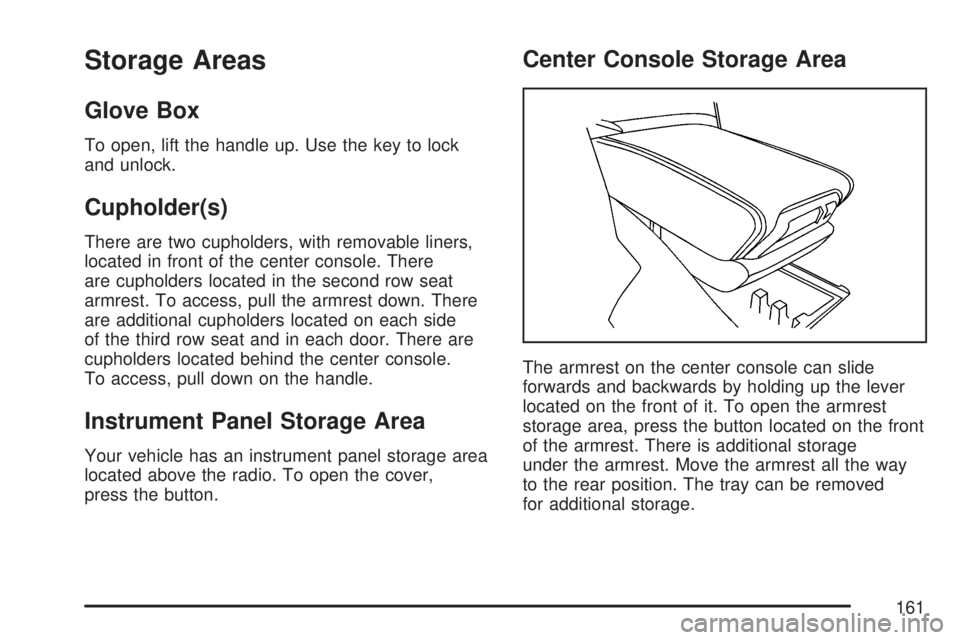
The armrest on the center console can slide
forwards and backwards by holding up the lever
located on the front of it. To open the armrest
storage area, press the button located on the front
of the armrest. There is additional storage
under the armrest. Move the armrest all the way
to the rear position. The tray can be removed
for additional storage.
161
Page 172 of 554
P. Hazard Warning Flasher Button. SeeHazard
Warning Flashers on page 172.
Q. Cupholders. SeeCupholder(s) on page 161.
R. Accessory Power Outlets. SeeAccessory
Power Outlet(s) on page 197.
S. Traction Control System (TCS) Disable
Button (If Equipped). SeeStabiliTrak
®System
on page 337. Tow/Haul Selector Button
(If Equipped). SeeTow/Haul Mode on
page 133. Power Liftgate Button (If Equipped).
SeePower Liftgate on page 110.
T. Heated Seats Button. SeeHeated Seats
on page 12.
U. Passenger Air Bag status Indicator. See
Passenger Sensing System on page 85.
V. Glove Box. SeeGlove Box on page 161.
Hazard Warning Flashers
The hazard warning ashers let you warn others.
They also let police know you have a problem. The
front and rear turn signal lamps will ash on and off.
The hazard warning
asher button is
located in the center of
the instrument panel,
below the audio system.
The hazard warning ashers work no matter what
position the key is in, and even if the key is not
in the ignition.
Press the button to make the front and rear turn
signal lamps ash on and off. Press the button
again to turn the ashers off.
When the hazard warning ashers are on, the turn
signals will not work.
172
Page 177 of 554

The windshield wipers are controlled by turning
the band with the wiper symbol.
8(Mist):Turn the band to mist for a single wiping
cycle. Hold it there until the wipers start. Then let
go. The wipers will stop after one wipe. Hold the
band on mist longer, for more wipe cycles.
9(Off):To stop the wipers, move the band to off.
6(Delay):The wiper speed can be set for a long
or short delay between wiping cycles. This can be
very useful in light rain or snow. Turn the band to
choose the delay time. The closer to the top of the
lever, the shorter the delay.
6(Low Speed):Turn the band away from
you to the rst solid band past the delay settings,
for steady wiping at low speed.
?(High Speed):Turn the band further, to the
second solid band past the delay settings, for
high-speed wiping.
Windshield Washer
J(Washer Fluid):Press and release this
paddle, located at the top of the turn signal/
multifunction lever, to spray washer uid on the
windshield. The wipers clear the windshield
and either stop or return to the preset speed.
The ignition key must be in ACCESSORY or
ON for this to work. SeeWindshield Washer
Fluid on page 420Windshield Washer Fluid.
{CAUTION:
In freezing weather, do not use your
washer until the windshield is warmed.
Otherwise the washer uid can form ice
on the windshield, blocking your vision.
WASHER FLUID LOW ADD FLUID is displayed
on the Driver Information Center (DIC) when
the washer uid is low. SeeDIC Warnings and
Messages on page 244.
177
Page 187 of 554
Entry Lighting
Your vehicle may have courtesy lamps that will
come on and stay on for a set time whenever
the unlock symbol is pressed on the Remote
Keyless Entry (RKE) Transmitter, if the vehicle
has one.
If a door is opened, the lamps will stay on while
it is open and then turn off automatically about
25 seconds after the door is closed. If the
unlock symbol is pressed and you do not
open a door, the lamps will turn off after about
20 seconds.
Entry lighting includes a feature called theater
dimming. With theater dimming, the lamps do not
turn off at the end of the delay time. Instead,
they slowly dim after the delay time until they go
out. The delay time is canceled if you turn the
ignition key to ON or press the power door
lock switch. The lamps will dim right away.
When the ignition is on, illuminated entry is
inactive, which means the courtesy lamps will
not come on unless a door is opened.
Delayed Entry Lighting
Delayed entry lighting illuminates the interior for
a period of time after all the doors have been
closed.
The ignition must be off for delayed entry lighting
to work. Immediately after all the doors have
been closed, the delayed entry lighting feature
will continue to work until one of the following
occurs:
The ignition is in ON.
The doors are locked.
An illumination period of 25 seconds
has elapsed.
If during the illumination period a door is opened,
the timed illumination period will be canceled
and the interior lamps will remain on because a
door is open.
187
Page 188 of 554
Delayed Exit Lighting
This feature illuminates the interior for a period of
time after the key is removed from the ignition.
The ignition must be off for delayed exit lighting to
work. When the key is removed, interior illumination
will activate and remain on until one of the following
occurs:
The ignition is in ON.
The power door locks are activated.
An illumination period of 20 seconds
has elapsed.
If during the illumination period a door is opened,
the timed illumination period will be canceled
and the interior lamps will remain on because a
door is open.
Parade Dimming
The instrument panel has an added feature called
parade mode. It automatically prohibits the
dimming of the instrument panel displays during
the daylight while the headlamps are on so
that you will still be able to see the displays.
Reading Lamps
The vehicle has reading lamps that also act as the
dome lamp. Press the button to turn them on and off.
Electric Power Management
The vehicle has Electric Power Management (EPM)
that estimates the battery’s temperature and state
of charge. It then adjusts the voltage for best
performance and extended life of the battery.
When the battery’s state of charge is low, the
voltage is raised slightly to quickly put the charge
back in. When the state of charge is high, the
voltage is lowered slightly to prevent overcharging.
If the vehicle has a voltmeter gage or voltage
display on the Driver Information Center (DIC),
you may see the voltage move up or down. This
is normal. If there is a problem, an alert will be
displayed.
The battery can be discharged at idle if the
electrical loads are very high. This is true for all
vehicles. This is because the generator (alternator)
may not be spinning fast enough at idle to
produce all the power that is needed for very
high electrical loads.
188
Page 191 of 554

The HUD information appears as an image
focused out toward the front of the vehicle.
When the ignition key is turned to RUN, the HUD
will display an introductory message for a short
time, until the HUD is ready.
The following indicator lights come on the
instrument panel when activated and will also
appear on the HUD:
Turn Signal Indicators
High-Beam Indicator SymbolThe HUD will temporarily display CHECK GAGES
and ICE POSSIBLE when there are messages
on the DIC trip computer.
The HUD will also display the following messages
when these systems are active:
TRACTION CONTROL ACTIVE
STABILITRAK ACTIVE
Notice:If you try to use the HUD image as a
parking aid, you may misjudge the distance
and damage your vehicle. Do not use the
HUD image as a parking aid.
When the HUD is on, the speedometer reading
will continually be displayed. The current radio
station or CD track number will display for a short
period of time after the radio or CD track status
changes. This will happen whenever radio
information is changed. The speedometer size
will be reduced when radio, CD information,
warnings, or turn-by-turn navigation information
are displayed on the HUD.
191
Page 216 of 554

Speedometer and Odometer
The speedometer lets you see your speed in
both miles per hour (mph) and kilometers per
hour (km/h).
The odometer shows how far your vehicle has
been driven, in either miles or kilometers.
Your vehicle has a tamper-resistant odometer.
If your vehicle needs a new odometer installed,
the new one will be set to the mileage total of the
old odometer. If this is not possible, it will be
set at zero and a label must be put on the driver’s
door to show the old mileage reading when the
new odometer was installed. If the mileage
is unknown, the label should then indicate
“previous mileage unknown”.
Tachometer
The tachometer displays the engine speed in
revolutions per minute (rpm).
Safety Belt Reminder Light
When the key is turned to ON or START, a chime
will come on for several seconds to remind
people to fasten their safety belts, unless the
driver’s safety belt is already buckled.
The safety belt light
will also come on
and stay on for
several seconds,
then it will ash for
several more.
This chime and light is repeated if the driver
remains unbuckled and the vehicle is in motion.
If the driver’s belt is already buckled, neither
the chime nor the light will come on.
216