Page 215 of 328
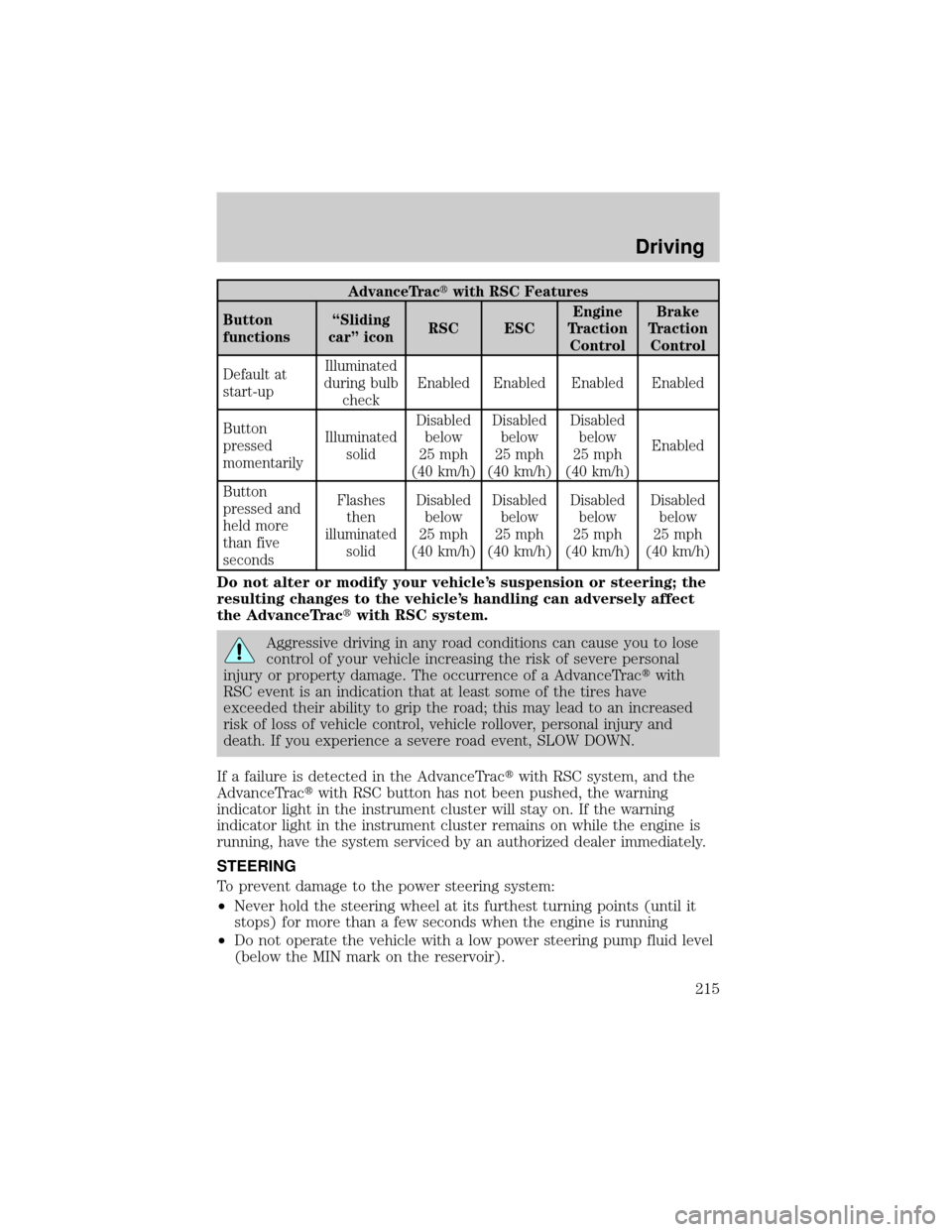
AdvanceTractwith RSC Features
Button
functionsªSliding
carº iconRSC ESCEngine
Traction
ControlBrake
Traction
Control
Default at
start-upIlluminated
during bulb
checkEnabled Enabled Enabled Enabled
Button
pressed
momentarilyIlluminated
solidDisabled
below
25 mph
(40 km/h)Disabled
below
25 mph
(40 km/h)Disabled
below
25 mph
(40 km/h)Enabled
Button
pressed and
held more
than five
secondsFlashes
then
illuminated
solidDisabled
below
25 mph
(40 km/h)Disabled
below
25 mph
(40 km/h)Disabled
below
25 mph
(40 km/h)Disabled
below
25 mph
(40 km/h)
Do not alter or modify your vehicle's suspension or steering; the
resulting changes to the vehicle's handling can adversely affect
the AdvanceTractwith RSC system.
Aggressive driving in any road conditions can cause you to lose
control of your vehicle increasing the risk of severe personal
injury or property damage. The occurrence of a AdvanceTractwith
RSC event is an indication that at least some of the tires have
exceeded their ability to grip the road; this may lead to an increased
risk of loss of vehicle control, vehicle rollover, personal injury and
death. If you experience a severe road event, SLOW DOWN.
If a failure is detected in the AdvanceTractwith RSC system, and the
AdvanceTractwith RSC button has not been pushed, the warning
indicator light in the instrument cluster will stay on. If the warning
indicator light in the instrument cluster remains on while the engine is
running, have the system serviced by an authorized dealer immediately.
STEERING
To prevent damage to the power steering system:
²Never hold the steering wheel at its furthest turning points (until it
stops) for more than a few seconds when the engine is running
²Do not operate the vehicle with a low power steering pump fluid level
(below the MIN mark on the reservoir).
Driving
215
Page 219 of 328
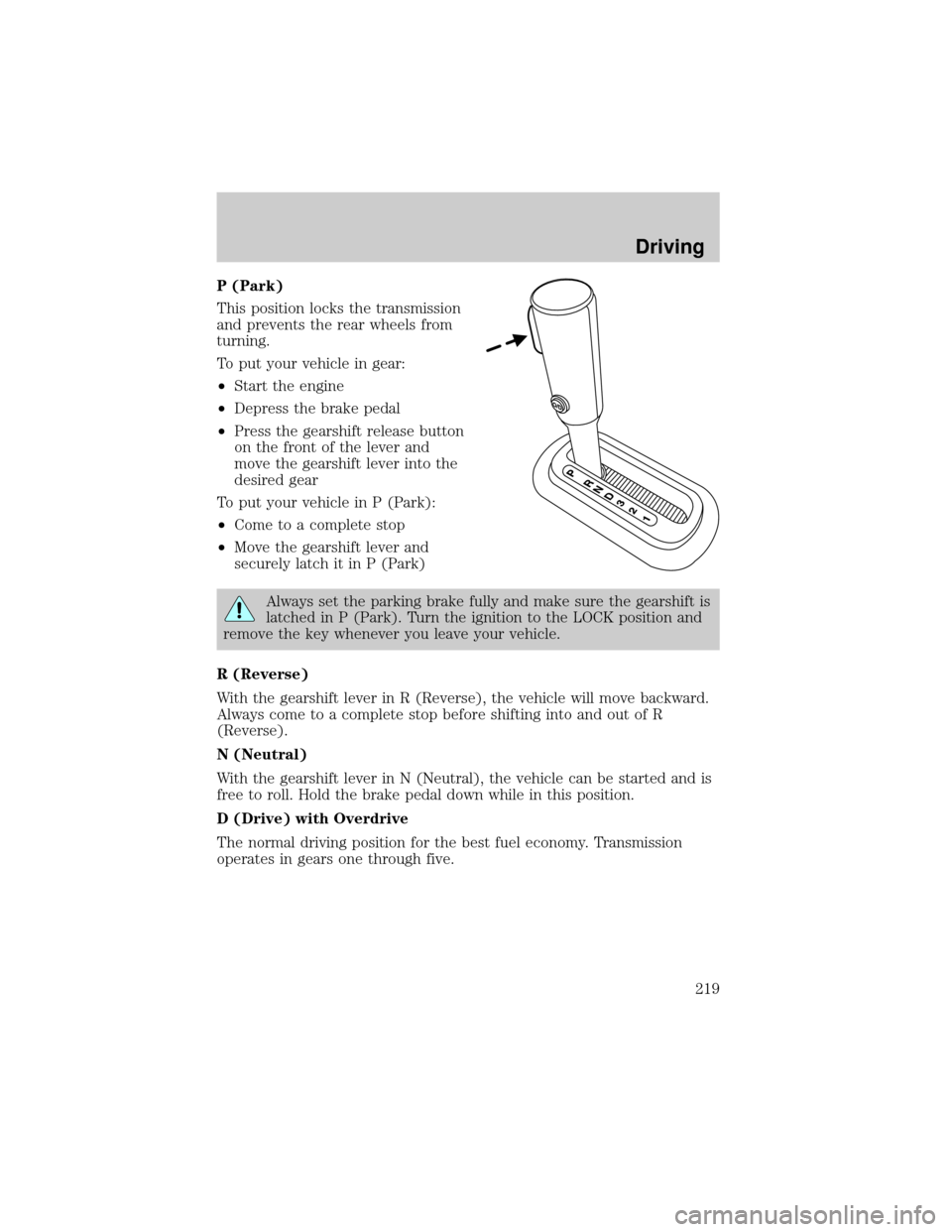
P (Park)
This position locks the transmission
and prevents the rear wheels from
turning.
To put your vehicle in gear:
²Start the engine
²Depress the brake pedal
²Press the gearshift release button
on the front of the lever and
move the gearshift lever into the
desired gear
To put your vehicle in P (Park):
²Come to a complete stop
²Move the gearshift lever and
securely latch it in P (Park)
Always set the parking brake fully and make sure the gearshift is
latched in P (Park). Turn the ignition to the LOCK position and
remove the key whenever you leave your vehicle.
R (Reverse)
With the gearshift lever in R (Reverse), the vehicle will move backward.
Always come to a complete stop before shifting into and out of R
(Reverse).
N (Neutral)
With the gearshift lever in N (Neutral), the vehicle can be started and is
free to roll. Hold the brake pedal down while in this position.
D (Drive) with Overdrive
The normal driving position for the best fuel economy. Transmission
operates in gears one through five.
Driving
219
Page 222 of 328
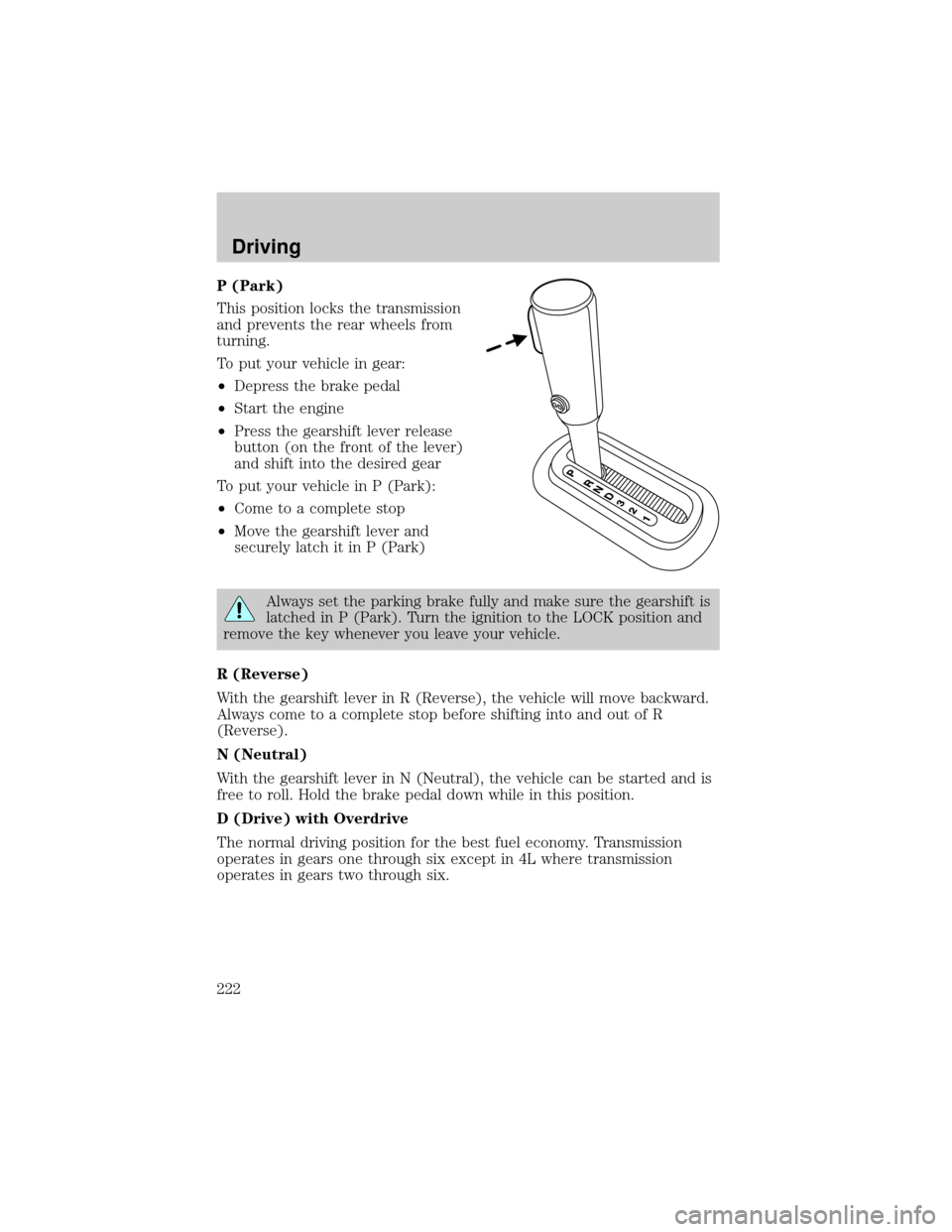
P (Park)
This position locks the transmission
and prevents the rear wheels from
turning.
To put your vehicle in gear:
²Depress the brake pedal
²Start the engine
²Press the gearshift lever release
button (on the front of the lever)
and shift into the desired gear
To put your vehicle in P (Park):
²Come to a complete stop
²Move the gearshift lever and
securely latch it in P (Park)
Always set the parking brake fully and make sure the gearshift is
latched in P (Park). Turn the ignition to the LOCK position and
remove the key whenever you leave your vehicle.
R (Reverse)
With the gearshift lever in R (Reverse), the vehicle will move backward.
Always come to a complete stop before shifting into and out of R
(Reverse).
N (Neutral)
With the gearshift lever in N (Neutral), the vehicle can be started and is
free to roll. Hold the brake pedal down while in this position.
D (Drive) with Overdrive
The normal driving position for the best fuel economy. Transmission
operates in gears one through six except in 4L where transmission
operates in gears two through six.
Driving
222