Page 19 of 328
Never remove the coolant reservoir cap while the engine is
running or hot.
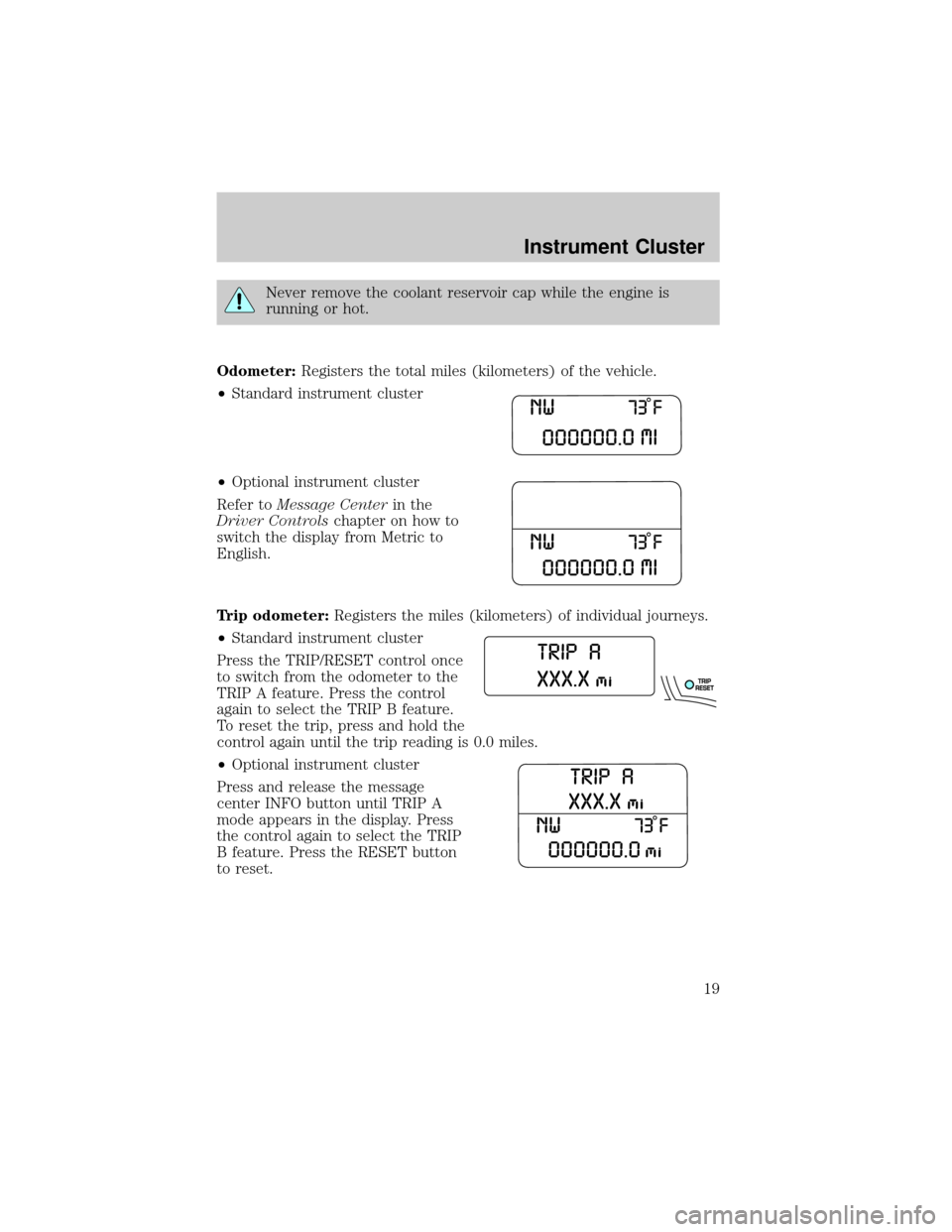
Odometer:Registers the total miles (kilometers) of the vehicle.
²Standard instrument cluster
²Optional instrument cluster
Refer toMessage Centerin the
Driver Controlschapter on how to
switch the display from Metric to
English.
Trip odometer:Registers the miles (kilometers) of individual journeys.
²Standard instrument cluster
Press the TRIP/RESET control once
to switch from the odometer to the
TRIP A feature. Press the control
again to select the TRIP B feature.
To reset the trip, press and hold the
control again until the trip reading is 0.0 miles.
²Optional instrument cluster
Press and release the message
center INFO button until TRIP A
mode appears in the display. Press
the control again to select the TRIP
B feature. Press the RESET button
to reset.
Instrument Cluster
19
Page 20 of 328
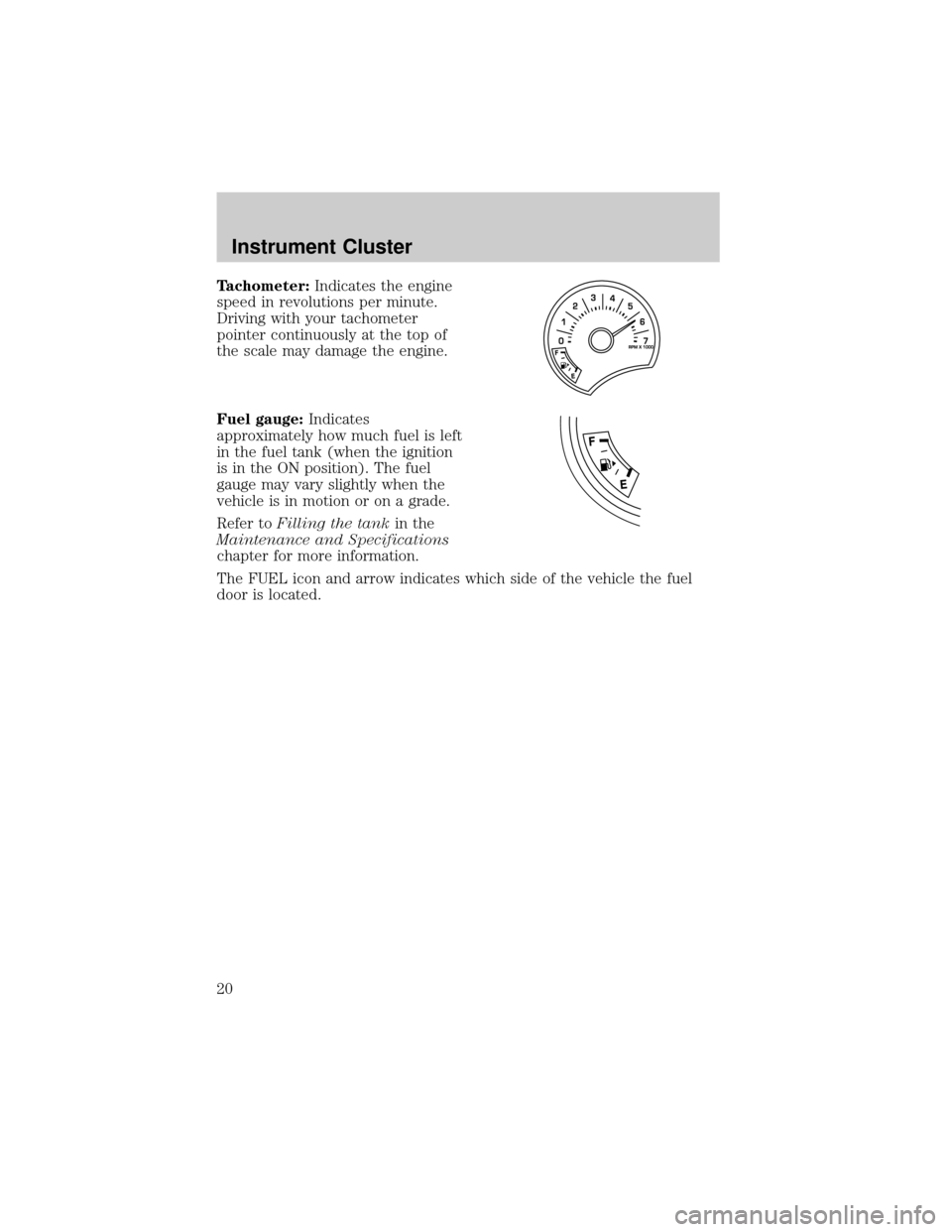
Tachometer:Indicates the engine
speed in revolutions per minute.
Driving with your tachometer
pointer continuously at the top of
the scale may damage the engine.
Fuel gauge:Indicates
approximately how much fuel is left
in the fuel tank (when the ignition
is in the ON position). The fuel
gauge may vary slightly when the
vehicle is in motion or on a grade.
Refer toFilling the tankin the
Maintenance and Specifications
chapter for more information.
The FUEL icon and arrow indicates which side of the vehicle the fuel
door is located.
Instrument Cluster
20
Page 60 of 328
SPEED CONTROL (IF EQUIPPED)
With speed control set, you can maintain a speed of 30 mph (48 km/h)
or more without keeping your foot on the accelerator pedal. Speed
control does not work at speeds below 30 mph (48 km/h).
Do not use the speed control in heavy traffic or on roads that
are winding, slippery or unpaved.
Setting speed control
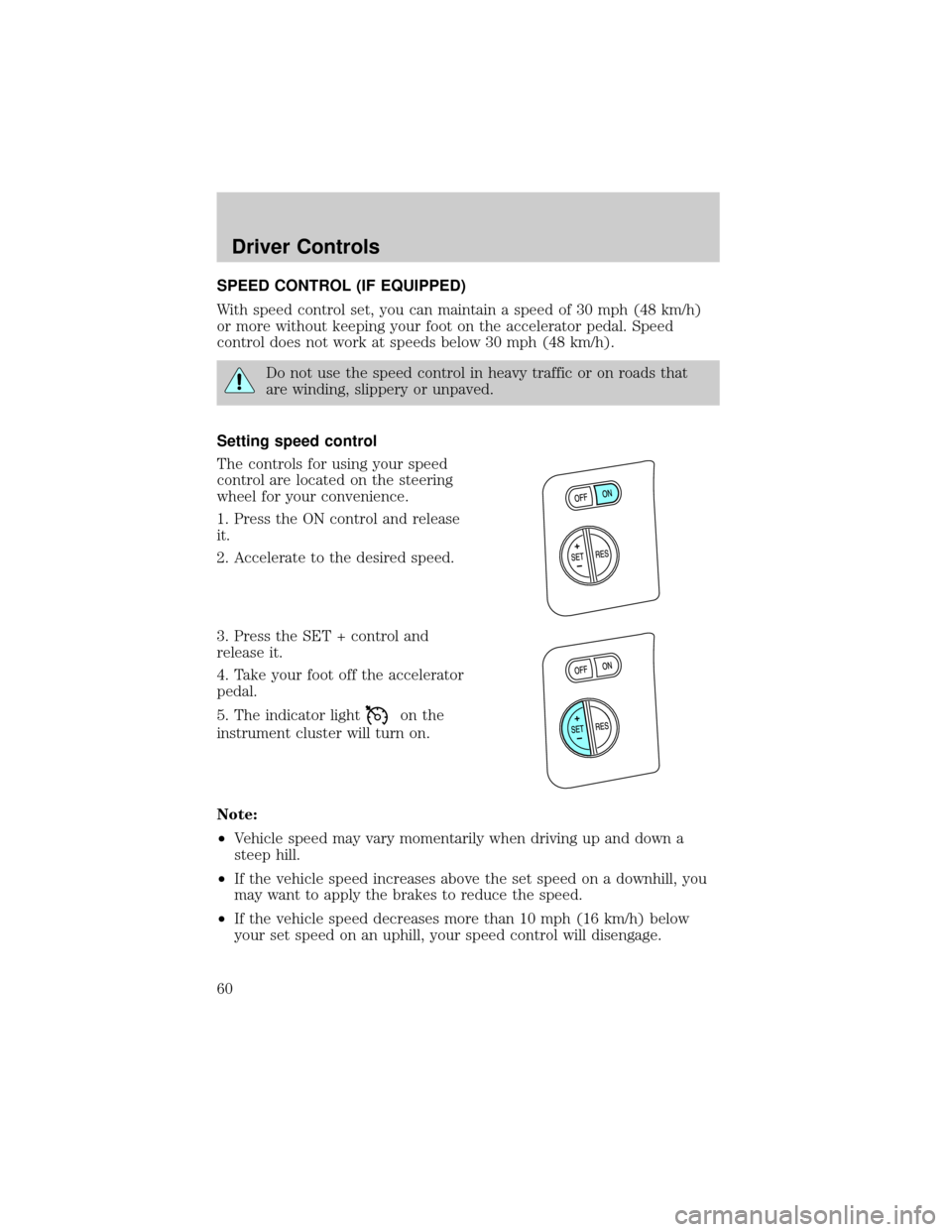
The controls for using your speed
control are located on the steering
wheel for your convenience.
1. Press the ON control and release
it.
2. Accelerate to the desired speed.
3. Press the SET + control and
release it.
4. Take your foot off the accelerator
pedal.
5. The indicator light
on the
instrument cluster will turn on.
Note:
²Vehicle speed may vary momentarily when driving up and down a
steep hill.
²If the vehicle speed increases above the set speed on a downhill, you
may want to apply the brakes to reduce the speed.
²If the vehicle speed decreases more than 10 mph (16 km/h) below
your set speed on an uphill, your speed control will disengage.
Driver Controls
60
Page 69 of 328
Erasing HomeLinkTbuttons
To erase the three programmed
buttons (individual buttons cannot
be erased):
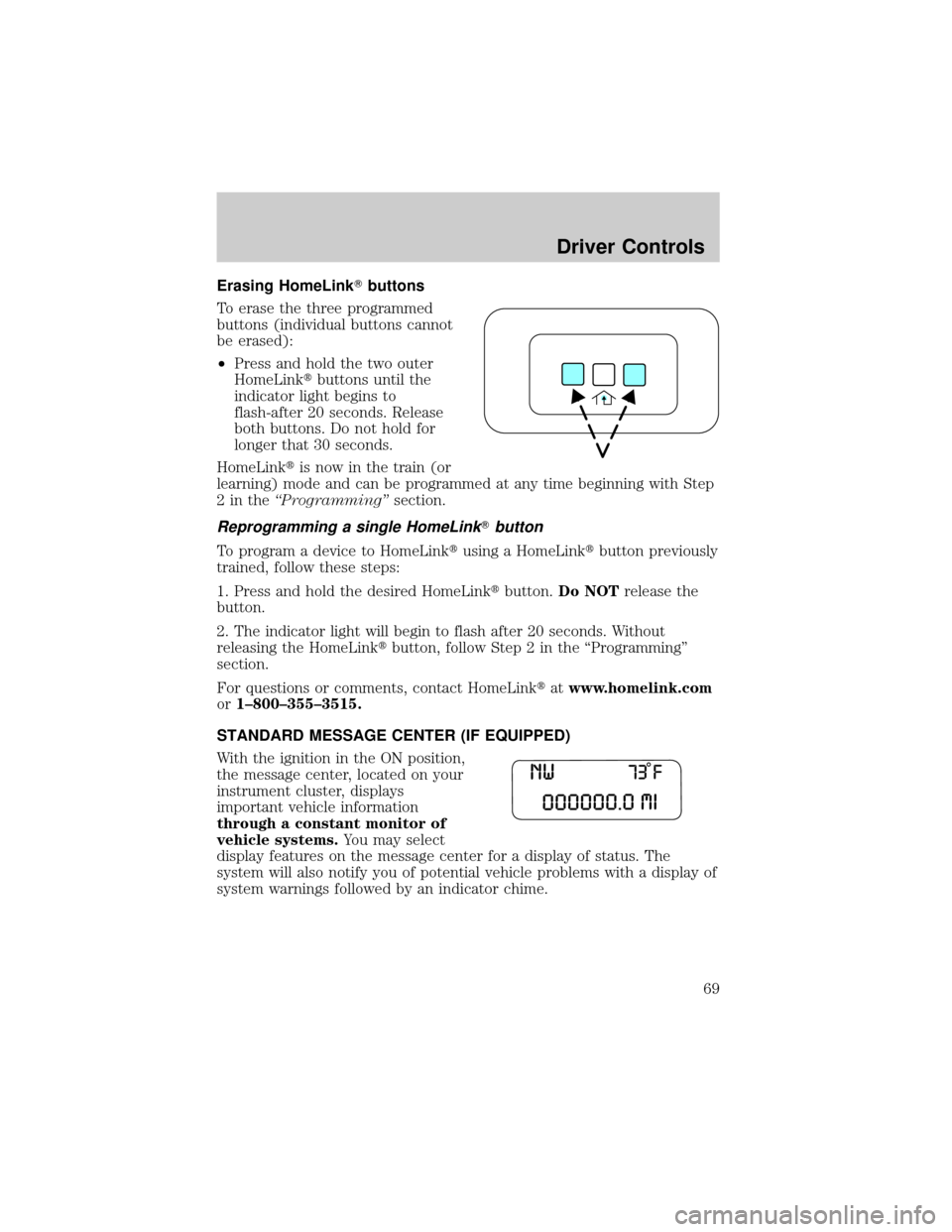
²Press and hold the two outer
HomeLinktbuttons until the
indicator light begins to
flash-after 20 seconds. Release
both buttons. Do not hold for
longer that 30 seconds.
HomeLinktis now in the train (or
learning) mode and can be programmed at any time beginning with Step
2intheªProgrammingºsection.
Reprogramming a single HomeLinkTbutton
To program a device to HomeLinktusing a HomeLinktbutton previously
trained, follow these steps:
1. Press and hold the desired HomeLinktbutton.Do NOTrelease the
button.
2. The indicator light will begin to flash after 20 seconds. Without
releasing the HomeLinktbutton, follow Step 2 in the ªProgrammingº
section.
For questions or comments, contact HomeLinktatwww.homelink.com
or1±800±355±3515.
STANDARD MESSAGE CENTER (IF EQUIPPED)
With the ignition in the ON position,
the message center, located on your
instrument cluster, displays
important vehicle information
through a constant monitor of
vehicle systems.You may select
display features on the message center for a display of status. The
system will also notify you of potential vehicle problems with a display of
system warnings followed by an indicator chime.
Driver Controls
69
Page 70 of 328
Selectable features
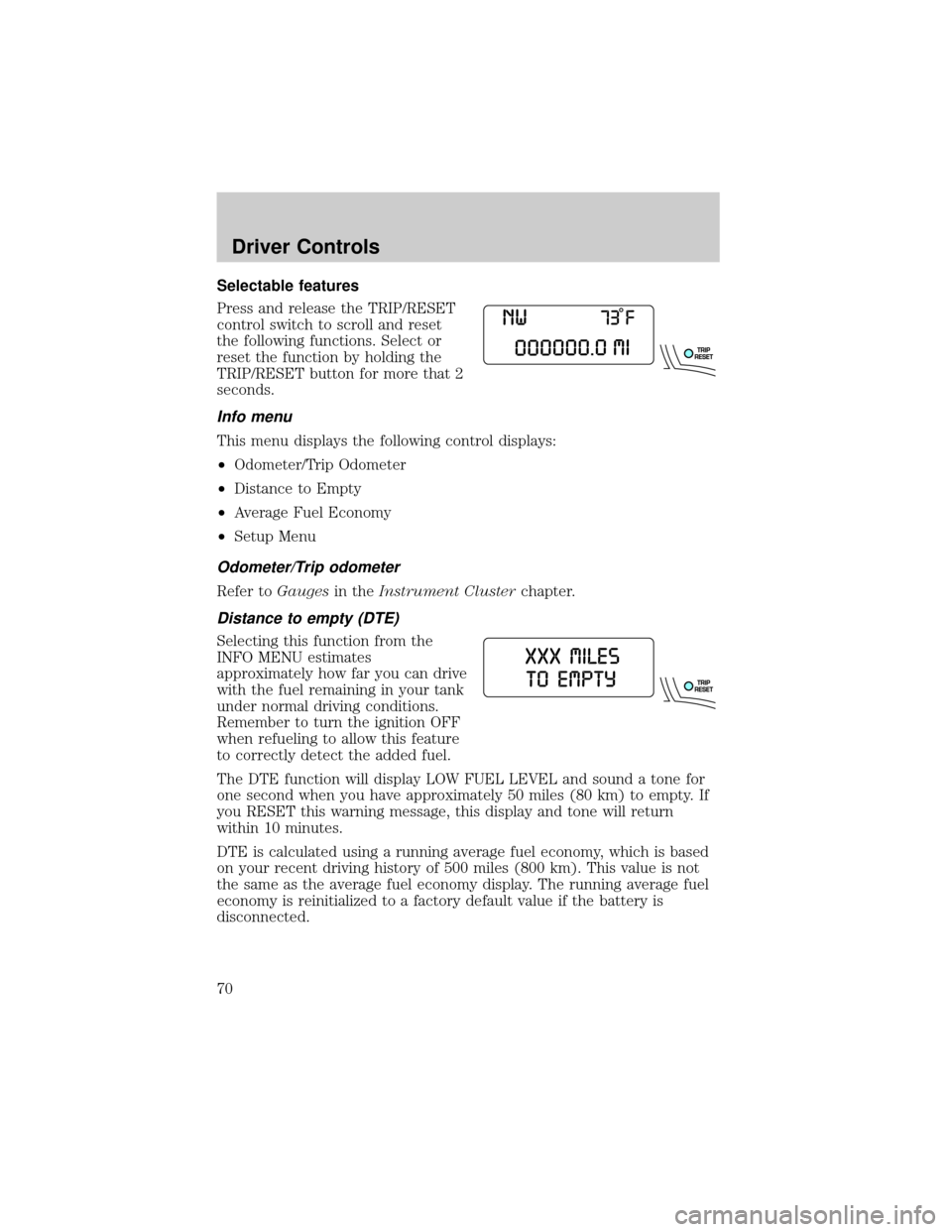
Press and release the TRIP/RESET
control switch to scroll and reset
the following functions. Select or
reset the function by holding the
TRIP/RESET button for more that 2
seconds.
Info menu
This menu displays the following control displays:
²Odometer/Trip Odometer
²Distance to Empty
²Average Fuel Economy
²Setup Menu
Odometer/Trip odometer
Refer toGaugesin theInstrument Clusterchapter.
Distance to empty (DTE)
Selecting this function from the
INFO MENU estimates
approximately how far you can drive
with the fuel remaining in your tank
under normal driving conditions.
Remember to turn the ignition OFF
when refueling to allow this feature
to correctly detect the added fuel.
The DTE function will display LOW FUEL LEVEL and sound a tone for
one second when you have approximately 50 miles (80 km) to empty. If
you RESET this warning message, this display and tone will return
within 10 minutes.
DTE is calculated using a running average fuel economy, which is based
on your recent driving history of 500 miles (800 km). This value is not
the same as the average fuel economy display. The running average fuel
economy is reinitialized to a factory default value if the battery is
disconnected.
Driver Controls
70
Page 80 of 328
WASHER FLUID LEVEL LOW.Indicates the washer fluid reservoir is
less than one quarter full. Check the washer fluid level. Refer to
Windshield washer fluidin theMaintenance and Specifications
chapter.
OIL CHANGE REQUIRED.Displayed when the engine oil life
remaining is 0%.
An oil change is required whenever indicated by the message center and
according to the recommended maintenance schedule. USE ONLY
RECOMMENDED ENGINE OILS.
ENGINE OIL CHANGE SOON.Displayed when the engine oil life
reaches 5% or less of the Oil Life Start Value.
LIFTGATE/GLASS AJAR.Displayed when the liftgate or the liftgate
glass is not completely closed.
OPTIONAL MESSAGE CENTER (IF EQUIPPED)
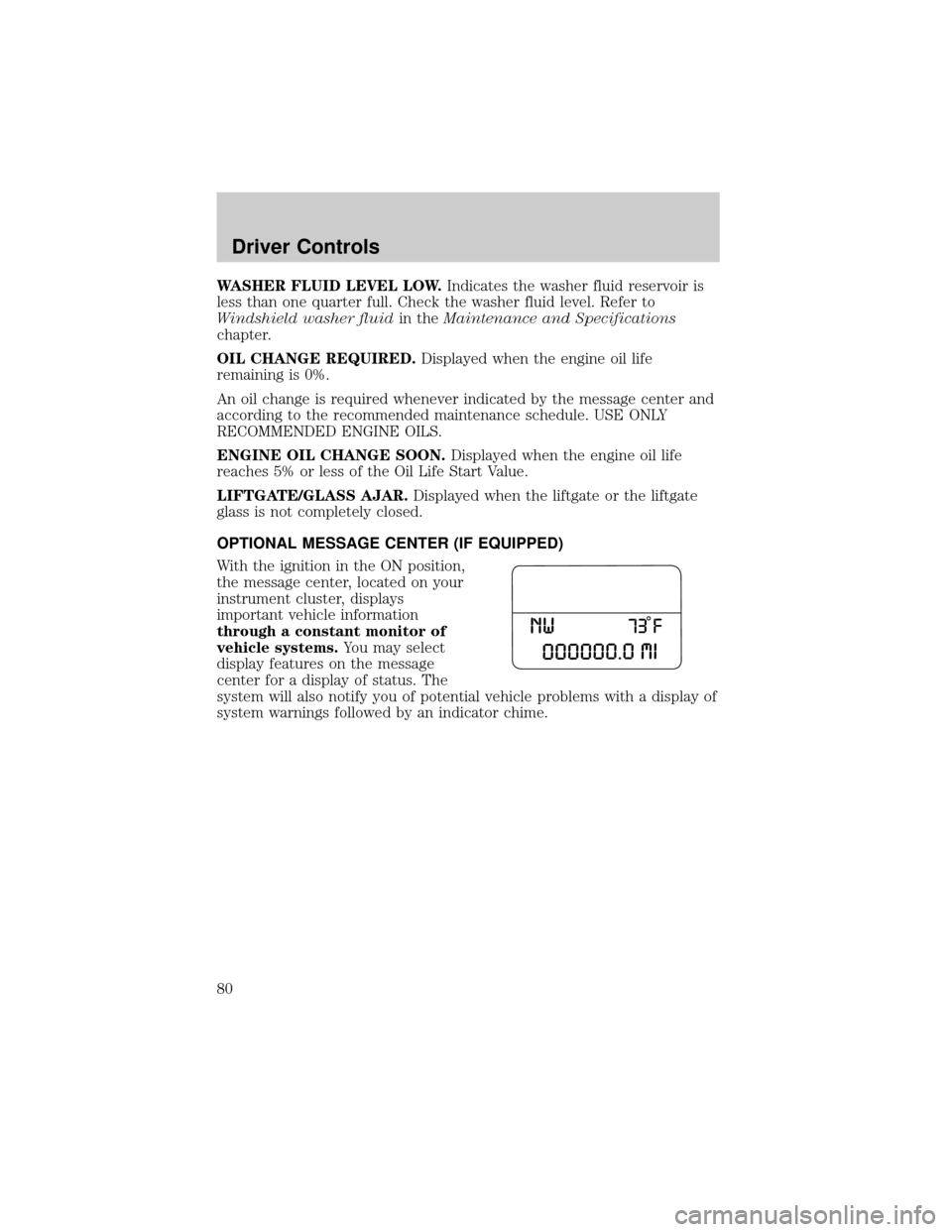
With the ignition in the ON position,
the message center, located on your
instrument cluster, displays
important vehicle information
through a constant monitor of
vehicle systems.You may select
display features on the message
center for a display of status. The
system will also notify you of potential vehicle problems with a display of
system warnings followed by an indicator chime.
Driver Controls
80
Page 82 of 328
Trip odometer
Refer toGaugesin theInstrument Clusterchapter.
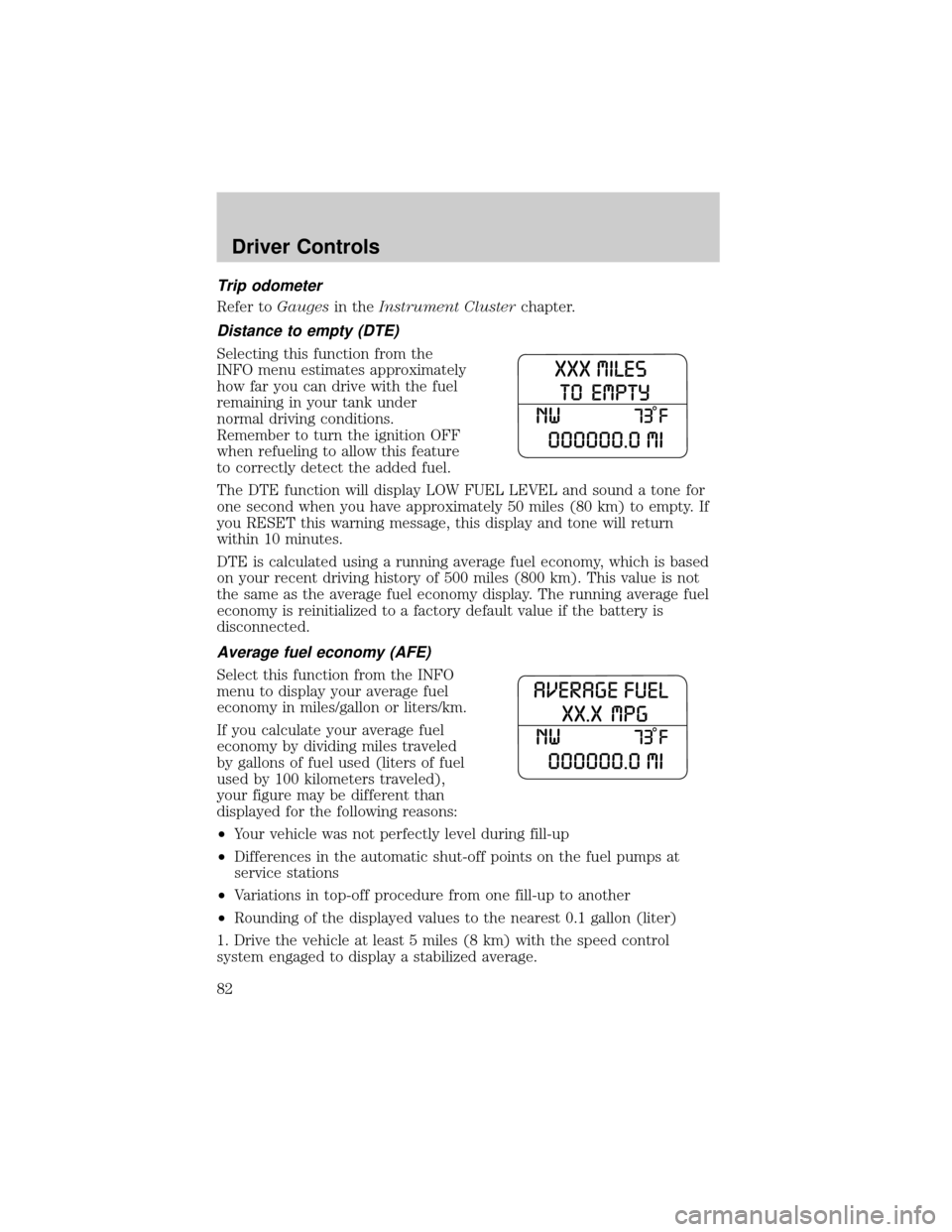
Distance to empty (DTE)
Selecting this function from the
INFO menu estimates approximately
how far you can drive with the fuel
remaining in your tank under
normal driving conditions.
Remember to turn the ignition OFF
when refueling to allow this feature
to correctly detect the added fuel.
The DTE function will display LOW FUEL LEVEL and sound a tone for
one second when you have approximately 50 miles (80 km) to empty. If
you RESET this warning message, this display and tone will return
within 10 minutes.
DTE is calculated using a running average fuel economy, which is based
on your recent driving history of 500 miles (800 km). This value is not
the same as the average fuel economy display. The running average fuel
economy is reinitialized to a factory default value if the battery is
disconnected.
Average fuel economy (AFE)
Select this function from the INFO
menu to display your average fuel
economy in miles/gallon or liters/km.
If you calculate your average fuel
economy by dividing miles traveled
by gallons of fuel used (liters of fuel
used by 100 kilometers traveled),
your figure may be different than
displayed for the following reasons:
²Your vehicle was not perfectly level during fill-up
²Differences in the automatic shut-off points on the fuel pumps at
service stations
²Variations in top-off procedure from one fill-up to another
²Rounding of the displayed values to the nearest 0.1 gallon (liter)
1. Drive the vehicle at least 5 miles (8 km) with the speed control
system engaged to display a stabilized average.
Driver Controls
82
Page 129 of 328

Determining if the Personal Safety SystemYis operational
The Personal Safety Systemyuses a warning light in the instrument
cluster or a back-up tone to indicate the condition of the system. Refer
to theWarning lights and chimessection in theInstrument Cluster
chapter. Routine maintenance of the Personal Safety Systemyis not
required.
The Restraints Control Module (RCM) monitors its own internal circuits
and the circuits for the airbag supplemental restraints, crash sensor(s),
safety belt pretensioners, front safety belt buckle sensors, and the driver
seat position sensor. In addition, the RCM also monitors the restraints
warning light in the instrument cluster. A difficulty with the system is
indicated by one or more of the following:
²The warning light will either flash or stay lit.
²The warning light will not illuminate immediately after the ignition is
turned on.
²A series of five beeps will be heard. The tone pattern will repeat
periodically until the problem and warning light are repaired.
If any of these things happen, even intermittently, have the Personal
Safety Systemyserviced at an authorized dealer immediately. Unless
serviced, the system may not function properly in the event of a
collision.
Safety restraints precautions
Always drive and ride with your seatback upright and the lap
belt snug and low across the hips.
To reduce the risk of injury, make sure children sit in the back
seat where they can be properly restrained.
Never let a passenger hold a child on his or her lap while the
vehicle is moving. The passenger cannot protect the child from
injury in a collision.
All occupants of the vehicle, including the driver, should always
properly wear their safety belts, even when an airbag
supplemental restraint system (SRS) is provided.
Seating and Safety Restraints
129