2006 FORD EXPLORER ECO mode
[x] Cancel search: ECO modePage 69 of 328
Erasing HomeLinkTbuttons
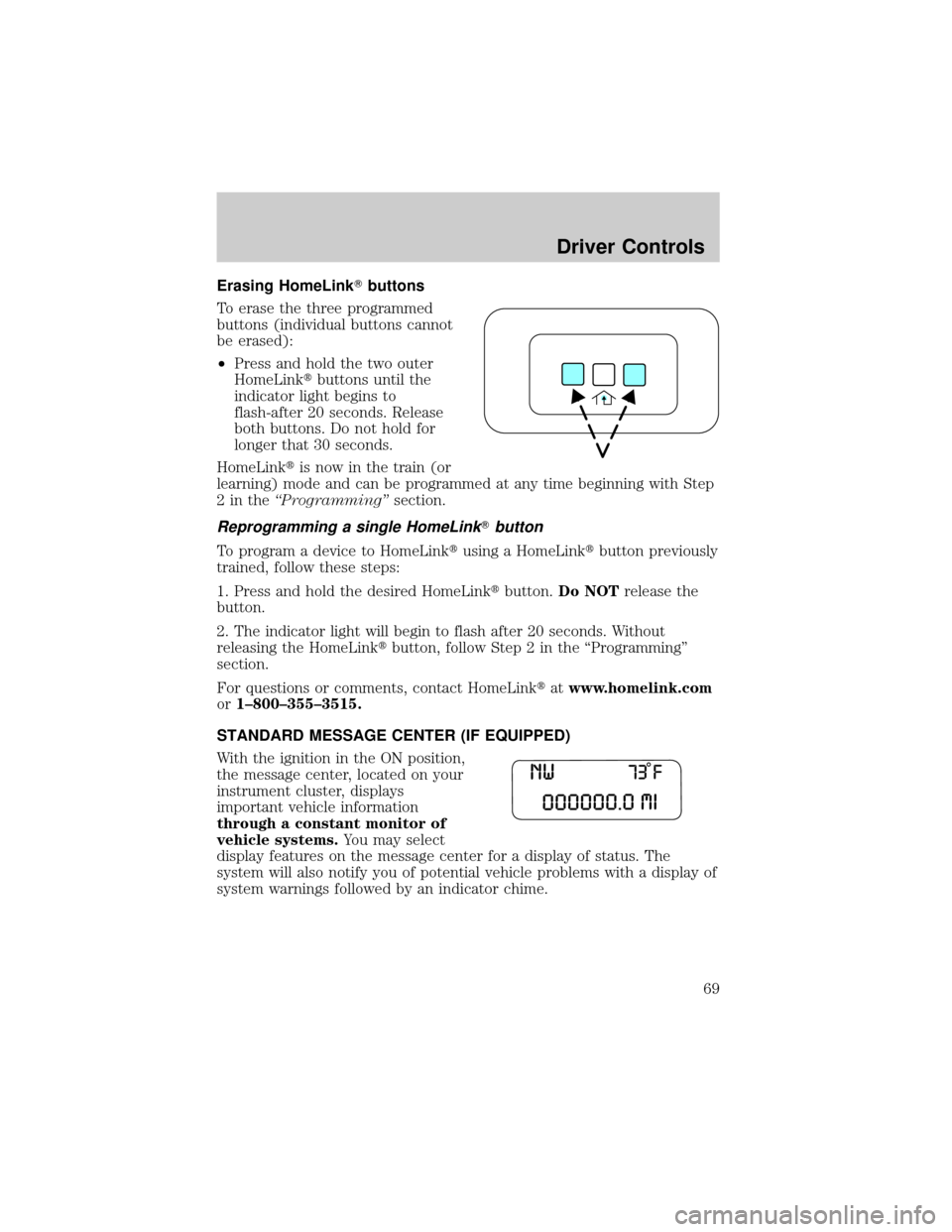
To erase the three programmed
buttons (individual buttons cannot
be erased):
²Press and hold the two outer
HomeLinktbuttons until the
indicator light begins to
flash-after 20 seconds. Release
both buttons. Do not hold for
longer that 30 seconds.
HomeLinktis now in the train (or
learning) mode and can be programmed at any time beginning with Step
2intheªProgrammingºsection.
Reprogramming a single HomeLinkTbutton
To program a device to HomeLinktusing a HomeLinktbutton previously
trained, follow these steps:
1. Press and hold the desired HomeLinktbutton.Do NOTrelease the
button.
2. The indicator light will begin to flash after 20 seconds. Without
releasing the HomeLinktbutton, follow Step 2 in the ªProgrammingº
section.
For questions or comments, contact HomeLinktatwww.homelink.com
or1±800±355±3515.
STANDARD MESSAGE CENTER (IF EQUIPPED)
With the ignition in the ON position,
the message center, located on your
instrument cluster, displays
important vehicle information
through a constant monitor of
vehicle systems.You may select
display features on the message center for a display of status. The
system will also notify you of potential vehicle problems with a display of
system warnings followed by an indicator chime.
Driver Controls
69
Page 75 of 328
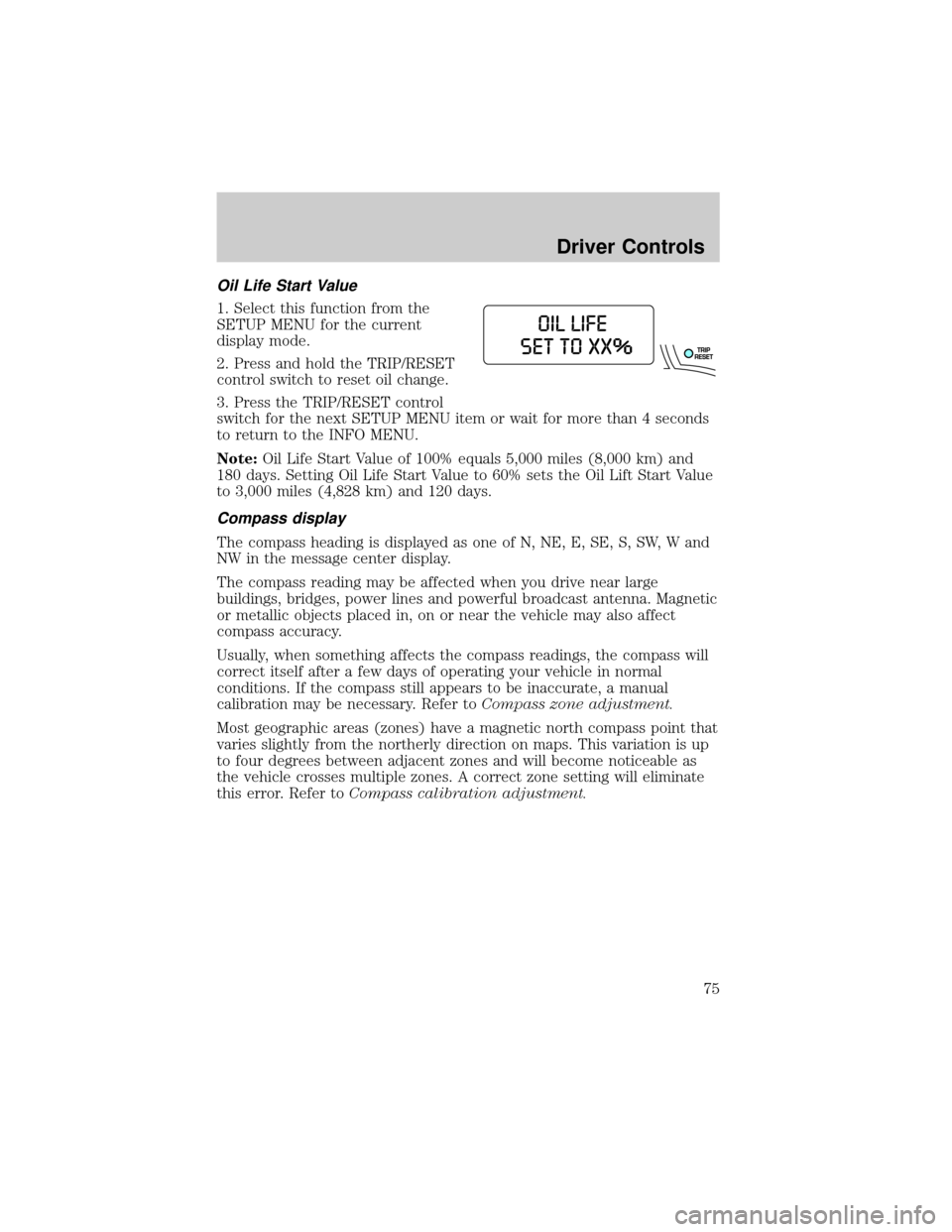
Oil Life Start Value
1. Select this function from the
SETUP MENU for the current
display mode.
2. Press and hold the TRIP/RESET
control switch to reset oil change.
3. Press the TRIP/RESET control
switch for the next SETUP MENU item or wait for more than 4 seconds
to return to the INFO MENU.
Note:Oil Life Start Value of 100% equals 5,000 miles (8,000 km) and
180 days. Setting Oil Life Start Value to 60% sets the Oil Lift Start Value
to 3,000 miles (4,828 km) and 120 days.
Compass display
The compass heading is displayed as one of N, NE, E, SE, S, SW, W and
NW in the message center display.
The compass reading may be affected when you drive near large
buildings, bridges, power lines and powerful broadcast antenna. Magnetic
or metallic objects placed in, on or near the vehicle may also affect
compass accuracy.
Usually, when something affects the compass readings, the compass will
correct itself after a few days of operating your vehicle in normal
conditions. If the compass still appears to be inaccurate, a manual
calibration may be necessary. Refer toCompass zone adjustment.
Most geographic areas (zones) have a magnetic north compass point that
varies slightly from the northerly direction on maps. This variation is up
to four degrees between adjacent zones and will become noticeable as
the vehicle crosses multiple zones. A correct zone setting will eliminate
this error. Refer toCompass calibration adjustment.
Driver Controls
75
Page 83 of 328
2. Record the highway fuel economy for future reference.
It is important to press the RESET control (press and hold RESET for 2
seconds in order to reset the function) after setting the speed control to
get accurate highway fuel economy readings.
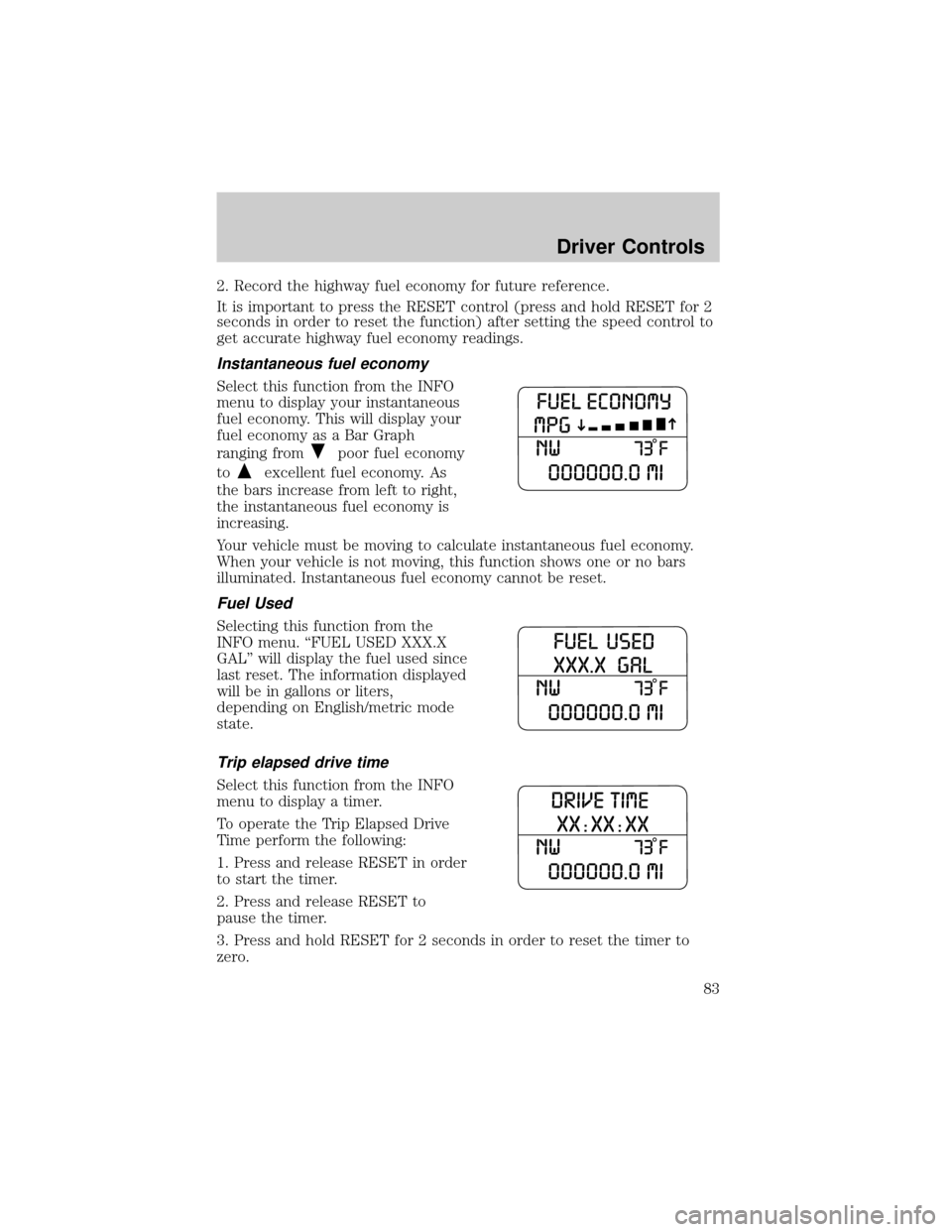
Instantaneous fuel economy
Select this function from the INFO
menu to display your instantaneous
fuel economy. This will display your
fuel economy as a Bar Graph
ranging from
poor fuel economy
to
excellent fuel economy. As
the bars increase from left to right,
the instantaneous fuel economy is
increasing.
Your vehicle must be moving to calculate instantaneous fuel economy.
When your vehicle is not moving, this function shows one or no bars
illuminated. Instantaneous fuel economy cannot be reset.
Fuel Used
Selecting this function from the
INFO menu. ªFUEL USED XXX.X
GALº will display the fuel used since
last reset. The information displayed
will be in gallons or liters,
depending on English/metric mode
state.
Trip elapsed drive time
Select this function from the INFO
menu to display a timer.
To operate the Trip Elapsed Drive
Time perform the following:
1. Press and release RESET in order
to start the timer.
2. Press and release RESET to
pause the timer.
3. Press and hold RESET for 2 seconds in order to reset the timer to
zero.
Driver Controls
83
Page 99 of 328

Power door lock/unlock inhibit feature (if equipped)
If the key is not in the ignition, all doors are closed, and the vehicle has
been locked using the remote entry transmitter, keypad (if equipped) or
the power door unlock control on the door panel while a front door is
open (then subsequently closed), the power door unlock control on the
door panel will become disabled 20 seconds after the lock event
occurred. Your vehicle comes with this feature enabled, but there are
two methods to disable it:
²Through your authorized dealer, or
²Performing the following power door lock control procedure.
Before following the activation or deactivation procedures, make sure
that the anti-theft system is not armed, ignition is in the 1 (OFF/LOCK)
position, and all vehicle doors, liftgate and liftgate window are closed.
You must complete Steps 1-5 within 30 seconds or the procedure will
have to be repeated. If the procedure needs to be repeated, you must
wait 30 seconds.Note: Alldoors must be closed and remain closed
throughout the configuration process.
1. Place the key in the ignition and turn the ignition to the 3 (ON)
position.
2. Press the power door unlock control on the door panel three times.
3. Turn the ignition from the 3 (ON) position to the 1 (OFF/LOCK)
position.
4. Press the power door unlock control on the door panel three times.
5. Turn the ignition back to the 3 (ON) position. The horn will chirp one
time to confirm programming mode has been entered and is active.
6. Press the power door lock control on the door panel two times within
five seconds. The horn will chirp once if trim switch inhibit was
deactivated or twice (one short and one long chirp) if trim switch inhibit
was activated.
7. Turn the ignition to the 1 (OFF/LOCK) position. The horn will chirp
once to confirm the procedure is complete.
Locks and Security
99
Page 105 of 328
To reprogram the remote entry
transmitters:
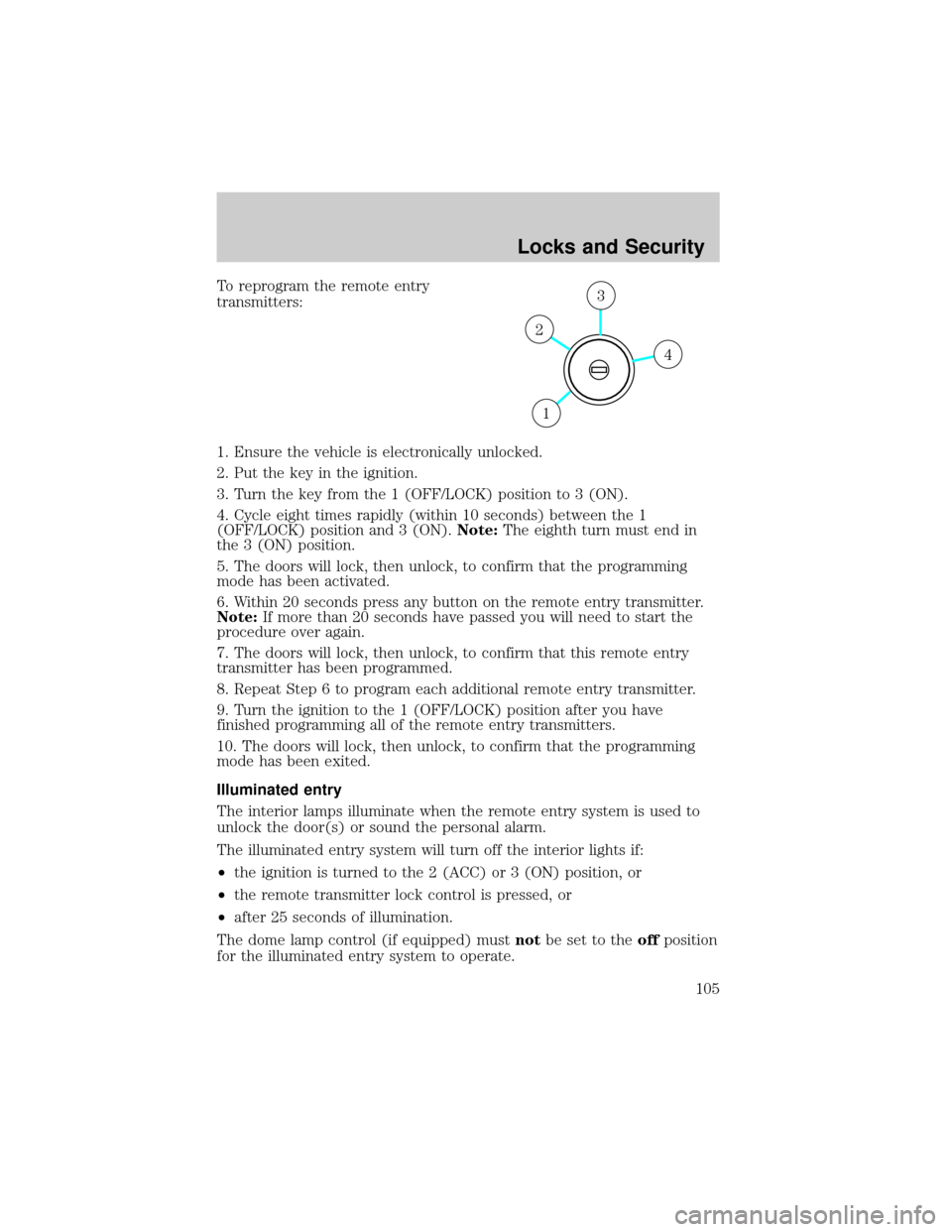
1. Ensure the vehicle is electronically unlocked.
2. Put the key in the ignition.
3. Turn the key from the 1 (OFF/LOCK) position to 3 (ON).
4. Cycle eight times rapidly (within 10 seconds) between the 1
(OFF/LOCK) position and 3 (ON).Note:The eighth turn must end in
the 3 (ON) position.
5. The doors will lock, then unlock, to confirm that the programming
mode has been activated.
6. Within 20 seconds press any button on the remote entry transmitter.
Note:If more than 20 seconds have passed you will need to start the
procedure over again.
7. The doors will lock, then unlock, to confirm that this remote entry
transmitter has been programmed.
8. Repeat Step 6 to program each additional remote entry transmitter.
9. Turn the ignition to the 1 (OFF/LOCK) position after you have
finished programming all of the remote entry transmitters.
10. The doors will lock, then unlock, to confirm that the programming
mode has been exited.
Illuminated entry
The interior lamps illuminate when the remote entry system is used to
unlock the door(s) or sound the personal alarm.
The illuminated entry system will turn off the interior lights if:
²the ignition is turned to the 2 (ACC) or 3 (ON) position, or
²the remote transmitter lock control is pressed, or
²after 25 seconds of illumination.
The dome lamp control (if equipped) mustnotbe set to theoffposition
for the illuminated entry system to operate.
4
3
2
1
Locks and Security
105
Page 107 of 328

Tips:
²Do not set a code that uses five of the same number.
²Do not use five numbers in sequential order.
²The factory set code will work even if you have set your own personal
code.
²If you program a code to a position that already contains a set code,
the previously-set code will be erased.
Erasing personal code
1. Enter the factory set 5±digit code.
2. Within five seconds, press the 1²2 on the keypad and release.
3. Press and hold the 1²2 for two seconds. This must be done within
five seconds of completing Step 2.
Allpersonal codes are now erased and only the factory set 5±digit code
will work.
Anti-scan feature
If the wrong code has been entered 7 times (35 consecutive button
presses), the keypad will go into an anti-scan mode. This mode disables
the keypad for one minute and the keypad lamp will flash.
The anti-scan feature will turn off after:
²one minute of keypad inactivity.
²pressing the UNLOCK
control on the remote entry transmitter.
²the ignition is turned to the 3 (ON) position.
Unlocking and locking the doors, liftgate and liftgate window using
keyless entry
To unlock the driver's door,enter the factory set 5-digit code or one
of the vehicle's personal codes. Each number must be pressed within five
seconds of each other. The interior lamps will illuminate.
To unlock all doors and liftgate,press the 3²4 control within five
seconds.
To open the liftgate window,press the 5²6 control within five
seconds.
To lock all doors, liftgate and liftgate window,press the 7²8 and
the 9²0 at the same time.Note:The driver's door must be closed. You
do notneed to enter the keypad code first.
Locks and Security
107
Page 121 of 328
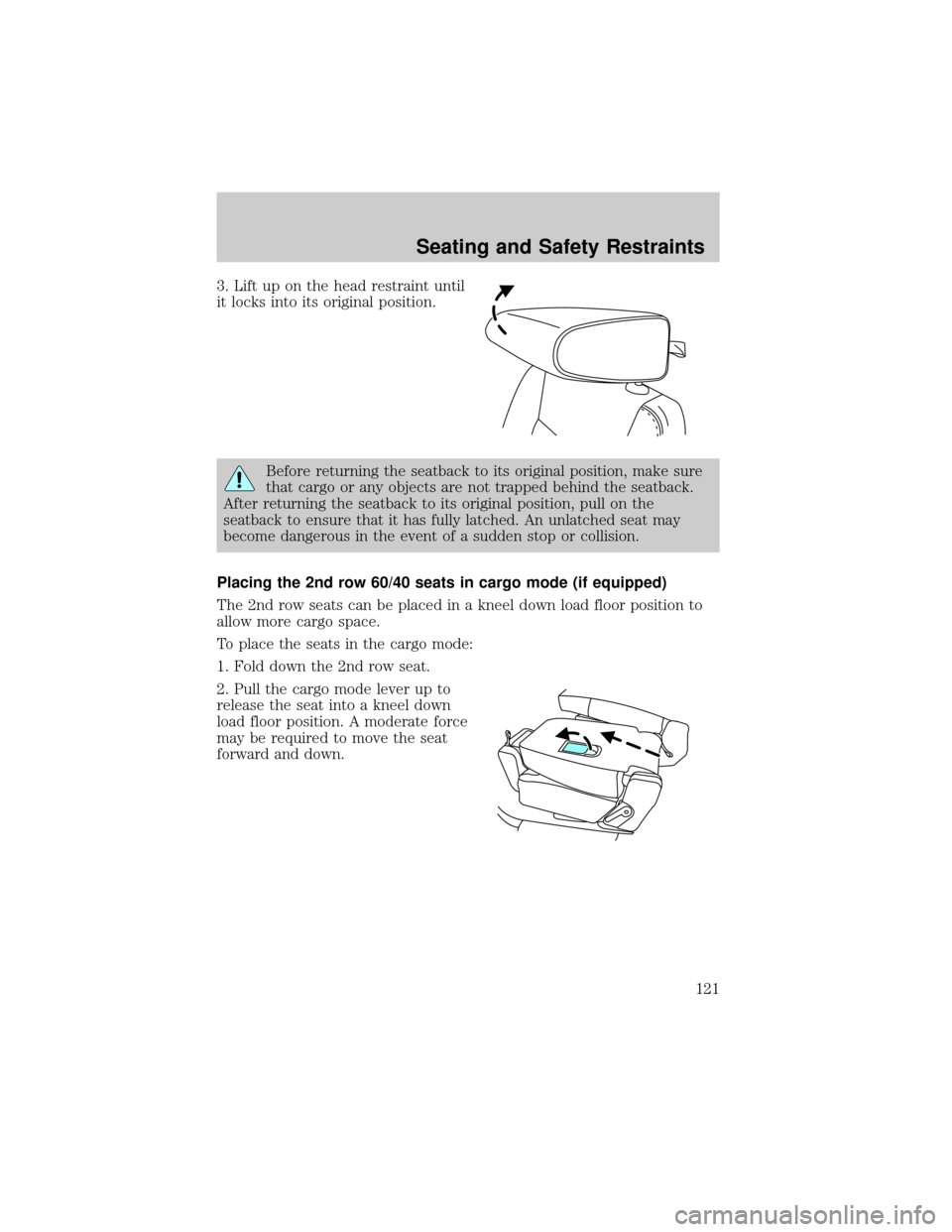
3. Lift up on the head restraint until
it locks into its original position.
Before returning the seatback to its original position, make sure
that cargo or any objects are not trapped behind the seatback.
After returning the seatback to its original position, pull on the
seatback to ensure that it has fully latched. An unlatched seat may
become dangerous in the event of a sudden stop or collision.
Placing the 2nd row 60/40 seats in cargo mode (if equipped)
The 2nd row seats can be placed in a kneel down load floor position to
allow more cargo space.
To place the seats in the cargo mode:
1. Fold down the 2nd row seat.
2. Pull the cargo mode lever up to
release the seat into a kneel down
load floor position. A moderate force
may be required to move the seat
forward and down.
Seating and Safety Restraints
121
Page 123 of 328
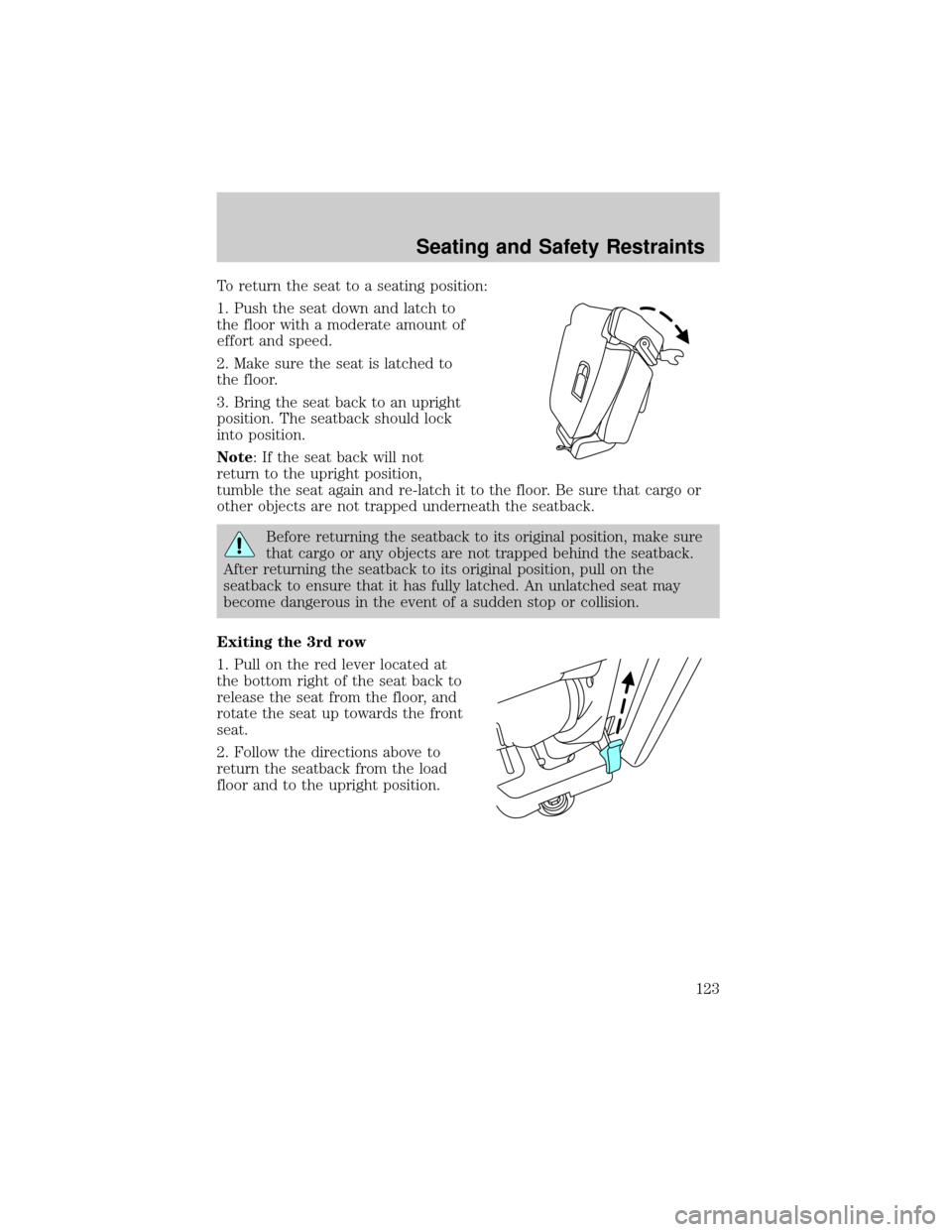
To return the seat to a seating position:
1. Push the seat down and latch to
the floor with a moderate amount of
effort and speed.
2. Make sure the seat is latched to
the floor.
3. Bring the seat back to an upright
position. The seatback should lock
into position.
Note: If the seat back will not
return to the upright position,
tumble the seat again and re-latch it to the floor. Be sure that cargo or
other objects are not trapped underneath the seatback.
Before returning the seatback to its original position, make sure
that cargo or any objects are not trapped behind the seatback.
After returning the seatback to its original position, pull on the
seatback to ensure that it has fully latched. An unlatched seat may
become dangerous in the event of a sudden stop or collision.
Exiting the 3rd row
1. Pull on the red lever located at
the bottom right of the seat back to
release the seat from the floor, and
rotate the seat up towards the front
seat.
2. Follow the directions above to
return the seatback from the load
floor and to the upright position.
Seating and Safety Restraints
123