2005 VOLVO XC90 brake
[x] Cancel search: brakePage 43 of 263

2005 VOLVO XC90
WARNING!
The If the fluid level is below the MIN mark in the reservoir or if a "B\
rake failure - Service urgent"
message is displayed in the text window: DO NOT DRIVE. Have the vehicle \
towed to an authorized
Volvo retailer and have the brake system inspected.
l If the brake fluid level is above the MIN mark, drive carefully to an au\
thorized Volvo retailer and
have the brake system inspected.
DSTC
The Dynamic Stability and Traction Control system (DSTC) is explained \
in greater detail on
pages 99
and 100.
pg. 29 Instruments and controls
Supplemental Restraint system (SRS)
If the light comes on (or stays on after the vehicle has started), the\
SRS diagnostic system has detected a
fault. Drive to an authorized Volvo retailer for an inspection of the sy\
stem. See the SRS section for more
information.
Generator warning light
If the light comes on while the engine is running, have the charging sys\
tem checked.
Seat belt reminder
This symbol lights up to indicate that the driver has not fastened his/h\
er seat belt.
Tire pressure monitoring light
file:///K|/ownersdocs/2005/2005_XC90/05xc90_02a.htm (5 of 17)12/30/200\
6 4:42:27 PM
Page 44 of 263

2005 VOLVO XC90
See page 116 for more information on this function.
PARKING BRAKE
This light will be on when the parking brake is applied. The parking bra\
ke pedal is located on the left
side of the driver's footwell.
Canadian models are equipped with this symbol.
Rear fog light
This light indicates that the fog light is on.
Turn signal indicator - trailer (certain models)
If you are towing a trailer, this light will flash simultaneously with t\
he turn signals on the trailer. If the
light does not flash when signaling, neither the trailer's turn signals \
nor the vehicle's turn signals are
functioning.
Oil pressure warning light
If the light comes on while driving, stop the vehicle and then stop the \
engine immediately and
check the engine oil level See
page 142. If the light stays on after restart, have the vehicle towed to the
nearest authorized Volvo retailer. After hard driving, the light may com\
e on occasionally when the
engine is idling. This is normal, provided it goes off when the engine s\
peed is increased.
CHECK ENGINE Malfunction indicator light
On-Board Diagnostics II (OBDII): As you drive, a computer called "OBDI\
I" monitors your vehicle's
engine, transmission, electrical and emission systems. The CHECK ENGINE \
light will light up if the
computer senses a condition that potentially may need correcting. When t\
his happens, please have your
vehicle checked by a Volvo retailer as soon as possible.
A CHECK ENGINE light may have many causes. Sometimes, you may not notice\
a change in your
vehicle's behavior. Even so, an uncorrected condition could hurt fuel ec\
onomy, emission cleanliness, and
driveability. Extended driving without correcting the cause could even d\
amage other components in
your vehicle.
Canadian models are equipped with this warning light.
pg. 30 Instruments and controls
file:///K|/ownersdocs/2005/2005_XC90/05xc90_02a.htm (6 of 17)12/30/200\
6 4:42:27 PM
Page 61 of 263

2005 VOLVO XC90
Use + or - in the following ways to increase or decrease the vehicle's s\
peed:
l Press and hold down + or - until the vehicle reaches the desired speed. \
l Press + or - for approximately a half second and release the button to i\
ncrease or decrease vehicle
speed by approximately 1 mph (1.6 km/h).
NOTE: Cruise control will not function at speeds below approximately 20 mph (\
30 km/h).
Braking
l Cruise control is automatically disengaged when the brake pedal is depre\
ssed. The currently set speed
is stored in memory.
l Pressing resume will return the vehicle to the previously set speed.
Acceleration
Momentary acceleration, such as when passing another vehicle, does not a\
ffect cruise control operation.
The vehicle will automatically return to the previously set speed when y\
ou release the accelerator pedal.
Disengaging cruise control
To disengage cruise control, press the CRUISE button. CRUISE or CRUISE-O\
N will no longer be
displayed in the information window in the instrument panel.
NOTE: Cruise control is automatically disengaged if:
l the engine is switched off
l the gear selector is placed in (N)eutral
l the wheels start to spin or lock
l if an increase in speed is maintained for more than one minute
l if the vehicle's speed falls below approximately 20 mph (30 km/h).
Temporarily disengaging cruise control
l Press 0 to temporarily disengage cruise control. CRUISE will be displaye\
d in the information window
in the instrument panel.
l Press the brake pedal.
pg. 41 Instruments and controls
Press "resume"
to return to the previously set speed.
file:///K|/ownersdocs/2005/2005_XC90/05xc90_02b.htm (6 of 17)12/30/200\
6 4:42:28 PM
Page 62 of 263

2005 VOLVO XC90
WARNING!
The Cruise control should not be used in heavy traffic or when driving o\
n wet or slippery roads, or
when driving on unpaved or uneven road surfaces. Cruise control may not \
maintain set speed on steep
downgrades.
pg. 42 Instruments and controls
Parking brake, Opening/closing the hood
Parking brake
l To apply the parking brake, press the pedal (C). The brake is applied \
to the rear wheels. The indicator
light in the instrument panel will light up to indicate that the parking\
brake is applied.
NOTE: There is also an audible signal that will sound if the car is driven wi\
th the parking brake
engaged.
l Release the parking brake pulling out the lower edge of the release hand\
le (A).
l If you inadvertently pull the plastic cover (B), it can be pressed bac\
k into place.
WARNING!
Always use the parking brake when parking. On hills, also turn the front\
wheels toward the curb.The
indicator light in the instrument panel will light up even if the parkin\
g brake is applied only slightly.
Be sure to press down on the pedal sufficiently.
file:///K|/ownersdocs/2005/2005_XC90/05xc90_02b.htm (7 of 17)12/30/200\
6 4:42:28 PM
Page 83 of 263
:")
2005 VOLVO XC90
Manually adjusted front seats
1. Front-rear adjustment: lift the bar and move the seat to the position\
of your choice.
2. Raise/lower the front edge of the seat cushion (option): use the co\
ntrol to pump the front edge of the
cushion up or down.
3. Raise/lower seat height: pump the seat up or down.
4. Lumbar support: turn the control for firmer or softer lumbar support.\
5. Backrest tilt: turn the control to adjust the angle of the backrest. \
6. Control panel for optional power seat (see
page 60 for more information).
WARNING!
- Do not adjust the seat while driving. The seat should be adjusted so t\
hat the brake pedal can be
depressed fully. In addition, position the seat as far rearward as comfo\
rt and control allow.
- Check that the seat is securely locked into position after adjusting. \
pg. 59 Interior
file:///K|/ownersdocs/2005/2005_XC90/05xc90_04a.htm (2 of 11)12/30/200\
6 4:42:30 PM
Page 86 of 263

2005 VOLVO XC90
NOTE:
l The seat will move to this position even if someone else has moved it to\
a different seating position
and locked the car with a different remote control.
l This feature will work in the same way with all of the remote control tr\
ansmitters (up to 3) that you
use with your vehicle.
l This feature will not function if your lock your vehicle with the key.
pg. 61 Interior
WARNING!
- Because the driver's seat can be adjusted with the ignition off, child\
ren should never be left
unattended in the vehicle.
- Movement of the seat can be STOPPED at any time by pressing any button\
on the power seat
control panel.
- Do not adjust the seat while driving.
- The seat should be adjusted so that the brake pedal can be depressed f\
ully. In addition, position the
seat as far rearward as comfort and control allow.
- The seat rails on the floor must not be obstructed in any way when the\
seat is in motion.
Programming the memory
Three different seating and door mirror positions can be stored in the d\
river seat's memory.
The following example explains how button 1 can be programmed.
Buttons 2 and 3 can be programmed in the same way.
To program (store) a seat position in button 1:
1. Move the seat to the desired position using the seat adjustment contr\
ols (see the previous page).
2. Press and hold down the MEM (memory) button.
3. With the MEM button depressed, press button 1 briefly to store the se\
at's current position.
To move the seat to the position that it was in when button 1 was progra\
mmed:
Press and hold down button 1 until the seat stops moving.
file:///K|/ownersdocs/2005/2005_XC90/05xc90_04a.htm (5 of 11)12/30/200\
6 4:42:30 PM
Page 115 of 263
2005 VOLVO XC90
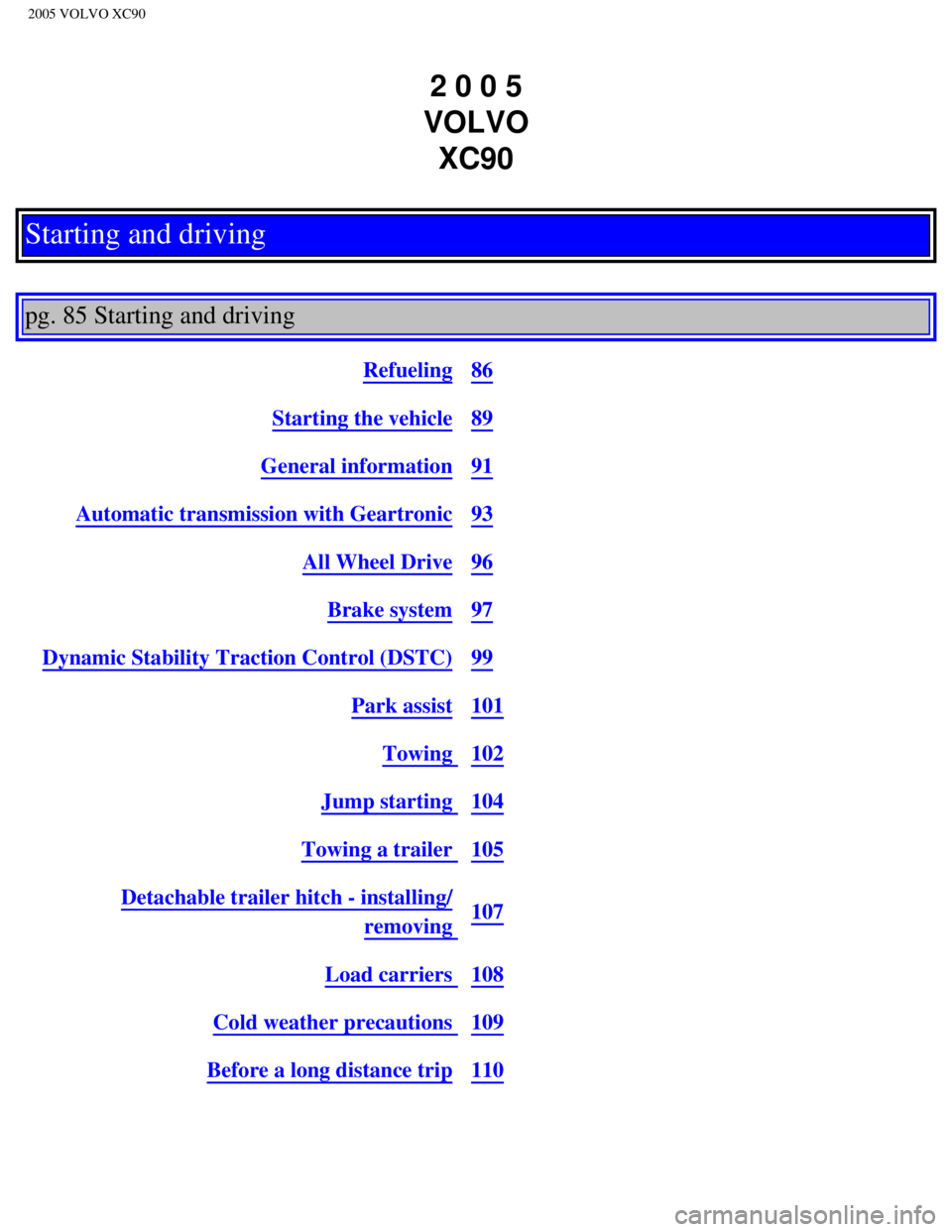
2 0 0 5
VOLVO XC90
Starting and driving
pg. 85 Starting and driving
Refueling86
Starting the vehicle89
General information91
Automatic transmission with Geartronic93
All Wheel Drive96
Brake system97
Dynamic Stability Traction Control (DSTC)99
Park assist101
Towing 102
Jump starting 104
Towing a trailer 105
Detachable trailer hitch - installing/
removing 107
Load carriers 108
Cold weather precautions 109
Before a long distance trip110
file:///K|/ownersdocs/2005/2005_XC90/05xc90_06a.htm (1 of 16)12/30/200\
6 4:42:33 PM
Page 119 of 263

2005 VOLVO XC90
affect the fuel pump's ability to supply the engine with an adequate sup\
ply of fuel. Therefore, it is
advisable to refuel as soon as possible when the needle nears the red zo\
ne, or when the fuel warning
light comes on.
WARNING!
Never carry a cell phone that is switched on while refueling your vehicle. If the phone rings, this may
cause a spark that could ignite gasoline fumes, resulting in fire and in\
jury.
CAUTION
- Do not refuel with the engine running *. Turn the ignition off or to p\
osition I. If the ignition is on,
an incorrect reading could occur in the fuel gauge
- After refueling, close the fuel filler cap by turning it clockwise unt\
il it clicks into place*.
- Allow for fuel expansion by not overfilling the tank. Overfilling coul\
d also cause damage to the
emission control systems.
- Avoid spilling gasoline during refueling. In addition to causing damag\
e to the environment,
gasolines containing alcohol can cause damage to painted surfaces, which\
may not be covered under
the New Vehicle Limited Warranty.
- Do not use gasolines containing methanol (methyl alcohol, wood alcoho\
l). This practice can result
in vehicle performance deterioration and can damage critical parts in th\
e fuel system. Such damage
may not be covered under the New Vehicle Limited Warranty.
* If the fuel filler cap is not closed tightly or if the engine is runni\
ng when the vehicle is refueled, the
Check Engine Light (malfunction indicator lamp) may indicate a fault. \
However, your vehicle's
performance will not be affected. Use only Volvo original or approved fu\
el filler caps.
pg. 89 Starting and driving
Starting the engine
1. Fasten the seat belt.
WARNING!
Before starting, check that the seat, steering wheel and mirrors are adj\
usted properly. Make sure the
brake pedal can be depressed completely. Adjust the seat if necessary. S\
ee
pages 58, 60.
2. Apply the parking brake if not already set. The gear selector is lock\
ed in the (P)ark position
(Shiftlock).
Manual transmission: the clutch must be fully depressed.
file:///K|/ownersdocs/2005/2005_XC90/05xc90_06a.htm (5 of 16)12/30/200\
6 4:42:33 PM