2005 MITSUBISHI 380 diagnostic
[x] Cancel search: diagnosticPage 1298 of 1500
TRACTION CONTROL SYSTEM (TCL) DIAGNOSIS
TRACTION CONTROL SYSTEM (TCL)13C-19
DIAGNOSIS
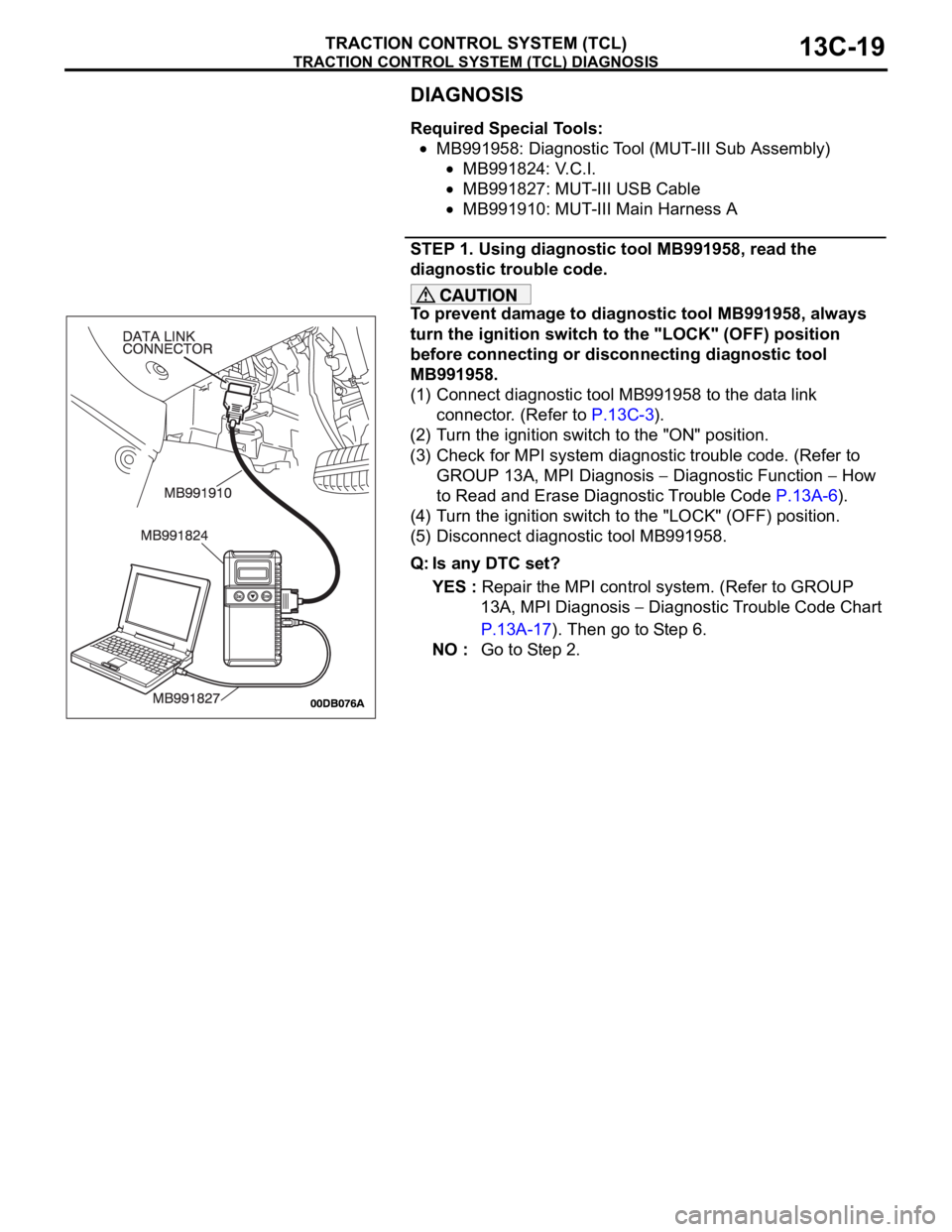
Required Special Tools:
MB991958: Diagnostic Tool (MUT-III Sub Assembly)
MB991824: V.C.I.
MB991827: MUT-III USB Cable
MB991910: MUT-III Main Harness A
STEP 1. Using diagnostic tool MB991958, read the
diagnostic trouble code.
To prevent damage to diagnostic tool MB991958, always
turn the ignition switch to the "LOCK" (OFF) position
before connecting or disconnecting diagnostic tool
MB991958.
(1) Connect diagnostic tool MB991958 to the data link
connector. (Refer to P.13C-3).
(2) Turn the ignition switch to the "ON" position.
(3) Check for MPI system diagnostic trouble code. (Refer to
GROUP 13A, MPI Diagnosis
Diagnostic Function How
to Read and Erase Diagnostic Trouble Code P.13A-6).
(4) Turn the ignition switch to the "LOCK" (OFF) position.
(5) Disconnect diagnostic tool MB991958.
Q: Is any DTC set?
YES : Repair the MPI control system. (Refer to GROUP
13A, MPI Diagnosis
Diagnostic Trouble Code Chart
P.13A-17). Then go to Step 6.
NO : Go to Step 2.
Page 1299 of 1500
TRACTION CONTROL SYSTEM (TCL) DIAGNOSIS
TRACTION CONTROL SYSTEM (TCL)13C-20
STEP 2. Using diagnostic tool MB991958, diagnose the
CAN bus line.
To prevent damage to diagnostic tool MB991958, always
turn the ignition switch to the "LOCK" (OFF) position
before connecting or disconnecting diagnostic tool
MB991958.
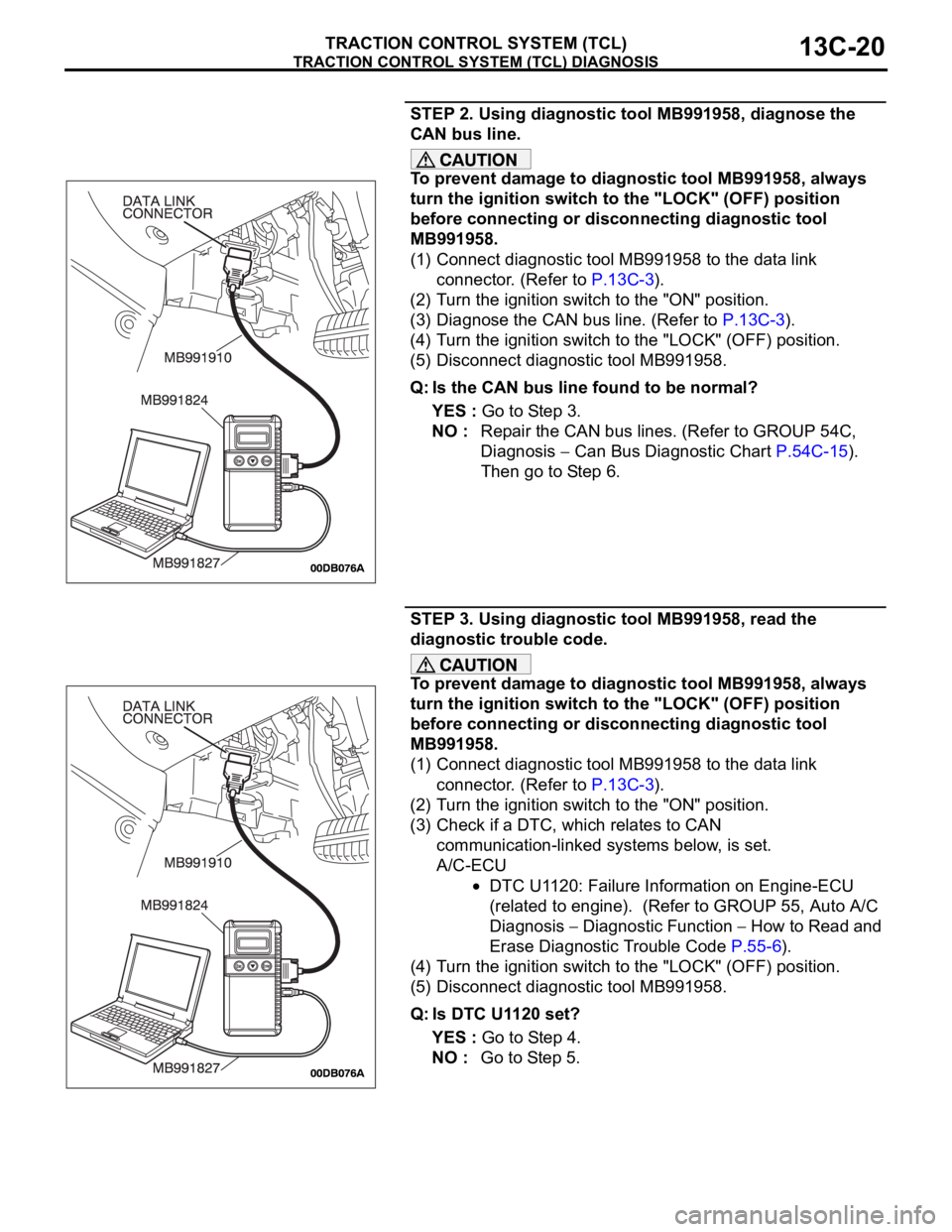
(1) Connect diagnostic tool MB991958 to the data link
connector. (Refer to P.13C-3).
(2) Turn the ignition switch to the "ON" position.
(3) Diagnose the CAN bus line. (Refer to P.13C-3).
(4) Turn the ignition switch to the "LOCK" (OFF) position.
(5) Disconnect diagnostic tool MB991958.
Q: Is the CAN bus line found to be normal?
YES : Go to Step 3.
NO : Repair the CAN bus lines. (Refer to GROUP 54C,
Diagnosis
Can Bus Diagnostic Chart P.54C-15).
Then go to Step 6.
STEP 3. Using diagnostic tool MB991958, read the
diagnostic trouble code.
To prevent damage to diagnostic tool MB991958, always
turn the ignition switch to the "LOCK" (OFF) position
before connecting or disconnecting diagnostic tool
MB991958.
(1) Connect diagnostic tool MB991958 to the data link
connector. (Refer to P.13C-3).
(2) Turn the ignition switch to the "ON" position.
(3) Check if a DTC, which relates to CAN
communication-linked systems below, is set.
A/C-ECU
DTC U1120: Failure Information on Engine-ECU
(related to engine). (Refer to GROUP 55, Auto A/C
Diagnosis
Diagnostic Function How to Read and
Erase Diagnostic Trouble Code P.55-6).
(4) Turn the ignition switch to the "LOCK" (OFF) position.
(5) Disconnect diagnostic tool MB991958.
Q: Is DTC U1120 set?
YES : Go to Step 4.
NO : Go to Step 5.
Page 1300 of 1500
TRACTION CONTROL SYSTEM (TCL) DIAGNOSIS
TRACTION CONTROL SYSTEM (TCL)13C-21
STEP 4. Using diagnostic tool MB991958, read the
diagnostic trouble code.
To prevent damage to diagnostic tool MB991958, always
turn the ignition switch to the "LOCK" (OFF) position
before connecting or disconnecting diagnostic tool
MB991958.
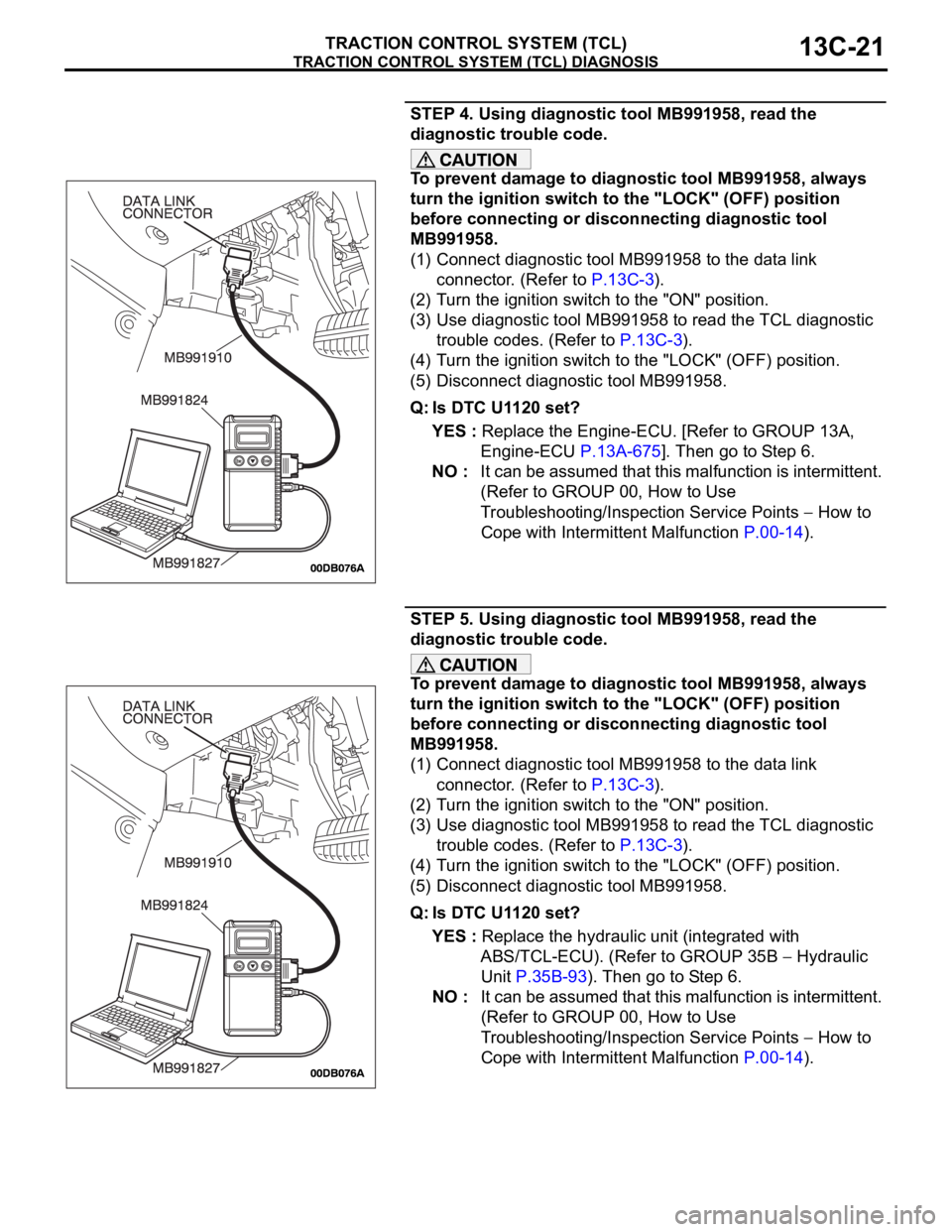
(1) Connect diagnostic tool MB991958 to the data link
connector. (Refer to P.13C-3).
(2) Turn the ignition switch to the "ON" position.
(3) Use diagnostic tool MB991958 to read the TCL diagnostic
trouble codes. (Refer to P.13C-3).
(4) Turn the ignition switch to the "LOCK" (OFF) position.
(5) Disconnect diagnostic tool MB991958.
Q: Is DTC U1120 set?
YES : Replace the Engine-ECU. [Refer to GROUP 13A,
Engine-ECU P.13A-675]. Then go to Step 6.
NO : It can be assumed that this malfunction is intermittent.
(Refer to GROUP 00, How to Use
Troubleshooting/Inspection Service Points
How to
Cope with Intermittent Malfunction P.00-14).
STEP 5. Using diagnostic tool MB991958, read the
diagnostic trouble code.
To prevent damage to diagnostic tool MB991958, always
turn the ignition switch to the "LOCK" (OFF) position
before connecting or disconnecting diagnostic tool
MB991958.
(1) Connect diagnostic tool MB991958 to the data link
connector. (Refer to P.13C-3).
(2) Turn the ignition switch to the "ON" position.
(3) Use diagnostic tool MB991958 to read the TCL diagnostic
trouble codes. (Refer to P.13C-3).
(4) Turn the ignition switch to the "LOCK" (OFF) position.
(5) Disconnect diagnostic tool MB991958.
Q: Is DTC U1120 set?
YES : Replace the hydraulic unit (integrated with
ABS/TCL-ECU). (Refer to GROUP 35B
Hydraulic
Unit P.35B-93). Then go to Step 6.
NO : It can be assumed that this malfunction is intermittent.
(Refer to GROUP 00, How to Use
Troubleshooting/Inspection Service Points
How to
Cope with Intermittent Malfunction P.00-14).
Page 1301 of 1500
TRACTION CONTROL SYSTEM (TCL) DIAGNOSIS
TRACTION CONTROL SYSTEM (TCL)13C-22
STEP 6. Using diagnostic tool MB991958, read the
diagnostic trouble code.
To prevent damage to diagnostic tool MB991958, always
turn the ignition switch to the "LOCK" (OFF) position
before connecting or disconnecting diagnostic tool
MB991958.
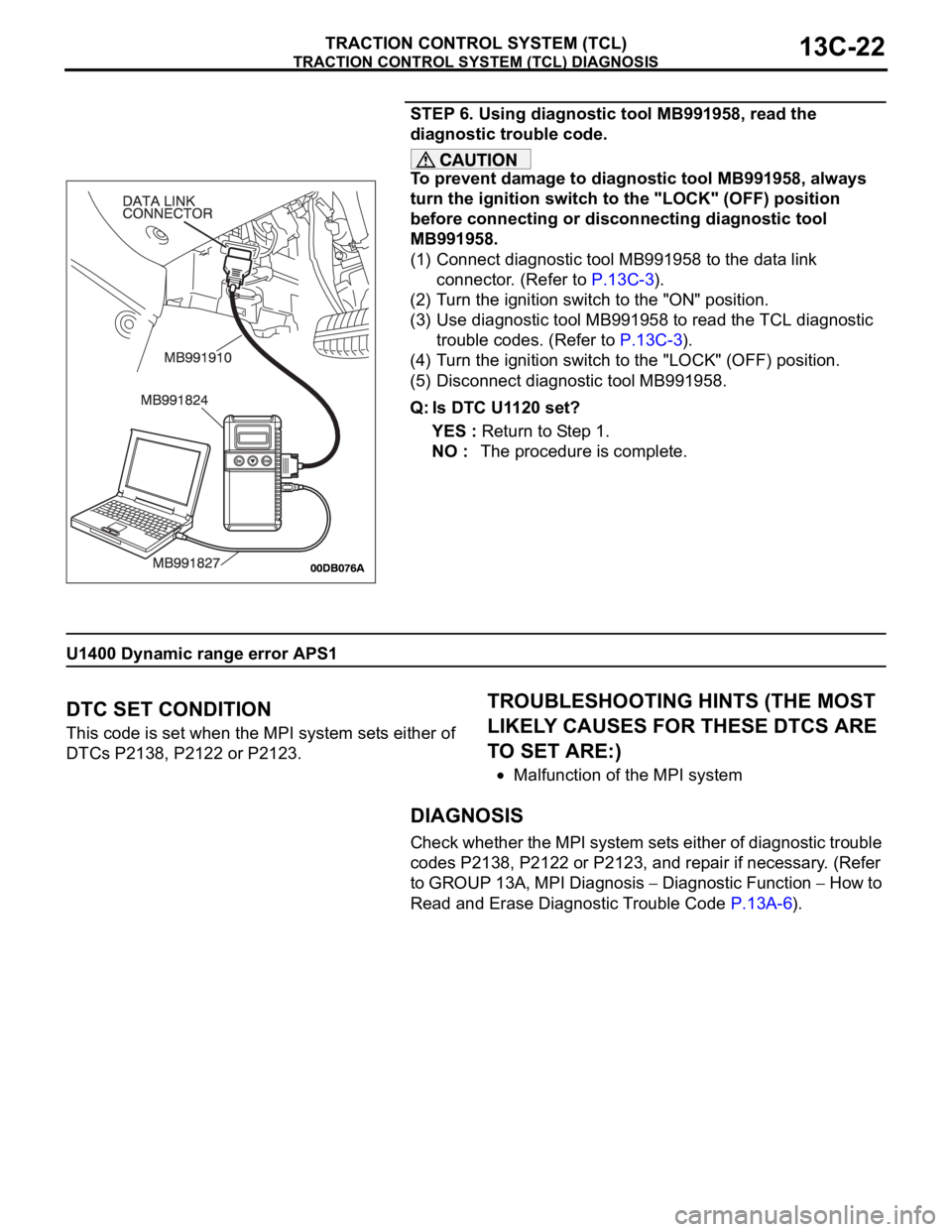
(1) Connect diagnostic tool MB991958 to the data link
connector. (Refer to P.13C-3).
(2) Turn the ignition switch to the "ON" position.
(3) Use diagnostic tool MB991958 to read the TCL diagnostic
trouble codes. (Refer to P.13C-3).
(4) Turn the ignition switch to the "LOCK" (OFF) position.
(5) Disconnect diagnostic tool MB991958.
Q: Is DTC U1120 set?
YES : Return to Step 1.
NO : The procedure is complete.
U1400 Dynamic range error APS1
.
DTC SET CONDITION
This code is set when the MPI system sets either of
DTCs P2138, P2122 or P2123.
.
TROUBLESHOOTING HINTS (THE MOST
LIKELY CAUSES FOR THESE DTCS ARE
TO SET ARE:)
Malfunction of the MPI system
DIAGNOSIS
Check whether the MPI system sets either of diagnostic trouble
codes P2138, P2122 or P2123, and repair if necessary. (Refer
to GROUP 13A, MPI Diagnosis
Diagnostic Function How to
Read and Erase Diagnostic Trouble Code P.13A-6).
Page 1302 of 1500

TRACTION CONTROL SYSTEM (TCL) DIAGNOSIS
TRACTION CONTROL SYSTEM (TCL)13C-23
SYMPTOM CHARTM1136003400029
SYMPTOM PROCEDURES
INSPECTION PROCEDURE 1: When the Ignition Switch is Turned to the "ON" Position
(Engine Stopped), the "TCL OFF" Indicator Light does not Illuminate. INSPECTION
PROCEDURE 2: When the Ignition Switch is Turned to the "ON" Position (Engine
Stopped), the TCL Work Indicator Light dose not Illuminate. INSPECTION
PROCEDURE 3: The "TCL OFF" Indicator Light Remains Illuminated After the Engine
is Started. INSPECTION PROCEDURE 4: The TCL Work Indicator Light Remains
Illuminated After the Engine is Started.
SYMPTOM INSPECTION
PROCEDURE NO.REFERENCE
PA G E
Communication with
diagnostic tool is not
possibleCommunication with all systems is
impossible- Group 13A, MPI
Diagnosis
Symptom
Procedures
Inspection
Procedure 1
P.13A-539.
Communication with the ABS/TCL-ECU
only is impossible- Group 35B, ABS
Diagnosis
Symptom
Procedures
Inspection
Procedure 1
P.35B-72.
When the ignition switch is turned to the "ON" position (engine
stopped), the "TCL OFF" indicator light dose not illuminate.1
P.13C-23
When the ignition switch is turned to the "ON" position (engine
stopped), the TCL work indicator light does not illuminate.2
The "TCL OFF" indicator light remains illuminated after the engine
is started.3
The TCL work indicator light remains illuminated after the engine
is started.4
When the TCL switch is push on, TCL does not be cancelled. 5
P.13C-28
TCL dose not operate. 6
P.13C-34
Page 1305 of 1500
TRACTION CONTROL SYSTEM (TCL) DIAGNOSIS
TRACTION CONTROL SYSTEM (TCL)13C-26
COMMENT
This may be caused by faults in the CAN bus line,
the combination meter or the ABS/TCL-ECU.
.
TROUBLESHOOTING HINTS
Malfunction of the combination meter.
Damaged harness or connector.
Malfunction of the ABS/TCL-ECU.
DIAGNOSIS
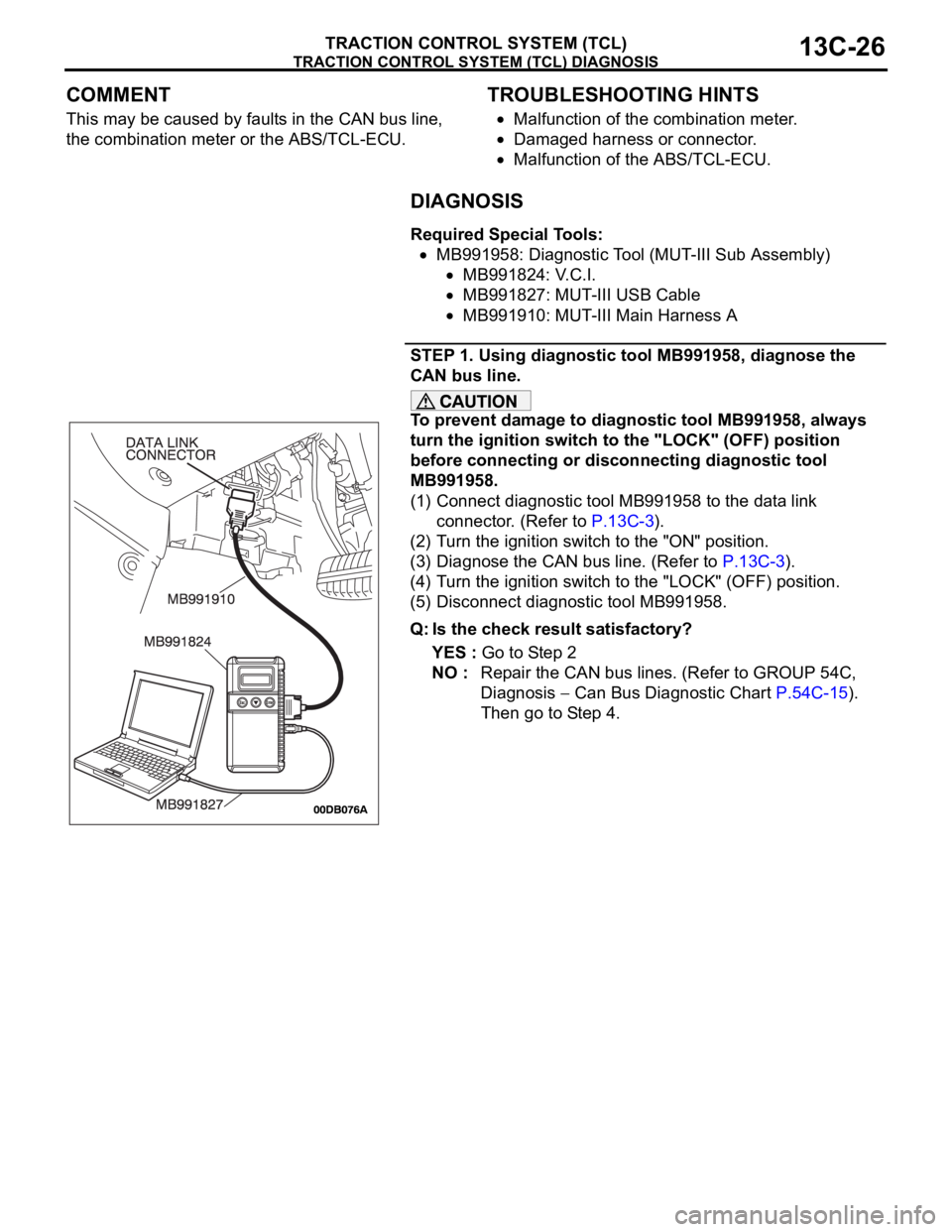
Required Special Tools:
MB991958: Diagnostic Tool (MUT-III Sub Assembly)
MB991824: V.C.I.
MB991827: MUT-III USB Cable
MB991910: MUT-III Main Harness A
STEP 1. Using diagnostic tool MB991958, diagnose the
CAN bus line.
To prevent damage to diagnostic tool MB991958, always
turn the ignition switch to the "LOCK" (OFF) position
before connecting or disconnecting diagnostic tool
MB991958.
(1) Connect diagnostic tool MB991958 to the data link
connector. (Refer to P.13C-3).
(2) Turn the ignition switch to the "ON" position.
(3) Diagnose the CAN bus line. (Refer to P.13C-3).
(4) Turn the ignition switch to the "LOCK" (OFF) position.
(5) Disconnect diagnostic tool MB991958.
Q: Is the check result satisfactory?
YES : Go to Step 2
NO : Repair the CAN bus lines. (Refer to GROUP 54C,
Diagnosis
Can Bus Diagnostic Chart P.54C-15).
Then go to Step 4.
Page 1306 of 1500
TRACTION CONTROL SYSTEM (TCL) DIAGNOSIS
TRACTION CONTROL SYSTEM (TCL)13C-27
STEP 2. Using diagnostic tool MB991958, read the
diagnostic trouble code.
To prevent damage to diagnostic tool MB991958, always
turn the ignition switch to the "LOCK" (OFF) position
before connecting or disconnecting diagnostic tool
MB991958.
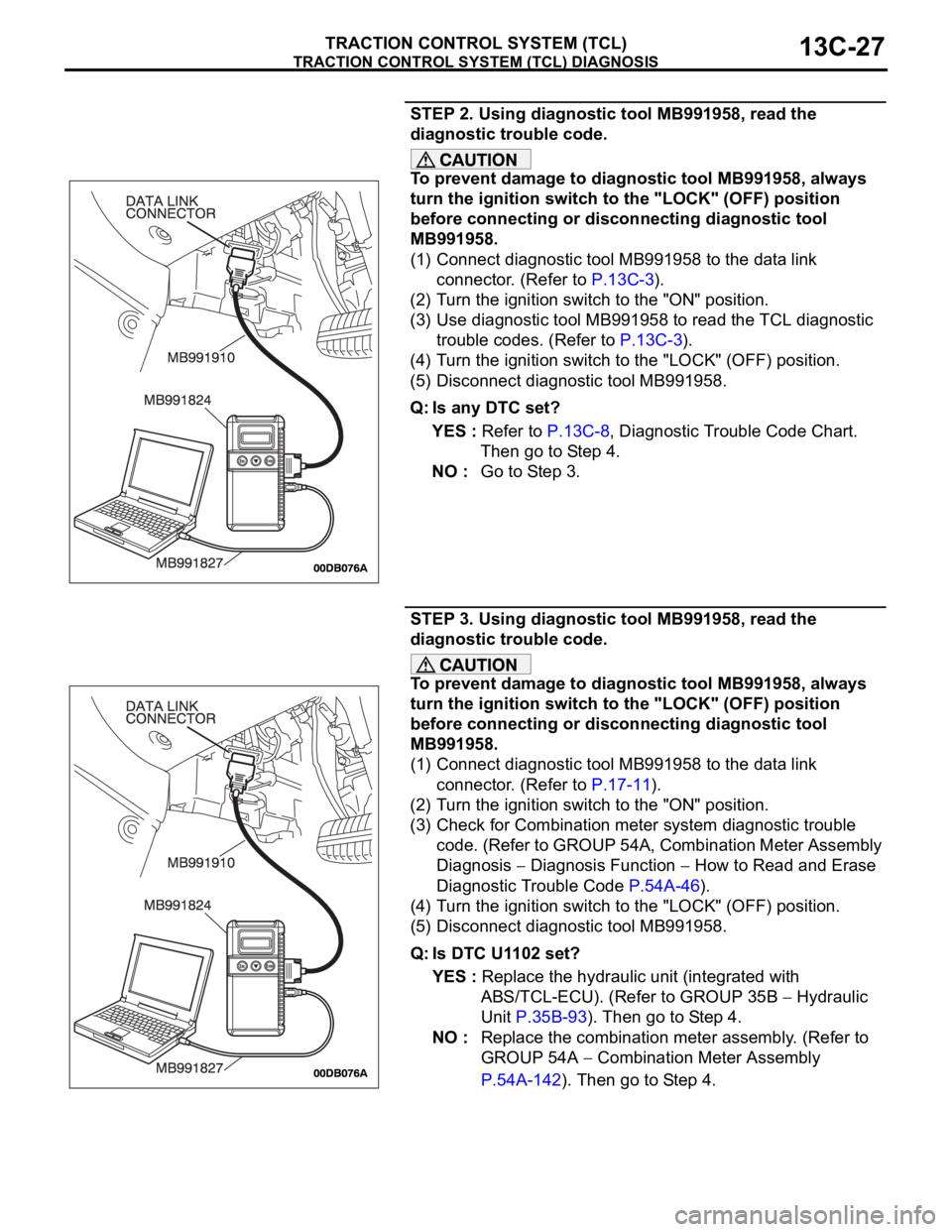
(1) Connect diagnostic tool MB991958 to the data link
connector. (Refer to P.13C-3).
(2) Turn the ignition switch to the "ON" position.
(3) Use diagnostic tool MB991958 to read the TCL diagnostic
trouble codes. (Refer to P.13C-3).
(4) Turn the ignition switch to the "LOCK" (OFF) position.
(5) Disconnect diagnostic tool MB991958.
Q: Is any DTC set?
YES : Refer to P.13C-8, Diagnostic Trouble Code Chart.
Then go to Step 4.
NO : Go to Step 3.
STEP 3. Using diagnostic tool MB991958, read the
diagnostic trouble code.
To prevent damage to diagnostic tool MB991958, always
turn the ignition switch to the "LOCK" (OFF) position
before connecting or disconnecting diagnostic tool
MB991958.
(1) Connect diagnostic tool MB991958 to the data link
connector. (Refer to P.17-11).
(2) Turn the ignition switch to the "ON" position.
(3) Check for Combination meter system diagnostic trouble
code. (Refer to GROUP 54A, Combination Meter Assembly
Diagnosis
Diagnosis Function How to Read and Erase
Diagnostic Trouble Code P.54A-46).
(4) Turn the ignition switch to the "LOCK" (OFF) position.
(5) Disconnect diagnostic tool MB991958.
Q: Is DTC U1102 set?
YES : Replace the hydraulic unit (integrated with
ABS/TCL-ECU). (Refer to GROUP 35B
Hydraulic
Unit P.35B-93). Then go to Step 4.
NO : Replace the combination meter assembly. (Refer to
GROUP 54A
Combination Meter Assembly
P.54A-142). Then go to Step 4.
Page 1313 of 1500
TRACTION CONTROL SYSTEM (TCL) DIAGNOSIS
TRACTION CONTROL SYSTEM (TCL)13C-34
INSPECTION PROCEDURE 6: TCL does not Operate.
NOTE: If the ABS-8 ECU or the active wheel
speed sensor are disconnected, or if the wiring is
an open/ short circuit, the ABS 8 ECU will shut
off power supply to the respective wheel speed
sensor. All other wheel speed sensors will oper-
ate normally. To restore the power supply, the
ignition switch must be turned to the "OFF" posi-
tion then to the "ON" position again.
.
COMMENT
The fail-safe function is probably cancelling TCL. In
this case, diagnostic tool MB991958 can be used to
retest each system by checking the diagnostic trou-
ble codes.
.
TROUBLESHOOTING HINTS (THE MOST
LIKELY CAUSES FOR THIS CASE:)
Malfunction of the CAN bus line.
Malfunction of the MPI system.
Malfunction of the A/T system.
Malfunction of the ABS/TCL-ECU.
DIAGNOSIS
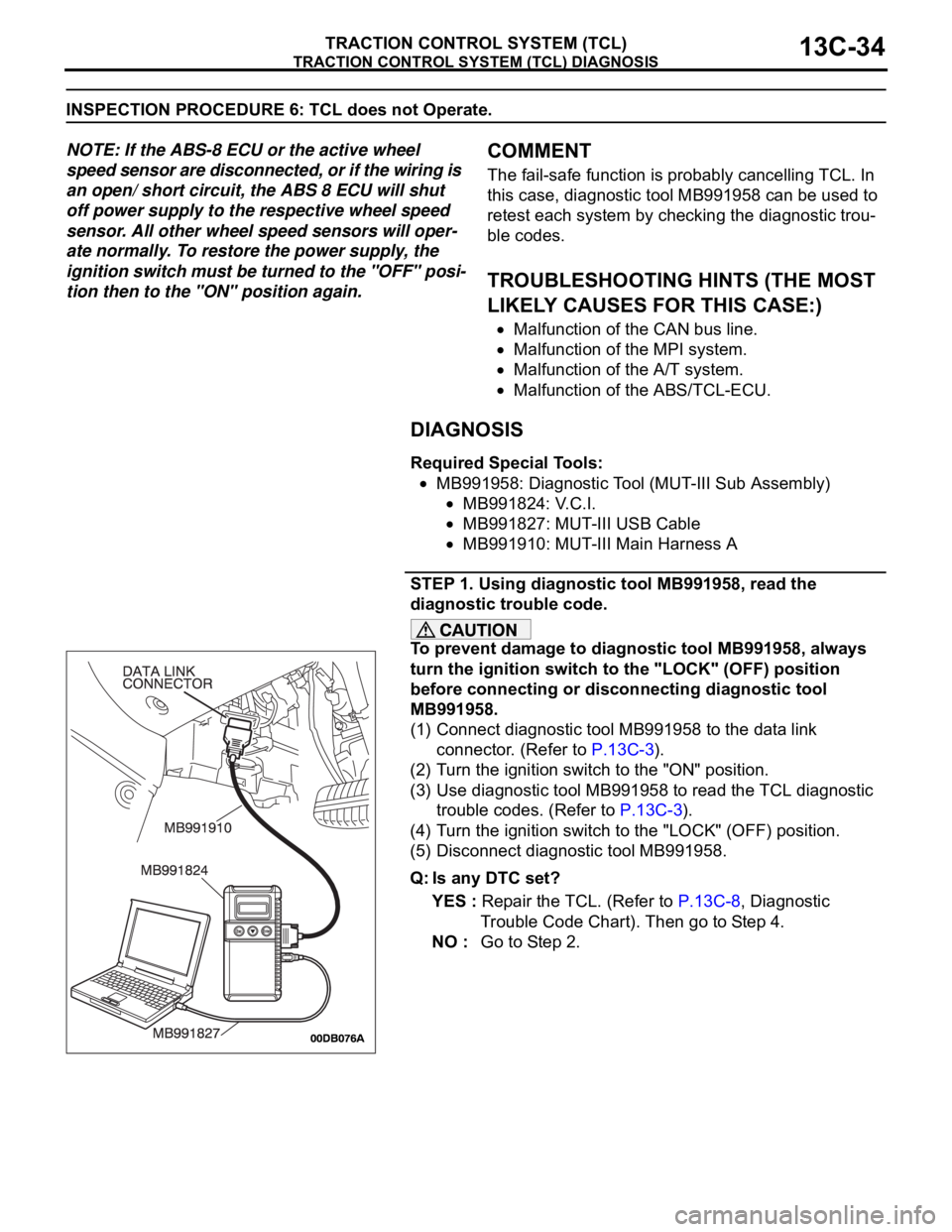
Required Special Tools:
MB991958: Diagnostic Tool (MUT-III Sub Assembly)
MB991824: V.C.I.
MB991827: MUT-III USB Cable
MB991910: MUT-III Main Harness A
STEP 1. Using diagnostic tool MB991958, read the
diagnostic trouble code.
To prevent damage to diagnostic tool MB991958, always
turn the ignition switch to the "LOCK" (OFF) position
before connecting or disconnecting diagnostic tool
MB991958.
(1) Connect diagnostic tool MB991958 to the data link
connector. (Refer to P.13C-3).
(2) Turn the ignition switch to the "ON" position.
(3) Use diagnostic tool MB991958 to read the TCL diagnostic
trouble codes. (Refer to P.13C-3).
(4) Turn the ignition switch to the "LOCK" (OFF) position.
(5) Disconnect diagnostic tool MB991958.
Q: Is any DTC set?
YES : Repair the TCL. (Refer to P.13C-8, Diagnostic
Trouble Code Chart). Then go to Step 4.
NO : Go to Step 2.