Page 78 of 414
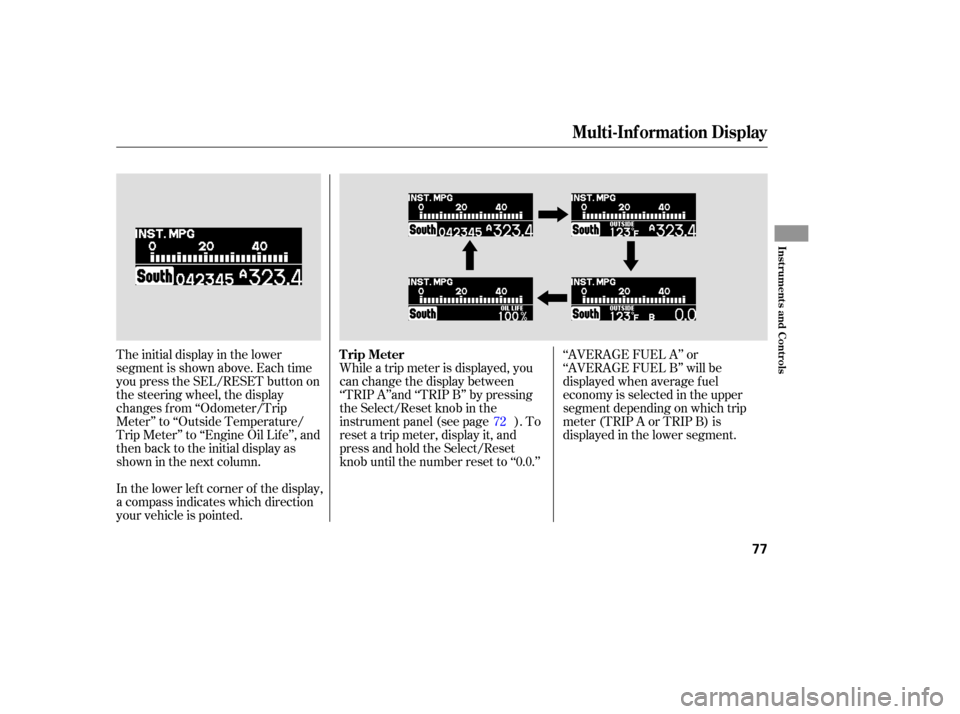
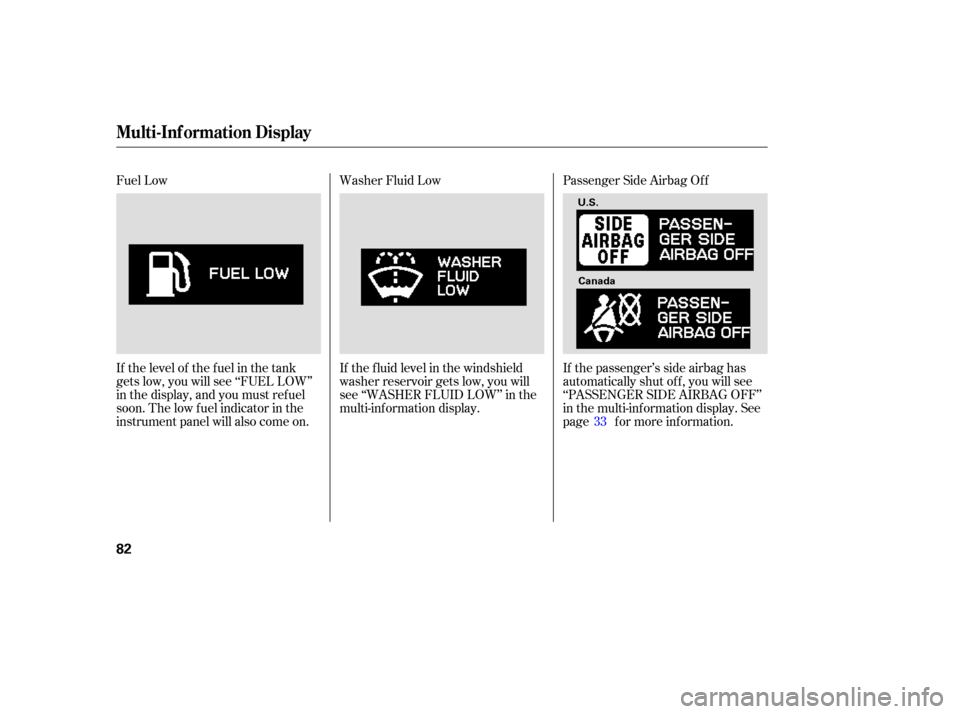
The initial display in the lower
segment is shown above. Each time
you press the SEL/RESET button on
the steering wheel, the display
changes f rom ‘‘Odometer/Trip
Meter’’ to ‘‘Outside Temperature/
Trip Meter’’ to ‘‘Engine Oil Lif e’’, and
then back to the initial display as
showninthenextcolumn.
In the lower lef t corner of the display,
a compass indicates which direction
your vehicle is pointed.While a trip meter is displayed, you
can change the display between
‘‘TRIP A’’and ‘‘TRIP B’’ by pressing
the Select/Reset knob in the
instrument panel (see page ). To
reset a trip meter, display it, and
press and hold the Select/Reset
knob until the number reset to ‘‘0.0.’’
‘‘AVERAGE FUEL A’’ or
‘‘AVERAGE FUEL B’’ will be
displayed when average f uel
economy is selected in the upper
segment depending on which trip
meter(TRIPAorTRIPB)is
displayed in the lower segment.
72
Multi-Inf ormation Display
Trip Meter
Inst rument s and Cont rols
77
Page 79 of 414
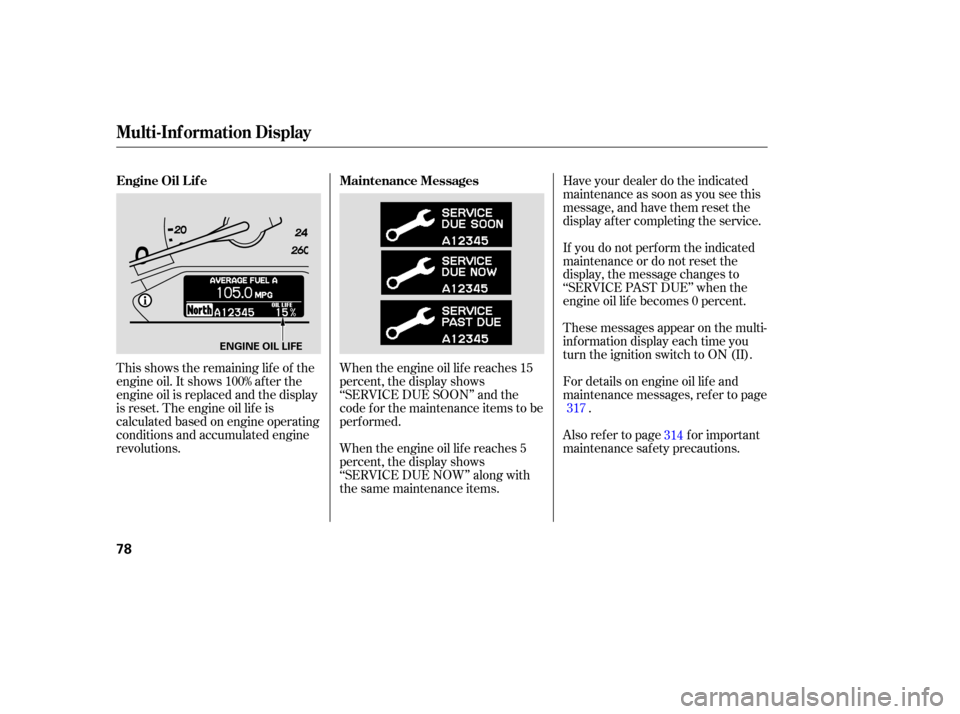
This shows the remaining lif e of the
engine oil. It shows 100% af ter the
engine oil is replaced and the display
is reset. The engine oil lif e is
calculated based on engine operating
conditions and accumulated engine
revolutions.When the engine oil lif e reaches 15
percent, the display shows
‘‘SERVICE DUE SOON’’ and the
code f or the maintenance items to be
perf ormed.
When the engine oil lif e reaches 5
percent, the display shows
‘‘SERVICE DUE NOW’’ along with
the same maintenance items.Have your dealer do the indicated
maintenance as soon as you see this
message, and have them reset the
display af ter completing the service.
If you do not perf orm the indicated
maintenance or do not reset the
display, the message changes to
‘‘SERVICE PAST DUE’’ when the
engine oil lif e becomes 0 percent.
These messages appear on the multi-
inf ormation display each time you
turn the ignition switch to ON (II).
For details on engine oil lif e and
maintenance messages, ref er to page
.
Also ref er to page f or important
maintenance saf ety precautions. 317
314
Maintenance Messages
Engine Oil L if e
Multi-Inf ormation Display
78
ENGINE OIL LIFE
Page 80 of 414
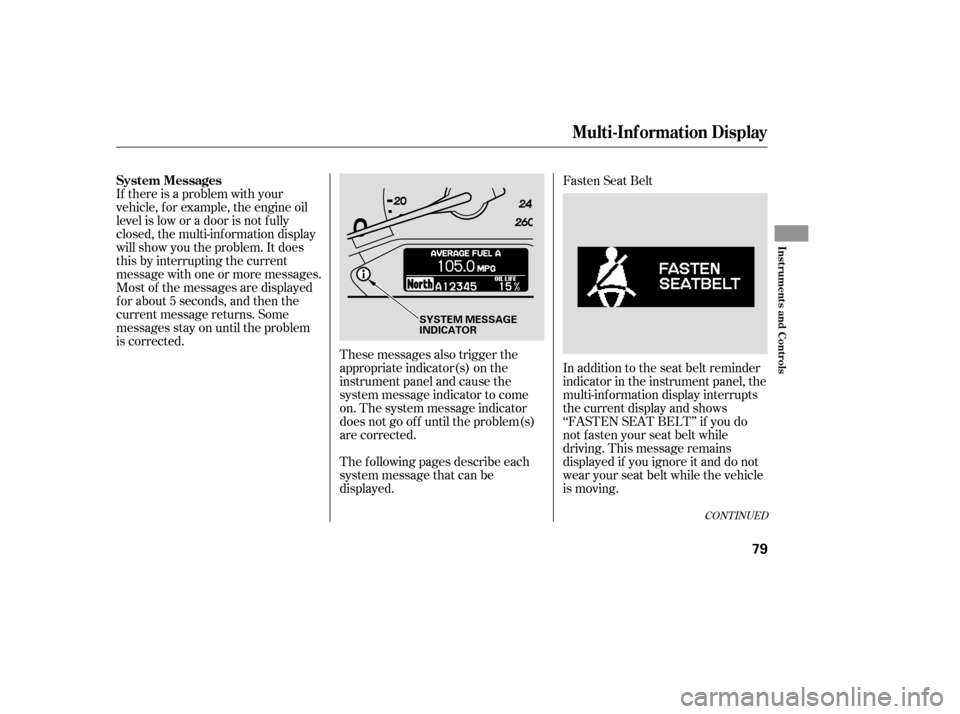
If there is a problem with your
vehicle, f or example, the engine oil
level is low or a door is not f ully
closed, the multi-inf ormation display
will show you the problem. It does
this by interrupting the current
message with one or more messages.
Most of the messages are displayed
f or about 5 seconds, and then the
current message returns. Some
messages stay on until the problem
is corrected.These messages also trigger the
appropriate indicator(s) on the
instrument panel and cause the
system message indicator to come
on. The system message indicator
does not go of f until the problem(s)
are corrected.Fasten Seat Belt
The f ollowing pages describe each
system message that can be
displayed. In addition to the seat belt reminder
indicator in the instrument panel, the
multi-inf ormation display interrupts
the current display and shows
‘‘FASTEN SEAT BELT’’ if you do
notfastenyourseatbeltwhile
driving. This message remains
displayed if you ignore it and do not
wear your seat belt while the vehicle
is moving.
CONT INUED
System Messages
Multi-Inf ormation Display
Inst rument s and Cont rols
79
SYSTEM MESSAGE
INDICATOR
Page 81 of 414
Door and Tailgate Open
If the tailgate or any door(s) is not
closed tightly, the display reminds
you to close the tailgate or the
door(s) bef ore you start driving.
This display continues until you
close the door(s) or the tailgate.
Pressing the INFO button on the
steering wheel momentarily change
the display to the normal display, but
it will come back af ter 5 seconds.Release Parking Brake
If you start driving without releasing
the parking brake, the multi-
inf ormation display interrupts the
current display and shows
‘‘RELEASE PARKING BRAKE.’’
This message continues, and a
chime sounds, until you release the
parking brake, or the vehicle speed
slows down to less than 0.5 mph (0.8
km/h).
If you leave the key in the ignition
switch in the LOCK (0) or
ACCESSORY (I) position and open
the driver’s door, you will see
‘‘REMOVE KEY’’ in the display and
hear a reminder beeper. Remove Key
Multi-Inf ormation Display
80
U.S.
Canada
Page 82 of 414
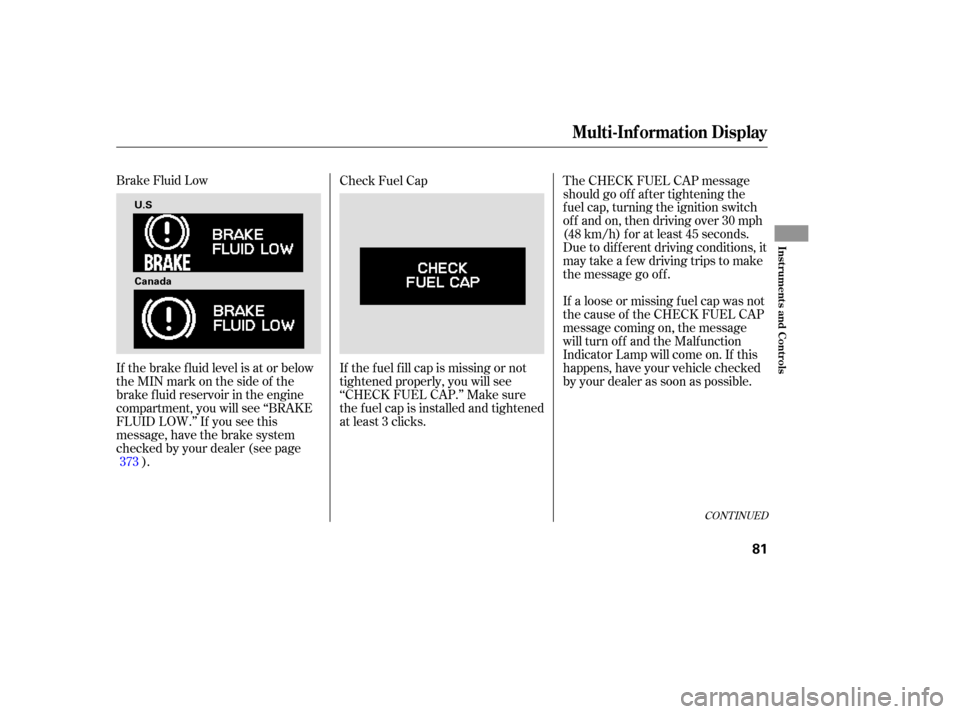
Brake Fluid Low
If the brake f luid level is at or below
theMINmarkonthesideof the
brake f luid reservoir in the engine
compartment, you will see ‘‘BRAKE
FLUID LOW.’’ If you see this
message, have the brake system
checked by your dealer (see page). Check Fuel Cap
The CHECK FUEL CAP message
should go of f af ter tightening the
f uel cap, turning the ignition switch
of f and on, then driving over 30 mph
(48 km/h) f or at least 45 seconds.
Due to dif f erent driving conditions, it
may take a few driving trips to make
the message go of f .
If a loose or missing f uel cap was not
the cause of the CHECK FUEL CAP
message coming on, the message
will turn off and the Malfunction
Indicator Lamp will come on. If this
happens, have your vehicle checked
by your dealer as soon as possible.
If the f uel f ill cap is missing or not
tightened properly, you will see
‘‘CHECK FUEL CAP.’’ Make sure
the f uel cap is installed and tightened
at least 3 clicks.
373
CONT INUED
Multi-Inf ormation Display
Inst rument s and Cont rols
81
U.S
Canada
Page 83 of 414
Fuel Low
If the level of the fuel in the tank
gets low, you will see ‘‘FUEL LOW’’
in the display, and you must ref uel
soon. The low f uel indicator in the
instrument panel will also come on.Washer Fluid Low
Passenger Side Airbag Of f
If the passenger’s side airbag has
automatically shut of f , you will see
‘‘PASSENGER SIDE AIRBAG OFF’’
in the multi-inf ormation display. See
page f or more inf ormation.
If the f luid level in the windshield
washer reservoir gets low, you will
see ‘‘WASHER FLUID LOW’’ in the
multi-inf ormation display.
33
Multi-Inf ormation Display
82
U.S.
Canada
Page 84 of 414
Check Tire PressureWarning: Approaching Object
This message, and the indicator to
the lef t of the message, is a part of
the parking sensor system. If you are
approaching too close to an object,
you will see ‘‘WARNING
APPROACHING OBJECT’’ in the
display and hear a beeper. See page
f or more inf ormation. The f ollowing messages indicate
various problems in your vehicle’s
systems.
If one or more of your vehicle tires
are low on pressure, you will see a
‘‘CHECK TIRE PRESSURE’’
message in the display. See page f or more inf ormation on the tire
pressure monitoring system (TPMS). 303
271
CONT INUED
On U.S. Touring model only
Multi-Inf ormation Display
Inst rument s and Cont rols
83
Page 85 of 414
Check TPMS SystemIf there is a problem with the vehicle
stability assist (VSA) system, you
will see ‘‘CHECK VSA SYSTEM’’ in
the multi-information display. If you
see this message, have the VSA
system checked by your dealer (see
page ).If the engine oil is very low or has
lost pressure, you will see ‘‘CHECK
ENGINE OIL LEVEL’’ in the multi-
inf ormation display. You will also see
the low oil pressure indicator in the
instrument panel f lashing or staying
on. If you see this message, you
should take immediate action since
serious engine damage is possible.
Follow the procedure on page . Check Engine Oil Level
Check VSA System
If there is a problem in the tire
pressure monitoring system (TPMS),
you will see ‘‘CHECK TPMS
SYSTEM’’ in the multi-inf ormation
display. If you see this message, the
TPMS is not monitoring tire
pressures. Have the TPMS checked
by your dealer as soon as possible
(see page ). 301
303 371
On U.S. Touring model only
Multi-Inf ormation Display
84