2005 BUICK PARK AVENUE lock
[x] Cancel search: lockPage 104 of 388

Directions and Connections Plan
All Safe and Sound Plan services
Driving Directions
Ride Assist
Information and Convenience Services
Luxury and Leisure Plan
All Directions and Connections Plan services
Personal Concierge
OnStar®Personal Calling
As an OnStar®subscriber, the Personal Calling
capability is available if your hand-held cell phone is
lost, forgotten, or has a low battery. It is a hands-free
wireless phone that is integrated into the vehicle.
Calls can be placed nationwide using simple voice
commands with no additional contracts and no additional
roaming charges. To nd out more about OnStar
®
Personal Calling, refer to the OnStar®user’s guide in
the vehicle’s glove box, visit www.onstar.com, or
www.onstarcanada.com; or speak with an OnStar
advisor by pressing the OnStar
®button or by calling
1-888-4-ONSTAR (1-888-466-7827).
OnStar®Virtual Advisor
Virtual Advisor is a feature of OnStar®Personal Calling
that uses minutes to access up-to-date weather and
traffic reports for your area, news and sports updates,
stock quotes, entertainment and more. You are also able
to listen and reply to your e-mail through your vehicle’s
speakers. Customize your information prole at
www.myonstar.com. See the OnStar
®user’s guide for
more information.
HomeLink®Transmitter
HomeLink®, a combined
universal transmitter and
receiver, provides a way to
replace up to three
hand−held transmitters
used to activate devices
such as gate operators,
garage door openers, entry
door locks, security
systems and home lighting.
2-40
Page 108 of 388

Erasing HomeLink®Buttons
To erase programming from the three buttons do
the following:
1. Press and hold down the two outside buttons until
the indicator light begins to ash, after 20 seconds.
2. Release both buttons. Do not hold for longer than
30 seconds.
HomeLink
®is now in the train (learning) mode and can
be programmed at any time beginning with Step 2
under “Programming HomeLink
®.”
Individual buttons can not be erased, but they can be
reprogrammed. See “Reprogramming a Single
HomeLink
®Button” next.
Reprogramming a Single
HomeLink®Button
To program a device to HomeLink®using a HomeLink®
button previously trained, follow these steps:
1. Press and hold the desired HomeLink
®button. Do
not release the button.
2. The indicator light will begin to ash after
20 seconds. While still holding the HomeLink
®
button, proceed with Step 2 under
“Programming HomeLink®.”
Resetting Defaults
To reset HomeLink®to default settings do the following:
1. Hold down the two outside buttons for about
20 seconds until the indicator light begins to ash.
2. Continue to hold both buttons until the HomeLink
®
indicator light turns off.
3. Release both buttons.
For questions or comments, contact HomeLink
®at
1-800-355-3515, or on the internet at www.homelink.com.
Storage Areas
Glove Box
To open the glove box, lift up on the lever. Use your
ignition key to lock or unlock it. The glove box has a
light inside.
2-44
Page 112 of 388

Open:Press and hold the switch rearward to the rst
position to open the glass panel and sunshade. The
sunshade can also be opened manually.
Comfort Stop:Press and release the switch rearward
to the second position to express open the glass
panel to the comfort stop position. The comfort stop
position is designed to help reduce outside noise.
Express Open:When the glass panel is express
opening, pressing the switch in any direction will stop it
in a partially-opened position. The glass panel may
be fully opened by pressing the switch rearward again.
If the switch is pressed and held in an express open
position for more than one and a half seconds, the
express open operation will be overridden and
the sunroof will operate manually.
Close:To close the glass panel, press and hold the
switch forward. As the glass panel reaches the closed
position, it will open slightly toward the vent position and
then drop down to the closed position. The sunshade
must be closed manually.
Vent:Once the sunroof is closed, it can be opened to
the vent position by pushing the switch upward. To
close the glass panel, pull the switch downward. The
sunshade must be opened and closed manually.Vehicle Personalization
Memory Seat and Mirrors
If your vehicle has this
feature, the controls are
located on the driver’s door
panel, and are used to
program and recall
memory settings for the
driver’s seating, outside
mirror positions and
climate controls. See
Climate Controls
Personalization
on page 3-31for
more information.
To save your seat and mirror positions into memory,
use the following procedure:
1. First identify the DRIVER # on the Driver
Information Center (DIC) by pressing the MEMORY
button 1 or 2 or by pressing the unlock button on
the remote keyless entry transmitter. SeeDriver
Information Center (DIC) on page 3-46.
2-48
Page 113 of 388

2. Adjust the driver’s seat and lumbar position to a
safe and comfortable driving position. Adjust both
outside mirrors to suit you. SeeOutside Power
Mirrors on page 2-37.
3. Press and hold the MEMORY button 1 or 2
corresponding with your DRIVER # displayed on the
DIC for more than three seconds. You will hear
two beeps conrming that the seat and mirror
positions have been entered into memory.
To set the seat and mirror positions for a second driver,
follow the previous steps, but start by pressing the
unlock button on the transmitter that displays the other
DRIVER # on the DIC. Be sure to use the MEMORY
button which corresponds to the DRIVER # identied by
the second transmitter.
To recall your memory positions, your vehicle must be
in PARK (P). Push and release the MEMORY button
1 or 2 corresponding to the desired driving position. The
seat and mirrors will move to the position previously
stored for the identied driver. You will hear one beep.
To store the exit position for an easy exit, use the
following procedure:
1. First identify the DRIVER # by pressing the
MEMORY button 1 or 2 or by pressing the unlock
button on the transmitter.
2. Adjust the driver’s seat to the desired exit position.3. Press and hold the EXIT button for longer
than three seconds. You will hear two beeps
conrming that the seat exit position has been
entered into memory.
To set the exit position for a second driver, follow the
previous steps, but start by pressing the unlock
button on the transmitter that displays the other
DRIVER # on the DIC. Be sure to use the MEMORY
button which corresponds to the DRIVER # identied by
the other transmitter.
To recall the exit position, your vehicle must be in
PARK (P). Push and release the EXIT button and the
seat will move to the exit position previously stored
for the currently identied driver. You will hear one beep.
If an exit position has not been stored for the currently
identied driver, the seat will move all the way back.
To stop recall movement of the seat at any time, press
the driver’s power seat control located on the outboard
side of the front seat.
Mirrors and lumbar positions will not be stored or
recalled for the exit position.
If you would like your stored driving or exit position to
be recalled when unlocking your vehicle with the
transmitter, seeDIC Vehicle Personalization on
page 3-50.
2-49
Page 116 of 388

Anti-Lock Brake System Warning Light.............3-39
Traction Control System (TCS) Warning Light......3-39
Engine Coolant Temperature Gage..................3-40
Malfunction Indicator Lamp.............................3-40
Oil Pressure Light.........................................3-43
Security Light...............................................3-44
Cruise Control Light......................................3-44
Service Vehicle Soon Light............................3-44
Fuel Gage...................................................3-45
Driver Information Center (DIC).......................3-46
DIC Controls and Displays.............................3-46
DIC Warnings and Messages.........................3-49
DIC Vehicle Personalization............................3-50Audio System(s).............................................3-55
Setting the Time...........................................3-55
Radio with Cassette......................................3-56
Radio with Cassette and CD..........................3-60
Trunk-Mounted CD Changer...........................3-66
Personal Choice Radio Controls......................3-69
Theft-Deterrent Feature..................................3-70
Audio Steering Wheel Controls.......................3-72
Radio Reception...........................................3-72
Care of Your Cassette Tape Player.................3-73
Care of Your CDs.........................................3-74
Care of Your CD Player................................3-74
Heated Backlite Antenna................................3-74
Section 3 Instrument Panel
3-2
Page 119 of 388

The main components of your instrument panel are the following:
A. Air Outlets. SeeOutlet Adjustment on page 3-30.
B. Exterior Lamps Control. SeeExterior Lamps
on page 3-14.
C. Turn Signal/Multifunction Lever. SeeTurn
Signal/Multifunction Lever on page 3-7.
D. Steering Wheel Controls (If Equipped). SeeSteering
Wheel Climate Controls on page 3-31andAudio
Steering Wheel Controls on page 3-72.
E. Hazard Warning Flashers Button. SeeHazard
Warning Flashers on page 3-6.
F. Instrument Panel Cluster. SeeInstrument Panel
Cluster on page 3-33.
G. Shift Lever. SeeAutomatic Transaxle Operation on
page 2-26.
H. Audio System. SeeAudio System(s) on page 3-55.
I. Fuel Door Release Button. SeeFilling Your Tank
on page 5-6.J. Trunk Release and Lockout Button. See “Remote
Trunk Release” and “Remote Trunk Release
Lockout” underTrunk on page 2-14.
K. Hood Release. SeeHood Release on page 5-10.
L. Ignition Switch. SeeIgnition Positions on page 2-22.
M. Traction Control Button (If Equipped). SeeTraction
Control System (TCS) on page 4-9.
N. Heated Seat Controls (Option). SeeHeated Seats
on page 1-3.
O. Ashtray and Cigarette Lighter. SeeAshtrays and
Cigarette Lighter on page 3-25.
P. Climate Control System. SeeDual Automatic
Climate Control System on page 3-25.
Q. Glove Box. SeeGlove Box on page 2-44.
R. Passenger Climate Control (Option). See “Passenger
Temperature Control” underDual Automatic
Climate Control System on page 3-25.
3-5
Page 120 of 388
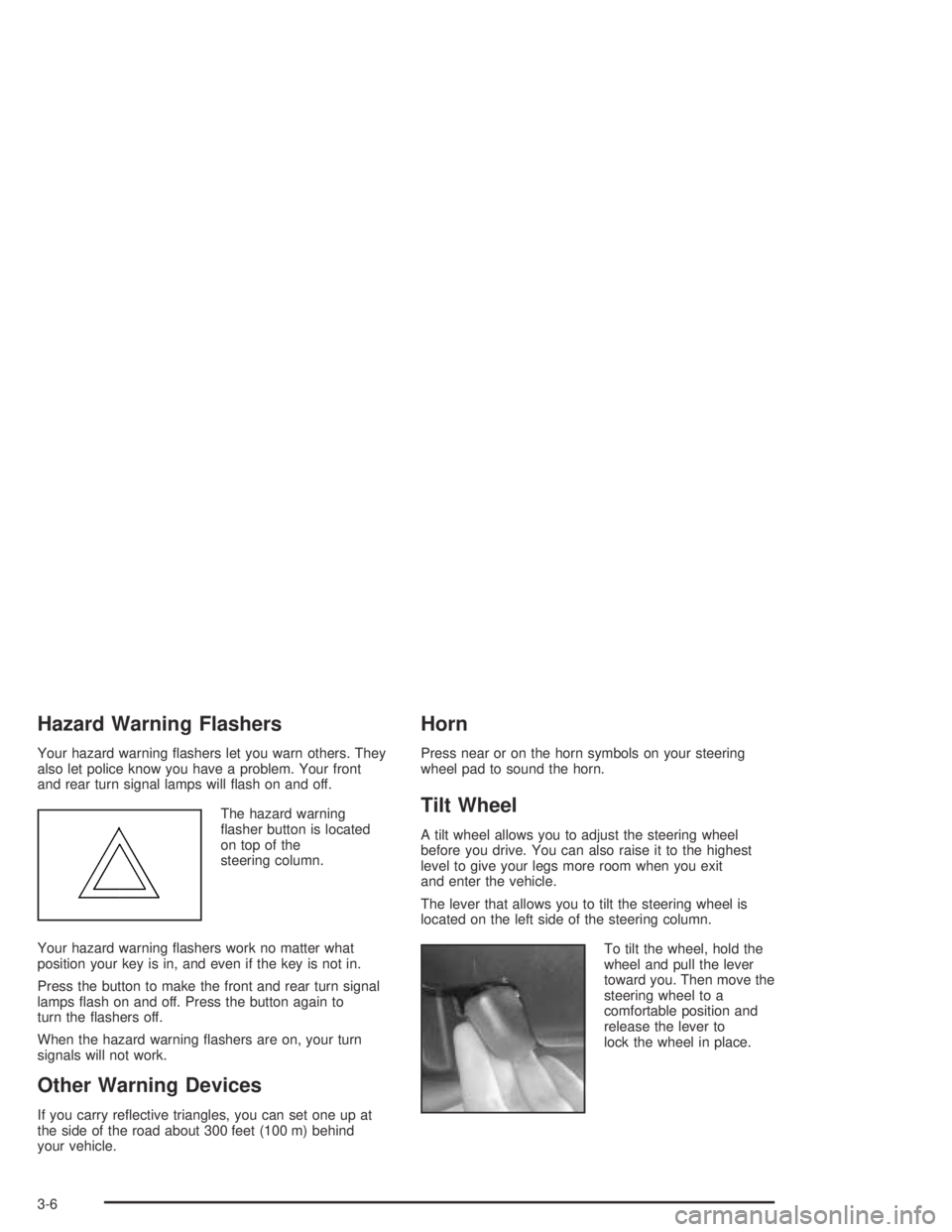
Hazard Warning Flashers
Your hazard warning ashers let you warn others. They
also let police know you have a problem. Your front
and rear turn signal lamps will ash on and off.
The hazard warning
asher button is located
on top of the
steering column.
Your hazard warning ashers work no matter what
position your key is in, and even if the key is not in.
Press the button to make the front and rear turn signal
lamps ash on and off. Press the button again to
turn the ashers off.
When the hazard warning ashers are on, your turn
signals will not work.
Other Warning Devices
If you carry reective triangles, you can set one up at
the side of the road about 300 feet (100 m) behind
your vehicle.
Horn
Press near or on the horn symbols on your steering
wheel pad to sound the horn.
Tilt Wheel
A tilt wheel allows you to adjust the steering wheel
before you drive. You can also raise it to the highest
level to give your legs more room when you exit
and enter the vehicle.
The lever that allows you to tilt the steering wheel is
located on the left side of the steering column.
To tilt the wheel, hold the
wheel and pull the lever
toward you. Then move the
steering wheel to a
comfortable position and
release the lever to
lock the wheel in place.
3-6
Page 124 of 388

The Rainsense™ system is activated by turning the
wiper control band to one of the ve sensitivity levels
within the delay area. The delay position closest to OFF
is the lowest sensitivity setting, level one. The highest
sensitivity setting, level ve, is closest to the LO position.
A single wipe will occur each time you turn the wiper
control band to a higher sensitivity level to indicate that
the sensitivity level has been increased.
The windshield wipers also remain in a “high park”
position, stopped on the windshield and not in the
normal park position, even when the ignition is
turned off.
Notice:If you do not turn off the windshield wipers
when driving through an automatic car wash, you
could damage the wipers. Always turn off the
windshield wipers before entering an automatic
car wash.
The MIST and wash cycles operate as normal and are
not affected by the moisture-sensing function. The
system can be overridden at any time by manually
turning the wiper band to LO or HI speed.
Notice:Do not place stickers or other items on the
exterior glass surface directly in front of the
moisture sensor. Doing this could cause the
moisture sensor to malfunction.Windshield Washer
At the top of the multifunction lever there is a paddle
with the word PUSH on it. To spray washer uid on the
windshield, push the paddle. The wipers will clear
the window and either stop or return to your preset
speed. For more washer cycles, push and hold
the paddle.
{CAUTION:
In freezing weather, do not use your washer
until the windshield is warmed. Otherwise the
washer uid can form ice on the windshield,
blocking your vision.
If your vehicle is equipped with a DIC, a WINDSHIELD
WASHER FLUID LOW message will appear on the
instrument panel cluster when the vehicle is low
on washer uid. SeeDIC Warnings and Messages on
page 3-49.
Cruise Control
With cruise control, you can maintain a speed of about
25 mph (40 km/h) or more without keeping your foot
on the accelerator. This can really help on long trips.
3-10