Page 179 of 491
3-42
Instruments and controls
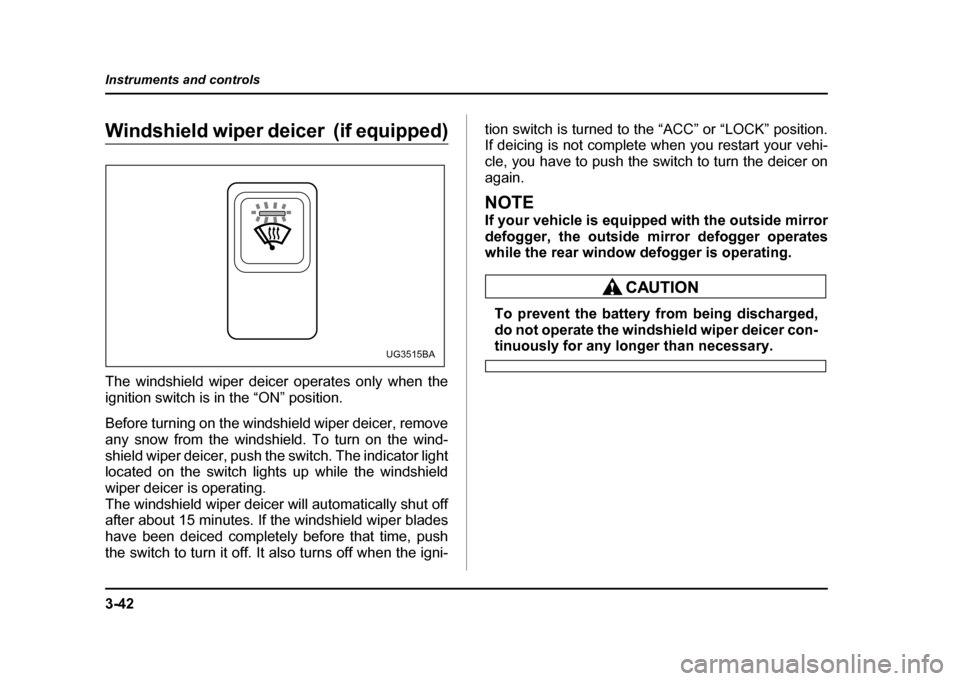
Windshield wiper deicer (if equipped)
The windshield wiper deicer operates only when the
ignition switch is in the “ON” position.
Before turning on the windshield wiper deicer, remove
any snow from the windshield. To turn on the wind-
shield wiper deicer, push the switch. The indicator light
located on the switch lights up while the windshield
wiper deicer is operating.
The windshield wiper deicer will automatically shut off
after about 15 minutes. If the windshield wiper blades
have been deiced completely before that time, push
the switch to turn it off. It also turns off when the igni-
tion switch is turned to the “ACC” or “LOCK” position.
If deicing is not complete when you restart your vehi-
cle, you have to push the switch to turn the deicer on
again.
NOTE
If your vehicle is equipped with the outside mirror
defogger, the outside mirror defogger operates
while the rear window defogger is operating.
To prevent the battery from being discharged,
do not operate the windshield wiper deicer con-
tinuously for any longer than necessary.UG3515BA
Page 186 of 491
3-49
Instruments and controls
– CONTINUED –
frosting or defogging is desired when you restart your
vehicle, you have to push the switch to turn it on again.
NOTE
While the outside mirror defogger is operating, the
rear window defogger also operates.
To prevent the battery from being discharged,
do not operate the defogger continuously for
any longer than necessary.
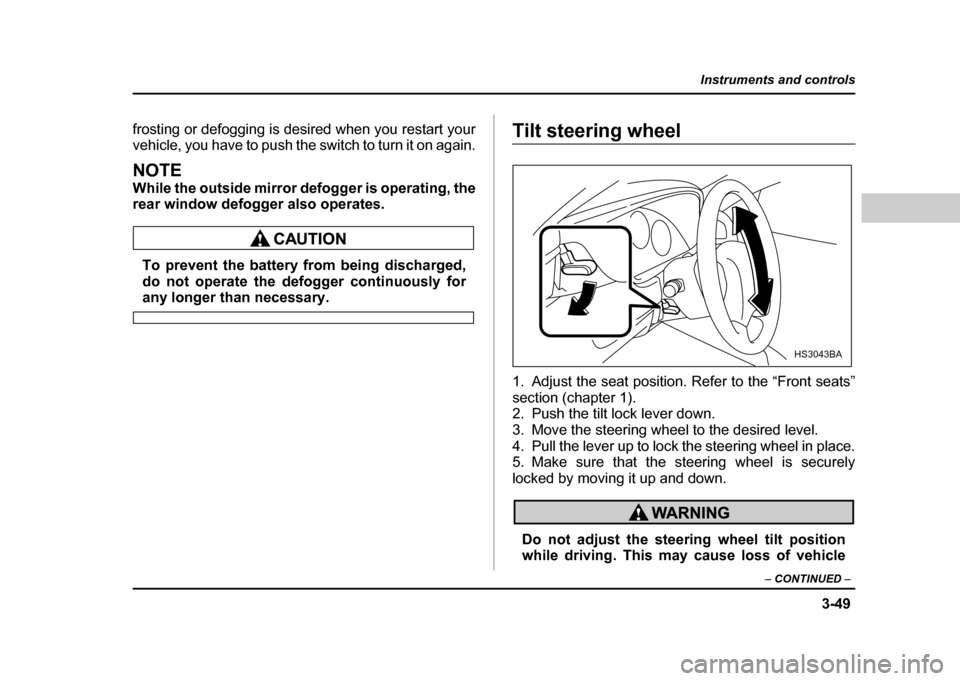
Tilt steering wheel
1. Adjust the seat position. Refer to the “Front seats”
section (chapter 1).
2. Push the tilt lock lever down.
3. Move the steering wheel to the desired level.
4. Pull the lever up to lock the steering wheel in place.
5. Make sure that the steering wheel is securely
locked by moving it up and down.
Do not adjust the steering wheel tilt position
while driving. This may cause loss of vehicle
HS3043BA
Page 222 of 491
5-9
Audio
– CONTINUED –
seconds to store the frequency. The frequency of the
station will flash once on the display at this time. If the
button is pressed for less than 2 seconds, the preced-
ing selection will remain in memory.
NOTE
If the connection between the radio and battery is
broken for any reason such as vehicle mainte-
nance or radio removal, all stations stored in the
preset buttons are cleared. If this occurs, it is nec-
essary to reset the preset buttons.
Page 234 of 491
5-21
Audio
– CONTINUED –
FM1 or FM2 reception.
2. Press the “SCAN” button (3) or tune the radio man-
ually until the desired station frequency is displayed.
3. Press one of the preset buttons (5) for at least 1.5
seconds to store the frequency. The frequency of the
station will flash once on the display at this time. If the
button is pressed for less than 1.5 seconds, the pre-
ceding selection will remain in memory.
NOTE
If the connection between the radio and battery is
broken for any reason such as vehicle mainte-
nance or radio removal, all stations stored in the
preset buttons are cleared. If this occurs, it is nec-
essary to reset the preset buttons.
Page 251 of 491
6-2
Interior equipment
Interior equipmentInterior light
When leaving your vehicle, make sure the light goes
out to avoid battery discharge. !
Dome light
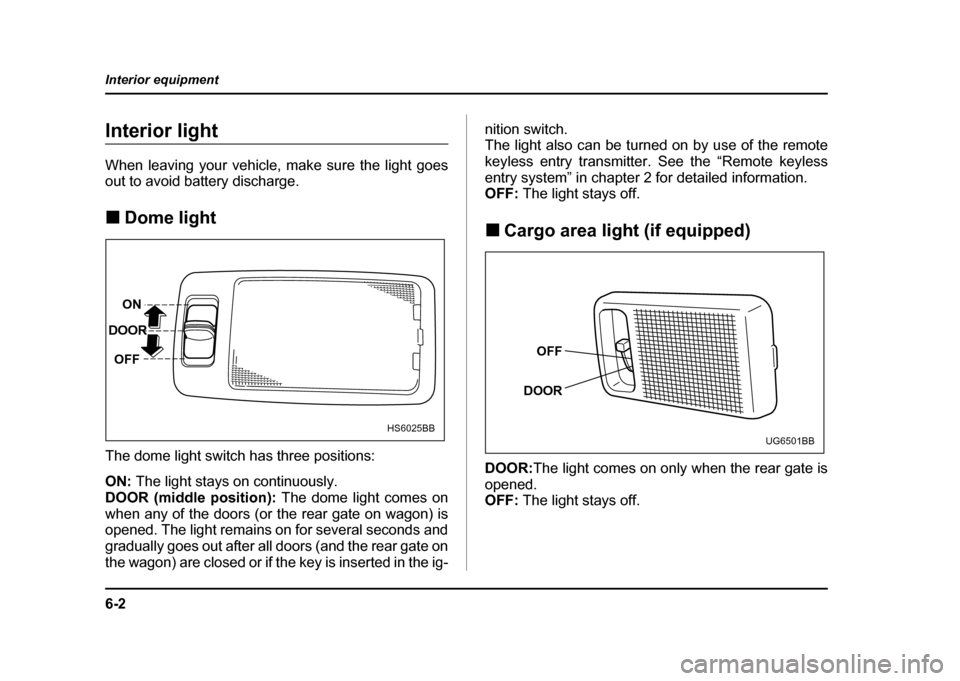
The dome light switch has three positions: ON: The light stays on continuously.
DOOR (middle position): The dome light comes on
when any of the doors (or the rear gate on wagon) is
opened. The light remains on for several seconds and
gradually goes out after all doors (and the rear gate on
the wagon) are closed or if the key is inserted in the ig- nition switch.
The light also can be turned on by use of the remote
keyless entry transmitter. See the “Remote keyless
entry system” in chapter 2 for detailed information.
OFF:
The light stays off.
! Cargo area light (if equipped)
DOOR: The light comes on only when the rear gate is
opened.
OFF: The light stays off.
ON
DOOR
OFF
HS6025BB
OFF
DOOR
UG6501BB
Page 252 of 491
6-3
Interior equipment
– CONTINUED –
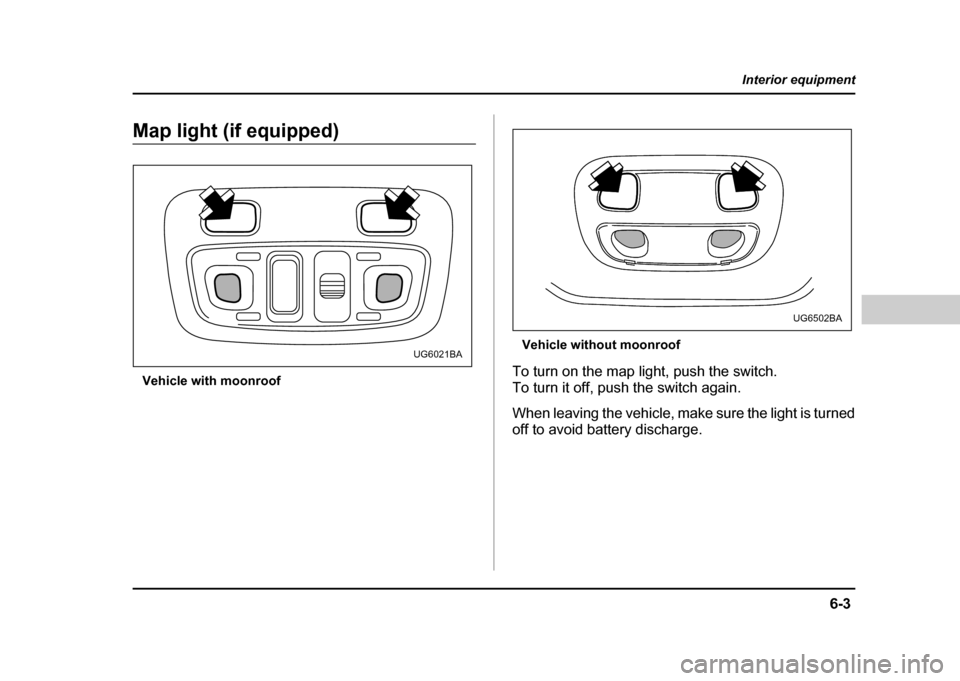
Map light (if equipped)
Vehicle with moonroof Vehicle without moonroof
To turn on the map light, push the switch.
To turn it off, push the switch again.
When leaving the vehicle, make sure the light is turned
off to avoid battery discharge.
UG6021BA
UG6502BA
Page 258 of 491
6-9
Interior equipment
– CONTINUED –
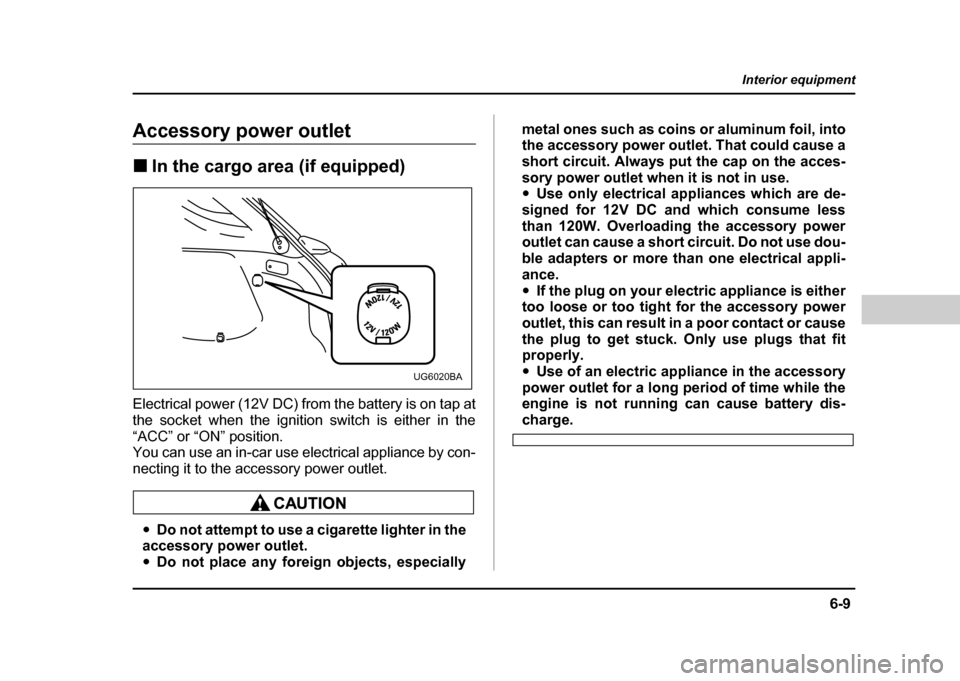
Accessory power outlet !In the cargo area (if equipped)
Electrical power (12V DC) from the battery is on tap at
the socket when the ignition switch is either in the
“ACC” or “ON” position.
You can use an in-car use electrical appliance by con-
necting it to the accessory power outlet.
" Do not attempt to use a cigarette lighter in the
accessory power outlet. " Do not place any foreign objects, especially metal ones such as coins or aluminum foil, into
the accessory power outlet. That could cause a
short circuit. Always put the cap on the acces-
sory power outlet when it is not in use. "
Use only electrical appliances which are de-
signed for 12V DC and which consume less
than 120W. Overloading the accessory power
outlet can cause a short circuit. Do not use dou-
ble adapters or more than one electrical appli-
ance." If the plug on your electric appliance is either
too loose or too tight for the accessory power
outlet, this can result in a poor contact or cause
the plug to get stuck. Only use plugs that fit
properly. " Use of an electric appliance in the accessory
power outlet for a long period of time while the
engine is not running can cause battery dis-
charge.
UG6020BA
Page 260 of 491
6-11
Interior equipment
– CONTINUED –
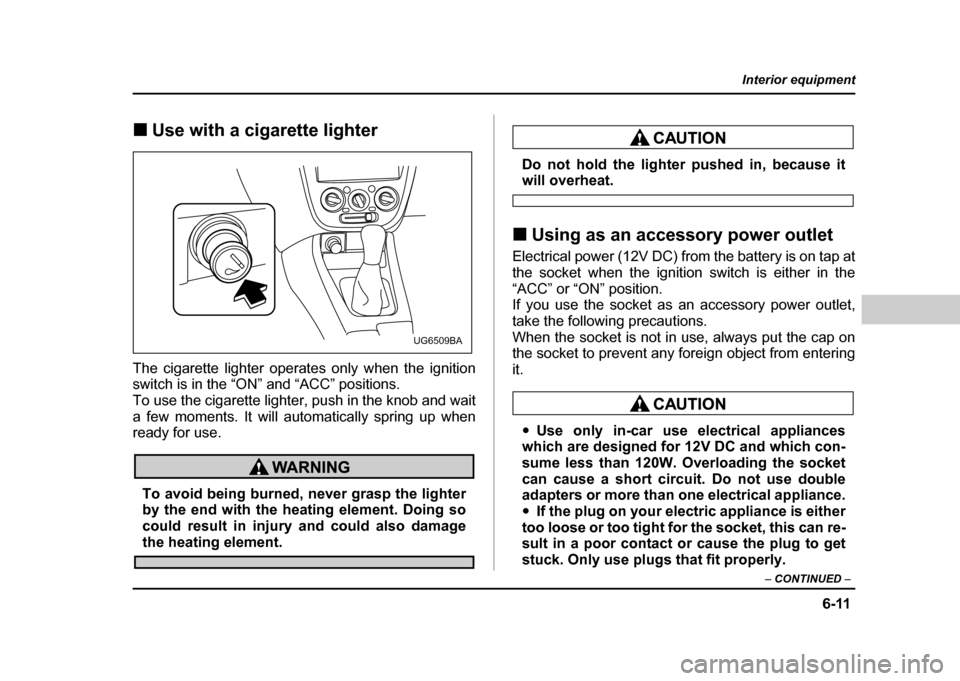
!Use with a cigarette lighter
The cigarette lighter operates only when the ignition
switch is in the “ON” and “ACC” positions.
To use the cigarette lighter, push in the knob and wait
a few moments. It will automatically spring up when
ready for use.
To avoid being burned, never grasp the lighter
by the end with the heating element. Doing so
could result in injury and could also damage
the heating element.
Do not hold the lighter pushed in, because itwill overheat.
! Using as an accessory power outlet
Electrical power (12V DC) from the battery is on tap at
the socket when the ignition switch is either in the
“ACC” or “ON” position.
If you use the socket as an accessory power outlet,
take the following precautions.
When the socket is not in use, always put the cap on
the socket to prevent any foreign object from entering it.
" Use only in-car use electrical appliances
which are designed for 12V DC and which con-
sume less than 120W. Overloading the socket
can cause a short circuit. Do not use double
adapters or more than one electrical appliance. " If the plug on your electric appliance is either
too loose or too tight for the socket, this can re-
sult in a poor contact or cause the plug to get
stuck. Only use plugs that fit properly.
UG6509BA