2004 CHEVROLET CORVETTE reset
[x] Cancel search: resetPage 63 of 384
Remote Alarm
When you press the horn button on the remote keyless
entry transmitter, the horn will sound. This panic
alarm button will allow you to attract attention, if needed.
If the horn alarm sounds, there are three ways to turn
it off:
•Press the panic alarm button again on the remote
keyless entry transmitter.
•Wait 90 seconds, and the horn will turn off by itself.
•Turn the key to any position in the ignition,
except OFF.
Remote Keyless Entry Settings
You can adjust the settings on the system through the
Driver Information Center (DIC). You can change
the type of alarm used by the theft-deterrent system.
SeeDIC Controls and Displays on page 3-49for more
information.
Matching Transmitter(s) to Your
Vehicle
Each remote keyless entry transmitter is coded to
prevent another transmitter from unlocking your vehicle.
If a transmitter is lost or stolen, a replacement can
be purchased through your dealer. Remember to bring
any remaining transmitters with you when you go to
your dealer. When the dealer matches the replacement
transmitter to your vehicle, any remaining transmitters
must also be matched. Once your dealer has coded the
new transmitter, the lost transmitter will not unlock
your vehicle. Each vehicle can have a maximum of three
transmitters matched to it.
To match transmitters to your vehicle, do the following:
1. Turn the ignition key to ON.
2. Clear any warning messages on the Driver
Information Center (DIC) by pressing the RESET
button.
3. Press the OPTIONS button on the DIC several
times until the blank page is displayed, then
press and hold the RESET button for two seconds.
4. When the message FOB TRAINING is displayed,
press the RESET button once. The message
HOLD LK + UNLK 1ST FOB will be displayed in
the DIC.
2-7
Page 113 of 384
Vehicle Personalization
Memory
If your vehicle has this feature, MEMORY can store and
recall the settings for the driver’s seat position, the
outside rearview mirror positions, telescopic steering
column (if equipped), radio presets, tone, volume,
playback mode (AM/FM, tape or CD), last displayed
station, compact disc position and tape direction and the
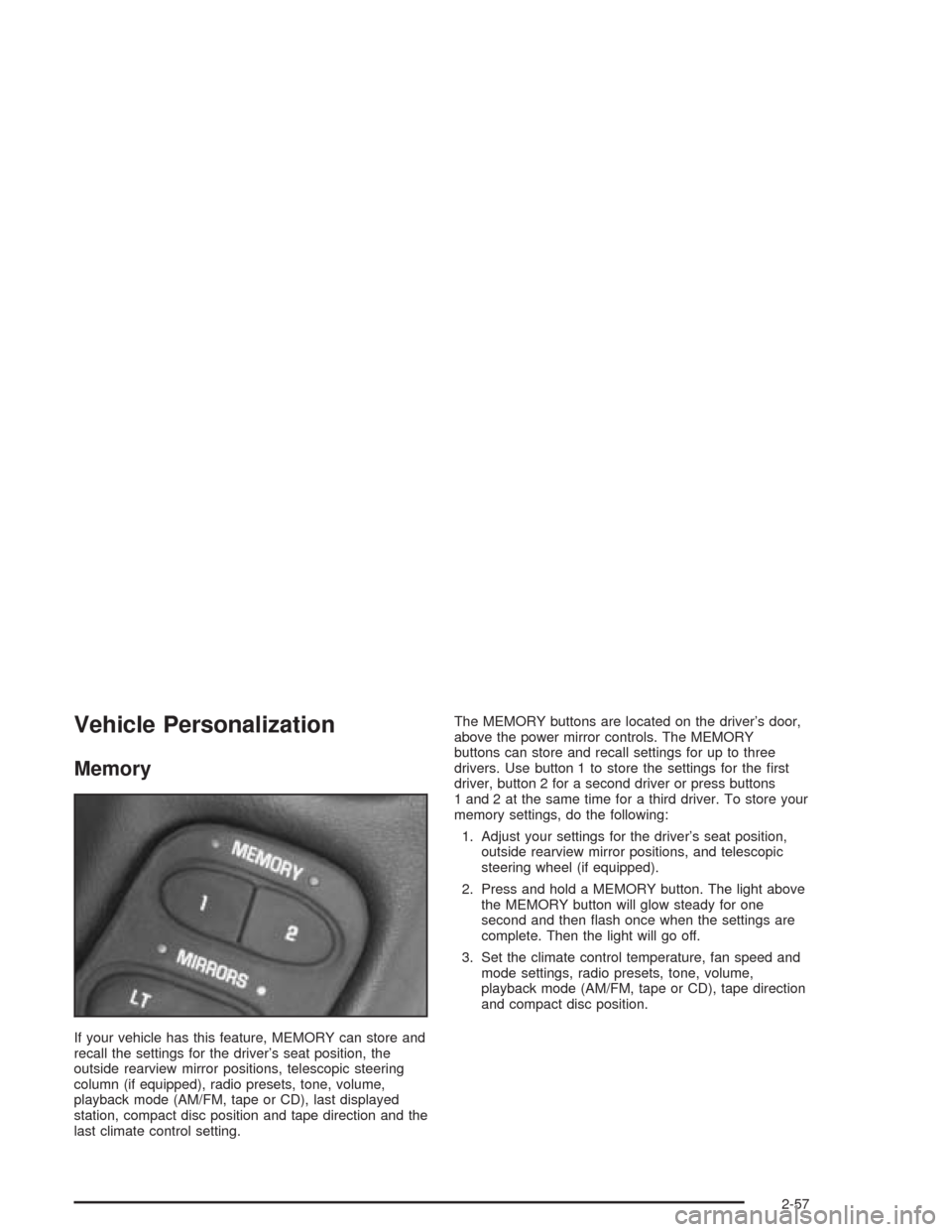
last climate control setting.The MEMORY buttons are located on the driver’s door,
above the power mirror controls. The MEMORY
buttons can store and recall settings for up to three
drivers. Use button 1 to store the settings for the first
driver, button 2 for a second driver or press buttons
1 and 2 at the same time for a third driver. To store your
memory settings, do the following:
1. Adjust your settings for the driver’s seat position,
outside rearview mirror positions, and telescopic
steering wheel (if equipped).
2. Press and hold a MEMORY button. The light above
the MEMORY button will glow steady for one
second and then flash once when the settings are
complete. Then the light will go off.
3. Set the climate control temperature, fan speed and
mode settings, radio presets, tone, volume,
playback mode (AM/FM, tape or CD), tape direction
and compact disc position.
2-57
Page 114 of 384
Your memory settings are now programmed. Any
changes that are made to the audio system and climate
controls while driving will be automatically stored
when the ignition key is turned off.
When first entering your vehicle, after pressing the
unlock button on your remote keyless entry transmitter
or a MEMORY button, a recall of your settings will
occur when the door is closed and the ignition key is in
the ignition switch. As the memory settings are
recalled, the light above the button will flash until the
correct settings are achieved, then glow for five seconds
when complete.
A memory recall can be stopped by pressing any
memory seat, mirror or steering column position button.Drivers 1, 2 and 3 correspond to the order in which your
remote keyless entry transmitters were programmed.
SeeRemote Keyless Entry System on page 2-5
for more information.
Memory recall will not work if the vehicle is moving.
Memory recall will be temporarily interrupted during
engine crank.
If easy entry is on, you must press the MEMORY button
to reset the seat.
2-58
Page 123 of 384
The wiper speed can only be adjusted when the lever
is in the INT position. Use this position for light rain
or snow.
LO (Low Speed):Move the lever up to the first setting
past INT, for steady wiping at low speed.
HI (High Speed):Move the lever up to the second
setting past INT, for steady wiping at high speed.
MIST:Move the lever all the way down to MIST for a
single wiping cycle. Hold it there until the windshield
wipers start; then let go. The windshield wipers will stop
after one wipe. If you want more wipes, hold the
band on MIST longer.
Heavy snow or ice can overload the wipers. If this
occurs, a circuit breaker will stop the wipers until the
motor cools. So, be sure to clear any ice and snow from
the windshield wiper blades before using them. If the
wiper blades are frozen to the windshield, carefully
loosen them or warm the windshield before turning the
wipers on. If your blades do become worn or
damaged, get new blades or blade inserts.Windshield Washer
The lever on the right side of the steering column also
controls the windshield washer. There is a button at
the end of the lever. To spray washer fluid on the
windshield, press the button and hold it. The washer will
spray until you release the button. The wipers will
continue to clear the window for about six seconds after
the button is released and then stop or return to your
preset speed.
{CAUTION:
In freezing weather, do not use your washer
until the windshield is warmed. Otherwise the
washer uid can form ice on the windshield,
blocking your vision.
If the fluid in the windshield washer fluid reservoir is low,
the message LOW WASHER FLUID will appear on the
Driver Information Center (DIC) display. It will take
60 seconds after the bottle is refilled for this message to
turn off. For information on the correct washer fluid to
use, seeWindshield Washer Fluid on page 5-36and
Recommended Fluids and Lubricants on page 6-11.
3-9
Page 125 of 384
Setting Cruise Control
{CAUTION:
If you leave your cruise control on when you
are not using cruise, you might hit a button
and go into cruise when you do not want to.
You could be startled and even lose control.
Keep the cruise control switch off until you
want to use cruise control.
1. Move the cruise control switch to ON.
2. Get up to the speed you want.
3. Press the SET button at the end of the lever and
release it. The cruise set speed will be displayed
by the Driver Information Center (DIC).
4. Take your foot off the accelerator pedal. The pedal
will return to an idle position.
Resuming a Set Speed
Suppose you set the cruise control at a desired speed
and then you apply the brake or clutch pedal. This,
of course, disengages the cruise control. But you do not
need to reset it.
Once you are going about 25 mph (40 km/h) or more,
you can move the cruise control switch to R/A
(Resume/Accelerate) briefly. The Driver Information
Center (DIC) will display the cruise set speed.
You will go right back up to your chosen speed and
stay there.
3-11
Page 132 of 384
Reading Lamps
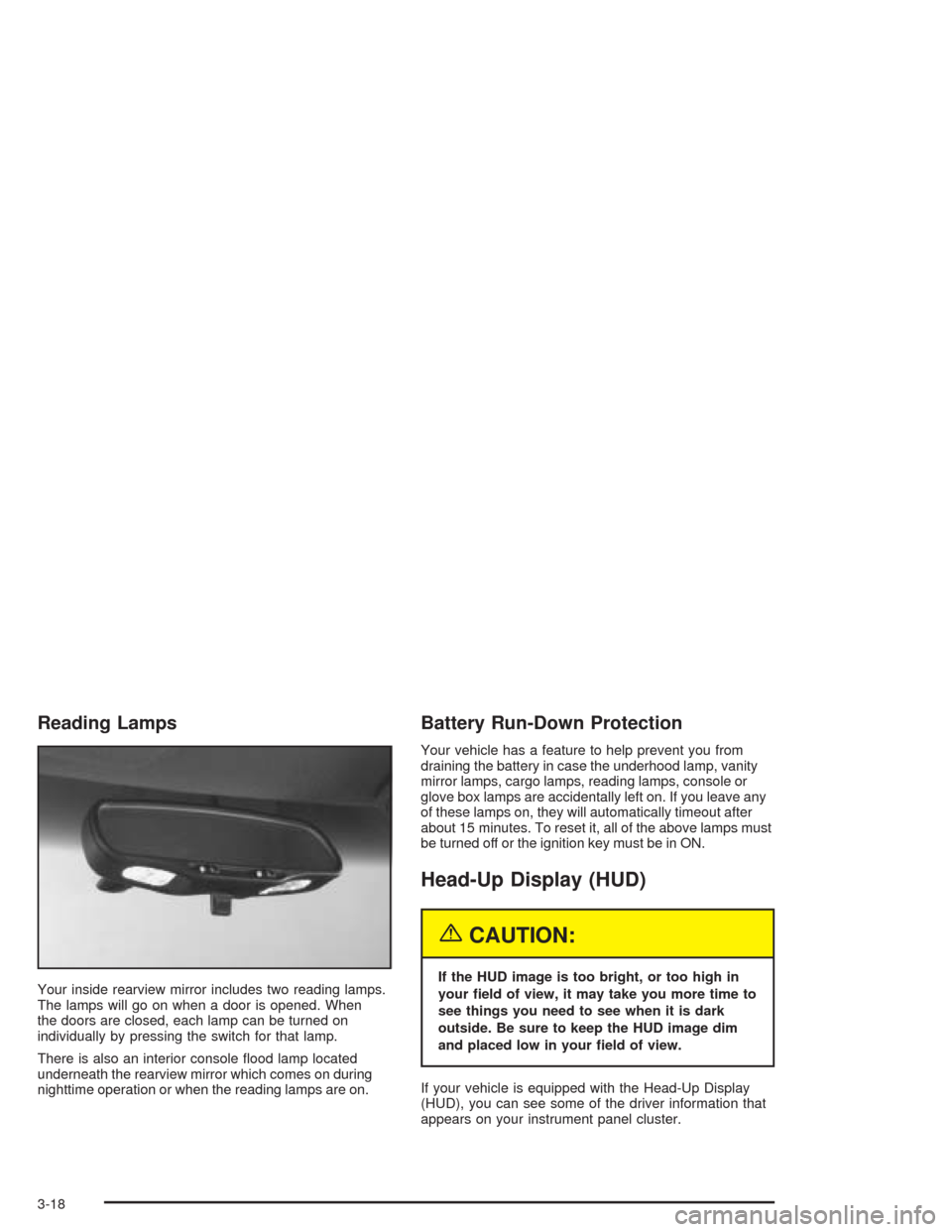
Your inside rearview mirror includes two reading lamps.
The lamps will go on when a door is opened. When
the doors are closed, each lamp can be turned on
individually by pressing the switch for that lamp.
There is also an interior console flood lamp located
underneath the rearview mirror which comes on during
nighttime operation or when the reading lamps are on.
Battery Run-Down Protection
Your vehicle has a feature to help prevent you from
draining the battery in case the underhood lamp, vanity
mirror lamps, cargo lamps, reading lamps, console or
glove box lamps are accidentally left on. If you leave any
of these lamps on, they will automatically timeout after
about 15 minutes. To reset it, all of the above lamps must
be turned off or the ignition key must be in ON.
Head-Up Display (HUD)
{CAUTION:
If the HUD image is too bright, or too high in
your eld of view, it may take you more time to
see things you need to see when it is dark
outside. Be sure to keep the HUD image dim
and placed low in your eld of view.
If your vehicle is equipped with the Head-Up Display
(HUD), you can see some of the driver information that
appears on your instrument panel cluster.
3-18
Page 153 of 384

Anti-Lock Brake System
Warning Light
With the anti-lock brake
system, the light will come
on when your engine is
started and may stay on for
several seconds. That is
normal.
If the light stays on, turn the ignition to OFF. Or, if the
light comes on when you are driving, stop as soon
as possible and turn the ignition off. Then start
the engine again to reset the system. If the light still
stays on, or comes on again while you are driving, your
vehicle needs service. If the regular brake system
warning light is not on, you still have brakes, but you do
not have anti-lock brakes. If the regular brake system
warning light is also on, you do not have anti-lock brakes
and there is a problem with your regular brakes. See
Brake System Warning Light on page 3-38. Also
see “Service ABS” underDIC Warnings and Messages
on page 3-58.
The anti-lock brake system warning light will come on
briefly when you turn the ignition key to ON. This is
normal. If the light does not come on then, have it fixed
so it will be ready to warn you if there is a problem.
Traction Control System (TCS)
Warning Light
This light should come on
briefly as you start the
engine. If the light does not
come on then, have it
fixed so it will be ready to
warn you if there is a
problem.
If it stays on, or comes on and the DIC shows a
SERVICE TRACTION SYSTEM message when you are
driving, there is a problem with your TCS system and
your vehicle needs service. When this light is on,
the system will not limit wheel spin. Adjust your driving
accordingly. If the driver turns off the Traction Control
System by pressing the button on the console, the TCS
system light will come on and the TRACTION SYSTEM
OFF message will show on the DIC.
3-39
Page 154 of 384

Active Handling System Light
The Active Handling System light will come on briefly as
you start the engine. If the light does not come on
then, have it fixed so it will be ready to warn you if there
is a problem. The light will also come on while the
system warms up and the ACT HNDLING WARMING
UP message will be displayed in the Driver Information
Center (DIC).
If the light stays on or
comes on while you are
driving, a chime sounds
and a SERVICE ACTIVE
HNDLG message appears
on the DIC, there is a
problem with your Active
Handling System and
your vehicle needs service.The driver can acknowledge this message by pressing
the RESET button. When the SERVICE ACTIVE
HNDLG message is displayed, the Active Handling
System will not assist you in controlling the vehicle. You
should have the system serviced as soon as possible.
Adjust your driving accordingly.
When the system is working, you will see the ACTIVE
HANDLING message displayed in the DIC. You may also
feel or hear the system working. This is normal.
If the driver turns off the Active Handling System by
pressing the button on the console, the Active Handling
System light will come on, a chime will sound, and
the TRAC/ACT HNDLG OFF message will be displayed
in the DIC. The Traction Control System will also be
turned off. SeeDIC Warnings and Messages on
page 3-58for more information.
If the Active Handling System and the Traction Control
System are off, pressing the console button momentarily
will turn both systems on. The DIC will display the
TRAC/ACT HNDLG ON message, the instrument cluster
light will be off, and a chime will sound. SeeDIC
Warnings and Messages on page 3-58for more
information.
3-40