Page 53 of 384
Medical Condition.A passenger has a
medical condition which, according to his or
her physician:
•
causes the passenger air bag to pose a special risk
for the passenger; and
•makes the potential harm from the passenger air
bag in a crash greater than the potential harm
from turning off the air bag and allowing the
passenger, even if belted, to hit the dashboard or
windshield in a crash.
{CAUTION:
If the passenger’s air bag is turned off for a
person who isn’t in a risk group identied by
the national government, that person won’t
have the extra protection of an air bag. In a
crash, the air bag wouldn’t be able to inate
and help protect the person sitting there. Don’t
turn off the passenger’s air bag unless the
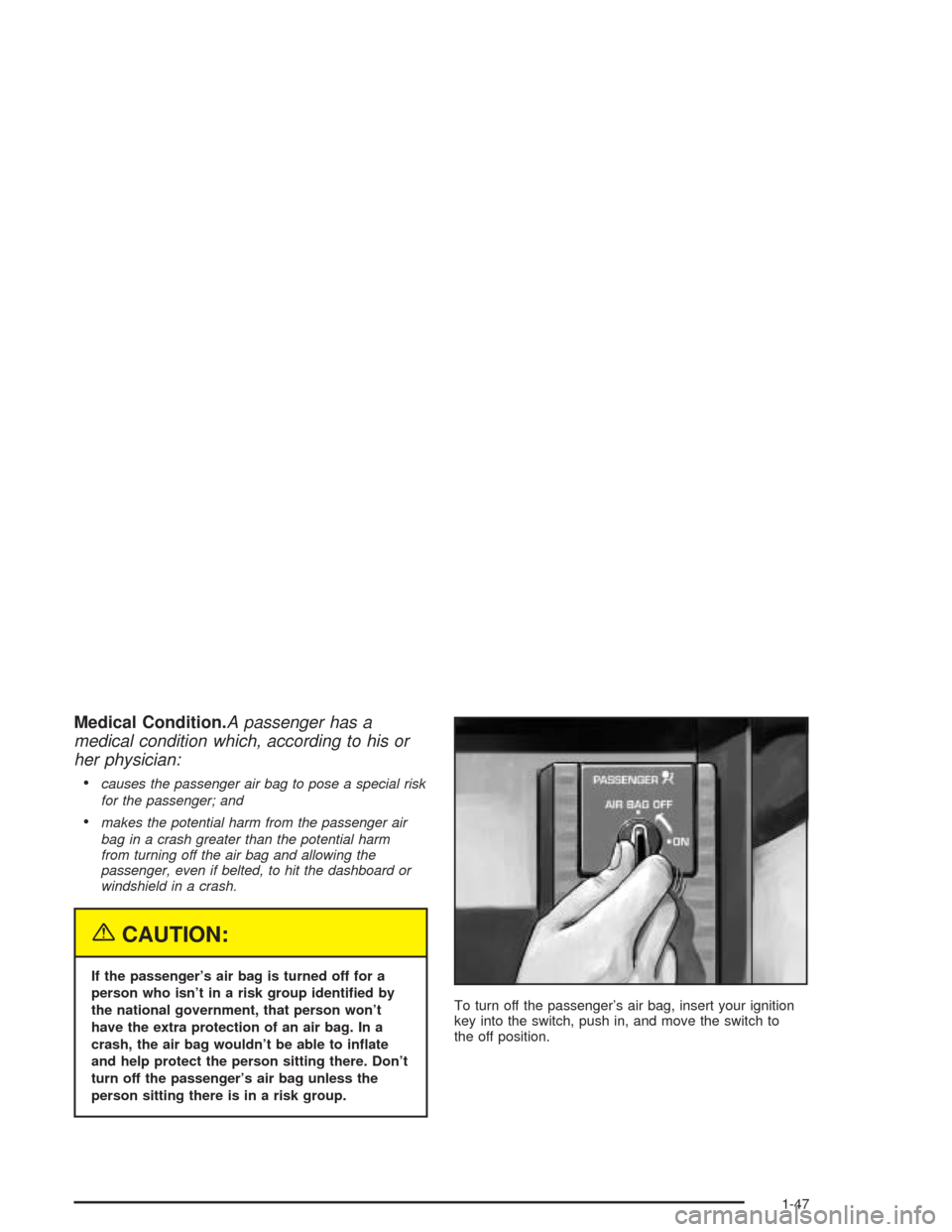
person sitting there is in a risk group.To turn off the passenger’s air bag, insert your ignition
key into the switch, push in, and move the switch to
the off position.
1-47
Page 54 of 384
The air bag off light on the center console switch panel
will come on to let you know that the passenger’s air
bag is off. The passenger’s air bag will remain off until
you turn it back on again, and the air bag off light
will stay on to remind you that the air bag is off.
To turn the passenger’s air bag on again, insert your
ignition key into the switch, push in, and move the switch
to the on position.
1-48
Page 55 of 384
Servicing Your Air Bag-Equipped
Vehicle
Air bags affect how your vehicle should be serviced.
There are parts of the air bag system in several places
around your vehicle. You don’t want the system to
inflate while someone is working on your vehicle. Your
dealer and the service manual have information
about servicing your vehicle and the air bag system. To
purchase a service manual, seeService Publications
Ordering Information on page 7-11.
{CAUTION:
For up to 10 seconds after the ignition key is
turned off and the battery is disconnected, an
air bag can still inate during improper
service. You can be injured if you are close to
an air bag when it inates. Avoid yellow wires,
wires wrapped with yellow tape or yellow
connectors. They are probably part of the air
bag system. Be sure to follow proper service
procedures, and make sure the person
performing work for you is qualied to do so.
The air bag system does not need regular maintenance.
Restraint System Check
Checking Your Restraint Systems
Now and then, make sure the safety belt reminder light
and all your belts, buckles, latch plates, retractors
and anchorages are working properly. Look for any other
loose or damaged safety belt system parts. If you see
anything that might keep a safety belt system from doing
its job, have it repaired.
Torn or frayed safety belts may not protect you in a
crash. They can rip apart under impact forces. If a belt
is torn or frayed, get a new one right away.
Also look for any opened or broken air bag covers, and
have them repaired or replaced. (The air bag system
does not need regular maintenance.)
1-49
Page 57 of 384
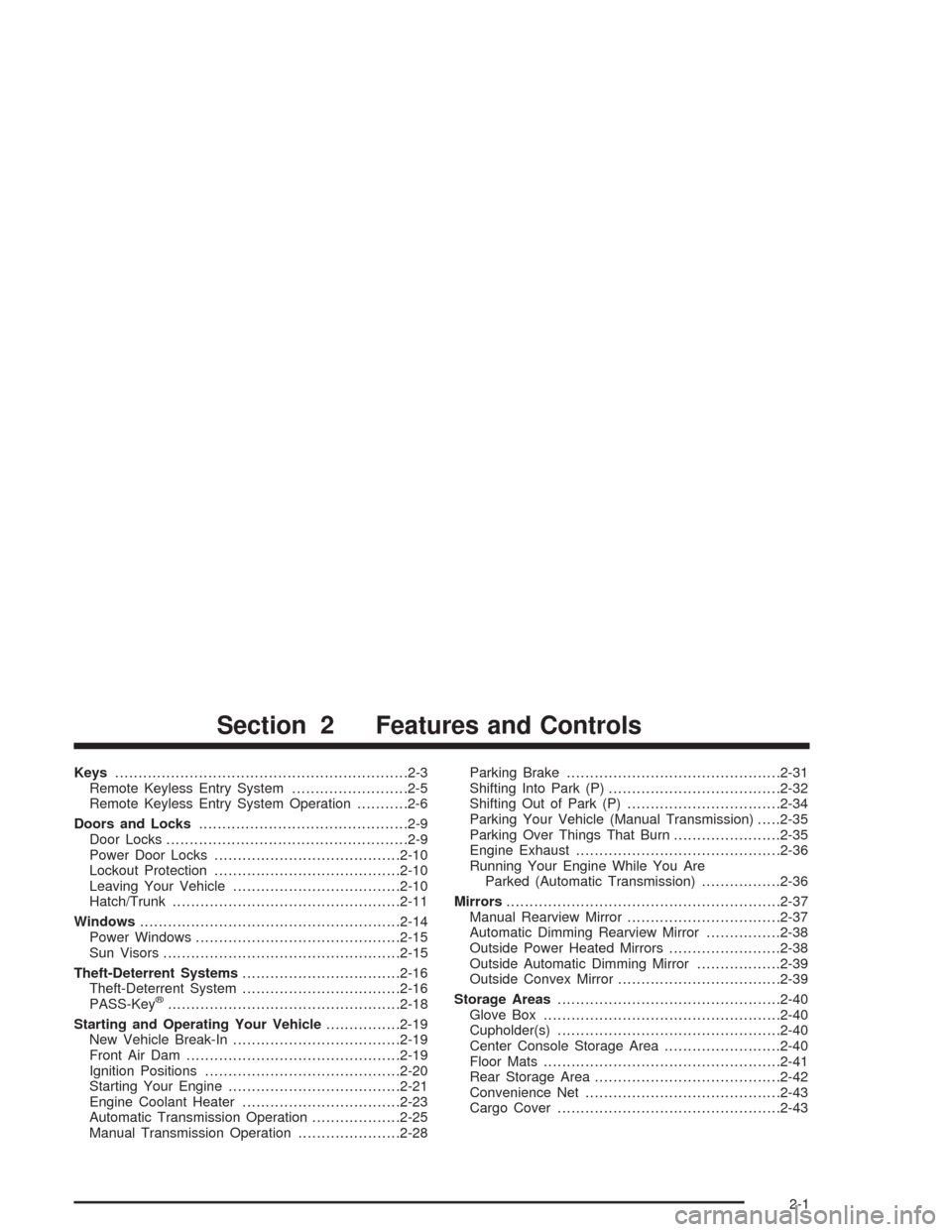
Keys...............................................................2-3
Remote Keyless Entry System.........................2-5
Remote Keyless Entry System Operation...........2-6
Doors and Locks.............................................2-9
Door Locks....................................................2-9
Power Door Locks........................................2-10
Lockout Protection........................................2-10
Leaving Your Vehicle....................................2-10
Hatch/Trunk.................................................2-11
Windows........................................................2-14
Power Windows............................................2-15
Sun Visors...................................................2-15
Theft-Deterrent Systems..................................2-16
Theft-Deterrent System..................................2-16
PASS-Key
®..................................................2-18
Starting and Operating Your Vehicle................2-19
New Vehicle Break-In....................................2-19
Front Air Dam..............................................2-19
Ignition Positions..........................................2-20
Starting Your Engine.....................................2-21
Engine Coolant Heater..................................2-23
Automatic Transmission Operation...................2-25
Manual Transmission Operation......................2-28Parking Brake..............................................2-31
Shifting Into Park (P).....................................2-32
Shifting Out of Park (P).................................2-34
Parking Your Vehicle (Manual Transmission).....2-35
Parking Over Things That Burn.......................2-35
Engine Exhaust............................................2-36
Running Your Engine While You Are
Parked (Automatic Transmission).................2-36
Mirrors...........................................................2-37
Manual Rearview Mirror.................................2-37
Automatic Dimming Rearview Mirror................2-38
Outside Power Heated Mirrors........................2-38
Outside Automatic Dimming Mirror..................2-39
Outside Convex Mirror...................................2-39
Storage Areas................................................2-40
Glove Box...................................................2-40
Cupholder(s)................................................2-40
Center Console Storage Area.........................2-40
Floor Mats...................................................2-41
Rear Storage Area........................................2-42
Convenience Net..........................................2-43
Cargo Cover................................................2-43
Section 2 Features and Controls
2-1
Page 59 of 384
Keys
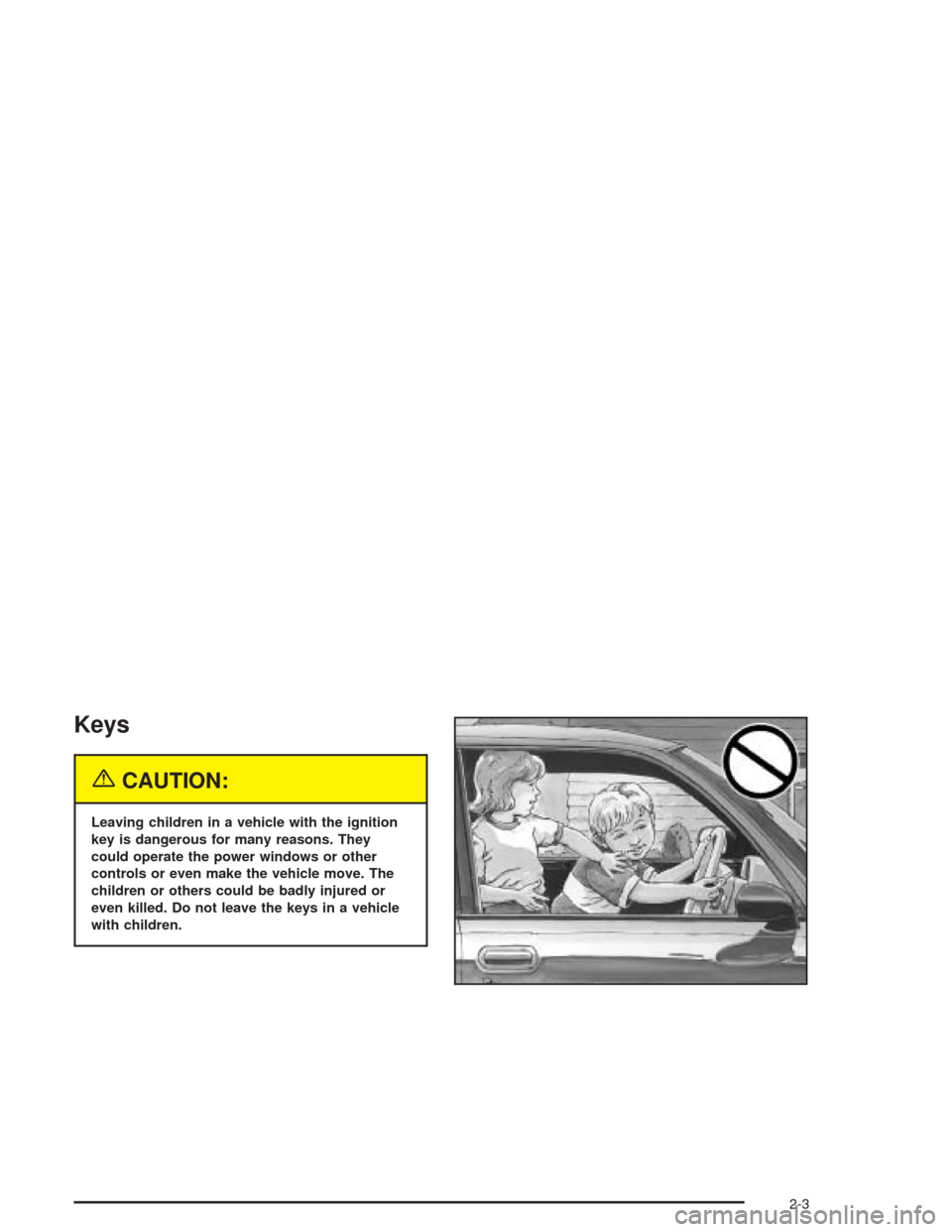
{CAUTION:
Leaving children in a vehicle with the ignition
key is dangerous for many reasons. They
could operate the power windows or other
controls or even make the vehicle move. The
children or others could be badly injured or
even killed. Do not leave the keys in a vehicle
with children.
2-3
Page 60 of 384
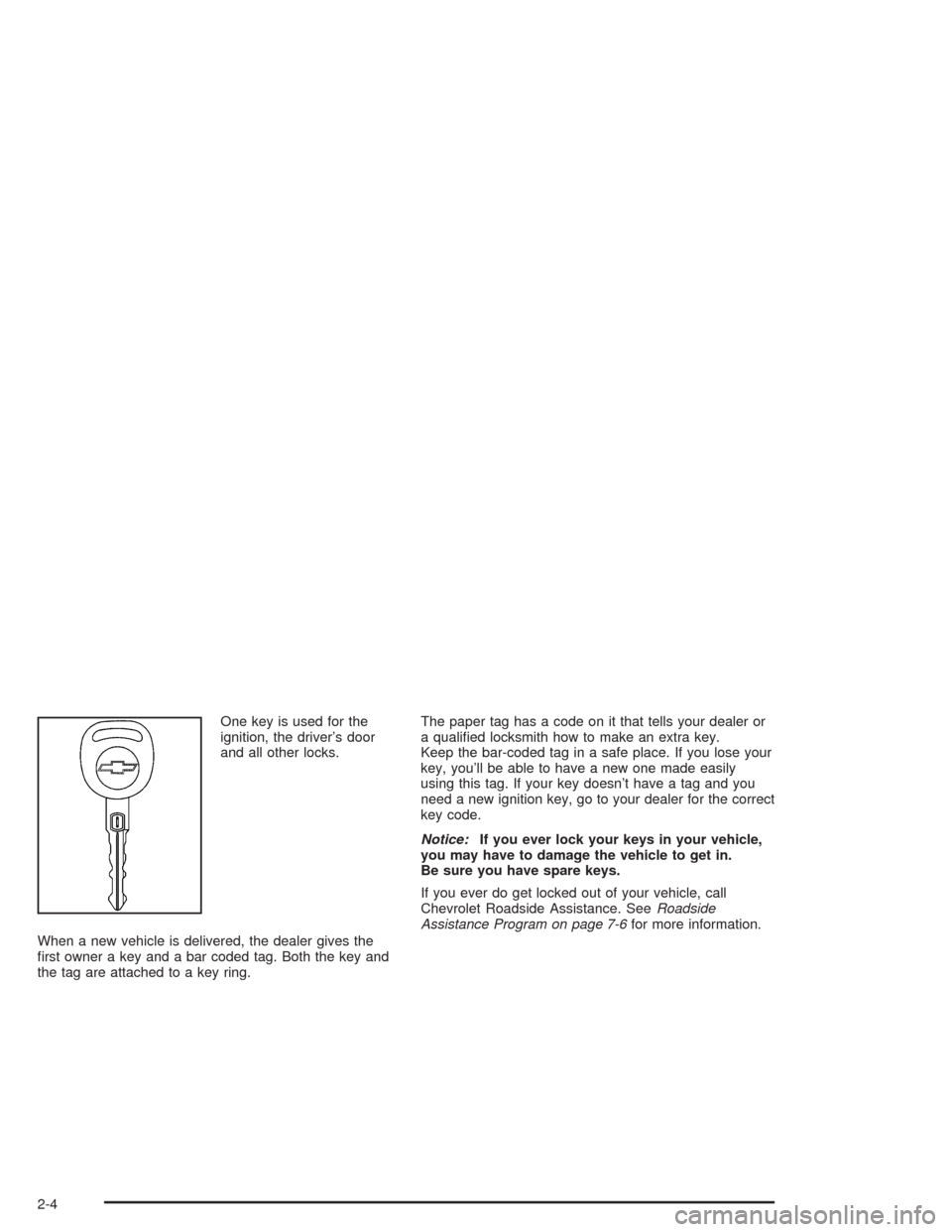
One key is used for the
ignition, the driver’s door
and all other locks.
When a new vehicle is delivered, the dealer gives the
first owner a key and a bar coded tag. Both the key and
the tag are attached to a key ring.The paper tag has a code on it that tells your dealer or
a qualified locksmith how to make an extra key.
Keep the bar-coded tag in a safe place. If you lose your
key, you’ll be able to have a new one made easily
using this tag. If your key doesn’t have a tag and you
need a new ignition key, go to your dealer for the correct
key code.
Notice:If you ever lock your keys in your vehicle,
you may have to damage the vehicle to get in.
Be sure you have spare keys.
If you ever do get locked out of your vehicle, call
Chevrolet Roadside Assistance. SeeRoadside
Assistance Program on page 7-6for more information.
2-4
Page 62 of 384
Remote Keyless Entry System
Operation
Your vehicle has a Remote Keyless Entry (RKE) system
that allows you to lock and unlock your doors, unlock
your hatch/trunk lid, turn the panic alarm on and off and
disarm or arm your theft-deterrent system. The range
distance is as much as 100 feet (30 m) away.
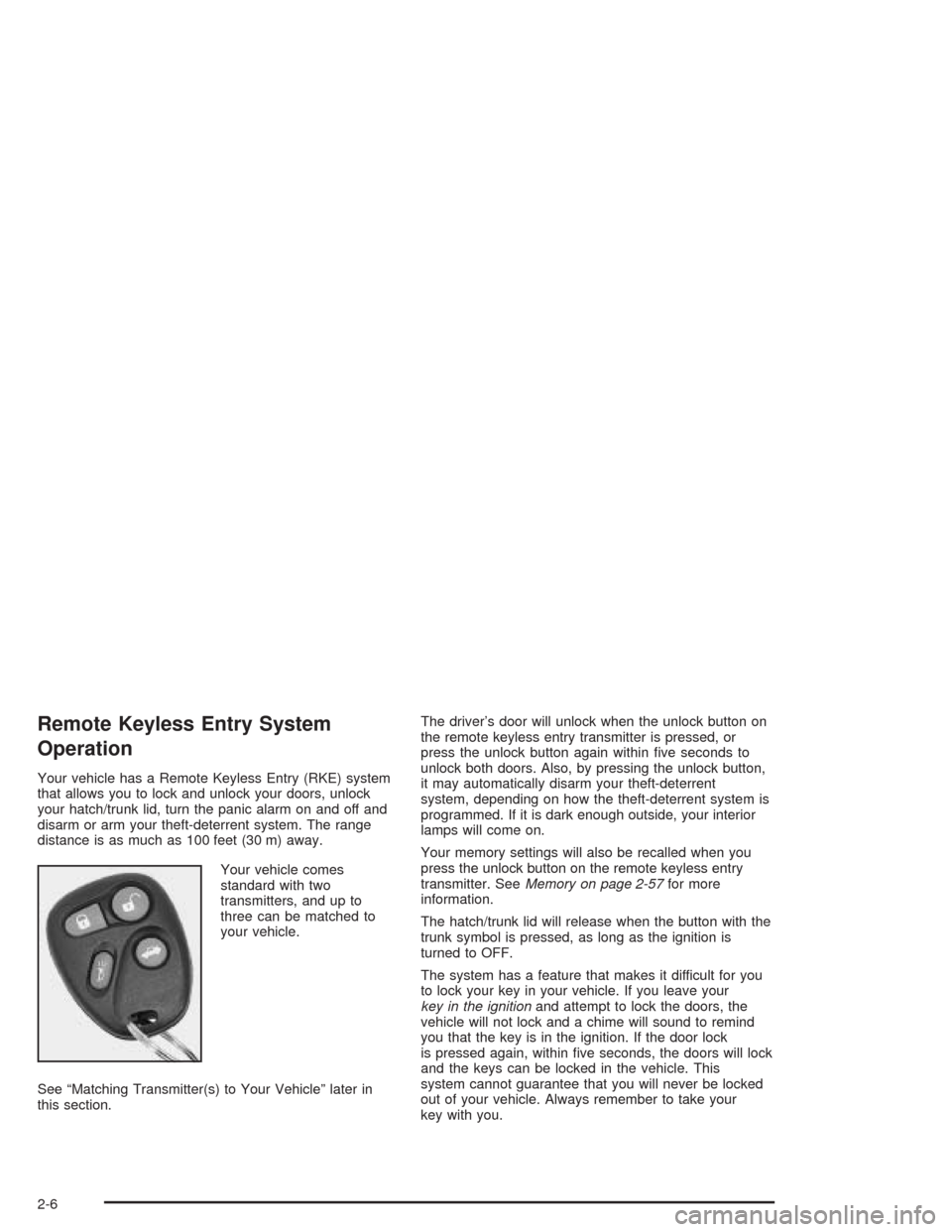
Your vehicle comes
standard with two
transmitters, and up to
three can be matched to
your vehicle.
See “Matching Transmitter(s) to Your Vehicle” later in
this section.The driver’s door will unlock when the unlock button on
the remote keyless entry transmitter is pressed, or
press the unlock button again within five seconds to
unlock both doors. Also, by pressing the unlock button,
it may automatically disarm your theft-deterrent
system, depending on how the theft-deterrent system is
programmed. If it is dark enough outside, your interior
lamps will come on.
Your memory settings will also be recalled when you
press the unlock button on the remote keyless entry
transmitter. SeeMemory on page 2-57for more
information.
The hatch/trunk lid will release when the button with the
trunk symbol is pressed, as long as the ignition is
turned to OFF.
The system has a feature that makes it difficult for you
to lock your key in your vehicle. If you leave your
key in the ignitionand attempt to lock the doors, the
vehicle will not lock and a chime will sound to remind
you that the key is in the ignition. If the door lock
is pressed again, within five seconds, the doors will lock
and the keys can be locked in the vehicle. This
system cannot guarantee that you will never be locked
out of your vehicle. Always remember to take your
key with you.
2-6
Page 63 of 384
Remote Alarm
When you press the horn button on the remote keyless
entry transmitter, the horn will sound. This panic
alarm button will allow you to attract attention, if needed.
If the horn alarm sounds, there are three ways to turn
it off:
•Press the panic alarm button again on the remote
keyless entry transmitter.
•Wait 90 seconds, and the horn will turn off by itself.
•Turn the key to any position in the ignition,
except OFF.
Remote Keyless Entry Settings
You can adjust the settings on the system through the
Driver Information Center (DIC). You can change
the type of alarm used by the theft-deterrent system.
SeeDIC Controls and Displays on page 3-49for more
information.
Matching Transmitter(s) to Your
Vehicle
Each remote keyless entry transmitter is coded to
prevent another transmitter from unlocking your vehicle.
If a transmitter is lost or stolen, a replacement can
be purchased through your dealer. Remember to bring
any remaining transmitters with you when you go to
your dealer. When the dealer matches the replacement
transmitter to your vehicle, any remaining transmitters
must also be matched. Once your dealer has coded the
new transmitter, the lost transmitter will not unlock
your vehicle. Each vehicle can have a maximum of three
transmitters matched to it.
To match transmitters to your vehicle, do the following:
1. Turn the ignition key to ON.
2. Clear any warning messages on the Driver
Information Center (DIC) by pressing the RESET
button.
3. Press the OPTIONS button on the DIC several
times until the blank page is displayed, then
press and hold the RESET button for two seconds.
4. When the message FOB TRAINING is displayed,
press the RESET button once. The message
HOLD LK + UNLK 1ST FOB will be displayed in
the DIC.
2-7