Page 45 of 150
42 Audio
Tape operation
Menu overview
Page 46 of 150
43 Audio
Tape operation
FunctionPage
1Main tape menu
2Scan function46
3Main Audio Adjust menu
Audio Adjustment63
4Blank skip46
5Noise reduction, Dolby B 47
6Changing sides44
7Pause function47
Page 47 of 150
44 Audio
Tape operation
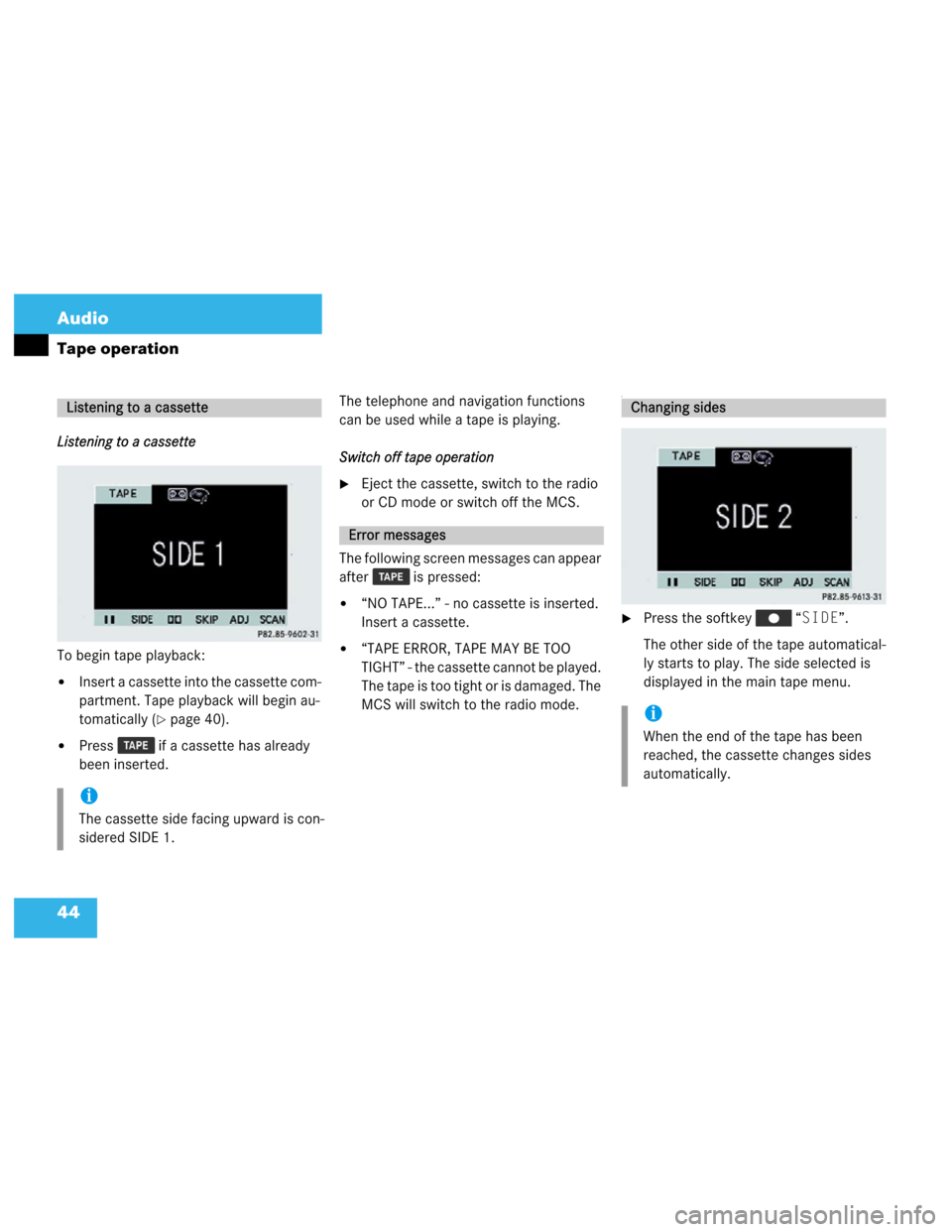
Listening to a cassette
To begin tape playback:
�Insert a cassette into the cassette com-
partment. Tape playback will begin au-
tomatically (
�page 40).
�Press if a cassette has already
been inserted.The telephone and navigation functions
can be used while a tape is playing.
Switch off tape operation
�Eject the cassette, switch to the radio
or CD mode or switch off the MCS.
The following screen messages can appear
after is pressed:
�“NO TAPE...” - no cassette is inserted.
Insert a cassette.
�“TAPE ERROR, TAPE MAY BE TOO
TIGHT” - the cassette cannot be played.
The tape is too tight or is damaged. The
MCS will switch to the radio mode.
I
�Press the softkey “SIDE”.
The other side of the tape automatical-
ly starts to play. The side selected is
displayed in the main tape menu.
Listening to a cassette
i
The cassette side facing upward is con-
sidered SIDE 1.
Error messages
Changing sides
i
When the end of the tape has been
reached, the cassette changes sides
automatically.
Page 48 of 150
45 Audio
Tape operation
Fast forward
�Push the joystick to .
The tape winds fast forward and “FOR-
WARD” is displayed in the main tape
menu.
Rewind
�Push the joystick to .
The tape rewinds and “REWIND” is dis-
played in the main tape menu.Forward
�Push the joystick to .
The MCS locates and plays the next
track. While searching “MUSIC
SEARCH FORWARD” is displayed in
the main tape menu.
Reverse
�Push the joystick to .
The MCS locates and plays the previ-
ous track. While searching “MUSIC
SEARCH REVERSE” is displayed in
the main tape menu.
Cancelling music search
�Push the joystick in any direction.
Fast forward and rewindMusic search
i
The music search function will not work
properly unless there is enough blank
tape (approx. 2 seconds) separating the
individual tracks.
Page 49 of 150

46 Audio
Tape operation
When this function is activated, you can
play back the first 8 seconds of each track
in succession.
Activating scan
�Press the softkey “SCAN”.Scan begins. “SCAN” is highlighted in
the softkey menu and “SCANNING” is
displayed in the tape menu.
Cancelling scan
�Press the highlighted softkey
“SCAN”.
or
�Push the joystick in any direction.
Playback resumes with the desired
track.When this function is activated, the unit
skips blank segments longer than 15 sec-
onds. The unit fast forwards to the next
track or side and start playing it.
Starting blank skip
�Press the softkey “SKIP”.
Blank skip begins. “SKIP” is highlighted
in the softkey menu. If a blank section
is detected “SKIPPING BLANK SEC-
TION” is displayed in the tape menu.
Tape scan
i
The scan function does not work prop-
erly unless there is enough blank tape
(approx. 2 seconds) separating the indi-
vidual tracks.
i
At the end of the tape, the tape auto-
matically switches to the other side and
scan stops.
Blank skip
Page 50 of 150
47 Audio
Tape operation
Cancelling blank skip
�Press the highlighted softkey
“SKIP”.
This function provides the optimum play-
back of tapes recorded with Dolby B.Activating Dolby B�Press the softkey .
The Dolby B mode is activated when
the is highlighted in the softkey
menu.
Cancelling Dolby B
�Press the highlighted softkey
.
Activating pause
�Press the softkey “II”.
The tape stops playing and “PAUSE” is
displayed in the tape menu.
Cancelling pause
�Press the softkey “PLAY”.
Dolby B (noise reduction)
i
The Dolby noise reduction system is
manufactured under license by Dolby
Laboratories Licensing Corporation.
The word Dolby and the double-D sym-
bol are trademarks of Dolby Labo-
ratories Licensing Corporation.
Pause
i
The tape stops playing if you send or
receive a phone call.
Page 51 of 150
48 Audio
CD operation
CD operation
rQuick reference
Page 52 of 150
49 Audio
CD operation
FunctionPage
1Switches CD operation
on (single CD player*,
CD changer*)56
2Color screen
3Press to:
Open and close the con-
trol panel
The CD slot is located
behind the control panel.
51
4Press to:
Switch the MCS on and
off
Turn to:
Adjust the volume
14
16
5Playing a CD (CD chang-
er)
Selecting a track58
5 9
6Joystick
: Track select for-
ward
: Track select re-
verse
: Music seek for-
ward
: Music seek re-
verse
59
59
60
60
7Softkeys
“II”: Pause
“RDM”: Random play
“RPT”: Repeat
“TIME”: Select time dis-
play
“ADJ”: Audio adjust-
ment
“SCAN”: Scan
62
61
61
62
63
60
FunctionPage


