2003 LINCOLN LS instrument panel
[x] Cancel search: instrument panelPage 70 of 288
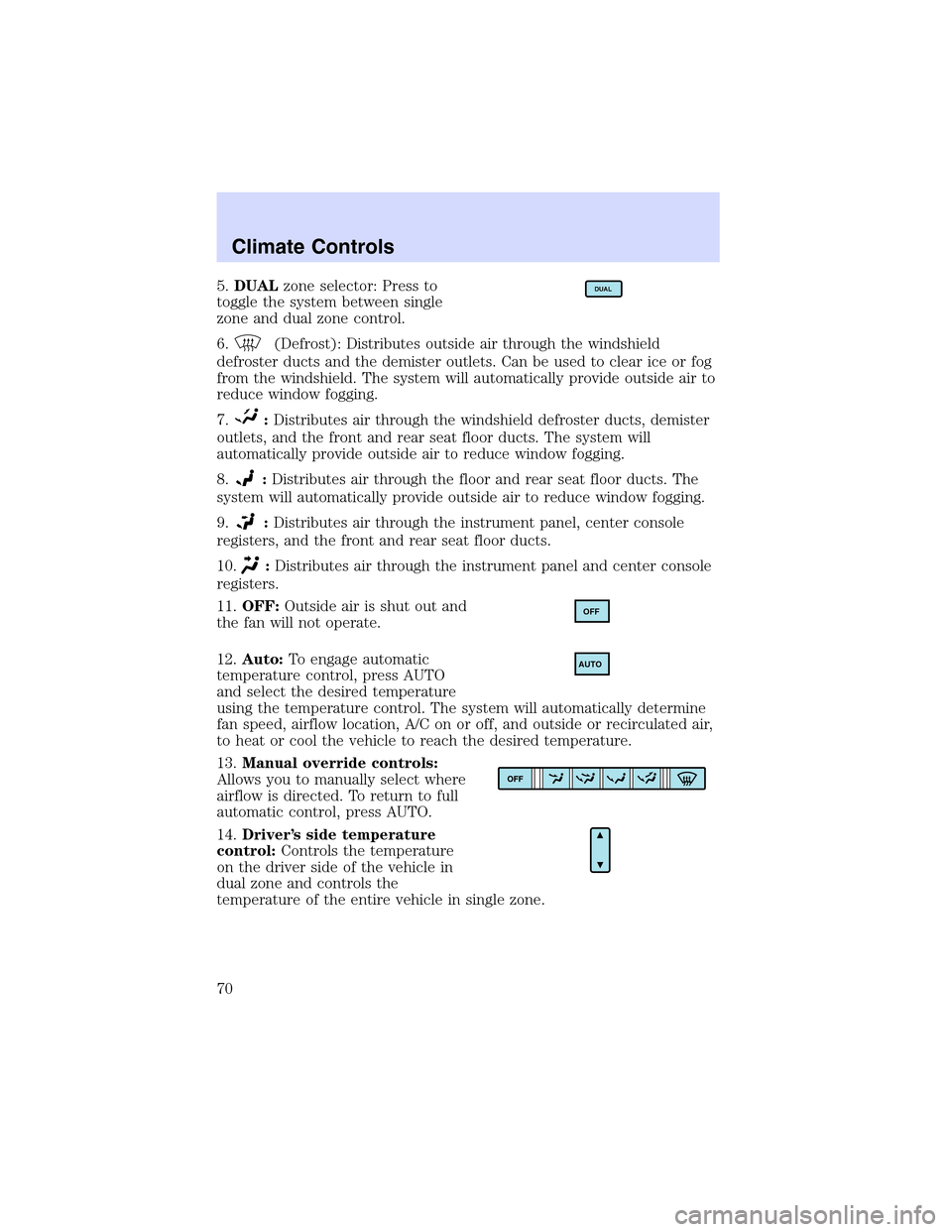
5.DUALzone selector: Press to
toggle the system between single
zone and dual zone control.
6.
(Defrost): Distributes outside air through the windshield
defroster ducts and the demister outlets. Can be used to clear ice or fog
from the windshield. The system will automatically provide outside air to
reduce window fogging.
7.
:Distributes air through the windshield defroster ducts, demister
outlets, and the front and rear seat floor ducts. The system will
automatically provide outside air to reduce window fogging.
8.
:Distributes air through the floor and rear seat floor ducts. The
system will automatically provide outside air to reduce window fogging.
9.
:Distributes air through the instrument panel, center console
registers, and the front and rear seat floor ducts.
10.
:Distributes air through the instrument panel and center console
registers.
11.OFF:Outside air is shut out and
the fan will not operate.
12.Auto:To engage automatic
temperature control, press AUTO
and select the desired temperature
using the temperature control. The system will automatically determine
fan speed, airflow location, A/C on or off, and outside or recirculated air,
to heat or cool the vehicle to reach the desired temperature.
13.Manual override controls:
Allows you to manually select where
airflow is directed. To return to full
automatic control, press AUTO.
14.Driver’s side temperature
control:Controls the temperature
on the driver side of the vehicle in
dual zone and controls the
temperature of the entire vehicle in single zone.
DUAL
OFF
AUTO
Climate Controls
70
Page 73 of 288
8.Airflow direction control:Press to toggle through the air
distribution modes listed below. The selected mode will illuminate in the
display.
—Distributes air through the windshield defroster ducts, demister
outlets and the front and rear seat floor ducts. The system will
automatically provide outside air to reduce window fogging.
:Distributes air through the floor and rear seat floor ducts. The
system will automatically provide outside air to reduce window fogging.
: Distributes air through the instrument panel, center console
registers, and the front and rear seat floor ducts.
:Distributes air through the instrument panel and center console
registers.
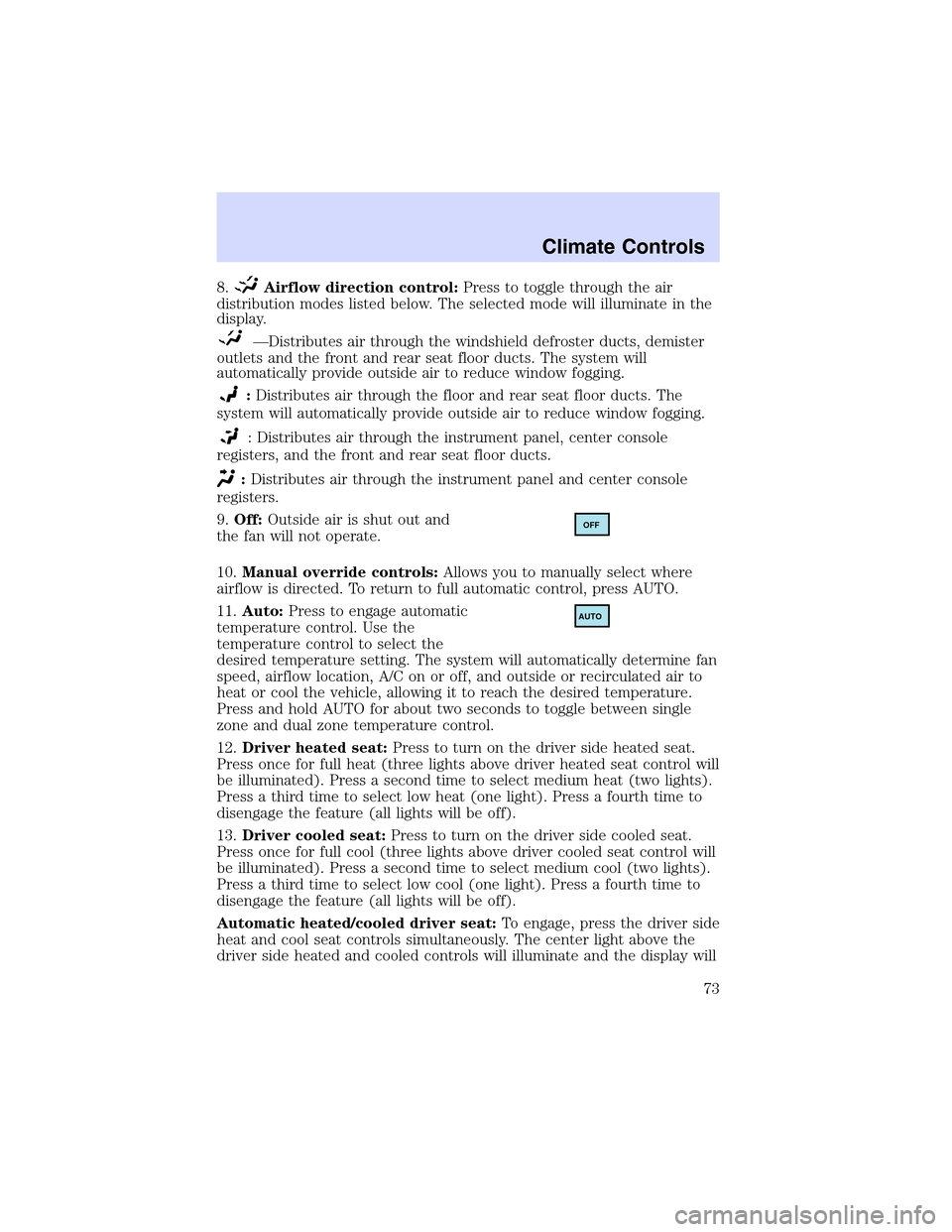
9.Off:Outside air is shut out and
the fan will not operate.
10.Manual override controls:Allows you to manually select where
airflow is directed. To return to full automatic control, press AUTO.
11.Auto:Press to engage automatic
temperature control. Use the
temperature control to select the
desired temperature setting. The system will automatically determine fan
speed, airflow location, A/C on or off, and outside or recirculated air to
heat or cool the vehicle, allowing it to reach the desired temperature.
Press and hold AUTO for about two seconds to toggle between single
zone and dual zone temperature control.
12.Driver heated seat:Press to turn on the driver side heated seat.
Press once for full heat (three lights above driver heated seat control will
be illuminated). Press a second time to select medium heat (two lights).
Press a third time to select low heat (one light). Press a fourth time to
disengage the feature (all lights will be off).
13.Driver cooled seat:Press to turn on the driver side cooled seat.
Press once for full cool (three lights above driver cooled seat control will
be illuminated). Press a second time to select medium cool (two lights).
Press a third time to select low cool (one light). Press a fourth time to
disengage the feature (all lights will be off).
Automatic heated/cooled driver seat:To engage, press the driver side
heat and cool seat controls simultaneously. The center light above the
driver side heated and cooled controls will illuminate and the display will
OFF
AUTO
Climate Controls
73
Page 75 of 288

•Remove any snow, ice or leaves from the air intake area at the base of
the windshield.
•With the ignition in the OFF position after operating the vehicle, some
vehicle sounds related to the climate control system may be heard.
•Approximately two minutes after key off, the air distribution doors
may adjust their positions as part of the normal operating process.
•Demisters, located at the far left and right sides of the dash, usually
blow out a small amount of airflow in order to reduce side window
fogging.
•Outboard panel registers, located at the left and right sides of the
dash, blowout a small amount of airflow when in Floor, Floor/Defrost,
and Defrost modes. This also reduces side window fogging.
•Do not place items over the
climate temperature sensor grid.
This may cause improper
operation of the system.
To aid in side window defogging/demisting in cold weather:
1. Select
2. Ensure that recirculation is disengaged.
3. Set the temperature control to full heat.
4. Set the highest fan speed
5. Direct the outer instrument panel vents towards the side windows.
To increase airflow to the outer instrument panel vents, close the vents
located in the middle of the instrument panel.
Do not place objects on top of the instrument panel as these
objects may become projectiles in a collision or sudden stop.
Climate Controls
75
Page 77 of 288

HEADLAMP CONTROL
Turns the lamps off.
Turns on the parking
lamps, instrument panel lamps,
license plate lamps and tail lamps.
Turns the headlamps on.
Note:If the headlamp switch is in the park lamp or lowbeam position,
and it is daytime, the instrument panel lighting will not be activated and
the instrument cluster, radio and climate control displays will not be
dimmed.
Autolamp control
The autolamp system provides light
sensitive automatic on-off control of
the exterior lights normally
controlled by the headlamp control.
•To turn autolamps on, rotate the
control counterclockwise to the
auto position.
•To turn autolamps off, rotate the
control clockwise to the off
position (O).
The autolamp system also keeps the lights on for a period of time after
the ignition switch is turned to OFF. The period of time that the lights
remain on is set at the factory but the time may be adjusted using the
sequence below.
Exit delay programming sequence
1. Start with the ignition in the RUN position and autolamps selected on
the headlight switch.
2. Turn the ignition to the OFF position. (This will start a 10 second
timer during which steps 3 through 6must be completed.)
3. Turn the autolamps OFF.
4. Turn the ignition to the RUN position.
Lights
77
Page 79 of 288

Alwaysremembertoturn on your headlamps at dusk or during
inclement weather. The Daytime Running Light (DRL) System
does not activate your tail lamps and generally may not provide
adequate lighting during these conditions. Failure to activate your
headlamps under these conditions may result in a collision.
High beams
Pull toward you until control stops
to activate. Repeat to deactivate.
Flash to pass
Pull toward you slightly to activate
and release to deactivate.
PANEL DIMMER CONTROL
Use to adjust the brightness of the
instrument panel during parklamp,
headlamp and autolamp operation.
•Rotate up to brighten.
•Rotate down to dim.
•Rotate fully up to turn on the
interior lights.
Note: The panel dimmer control is not active when the autolamp system
has determined that it is daytime.
Lights
79
Page 82 of 288

Function Trade Number
Foglamp 9145
Tail lamp, brakelamp, side lamp 3157K
Rear turn lamp 3157 A/K (amber)
Backup lamp 921
License plate lamp 168
High-mount brakelamp 3W4Z–13A613–AA
Map lamp (with moon roof) 906
Rail lamp (rear) 168
Map lamp (front) 906
Sun visor lighted mirror lamp Part # E9SB-13465-BA
Glove compartment 194
Ashtray 194
Luggage compartment lamp 212-2
All replacement bulbs are clear in color except where noted.
To replace all instrument panel lights - see your dealer.
Interior bulbs
Check the operation of all bulbs frequently.
Map lamps
For bulb replacement, see a qualified service technician or your dealer.
Replacing headlamp bulbs
The headlamp assembly contains the low beam bulb, the high beam bulb,
park/turn lamp bulb and led side marker. To replace any of these items,
the headlamp assembly must be removed from the vehicle as follows:
1. Make sure headlamp switch is in
the OFF position, then open the
hood.
2. Lift the hood and remove the
upper and lower sight shields by
removing the seven plastic retaining
pins.
3. On the headlamp assembly,
remove the three headlamp
attaching bolts (8mm socket).
Lights
82
Page 88 of 288

4. Attach the new wiper to the
wiper arm and reposition the clip
until it locks.
Repeat for driver’s side wiper arm.
POWER TILT/TELESCOPE STEERING COLUMN
The steering column can be
adjusted manually by moving the
four-way rocker adjustment control
located below the turn signal/wiper
control stalk. Hold the control to
adjust.
The telescope function is adjusted
by moving the control toward the
driver to telescope out and toward
the instrument panel to telescope
in.
The tilt function is adjusted by moving the control up or down.
Easy entry/exit feature
When you remove the key, the column will move, if this feature is
activated through the Message Center, to the full in and up position,
refer to theMessage Centerin theDriver Controlschapter. When the
key is inserted into the ignition, the column will return to the previous
setting.
Memory feature
The steering column positions are saved when doing a memory set
function and can be recalled along with the vehicle personality features
when a memory position is selected through the remote entry
transmitter, keyless entry keypad or memory switch on the driver’s door
(if equipped with memory feature). Refer toMemory seats/steering
column/mirrors/adjustable pedalsin theSeating and Safety
Restraintschapter.
If the steering column adjustment control is pressed during memory
recall it will cancel the automatic operation and the column will respond
to manual adjustment of the control.
Driver Controls
88
Page 90 of 288
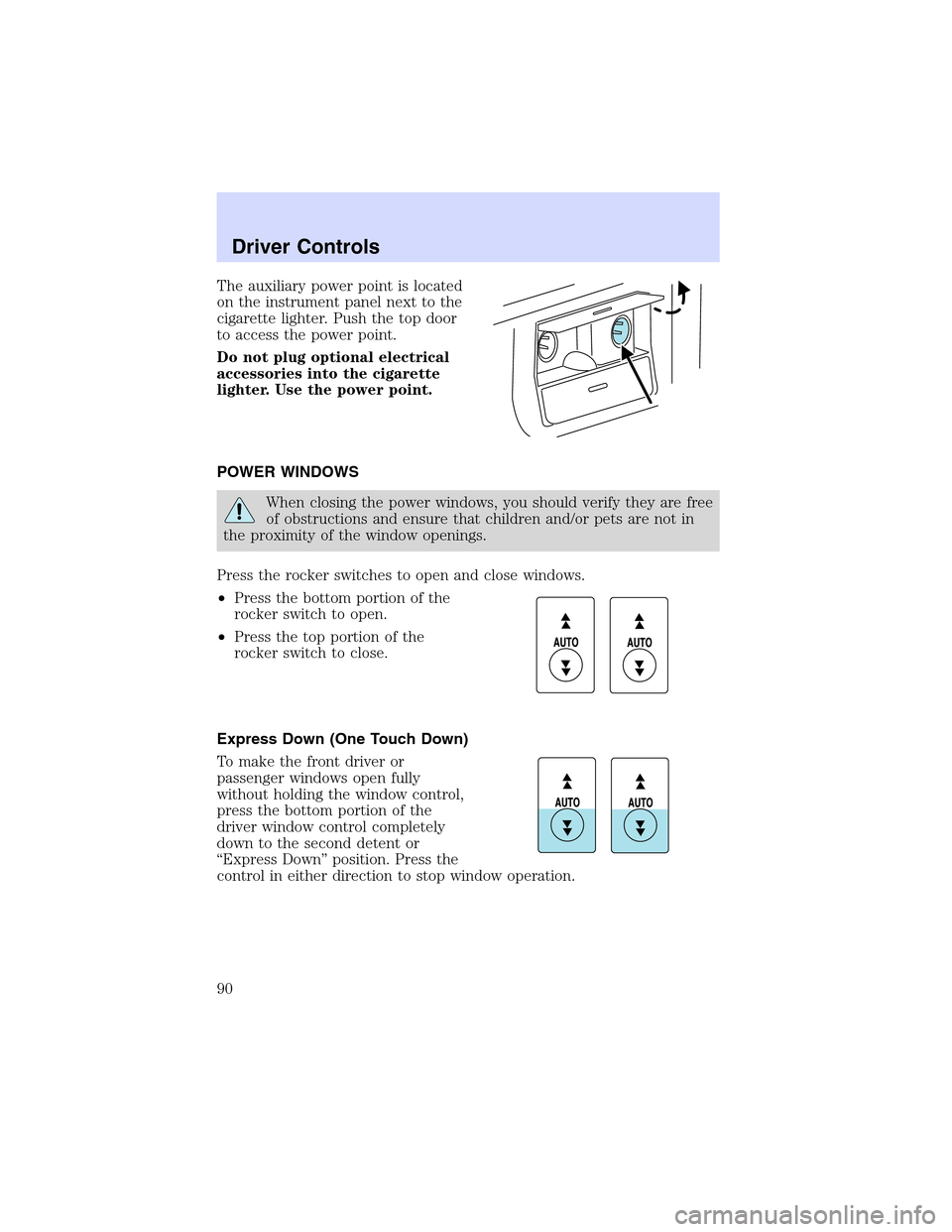
Theauxiliary power point is located
on the instrument panel next to the
cigarette lighter. Push the top door
to access the power point.
Do not plug optional electrical
accessories into the cigarette
lighter. Use the power point.
POWER WINDOWS
When closing the power windows, you should verify they are free
of obstructions and ensure that children and/or pets are not in
the proximity of the window openings.
Press the rocker switches to open and close windows.
•Press the bottom portion of the
rocker switch to open.
•Press the top portion of the
rocker switch to close.
Express Down (One Touch Down)
To make the front driver or
passenger windows open fully
without holding the window control,
press the bottom portion of the
driver window control completely
down to the second detent or
“Express Down”position. Press the
control in either direction to stop window operation.
Driver Controls
90