Page 59 of 256
The UNLOCKfeature will work again after:
•a door has become ajar,
•the ignition is turned to the ON position, or
•using the UNLOCK
control on your remote entry transmitter.
Power door unlock disable feature — activation/deactivation
Please see your dealer in order to activate/deactivate this feature.
Sounding a panic alarm
Press
to activate the alarm. Press again or turn the ignition to ACC
or ON to deactivate.
Note:The panic alarm will onlyoperate when the ignition is in the OFF
position.
Replacing the battery
The remote entrytransmitter uses one coin type three-volt lithium
battery CR2032 or equivalent. The typical operating range for your
remote entrytransmitter is approximately10 meters (33 feet). A
decrease in the operating range could be caused by:
•weather conditions,
•nearbyradio towers,
•structures around the vehicle and
•other vehicles parked next to the vehicle.
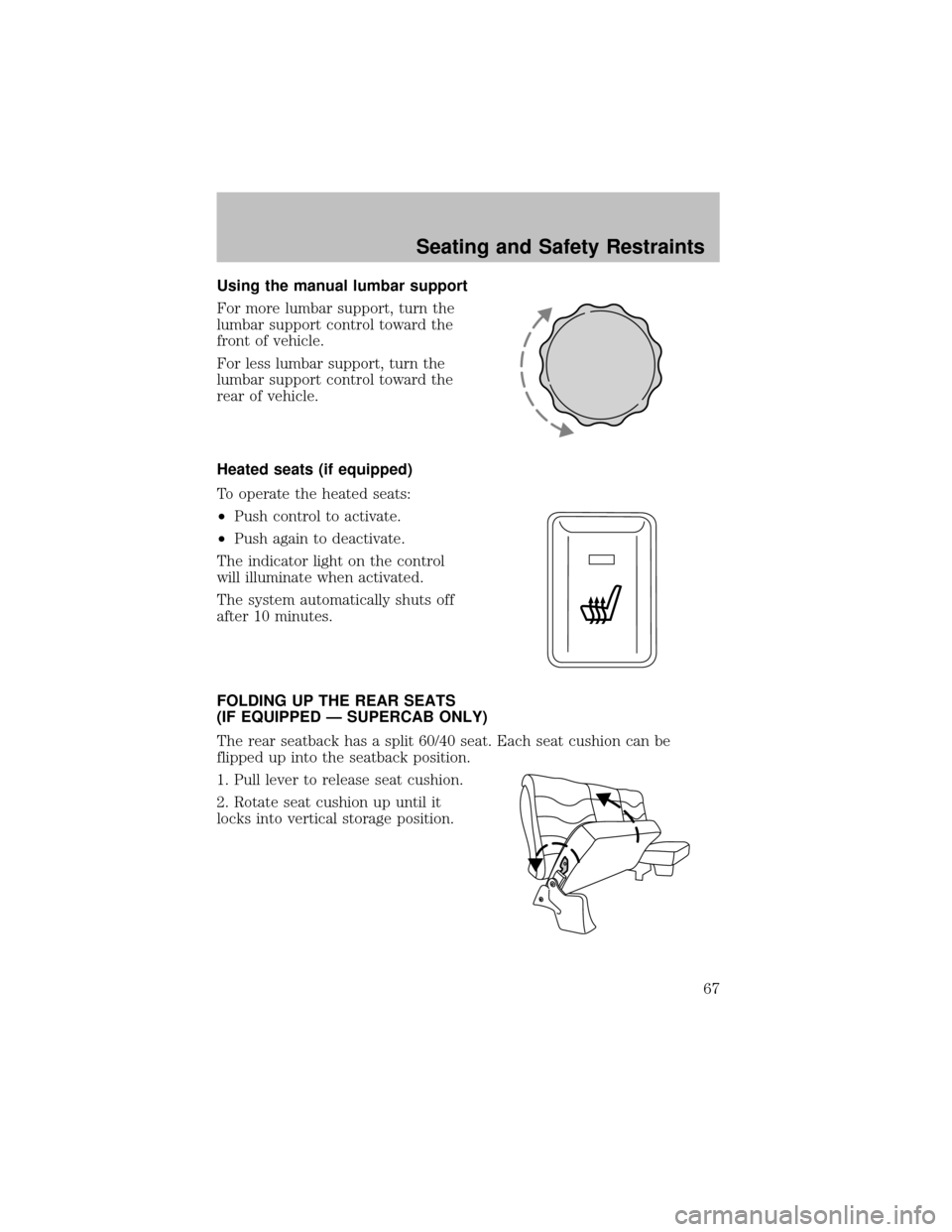
To replace the battery:
1. Twist a thin coin between the two
halves of the remote entry
transmitter near the keyring. DO
NOT TAKE THE FRONT PART OF
THE REMOTE ENTRY
TRANSMITTER APART.
2. Remove the old battery.
3. Insert the new battery. Refer to
the diagram inside the remote entry
transmitter for the correct orientation of the battery.
4. Snap the two halves back together.
Note:Replacement of the batterywillnotcause the remote transmitter
to become deprogrammed from your vehicle. The remote transmitter
should operate normallyafter batteryreplacement.
Locks and Security
59
Page 67 of 256
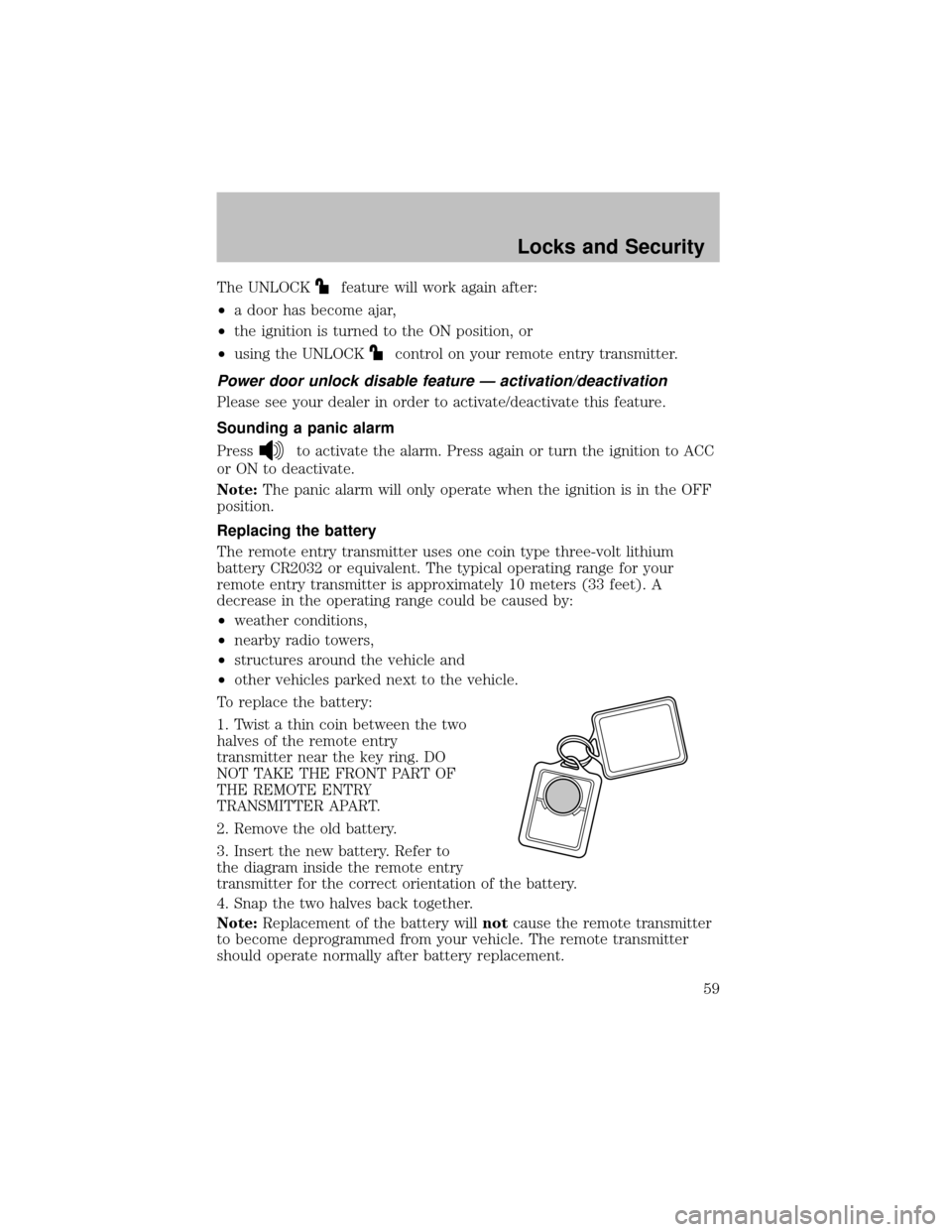
Using the manual lumbar support
For more lumbar support, turn the
lumbar support control toward the
front of vehicle.
For less lumbar support, turn the
lumbar support control toward the
rear of vehicle.
Heated seats (if equipped)
To operate the heated seats:
•Push control to activate.
•Push again to deactivate.
The indicator light on the control
will illuminate when activated.
The system automatically shuts off
after 10 minutes.
FOLDING UP THE REAR SEATS
(IF EQUIPPED — SUPERCAB ONLY)
The rear seatback has a split 60/40 seat. Each seat cushion can be
flipped up into the seatback position.
1. Pull lever to release seat cushion.
2. Rotate seat cushion up until it
locks into vertical storage position.
Seating and Safety Restraints
67
Page 80 of 256
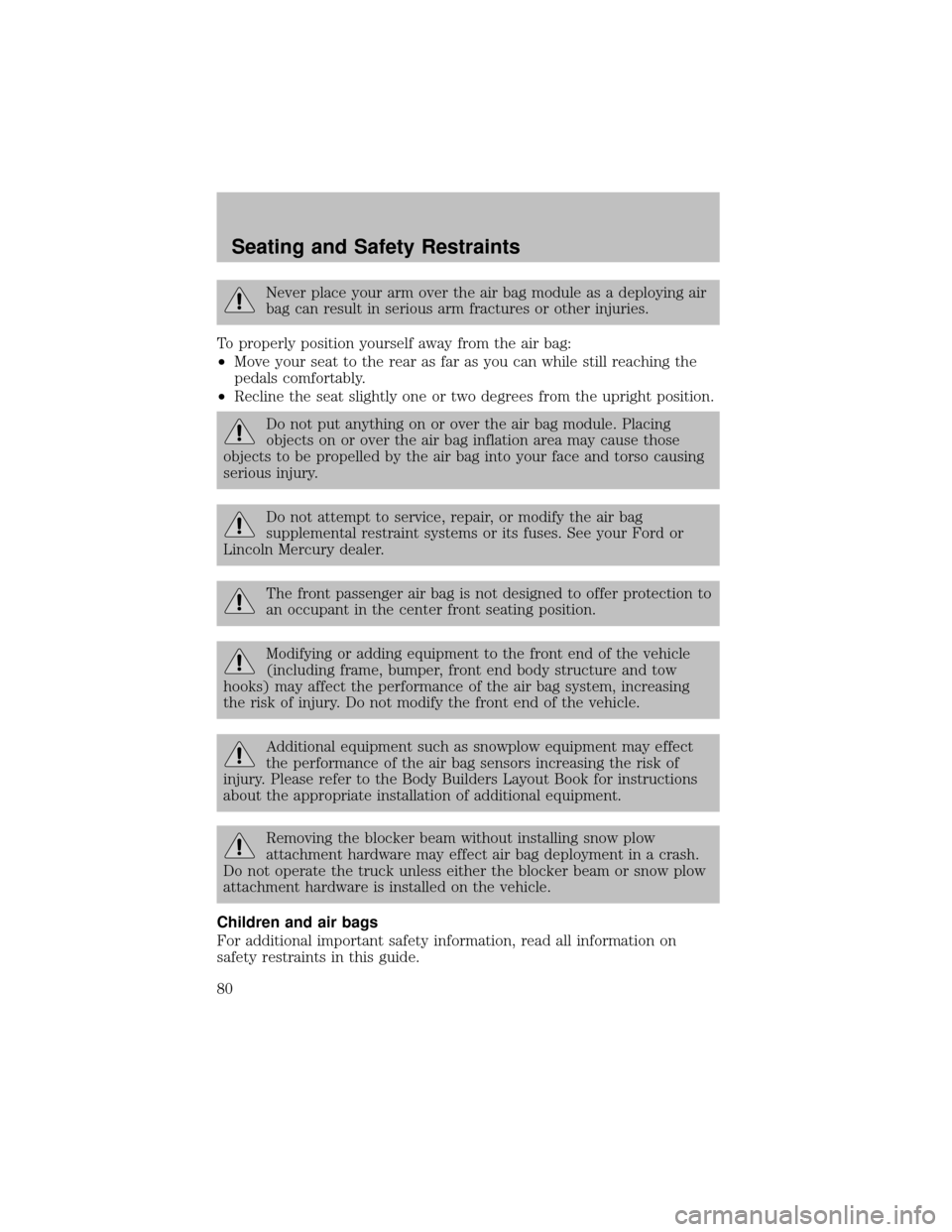
Never place your arm over the air bag module as a deploying air
bag can result in serious arm fractures or other injuries.
To properlyposition yourself awayfrom the air bag:
•Move your seat to the rear as far as you can while still reaching the
pedals comfortably.
•Recline the seat slightlyone or two degrees from the upright position.
Do not put anything on or over the air bag module. Placing
objects on or over the air bag inflation area maycause those
objects to be propelled bythe air bag into your face and torso causing
serious injury.
Do not attempt to service, repair, or modifythe air bag
supplemental restraint systems or its fuses. See your Ford or
Lincoln Mercurydealer.
The front passenger air bag is not designed to offer protection to
an occupant in the center front seating position.
Modifying or adding equipment to the front end of the vehicle
(including frame, bumper, front end bodystructure and tow
hooks) mayaffect the performance of the air bag system, increasing
the risk of injury. Do not modify the front end of the vehicle.
Additional equipment such as snowplow equipment mayeffect
the performance of the air bag sensors increasing the risk of
injury. Please refer to the Body Builders Lay out Book for instructions
about the appropriate installation of additional equipment.
Removing the blocker beam without installing snow plow
attachment hardware mayeffect air bag deployment in a crash.
Do not operate the truck unless either the blocker beam or snow plow
attachment hardware is installed on the vehicle.
Children and air bags
For additional important safetyinformation, read all information on
safetyrestraints in this guide.
Seating and Safety Restraints
80
Page 90 of 256
The shoulder belt should cross the chest, resting snuglyon the center of
the shoulder. The lap belt should rest low and snug across the hips,
never up high across the stomach.
If the booster seat slides on the vehicle seat, placing a rubberized mesh
sold as shelf or carpet liner under the booster seat mayimprove this
condition.
The importance of shoulder belts
Using a booster without a shoulder belt increases the risk of a child’s
head hitting a hard surface in a collision. For this reason, you should
never use a booster seat with a lap belt only. It is best to use a booster
seat with lap/shoulder belts in the back seat- the safest place for children
to ride.
Follow all instructions provided bythe manufacturer of the
booster seat.
Never put the shoulder belt under a child’s arm or behind the
back because it eliminates the protection for the upper part of
the bodyand mayincrease the risk of injuryor death in a collision.
Never use pillows, books, or towels to boost a child. Theycan
slide around and increase the likelihood of injuryor death in a
collision.
SAFETY SEATS FOR CHILDREN
Child and infant or child safety seats
Use a safetyseat that is recommended for the size and weight of the
child. Carefullyfollow all of the manufacturer’s instructions with the
Seating and Safety Restraints
90
Page 94 of 256
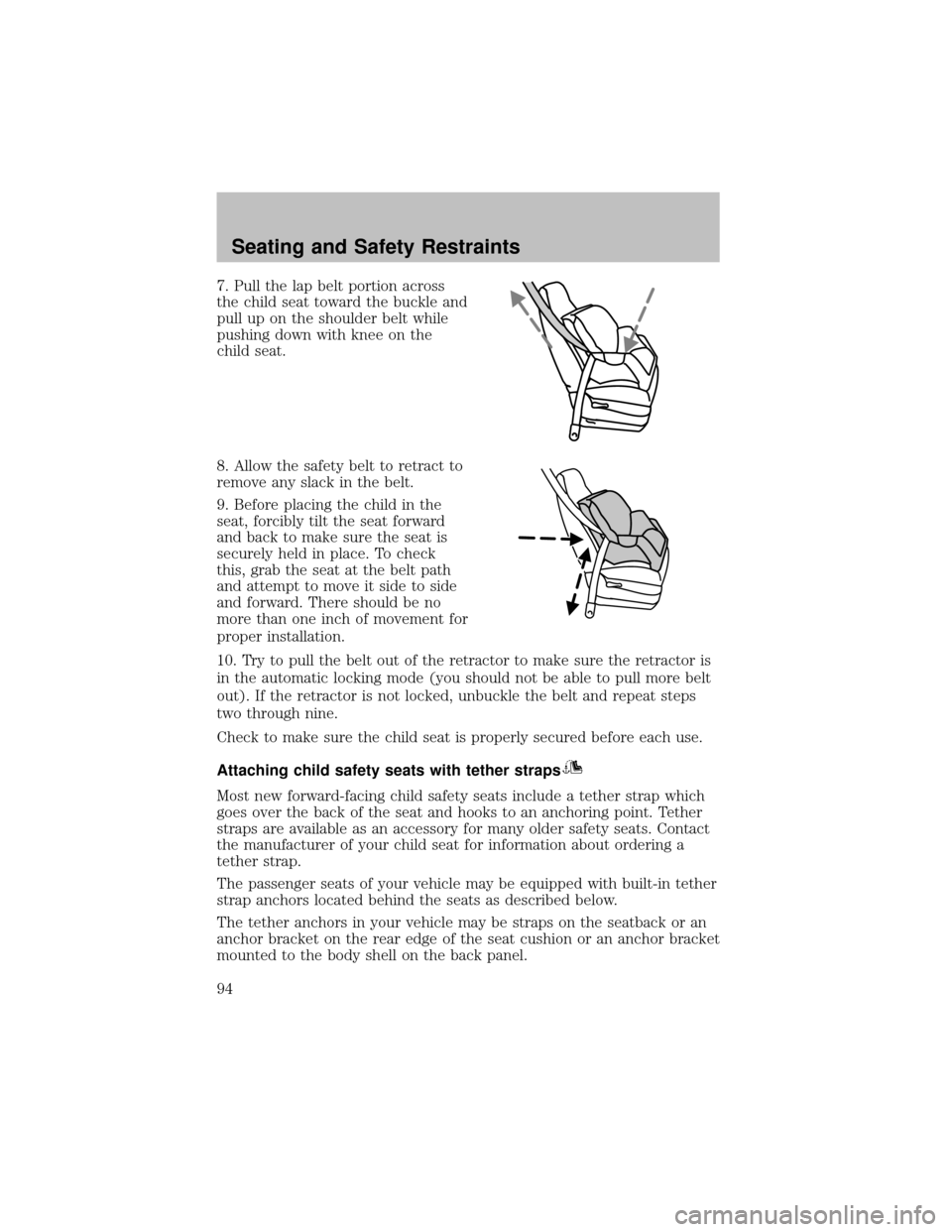
7. Pull the lap belt portion across
the child seat toward the buckle and
pull up on the shoulder belt while
pushing down with knee on the
child seat.
8. Allow the safetybelt to retract to
remove anyslack in the belt.
9. Before placing the child in the
seat, forciblytilt the seat forward
and back to make sure the seat is
securelyheld in place. To check
this, grab the seat at the belt path
and attempt to move it side to side
and forward. There should be no
more than one inch of movement for
proper installation.
10. Tryto pull the belt out of the retractor to make sure the retractor is
in the automatic locking mode (you should not be able to pull more belt
out). If the retractor is not locked, unbuckle the belt and repeat steps
two through nine.
Check to make sure the child seat is properlysecured before each use.
Attaching child safety seats with tether straps
Most new forward-facing child safetyseats include a tether strap which
goes over the back of the seat and hooks to an anchoring point. Tether
straps are available as an accessoryfor manyolder safetyseats. Contact
the manufacturer of your child seat for information about ordering a
tether strap.
The passenger seats of your vehicle may be equipped with built-in tether
strap anchors located behind the seats as described below.
The tether anchors in your vehicle may be straps on the seatback or an
anchor bracket on the rear edge of the seat cushion or an anchor bracket
mounted to the bodyshell on the back panel.
Seating and Safety Restraints
94
Page 108 of 256
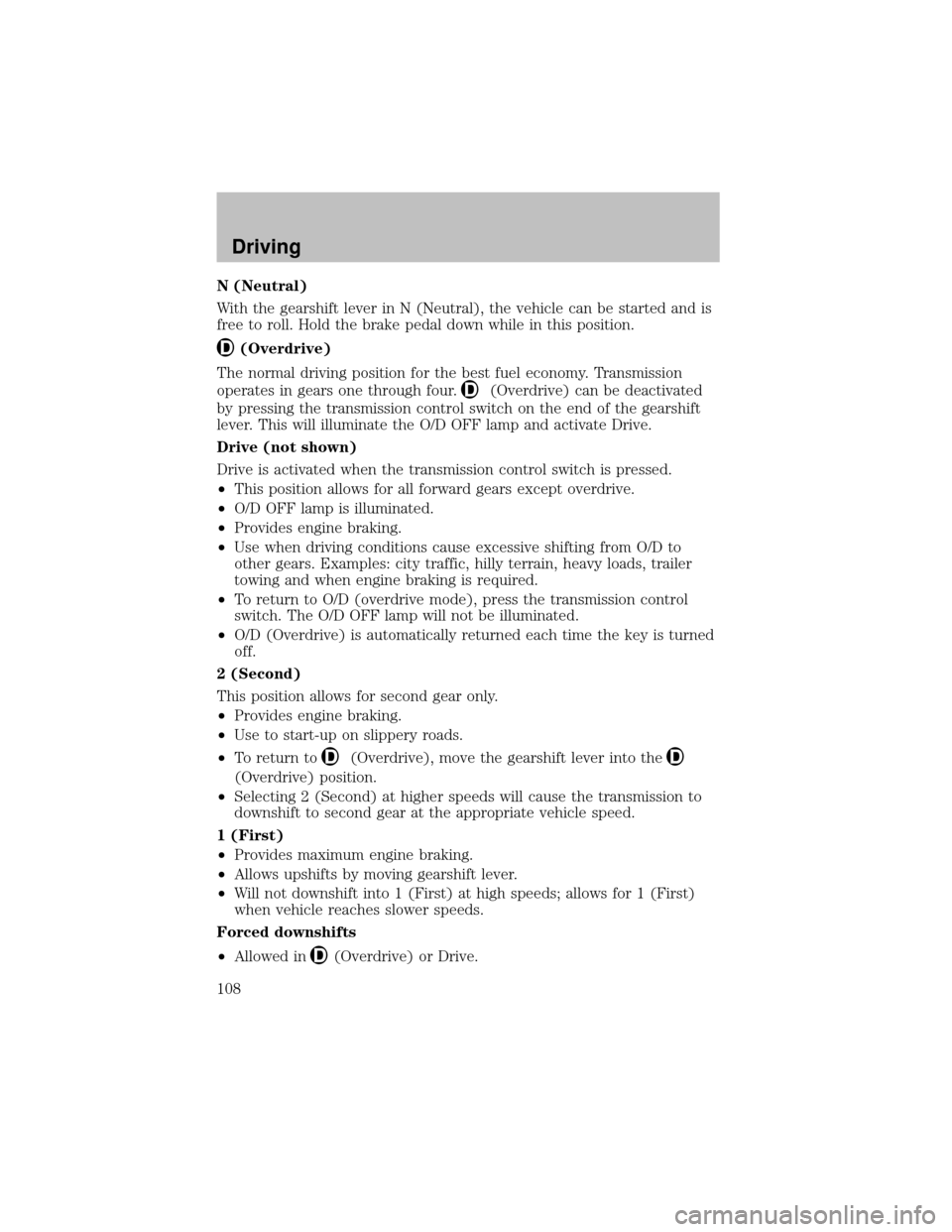
N (Neutral)
With the gearshift lever in N (Neutral), the vehicle can be started and is
free to roll. Hold the brake pedal down while in this position.
(Overdrive)
The normal driving position for the best fuel economy. Transmission
operates in gears one through four.
(Overdrive) can be deactivated
bypressing the transmission control switch on the end of the gearshift
lever. This will illuminate the O/D OFF lamp and activate Drive.
Drive (not shown)
Drive is activated when the transmission control switch is pressed.
•This position allows for all forward gears except overdrive.
•O/D OFF lamp is illuminated.
•Provides engine braking.
•Use when driving conditions cause excessive shifting from O/D to
other gears. Examples: citytraffic, hillyterrain, heavyloads, trailer
towing and when engine braking is required.
•To return to O/D (overdrive mode), press the transmission control
switch. The O/D OFF lamp will not be illuminated.
•O/D (Overdrive) is automaticallyreturned each time the keyis turned
off.
2 (Second)
This position allows for second gear only.
•Provides engine braking.
•Use to start-up on slipperyroads.
•To return to
(Overdrive), move the gearshift lever into the
(Overdrive) position.
•Selecting 2 (Second) at higher speeds will cause the transmission to
downshift to second gear at the appropriate vehicle speed.
1 (First)
•Provides maximum engine braking.
•Allows upshifts bymoving gearshift lever.
•Will not downshift into 1 (First) at high speeds; allows for 1 (First)
when vehicle reaches slower speeds.
Forced downshifts
•Allowed in
(Overdrive) or Drive.
Driving
108
Page 111 of 256
Do not park your vehicle in Neutral, it may move unexpectedly
and injure someone. Use 1 (First) gear and set the parking brake
fully.
Removing the key
Turn the ignition off, push the release lever (located above the ignition),
then turn the keytoward you and remove the key.
REVERSE SENSING SYSTEM (IF EQUIPPED)
The Reverse Sensing System (RSS) sounds a tone to warn the driver of
obstacles near the rear bumper when the R (Reverse) is selected and the
vehicle is moving at speeds less than 5 km/h (3 mph). The system is not
effective at speeds above 5 km/h (3 mph) and maynot detect certain
angular or moving objects.
To help avoid personal injury, please read and understand the
limitations of the reverse sensing system as contained in this
section. Reverse sensing is onlyan aid for some (generallylarge and
fixed) objects when moving in reverse on a flat surface at “parking
speeds”. Inclement weather mayalso affect the function of the RSS;
this mayinclude reduced performance or a false activation.
To help avoid personal injury, alway s use caution when in
reverse and when using the RSS.
This system is not designed to prevent contact with small or
moving objects. The system is designed to provide a warning to
assist the driver in detecting large stationaryobjects to avoid damaging
the vehicle. The system may not detect smaller objects, particularly
those close to the ground.
Driving
111
Page 115 of 256
Note:Do not perform this operation if the rear wheels are slipping.
Shifting to/from 4L (4WD Low)
1. Bring the vehicle to a complete stop.
2. Depress the brake.
3. On vehicles equipped with an automatic transmission, place the
transmission in N (Neutral); on vehicles equipped with a manual
transmission, depress the clutch.
4. Move the transfer case lever through N (Neutral) directlyto the
desired position. The LOW RANGE indicator will illuminate once the
transfer case has engaged.
•If the transfer casedoes notengage, repeat steps 1 through 4.
Using the N (Neutral) position
The transfer case N (Neutral) position overrides the transmission
and puts the vehicle in neutral regardless of transmission
gearshift lever position. The vehicle can move forward or
backward.
This position should onlybe used when towing the vehicle.
Do not leave the vehicle unattended with the transfer case in the
N (Neutral) position. Always set the parking brake fully and turn
off the ignition when leaving the vehicle.
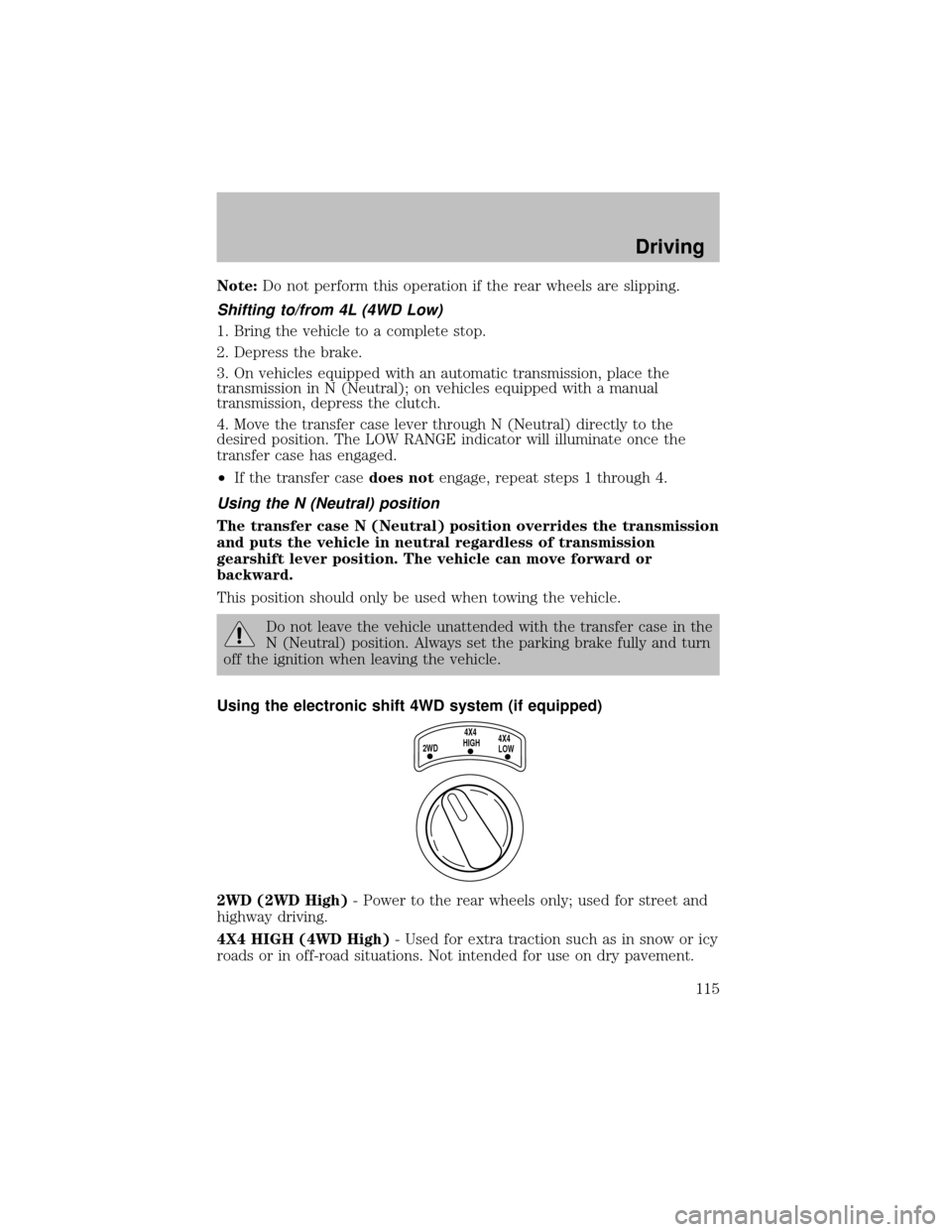
Using the electronic shift 4WD system (if equipped)
2WD (2WD High)- Power to the rear wheels only; used for street and
highwaydriving.
4X4 HIGH (4WD High)- Used for extra traction such as in snow or icy
roads or in off-road situations. Not intended for use on drypavement.
2WD4X4
HIGH4X4
LOW
Driving
115