Page 135 of 408

Increasing Speed While Using Cruise
Control
There are two ways to go to a higher speed:
·Use the accelerator pedal to get to the higher
speed. Press the SET button on the steering wheel,
then release the button and the accelerator pedal.
You'll now cruise at the higher speed.
·Press the ACCEL (Accelerate) button on the
steering wheel. Hold it there until you get up to the
speed you want and then release the button.
(To increase your speed in very small amounts,
press the ACCEL button brie¯y and then release it.
Each time you do this, your vehicle will go about
1 mph (1.6 km/h) faster).
The accelerate feature will only work after you set the
cruise control speed by pressing the SET button on the
steering wheel.
Reducing Speed While Using Cruise
Control
There are two ways to reduce your speed while using
cruise control:
·Press the COAST button on the steering wheel
until you reach the lower speed you want, then
release it.
·To slow down in very small amounts, press the
COAST button on the steering wheel brie¯y.
Each time you do this, you'll go about 1 mph
(1.6 km/h) slower.
Passing Another Vehicle While Using
Cruise Control
Use the accelerator pedal to increase your speed.
When you take your foot off the pedal, your vehicle will
slow down to the cruise speed you set earlier.
3-13
Page 136 of 408
Using Cruise Control on Hills
How well your cruise control will work on hills depends
upon your speed, load and the steepness of the
hills. When going up steep hills, you may have to step
on the accelerator pedal to maintain your speed.
When going downhill, you may have to brake or shift to
a lower gear to keep your speed down. Of course,
applying the brake takes you out of cruise control. Many
drivers ®nd this to be too much trouble and don't use
cruise control on steep hills.
Ending Cruise Control
There are three ways to cancel the cruise control:
·Step lightly on the brake pedal.
·Slide the lever on the multifunction lever to the left
to the OFF position.
·Press the COAST and ACCEL buttons at the
same time.
Erasing Speed Memory
When you turn off the cruise control or the ignition, your
cruise control set speed memory is erased.
Exterior Lamps
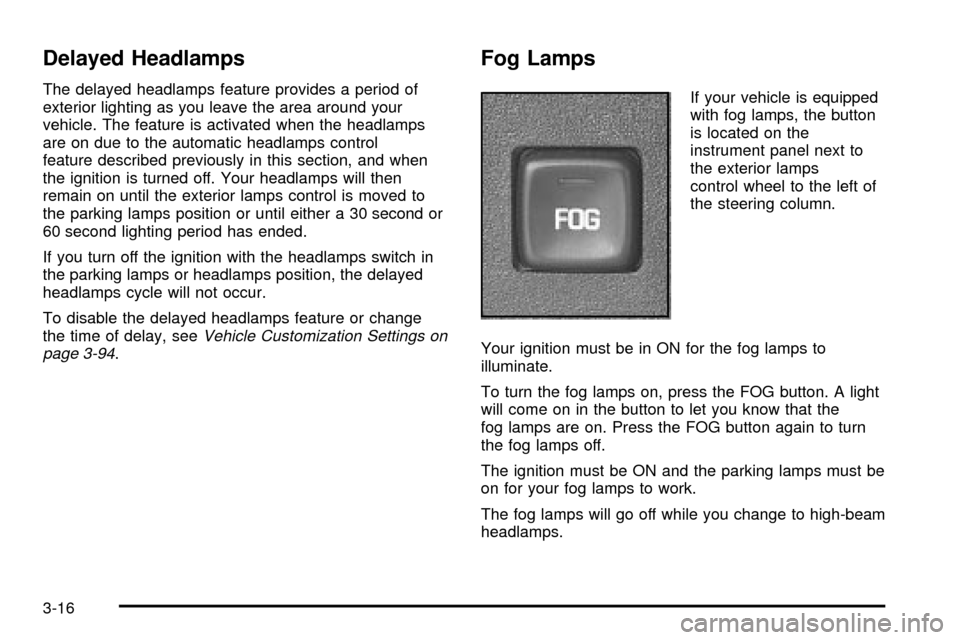
The exterior lamps control
is located on the
instrument panel to the left
of the steering wheel.
It controls the following systems:
·Headlamps
·Taillamps
·Parking Lamps
·License Plate Lamps
·Instrument Panel Lights
3-14
Page 138 of 408
Delayed Headlamps
The delayed headlamps feature provides a period of
exterior lighting as you leave the area around your
vehicle. The feature is activated when the headlamps
are on due to the automatic headlamps control
feature described previously in this section, and when
the ignition is turned off. Your headlamps will then
remain on until the exterior lamps control is moved to
the parking lamps position or until either a 30 second or
60 second lighting period has ended.
If you turn off the ignition with the headlamps switch in
the parking lamps or headlamps position, the delayed
headlamps cycle will not occur.
To disable the delayed headlamps feature or change
the time of delay, see
Vehicle Customization Settings on
page 3-94.
Fog Lamps
If your vehicle is equipped
with fog lamps, the button
is located on the
instrument panel next to
the exterior lamps
control wheel to the left of
the steering column.
Your ignition must be in ON for the fog lamps to
illuminate.
To turn the fog lamps on, press the FOG button. A light
will come on in the button to let you know that the
fog lamps are on. Press the FOG button again to turn
the fog lamps off.
The ignition must be ON and the parking lamps must be
on for your fog lamps to work.
The fog lamps will go off while you change to high-beam
headlamps.
3-16
Page 163 of 408
Service Traction System Warning
Message
If your vehicle is equipped with the traction control
system and this message appears when you are driving,
there is a problem with your traction control system
and your vehicle is in need of service.
When this message is displayed, the system will not
limit wheel spin. The message will stay on for
60 seconds. Four chimes will also be heard. Adjust your
driving accordingly.
When the ignition is turned off, this message will be
displayed again for three seconds to remind you
that your traction control system is not working properly.
Be sure to have your vehicle serviced right away.
Traction Active Message
If your vehicle is equipped with the traction control
system, this message will stay on a few seconds after
the traction system stops limiting wheel spin.
This message will appear when the traction control
system is limiting wheel spin. United StatesCanada
United StatesCanada
3-41
Page 212 of 408
Audio Steering Wheel Controls
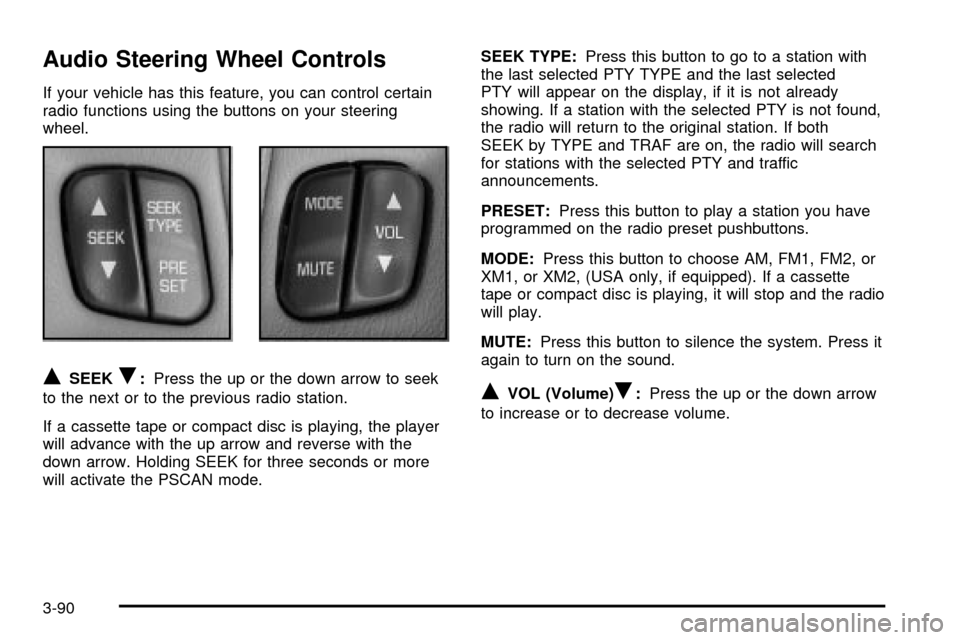
If your vehicle has this feature, you can control certain
radio functions using the buttons on your steering
wheel.
QSEEKR:Press the up or the down arrow to seek
to the next or to the previous radio station.
If a cassette tape or compact disc is playing, the player
will advance with the up arrow and reverse with the
down arrow. Holding SEEK for three seconds or more
will activate the PSCAN mode.SEEK TYPE:Press this button to go to a station with
the last selected PTY TYPE and the last selected
PTY will appear on the display, if it is not already
showing. If a station with the selected PTY is not found,
the radio will return to the original station. If both
SEEK by TYPE and TRAF are on, the radio will search
for stations with the selected PTY and traffic
announcements.
PRESET:Press this button to play a station you have
programmed on the radio preset pushbuttons.
MODE:Press this button to choose AM, FM1, FM2, or
XM1, or XM2, (USA only, if equipped). If a cassette
tape or compact disc is playing, it will stop and the radio
will play.
MUTE:Press this button to silence the system. Press it
again to turn on the sound.QVOL (Volume)R:Press the up or the down arrow
to increase or to decrease volume.
3-90
Page 223 of 408
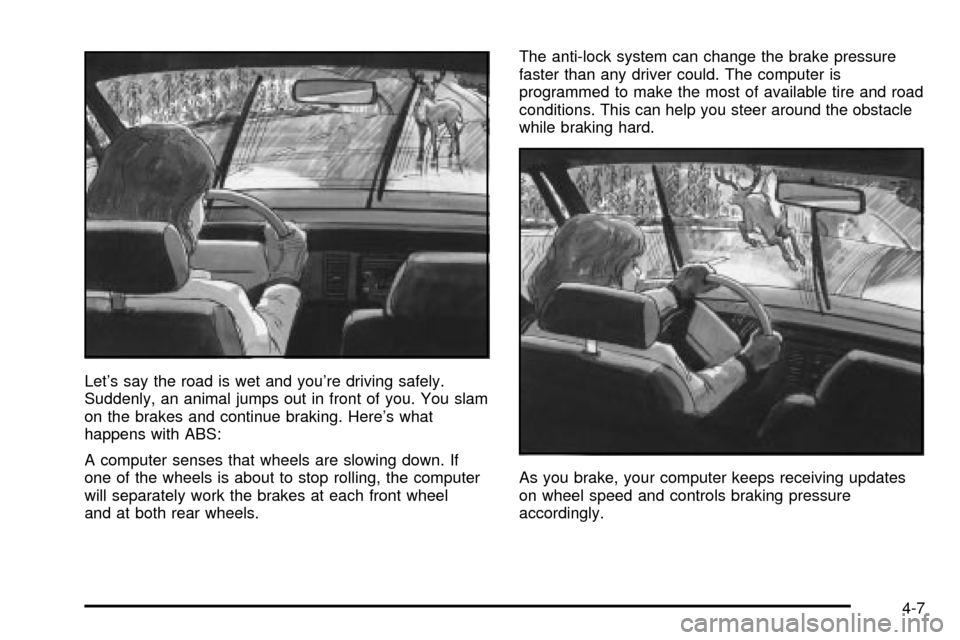
Let's say the road is wet and you're driving safely.
Suddenly, an animal jumps out in front of you. You slam
on the brakes and continue braking. Here's what
happens with ABS:
A computer senses that wheels are slowing down. If
one of the wheels is about to stop rolling, the computer
will separately work the brakes at each front wheel
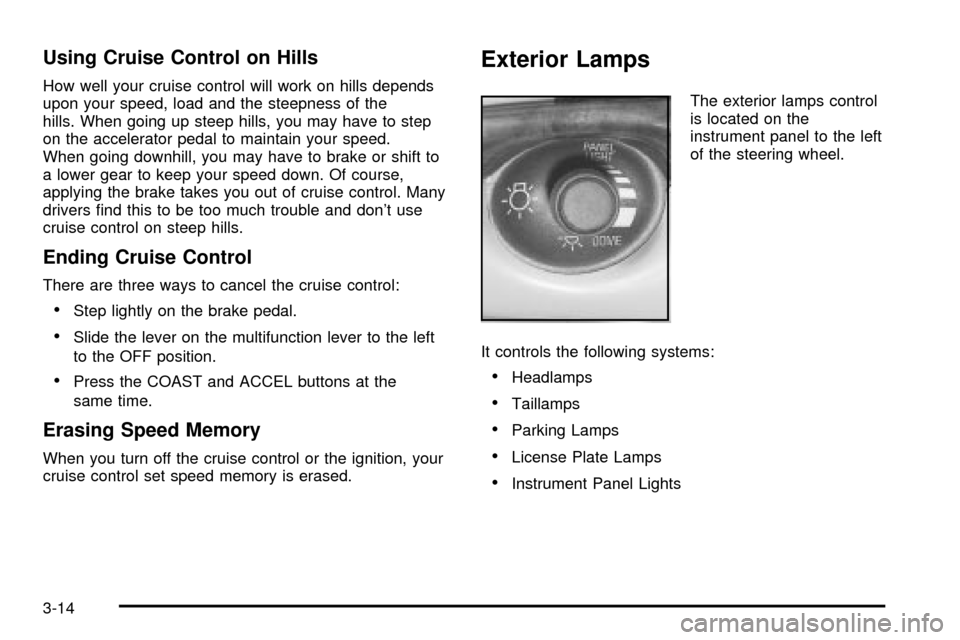
and at both rear wheels.The anti-lock system can change the brake pressure
faster than any driver could. The computer is
programmed to make the most of available tire and road
conditions. This can help you steer around the obstacle
while braking hard.
As you brake, your computer keeps receiving updates
on wheel speed and controls braking pressure
accordingly.
4-7
Page 224 of 408

Remember: Anti-lock doesn't change the time you need
to get your foot up to the brake pedal or always
decrease stopping distance. If you get too close to the
vehicle in front of you, you won't have time to apply
your brakes if that vehicle suddenly slows or stops.
Always leave enough room up ahead to stop, even
though you have anti-lock brakes.
Using Anti-Lock
Don't pump the brakes. Just hold the brake pedal down
®rmly and let anti-lock work for you. You may feel a
slight brake pedal pulsation or notice some noise, but
this is normal.
Braking in Emergencies
At some time, nearly every driver gets into a situation
that requires hard braking.If you have anti-lock, you can steer and brake at the
same time. However, if you don't have anti-lock,
your ®rst reaction Ð to hit the brake pedal hard and
hold it down Ð may be the wrong thing to do. Your
wheels can stop rolling. Once they do, the vehicle can't
respond to your steering. Momentum will carry it in
whatever direction it was headed when the wheels
stopped rolling. That could be off the road, into the
very thing you were trying to avoid, or into traffic.
If you don't have anti-lock, use a ªsqueezeº braking
technique. This will give you maximum braking while
maintaining steering control. You can do this by pushing
on the brake pedal with steadily increasing pressure.
In an emergency, you will probably want to squeeze the
brakes hard without locking the wheels. If you hear or
feel the wheels sliding, ease off the brake pedal.
This will help you retain steering control. If you
dohave
anti-lock, it's different. See ªAnti-Lock Brake Systemº
in this section.
In many emergencies, steering can help you more than
even the very best braking.
4-8
Page 225 of 408

Traction Control System (TCS)
(3800 V6 Engine)
Your vehicle may have a traction control system that
limits wheel spin. This is especially useful in slippery road
conditions. The system operates only if it senses that one
or both of the front wheels are spinning or beginning to
lose traction. When this happens, the system reduces
engine power and may also upshift the transaxle and
apply the front brakes to limit wheel spin.
This light will come on when your traction control
system is limiting wheel spin. See
Traction Active
Message on page 3-41.
You may feel or hear the system working, but this is
normal.
If your vehicle is in cruise control when the traction
control system begins to limit wheel spin, the cruise
control will automatically disengage. When roadconditions allow you to safely use it again, you may
re-engage the cruise control. See ªCruise Controlº
in
Turn Signal/Multifunction Lever on page 3-7.
The traction control system operates in all transaxle
shift lever positions. But the system can upshift
the transaxle only as high as the shift lever position
you've chosen, so you should use the lower gears only
when necessary. See
Automatic Transaxle Operation
on page 2-23.
When the system is on,
this warning light will come
on to let you know if
there's a problem.
See. When this warning light is on, the system will not
limit wheel spin. Adjust your driving accordingly.
To limit wheel spin, especially in slippery road conditions,
you should always leave the traction control system on.
But you can turn the system off if you ever need to. You
should turn the system off if your vehicle ever gets stuck
in sand, mud or snow and rocking the vehicle is required.
See ªRocking Your Vehicle To Get It Outº under
If You
Are Stuck: In Sand, Mud, Ice or Snow on page 4-30. United States
Canada
4-9