Page 79 of 264
Replacing high-mount brakelamp bulbs
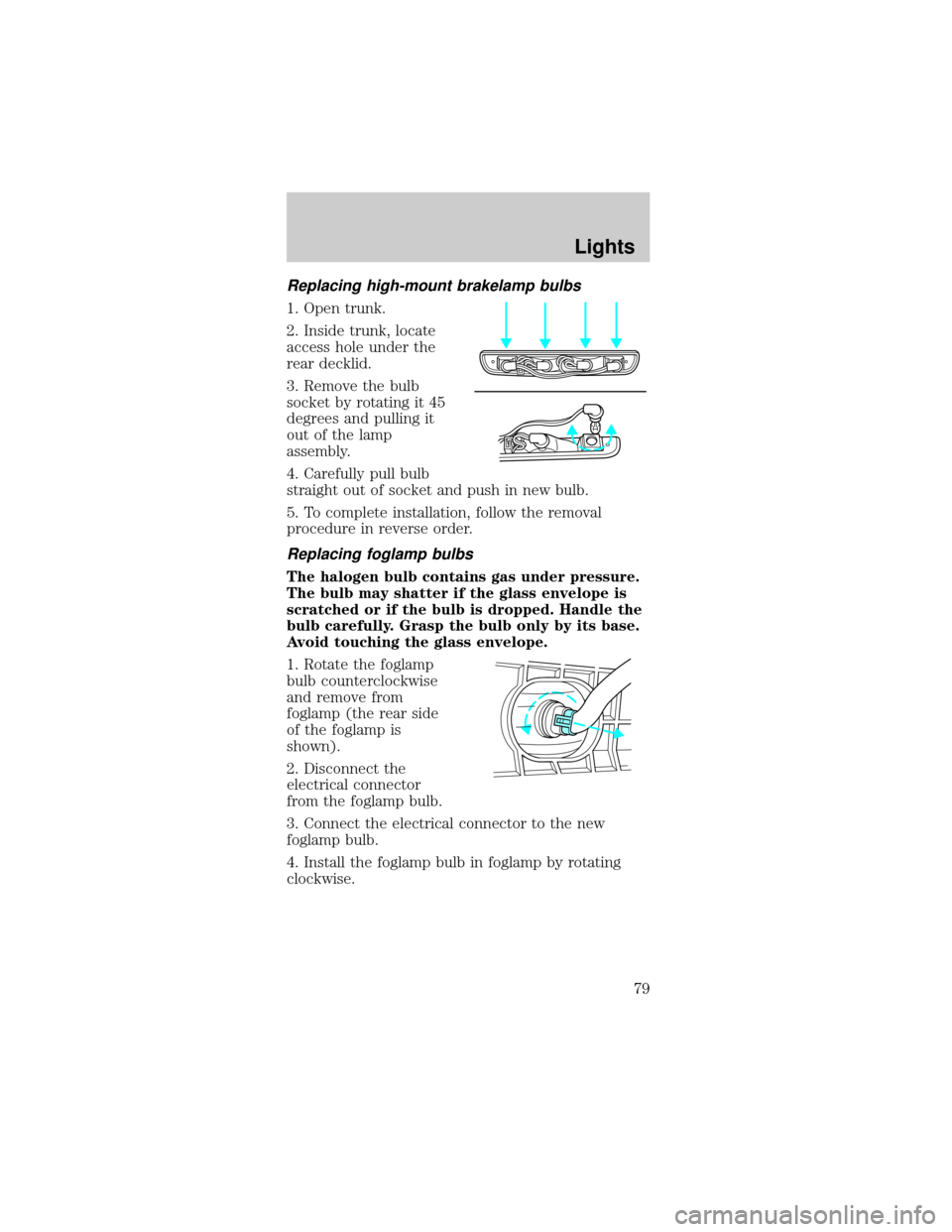
1. Open trunk.
2. Inside trunk, locate
access hole under the
rear decklid.
3. Remove the bulb
socket by rotating it 45
degrees and pulling it
out of the lamp
assembly.
4. Carefully pull bulb
straight out of socket and push in new bulb.
5. To complete installation, follow the removal
procedure in reverse order.
Replacing foglamp bulbs
The halogen bulb contains gas under pressure.
The bulb may shatter if the glass envelope is
scratched or if the bulb is dropped. Handle the
bulb carefully. Grasp the bulb only by its base.
Avoid touching the glass envelope.
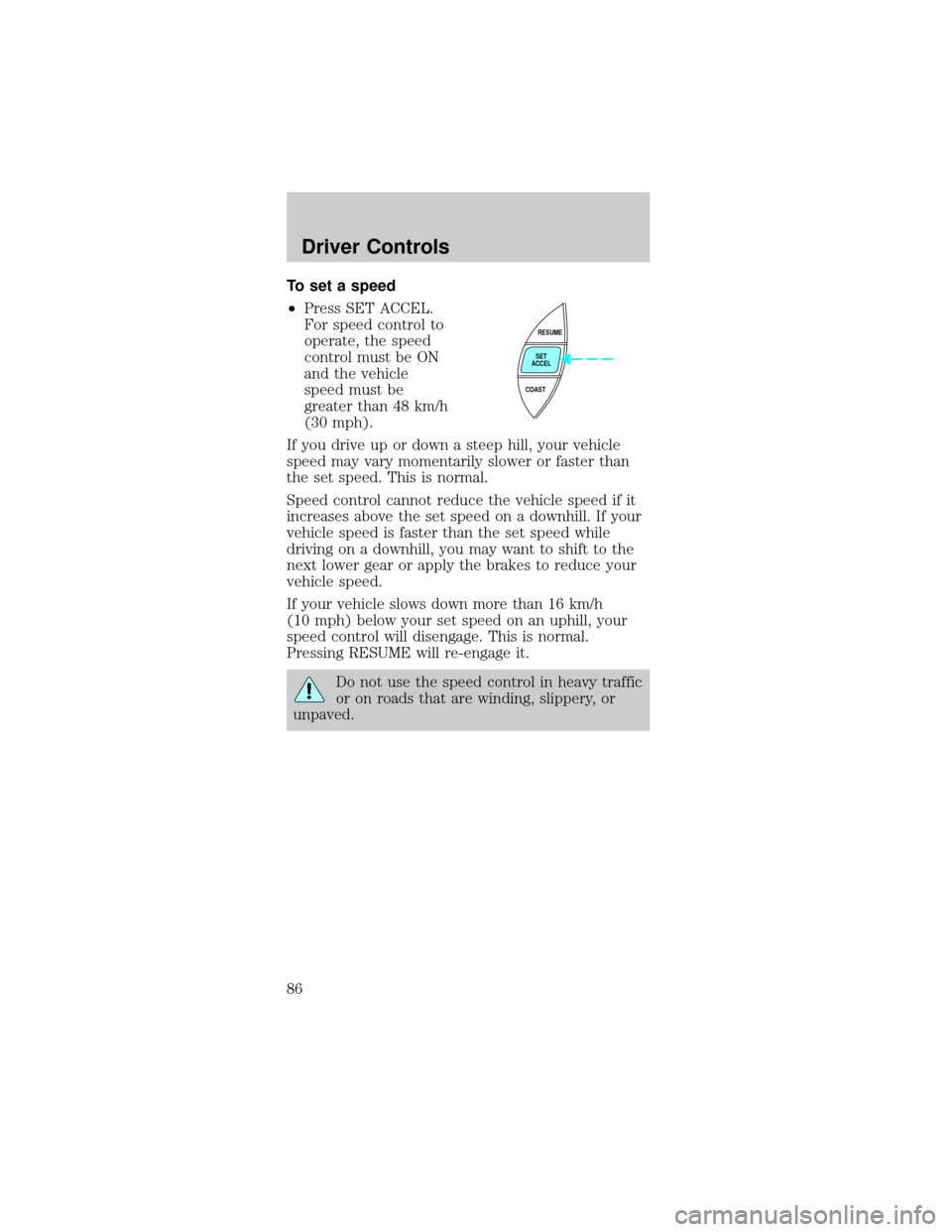
1. Rotate the foglamp
bulb counterclockwise
and remove from
foglamp (the rear side
of the foglamp is
shown).
2. Disconnect the
electrical connector
from the foglamp bulb.
3. Connect the electrical connector to the new
foglamp bulb.
4. Install the foglamp bulb in foglamp by rotating
clockwise.
Lights
79
Page 86 of 264
To set a speed
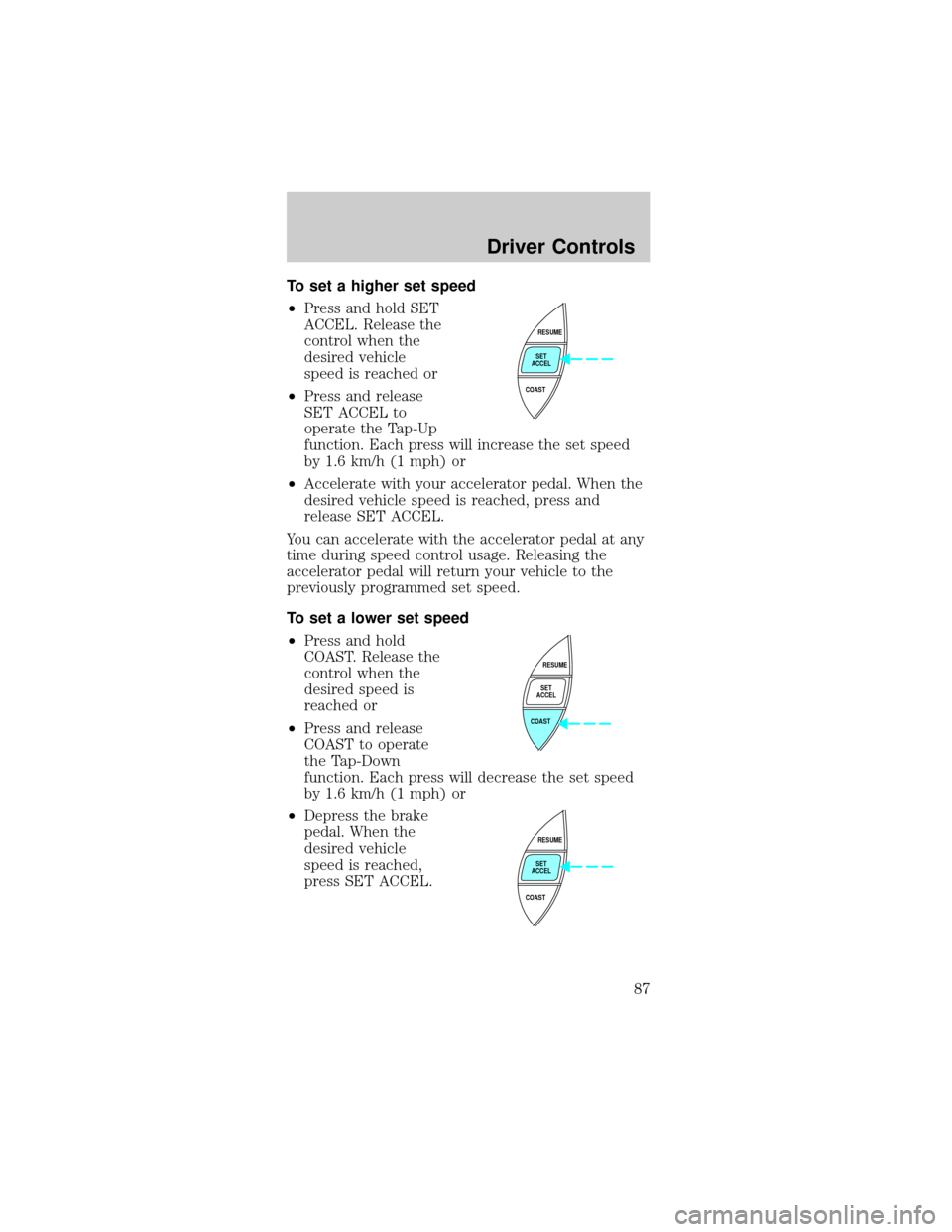
²Press SET ACCEL.
For speed control to
operate, the speed
control must be ON
and the vehicle
speed must be
greater than 48 km/h
(30 mph).
If you drive up or down a steep hill, your vehicle
speed may vary momentarily slower or faster than
the set speed. This is normal.
Speed control cannot reduce the vehicle speed if it
increases above the set speed on a downhill. If your
vehicle speed is faster than the set speed while
driving on a downhill, you may want to shift to the
next lower gear or apply the brakes to reduce your
vehicle speed.
If your vehicle slows down more than 16 km/h
(10 mph) below your set speed on an uphill, your
speed control will disengage. This is normal.
Pressing RESUME will re-engage it.
Do not use the speed control in heavy traffic
or on roads that are winding, slippery, or
unpaved.
RESUME
SET
ACCEL
COAST
Driver Controls
86
Page 87 of 264
To set a higher set speed
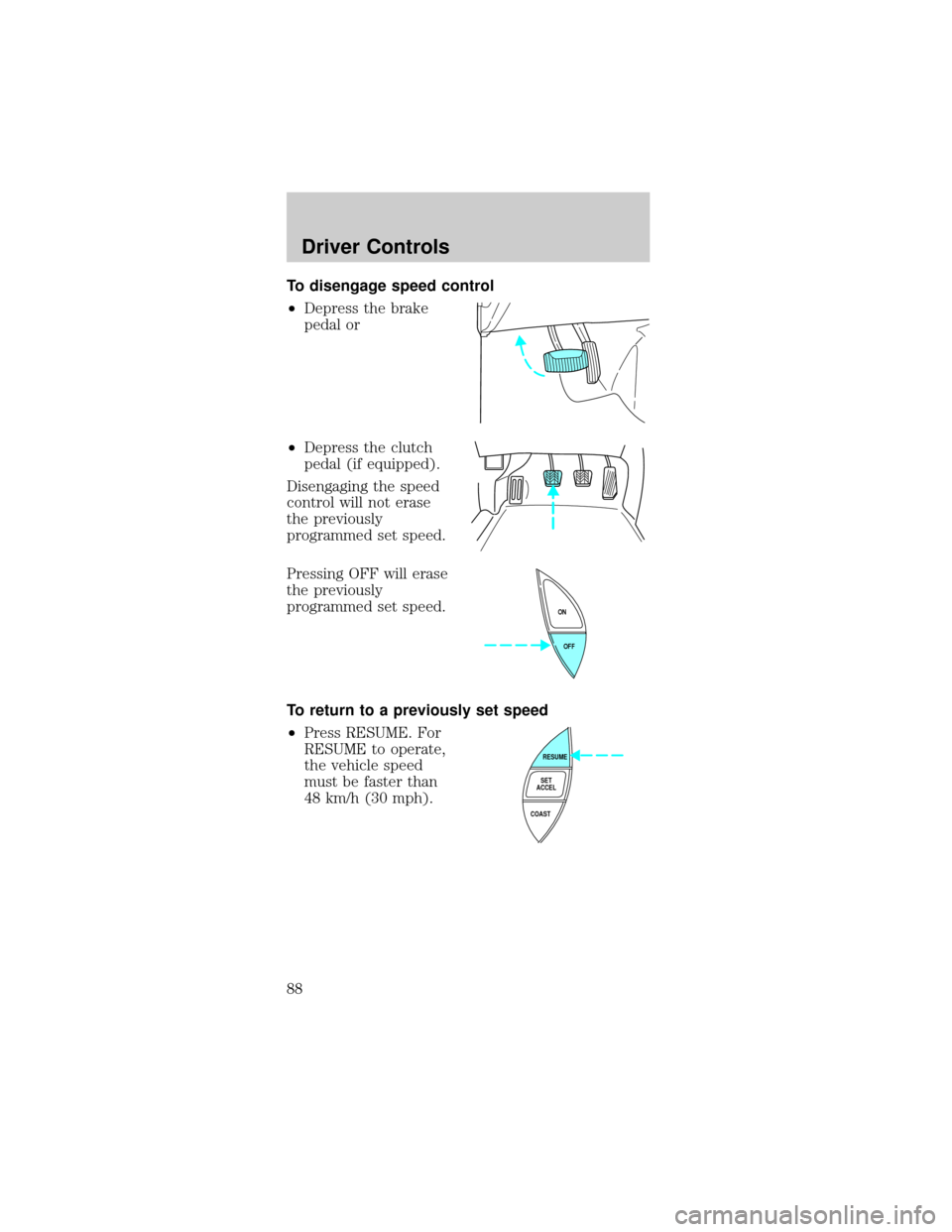
²Press and hold SET
ACCEL. Release the
control when the
desired vehicle
speed is reached or
²Press and release
SET ACCEL to
operate the Tap-Up
function. Each press will increase the set speed
by 1.6 km/h (1 mph) or
²Accelerate with your accelerator pedal. When the
desired vehicle speed is reached, press and
release SET ACCEL.
You can accelerate with the accelerator pedal at any
time during speed control usage. Releasing the
accelerator pedal will return your vehicle to the
previously programmed set speed.
To set a lower set speed
²Press and hold
COAST. Release the
control when the
desired speed is
reached or
²Press and release
COAST to operate
the Tap-Down
function. Each press will decrease the set speed
by 1.6 km/h (1 mph) or
²Depress the brake
pedal. When the
desired vehicle
speed is reached,
press SET ACCEL.
RESUME
SET
ACCEL
COAST
RESUME
SET
ACCEL
COAST
RESUME
SET
ACCEL
COAST
Driver Controls
87
Page 88 of 264
To disengage speed control
²Depress the brake
pedal or
²Depress the clutch
pedal (if equipped).
Disengaging the speed
control will not erase
the previously
programmed set speed.
Pressing OFF will erase
the previously
programmed set speed.
To return to a previously set speed
²Press RESUME. For
RESUME to operate,
the vehicle speed
must be faster than
48 km/h (30 mph).
OFF ON
RESUME
SET
ACCEL
COAST
Driver Controls
88
Page 90 of 264
²Convertible top control (if equipped)
Use only soft cups in the cupholder. Hard
objects can injure you in a collision.
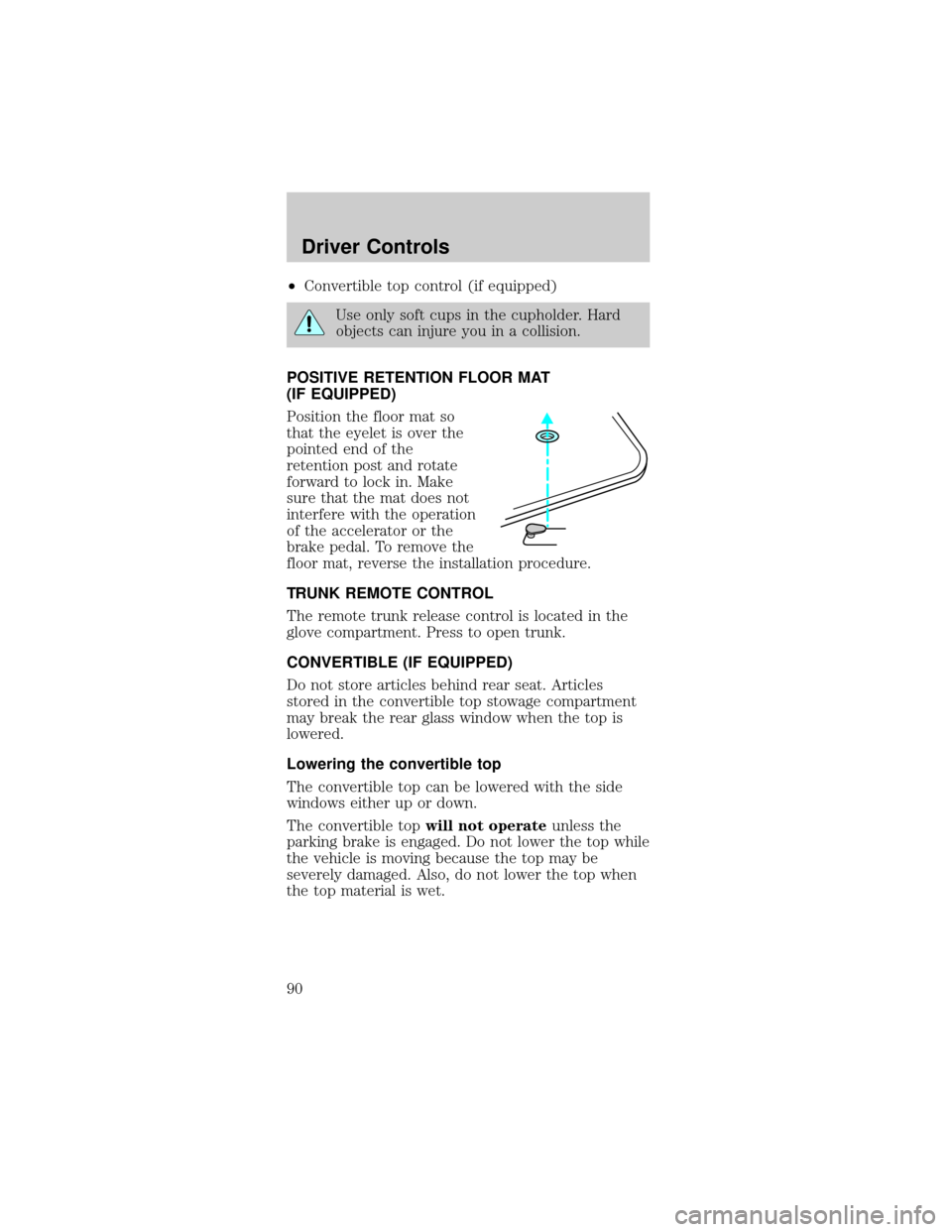
POSITIVE RETENTION FLOOR MAT
(IF EQUIPPED)
Position the floor mat so
that the eyelet is over the
pointed end of the
retention post and rotate
forward to lock in. Make
sure that the mat does not
interfere with the operation
of the accelerator or the
brake pedal. To remove the
floor mat, reverse the installation procedure.
TRUNK REMOTE CONTROL
The remote trunk release control is located in the
glove compartment. Press to open trunk.
CONVERTIBLE (IF EQUIPPED)
Do not store articles behind rear seat. Articles
stored in the convertible top stowage compartment
may break the rear glass window when the top is
lowered.
Lowering the convertible top
The convertible top can be lowered with the side
windows either up or down.
The convertible topwill not operateunless the
parking brake is engaged. Do not lower the top while
the vehicle is moving because the top may be
severely damaged. Also, do not lower the top when
the top material is wet.
Driver Controls
90
Page 91 of 264
To lower the convertible top:
1. Bring vehicle to a complete stop. Engage the
parking brake. Key must be in the ON position.
2. Check the convertible top stowage compartment
behind the rear seat to be sure it is empty and ready
to receive the top.
3. Unclamp the top from the windshield header at
both the right and left sides by pulling each clamp
rearward until the hook in the windshield header is
free. The clamps are flush with the header when in
the closed position.
4. Close the windshield header clamps immediately
after disengagement, to avoid cutting the top
material and to permit installation of the vinyl boot.
5. If the top has not
been lowered for some
time and sticks to the
windshield header,
push the front of the
top up slightly with
your hand to loosen it.
6. Push the convertible
top switch on the
console in front of the
armrest and hold until
the top is completely
stored.
7. Disengage the
parking brake.
SETPARKBRAKE
Driver Controls
91
Page 93 of 264

Raising the convertible top
The convertible topwill not operateunless the
parking brake is engaged. Do not raise the top while
the vehicle is moving because the top may be
severely damaged.
To raise the convertible top:
1. Bring the vehicle to a complete stop. Engage the
parking brake. Key must be in the ON position.
2. Remove the boot cover and store it in the luggage
compartment.
3. Lower the front and rear side windows.
4. Push the convertible top button, holding it until
the top unfolds and moves forward toward the
windshield header.
5. Open both top clamps before the top meets the
windshield header
6. Continue to use the top motor to raise the top
until it has reached the fully closed position flush to
the header.
7. The two pins under the forward edge of the top
should seat themselves in the matching holes in the
header.
8. To fasten both clamps securely, push the clamp
handles into the header on the top until they are
flush with the header. Pulling down on the header at
the center grip while closing the latches may assist
in fastening the clamps.
9. Raise the front and rear side windows.
10. Disengage the parking brake.
Driver Controls
93
Page 111 of 264

Failure to replace the Belt and Retractor
assembly could increase the risk of injury in
collisions.
Vehicle sensitive mode
The vehicle sensitive mode is the normal retractor
mode, allowing free shoulder belt length adjustment
to your movements and locking in response to
vehicle movement. For example, if the driver brakes
suddenly or turns a corner sharply, or the vehicle
receives an impact of approximately 8 km/h (5 mph)
or more, the combination safety belts will lock to
help reduce forward movement of the driver and
passengers.
The safety belt system can also be made to lock
manually by quickly pulling on the shoulder belt.
Automatic locking mode
In this mode, the shoulder belt is automatically
pre-locked. The belt will still retract to remove any
slack in the shoulder belt.
The automatic locking mode is not available on the
driver safety belt.
When to use the automatic locking mode
²Any timea child safety seat is installed in a
passenger front or outboard rear seating position
(if equipped). Children 12 years old and under
should be properly restrained in the rear seat
whenever possible. Refer toSafety Restraints for
ChildrenorSafety Seats for Childrenlater in
this chapter.
Seating and Safety Restraints
111