Page 1 of 200
Introduction 4
Instrument Cluster 8
Warning and control lights 8
Gauges 11
Entertainment Systems 14
AM/FM stereo cassette with CD 14
AM/FM stereo with CD 27
Rear seat controls 30
Climate Controls 31
Manual heating and air conditioning 31
Rear window defroster 32
Lights 33
Driver Controls 41
Windshield wiper/washer control 41
Power windows 45
Mirrors 48
Speed control 49
Locks and Security 60
Keys 60
Locks 60
Anti-theft system 66
Table of Contents
1
Page 16 of 200
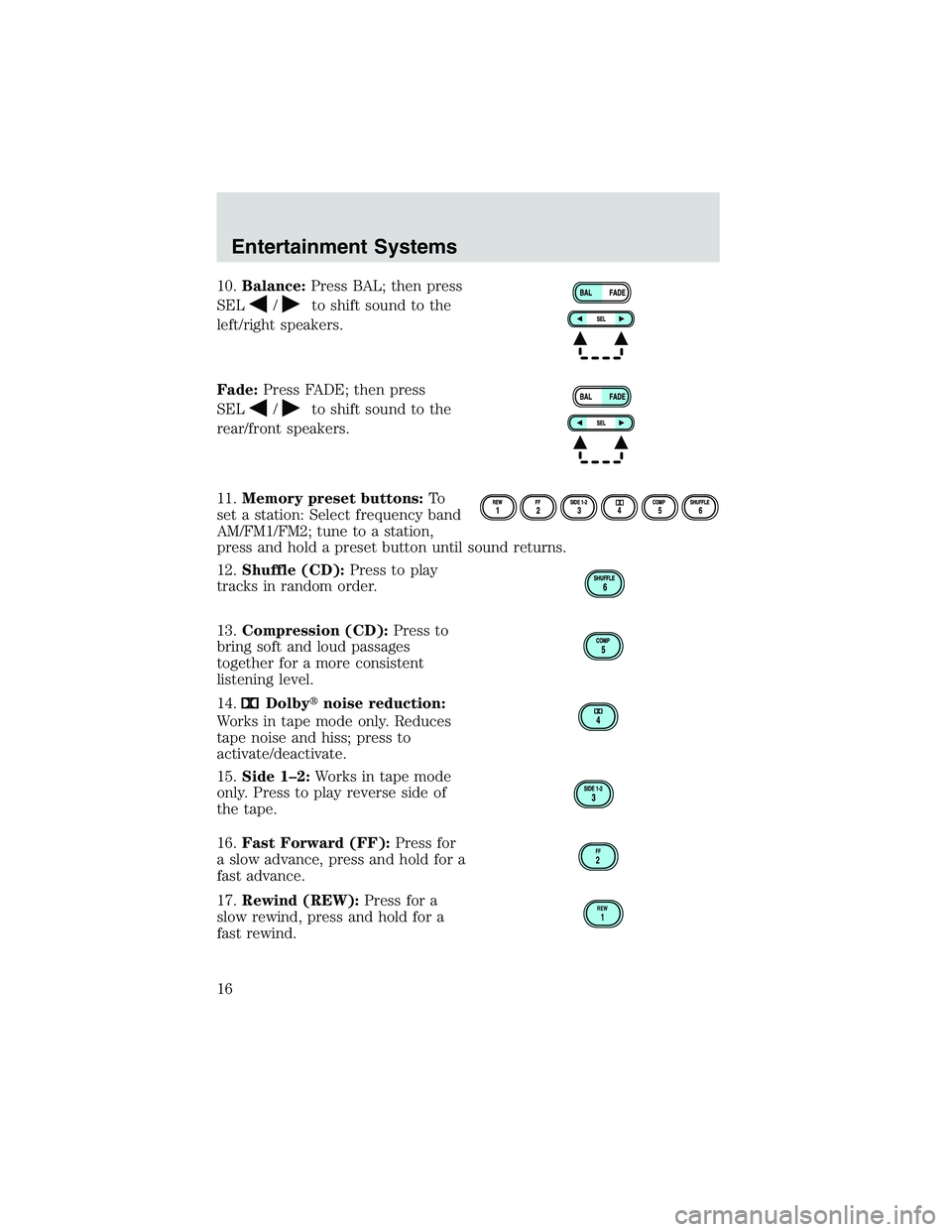
10.Balance:Press BAL; then press
SEL
/to shift sound to the
left/right speakers.
Fade:Press FADE; then press
SEL
/to shift sound to the
rear/front speakers.
11.Memory preset buttons:To
set a station: Select frequency band
AM/FM1/FM2; tune to a station,
press and hold a preset button until sound returns.
12.Shuffle (CD):Press to play
tracks in random order.
13.Compression (CD):Press to
bring soft and loud passages
together for a more consistent
listening level.
14.
Dolby�noise reduction:
Works in tape mode only. Reduces
tape noise and hiss; press to
activate/deactivate.
15.Side 1–2:Works in tape mode
only. Press to play reverse side of
the tape.
16.Fast Forward (FF):Press for
a slow advance, press and hold for a
fast advance.
17.Rewind (REW):Press for a
slow rewind, press and hold for a
fast rewind.
FF2
REW1
Entertainment Systems
16
Page 22 of 200

Speaker fade adjust
Speaker sound can be adjusted
between the front and rear
speakers.
Press the FADE control then press:
•
to shift sound to the front
and
•
to shift sound to the rear.
Radio station memory preset
The radio is equipped with six station memory preset controls. These
controls can be used to select up to six preset AM stations and twelve
FM stations (six in FM1 and six in FM2).
Setting memory preset stations
1. Select the frequency band with
the AM/FM select control.
2. Select a station. Refer toTune
adjustorSeek functionfor more
information on selecting a station.
3. Press and hold a memory preset control until the sound returns,
indicating the station is held in memory on the control you selected.
Autoset memory preset
Autoset allows you to set strong radio stations without losing your
original manually set preset stations. This feature is helpful on trips
when you travel between cities with different radio stations.
Starting autoset memory preset
1. Select a frequency using the AM/FM select controls.
2. Press the AUTO control.
3. When the first six strong stations
are filled, the station stored in
memory preset control 1 will start
playing.
If there are less than six strong stations available on the frequency band,
the remaining memory preset controls will all store the last strong
station available.
AM
FM
AUTO RDS
CLK
Entertainment Systems
22
Page 29 of 200
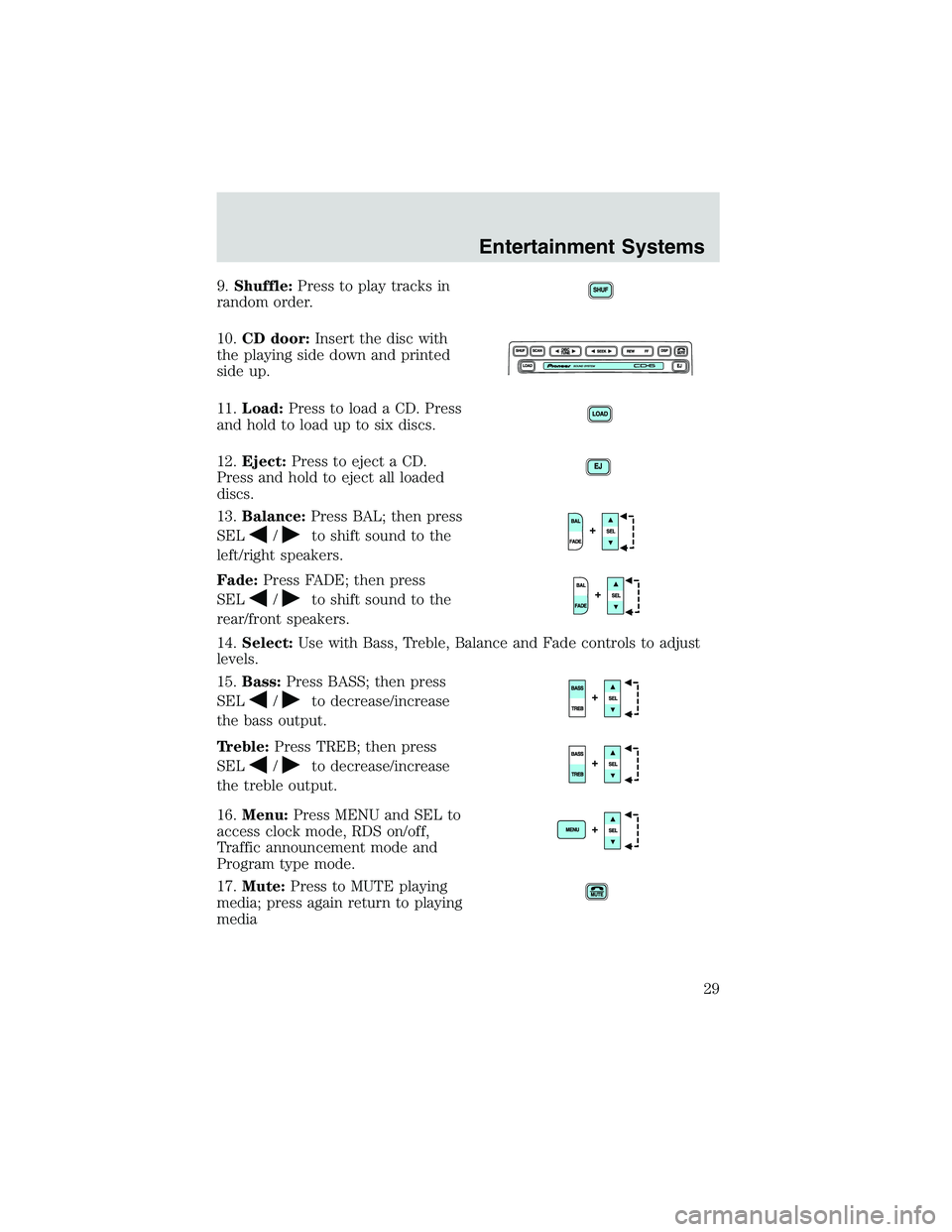
9.Shuffle:Press to play tracks in
random order.
10.CD door:Insert the disc with
the playing side down and printed
side up.
11.Load:Press to load a CD. Press
and hold to load up to six discs.
12.Eject:Press to eject a CD.
Press and hold to eject all loaded
discs.
13.Balance:Press BAL; then press
SEL
/to shift sound to the
left/right speakers.
Fade:Press FADE; then press
SEL
/to shift sound to the
rear/front speakers.
14.Select:Use with Bass, Treble, Balance and Fade controls to adjust
levels.
15.Bass:Press BASS; then press
SEL
/to decrease/increase
the bass output.
Treble:Press TREB; then press
SEL
/to decrease/increase
the treble output.
16.Menu:Press MENU and SEL to
access clock mode, RDS on/off,
Traffic announcement mode and
Program type mode.
17.Mute:Press to MUTE playing
media; press again return to playing
media
Entertainment Systems
29
Page 30 of 200

18.DSP (Digital Signal
Processing):Press to enter DSP
mode–allows you to
engage/disengage DSP status, and
choose signal modes of JAZZ CLUB, HALL, CHURCH, STADIUM. You
may also change the occupancy mode to optimize sound for ALL SEATS,
DRIVER SEAT or REAR SEAT.
REAR AUDIO CONTROLS (IF EQUIPPED)
The rear seat controls allow the middle seat passengers to operate the
radio, tape, CD or CD changer (if equipped).
To engage, simultaneously press the memory preset controls 3 and 5.
Press again to disengage.
1.Mode:Push to toggle between
AM, FM1, FM2, tape, CD or CD
changer mode (if equipped).
2.Memory:Push successively to
allow rear seat passengers to scroll
through memory presets. Push in
CD changer mode (if equipped) to
advance to the next disc.
3.Headphone jack:Plug a 3.5 mm
headphone into the jack.
4.Headphone/speaker:Press to turn all speakers off (headphone
mode). Press again to deactivate the headphone and activate system
speakers.
5.Seek:Press
orto access the previous or next station, selection
or track.
6.Volume:Press + to increase and—to decrease volume levels. From
the rear seat controls, volume can not be set higher than the front seat
setting.
Entertainment Systems
30