Page 219 of 486

2-111
Emissions Inspection and Maintenance Programs
Some state/provincial and local governments have
or may begin programs to inspect the emission
control equipment on your vehicle. Failure to pass
this inspection could prevent you from getting a
vehicle registration.
Here are some things you need to know in order to help
your vehicle pass an inspection:
Your vehicle will not pass this inspection if the
SERVICE ENGINE SOON or CHECK ENGINE light is
on or not working properly.
Your vehicle will not pass this inspection if the OBD
(on
-board diagnostic) system determines that critical
emission control systems have not been completely
diagnosed by the system. The vehicle would be
considered not ready for inspection. This can happen if
you have recently replaced your battery or if your
battery has run down. The diagnostic system is designed
to evaluate critical emission control systems during
normal driving. This may take several days of routine
driving. If you have done this and your vehicle still does
not pass the inspection for lack of OBD system
readiness, see your dealer or qualified service center to
prepare the vehicle for inspection.
Fuel Gage
United States Canada
When the indicator nears empty, you still have a little
fuel left, but you should get more soon.
If your fuel is low, the warning message in the message
center will come on. See ªLow Fuel Warning Messageº
later in this section.
Your fuel gage tells you about how much fuel you have
left when the ignition is on.
Page 220 of 486

2-112
Here are four things that some owners ask about. All
these things are normal and do not indicate that anything
is wrong with the fuel gage.
�At the gas station, the gas pump shuts off before the
gage reads full.
�It takes a little more (or less) fuel to fill up than the
gage reads. For example, the gage reads half full, but
it took more (or less) than half of the tank's capacity
to fill it.
�The gage pointer may move while cornering, braking
or speeding up.
�The gage may not indicate empty when the ignition
is turned off.
Message Center
The message center is located in the instrument
panel cluster. It gives you important safety and
maintenance facts.
Charging System Indicator Message
The charging system
battery symbol will come
on in the message center
when you turn on the
ignition as a check to
show you it is working.
It will remain on as long as the engine is not running. It
should go out once the engine is running. If it stays on,
or comes on while you are driving, you may have a
problem with the charging system. It could indicate that
you have problems with a generator drive belt, or
another electrical problem. Have it checked right away.
Driving while this indicator appears in the message
center could drain your battery.
If you must drive a short distance with the message on,
be certain to turn off all your accessories, such as the
radio and air conditioner.
Page 225 of 486
2-117
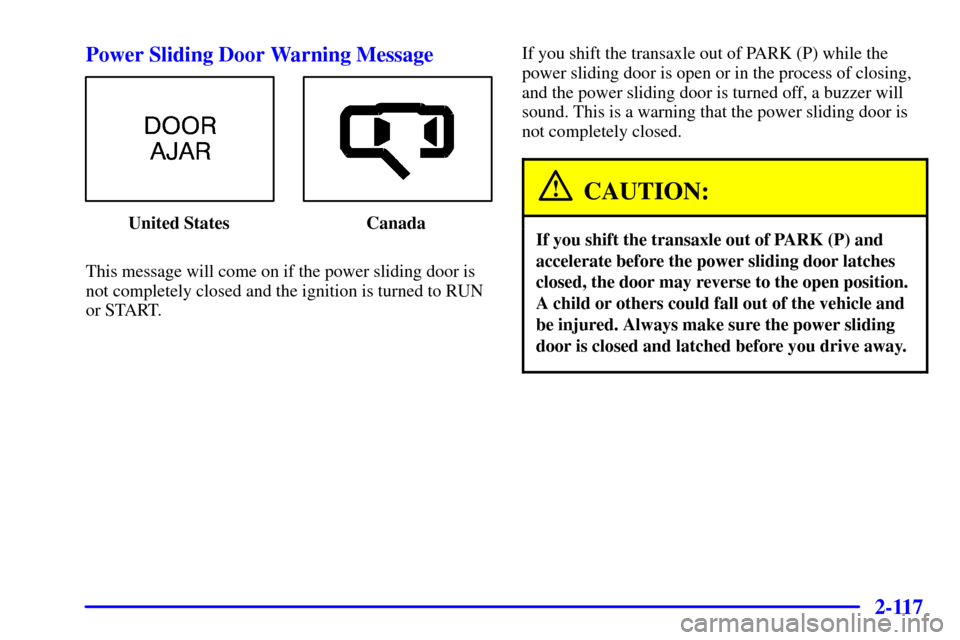
Power Sliding Door Warning Message
United States Canada
This message will come on if the power sliding door is
not completely closed and the ignition is turned to RUN
or START.If you shift the transaxle out of PARK (P) while the
power sliding door is open or in the process of closing,
and the power sliding door is turned off, a buzzer will
sound. This is a warning that the power sliding door is
not completely closed.
CAUTION:
If you shift the transaxle out of PARK (P) and
accelerate before the power sliding door latches
closed, the door may reverse to the open position.
A child or others could fall out of the vehicle and
be injured. Always make sure the power sliding
door is closed and latched before you drive away.
Page 226 of 486
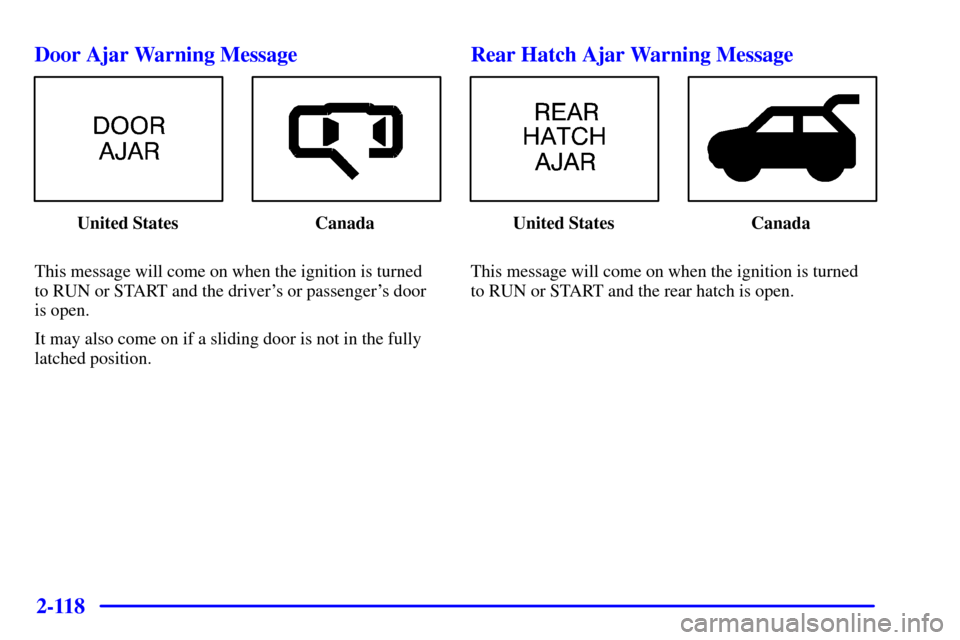
2-118 Door Ajar Warning Message
United States Canada
This message will come on when the ignition is turned
to RUN or START and the driver's or passenger's door
is open.
It may also come on if a sliding door is not in the fully
latched position.
Rear Hatch Ajar Warning Message
United States Canada
This message will come on when the ignition is turned
to RUN or START and the rear hatch is open.
Page 227 of 486
2-119
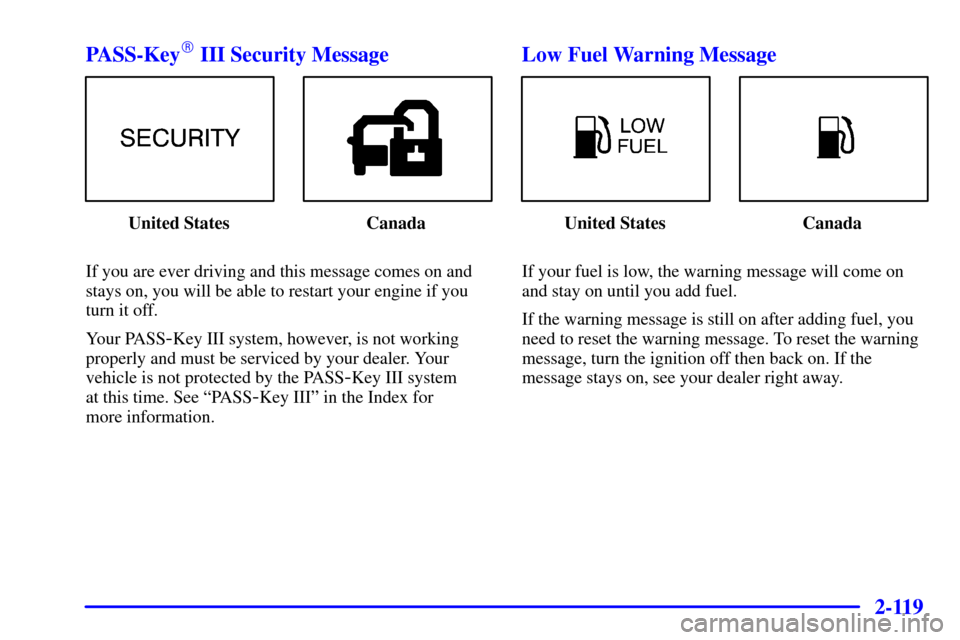
PASS-Key� III Security Message
United States Canada
If you are ever driving and this message comes on and
stays on, you will be able to restart your engine if you
turn it off.
Your PASS
-Key III system, however, is not working
properly and must be serviced by your dealer. Your
vehicle is not protected by the PASS
-Key III system
at this time. See ªPASS
-Key IIIº in the Index for
more information.
Low Fuel Warning Message
United States Canada
If your fuel is low, the warning message will come on
and stay on until you add fuel.
If the warning message is still on after adding fuel, you
need to reset the warning message. To reset the warning
message, turn the ignition off then back on. If the
message stays on, see your dealer right away.
Page 228 of 486
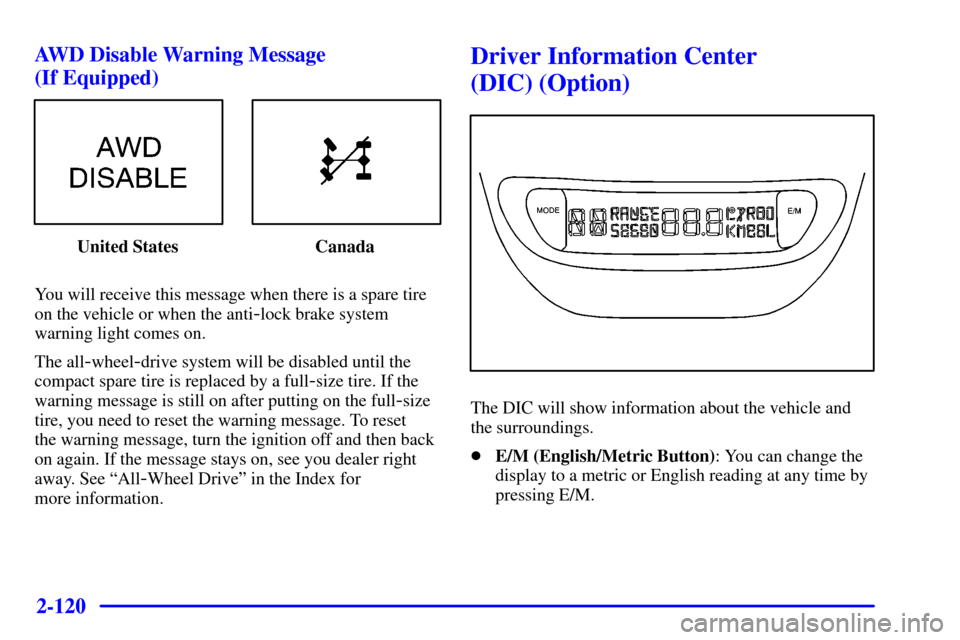
2-120 AWD Disable Warning Message
(If Equipped)
United States Canada
You will receive this message when there is a spare tire
on the vehicle or when the anti
-lock brake system
warning light comes on.
The all
-wheel-drive system will be disabled until the
compact spare tire is replaced by a full
-size tire. If the
warning message is still on after putting on the full
-size
tire, you need to reset the warning message. To reset
the warning message, turn the ignition off and then back
on again. If the message stays on, see you dealer right
away. See ªAll
-Wheel Driveº in the Index for
more information.
Driver Information Center
(DIC) (Option)
The DIC will show information about the vehicle and
the surroundings.
�E/M (English/Metric Button): You can change the
display to a metric or English reading at any time by
pressing E/M.
Page 229 of 486

2-121
�MODE: Press this button to cycle through three
modes of operation
-- Off, Compass/Temperature
and Trip Computer mode.
In the Trip Computer mode, pressing the MODE
button cycles through the five displays. Press the
MODE button after the last Trip Computer display to
return the DIC to the OFF mode.
Off: No driver information is displayed in this mode
of operation.
Compass/Temperature Mode: One of eight compass
readings and the outside temperature are displayed. If
the temperature is below 38�F (3�C), the temperature
reading will toggle between displaying the outside
temperature and the word ªICEº for two minutes.
Compass Variance
Compass variance is the difference between magnetic
north and geographic north. In some areas of the
country, the difference is great enough to cause the
compass to give false readings. If this occurs, the
compass variance must be set.Setting the VarianceTurn the ignition on and cycle the DIC to the
Compass/Temperature mode. Press both the E/M and
MODE buttons simultaneously for approximately
five seconds. The last entered variance zone number will
be displayed. Press the E/M button until the proper
variance number, as shown on the map, is showing.
Press the MODE button to set the new variance zone
and resume normal operation.
The display will show all the display segments briefly to
acknowledge the change in the zone number.
Page 230 of 486

2-122
Automatic Compass Calibration
The compass is self
-calibrating, which eliminates the
need to manually set the compass. When the vehicle is
new, the calibration process may not be complete. In
these cases the calibration symbol C will be displayed
where the compass reading is normally displayed.
To calibrate the compass, in an area free from large
metal objects, make three 360� turns. The calibration
symbol will turn off and the compass reading will
be displayed.
Manual Compass Calibration
If the compass appears erratic and the calibration
symbol does not appear, you must manually put the
compass into the calibration mode.
Turn the ignition on and cycle the DIC to the
Compass/Temperature mode. Press both the E/M and
MODE buttons simultaneously for at least 10 seconds
until the calibration symbol appears. Release both
buttons and complete three 360� turns in an area free
from large metal objects. The calibration symbol will
turn off and the compass reading will be displayed.Error Displays
�An error of the vehicle's speed sensor or fuel sender
will cause
-E- to be displayed.
�In the absence of vehicle communications, a
dash ª
--º is displayed.
If one of these error messages appear, see your dealer.
Trip Computer
There are five trip computer displays which may be
stepped through by pressing the MODE button. The
information will appear in the following order:
�AVG ECON (Average Fuel Economy): This shows
the average fuel economy since the last reset.
�INST ECON (Instantaneous Fuel Economy): This
shows fuel economy for the most recent second
of driving.
�RANGE (Trip Range): This shows the estimated
distance that can be traveled with the remaining fuel.
The fuel economy used to calculate range is based on
the last few hours of driving.
�FUEL USED (Trip Fuel Used): This shows the
accumulated fuel used since the last reset.
�AVG SPEED (Average Speed): This shows the
average speed since the last reset.