Page 157 of 488
2-91
This light should come on briefly when you turn the
ignition key to RUN. If it doesn't come on then,
have it fixed so it will be ready to warn you if there's
a problem.
If the light comes on while you are driving, pull off the
road and stop carefully. You may notice that the pedal is
harder to push. Or, the pedal may go closer to the floor.
It may take longer to stop. If the light is still on, have the
vehicle towed for service. See ªTowing Your Vehicleº in
the Index.
CAUTION:
Your brake system may not be working properly
if the brake system warning light is on. Driving
with the brake system warning light on can lead
to an accident. If the light is still on after you've
pulled off the road and stopped carefully, have
the vehicle towed for service.
Anti-Lock Brake System Warning Light
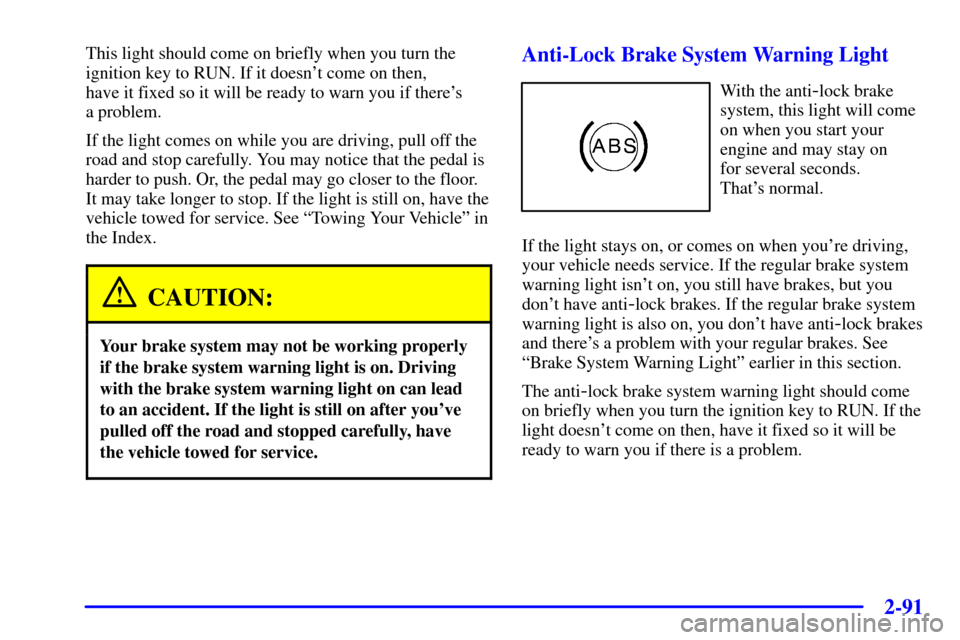
With the anti-lock brake
system, this light will come
on when you start your
engine and may stay on
for several seconds.
That's normal.
If the light stays on, or comes on when you're driving,
your vehicle needs service. If the regular brake system
warning light isn't on, you still have brakes, but you
don't have anti
-lock brakes. If the regular brake system
warning light is also on, you don't have anti
-lock brakes
and there's a problem with your regular brakes. See
ªBrake System Warning Lightº earlier in this section.
The anti
-lock brake system warning light should come
on briefly when you turn the ignition key to RUN. If the
light doesn't come on then, have it fixed so it will be
ready to warn you if there is a problem.
Page 160 of 488

2-94
If the Light Is Flashing
The following may prevent more serious damage to
your vehicle:
�Reducing vehicle speed.
�Avoiding hard accelerations.
�Avoiding steep uphill grades.
�If you are towing a trailer, reduce the amount of
cargo being hauled as soon as it is possible.
If the light stops flashing and remains on steady, see ªIf
the Light Is On Steadyº following.
If the light continues to flash, when it is safe to do so,
stop the vehicle. Find a safe place to park your vehicle.
Turn the key off, wait at least 10 seconds and restart the
engine. If the light remains on steady, see ªIf the Light
Is On Steadyº following. If the light is still flashing,
follow the previous steps, and drive the vehicle to your
dealer or qualified service center for service.If the Light Is On Steady
You may be able to correct the emission system
malfunction by considering the following:
Did you recently put fuel into your vehicle?
If so, reinstall the fuel cap, making sure to fully install
the cap. See ªFilling Your Tankº in the Index. The
diagnostic system can determine if the fuel cap has been
left off or improperly installed. A loose or missing fuel
cap will allow fuel to evaporate into the atmosphere. A
few driving trips with the cap properly installed should
turn the light off.
Did you just drive through a deep puddle of water?
If so, your electrical system may be wet. The condition
will usually be corrected when the electrical system
dries out. A few driving trips should turn the light off.
Page 163 of 488

2-97
Security Light
This light will come on
briefly when you turn the
key toward START. The
light will stay on until the
engine starts.
If the light flashes, the Passlock
� system has entered a
tamper mode. If the vehicle fails to start, see ªPasslockº
in the Index.
If the light comes on continuously while driving and
stays on, there may be a problem with the Passlock
system. Your vehicle will not be protected by Passlock,
and you should see your dealer.
Also, see ªContent Theft
-Deterrentº in the Index for
additional information regarding the SECURITY light.
Service Four-Wheel-Drive Warning Light
(If Equipped)
This light should come on
briefly when you turn on the
ignition, as a check to show
you it is working.
The SERVICE 4WD light comes on to indicate that
there may be a problem with the drive system and
service is required. Malfunctions can be indicated by the
system before any problem is apparent, which may
prevent serious damage to the vehicle. This system is
also designed to assist your service technician in
correctly diagnosing a malfunction.
Page 164 of 488
2-98
Tow/Haul Mode Light (If Equipped)
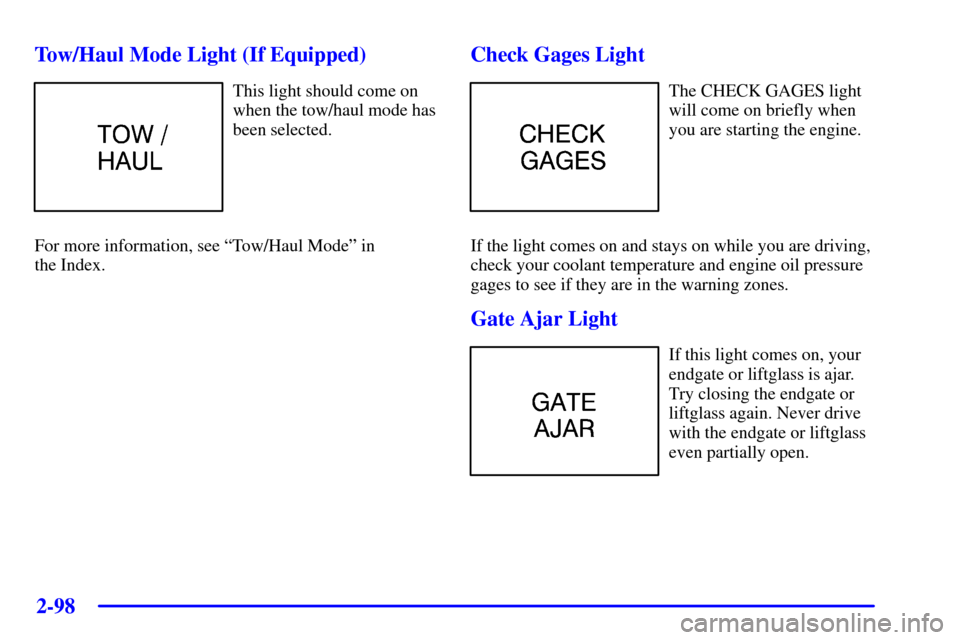
This light should come on
when the tow/haul mode has
been selected.
For more information, see ªTow/Haul Modeº in
the Index.
Check Gages Light
The CHECK GAGES light
will come on briefly when
you are starting the engine.
If the light comes on and stays on while you are driving,
check your coolant temperature and engine oil pressure
gages to see if they are in the warning zones.
Gate Ajar Light
If this light comes on, your
endgate or liftglass is ajar.
Try closing the endgate or
liftglass again. Never drive
with the endgate or liftglass
even partially open.
Page 169 of 488

3-2
Comfort Controls
With this system, you can control the heating, cooling
and ventilation in your vehicle.
Standard Climate Control System
Fan Knob
The knob on the left side of the climate control system
control panel regulates the fan speed. To increase
airflow, move the knob clockwise. To decrease airflow,
move it counterclockwise.Temperature Knob
The middle knob on the control panel lets you select the
relative temperature of the air flowing into the passenger
area of your vehicle. Move the knob clockwise toward
the red area for warmer air. Move the knob
counterclockwise toward the blue area for cooler air.
Mode Knob
The right knob on the control panel allows you to
choose the direction of air delivery.
OFF: This mode turns the system off. Some outside air
will still enter the vehicle whenever the vehicle is
moving forward.
MAX A/C (Maximum Air Conditioning): This mode
provides maximum cooling with the least amount of
work. MAX A/C recirculates much of the air inside your
vehicle so it cools quickly. This setting directs most of
the air through the instrument panel vents and a small
amount through the floor ducts.
Page 171 of 488
3-4 Heating
The heater works best if you keep your windows closed
while using it. On cold days, use floor mode with the
temperature knob turned clockwise. Blend mode is
useful in cool weather when you have fog or ice on the
windshield or side windows.
If you use the optional engine coolant heater before
starting your engine, your heating system will produce
warmer air faster to heat the passenger compartment in
cold weather. See ªEngine Coolant Heaterº in the Index.
Defogging and Defrosting
On cool, humid days, use blend mode to keep the
windshield and side windows clear.
Use defrost mode to remove fog or ice from the
windshield quickly in extreme humid or cold conditions.
Turn the temperature knob clockwise and move the fan
knob toward high.
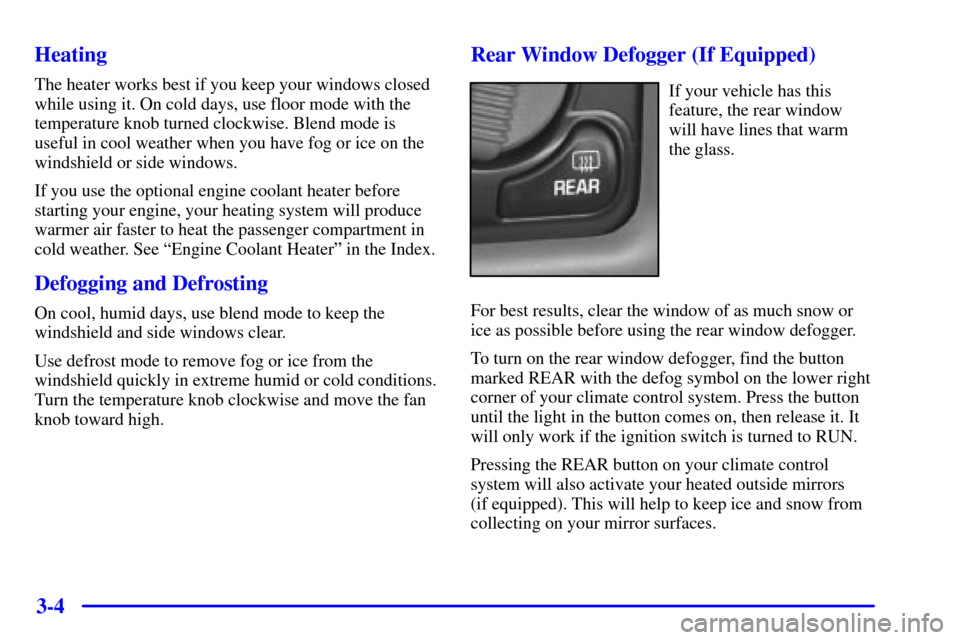
Rear Window Defogger (If Equipped)
If your vehicle has this
feature, the rear window
will have lines that warm
the glass.
For best results, clear the window of as much snow or
ice as possible before using the rear window defogger.
To turn on the rear window defogger, find the button
marked REAR with the defog symbol on the lower right
corner of your climate control system. Press the button
until the light in the button comes on, then release it. It
will only work if the ignition switch is turned to RUN.
Pressing the REAR button on your climate control
system will also activate your heated outside mirrors
(if equipped). This will help to keep ice and snow from
collecting on your mirror surfaces.
Page 178 of 488

3-11
To adjust the treble, press and release AUDIO until TRE
appears on the display. Then press and hold the up arrow
to increase treble. T and a positive number will appear
on the display. Press and hold the down arrow to
decrease treble. T and a negative number will appear on
the display. T and a zero will appear on the display when
the treble level is adjusted to the middle position.
Release the up or down arrow when you find the treble
level you want or when the maximum or minimum level
is reached. If a station is weak or noisy, you may want to
decrease the treble.
To adjust bass or treble to the middle position, select
BAS or TRE. Then press and hold AUDIO for more
than two seconds until you hear a beep. B and a zero or
T and a zero will appear on the display. To adjust both
tone controls and both speaker controls to the middle
position, end out of audio mode by pressing the AUDIO
button until the display goes blank. Then press and hold
AUDIO for more than two seconds until you hear a
beep. CEN will appear on the display.Adjusting the Speakers (Balance/Fade)
AUDIO: To adjust the balance between the right and
left speakers, press and release AUDIO until BAL
appears on the display. Then press and hold the up arrow
to move the sound to the right speakers or the down
arrow to move the sound to the left speakers. R and a
number will appear on the display when the sound is
balanced toward the right speakers. L and a number will
appear on the display when the sound is balanced
toward the left speakers. L and a zero will appear on the
display when the sound is balanced between the
speakers. Release the up or down arrow when you find
the speaker balance you want or when the maximum or
minimum level is reached.
To adjust the fade between the front and rear speakers,
press and release AUDIO until FAD appears on the
display. Then press and hold the up arrow to move the
sound to the front speakers or the down arrow to move
the sound to the rear speakers. F and a number will
appear on the display when the sound is balanced
toward the front speakers. R and a number will appear
on the display when the sound is balanced toward the
rear speakers. F and a zero will appear on the display
when the sound is balanced between the speakers.
Release the up or down arrow when you find the speaker
balance you want or when the maximum or minimum
level is reached.
Page 246 of 488
4-
4-1
Section 4 Your Driving and the Road
Here you'll find information about driving on different kinds of roads and in varying weather conditions. We've also
included many other useful tips on driving.
4
-2 Your Driving, the Road and Your Vehicle
4
-3 Defensive Driving
4
-4 Drunken Driving
4
-7 Control of a Vehicle
4
-7 Braking
4
-10 Steering
4
-12 Off-Road Recovery
4
-13 Passing
4
-14 Loss of Control
4
-15 Off-Road Driving with Your
Four
-Wheel-Drive Vehicle4
-30 Driving at Night
4
-32 Driving in Rain and on Wet Roads
4
-35 City Driving
4
-36 Freeway Driving
4
-37 Before Leaving on a Long Trip
4
-38 Highway Hypnosis
4
-38 Hill and Mountain Roads
4
-40 Winter Driving
4
-43 Recreational Vehicle Towing
4
-47 Loading Your Vehicle
4
-50 Towing a Trailer