2001 CHRYSLER VOYAGER reset
[x] Cancel search: resetPage 248 of 4284
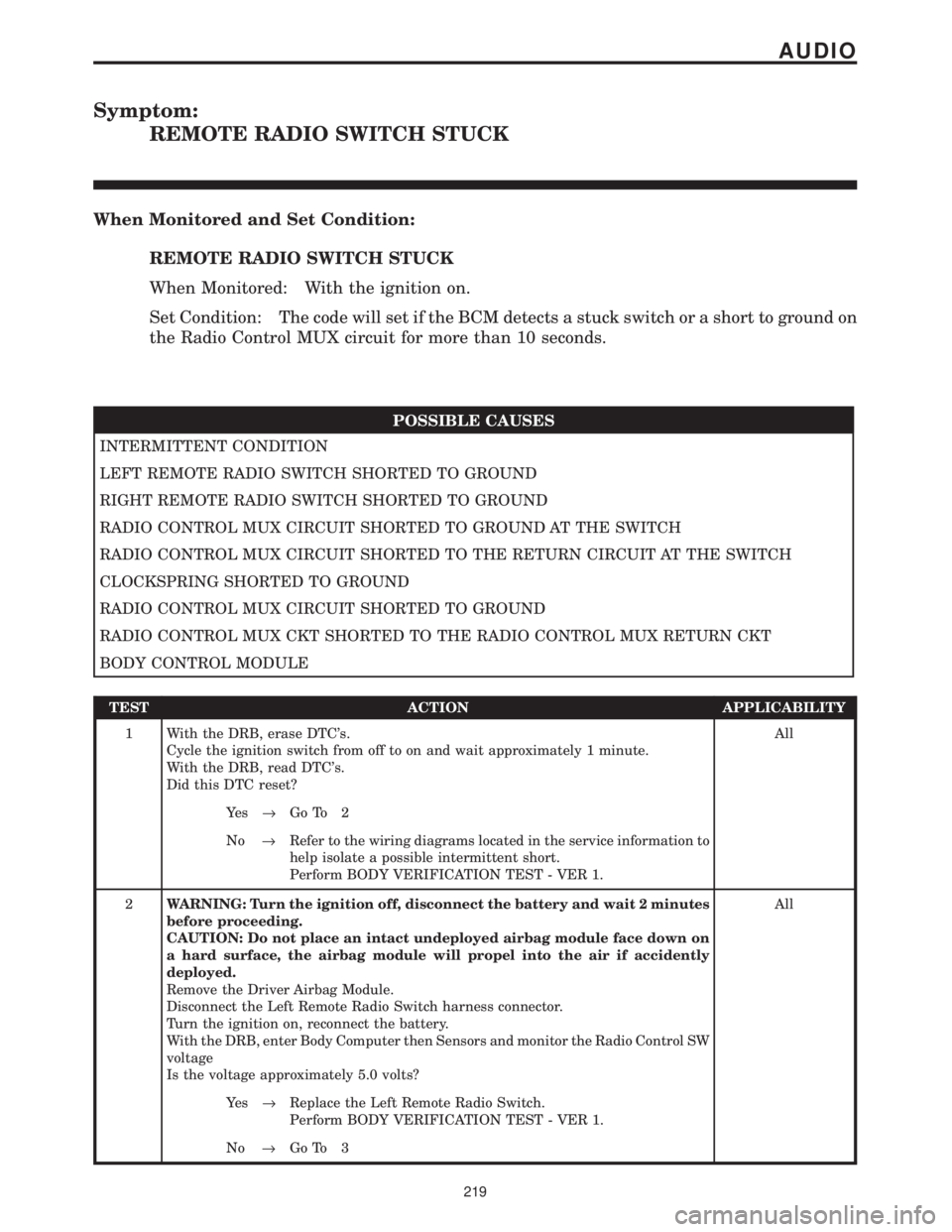
Symptom:
REMOTE RADIO SWITCH STUCK
When Monitored and Set Condition:
REMOTE RADIO SWITCH STUCK
When Monitored: With the ignition on.
Set Condition: The code will set if the BCM detects a stuck switch or a short to ground on
the Radio Control MUX circuit for more than 10 seconds.
POSSIBLE CAUSES
INTERMITTENT CONDITION
LEFT REMOTE RADIO SWITCH SHORTED TO GROUND
RIGHT REMOTE RADIO SWITCH SHORTED TO GROUND
RADIO CONTROL MUX CIRCUIT SHORTED TO GROUND AT THE SWITCH
RADIO CONTROL MUX CIRCUIT SHORTED TO THE RETURN CIRCUIT AT THE SWITCH
CLOCKSPRING SHORTED TO GROUND
RADIO CONTROL MUX CIRCUIT SHORTED TO GROUND
RADIO CONTROL MUX CKT SHORTED TO THE RADIO CONTROL MUX RETURN CKT
BODY CONTROL MODULE
TEST ACTION APPLICABILITY
1 With the DRB, erase DTC's.
Cycle the ignition switch from off to on and wait approximately 1 minute.
With the DRB, read DTC's.
Did this DTC reset?All
Ye s®Go To 2
No®Refer to the wiring diagrams located in the service information to
help isolate a possible intermittent short.
Perform BODY VERIFICATION TEST - VER 1.
2WARNING: Turn the ignition off, disconnect the battery and wait 2 minutes
before proceeding.
CAUTION: Do not place an intact undeployed airbag module face down on
a hard surface, the airbag module will propel into the air if accidently
deployed.
Remove the Driver Airbag Module.
Disconnect the Left Remote Radio Switch harness connector.
Turn the ignition on, reconnect the battery.
With the DRB, enter Body Computer then Sensors and monitor the Radio Control SW
voltage
Is the voltage approximately 5.0 volts?All
Ye s®Replace the Left Remote Radio Switch.
Perform BODY VERIFICATION TEST - VER 1.
No®Go To 3
219
AUDIO
Page 254 of 4284
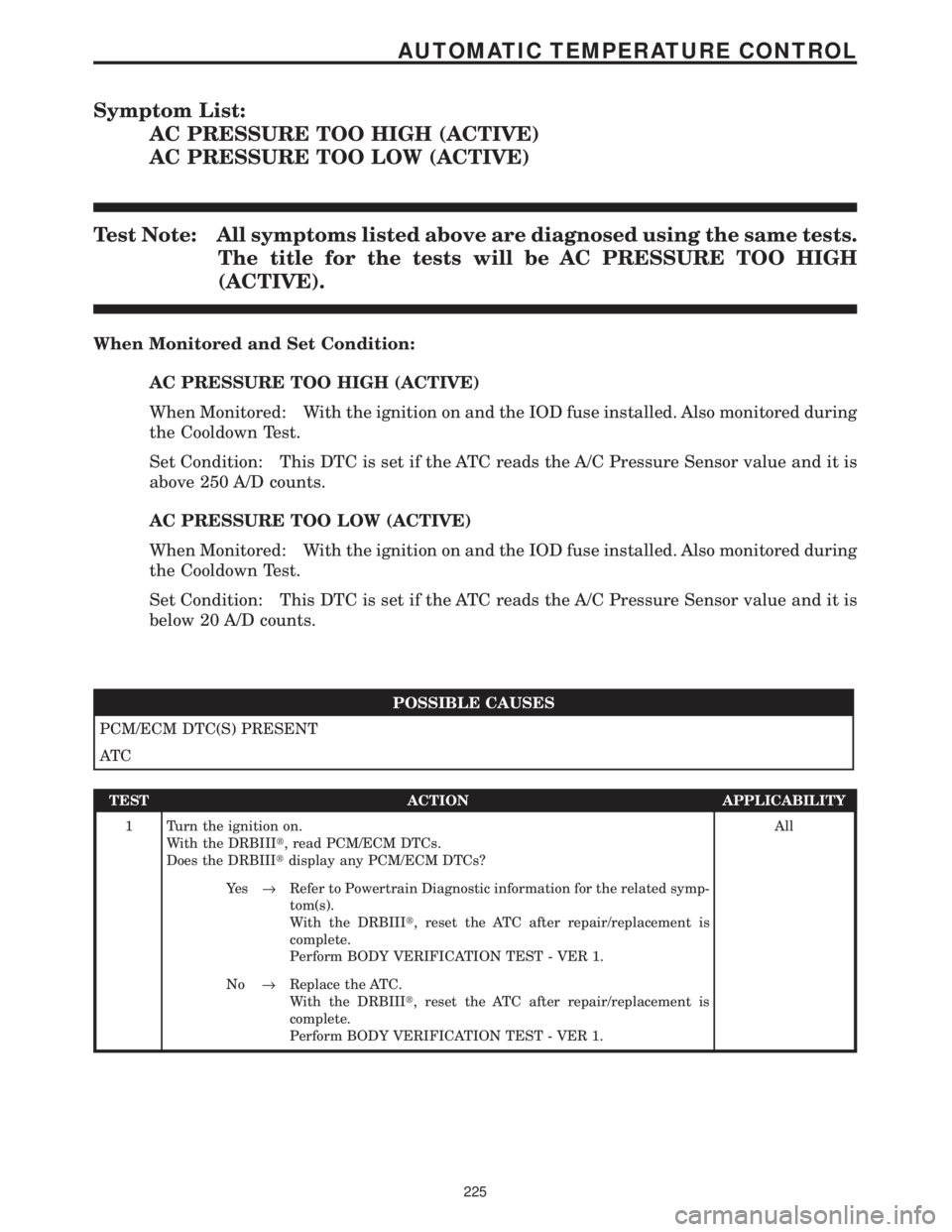
Symptom List:
AC PRESSURE TOO HIGH (ACTIVE)
AC PRESSURE TOO LOW (ACTIVE)
Test Note: All symptoms listed above are diagnosed using the same tests.
The title for the tests will be AC PRESSURE TOO HIGH
(ACTIVE).
When Monitored and Set Condition:
AC PRESSURE TOO HIGH (ACTIVE)
When Monitored: With the ignition on and the IOD fuse installed. Also monitored during
the Cooldown Test.
Set Condition: This DTC is set if the ATC reads the A/C Pressure Sensor value and it is
above 250 A/D counts.
AC PRESSURE TOO LOW (ACTIVE)
When Monitored: With the ignition on and the IOD fuse installed. Also monitored during
the Cooldown Test.
Set Condition: This DTC is set if the ATC reads the A/C Pressure Sensor value and it is
below 20 A/D counts.
POSSIBLE CAUSES
PCM/ECM DTC(S) PRESENT
AT C
TEST ACTION APPLICABILITY
1 Turn the ignition on.
With the DRBIIIt, read PCM/ECM DTCs.
Does the DRBIIItdisplay any PCM/ECM DTCs?All
Ye s®Refer to Powertrain Diagnostic information for the related symp-
tom(s).
With the DRBIIIt, reset the ATC after repair/replacement is
complete.
Perform BODY VERIFICATION TEST - VER 1.
No®Replace the ATC.
With the DRBIIIt, reset the ATC after repair/replacement is
complete.
Perform BODY VERIFICATION TEST - VER 1.
225
AUTOMATIC TEMPERATURE CONTROL
Page 260 of 4284
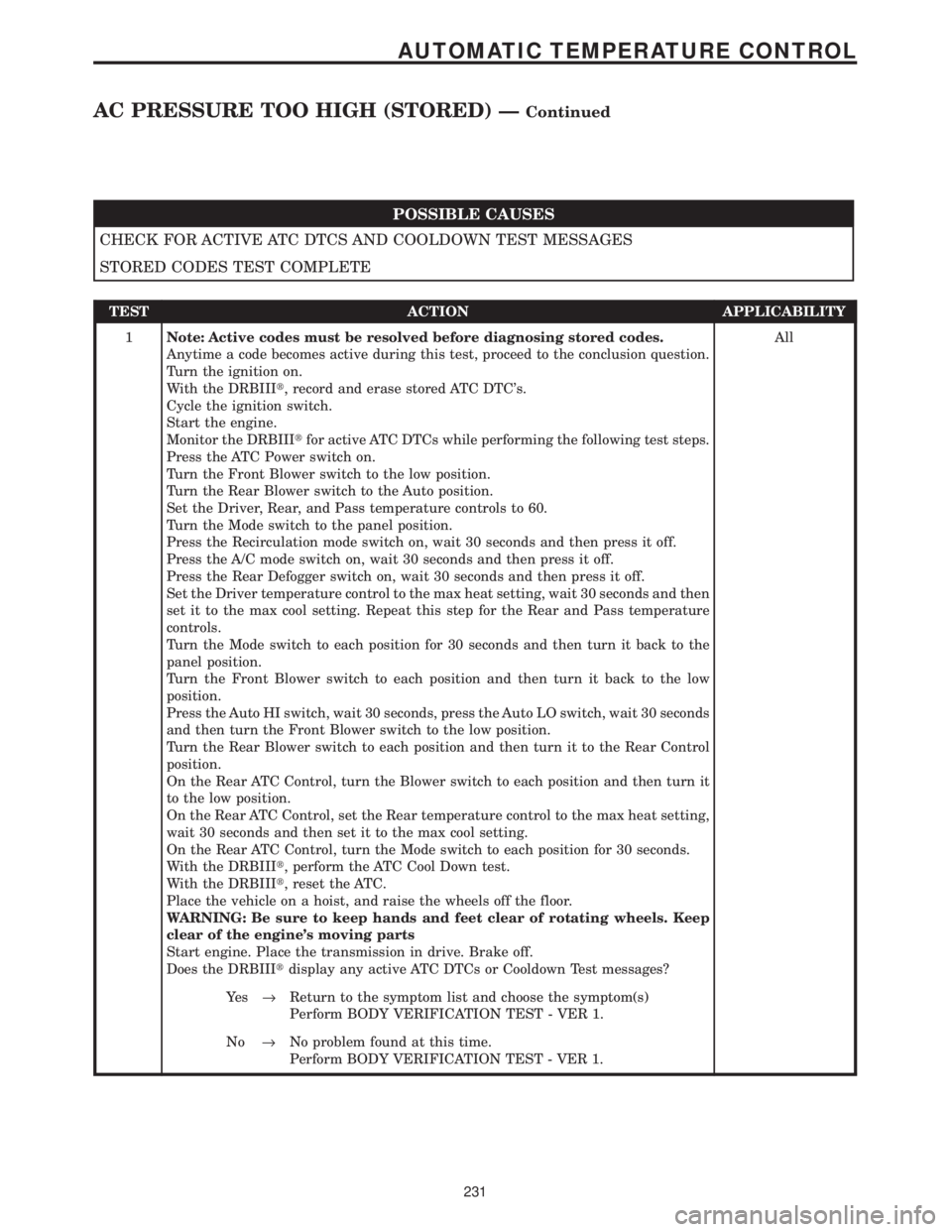
POSSIBLE CAUSES
CHECK FOR ACTIVE ATC DTCS AND COOLDOWN TEST MESSAGES
STORED CODES TEST COMPLETE
TEST ACTION APPLICABILITY
1Note: Active codes must be resolved before diagnosing stored codes.
Anytime a code becomes active during this test, proceed to the conclusion question.
Turn the ignition on.
With the DRBIIIt, record and erase stored ATC DTC's.
Cycle the ignition switch.
Start the engine.
Monitor the DRBIIItfor active ATC DTCs while performing the following test steps.
Press the ATC Power switch on.
Turn the Front Blower switch to the low position.
Turn the Rear Blower switch to the Auto position.
Set the Driver, Rear, and Pass temperature controls to 60.
Turn the Mode switch to the panel position.
Press the Recirculation mode switch on, wait 30 seconds and then press it off.
Press the A/C mode switch on, wait 30 seconds and then press it off.
Press the Rear Defogger switch on, wait 30 seconds and then press it off.
Set the Driver temperature control to the max heat setting, wait 30 seconds and then
set it to the max cool setting. Repeat this step for the Rear and Pass temperature
controls.
Turn the Mode switch to each position for 30 seconds and then turn it back to the
panel position.
Turn the Front Blower switch to each position and then turn it back to the low
position.
Press the Auto HI switch, wait 30 seconds, press the Auto LO switch, wait 30 seconds
and then turn the Front Blower switch to the low position.
Turn the Rear Blower switch to each position and then turn it to the Rear Control
position.
On the Rear ATC Control, turn the Blower switch to each position and then turn it
to the low position.
On the Rear ATC Control, set the Rear temperature control to the max heat setting,
wait 30 seconds and then set it to the max cool setting.
On the Rear ATC Control, turn the Mode switch to each position for 30 seconds.
With the DRBIIIt, perform the ATC Cool Down test.
With the DRBIIIt, reset the ATC.
Place the vehicle on a hoist, and raise the wheels off the floor.
WARNING: Be sure to keep hands and feet clear of rotating wheels. Keep
clear of the engine's moving parts
Start engine. Place the transmission in drive. Brake off.
Does the DRBIIItdisplay any active ATC DTCs or Cooldown Test messages?All
Ye s®Return to the symptom list and choose the symptom(s)
Perform BODY VERIFICATION TEST - VER 1.
No®No problem found at this time.
Perform BODY VERIFICATION TEST - VER 1.
231
AUTOMATIC TEMPERATURE CONTROL
AC PRESSURE TOO HIGH (STORED) ÐContinued
Page 263 of 4284
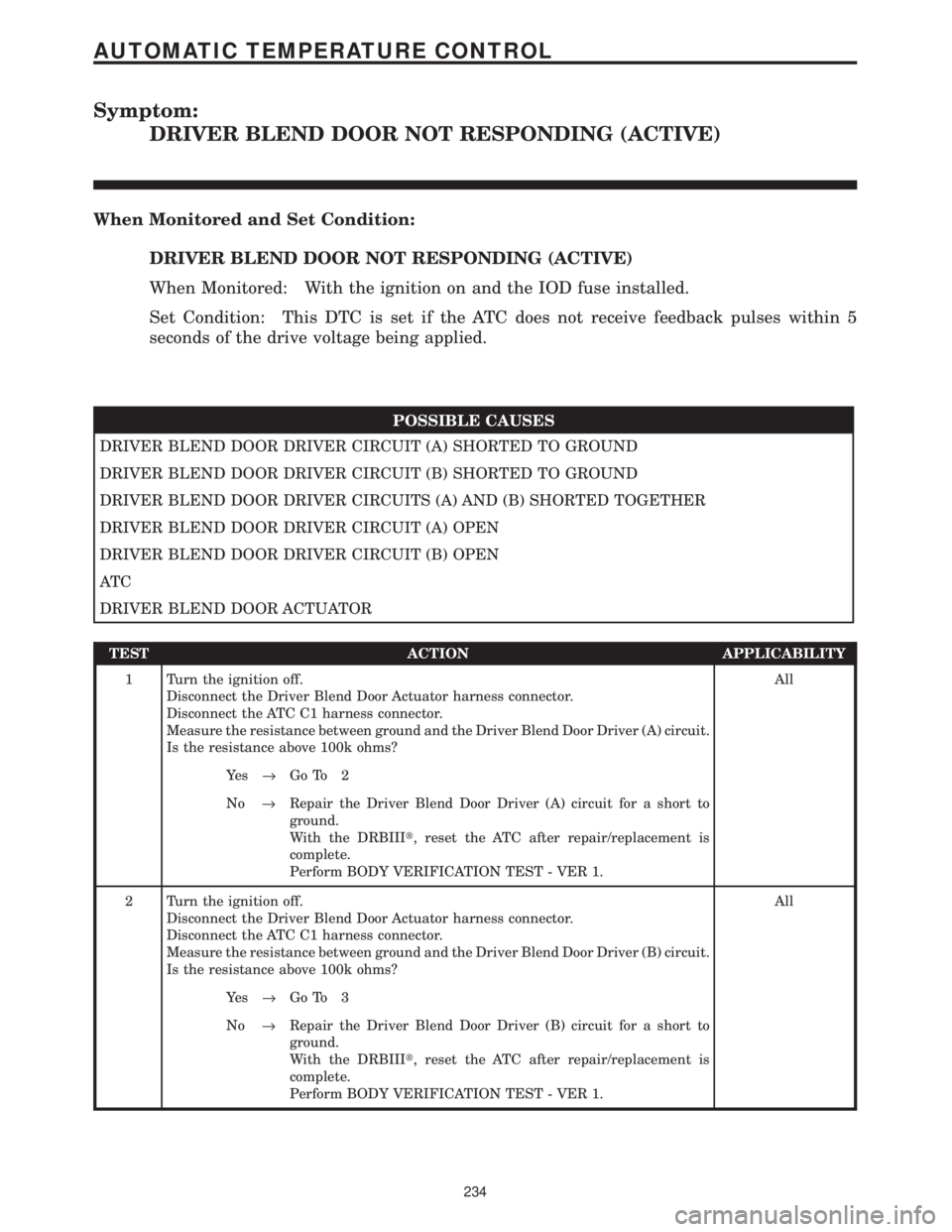
Symptom:
DRIVER BLEND DOOR NOT RESPONDING (ACTIVE)
When Monitored and Set Condition:
DRIVER BLEND DOOR NOT RESPONDING (ACTIVE)
When Monitored: With the ignition on and the IOD fuse installed.
Set Condition: This DTC is set if the ATC does not receive feedback pulses within 5
seconds of the drive voltage being applied.
POSSIBLE CAUSES
DRIVER BLEND DOOR DRIVER CIRCUIT (A) SHORTED TO GROUND
DRIVER BLEND DOOR DRIVER CIRCUIT (B) SHORTED TO GROUND
DRIVER BLEND DOOR DRIVER CIRCUITS (A) AND (B) SHORTED TOGETHER
DRIVER BLEND DOOR DRIVER CIRCUIT (A) OPEN
DRIVER BLEND DOOR DRIVER CIRCUIT (B) OPEN
AT C
DRIVER BLEND DOOR ACTUATOR
TEST ACTION APPLICABILITY
1 Turn the ignition off.
Disconnect the Driver Blend Door Actuator harness connector.
Disconnect the ATC C1 harness connector.
Measure the resistance between ground and the Driver Blend Door Driver (A) circuit.
Is the resistance above 100k ohms?All
Ye s®Go To 2
No®Repair the Driver Blend Door Driver (A) circuit for a short to
ground.
With the DRBIIIt, reset the ATC after repair/replacement is
complete.
Perform BODY VERIFICATION TEST - VER 1.
2 Turn the ignition off.
Disconnect the Driver Blend Door Actuator harness connector.
Disconnect the ATC C1 harness connector.
Measure the resistance between ground and the Driver Blend Door Driver (B) circuit.
Is the resistance above 100k ohms?All
Ye s®Go To 3
No®Repair the Driver Blend Door Driver (B) circuit for a short to
ground.
With the DRBIIIt, reset the ATC after repair/replacement is
complete.
Perform BODY VERIFICATION TEST - VER 1.
234
AUTOMATIC TEMPERATURE CONTROL
Page 264 of 4284
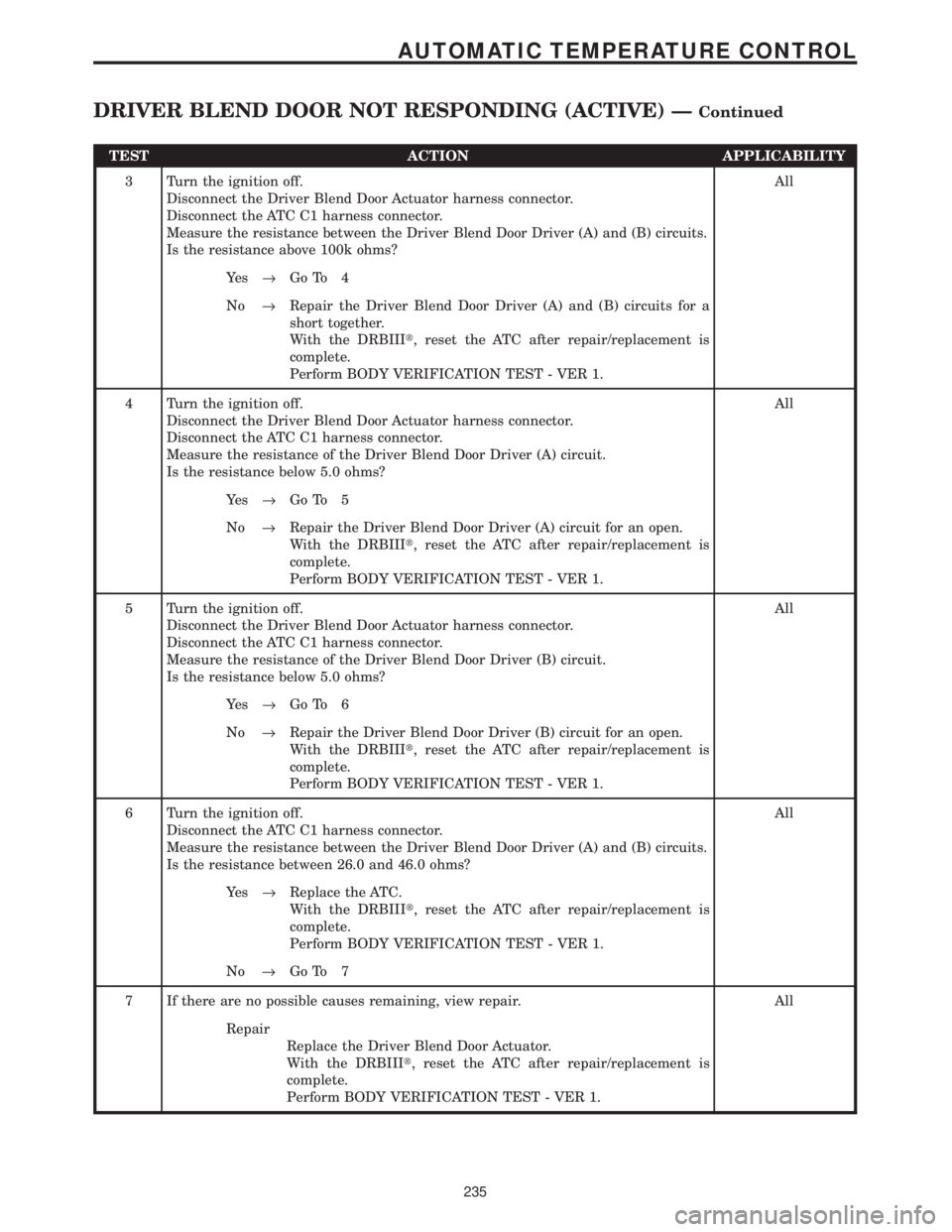
TEST ACTION APPLICABILITY
3 Turn the ignition off.
Disconnect the Driver Blend Door Actuator harness connector.
Disconnect the ATC C1 harness connector.
Measure the resistance between the Driver Blend Door Driver (A) and (B) circuits.
Is the resistance above 100k ohms?All
Ye s®Go To 4
No®Repair the Driver Blend Door Driver (A) and (B) circuits for a
short together.
With the DRBIIIt, reset the ATC after repair/replacement is
complete.
Perform BODY VERIFICATION TEST - VER 1.
4 Turn the ignition off.
Disconnect the Driver Blend Door Actuator harness connector.
Disconnect the ATC C1 harness connector.
Measure the resistance of the Driver Blend Door Driver (A) circuit.
Is the resistance below 5.0 ohms?All
Ye s®Go To 5
No®Repair the Driver Blend Door Driver (A) circuit for an open.
With the DRBIIIt, reset the ATC after repair/replacement is
complete.
Perform BODY VERIFICATION TEST - VER 1.
5 Turn the ignition off.
Disconnect the Driver Blend Door Actuator harness connector.
Disconnect the ATC C1 harness connector.
Measure the resistance of the Driver Blend Door Driver (B) circuit.
Is the resistance below 5.0 ohms?All
Ye s®Go To 6
No®Repair the Driver Blend Door Driver (B) circuit for an open.
With the DRBIIIt, reset the ATC after repair/replacement is
complete.
Perform BODY VERIFICATION TEST - VER 1.
6 Turn the ignition off.
Disconnect the ATC C1 harness connector.
Measure the resistance between the Driver Blend Door Driver (A) and (B) circuits.
Is the resistance between 26.0 and 46.0 ohms?All
Ye s®Replace the ATC.
With the DRBIIIt, reset the ATC after repair/replacement is
complete.
Perform BODY VERIFICATION TEST - VER 1.
No®Go To 7
7 If there are no possible causes remaining, view repair. All
Repair
Replace the Driver Blend Door Actuator.
With the DRBIIIt, reset the ATC after repair/replacement is
complete.
Perform BODY VERIFICATION TEST - VER 1.
235
AUTOMATIC TEMPERATURE CONTROL
DRIVER BLEND DOOR NOT RESPONDING (ACTIVE) ÐContinued
Page 265 of 4284

Symptom:
DRIVER BLEND DOOR TRAVEL TOO LARGE (ACTIVE)
When Monitored and Set Condition:
DRIVER BLEND DOOR TRAVEL TOO LARGE (ACTIVE)
When Monitored: With the ignition on and the IOD fuse installed.
Set Condition: This DTC is set when the ATC monitors the travel range during system
initialization and the measured range is greater than expected.
POSSIBLE CAUSES
CHECK THE ATC FOR DTCS
DRIVER BLEND DOOR ACTUATOR
DRIVER BLEND DOOR LINKAGE
AT C
TEST ACTION APPLICABILITY
1 Turn the ignition on.
With the DRB, read the active ATC DTCs.
Is the DRIVER BLEND DOOR NOT RESPONDING DTC set?All
Ye s®Return to the symptom list and choose the symptom.
With the DRBIIIt, reset the ATC after repair/replacement is
complete.
Perform BODY VERIFICATION TEST - VER 1.
No®Go To 2
2 Turn the ignition off.
Remove the Driver Blend Door Actuator.
By hand, attempt to rotate the driver blend door motor in both directions.
Did the blend door actuator turn in either direction?All
Ye s®Replace the Driver Blend Door Actuator.
With the DRBIIIt, reset the ATC after repair/replacement is
complete.
Perform BODY VERIFICATION TEST - VER 1.
No®Go To 3
236
AUTOMATIC TEMPERATURE CONTROL
Page 266 of 4284
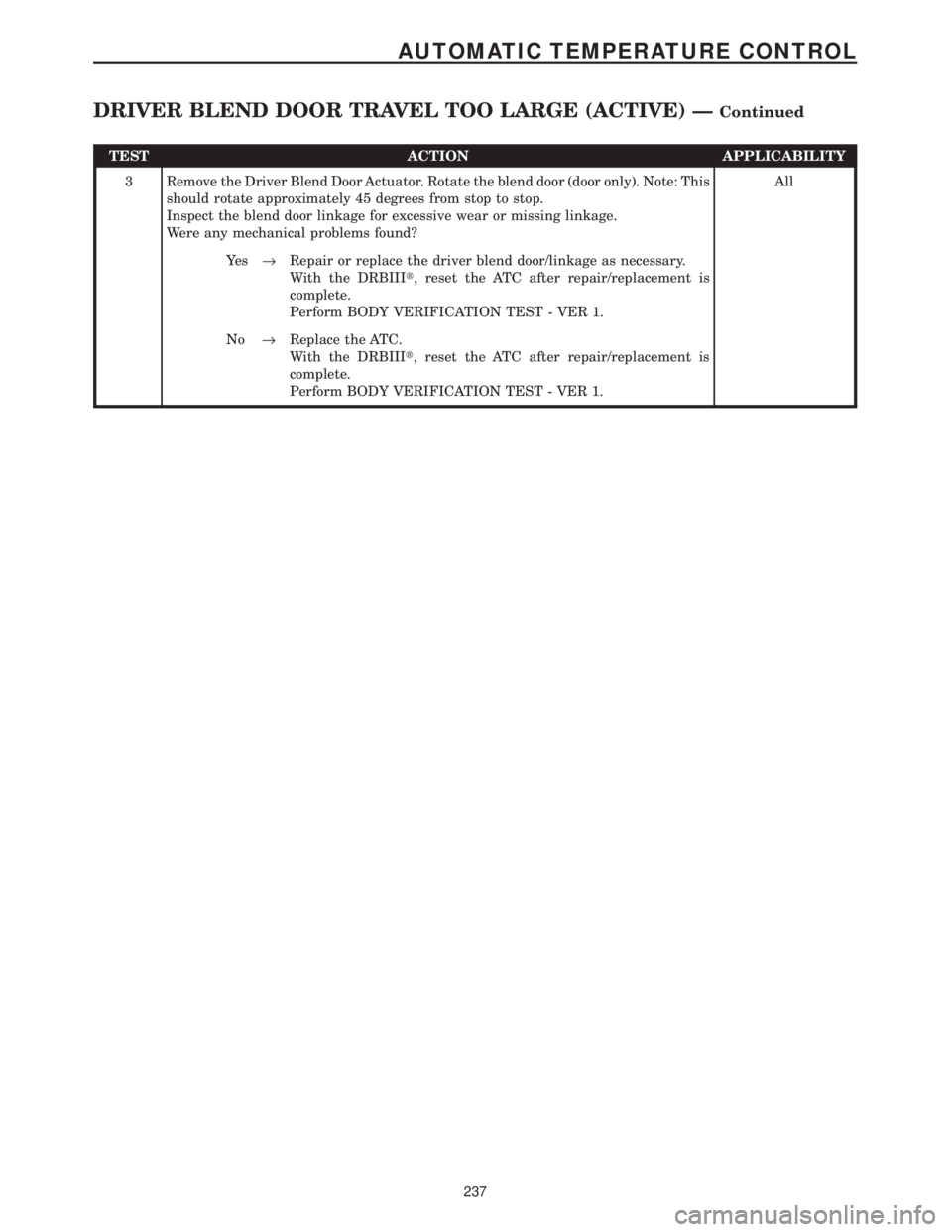
TEST ACTION APPLICABILITY
3 Remove the Driver Blend Door Actuator. Rotate the blend door (door only). Note: This
should rotate approximately 45 degrees from stop to stop.
Inspect the blend door linkage for excessive wear or missing linkage.
Were any mechanical problems found?All
Ye s®Repair or replace the driver blend door/linkage as necessary.
With the DRBIIIt, reset the ATC after repair/replacement is
complete.
Perform BODY VERIFICATION TEST - VER 1.
No®Replace the ATC.
With the DRBIIIt, reset the ATC after repair/replacement is
complete.
Perform BODY VERIFICATION TEST - VER 1.
237
AUTOMATIC TEMPERATURE CONTROL
DRIVER BLEND DOOR TRAVEL TOO LARGE (ACTIVE) ÐContinued
Page 267 of 4284

Symptom:
DRIVER BLEND DOOR TRAVEL TOO SMALL (ACTIVE)
When Monitored and Set Condition:
DRIVER BLEND DOOR TRAVEL TOO SMALL (ACTIVE)
When Monitored: With the ignition on and the IOD fuse installed.
Set Condition: This DTC is set when the ATC monitors the travel range during system
initialization and the measured range is less than expected.
POSSIBLE CAUSES
CHECK THE ATC FOR DTCS
AT C
OBSTRUCTED BLEND DOOR
DRIVER BLEND DOOR ACTUATOR
TEST ACTION APPLICABILITY
1 Turn the ignition on.
With the DRB, read the active ATC DTCs.
Is the DRIVER BLEND DOOR NOT RESPONDING DTC set?All
Ye s®Return to the symptom list and choose the symptom.
With the DRBIIIt, reset the ATC after repair/replacement is
completed.
Perform BODY VERIFICATION TEST - VER 1.
No®Go To 2
2 Turn the ignition off.
Disconnect the Driver Blend Door Actuator harness connector.
Connect a 12-volt Test Light between the Driver Blend Door Actuator harness
connector cavities.
Turn the ignition on.
While monitoring the test light, turn the driver blend control knob from lo to hi.
Note: Observe test light for approximately 30 seconds.
Does the test light start to flash and stay flashing?All
Ye s®Go To 3
No®Replace the ATC.
With the DRBIIIt, reset the ATC after repair/replacement is
completed.
Perform BODY VERIFICATION TEST - VER 1.
238
AUTOMATIC TEMPERATURE CONTROL