Page 31 of 383

1-13
4. Push the latch plate into the buckle until it clicks.
Pull up on the latch plate to make sure it is secure.
If the belt isn't long enough, see ªSafety Belt
Extenderº at the end of this section.
Make sure the release button on the buckle is
positioned so you would be able to unbuckle the
safety belt quickly if you ever had to.The lap part of the belt should be worn low and snug on
the hips, just touching the thighs. In a crash, this applies
force to the strong pelvic bones. And you'd be less likely
to slide under the lap belt. If you slid under it, the belt
would apply force at your abdomen. This could cause
serious or even fatal injuries. The shoulder belt should go
over the shoulder and across the chest. These parts of the
body are best able to take belt restraining forces.
The safety belt locks if there's a sudden stop or crash, or
if you pull the belt very quickly out of the retractor.
Lap Belt Cinch Feature
If you do not want the lap belt to move freely, pull the
lap belt out all the way to set the lock. To permit the lap
belt to move freely again, unbuckle the belt, let it retract
all the way, and buckle up again.
Page 57 of 383
1-39
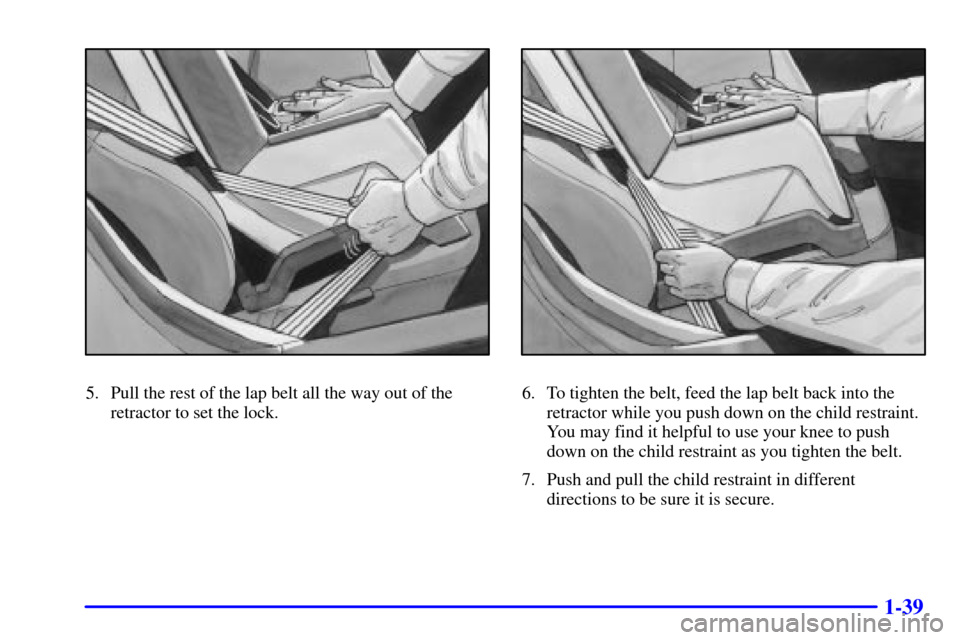
5. Pull the rest of the lap belt all the way out of the
retractor to set the lock.6. To tighten the belt, feed the lap belt back into the
retractor while you push down on the child restraint.
You may find it helpful to use your knee to push
down on the child restraint as you tighten the belt.
7. Push and pull the child restraint in different
directions to be sure it is secure.
Page 63 of 383
2-
2-1
Section 2 Features and Controls
Here you can learn about the many standard and optional features on your vehicle, and information on starting,
shifting and braking. Also explained are the instrument panel and the warning systems that tell you if everything is
working properly
-- and what to do if you have a problem.
2
-2 Windows
2
-4 Keys
2
-6 Door Locks
2
-7 Memory (Option)
2
-9 Remote Keyless Entry (RKE) System
2
-14 Hatch/Trunk Lid Release
2
-19 Theft-Deterrent System
2
-20 PASS-Key�
2-21 New Vehicle ªBreak-Inº
2
-22 Ignition Switch
2
-24 Starting Your Engine
2
-26 Engine Coolant Heater (Canada Only)
2
-28 Automatic Transmission Operation
2
-31 Manual Transmission Operation
2
-35 Parking Brake
2
-36 Shifting Into PARK (P)
(Automatic Transmission Only)
2
-38 Shifting Out of PARK (P)
(Automatic Transmission)2
-38 Parking Your Vehicle (Manual Transmission
Models Only)
2
-39 Parking Over Things That Burn
2
-39 Engine Exhaust
2
-40 Running Your Engine While You're Parked
(Automatic Transmission)
2
-40 Limited-Slip Rear Axle
2
-41 Selective Real Time Damping (SRTD) (Option)
2
-43 Turn Signal/Multifunction Lever
2
-51 Exterior Lamps
2
-53 Interior Lamps
2
-54 Mirrors
2
-57 Storage Compartments
2
-62 Roof Panel (If Equipped)
2
-69 Convertible Top (Option)
2
-76 The Instrument Panel -- Your
Information System
2
-80 Warning Lights, Gages and Messages
2
-93 Driver Information Center (DIC)
Page 67 of 383
2-5
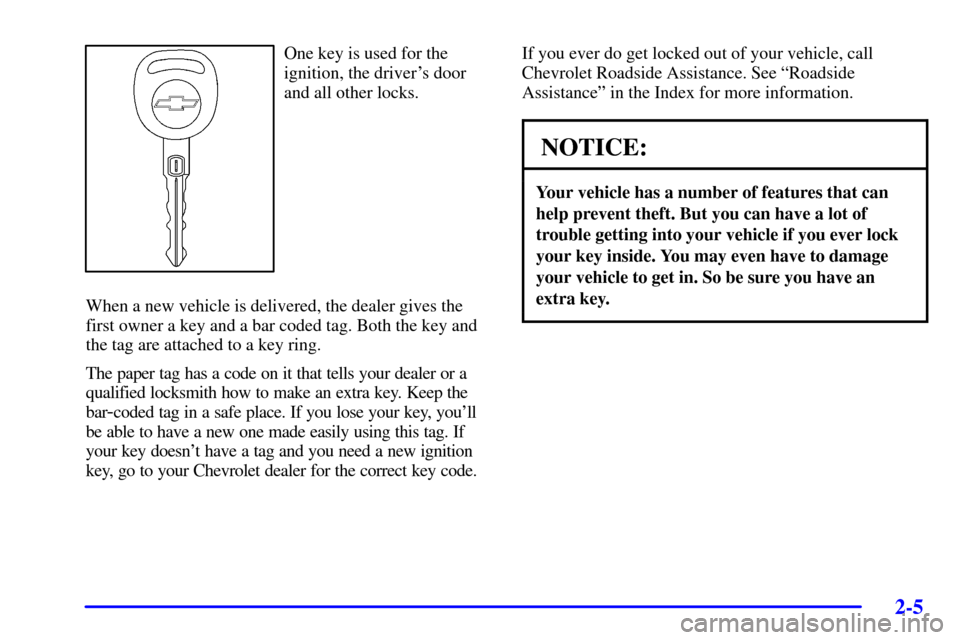
One key is used for the
ignition, the driver's door
and all other locks.
When a new vehicle is delivered, the dealer gives the
first owner a key and a bar coded tag. Both the key and
the tag are attached to a key ring.
The paper tag has a code on it that tells your dealer or a
qualified locksmith how to make an extra key. Keep the
bar
-coded tag in a safe place. If you lose your key, you'll
be able to have a new one made easily using this tag. If
your key doesn't have a tag and you need a new ignition
key, go to your Chevrolet dealer for the correct key code.If you ever do get locked out of your vehicle, call
Chevrolet Roadside Assistance. See ªRoadside
Assistanceº in the Index for more information.
NOTICE:
Your vehicle has a number of features that can
help prevent theft. But you can have a lot of
trouble getting into your vehicle if you ever lock
your key inside. You may even have to damage
your vehicle to get in. So be sure you have an
extra key.
Page 68 of 383
2-6
Door Locks
CAUTION:
Unlocked doors can be dangerous.
�Passengers -- especially children -- can
easily open the doors and fall out of a
moving vehicle. When a door is locked, the
handle won't open it. You increase the
chance of being thrown out of the vehicle in
a crash if the doors aren't locked. So, wear
safety belts properly and lock the doors
whenever you drive.
�Young children who get into unlocked
vehicles may be unable to get out. A child
can be overcome by extreme heat and can
suffer permanent injuries or even death
from heat stroke. Always lock your vehicle
whenever you leave it.
�Outsiders can easily enter through an
unlocked door when you slow down or stop
your vehicle. Locking your doors can help
prevent this from happening.
There are several ways to lock and unlock your vehicle.
From the outside, use your door key on the driver's side
or the remote keyless entry transmitter.
If your theft
-deterrent system is armed, unlock the
driver's door with the key or by using the remote
keyless entry transmitter to open either door to avoid
setting off the alarm. See ªTheft
-Deterrent Systemº in
the Index.
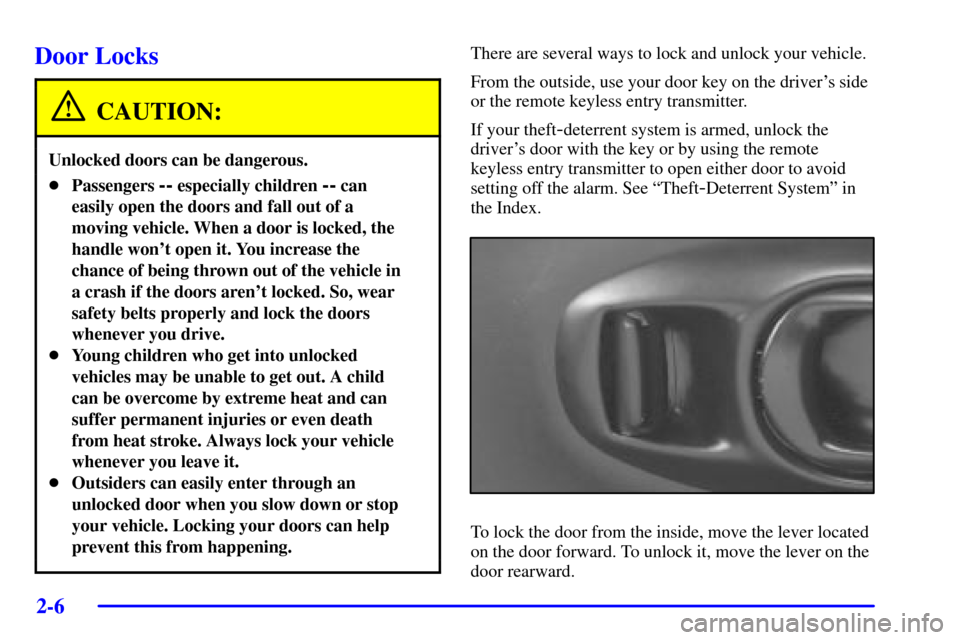
To lock the door from the inside, move the lever located
on the door forward. To unlock it, move the lever on the
door rearward.
Page 69 of 383
2-7 Power Door Locks
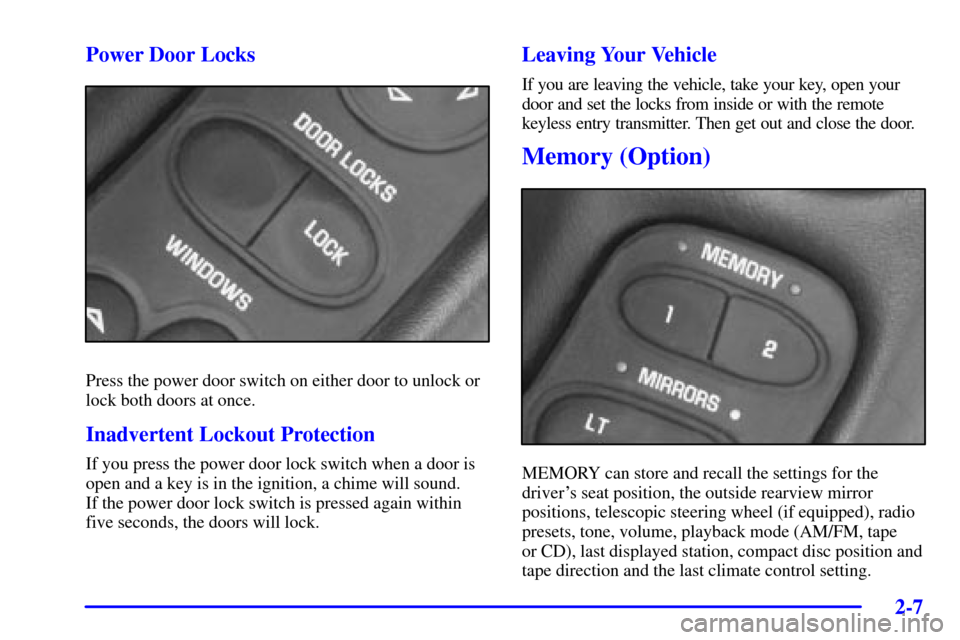
Press the power door switch on either door to unlock or
lock both doors at once.
Inadvertent Lockout Protection
If you press the power door lock switch when a door is
open and a key is in the ignition, a chime will sound.
If the power door lock switch is pressed again within
five seconds, the doors will lock.
Leaving Your Vehicle
If you are leaving the vehicle, take your key, open your
door and set the locks from inside or with the remote
keyless entry transmitter. Then get out and close the door.
Memory (Option)
MEMORY can store and recall the settings for the
driver's seat position, the outside rearview mirror
positions, telescopic steering wheel (if equipped), radio
presets, tone, volume, playback mode (AM/FM, tape
or CD), last displayed station, compact disc position and
tape direction and the last climate control setting.
Page 70 of 383

2-8
The MEMORY buttons are located on the driver's door,
above the power mirror controls. The MEMORY
buttons can store and recall settings for up to three
drivers. Use button ª1º to store the settings for the
first driver, button ª2º for a second driver or press
buttons 1 and 2 at the same time for a third driver.
To store your memory settings:
1. Adjust your settings for the driver's seat position,
outside rearview mirror positions, and telescopic
steering wheel (if equipped).
2. Press and hold a MEMORY button. The light above
the MEMORY button will glow steady for one
second and then flash once when the settings are
complete. Then the light will go off.
3. Set the climate control temperature, fan speed and
mode settings, radio presets, tone, volume, playback
mode (AM/FM, tape or CD), tape direction and
compact disc position.
Your memory settings are now programmed. Any
changes that are made to the audio system and climate
controls while driving will be automatically stored when
the ignition key is turned off.When first entering your vehicle, after pressing the
unlock button on your remote keyless entry transmitter
or a MEMORY button, a recall of your settings will
occur when the door is closed and the ignition key is in
the ignition switch. As the memory settings are recalled,
the light above the button will flash until the correct
settings are achieved, then glow for five seconds
when complete.
A memory recall can be stopped by pressing any
memory seat, mirror or steering column position button.
When your remote keyless entry transmitter has been
programmed to driver 1, 2 or 3, and you insert the key into
the ignition, memory will also occur. Drivers 1, 2 and
3 correspond to the order in which your remote keyless
entry transmitters were programmed. See ªFob Trainingº
in the Index for more information.
Memory recall will not work if the vehicle is moving.
Memory recall will be temporarily interrupted during
engine crank.
Page 71 of 383
2-9
Remote Keyless Entry (RKE) System
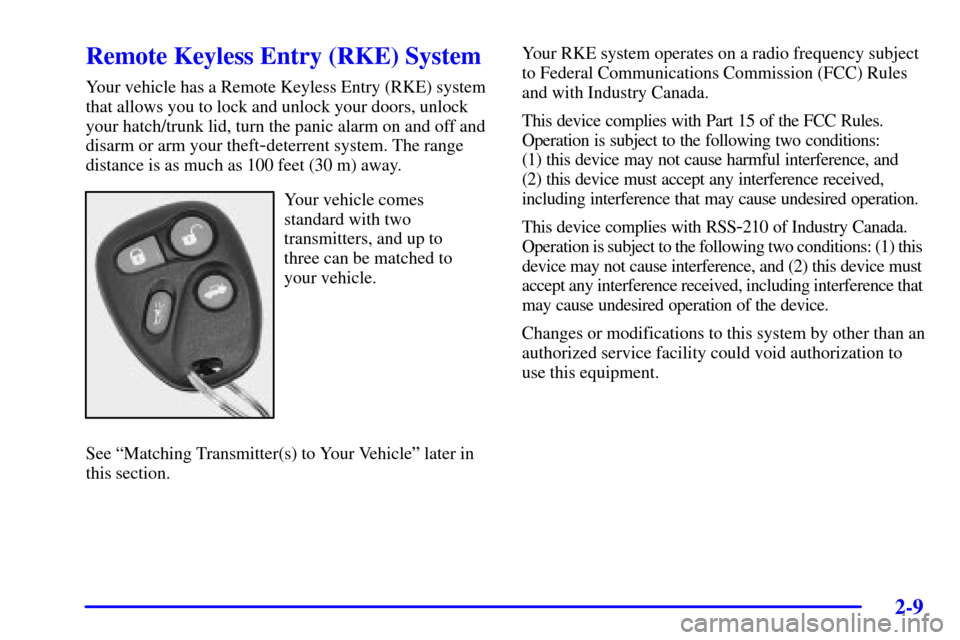
Your vehicle has a Remote Keyless Entry (RKE) system
that allows you to lock and unlock your doors, unlock
your hatch/trunk lid, turn the panic alarm on and off and
disarm or arm your theft
-deterrent system. The range
distance is as much as 100 feet (30 m) away.
Your vehicle comes
standard with two
transmitters, and up to
three can be matched to
your vehicle.
See ªMatching Transmitter(s) to Your Vehicleº later in
this section.Your RKE system operates on a radio frequency subject
to Federal Communications Commission (FCC) Rules
and with Industry Canada.
This device complies with Part 15 of the FCC Rules.
Operation is subject to the following two conditions:
(1) this device may not cause harmful interference, and
(2) this device must accept any interference received,
including interference that may cause undesired operation.
This device complies with RSS
-210 of Industry Canada.
Operation is subject to the following two conditions: (1) this
device may not cause interference, and (2) this device must
accept any interference received, including interference that
may cause undesired operation of the device.
Changes or modifications to this system by other than an
authorized service facility could void authorization to
use this equipment.