Page 87 of 263
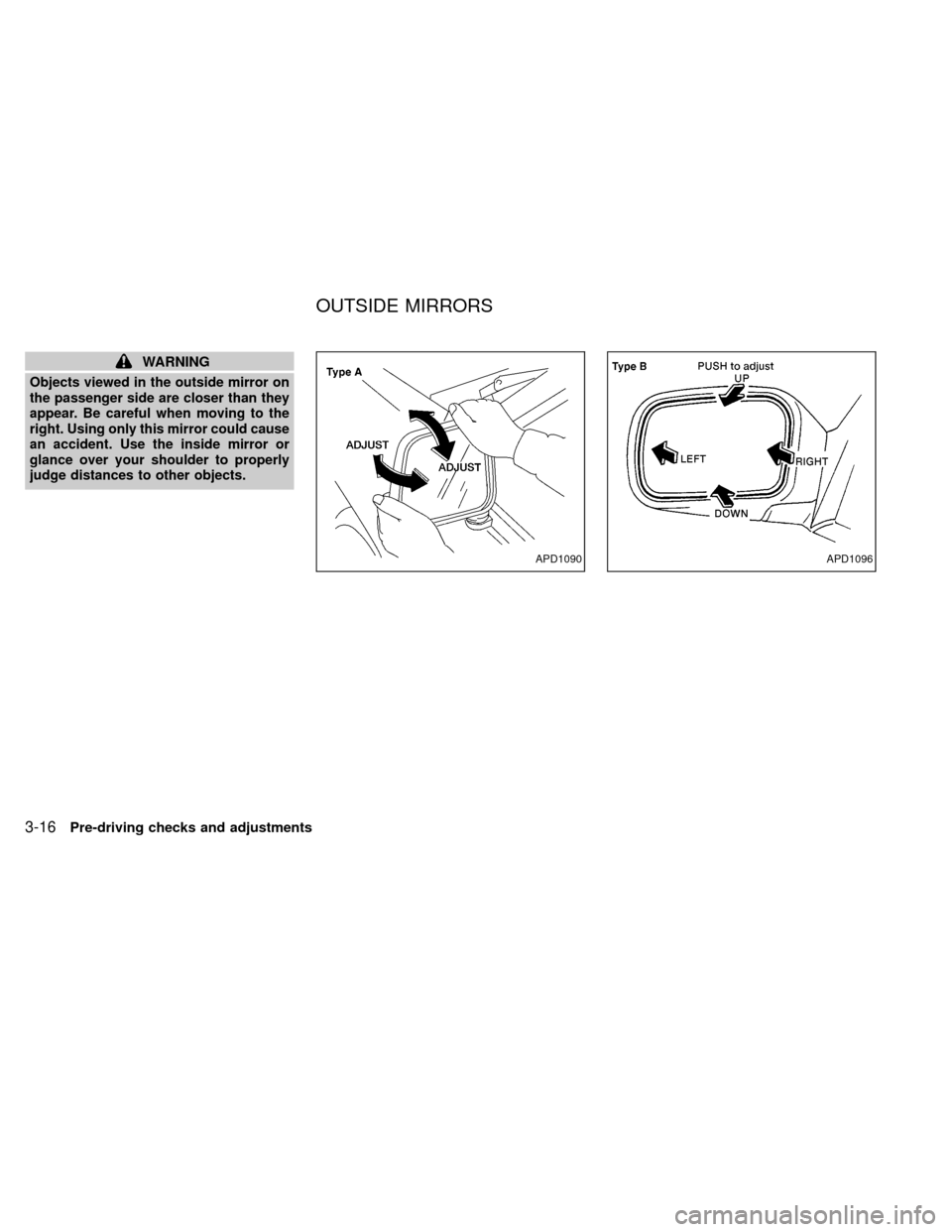
WARNING
Objects viewed in the outside mirror on
the passenger side are closer than they
appear. Be careful when moving to the
right. Using only this mirror could cause
an accident. Use the inside mirror or
glance over your shoulder to properly
judge distances to other objects.
APD1090APD1096
OUTSIDE MIRRORS
3-16Pre-driving checks and adjustments
ZX
Page 88 of 263
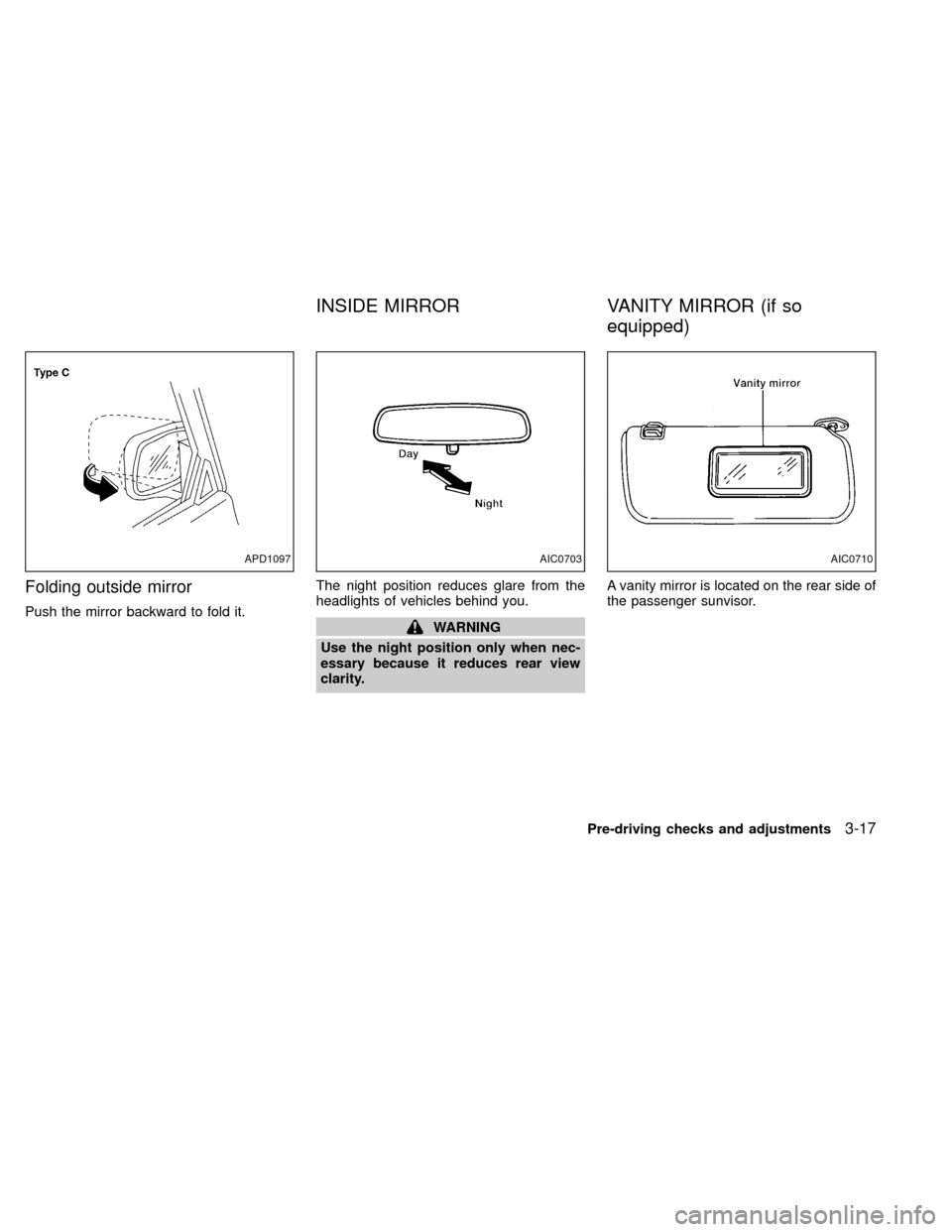
Folding outside mirror
Push the mirror backward to fold it.The night position reduces glare from the
headlights of vehicles behind you.WARNING
Use the night position only when nec-
essary because it reduces rear view
clarity.A vanity mirror is located on the rear side of
the passenger sunvisor.
APD1097AIC0703AIC0710
INSIDE MIRROR VANITY MIRROR (if so
equipped)
Pre-driving checks and adjustments3-17
ZX
Page 92 of 263
WARNING
OThe air conditioner cooling function
operates only when the engine is
running.
ODo not leave children, unreliable
adults, or pets alone in your vehicle.
On hot sunny days, temperatures in
a closed vehicle could quickly be-
come high enough to cause severe
or possibly fatal injuries to people or
animals.
ODo not use the recirculation mode
for long periods as it may cause theinterior air to become stale and the
windows to fog up.
OPositioning of the heater or air con-
ditioner controls should not be done
while driving, in order that full atten-
tion may be given to the driving
operation.
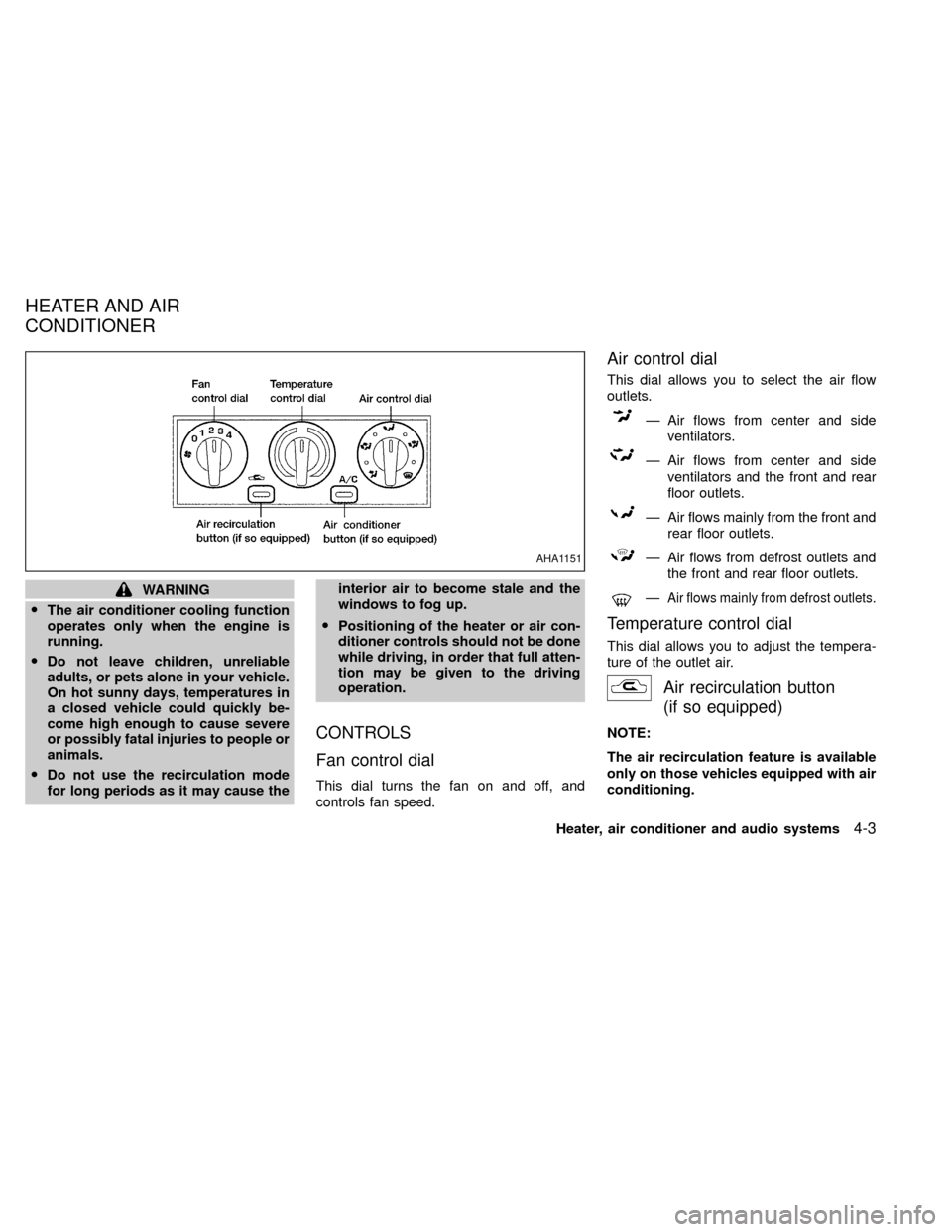
CONTROLS
Fan control dial
This dial turns the fan on and off, and
controls fan speed.
Air control dial
This dial allows you to select the air flow
outlets.
Ð Air flows from center and side
ventilators.
Ð Air flows from center and side
ventilators and the front and rear
floor outlets.
Ð Air flows mainly from the front and
rear floor outlets.
Ð Air flows from defrost outlets and
the front and rear floor outlets.
ÐAir flows mainly from defrost outlets.
Temperature control dial
This dial allows you to adjust the tempera-
ture of the outlet air.
Air recirculation button
(if so equipped)
NOTE:
The air recirculation feature is available
only on those vehicles equipped with air
conditioning.
AHA1151
HEATER AND AIR
CONDITIONER
Heater, air conditioner and audio systems4-3
ZX
Page 98 of 263
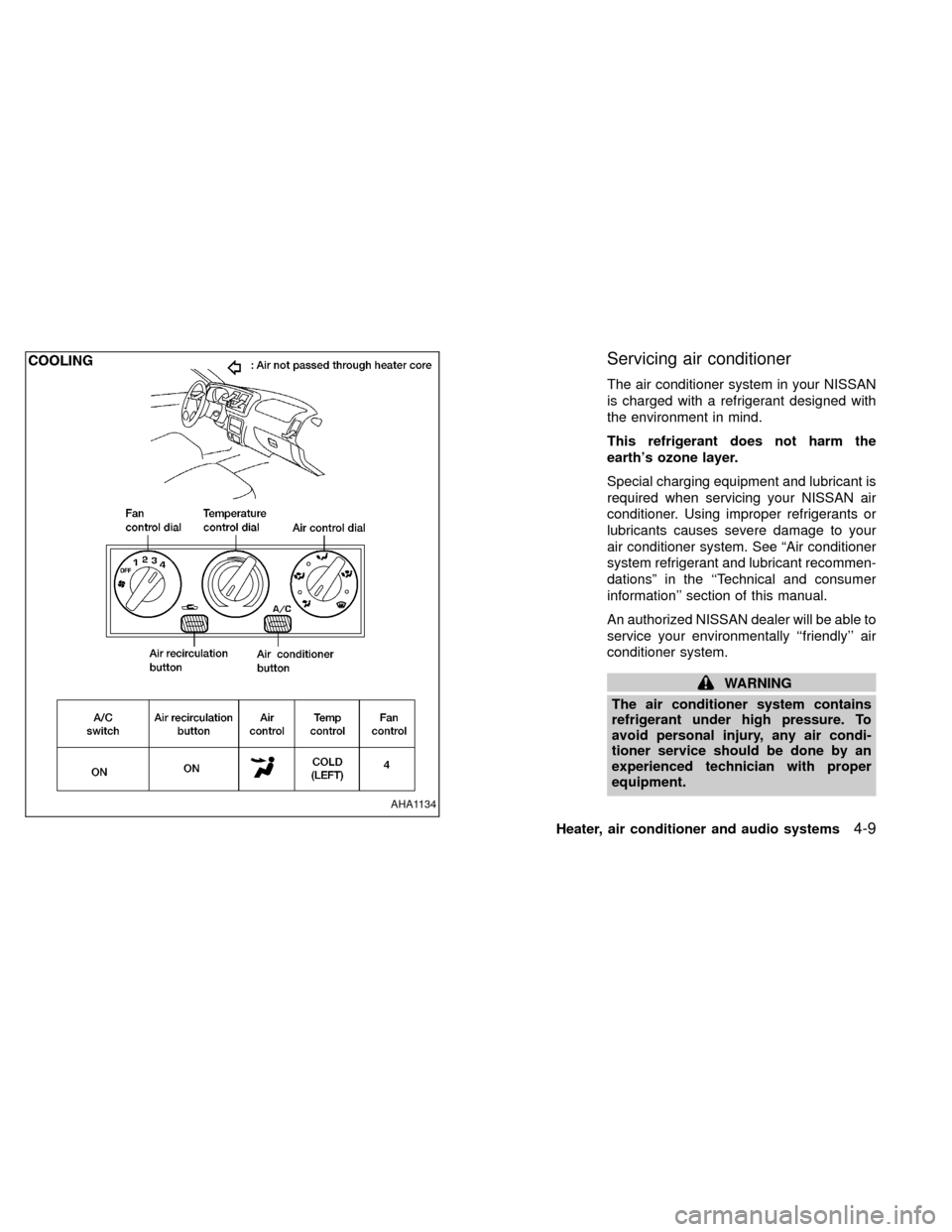
Servicing air conditioner
The air conditioner system in your NISSAN
is charged with a refrigerant designed with
the environment in mind.
This refrigerant does not harm the
earth's ozone layer.
Special charging equipment and lubricant is
required when servicing your NISSAN air
conditioner. Using improper refrigerants or
lubricants causes severe damage to your
air conditioner system. See ªAir conditioner
system refrigerant and lubricant recommen-
dationsº in the ``Technical and consumer
information'' section of this manual.
An authorized NISSAN dealer will be able to
service your environmentally ``friendly'' air
conditioner system.
WARNING
The air conditioner system contains
refrigerant under high pressure. To
avoid personal injury, any air condi-
tioner service should be done by an
experienced technician with proper
equipment.
AHA1134
Heater, air conditioner and audio systems4-9
ZX
Page 100 of 263
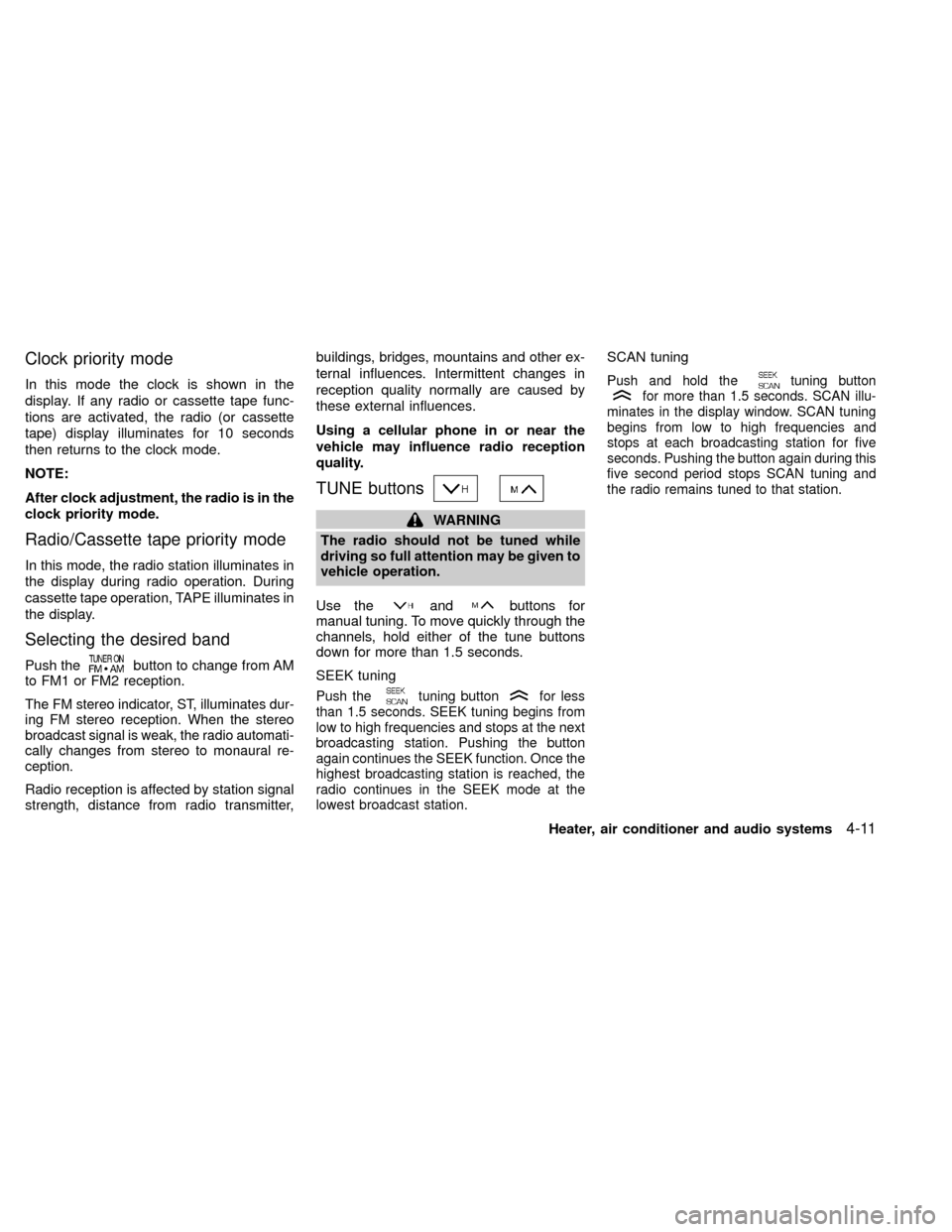
Clock priority mode
In this mode the clock is shown in the
display. If any radio or cassette tape func-
tions are activated, the radio (or cassette
tape) display illuminates for 10 seconds
then returns to the clock mode.
NOTE:
After clock adjustment, the radio is in the
clock priority mode.
Radio/Cassette tape priority mode
In this mode, the radio station illuminates in
the display during radio operation. During
cassette tape operation, TAPE illuminates in
the display.
Selecting the desired band
Push thebutton to change from AM
to FM1 or FM2 reception.
The FM stereo indicator, ST, illuminates dur-
ing FM stereo reception. When the stereo
broadcast signal is weak, the radio automati-
cally changes from stereo to monaural re-
ception.
Radio reception is affected by station signal
strength, distance from radio transmitter,buildings, bridges, mountains and other ex-
ternal influences. Intermittent changes in
reception quality normally are caused by
these external influences.
Using a cellular phone in or near the
vehicle may influence radio reception
quality.
TUNE buttons
WARNING
The radio should not be tuned while
driving so full attention may be given to
vehicle operation.
Use the
andbuttons for
manual tuning. To move quickly through the
channels, hold either of the tune buttons
down for more than 1.5 seconds.
SEEK tuning
Push thetuning buttonfor less
than 1.5 seconds. SEEK tuning begins from
low to high frequencies and stops at the next
broadcasting station. Pushing the button
again continues the SEEK function. Once the
highest broadcasting station is reached, the
radio continues in the SEEK mode at the
lowest broadcast station.
SCAN tuning
Push and hold thetuning buttonfor more than 1.5 seconds. SCAN illu-
minates in the display window. SCAN tuning
begins from low to high frequencies and
stops at each broadcasting station for five
seconds. Pushing the button again during this
five second period stops SCAN tuning and
the radio remains tuned to that station.
Heater, air conditioner and audio systems4-11
ZX
Page 107 of 263
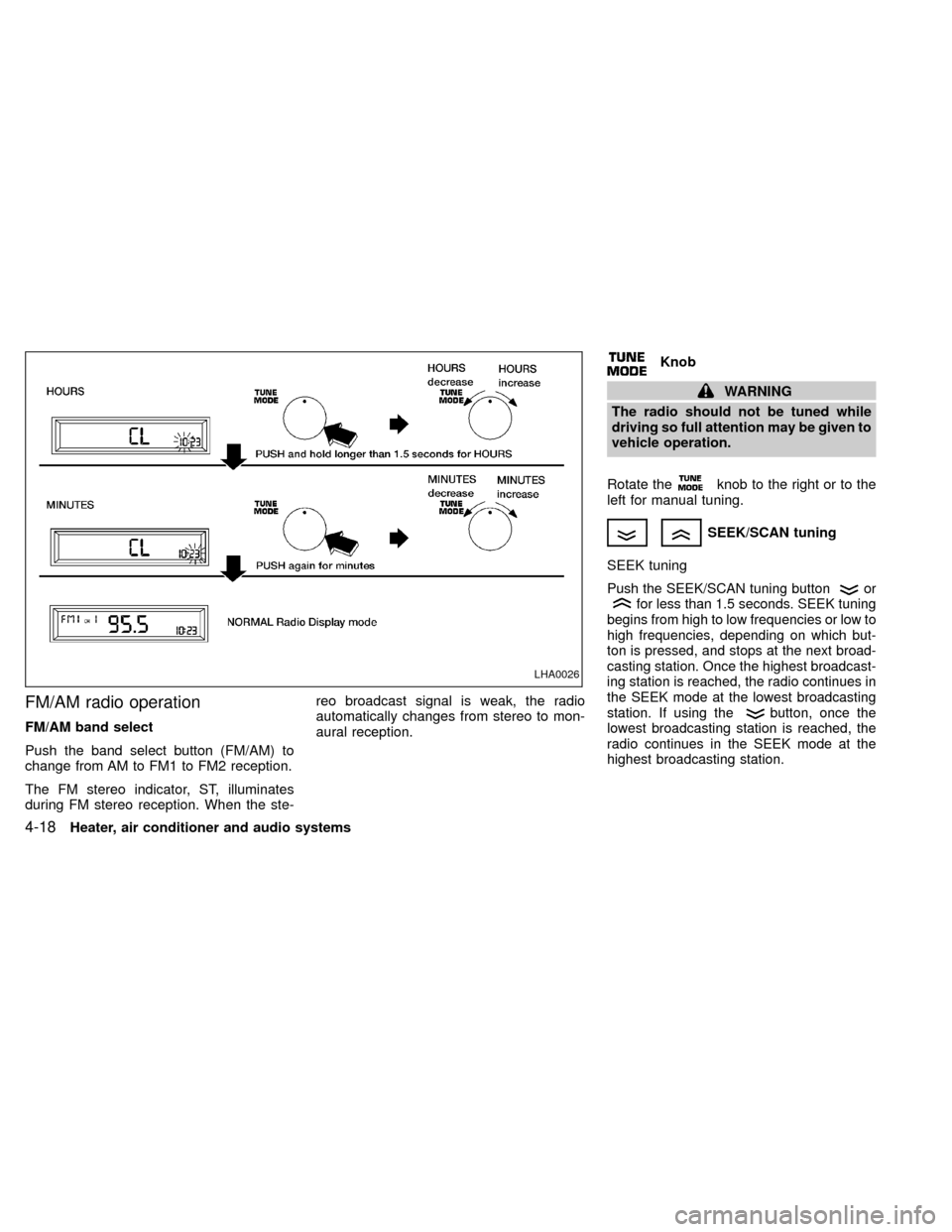
FM/AM radio operation
FM/AM band select
Push the band select button (FM/AM) to
change from AM to FM1 to FM2 reception.
The FM stereo indicator, ST, illuminates
during FM stereo reception. When the ste-reo broadcast signal is weak, the radio
automatically changes from stereo to mon-
aural reception.
Knob
WARNING
The radio should not be tuned while
driving so full attention may be given to
vehicle operation.
Rotate the
knob to the right or to the
left for manual tuning.
SEEK/SCAN tuning
SEEK tuning
Push the SEEK/SCAN tuning buttonorfor less than 1.5 seconds. SEEK tuning
begins from high to low frequencies or low to
high frequencies, depending on which but-
ton is pressed, and stops at the next broad-
casting station. Once the highest broadcast-
ing station is reached, the radio continues in
the SEEK mode at the lowest broadcasting
station. If using the
button, once the
lowest broadcasting station is reached, the
radio continues in the SEEK mode at the
highest broadcasting station.
LHA0026
4-18Heater, air conditioner and audio systems
ZX
Page 112 of 263
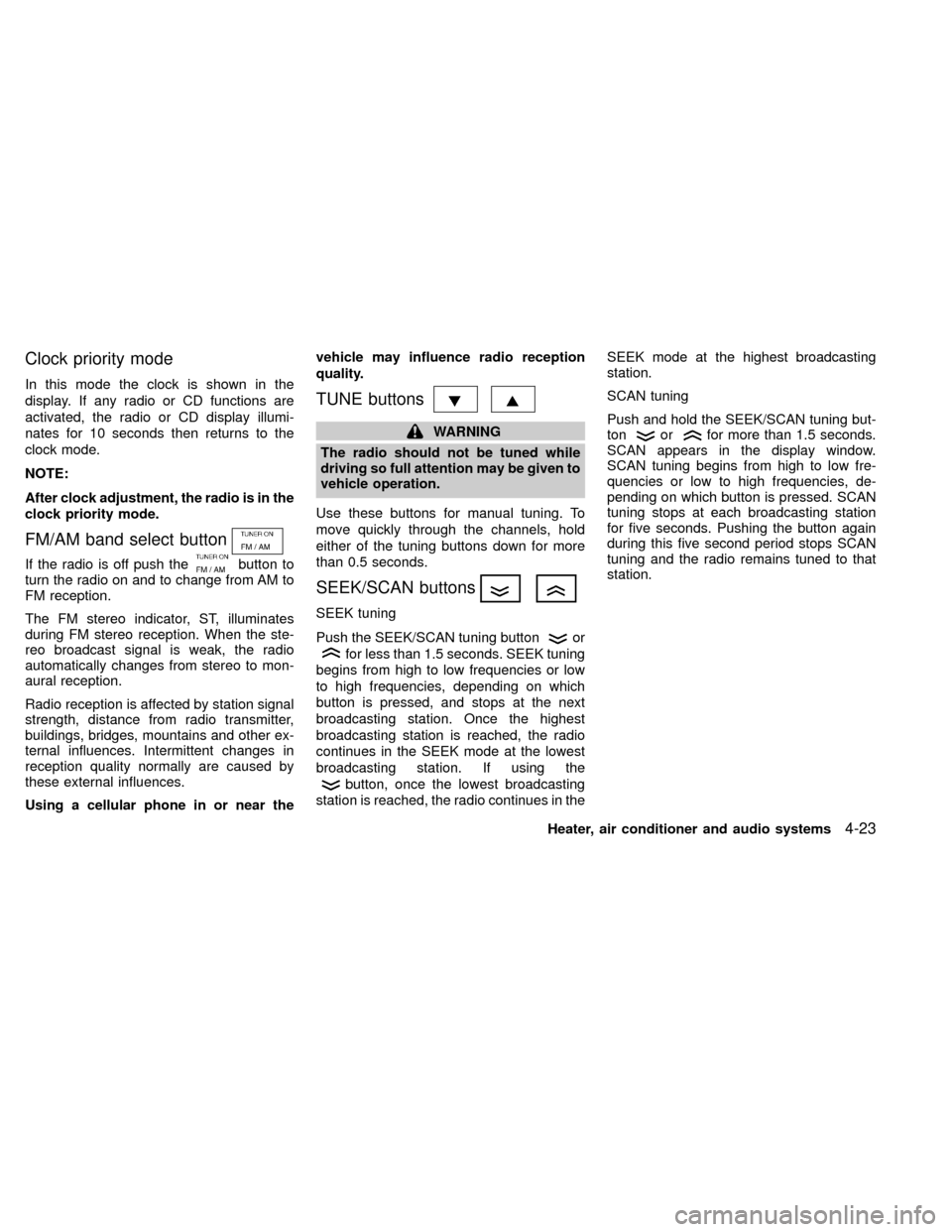
Clock priority mode
In this mode the clock is shown in the
display. If any radio or CD functions are
activated, the radio or CD display illumi-
nates for 10 seconds then returns to the
clock mode.
NOTE:
After clock adjustment, the radio is in the
clock priority mode.
FM/AM band select button
If the radio is off push thebutton to
turn the radio on and to change from AM to
FM reception.
The FM stereo indicator, ST, illuminates
during FM stereo reception. When the ste-
reo broadcast signal is weak, the radio
automatically changes from stereo to mon-
aural reception.
Radio reception is affected by station signal
strength, distance from radio transmitter,
buildings, bridges, mountains and other ex-
ternal influences. Intermittent changes in
reception quality normally are caused by
these external influences.
Using a cellular phone in or near thevehicle may influence radio reception
quality.
TUNE buttons
WARNING
The radio should not be tuned while
driving so full attention may be given to
vehicle operation.
Use these buttons for manual tuning. To
move quickly through the channels, hold
either of the tuning buttons down for more
than 0.5 seconds.
SEEK/SCAN buttons
SEEK tuning
Push the SEEK/SCAN tuning button
or
for less than 1.5 seconds. SEEK tuning
begins from high to low frequencies or low
to high frequencies, depending on which
button is pressed, and stops at the next
broadcasting station. Once the highest
broadcasting station is reached, the radio
continues in the SEEK mode at the lowest
broadcasting station. If using the
button, once the lowest broadcasting
station is reached, the radio continues in theSEEK mode at the highest broadcasting
station.
SCAN tuning
Push and hold the SEEK/SCAN tuning but-
ton
orfor more than 1.5 seconds.
SCAN appears in the display window.
SCAN tuning begins from high to low fre-
quencies or low to high frequencies, de-
pending on which button is pressed. SCAN
tuning stops at each broadcasting station
for five seconds. Pushing the button again
during this five second period stops SCAN
tuning and the radio remains tuned to that
station.
Heater, air conditioner and audio systems
4-23
ZX
Page 118 of 263
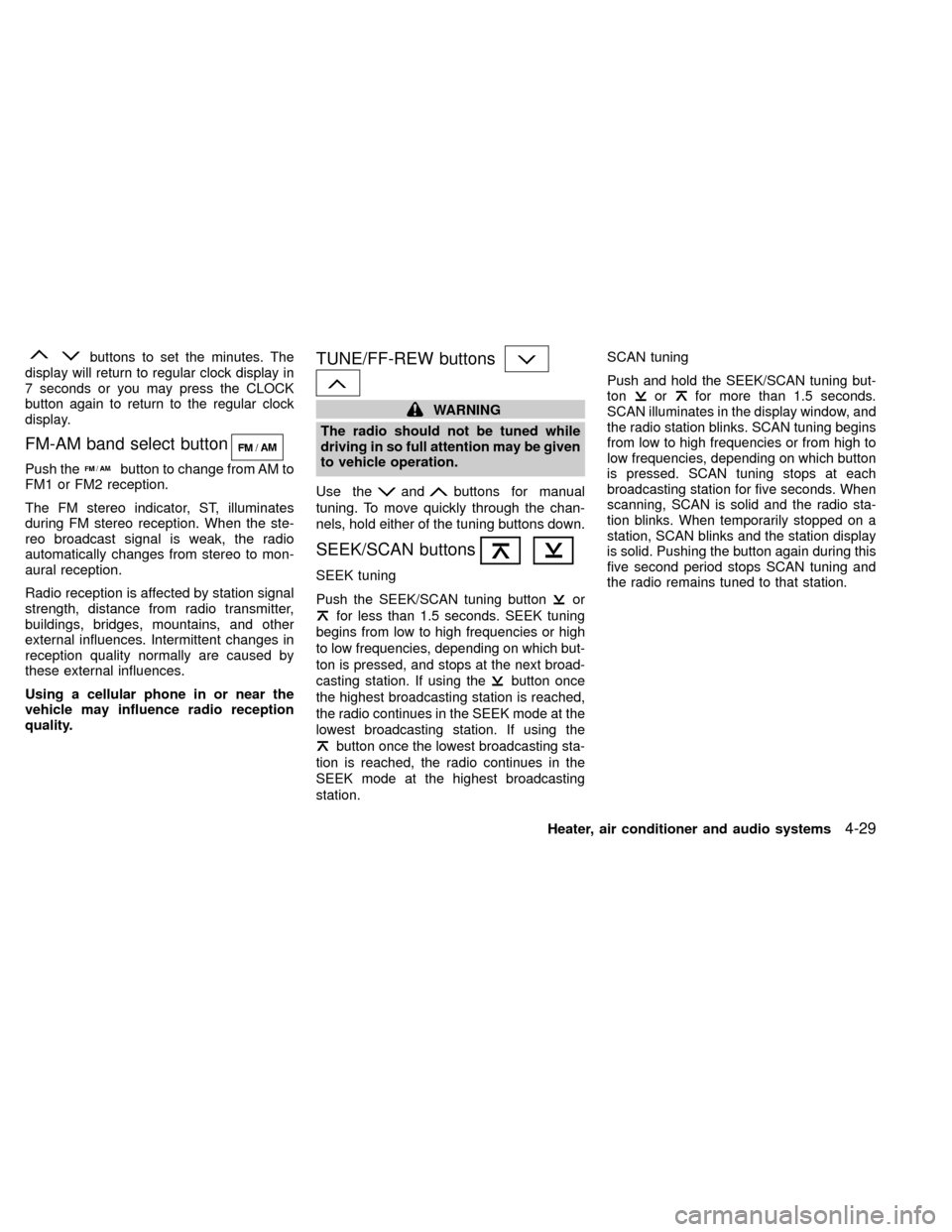
buttons to set the minutes. The
display will return to regular clock display in
7 seconds or you may press the CLOCK
button again to return to the regular clock
display.
FM-AM band select button
Push thebutton to change from AM to
FM1 or FM2 reception.
The FM stereo indicator, ST, illuminates
during FM stereo reception. When the ste-
reo broadcast signal is weak, the radio
automatically changes from stereo to mon-
aural reception.
Radio reception is affected by station signal
strength, distance from radio transmitter,
buildings, bridges, mountains, and other
external influences. Intermittent changes in
reception quality normally are caused by
these external influences.
Using a cellular phone in or near the
vehicle may influence radio reception
quality.
TUNE/FF-REW buttons
WARNING
The radio should not be tuned while
driving in so full attention may be given
to vehicle operation.
Use the
andbuttons for manual
tuning. To move quickly through the chan-
nels, hold either of the tuning buttons down.
SEEK/SCAN buttons
SEEK tuning
Push the SEEK/SCAN tuning buttonor
for less than 1.5 seconds. SEEK tuning
begins from low to high frequencies or high
to low frequencies, depending on which but-
ton is pressed, and stops at the next broad-
casting station. If using the
button once
the highest broadcasting station is reached,
the radio continues in the SEEK mode at the
lowest broadcasting station. If using the
button once the lowest broadcasting sta-
tion is reached, the radio continues in the
SEEK mode at the highest broadcasting
station.
SCAN tuning
Push and hold the SEEK/SCAN tuning but-
tonorfor more than 1.5 seconds.
SCAN illuminates in the display window, and
the radio station blinks. SCAN tuning begins
from low to high frequencies or from high to
low frequencies, depending on which button
is pressed. SCAN tuning stops at each
broadcasting station for five seconds. When
scanning, SCAN is solid and the radio sta-
tion blinks. When temporarily stopped on a
station, SCAN blinks and the station display
is solid. Pushing the button again during this
five second period stops SCAN tuning and
the radio remains tuned to that station.
Heater, air conditioner and audio systems4-29
ZX