Page 9 of 44
AUDIO
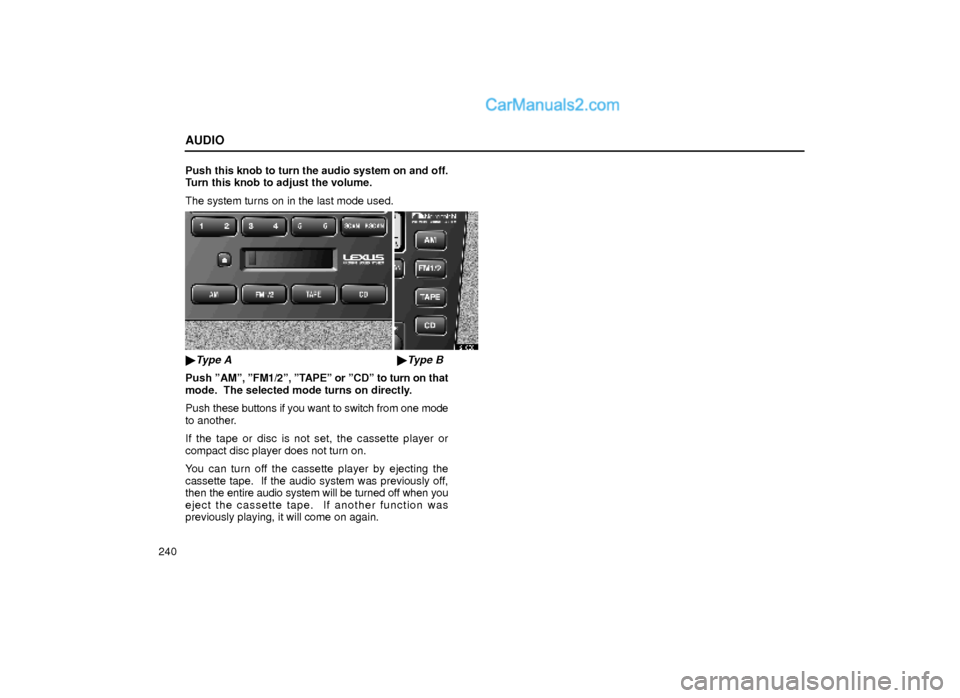
240Push this knob to turn the audio system on and off.
Turn this knob to adjust the volume.
The system turns on in the last mode used.
21G081
�Type A�Type B
Push ºAMº, ºFM1/2º, ºTAPEº or ºCDº to turn on that
mode. The selected mode turns on directly.
Push these buttons if you want to switch from one mode
to another.
If the tape or disc is not set, the cassette player or
compact disc player does not turn on.
You can turn off the cassette player by ejecting the
cassette tape. If the audio system was previously off,
then the entire audio system will be turned off when you
eject the cassette tape. If another function was
previously playing, it will come on again.
Page 13 of 44
AUDIO
244
21G025
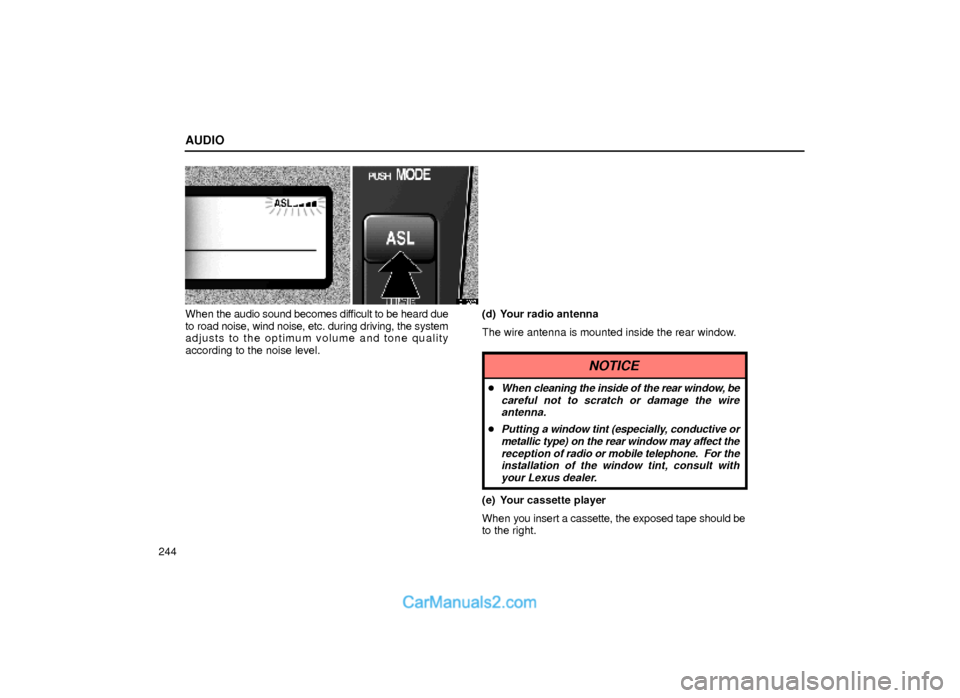
When the audio sound becomes difficult to be heard due
to road noise, wind noise, etc. during driving, the system
adjusts to the optimum volume and tone quality
according to the noise level.(d) Your radio antenna
The wire antenna is mounted inside the rear window.
NOTICE
�When cleaning the inside of the rear window, be
careful not to scratch or damage the wire
antenna.
�Putting a window tint (especially, conductive or
metallic type) on the rear window may affect the
reception of radio or mobile telephone. For the
installation of the window tint, consult with
your Lexus dealer.
(e) Your cassette player
When you insert a cassette, the exposed tape should be
to the right.
Page 14 of 44
AUDIO
245
NOTICE
Do not oil any part of the cassette player, and do
not insert anything except a cassette tape into the
slot.
(f) Your automatic changer
Page 15 of 44
AUDIO
246
21G001±1
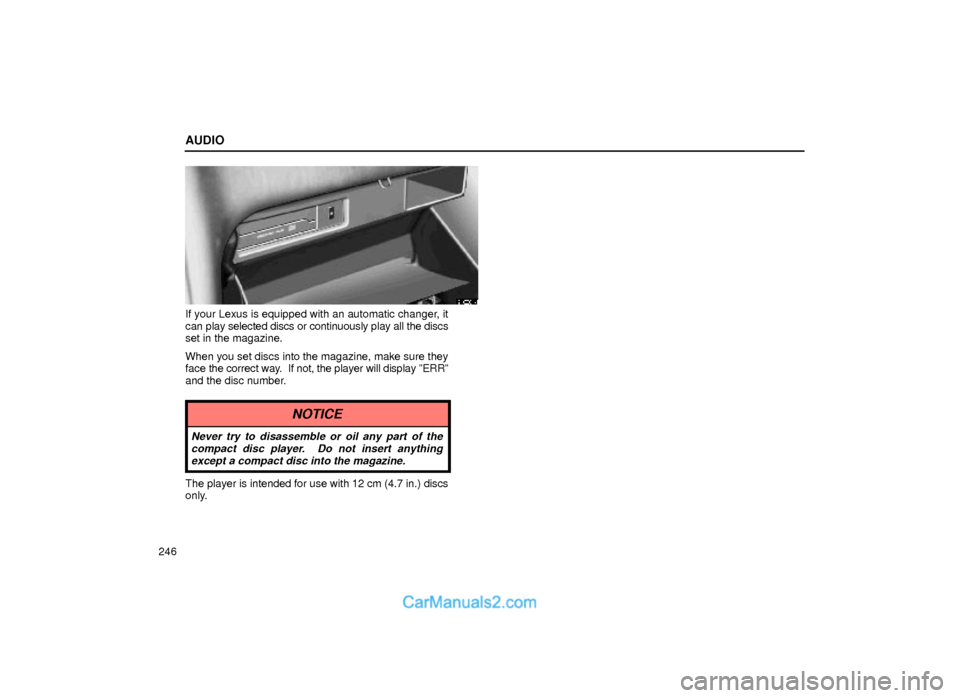
If your Lexus is equipped with an automatic changer, it
can play selected discs or continuously play all the discs
set in the magazine.
When you set discs into the magazine, make sure they
face the correct way. If not, the player will display ºERRº
and the disc number.
NOTICE
Never try to disassemble or oil any part of the
compact disc player. Do not insert anything
except a compact disc into the magazine.
The player is intended for use with 12 cm (4.7 in.) discs
only.
Page 20 of 44
AUDIO
251
21G012
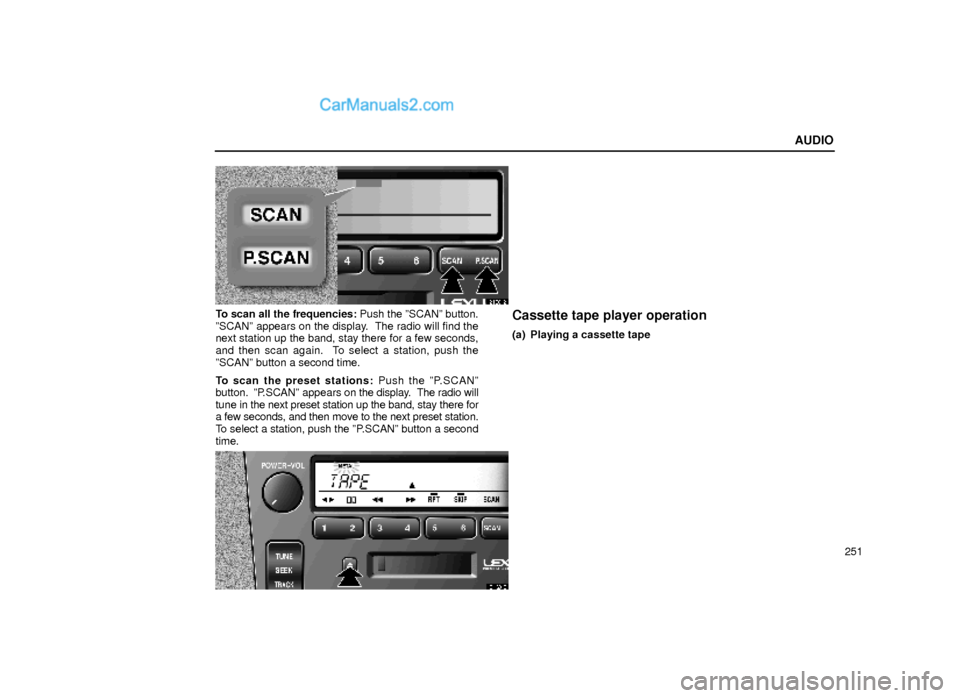
To scan all the frequencies: Push the ºSCANº button.
ºSCANº appears on the display. The radio will find the
next station up the band, stay there for a few seconds,
and then scan again. To select a station, push the
ºSCANº button a second time.
To scan the preset stations: Push the ºP.SCANº
button. ºP.SCANº appears on the display. The radio will
tune in the next preset station up the band, stay there for
a few seconds, and then move to the next preset station.
To select a station, push the ºP.SCANº button a second
time.Cassette tape player operation
(a) Playing a cassette tape
21G013
Page 21 of 44
AUDIO
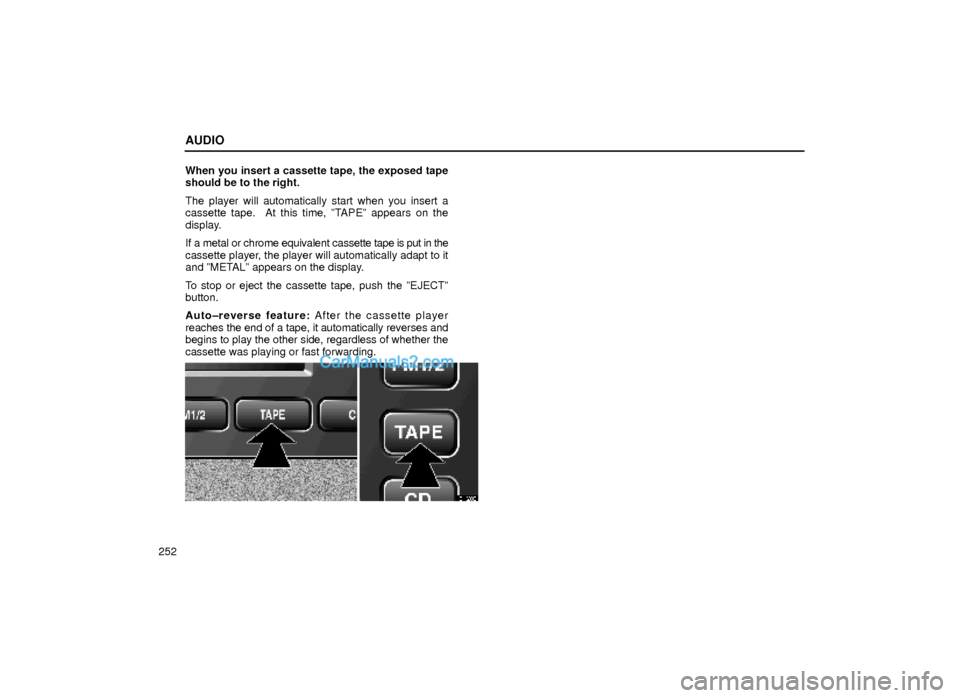
252When you insert a cassette tape, the exposed tape
should be to the right.
The player will automatically start when you insert a
cassette tape. At this time, ºTAPEº appears on the
display.
If a metal or chrome equivalent cassette tape is put in the
cassette player, the player will automatically adapt to it
and ºMETALº appears on the display.
To stop or eject the cassette tape, push the ºEJECTº
button.
Auto±reverse feature: After the cassette player
reaches the end of a tape, it automatically reverses and
begins to play the other side, regardless of whether the
cassette was playing or fast forwarding.
21G083
Page 24 of 44
AUDIO
255
20G016
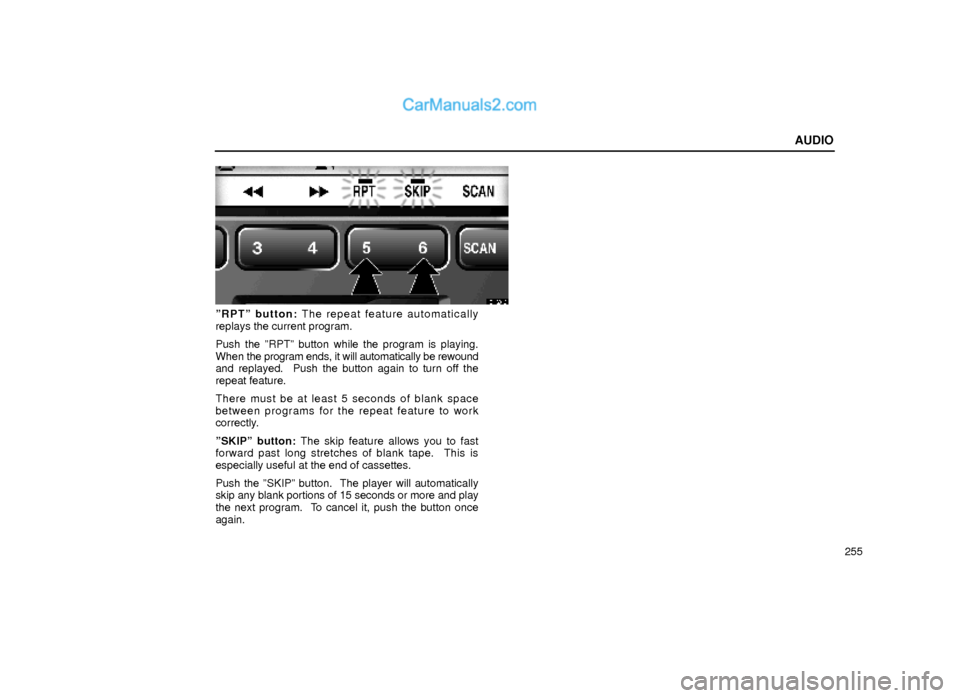
ºRPTº button: The repeat feature automatically
replays the current program.
Push the ºRPTº button while the program is playing.
When the program ends, it will automatically be rewound
and replayed. Push the button again to turn off the
repeat feature.
There must be at least 5 seconds of blank space
between programs for the repeat feature to work
correctly.
ºSKIPº button: The skip feature allows you to fast
forward past long stretches of blank tape. This is
especially useful at the end of cassettes.
Push the ºSKIPº button. The player will automatically
skip any blank portions of 15 seconds or more and play
the next program. To cancel it, push the button once
again.
Page 25 of 44
AUDIO
256
21G017
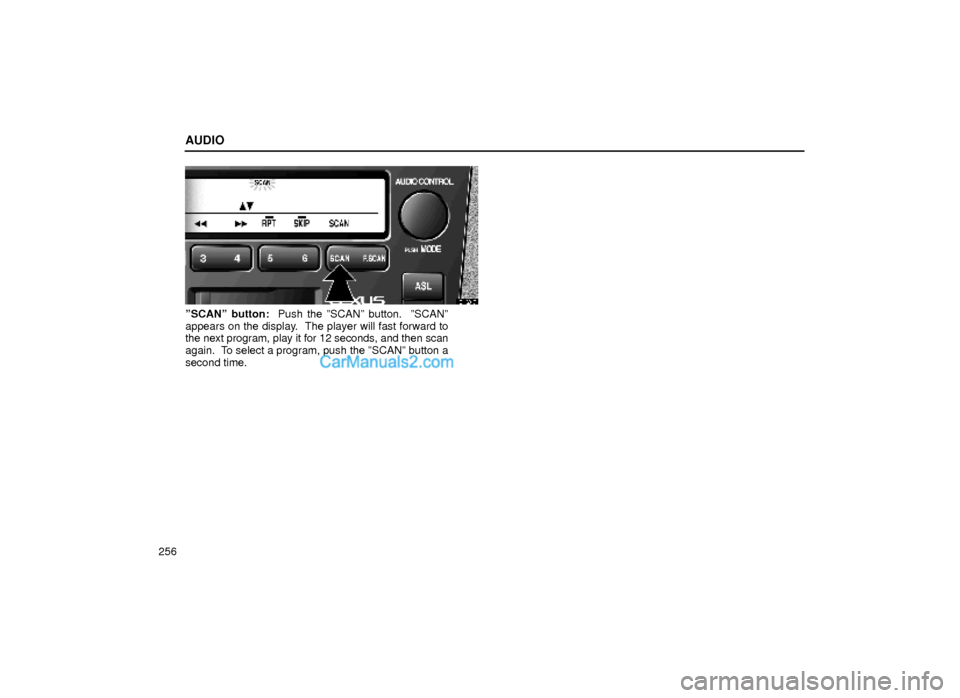
ºSCANº button: Push the ºSCANº button. ºSCANº
appears on the display. The player will fast forward to
the next program, play it for 12 seconds, and then scan
again. To select a program, push the ºSCANº button a
second time.