Page 4 of 44
AUDIO
235
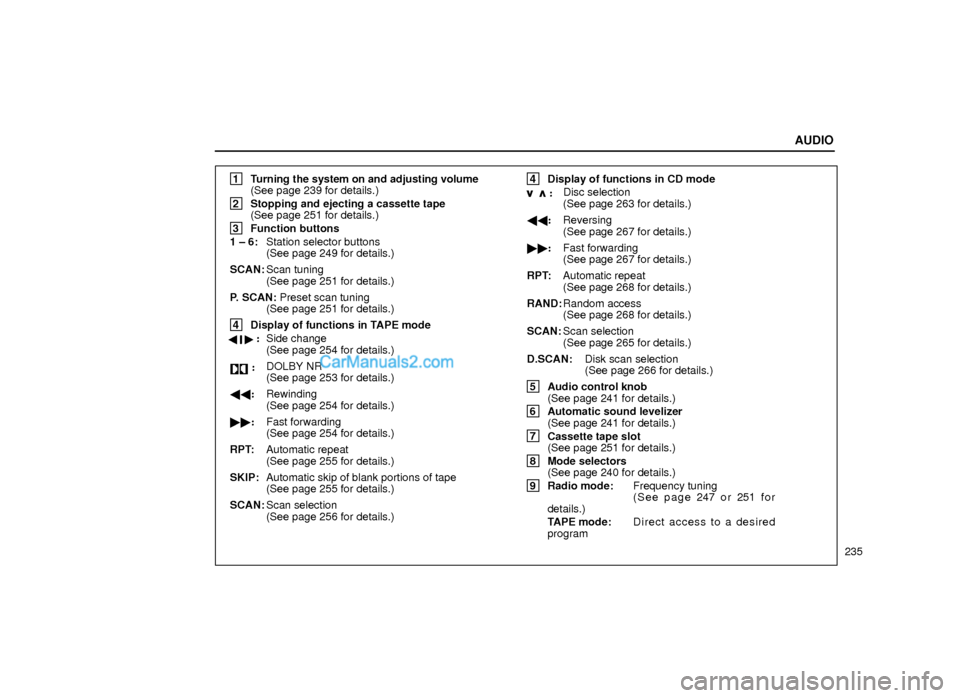
1
Turning the system on and adjusting volume
(See page 239 for details.)
2
Stopping and ejecting a cassette tape
(See page 251 for details.)
3
Function buttons
1 ± 6:Station selector buttons
(See page 249 for details.)
SCAN:Scan tuning
(See page 251 for details.)
P. SCAN: Preset scan tuning
(See page 251 for details.)
4
Display of functions in TAPE mode
��:
Side change
(See page 254 for details.)
:DOLBY NR
(See page 253 for details.)
��:Rewinding
(See page 254 for details.)
��:Fast forwarding
(See page 254 for details.)
RPT:Automatic repeat
(See page 255 for details.)
SKIP:Automatic skip of blank portions of tape
(See page 255 for details.)
SCAN:Scan selection
(See page 256 for details.)
4
Display of functions in CD mode
:Disc selection
(See page 263 for details.)
��:Reversing
(See page 267 for details.)
��:Fast forwarding
(See page 267 for details.)
RPT:Automatic repeat
(See page 268 for details.)
RAND:Random access
(See page 268 for details.)
SCAN:Scan selection
(See page 265 for details.)
D.SCAN:Disk scan selection
(See page 266 for details.)
5
Audio control knob
(See page 241 for details.)
6
Automatic sound levelizer
(See page 241 for details.)
7
Cassette tape slot
(See page 251 for details.)
8
Mode selectors
(See page 240 for details.)
9
Radio mode:Frequency tuning
( S e e p a g e 247 o r 251 f o r
details.)
TAPE mode:Direct access to a desired
program
Page 7 of 44
AUDIO
238
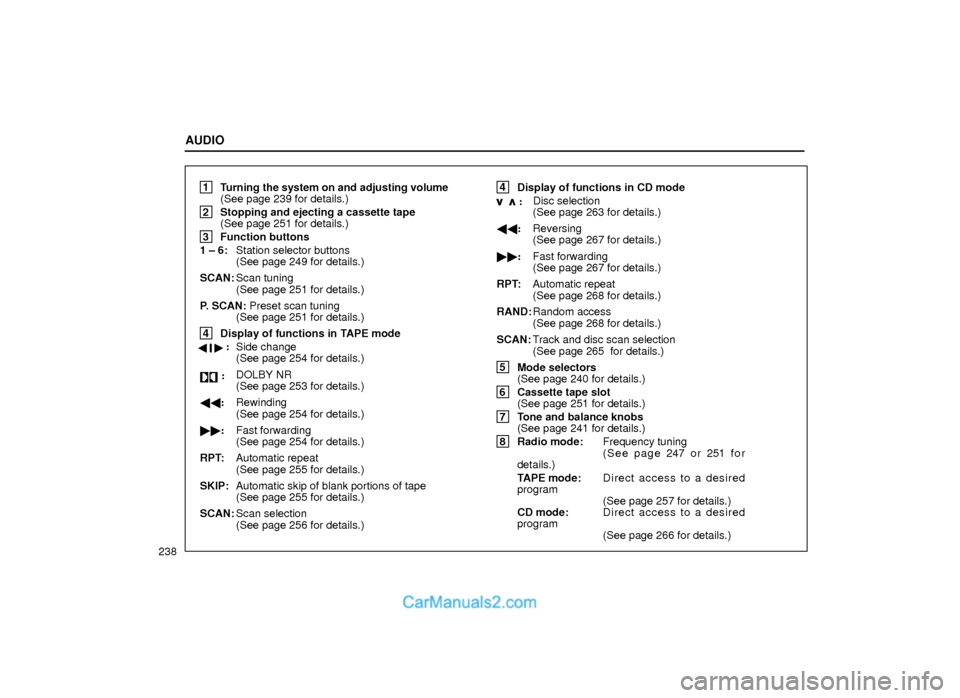
1
Turning the system on and adjusting volume
(See page 239 for details.)
2
Stopping and ejecting a cassette tape
(See page 251 for details.)
3
Function buttons
1 ± 6:Station selector buttons
(See page 249 for details.)
SCAN:Scan tuning
(See page 251 for details.)
P. SCAN: Preset scan tuning
(See page 251 for details.)
4
Display of functions in TAPE mode
��:
Side change
(See page 254 for details.)
:DOLBY NR
(See page 253 for details.)
��:Rewinding
(See page 254 for details.)
��:Fast forwarding
(See page 254 for details.)
RPT:Automatic repeat
(See page 255 for details.)
SKIP:Automatic skip of blank portions of tape
(See page 255 for details.)
SCAN:Scan selection
(See page 256 for details.)
4
Display of functions in CD mode
:Disc selection
(See page 263 for details.)
��:Reversing
(See page 267 for details.)
��:Fast forwarding
(See page 267 for details.)
RPT:Automatic repeat
(See page 268 for details.)
RAND:Random access
(See page 268 for details.)
SCAN:Track and disc scan selection
(See page 265 for details.)
5
Mode selectors
(See page 240 for details.)
6
Cassette tape slot
(See page 251 for details.)
7
Tone and balance knobs
(See page 241 for details.)
8
Radio mode:Frequency tuning
( S e e p a g e 247 o r 251 f o r
details.)
TAPE mode:Direct access to a desired
program
(See page 257 for details.)
CD mode:Direct access to a desired
program
(See page 266 for details.)
Page 9 of 44
AUDIO
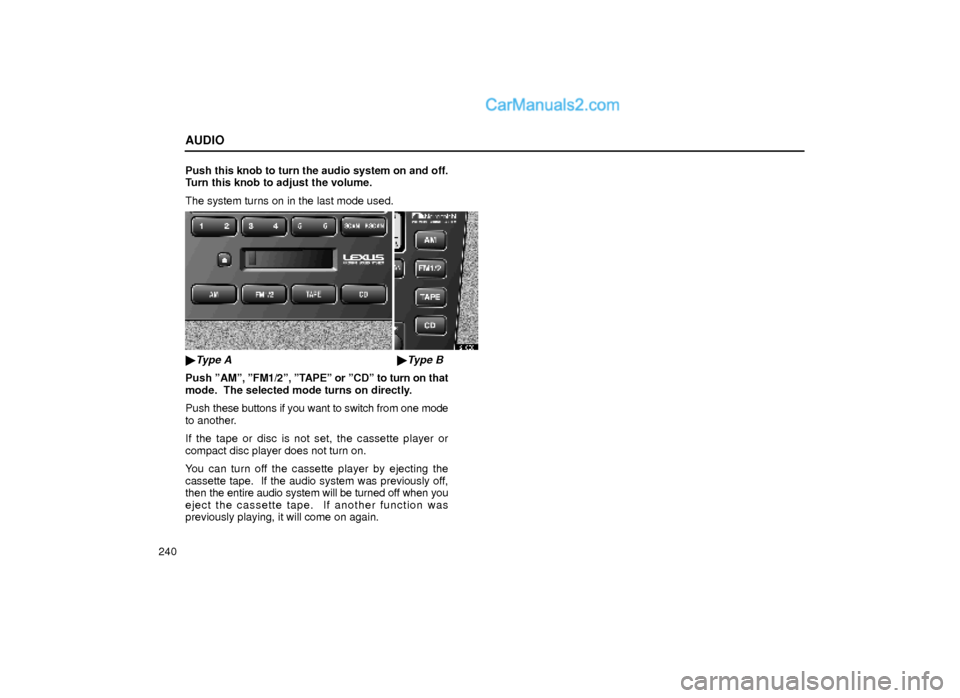
240Push this knob to turn the audio system on and off.
Turn this knob to adjust the volume.
The system turns on in the last mode used.
21G081
�Type A�Type B
Push ºAMº, ºFM1/2º, ºTAPEº or ºCDº to turn on that
mode. The selected mode turns on directly.
Push these buttons if you want to switch from one mode
to another.
If the tape or disc is not set, the cassette player or
compact disc player does not turn on.
You can turn off the cassette player by ejecting the
cassette tape. If the audio system was previously off,
then the entire audio system will be turned off when you
eject the cassette tape. If another function was
previously playing, it will come on again.
Page 16 of 44
AUDIO
247
Radio operation
(a) Listening to the radio
21G082
�Type A�Type B
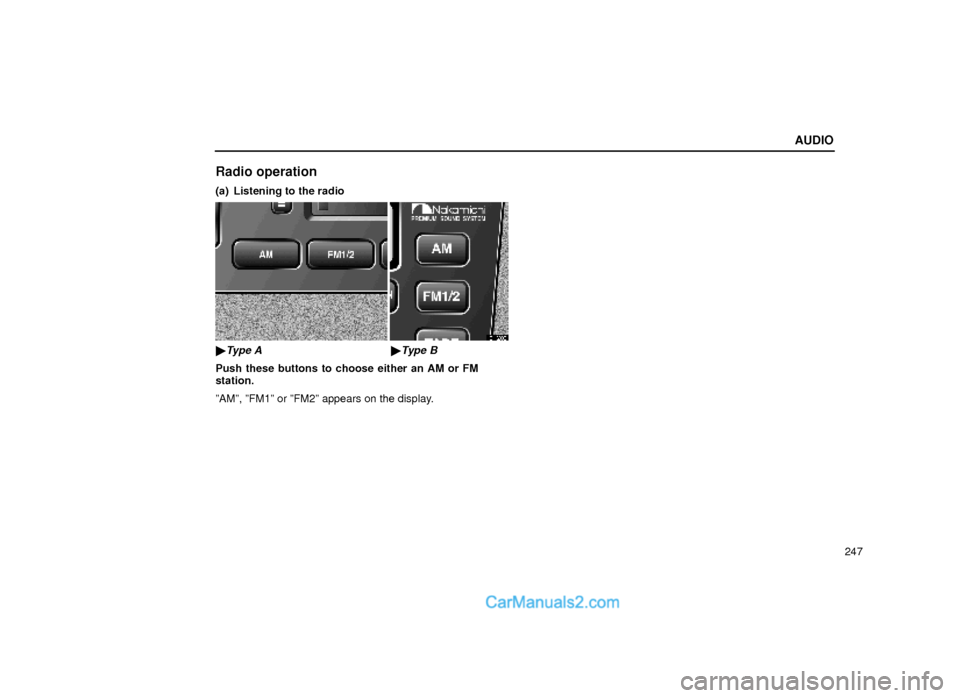
Push these buttons to choose either an AM or FM
station.
ºAMº, ºFM1º or ºFM2º appears on the display.
Page 18 of 44
AUDIO
249
21G010
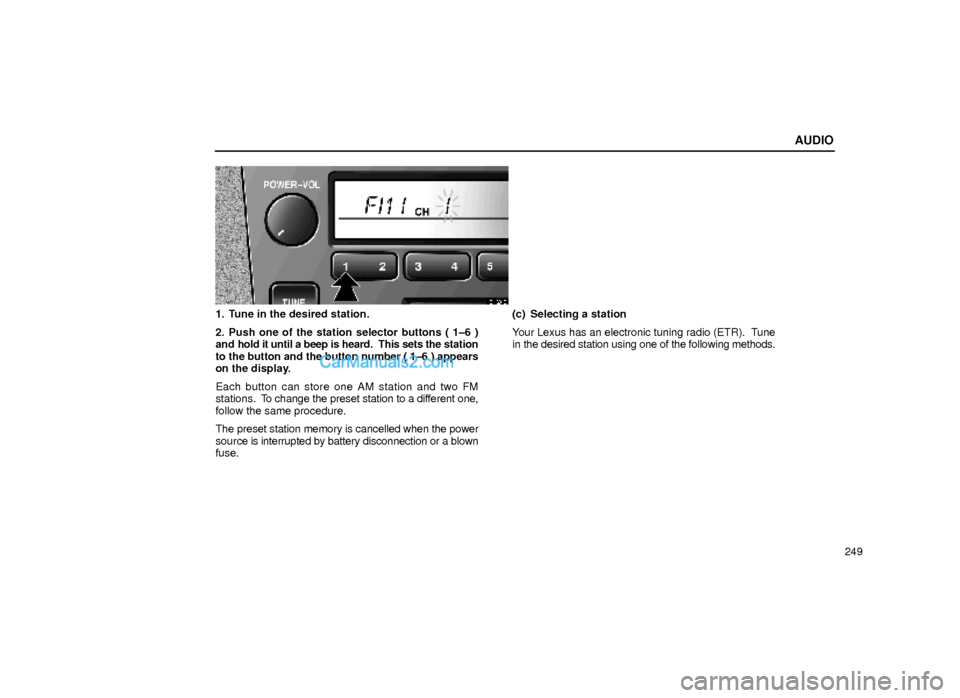
1. Tune in the desired station.
2. Push one of the station selector buttons ( 1±6 )
and hold it until a beep is heard. This sets the station
to the button and the button number ( 1±6 ) appears
on the display.
Each button can store one AM station and two FM
stations. To change the preset station to a different one,
follow the same procedure.
The preset station memory is cancelled when the power
source is interrupted by battery disconnection or a blown
fuse.(c) Selecting a station
Your Lexus has an electronic tuning radio (ETR). Tune
in the desired station using one of the following methods.