Page 3 of 44
AUDIO
234�
You can adjust the brightness of the display. See ªInstrument panel light controlº on page 75 for details.
The ºCDº button works only when your Lexus is equipped with an automatic changer.
Page 6 of 44
AUDIO
237
21G090
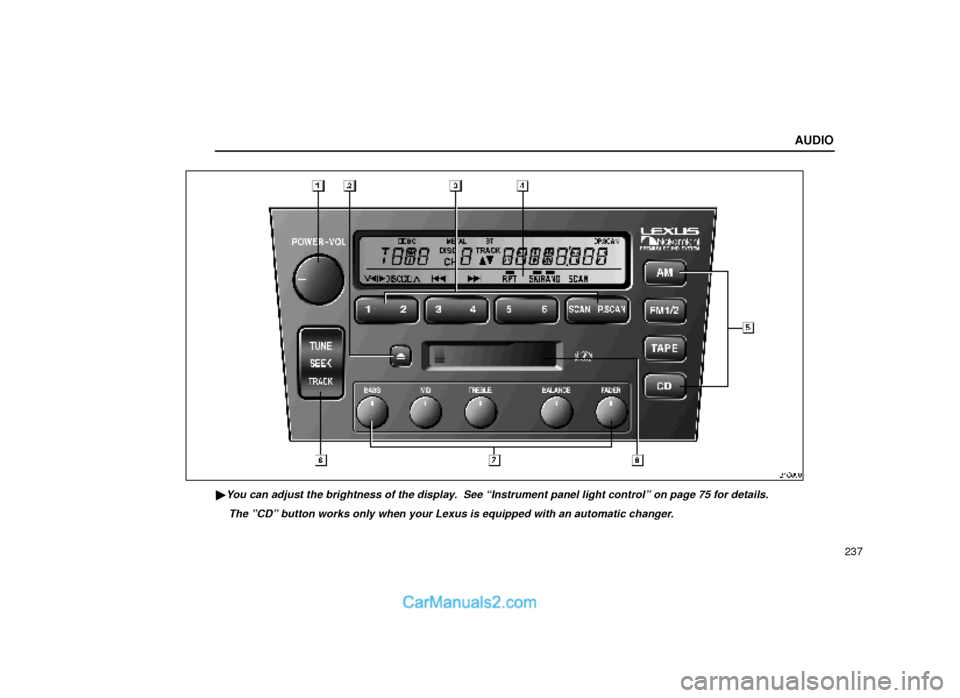
�You can adjust the brightness of the display. See ªInstrument panel light controlº on page 75 for details.
The ºCDº button works only when your Lexus is equipped with an automatic changer.
Page 14 of 44
AUDIO
245
NOTICE
Do not oil any part of the cassette player, and do
not insert anything except a cassette tape into the
slot.
(f) Your automatic changer
Page 15 of 44
AUDIO
246
21G001±1
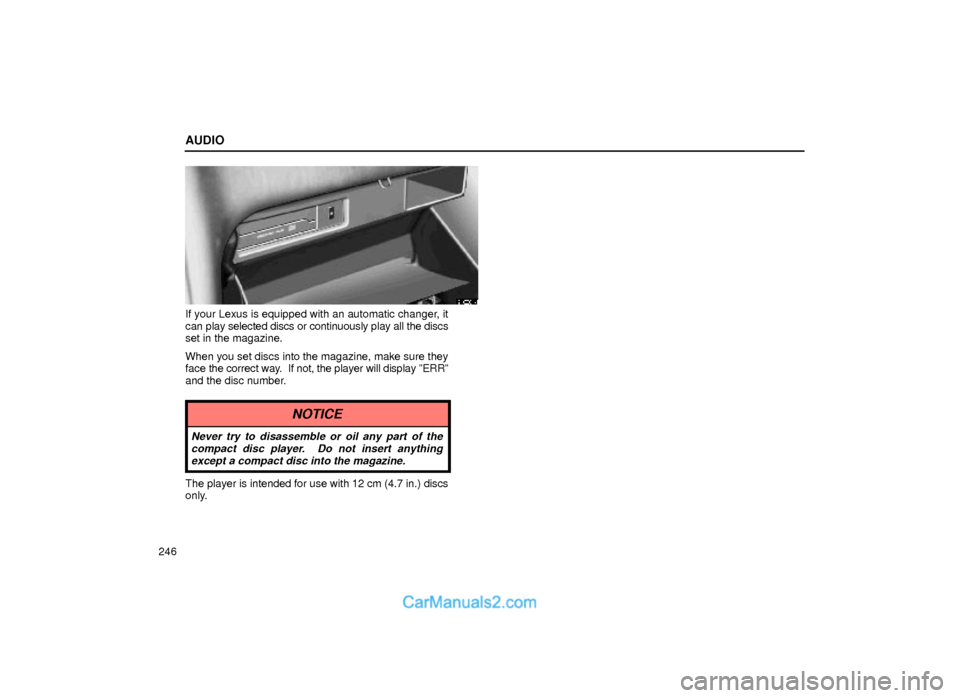
If your Lexus is equipped with an automatic changer, it
can play selected discs or continuously play all the discs
set in the magazine.
When you set discs into the magazine, make sure they
face the correct way. If not, the player will display ºERRº
and the disc number.
NOTICE
Never try to disassemble or oil any part of the
compact disc player. Do not insert anything
except a compact disc into the magazine.
The player is intended for use with 12 cm (4.7 in.) discs
only.
Page 37 of 44
AUDIO
268
21G024
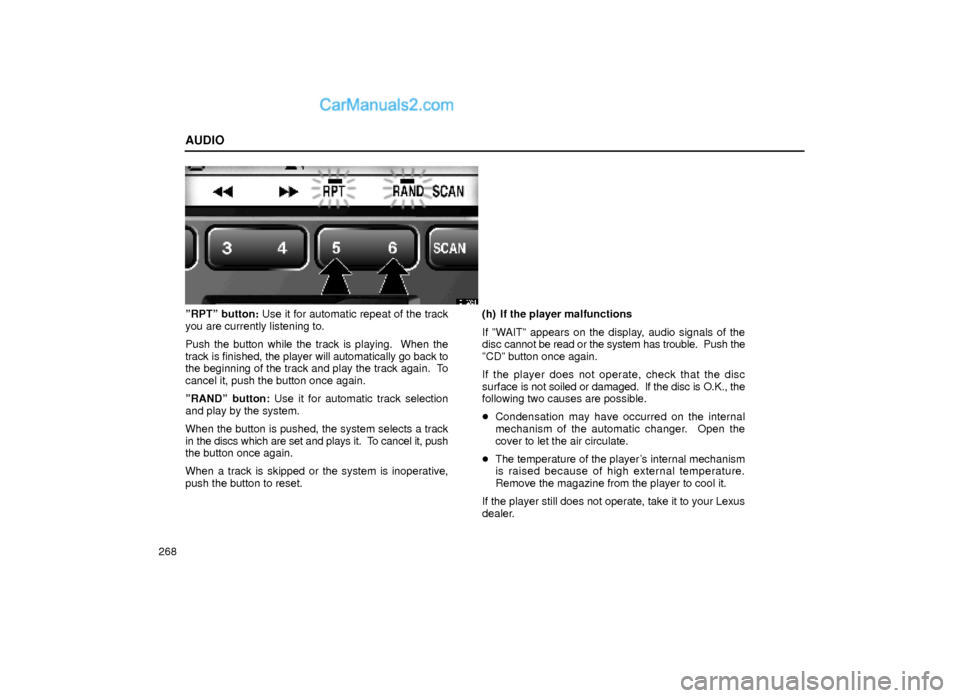
ºRPTº button: Use it for automatic repeat of the track
you are currently listening to.
Push the button while the track is playing. When the
track is finished, the player will automatically go back to
the beginning of the track and play the track again. To
cancel it, push the button once again.
ºRANDº button: Use it for automatic track selection
and play by the system.
When the button is pushed, the system selects a track
in the discs which are set and plays it. To cancel it, push
the button once again.
When a track is skipped or the system is inoperative,
push the button to reset.(h) If the player malfunctions
If ºWAITº appears on the display, audio signals of the
disc cannot be read or the system has trouble. Push the
ºCDº button once again.
If the player does not operate, check that the disc
surface is not soiled or damaged. If the disc is O.K., the
following two causes are possible.
�Condensation may have occurred on the internal
mechanism of the automatic changer. Open the
cover to let the air circulate.
�The temperature of the player's internal mechanism
is raised because of high external temperature.
Remove the magazine from the player to cool it.
If the player still does not operate, take it to your Lexus
dealer.
Page 38 of 44
AUDIO
269
Car audio system operating hints
NOTICE
To ensure the correct audio system operation:
�Be careful not to spill beverages over the audio
system.
�Do not put anything other than a cassette tape
or CD magazine into the cassette tape slot or
CD changer.
�The use of cellular phone inside or near the
vehicle may cause a noise from the speakers of
the audio system which you are listening to.
However, this does not indicate a malfunction.
Radio reception
Usually, the problem with radio reception does not mean
there is a problem with your radio ± it is just the normal
result of conditions outside the vehicle.
For example, nearby buildings and terrain can interfere
with FM reception. Power lines or telephone wires can
interfere with AM signals. And of course, radio signals
have a limited range. The farther you are from a station,
the weaker its signal will be. In addition, reception
conditions change constantly as your vehicle moves.
Here are some common reception problems that
probably do not indicate a problem with your radio:FM
Fading and drifting stations ± Generally, the effective
range of FM is about 40 km (25 miles). Once outside this
range, you may notice fading and drifting, which
increase with the distance from the radio transmitter.
They are often accompanied by distortion.
Multi±path ± FM signals are reflective, making it
possible for two signals to reach your antenna at the
same time. If this happens, the signals will cancel each
other out, causing a momentary flutter or loss of
reception.
Static and fluttering ± These occur when signals are
blocked by buildings, trees, or other large objects.
Increasing the bass level may reduce static and
fluttering.
Station swapping ± If the FM signal you are listening to
is interrupted or weakened, and there is another strong
station nearby on the FM band, your radio may tune in
the second station until the original signal can be picked
up again.
Page 42 of 44
AUDIO
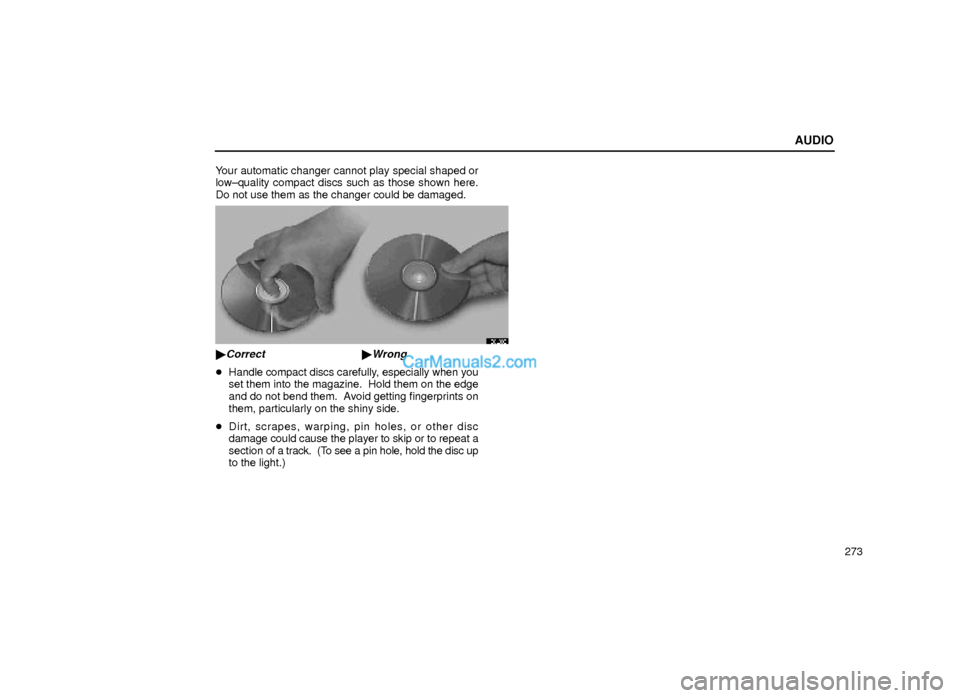
273 Your automatic changer cannot play special shaped or
low±quality compact discs such as those shown here.
Do not use them as the changer could be damaged.
20L038
�Correct �Wrong
�Handle compact discs carefully, especially when you
set them into the magazine. Hold them on the edge
and do not bend them. Avoid getting fingerprints on
them, particularly on the shiny side.
�Dirt, scrapes, warping, pin holes, or other disc
damage could cause the player to skip or to repeat a
section of a track. (To see a pin hole, hold the disc up
to the light.)